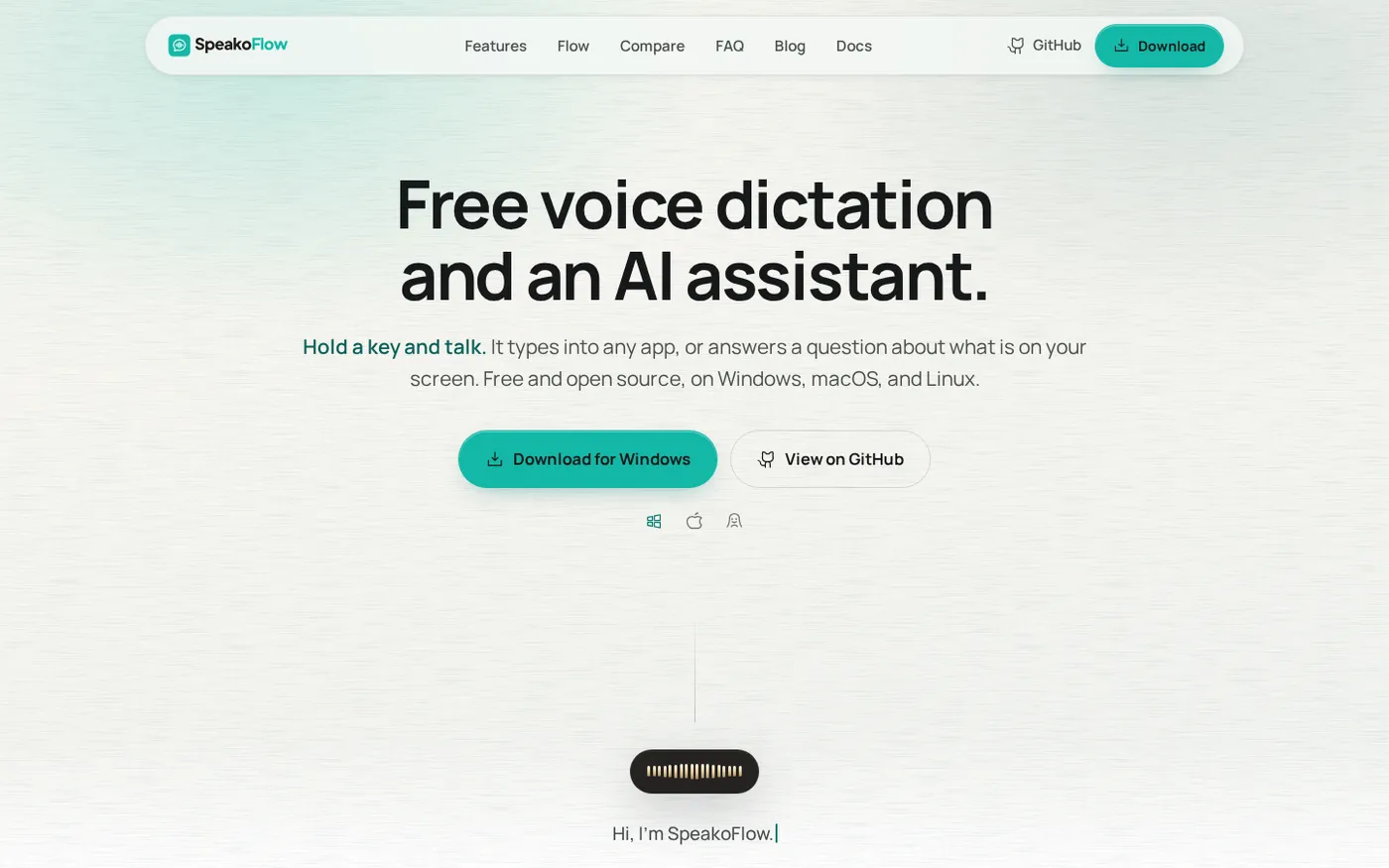
Free, open-source, local-first voice-to-text desktop utility that transcribes speech into any app via hotkey, plus an AI assistant for drafting, cleanup, translation, and screen context.
Home
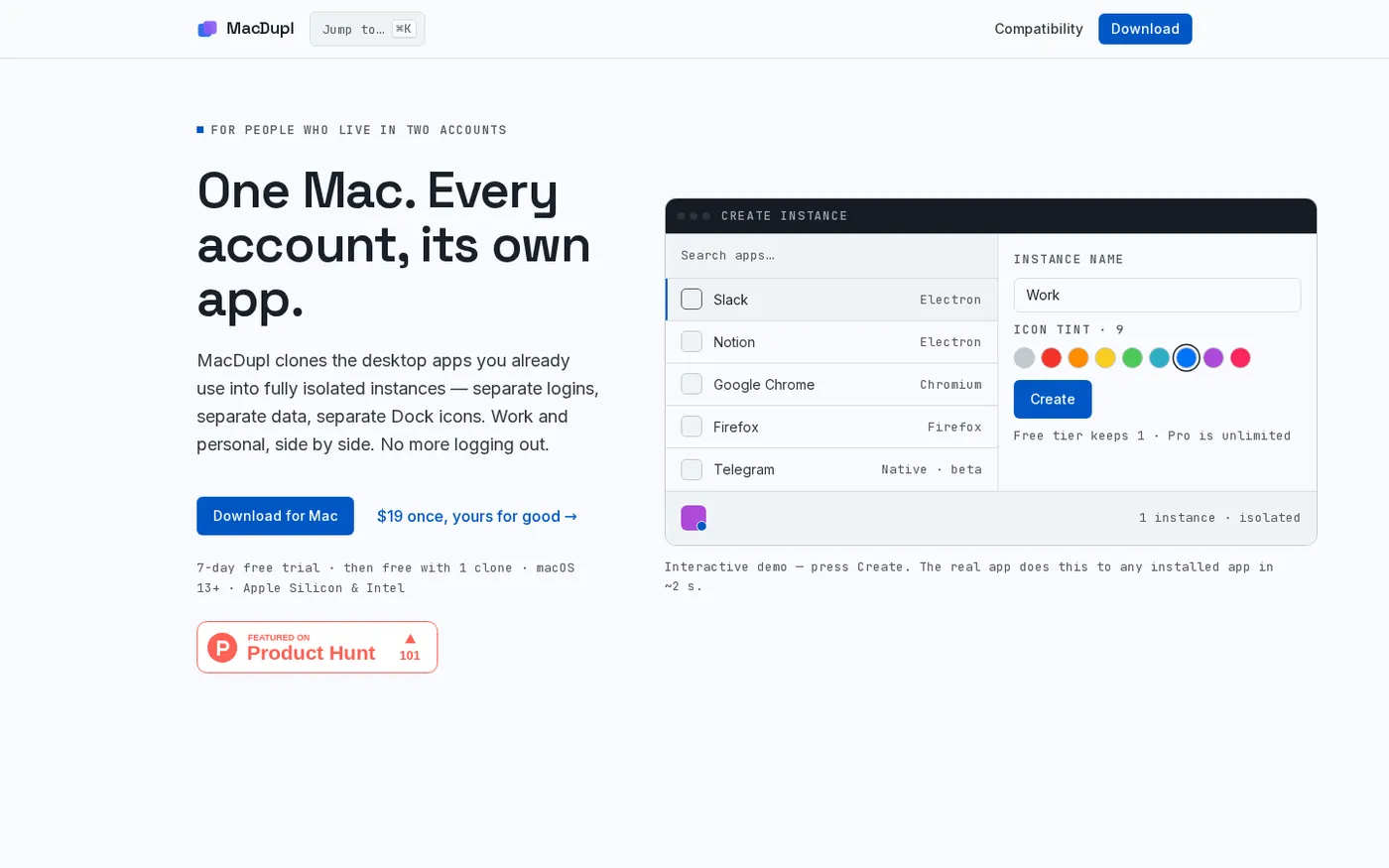
MacDupl — Clone any Mac app into a fully isolated instance screenshot 1 of 4: Home
Clones installed macOS desktop applications into fully isolated instances with separate logins, cookies, caches, preferences, and Dock icons, utilizing APFS copy-on-write for near-zero additional disk space.
Home
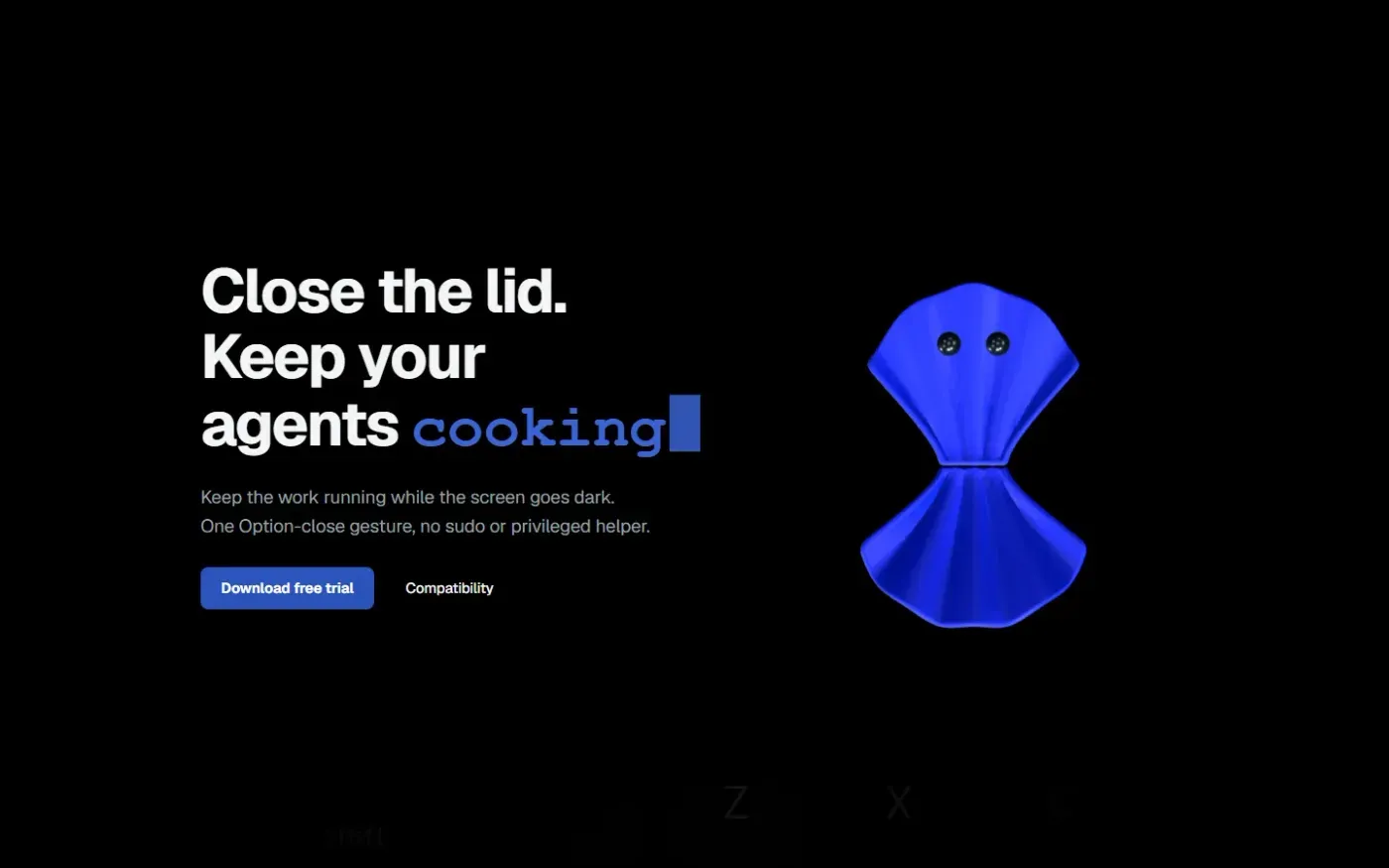
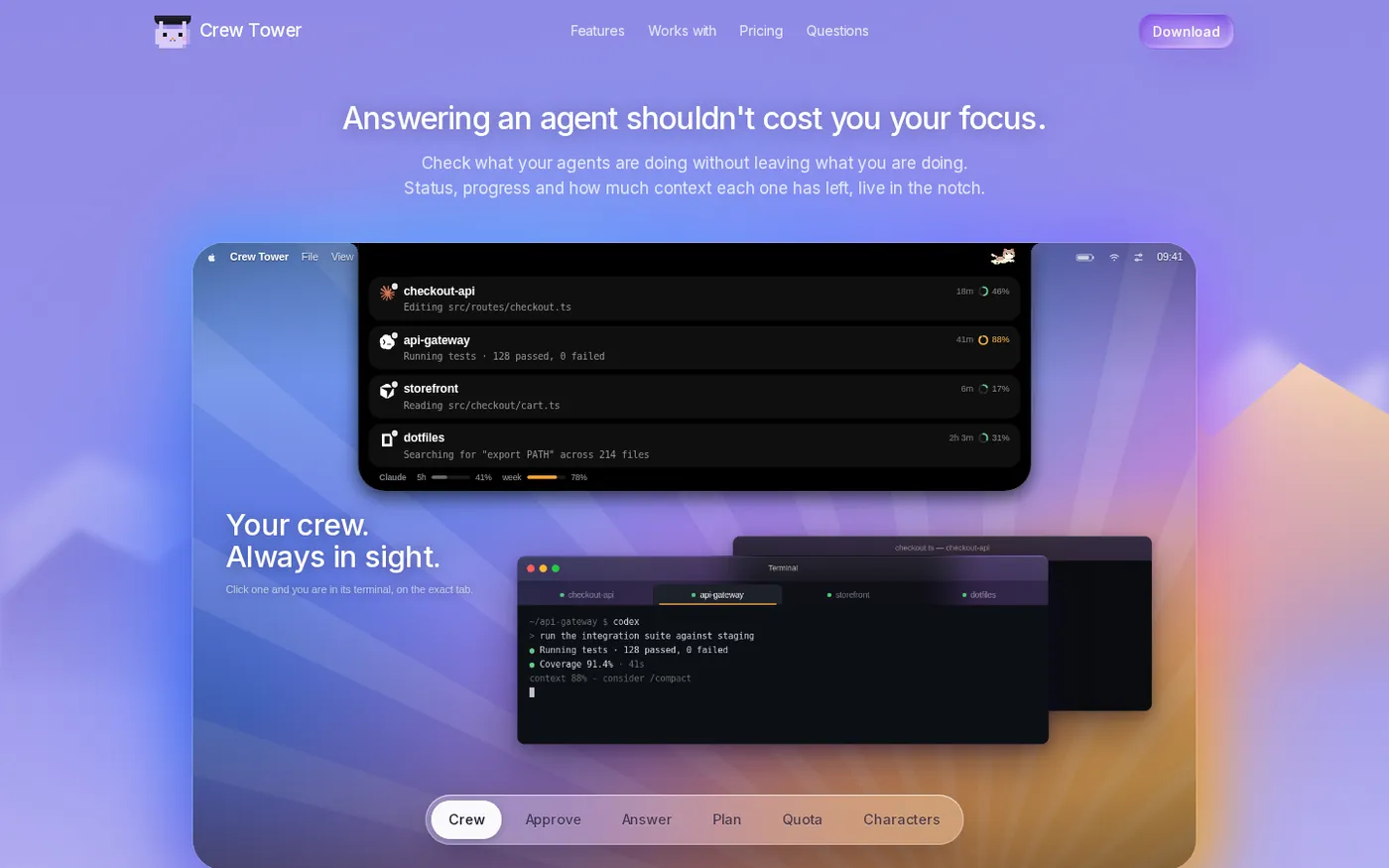
CrewTower — Control your agents from the notch screenshot 1 of 4: Home
Crew Tower turns the MacBook notch into a live control tower for every AI coding agent you run. Approve, deny, answer and jump to the exact terminal tab without leaving what you are doing.
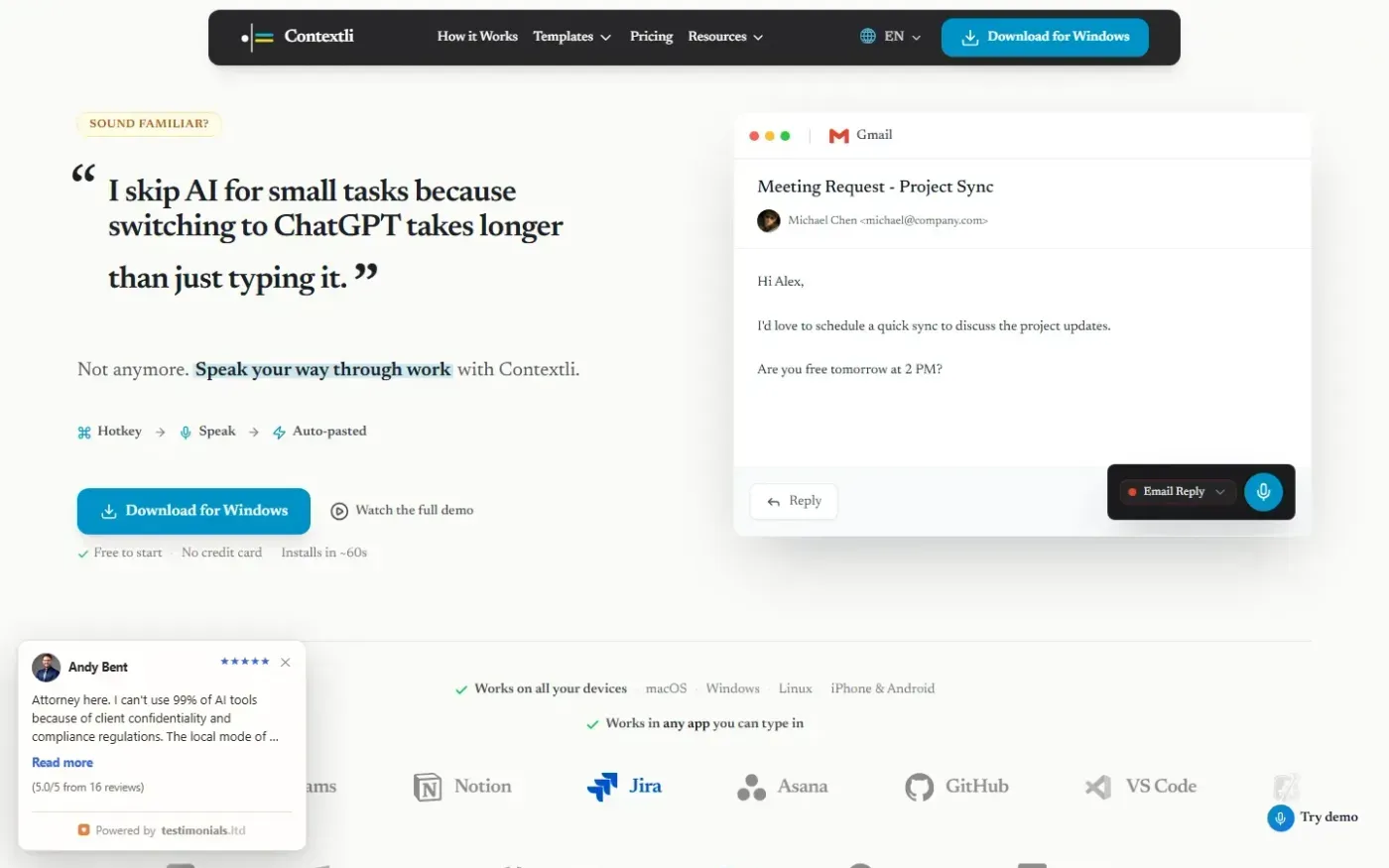
Contextli is a context-aware voice dictation application that transforms speech into formatted text tailored for specific desktop, mobile, and browser apps.
Home
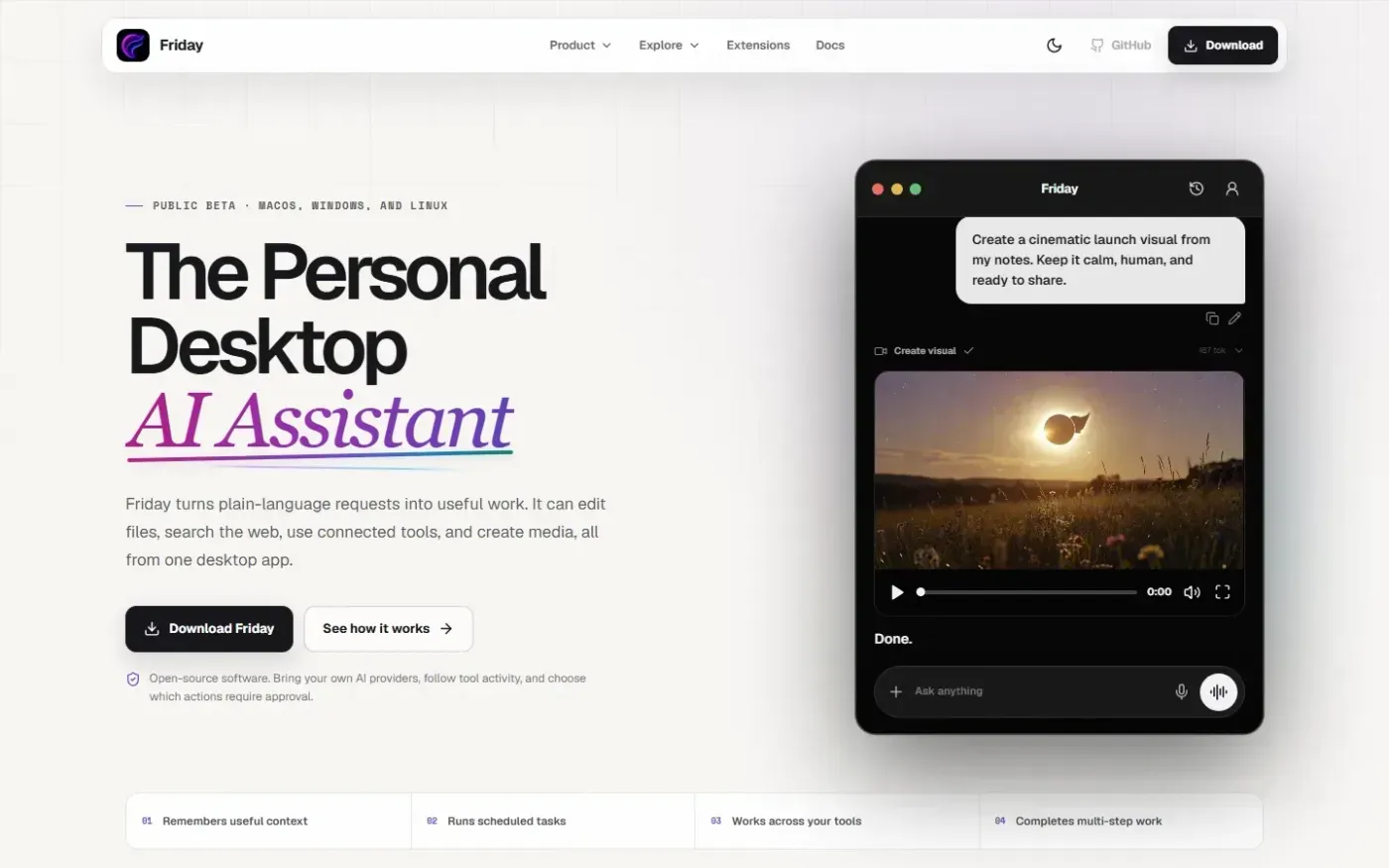
Friday — Your Desktop AI Personal Assistant screenshot 1 of 4: Home
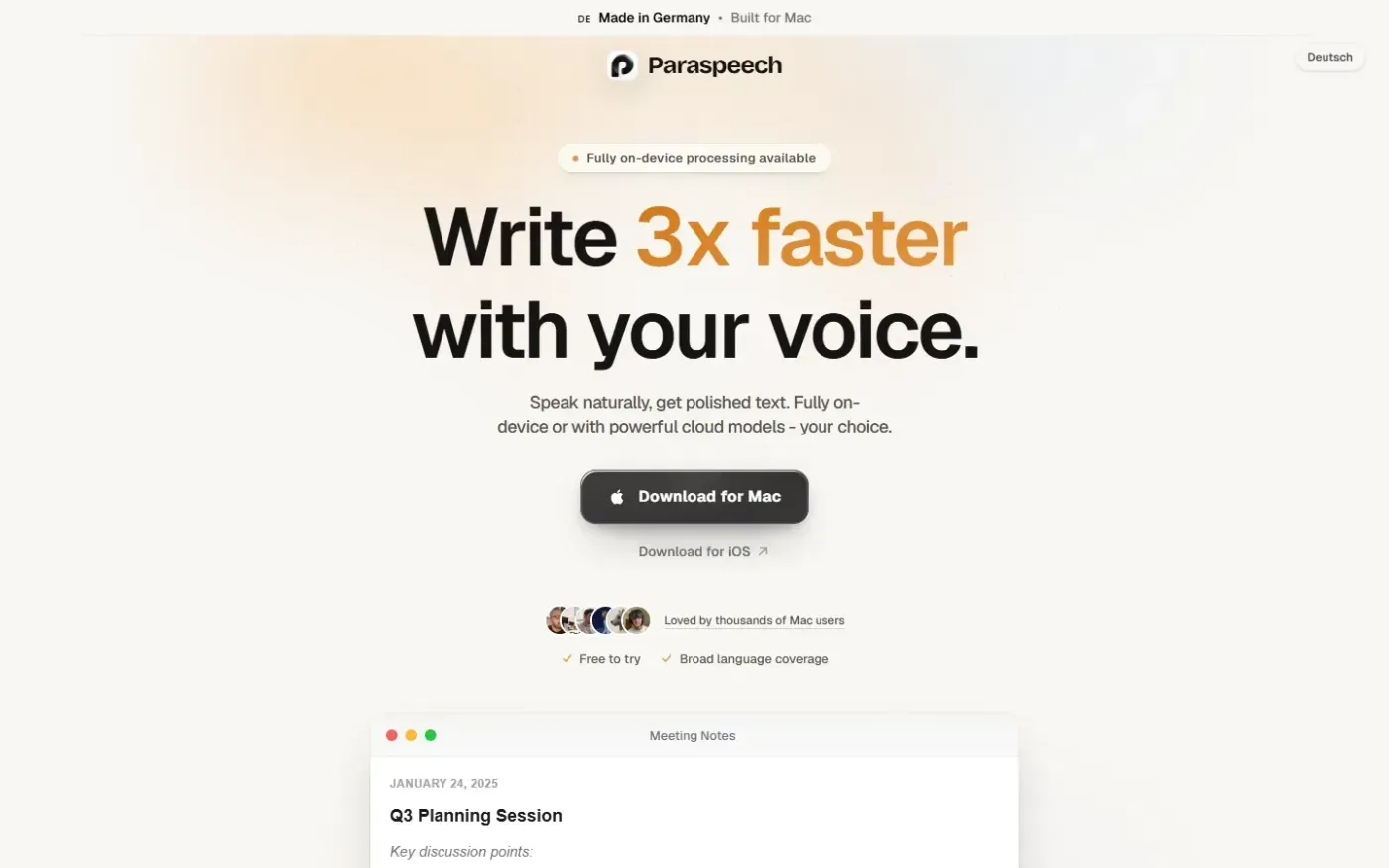
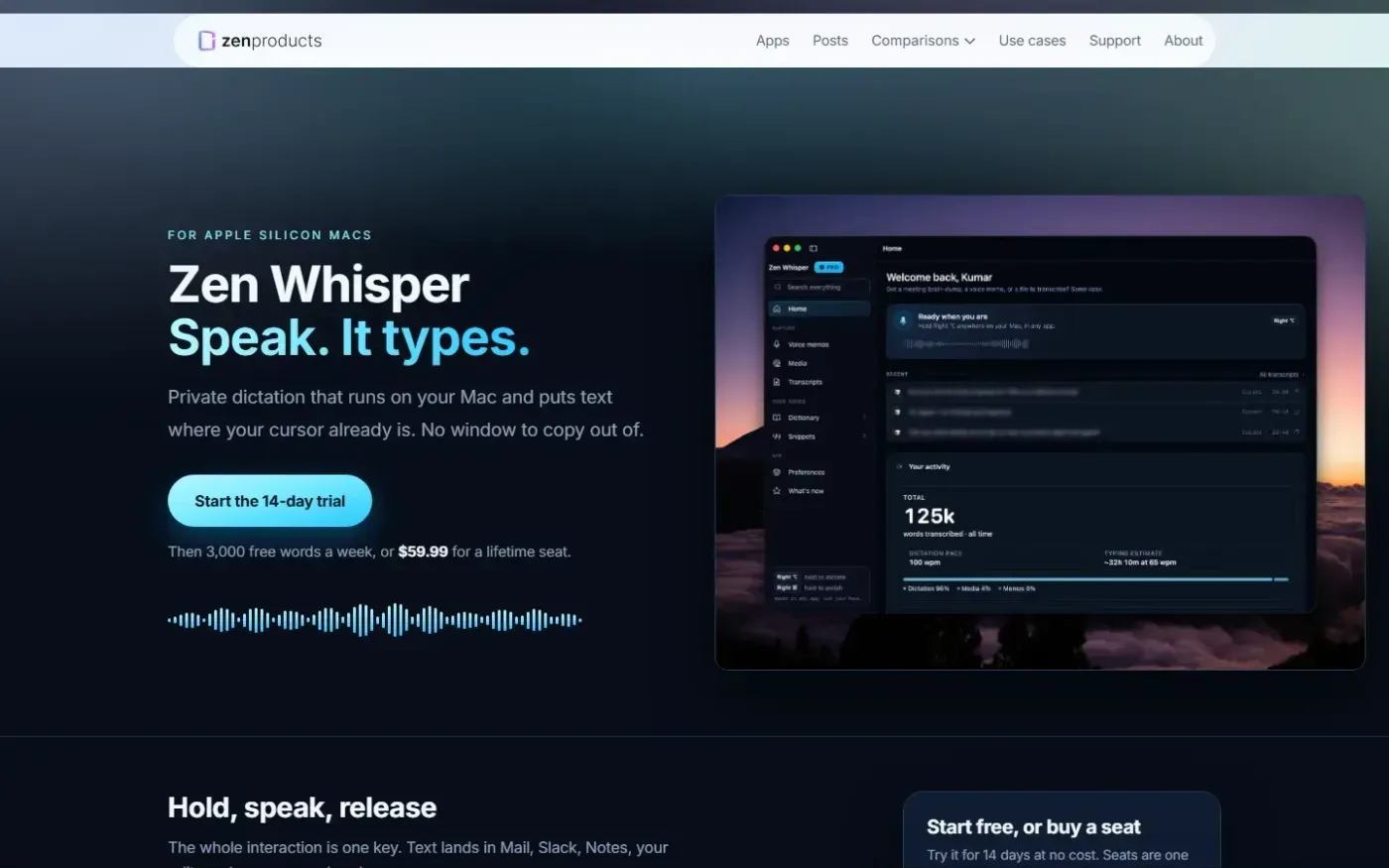
Local-first Mac dictation and speech-to-text application for Apple Silicon Macs that types directly into any active app, supports 110 languages, and processes audio on-device.
Home
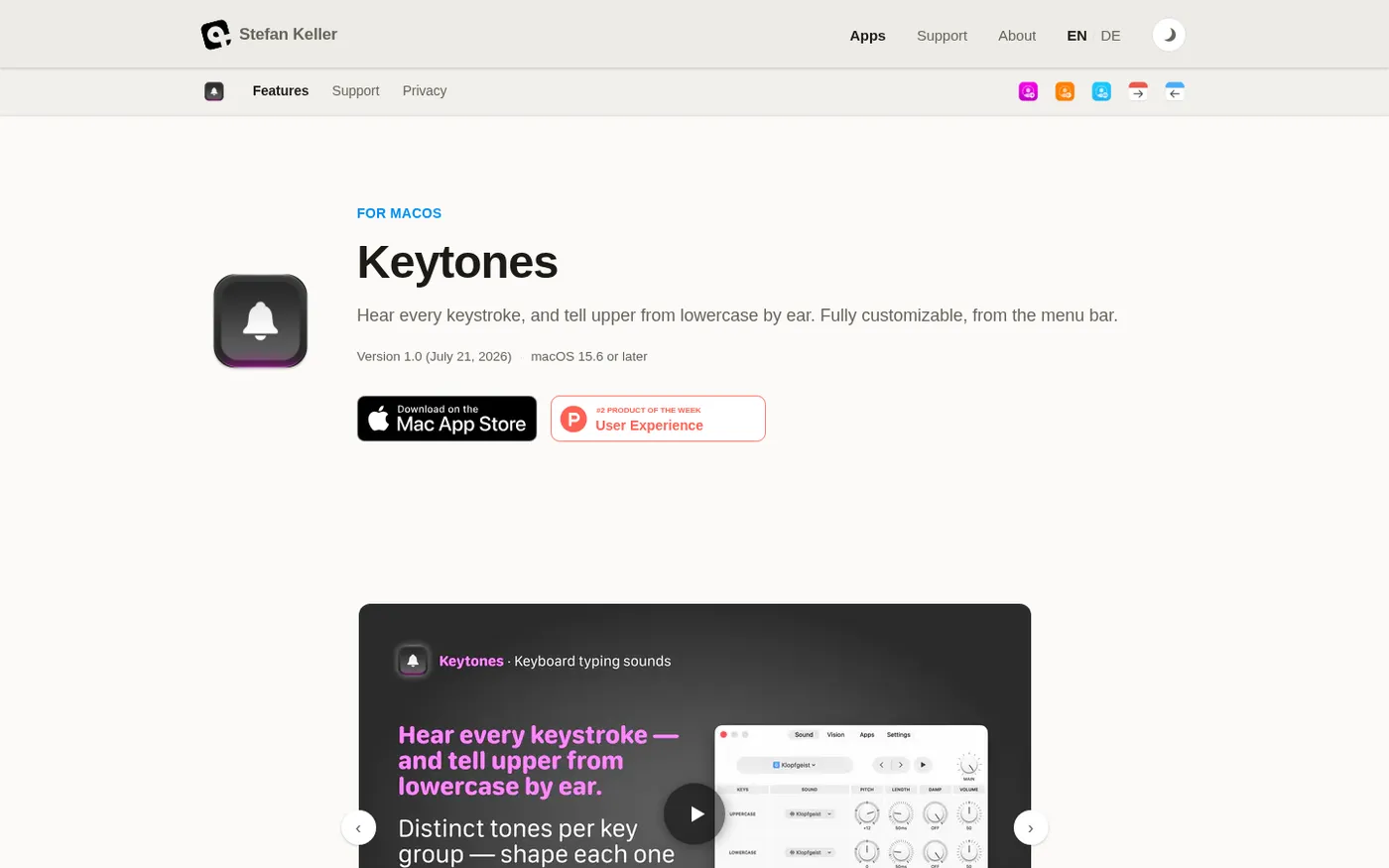
Keytones — Distinct key sounds for uppercase, lowercase & more screenshot 1 of 4: Home
Keytones is a macOS menu bar application that provides customizable auditory and visual feedback for every keystroke, distinguishing between uppercase and lowercase letters to help users detect accidental Caps Lock or Shift key presses.
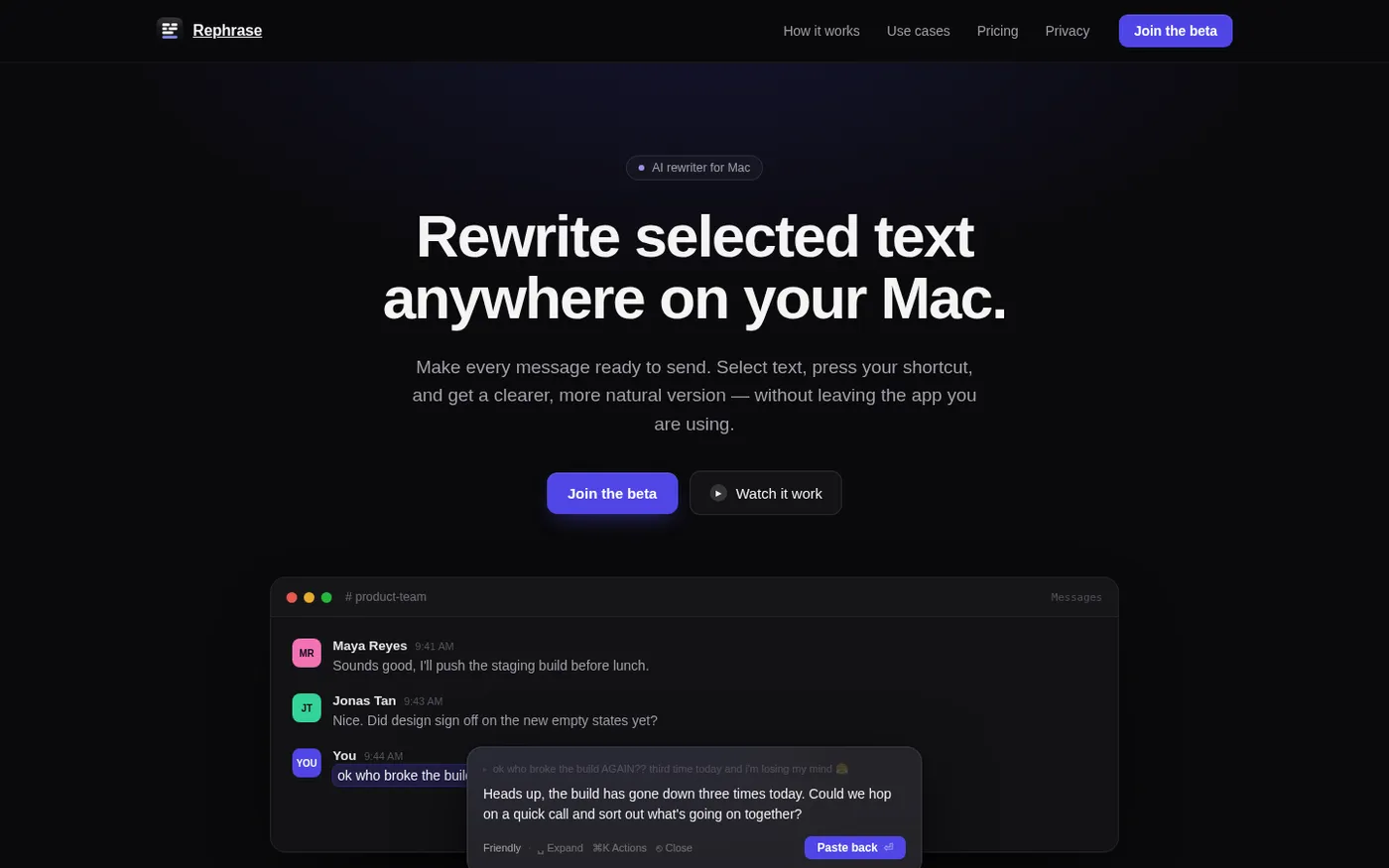
Keyboard-first AI rewriter for macOS that lets users select text in any app, choose a tone or style via shortcut, and paste back an improved version without leaving the current workflow.
Home
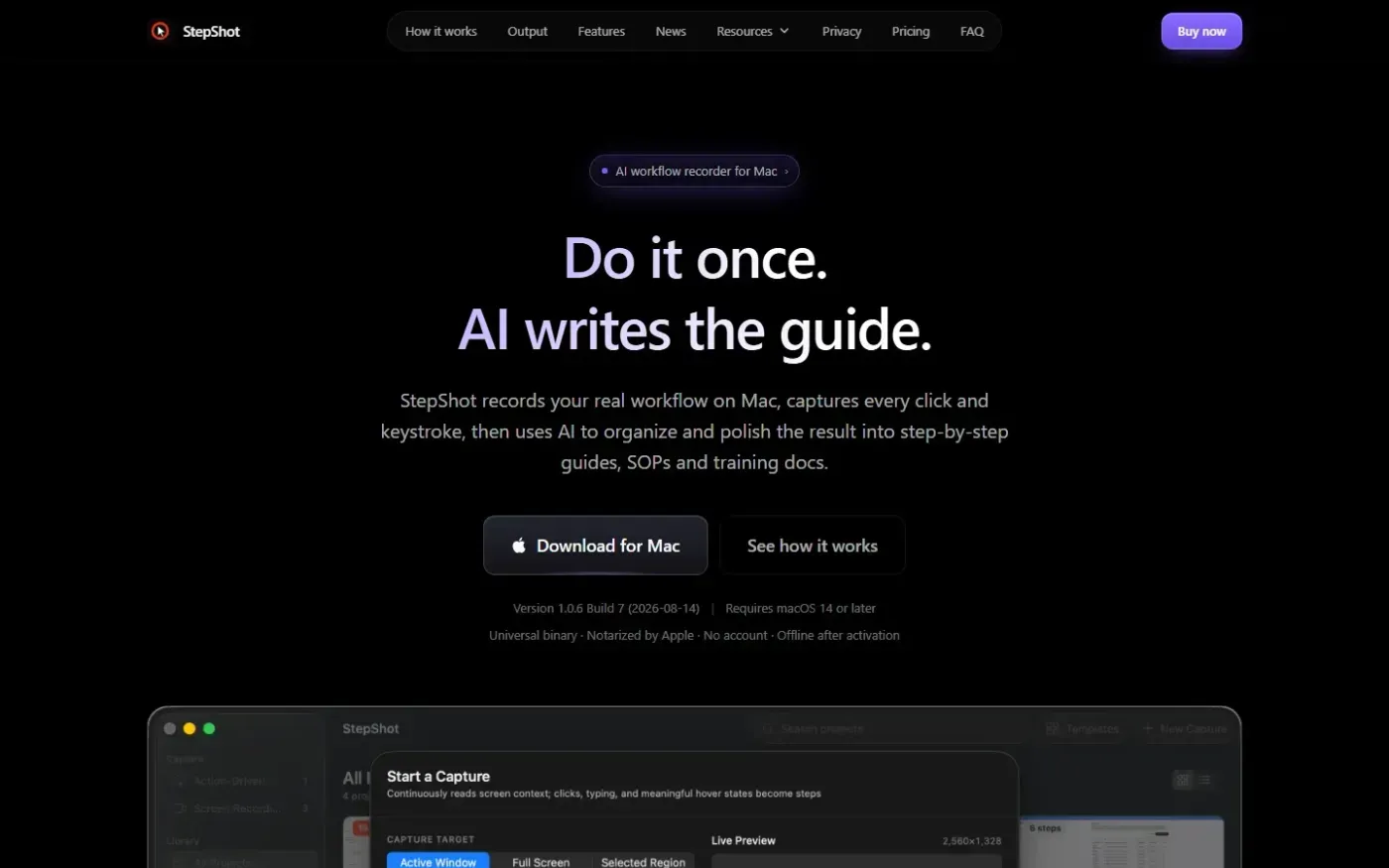
StepShot — AI that turns real workflows into step-by-step guides screenshot 1 of 4: Home
StepShot records Mac workflows and uses optional AI to create polished step-by-step guides, SOPs and training docs. It captures every click and keystroke, offering features like smart framing and redaction, with exports available in PDF, Markdown, or HTML.
Home
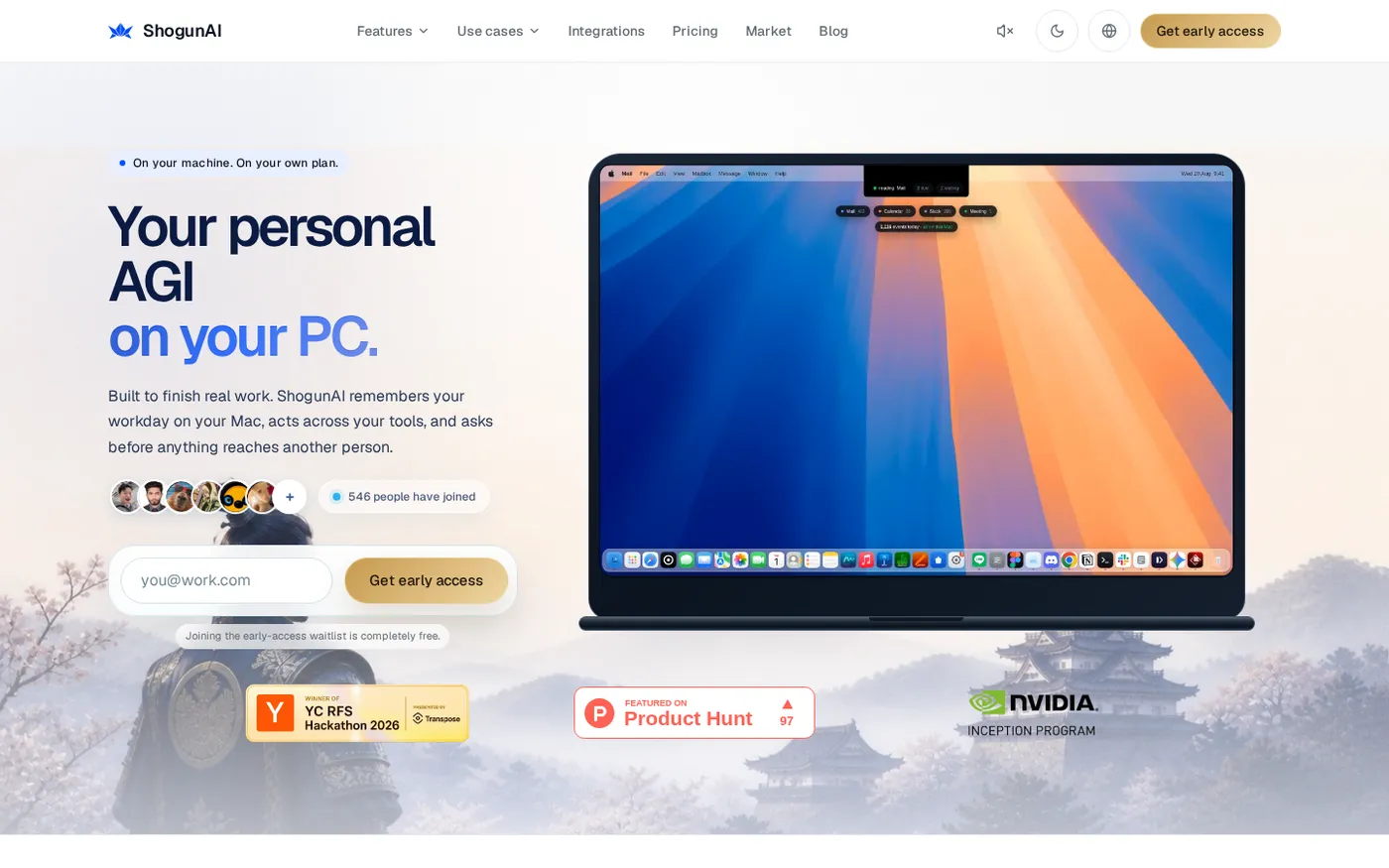
ShogunAI — Your personal AGI on your PC. Built to finish real work. screenshot 1 of 4: Home
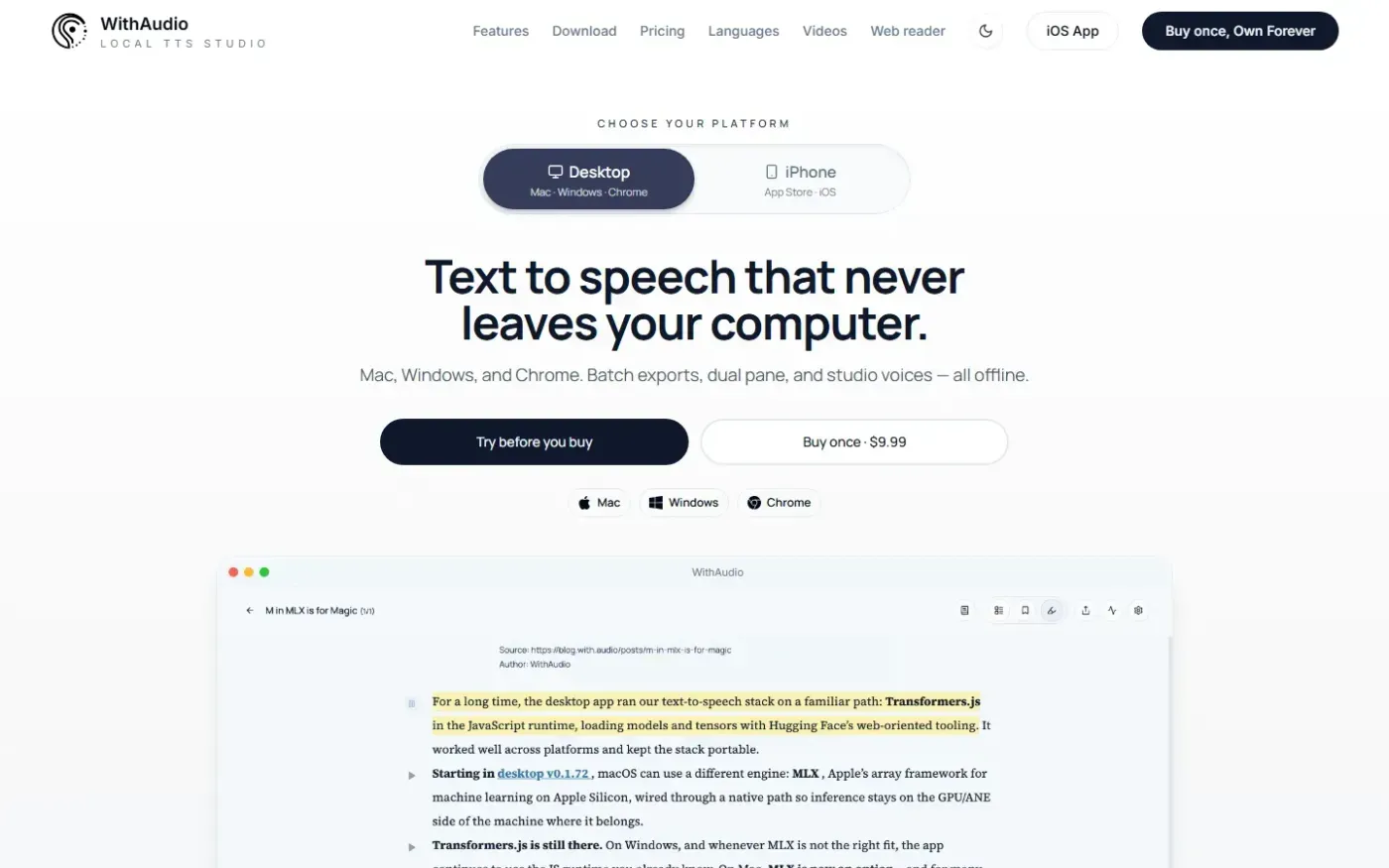
WithAudio is a document reader and local text-to-speech studio for reading and listening to documents with synchronized text highlighting. It supports offline processing, document imports, audiobook exports, and a companion Chrome extension.
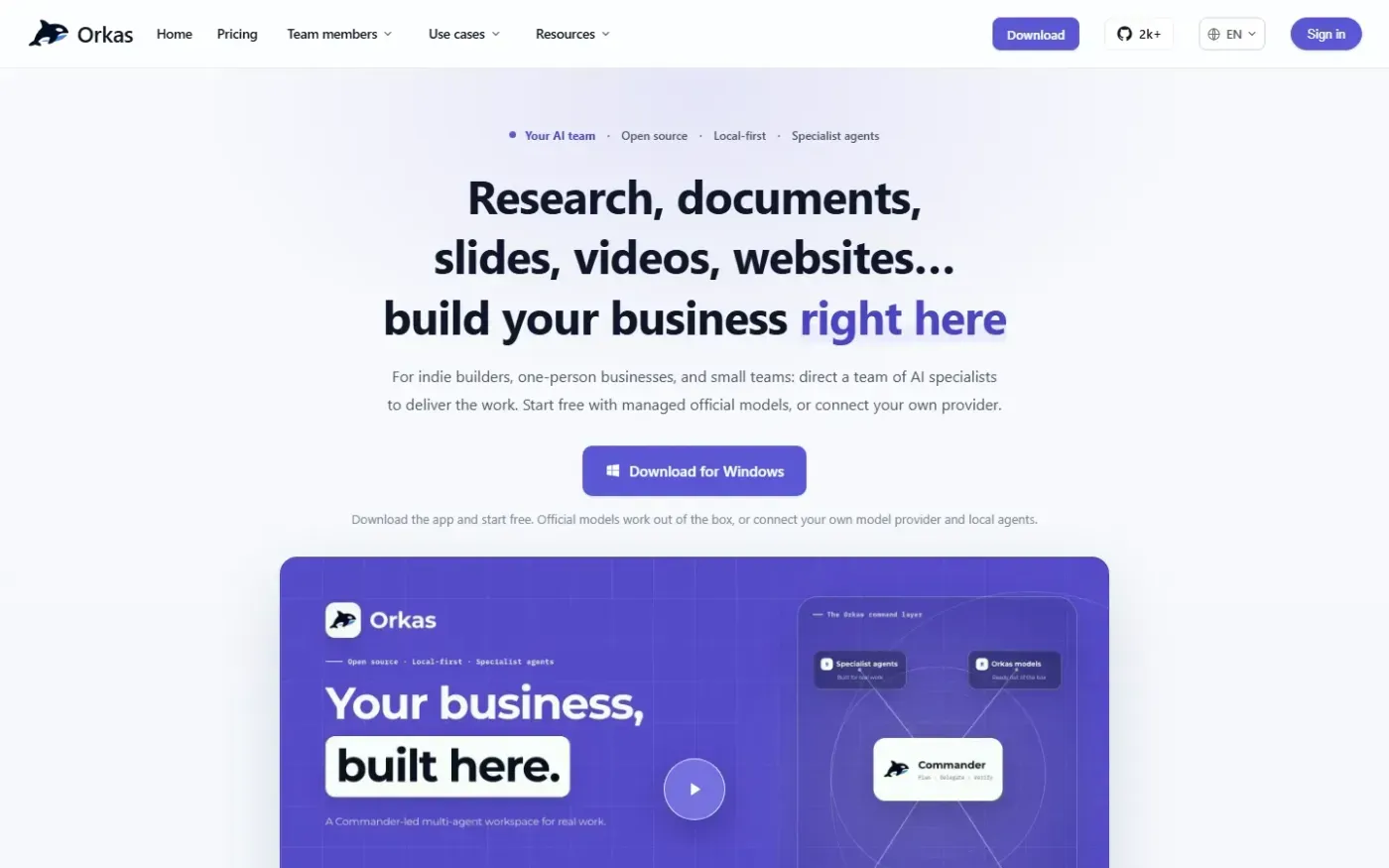
Orkas is an open-source, local-first multi-agent AI desktop client for macOS and Windows. Users direct AI agents by chat to produce research, documents, slides, videos, websites, and other work.
Home
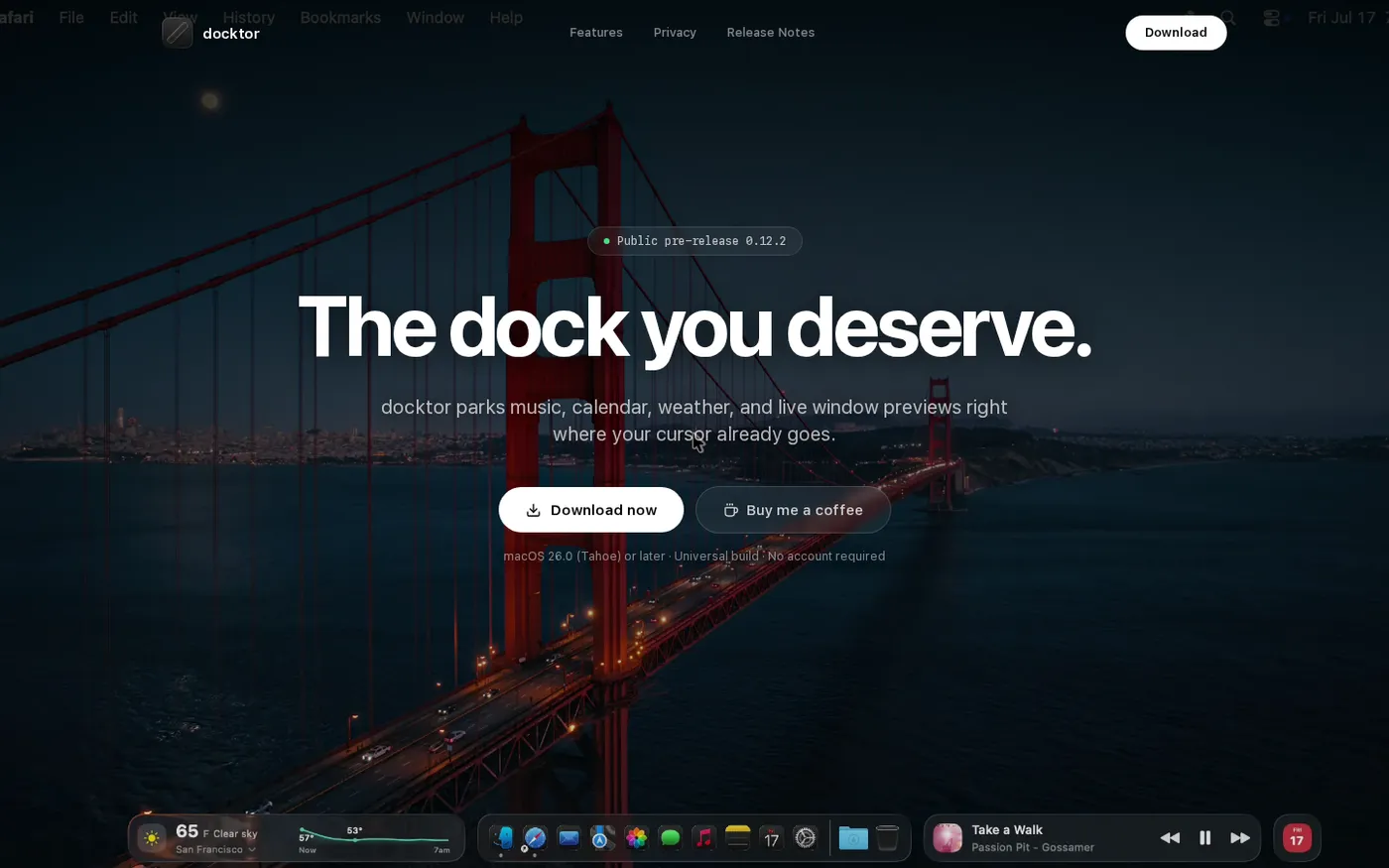
docktor — Your Dock's wasted side space, now full of widgets screenshot 1 of 3: Home
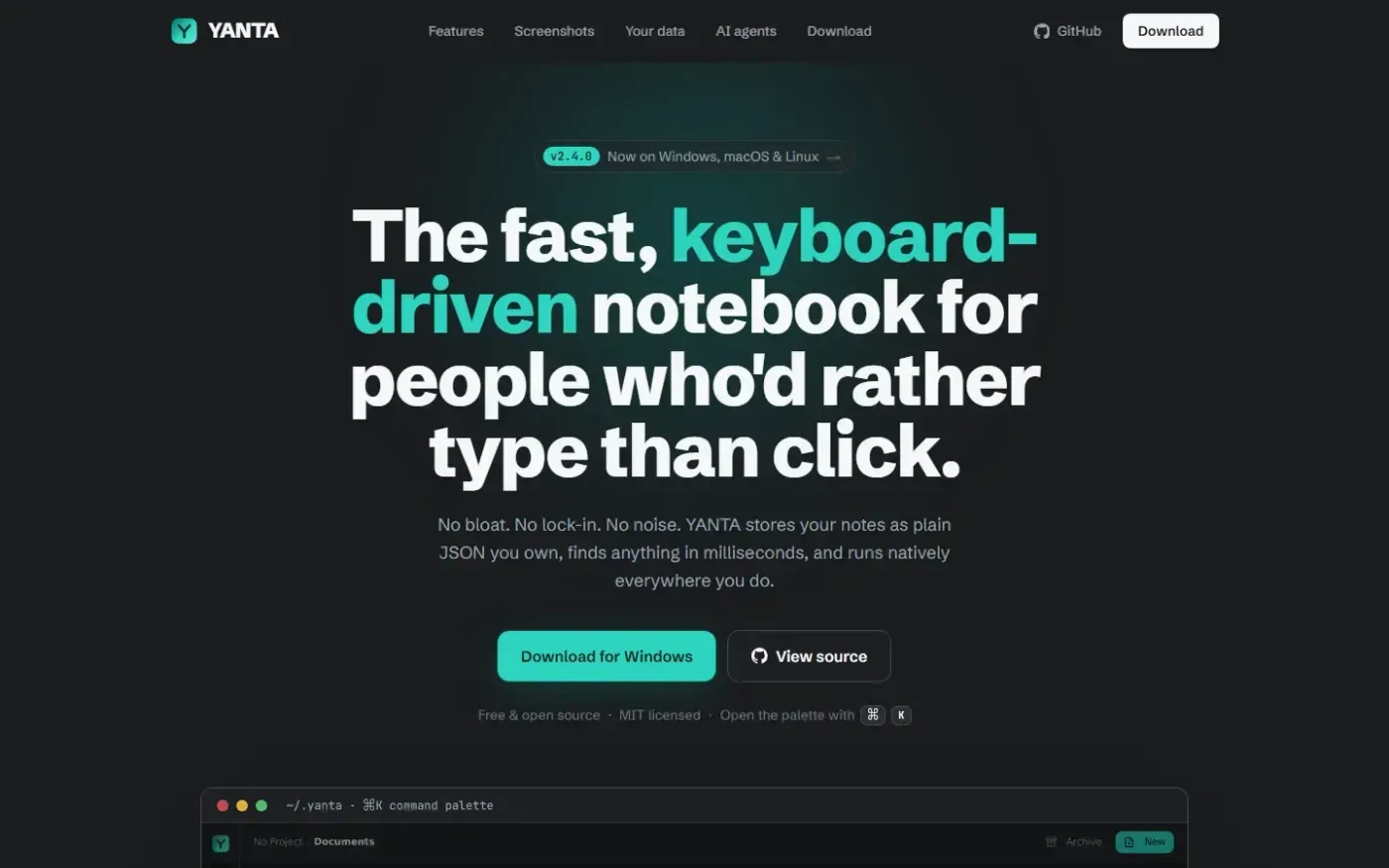
YANTA is a fast, keyboard-driven note-taking application designed for users who prefer a command-line experience. It stores notes locally as plain JSON files, ensuring no vendor lock-in and complete data ownership. The app features a built-in command palette, Vim-style shortcuts, full-text search, and project-based organization. It runs natively on Windows, macOS, and Linux with a minimal memory footprint and no browser engine.
Home
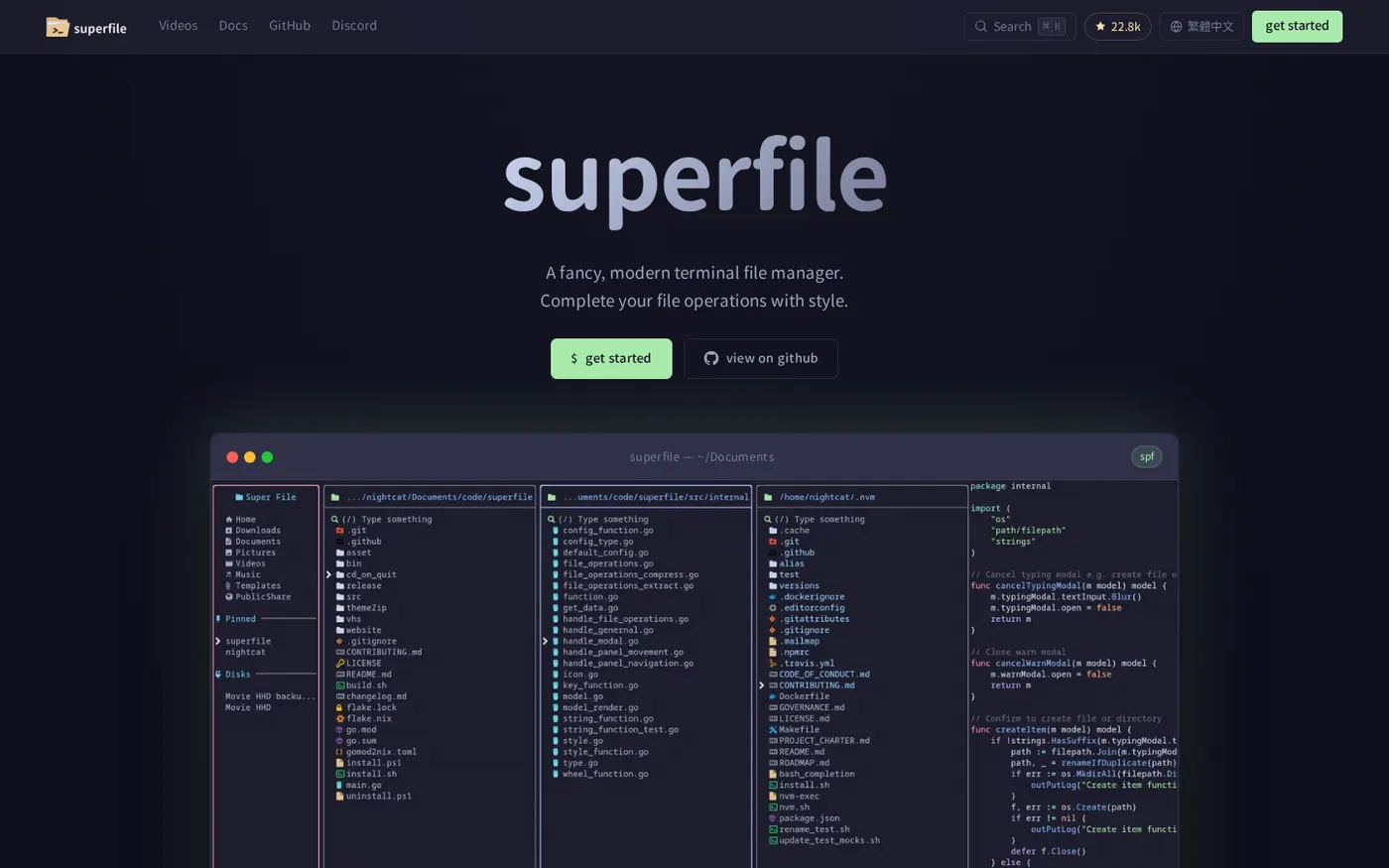
superfile — A modern, visual file manager for the terminal screenshot 1 of 4: Home
A modern terminal file manager built with Go and Bubble Tea, designed for developers who work in the command line. It provides a refined UI with features like multiple panels, fuzzy search, bulk operations, image preview, customizable hotkeys/themes, and community plugin support.
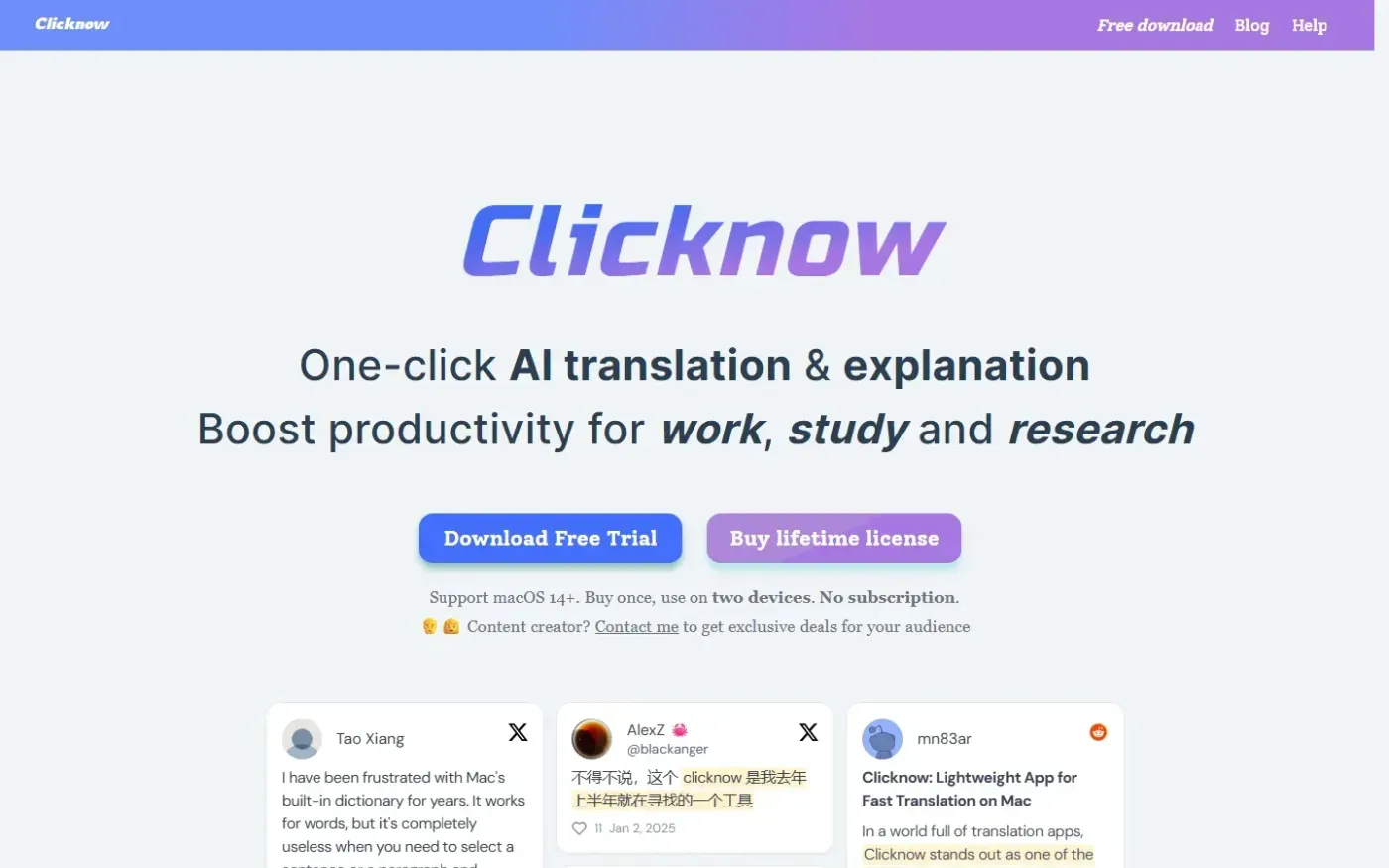
Clicknow is a macOS application that activates when text is selected in any app and uses an AI knowledge engine to translate, explain, summarize, or search it.
Home
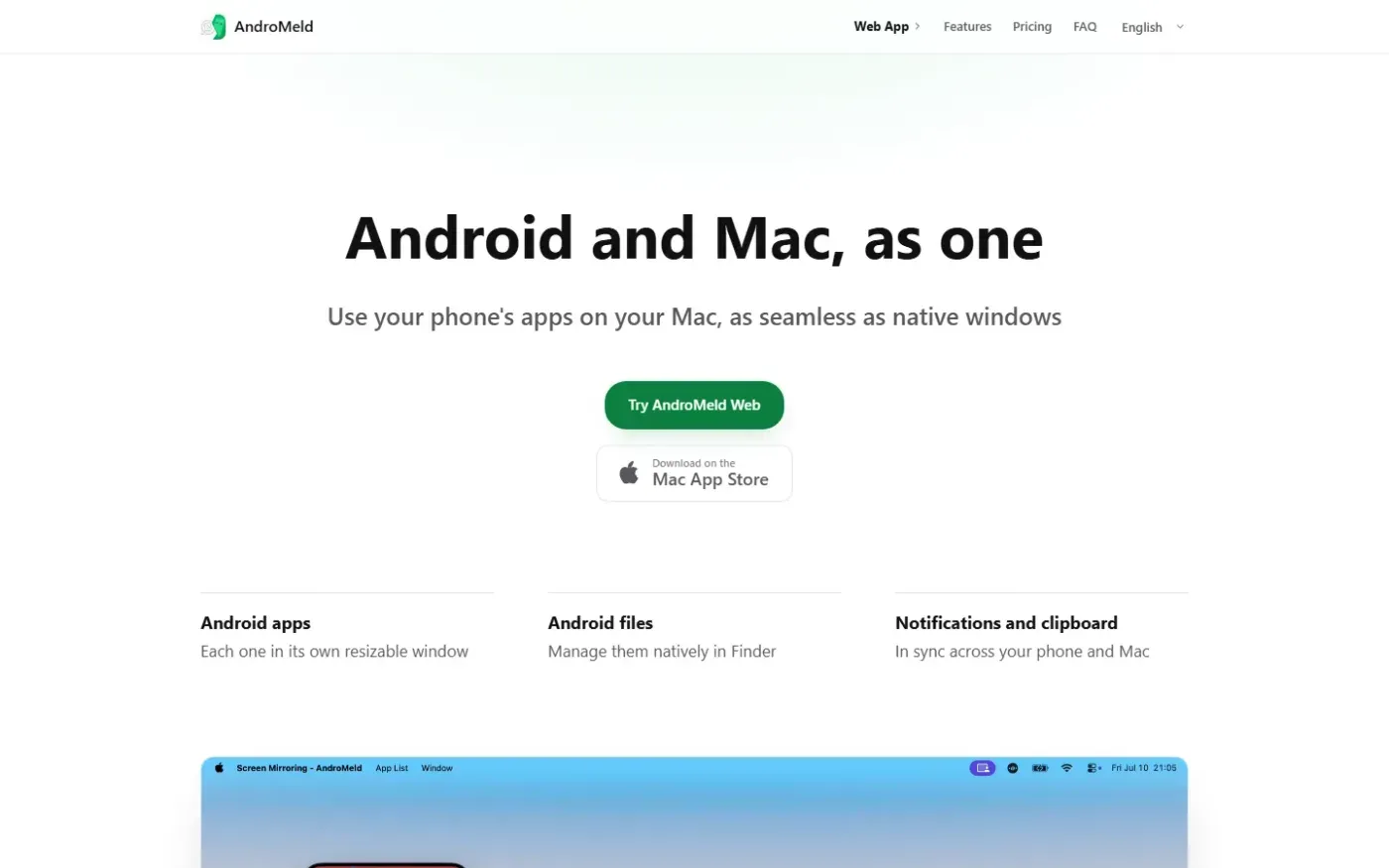
AndroMeld — Bring a continuity-style experience to Android and Mac screenshot 1 of 4: Home
AndroMeld connects Android phones to Macs over USB or Wi-Fi, enabling app mirroring in resizable windows, native Finder file management, and synced notifications/clipboard without an emulator or cloud server.
Home
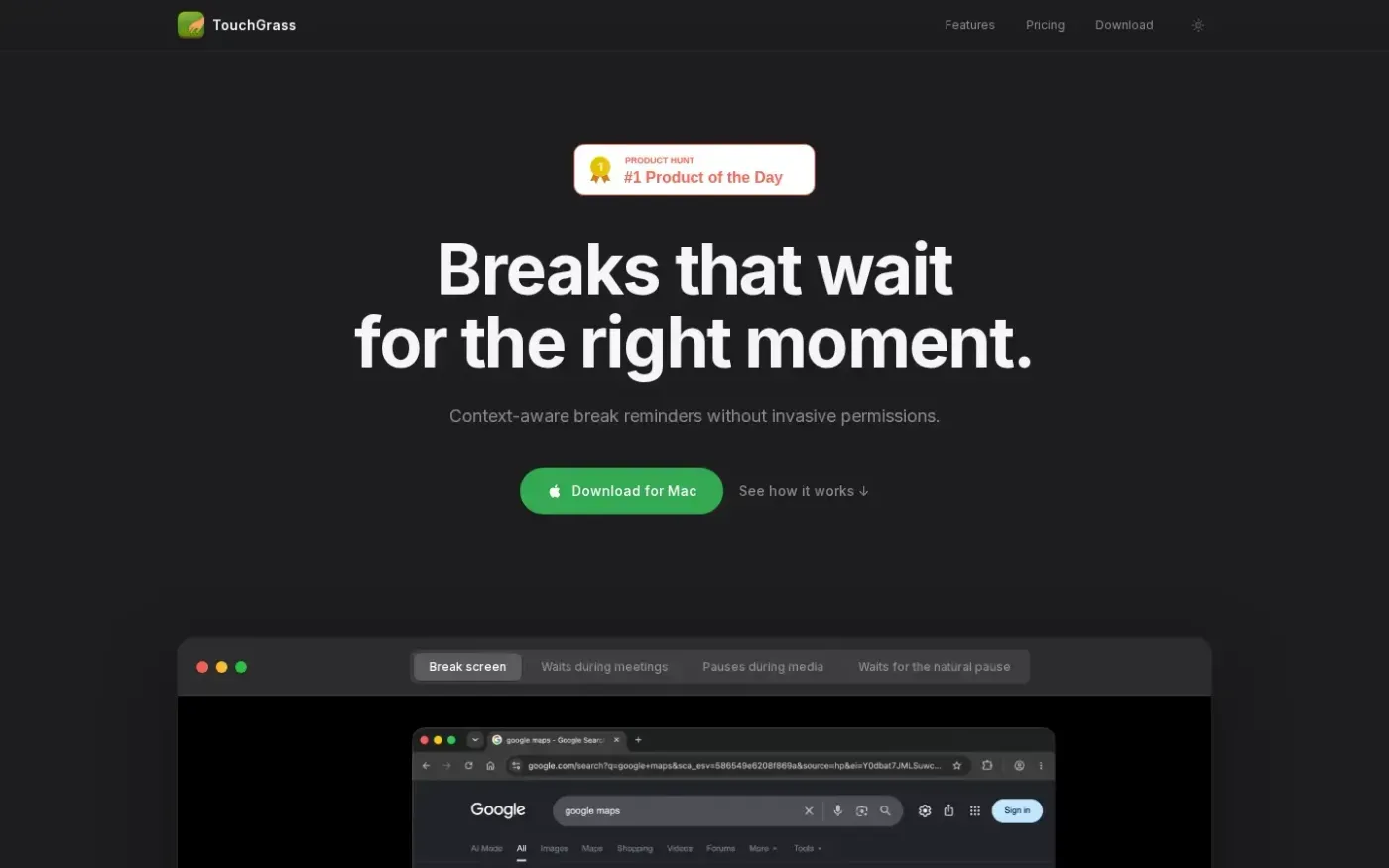
TouchGrass — Context-aware break reminders without invasive permissions screenshot 1 of 4: Home
A context-aware macOS break reminder that pauses for meetings and media, counts time away as a break, and operates without invasive Accessibility permissions. It includes wellness features like posture and blink reminders and typing strain alerts, processing all data locally for privacy.
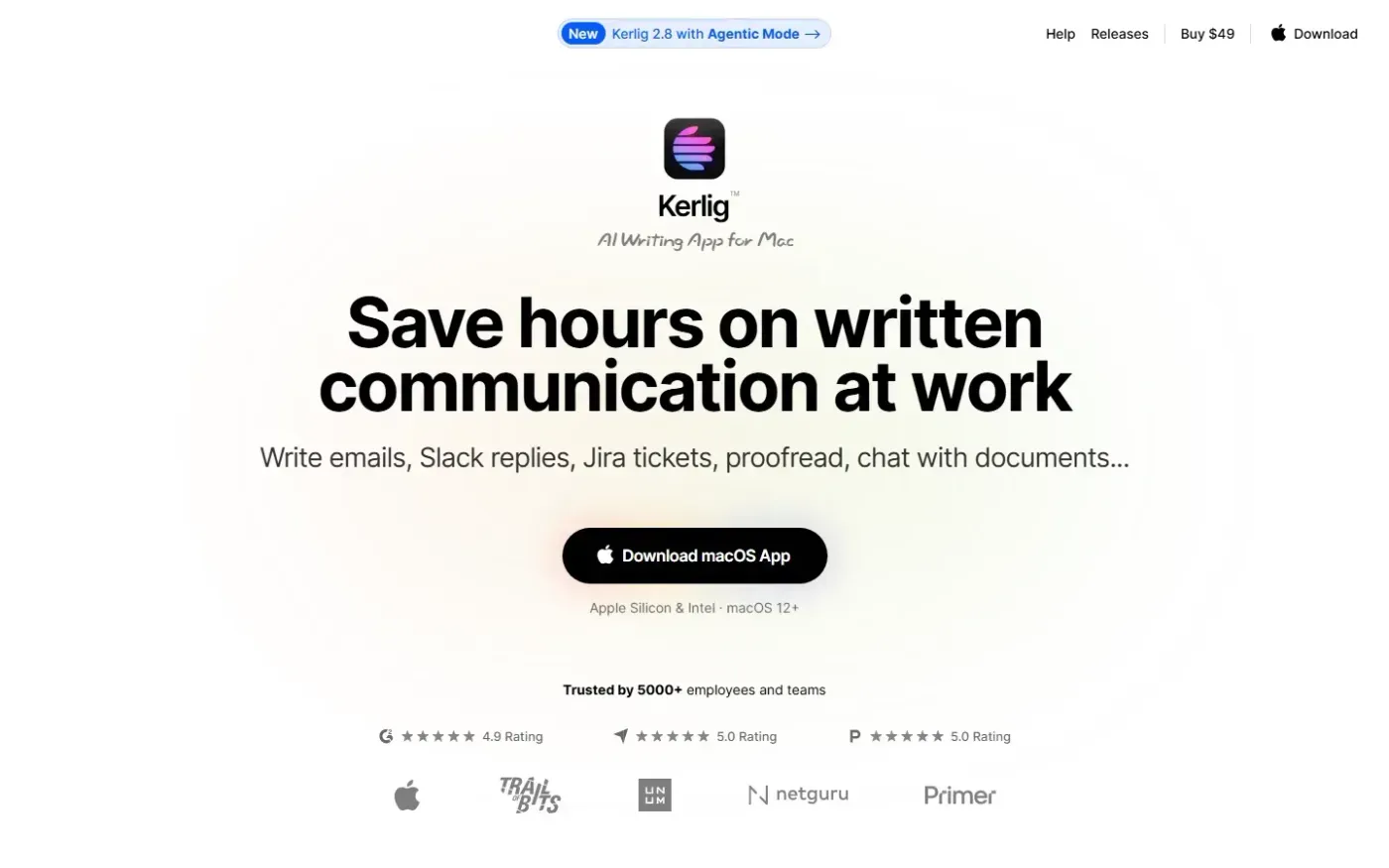
Kerlig is a macOS AI writing and productivity application for writing emails, Slack replies, and Jira tickets, proofreading, chatting with documents, and using Agentic Mode with connected apps.