SiteList review score
Exceptional positioning as a macOS Dock utility. A 46MB homepage payload and missing documentation limit its search potential.
Reviewed on Aug 11, 2026
docktorapp.com
Unclaimed listingWhat it does
Live Dock window previews, Cmd+Tab thumbnails, and floating music, calendar, and weather widgets for macOS 26. Free, local-first, no account required.
SiteList review score
Exceptional positioning as a macOS Dock utility. A 46MB homepage payload and missing documentation limit its search potential.
Reviewed on Aug 11, 2026
Verified user rating
—
No verified reviews yet — the evidence locker is empty.
Captured during our latest review on Aug 24, 2026
Completely free with no account required or upgrade prompts. Billed one time.
View sourceLive Dock Previews
window management
Hover a Dock tile to preview open windows with real-time ScreenCaptureKit thumbnails, including minimized and off-screen apps.
Cmd+Tab Window Switcher
window management
Replaces the macOS switcher with live window thumbnails across all apps for keyboard-driven navigation.
System Stats Widget
system monitoring
Displays live CPU, memory, disk, and network usage directly beside the Dock without opening Activity Monitor.
Window switching
Preview and activate specific windows across apps via hover or keyboard shortcuts without opening Mission Control.
Music control
Play, pause, skip tracks, and view synced lyrics without leaving the current app context.
Quick glance info
Monitor upcoming calendar events, weather conditions, and system stats from the Dock in real time.
Spotify
media
Music playback and synced lyrics via Web API integration in the Music widget drawer pages.
Apple Music
media
Music playback and synced lyrics support within the dockside widget.
Yes, it is completely free and notarized by Apple with no account or upgrade prompt.
Yes, hovering a Dock app shows live thumbnails of its open windows for one-click activation.
DockDoor stops at previews and a switcher, while docktor adds music, calendar, weather, and system stats widgets.
Product FAQ information · View source
Docktor earns a 75/100 for its exceptional positioning as a macOS Dock utility. While it communicates value immediately, a 46MB homepage payload and missing documentation limit its search potential.
75/100: Strong product concept with critical performance and content gaps.
No reviews yet. The evidence locker is empty.
Reviews from verified users appear here once approved.
Reviews are from the SiteList community. Some reviewers received incentives — disclosed in the review, always. The verdict is never for sale.
Home
Clamshell — Close your MacBook. Keep the work running. screenshot 1 of 4: Home
clamshell.dev
Keep your Mac awake with the lid closed so your agents keep running. The internal display sleeps and wakes instantly on lid open.
Home
Paraspeech screenshot 1 of 4: Home
paraspeech.com
Speech-to-text for Mac with supported local and eligible cloud-backed processing paths, plus Mac-wide text insertion.
Home
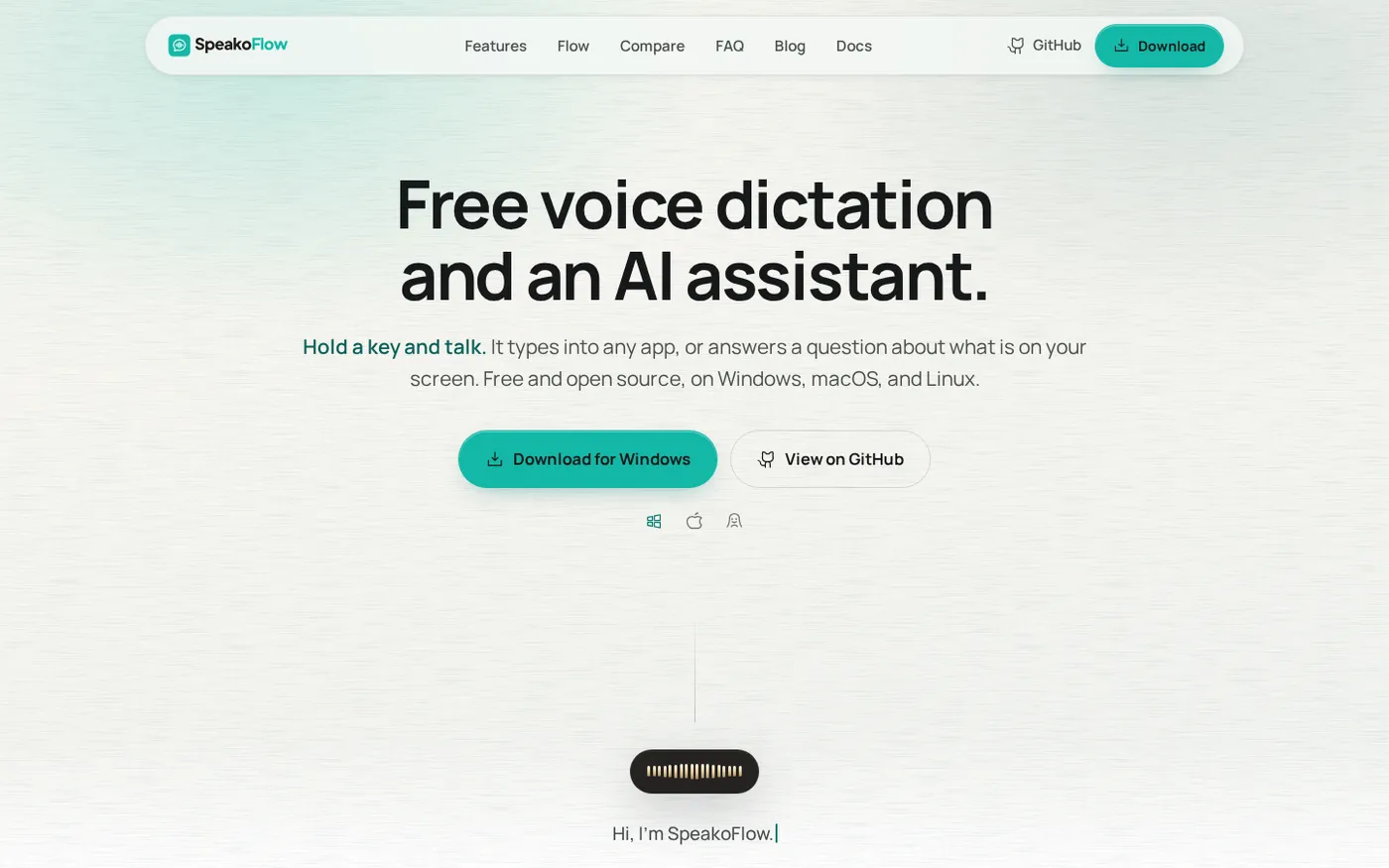
SpeakoFlow — Free, open-source voice dictation and AI assistant, offline screenshot 1 of 4: Home
speakoflow.com
Free, open-source, local-first voice-to-text desktop utility that transcribes speech into any app via hotkey, plus an AI assistant for drafting, cleanup, translation, and screen context.
Home
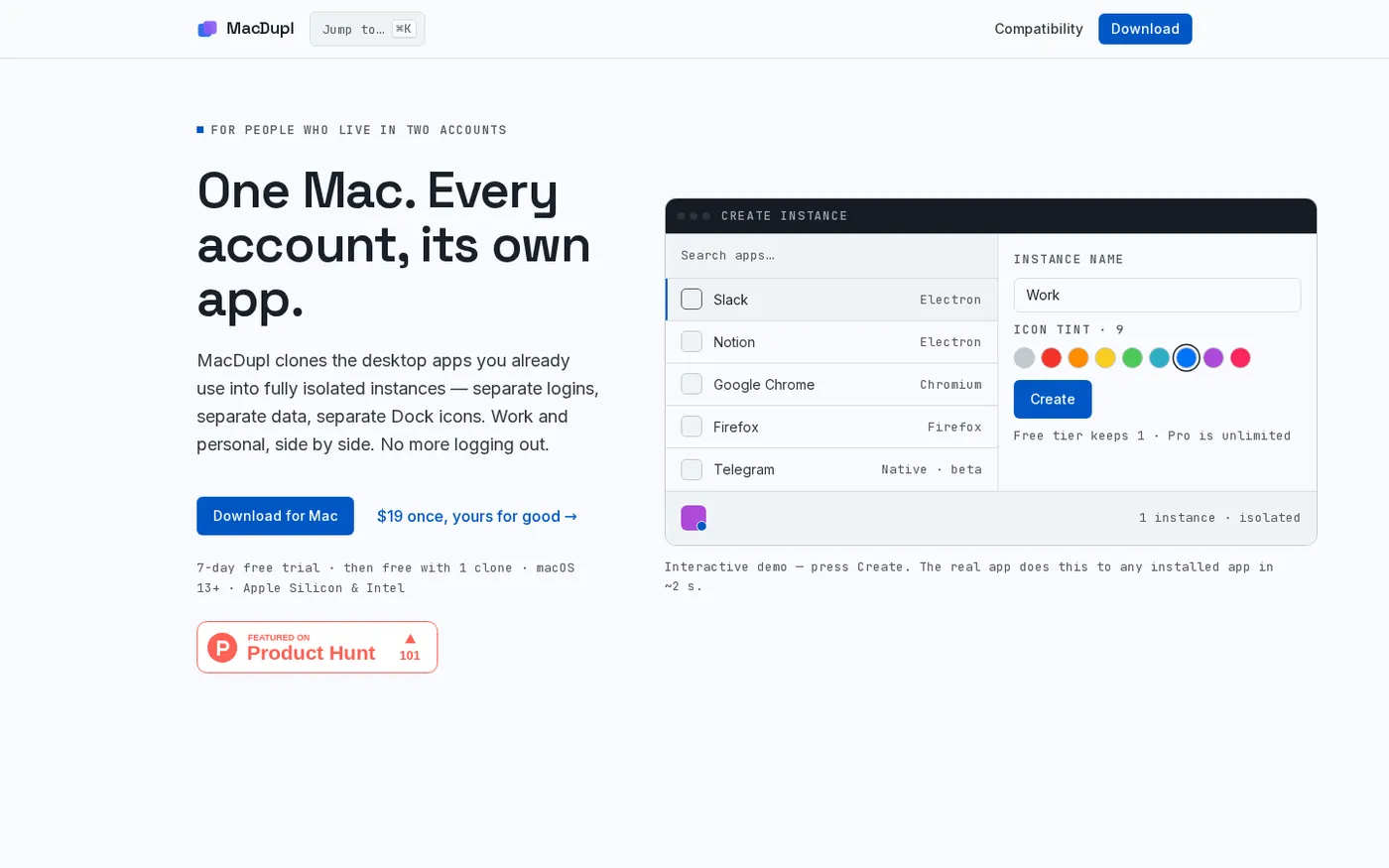
MacDupl — Clone any Mac app into a fully isolated instance screenshot 1 of 4: Home
macdupl.app
Clones installed macOS desktop applications into fully isolated instances with separate logins, cookies, caches, preferences, and Dock icons, utilizing APFS copy-on-write for near-zero additional disk space.