SiteList review score
Eliminates the copy-paste workflow tax for Mac users. Severely limited by a lack of measurement infrastructure and host duplication.
Reviewed on Jul 22, 2026
rephrase.studio
Unclaimed listingWhat it does
Keyboard-first AI rewriter for macOS that lets users select text in any app, choose a tone or style via shortcut, and paste back an improved version without leaving the current workflow.
SiteList review score
Eliminates the copy-paste workflow tax for Mac users. Severely limited by a lack of measurement infrastructure and host duplication.
Reviewed on Jul 22, 2026
Verified user rating
—
No verified reviews yet — the evidence locker is empty.
Captured during our latest review on Aug 24, 2026
Compact floating panel
Global keyboard shortcut
Preset writing styles
Quick apply or copy fallback
Streaming results
Rephrase focuses on reducing the 'copy-paste tax' by integrating directly into macOS workflows. While it lacks Grammarly's massive authority and feature depth, its 96/100 usability score reflects a more frictionless, keyboard-first experience for users who want immediate AI rewriting without leaving their current application.
The site positions the tool as a utility to rewrite text 'anywhere on your Mac.' However, the lack of public documentation (22/100) means specific app compatibility and required system permissions—such as Accessibility or Automation—are not explicitly detailed for prospective users before downloading the beta.
The site is currently in a beta phase with a 'Join the beta' call to action. While the pricing model is not explicitly detailed on the landing page, the copy mentions using the 'paid Gemini API,' suggesting a transition to a subscription or usage-based model in the future.
The site presents a utility-driven brand but currently lacks a robust 'trust layer.' While a privacy policy is published, the 28/100 off-page readiness score and minimal schema mean users must rely on the polished design and specific technical mentions—like macOS 14—as proxies for credibility until more detailed documentation is available.
Answers are based on SiteList's latest evidence review. Read the full review.
Rephrase earns a 79/100 score, demonstrating high workflow-integrated usability (96/100) while being severely limited by a lack of measurement infrastructure and host duplication. The tool successfully solves the 'copy-paste tax' for Mac users but currently lacks the technical consolidation required for search authority.
79/100: High-utility macOS tool with a split technical identity.
No reviews yet. The evidence locker is empty.
Reviews from verified users appear here once approved.
Reviews are from the SiteList community. Some reviewers received incentives — disclosed in the review, always. The verdict is never for sale.
Home
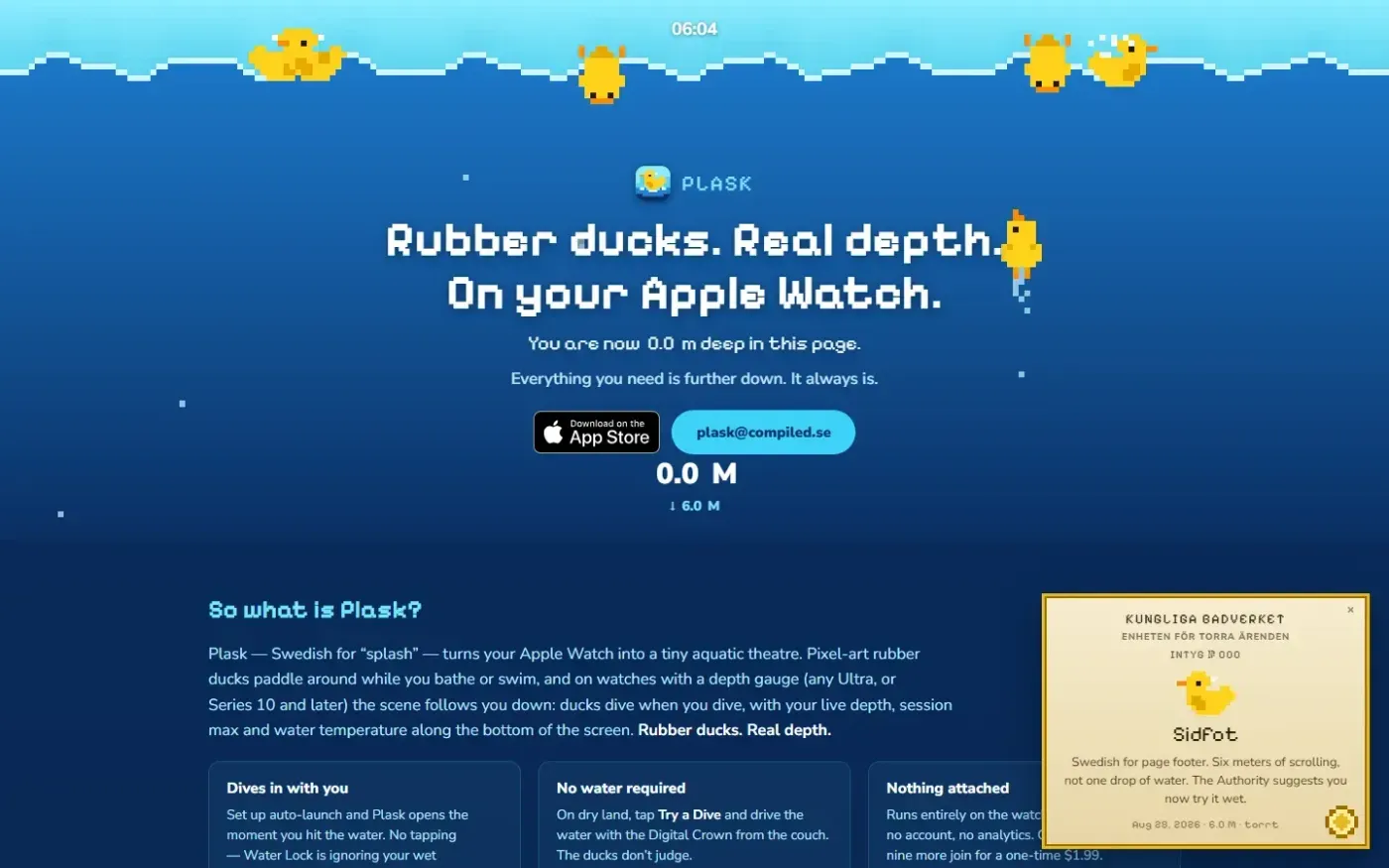
Plask — Have little ducks show how deep you dive on your Apple Watch screenshot 1 of 3: Home
plask.info
Plask turns your Apple Watch into a tiny aquatic theatre: pixel-art rubber ducks that dive when you do, your real depth on screen, and a duck or ten.
Home
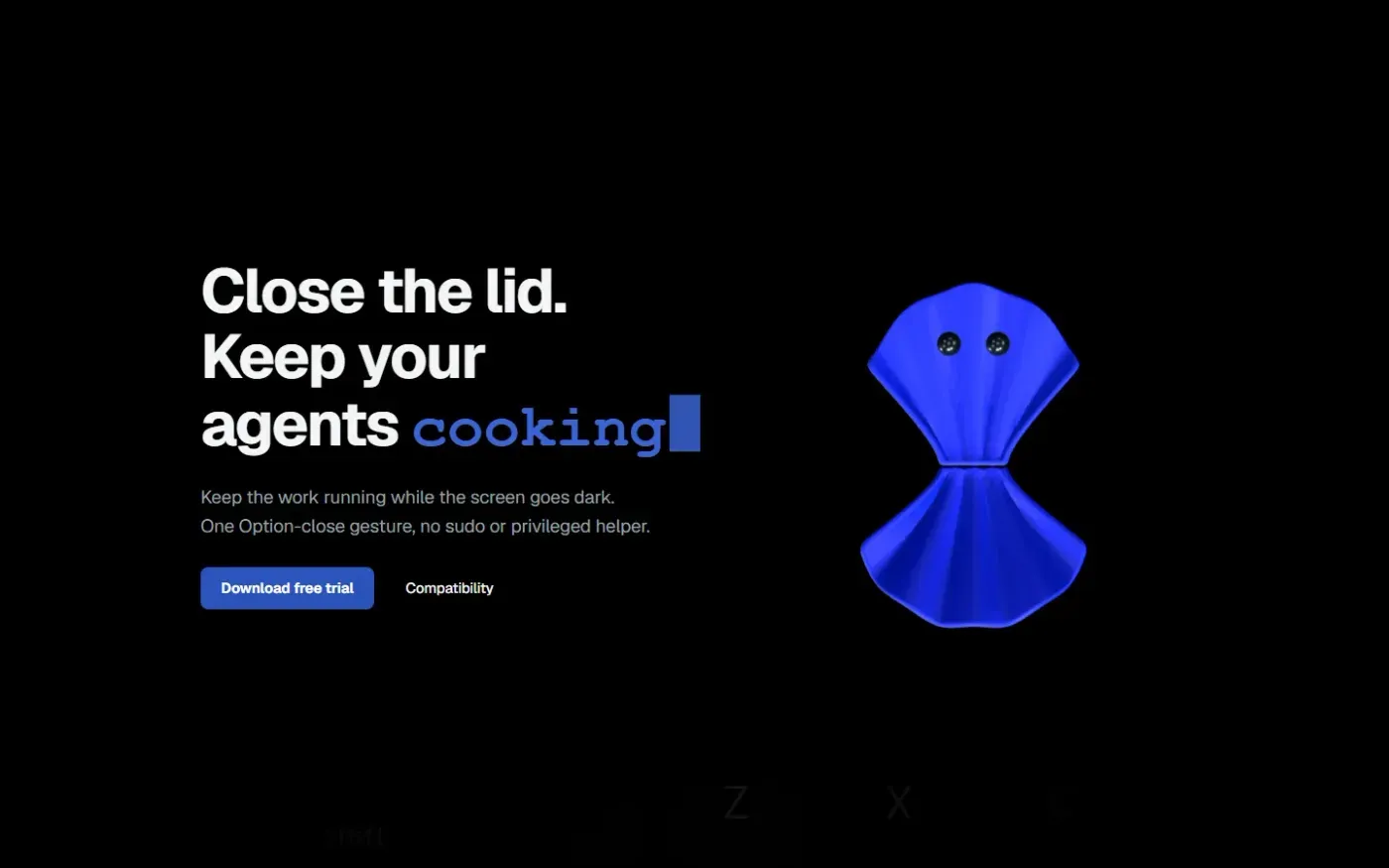
Clamshell — Close your MacBook. Keep the work running. screenshot 1 of 4: Home
clamshell.dev
Keep your Mac awake with the lid closed so your agents keep running. The internal display sleeps and wakes instantly on lid open.
Home
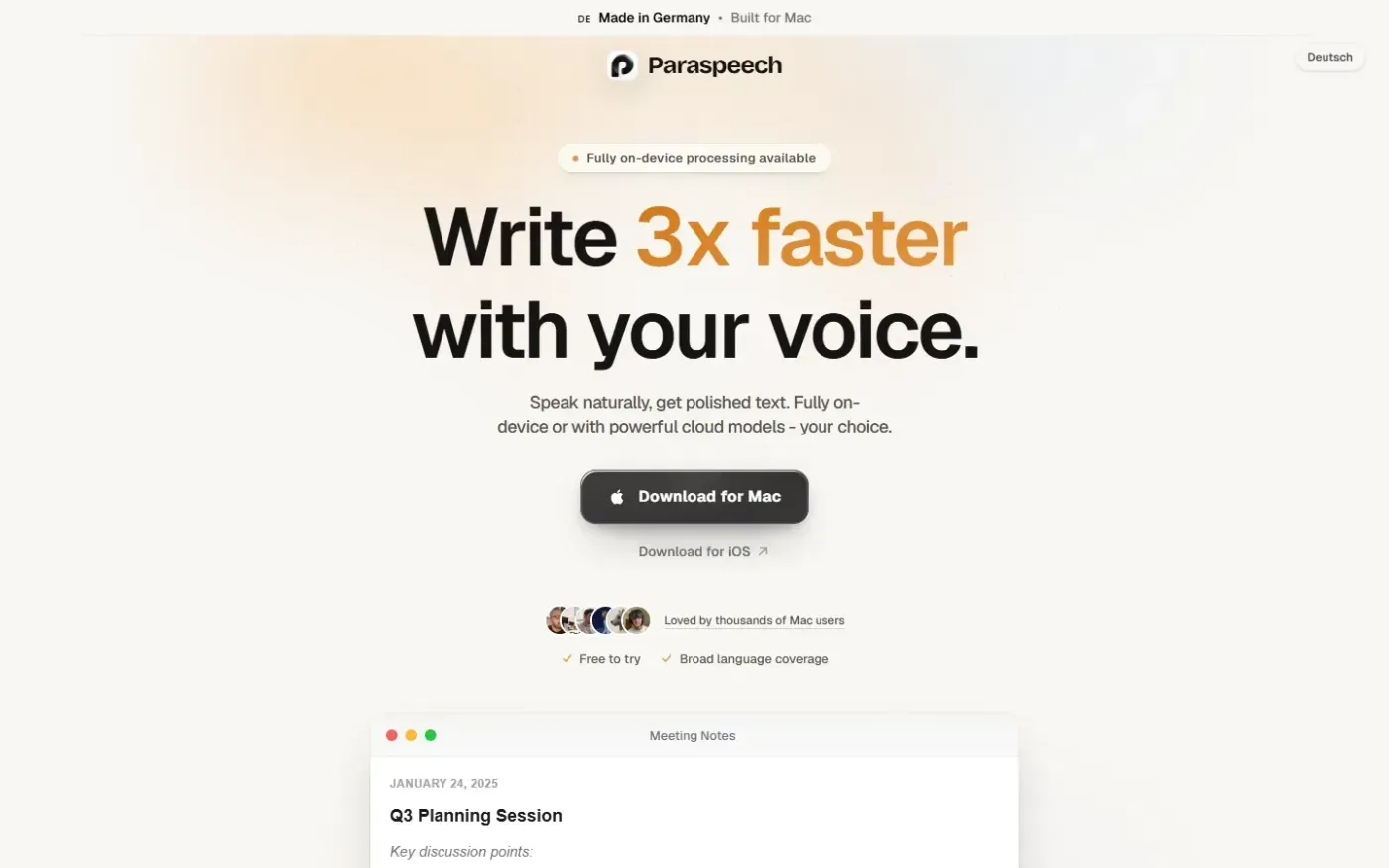
Paraspeech screenshot 1 of 4: Home
paraspeech.com
Speech-to-text for Mac with supported local and eligible cloud-backed processing paths, plus Mac-wide text insertion.
Home
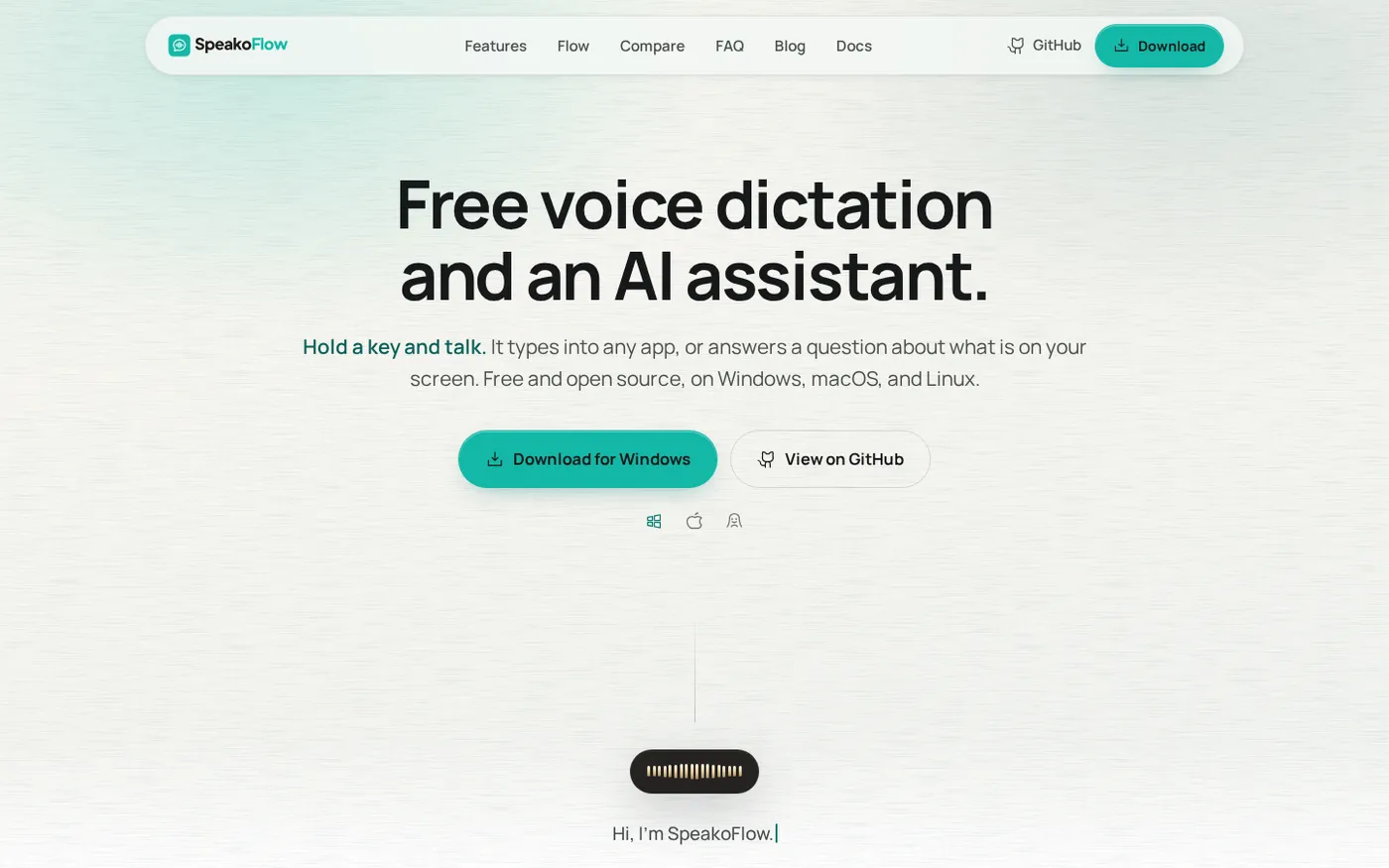
SpeakoFlow — Free, open-source voice dictation and AI assistant, offline screenshot 1 of 4: Home
speakoflow.com
Free, open-source, local-first voice-to-text desktop utility that transcribes speech into any app via hotkey, plus an AI assistant for drafting, cleanup, translation, and screen context.