SiteList review score
Refined local-first AI positioning provides clarity. Significant index fragmentation and unlocalized international metadata currently cap growth.
Reviewed on Aug 23, 2026
shogunaios.com
Unclaimed listingWhat it does
ShogunAI is a private, local-first AI memory assistant for macOS that recalls work context and turns decisions into action across your tools.
SiteList review score
Refined local-first AI positioning provides clarity. Significant index fragmentation and unlocalized international metadata currently cap growth.
Reviewed on Aug 23, 2026
Verified user rating
—
No verified reviews yet — the evidence locker is empty.
Captured during our latest review on Aug 24, 2026
billed annually Billed annual.
| Plan | Price | Details |
|---|---|---|
| Standard | $49 annual per mo | Private memory and everyday execution private memory · everyday execution · 20+ connected tools · approval gates for consequential actions · bring your own AI keys (BYOK) optional but not required · runs on assistant plan limits or BYOK provider limits · macOS only, Apple Silicon native · text and encrypted screenshot retention presets 1-7 days or custom · meeting audio never written to disk; transcript only · traceability log for all outbound slices · three named autonomy levels for execution · inline drafting via Option key shortcut View source |
| Pro | $99 annual per mo | Unlimited recall, every integration, and autonomous actions unlimited recall · every integration · autonomous actions View source |
AI memory
memory
Reads macOS accessibility text, keeps it encrypted on-device with source and time, and indexes it locally.
Contextual recall
recall
Answers questions across mail, chat, docs, and calendar from local history with source and timestamp attached.
Execution layer
execution
Drafts, updates, and actions inside connected tools under three autonomy levels with approval gates before anything reaches another person.
For founders
Recall decisions, prepare investor and team updates, and turn scattered company context into action.
For product & engineering
Carry product context from discussion to delivery by recalling technical decisions, customer evidence, and project history.
For consultants
Keep client-specific context separate, prepare faster, and create follow-ups grounded in completed work.
Slack
communication
Team messaging and channel-based communication platform integration.
Gmail
communication
Email client integration for context capture and drafting.
Discord
communication
Voice and text chat community platform integration.
Microsoft Teams
communication
Enterprise messaging and video conferencing integration.
Outlook
communication
Email and calendar client integration.
Zoom
communication
Video conferencing platform integration.
Notion
productivity
Note-taking, docs, and workspace management integration.
Linear
project_management
Issue tracking and project management integration.
Asana
project_management
Work management and task tracking integration.
Salesforce
crm
Customer relationship management platform integration.
Stripe
payments
Payment processing and billing infrastructure integration.
ChatGPT
ai_assistant
OpenAI language model integration for execution and recall.
Perplexity
research
AI-powered search and research engine integration.
Grok
ai_assistant
xAI language model integration for execution and recall.
Because the missing piece was never model quality. A frontier model is already general — it is just not general about you. ShogunAI adds the two things that make any model yours: a memory of your actual work, and the ability to act on it.
Text, where it came from, and when — and, with visual recall on, screenshots of the windows text capture cannot read. ShogunAI reads the accessibility layer macOS exposes to screen readers first; a compressed screenshot is taken only where that yields nothing. Screenshots stay encrypted on your Mac for a retention period you choose — presets from one to seven days, or a bounded custom duration — and are deleted automatically at that age.
Only the specific slice a request needs — the thread you asked to summarize, the context for a draft — never your raw memory. Each one is written to a traceability log with its purpose, and marked when it passes through a third party.
No. ShogunAI can run on the assistant plan you already pay for, inside that plan’s limits. Bringing your own API key is the alternative, not the requirement.
A recorder captures one meeting. A notes app stores what you were disciplined enough to write down. ShogunAI holds the whole working day without you maintaining it — and then does something with it.
Yes. It is built on native macOS capabilities — the accessibility layer, the notch panel, the system keychain — and runs on Apple Silicon. A version for another platform would be a different product, not a port.
Product FAQ information · View source
ShogunAI earns a 79/100 for its refined local-first AI positioning and notable messaging clarity. However, its growth is currently capped by significant index fragmentation and unlocalized international metadata.
79/100: A modern AI tool hampered by structural SEO debt.
No reviews yet. The evidence locker is empty.
Reviews from verified users appear here once approved.
Reviews are from the SiteList community. Some reviewers received incentives — disclosed in the review, always. The verdict is never for sale.
Home
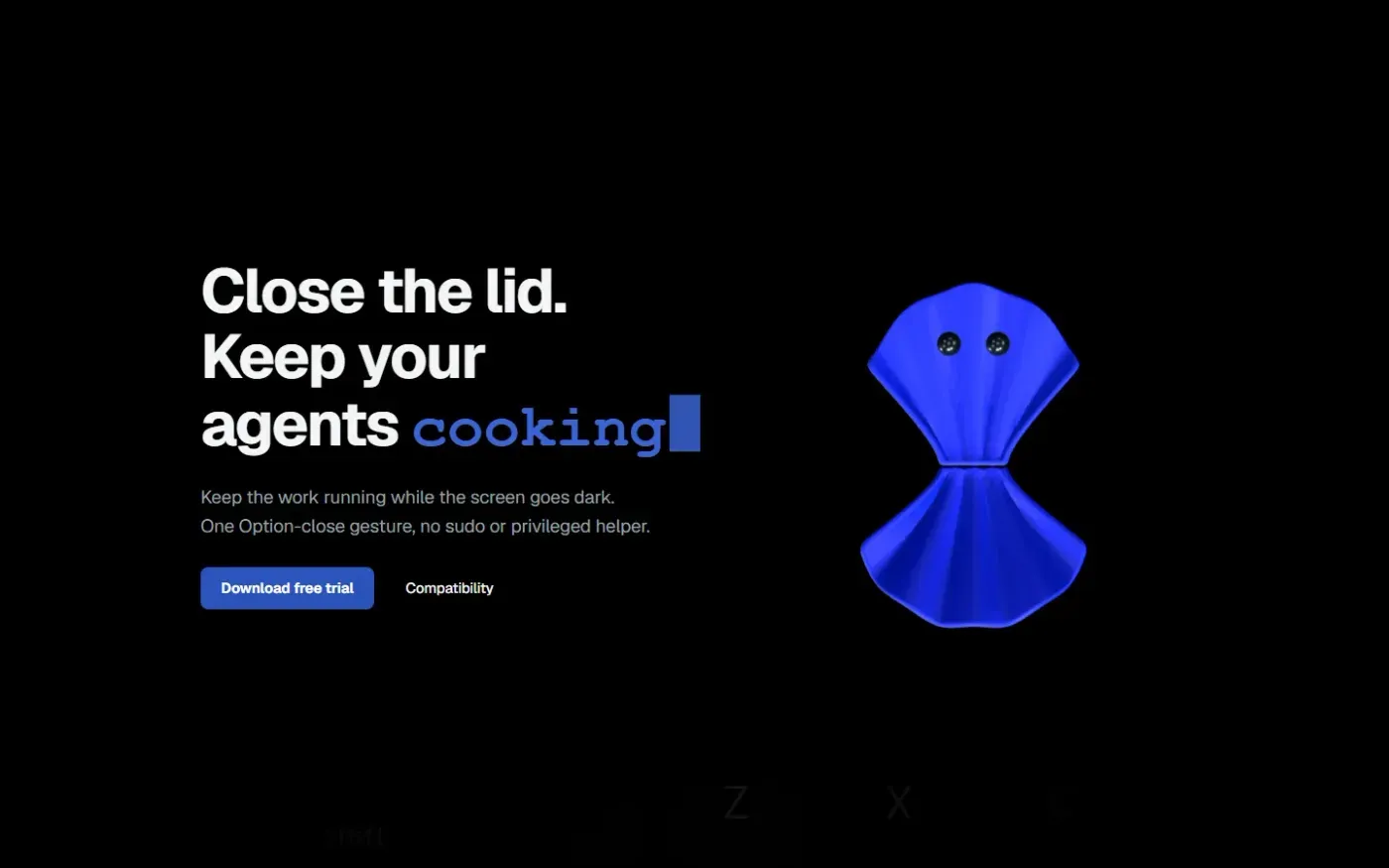
Clamshell — Close your MacBook. Keep the work running. screenshot 1 of 4: Home
clamshell.dev
Keep your Mac awake with the lid closed so your agents keep running. The internal display sleeps and wakes instantly on lid open.
Home
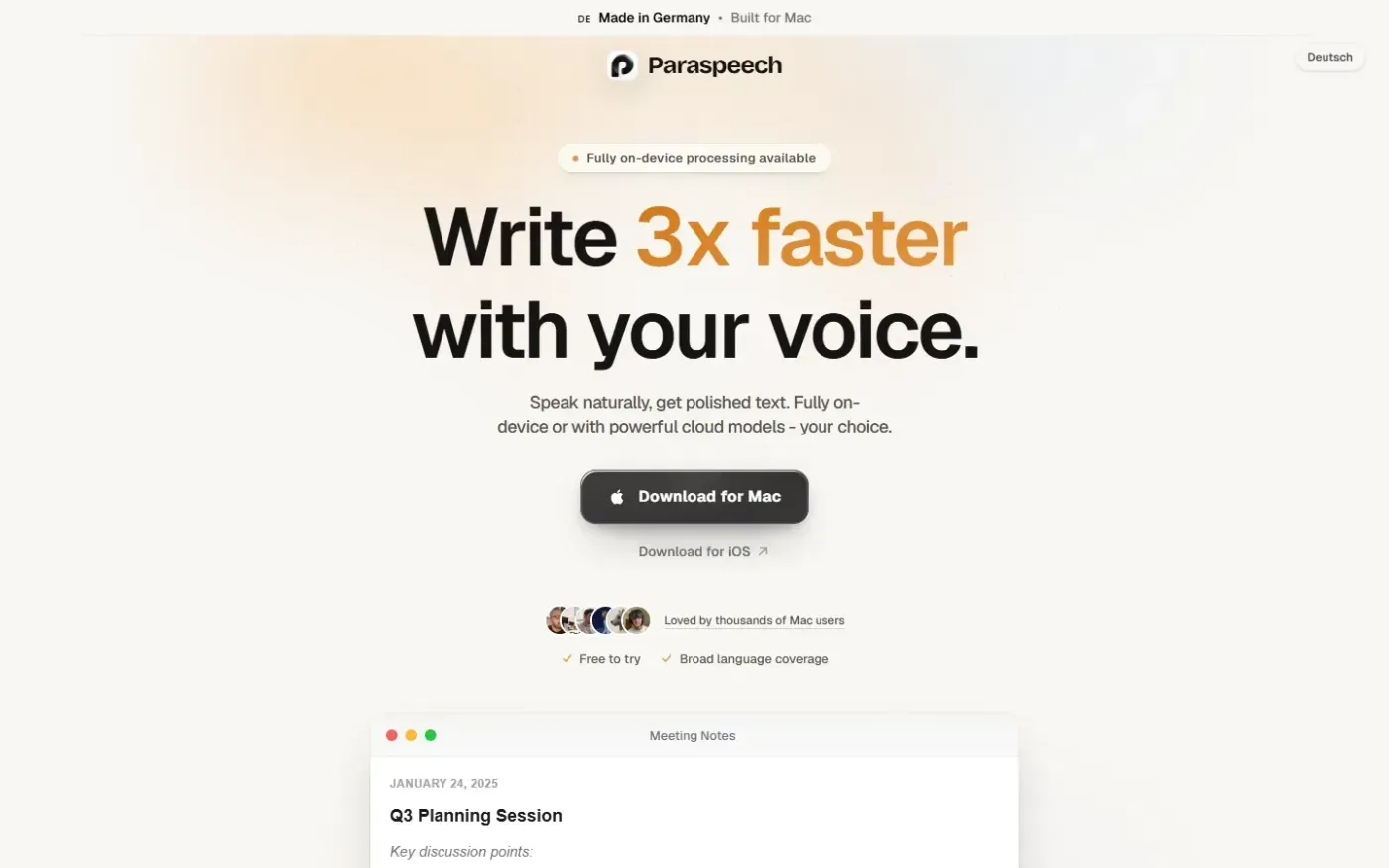
Paraspeech screenshot 1 of 4: Home
paraspeech.com
Speech-to-text for Mac with supported local and eligible cloud-backed processing paths, plus Mac-wide text insertion.
Home
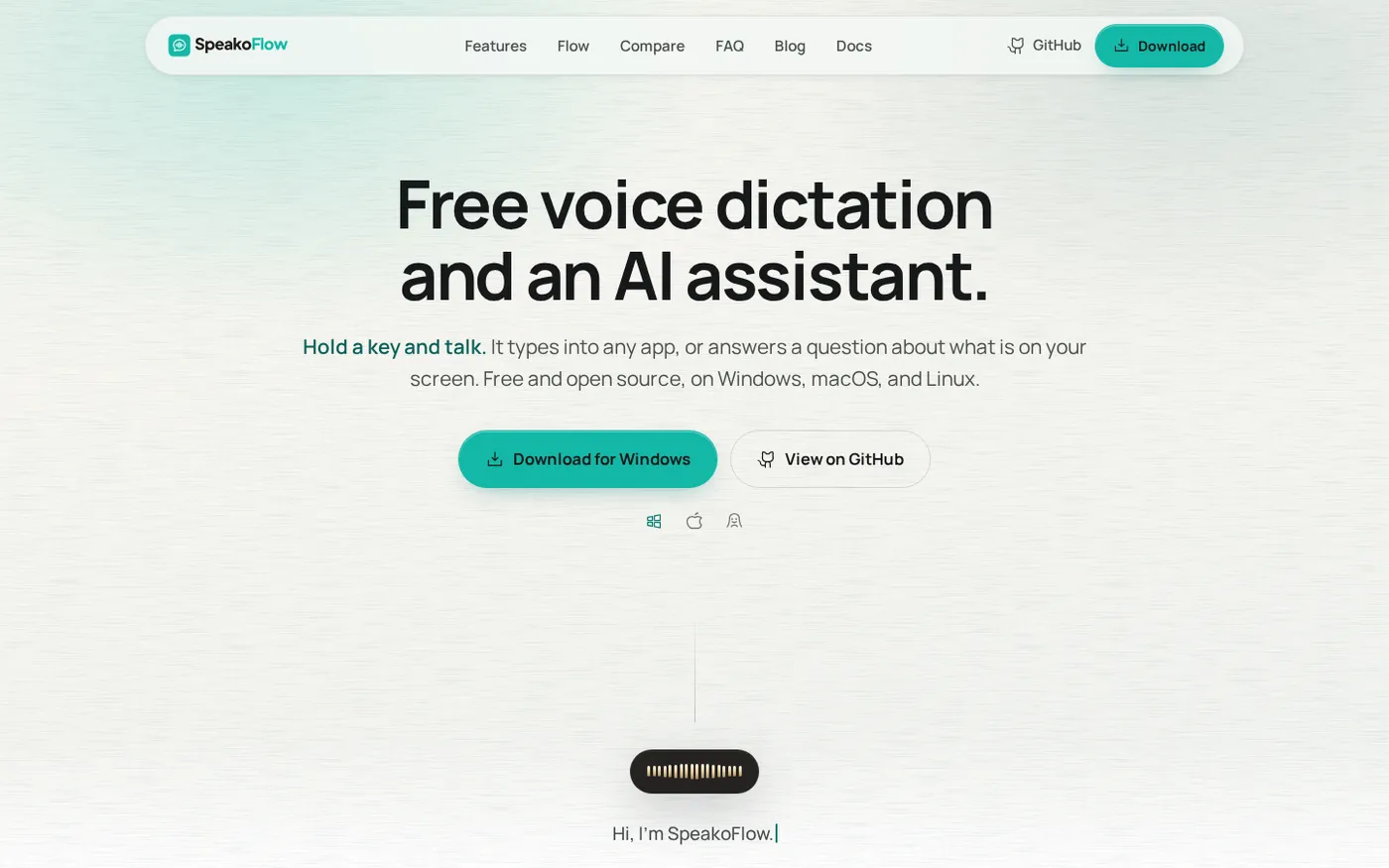
SpeakoFlow — Free, open-source voice dictation and AI assistant, offline screenshot 1 of 4: Home
speakoflow.com
Free, open-source, local-first voice-to-text desktop utility that transcribes speech into any app via hotkey, plus an AI assistant for drafting, cleanup, translation, and screen context.
Home
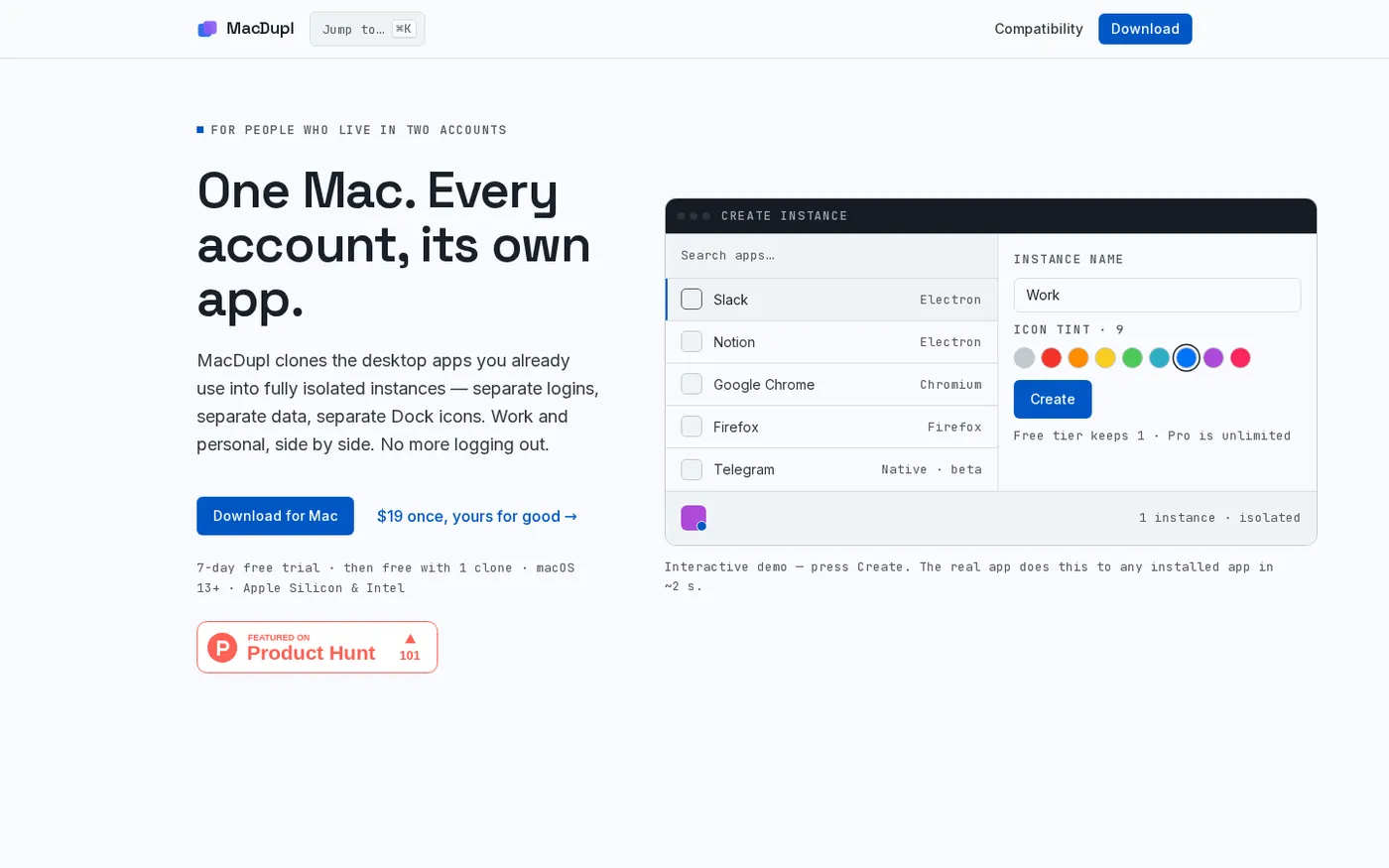
MacDupl — Clone any Mac app into a fully isolated instance screenshot 1 of 4: Home
macdupl.app
Clones installed macOS desktop applications into fully isolated instances with separate logins, cookies, caches, preferences, and Dock icons, utilizing APFS copy-on-write for near-zero additional disk space.