SiteList review score
A clear Android-to-Mac utility with strong technical foundations and convincing product visuals. Its reach and trust layer need more owned content, distribution, and human proof.
Reviewed on Aug 26, 2026
catchingnow.com
Unclaimed listingWhat it does
AndroMeld connects Android phones to Macs over USB or Wi-Fi, enabling app mirroring in resizable windows, native Finder file management, and synced notifications/clipboard without an emulator or cloud server.
SiteList review score
A clear Android-to-Mac utility with strong technical foundations and convincing product visuals. Its reach and trust layer need more owned content, distribution, and human proof.
Reviewed on Aug 26, 2026
Verified user rating
—
No verified reviews yet — the evidence locker is empty.
Captured during our latest review on Aug 26, 2026
Free tier includes all features with usage limits (5 GB write to phone per week, 30 mirror launches per week). Paid tiers: Quarterly Pro ($3.99/qtr), Yearly Pro ($10.99/yr), Lifetime Pro ($21.99 one-time). Billed monthly.
| Plan | Price | Details |
|---|---|---|
| Free | $0 monthly per plan | Unlimited features with weekly usage caps. 5 GB write to phone per week · 30 mirror launches per week · Keep window open indefinitely once launched View source |
| Quarterly Pro | $3.99 monthly per plan | Unlimited features without usage caps. View source |
| Yearly Pro | $10.99 monthly per plan | Unlimited features without usage caps. View source |
| Lifetime Pro | $21.99 one time per plan | Unlimited features without usage caps. View source |
App Mirroring
mirroring
Runs each Android app in its own resizable Mac window with low-latency screen and audio, trackpad gestures, Spotlight launch, and Handoff support.
Finder Integration
file_management
Mounts Android storage directly in the Finder sidebar for native browsing, copying, cutting, and renaming over USB or Wi-Fi.
Continuity Sync
continuity
Syncs notifications to Mac Notification Center, enables two-way clipboard sync, and supports drag-and-drop between Mac apps and Android windows.
APK Install & Preview
app_management
Inspects permissions and compatibility before installing APK, APXS, or XAPK packages on the phone in one click.
AndroMeld Web
access
Browser-based client to open and control up to 4 Android apps simultaneously without desktop software installation.
AI Agent Control
Allows MCP-capable AI agents to operate Android apps, view step-by-step replays, and execute tasks like flight searches or automation.
Cross-Device File Management
Browsing, copying, cutting, and backing up Android files natively in Finder as if it were a regular USB drive.
App Handoff & Multitasking
Opening Android apps on Mac for multitasking, gaming alongside guides, or continuing phone workflows seamlessly on desktop.
MCP Server
developer tools
Built-in server enabling MCP-capable AI agents (e.g., Codex, Claude Code, OpenClaw) to drive Android apps and view step-by-step replays via structured commands and token-saving protocols.
It connects an Android phone to a Mac over USB or Wi-Fi, enabling app mirroring, Finder file access, and synced notifications/clipboard without an emulator or cloud server.
No. AndroMeld mirrors and controls the real phone directly via ADB rather than running a second Android instance.
All features with usage limits: 5 GB write to the phone per week and 30 mirror launches per week. Windows/Linux users can access it via AndroMeld Web.
Product FAQ information · View source
AndroMeld scores 73/100: its product page clearly demonstrates Android-to-Mac continuity and its technical baseline is documented across 31 crawled URLs. Its material weakness is reach: the site has no real content program, only two storefront distribution links, and limited evidence for why a buyer should trust the product.
73/100: capable product, underbuilt reach
No reviews yet. The evidence locker is empty.
Reviews from verified users appear here once approved.
Reviews are from the SiteList community. Some reviewers received incentives — disclosed in the review, always. The verdict is never for sale.
Home
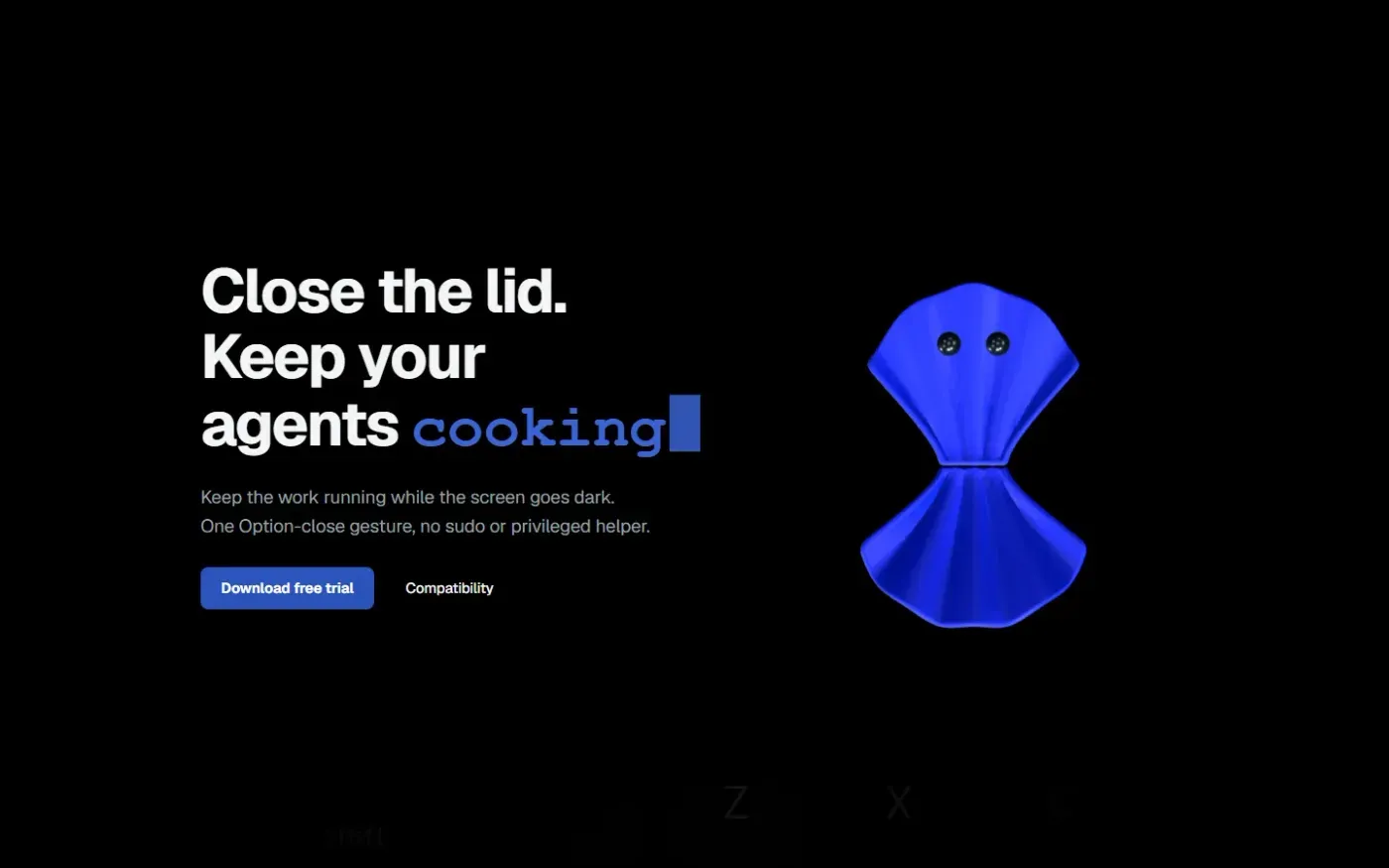
Clamshell — Close your MacBook. Keep the work running. screenshot 1 of 4: Home
clamshell.dev
Keep your Mac awake with the lid closed so your agents keep running. The internal display sleeps and wakes instantly on lid open.
Home
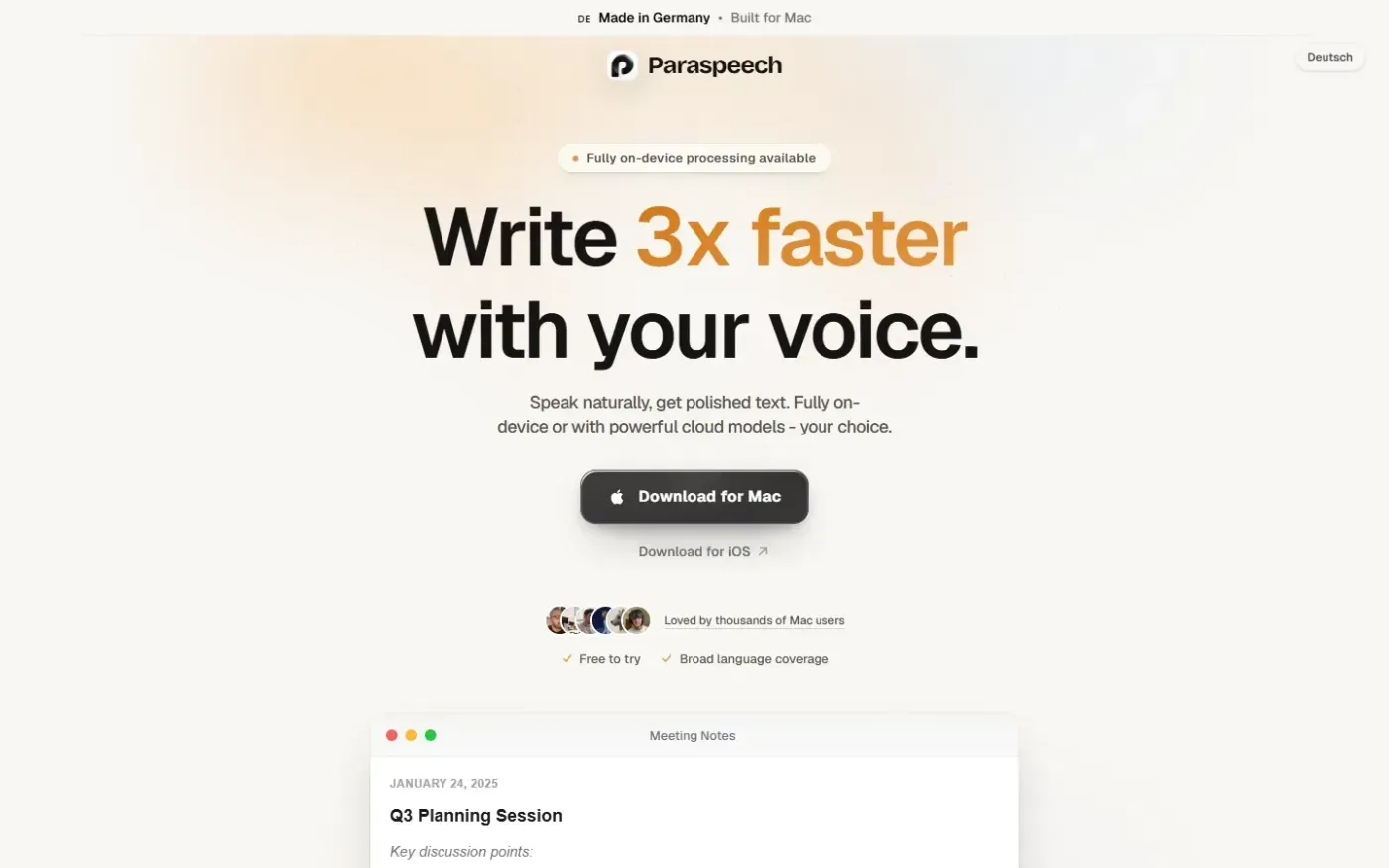
Paraspeech screenshot 1 of 4: Home
paraspeech.com
Speech-to-text for Mac with supported local and eligible cloud-backed processing paths, plus Mac-wide text insertion.
Home
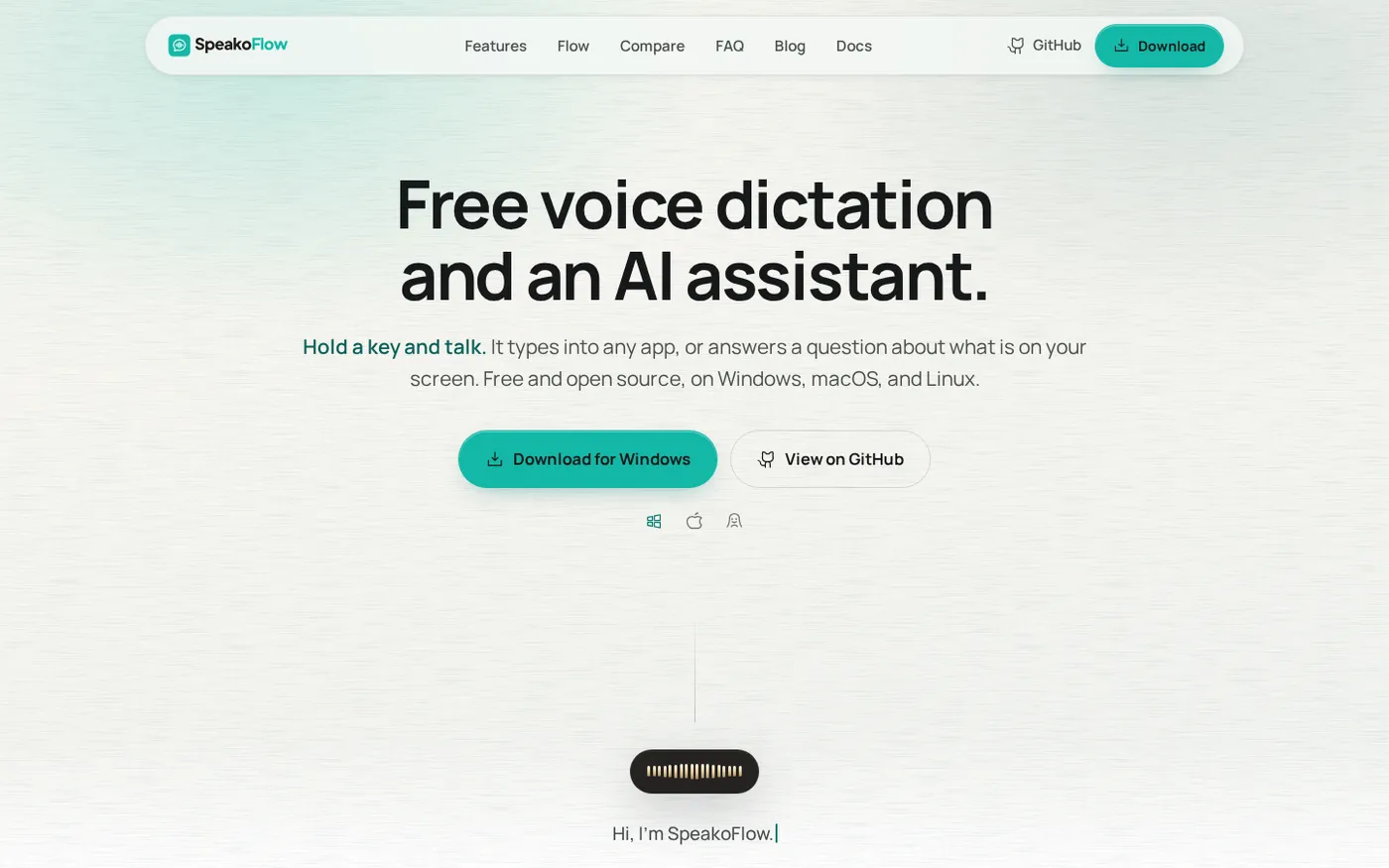
SpeakoFlow — Free, open-source voice dictation and AI assistant, offline screenshot 1 of 4: Home
speakoflow.com
Free, open-source, local-first voice-to-text desktop utility that transcribes speech into any app via hotkey, plus an AI assistant for drafting, cleanup, translation, and screen context.
Home
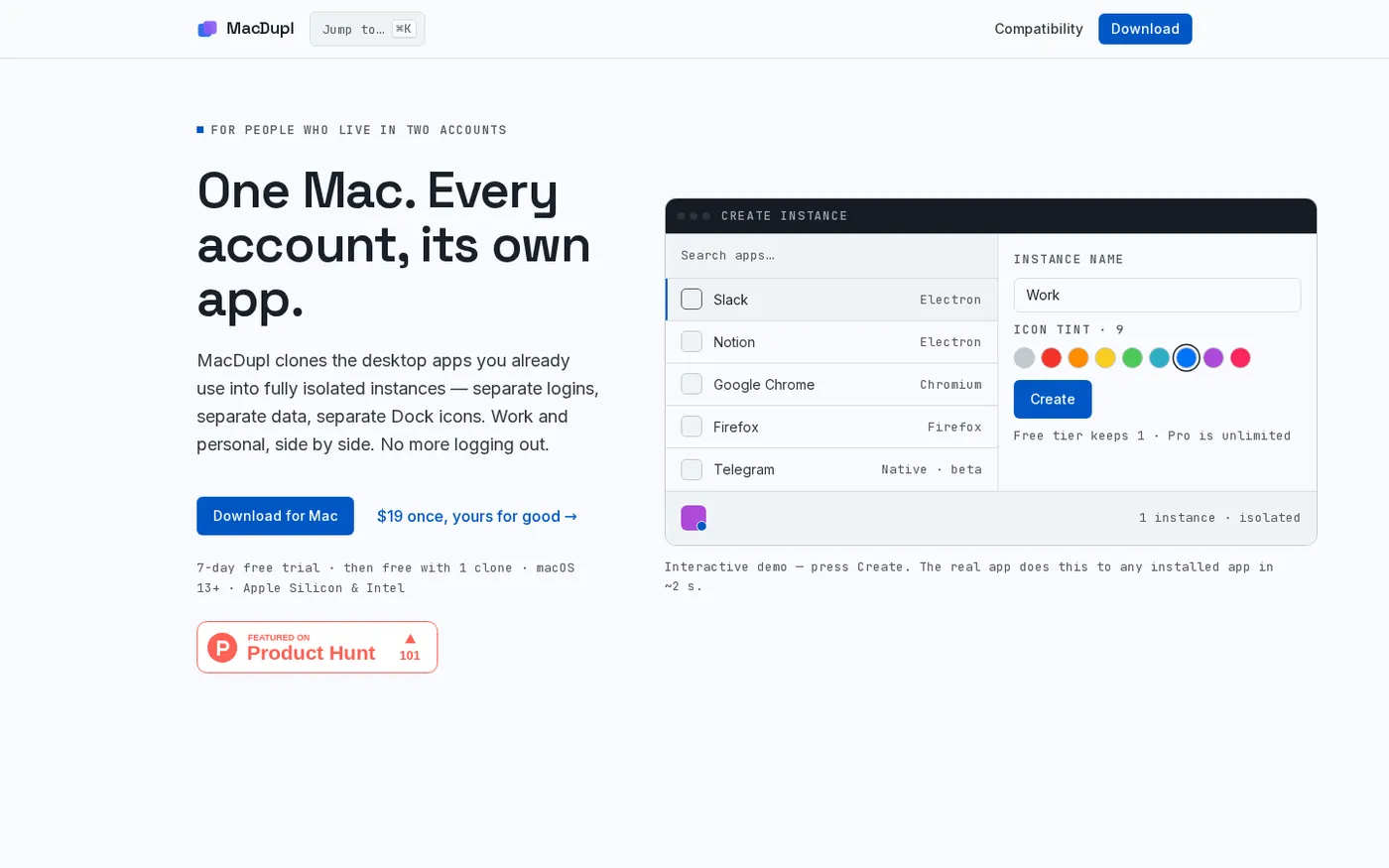
MacDupl — Clone any Mac app into a fully isolated instance screenshot 1 of 4: Home
macdupl.app
Clones installed macOS desktop applications into fully isolated instances with separate logins, cookies, caches, preferences, and Dock icons, utilizing APFS copy-on-write for near-zero additional disk space.