SiteList review score
Exceptional developer-centric positioning and high-quality documentation. Soft-404 misconfigurations and extreme font payloads hinder search performance.
Reviewed on Jul 31, 2026
superfile.dev
Unclaimed listingWhat it does
A modern terminal file manager built with Go and Bubble Tea, designed for developers who work in the command line. It provides a refined UI with features like multiple panels, fuzzy search, bulk operations, image preview, customizable hotkeys/themes, and community plugin support.
SiteList review score
Exceptional developer-centric positioning and high-quality documentation. Soft-404 misconfigurations and extreme font payloads hinder search performance.
Reviewed on Jul 31, 2026
Verified user rating
—
No verified reviews yet — the evidence locker is empty.
Captured during our latest review on Aug 24, 2026
MIT License; open source software. Billed one time.
| Plan | Price | Details |
|---|---|---|
| Free Tier | $0 one time per license | Full access to superfile under the MIT License. Open source View source |
Complete file operations
File Operations
File copy, move, delete, rename, fuzzy search, bulk operations, and image preview.
Multiple panels
Interface
Split into multiple directory panes simultaneously to copy and paste across panes with keystrokes.
Plugin support
Extensibility
Extend functionality with community plugins for Git status, system monitoring, and custom commands.
Rich themes & customization
Customization
20+ built-in themes (Catppuccin, Nord, Tokyo Night, Dracula, Gruvbox, Rose Pine) with fully remappable hotkeys and adjustable borders/colors.
Developer terminal workflows
Crafted for developers who live in the terminal, providing a refined interface for file management tasks.
Lightweight file/directory management
Sleek and visually appealing tool for straightforward file or directory tasks where full-featured managers are unnecessary.
superfile is a modern terminal file manager that prioritizes a refined UI. While it lacks the domain age of legacy tools, its visual approach and panel-based workflow make it a strong challenger for developers who value a polished terminal experience.
Currently, the documentation and changelog pages suffer from horizontal overflow issues on mobile. This makes reading technical specs on smaller screens difficult. The site is primarily optimized for desktop developer environments.
The site carries a massive 9.3MB payload, largely driven by over 35 font requests and unoptimized animated GIFs. These assets significantly delay the Largest Contentful Paint, particularly on slower connections.
The documentation is a standout feature, scoring 92/100. It is well-structured with clear separations between tutorials, configuration references, and troubleshooting guides, making it highly accessible for its target developer audience.
Answers are based on SiteList's latest evidence review. Read the full review.
superfile earns a 74/100 for its exceptional developer-centric positioning and high-quality documentation. However, critical technical errors like Soft-404 misconfigurations and extreme font payloads currently hinder its search performance.
74/100: Exceptional brand foundation, critical technical debt.
No reviews yet. The evidence locker is empty.
Reviews from verified users appear here once approved.
Reviews are from the SiteList community. Some reviewers received incentives — disclosed in the review, always. The verdict is never for sale.
Home
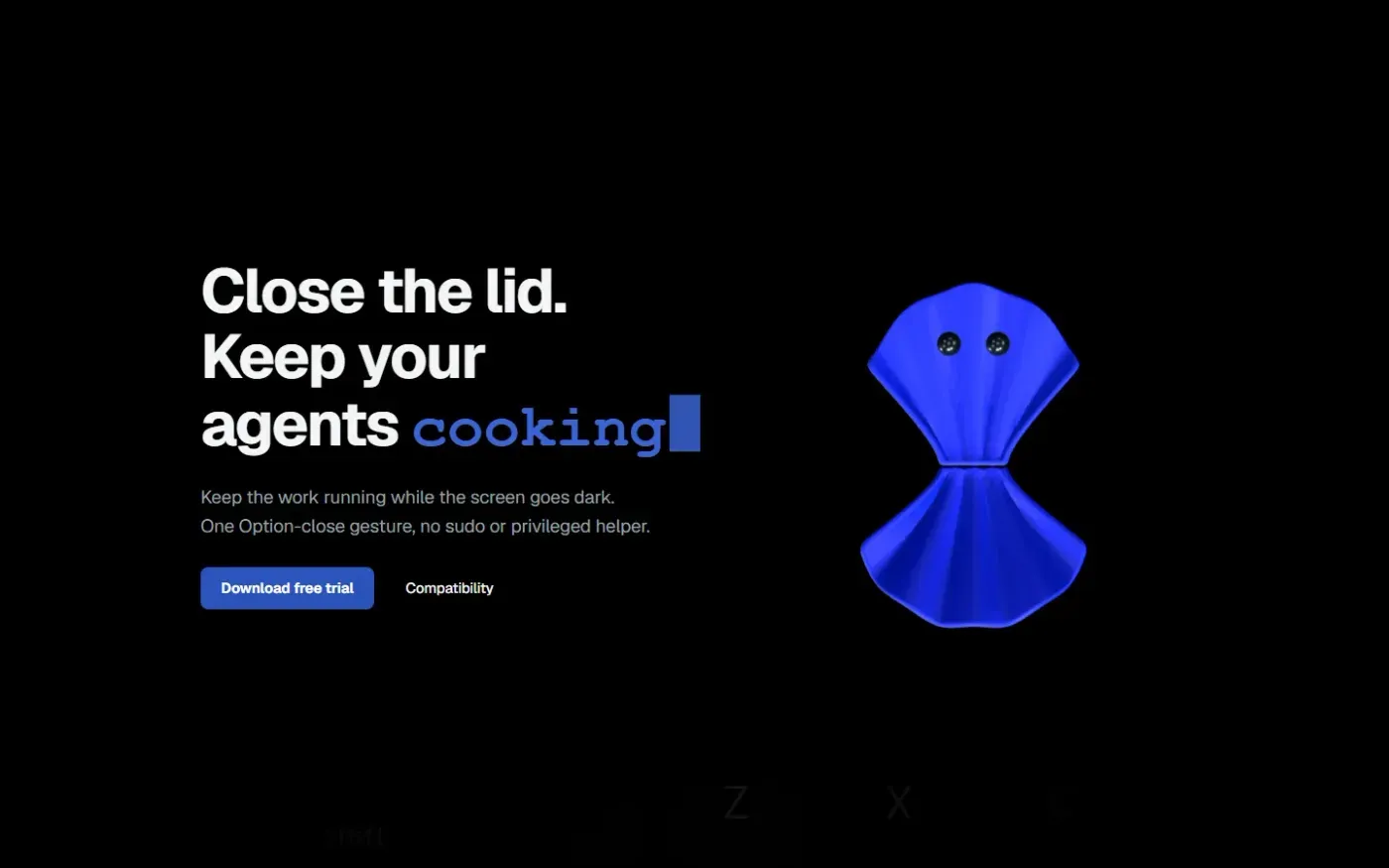
Clamshell — Close your MacBook. Keep the work running. screenshot 1 of 4: Home
clamshell.dev
Keep your Mac awake with the lid closed so your agents keep running. The internal display sleeps and wakes instantly on lid open.
Home
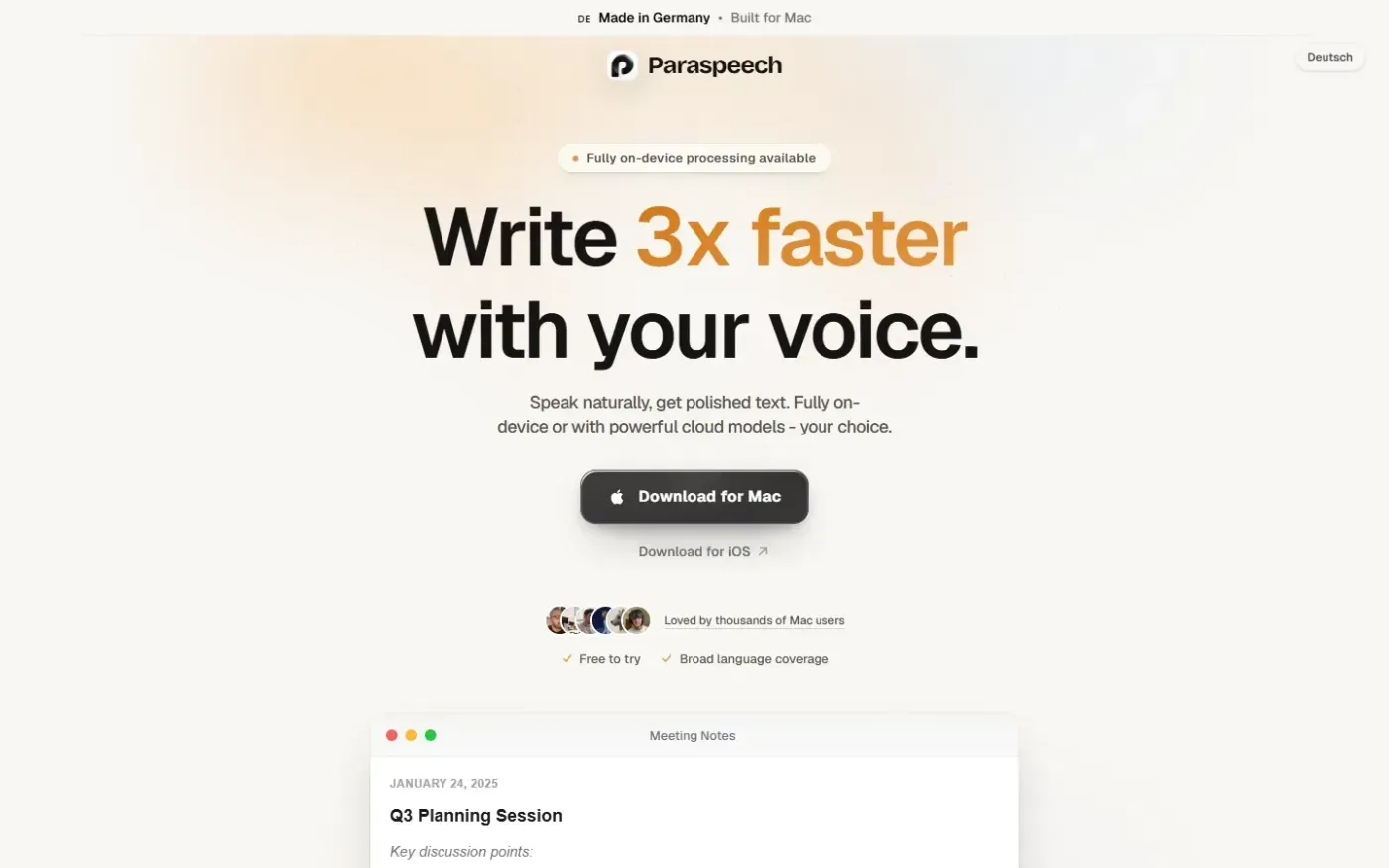
Paraspeech screenshot 1 of 4: Home
paraspeech.com
Speech-to-text for Mac with supported local and eligible cloud-backed processing paths, plus Mac-wide text insertion.
Home
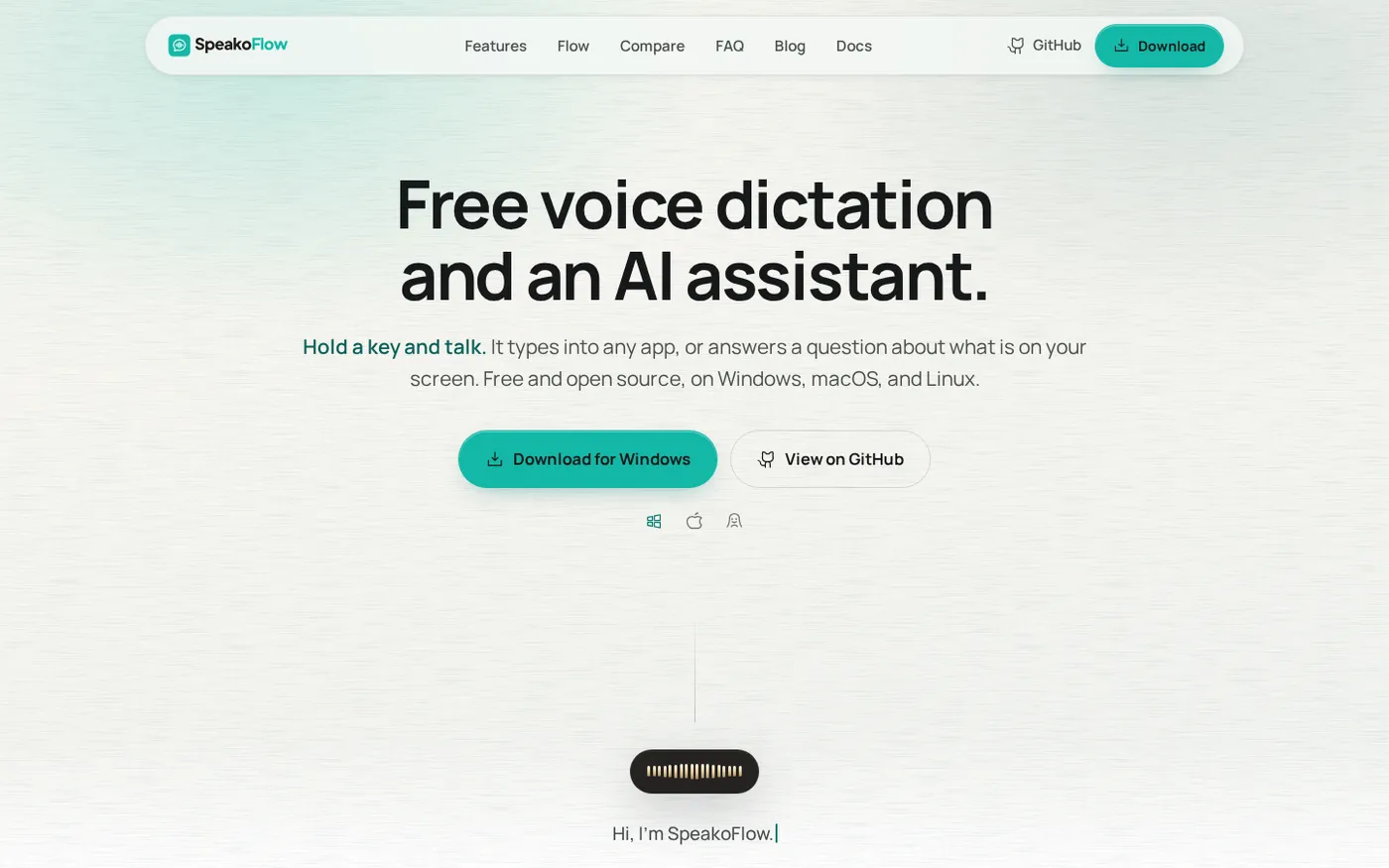
SpeakoFlow — Free, open-source voice dictation and AI assistant, offline screenshot 1 of 4: Home
speakoflow.com
Free, open-source, local-first voice-to-text desktop utility that transcribes speech into any app via hotkey, plus an AI assistant for drafting, cleanup, translation, and screen context.
Home
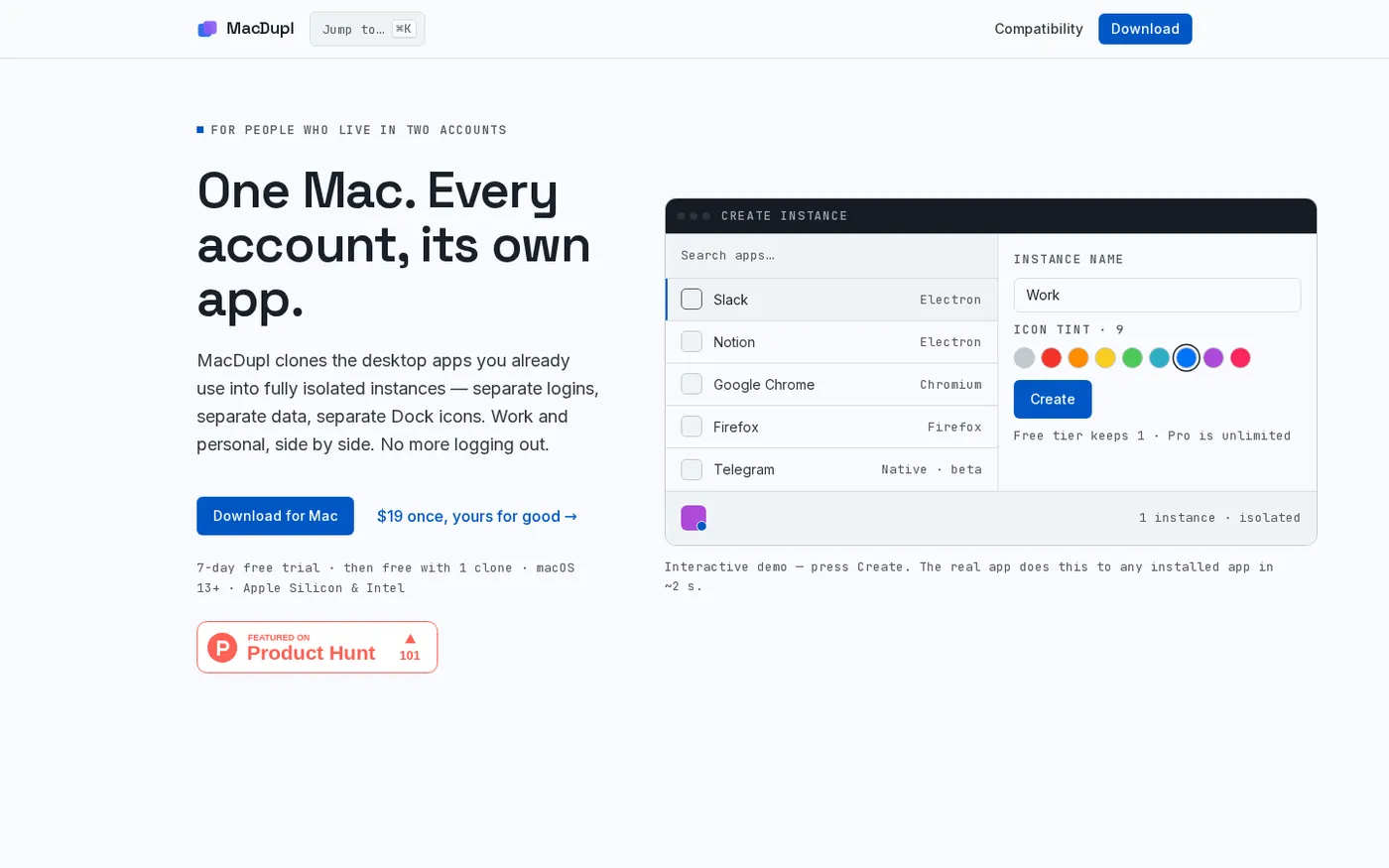
MacDupl — Clone any Mac app into a fully isolated instance screenshot 1 of 4: Home
macdupl.app
Clones installed macOS desktop applications into fully isolated instances with separate logins, cookies, caches, preferences, and Dock icons, utilizing APFS copy-on-write for near-zero additional disk space.