SiteList review score
Delivers fast, server-rendered guides and precise positioning for Apple Silicon Mac developers. Missing analytics tracking and minor template defects require prompt repair.
Reviewed on Aug 26, 2026
clamshell.dev
Owner-verifiedWhat it does
Keep your Mac awake with the lid closed so your agents keep running. The internal display sleeps and wakes instantly on lid open.
SiteList review score
Delivers fast, server-rendered guides and precise positioning for Apple Silicon Mac developers. Missing analytics tracking and minor template defects require prompt repair.
Reviewed on Aug 26, 2026
Verified user rating
—
No verified reviews yet — the evidence locker is empty.
Captured during our latest review on Aug 26, 2026
One-time purchase / lifetime license Billed one time.
| Plan | Price | Details |
|---|---|---|
| Lifetime | $9.99 one time per license | Lifetime license for Clamshell One Mac per license View source |
Lid-close wake lock
Power management
Keeps a Mac awake with the lid closed, no external display required
Display sleep isolation
Power management
Internal display sleeps while agents, builds, and downloads keep running
Battery & power transition handling
Power management
Works on AC or battery, with an optional low-battery safety switch
Unprivileged execution
Security
No admin rights: no kernel extension, no privileged helper, no sudo
Instant lid wake
Power management
Wakes instantly on lid open
Coding agent sessions
Keep agents like Claude Code running overnight with the lid closed
Terminal & build workflows
Maintain terminal sessions, builds, and downloads while the screen goes dark
Apple Silicon Mac laptops on macOS 14 or later. The Option-close gesture needs a lid angle sensor: MacBook Air M2 (2022) or later, or 14-inch / 16-inch MacBook Pro (2021) or later.
Yes. Closing the lid only turns the screen off: agents, terminal sessions, builds, and downloads keep running, and the Mac stays on the network for SSH and screen sharing.
No. macOS normally needs an external display attached before the lid can close; Clamshell removes that. No monitor, no dock, no HDMI dummy plug.
Same idea, without the monitor. Clamshell mode is what macOS calls working with the lid closed, and macOS only allows it when an external display is attached. Clamshell removes that requirement: close the lid and the Mac keeps running on its own.
Most keep-awake tools only prevent idle sleep. Closing the lid forces a different kind of sleep they don't block. Clamshell switches exactly that lid behavior, needs no admin rights, and restores it the moment you disarm.
Your Mac runs as it would with the lid open: idle work sips power, heavy work draws what it always draws. It works the same on battery, and Clamshell re-applies itself on every plug or unplug.
No. Clamshell is a normal menu bar app: no kernel extension, no driver, no privileged helper, no sudo.
Disarming or quitting retries restoration and warns you if macOS refuses it. The direct edition can also relaunch after an unexpected exit when its crash-recovery agent is permitted.
Yes. Every purchase has a 14-day money-back guarantee, for any reason.
Product FAQ information · View source
Clamshell earns an 89/100 review score for its laser-focused utility positioning and clean technical performance on Apple Silicon Macs. Its primary weakness is a complete lack of measurement analytics paired with minor template alt-text defects.
89/100: strong technical foundation, zero analytics tracking
No reviews yet. The evidence locker is empty.
Reviews from verified users appear here once approved.
Reviews are from the SiteList community. Some reviewers received incentives — disclosed in the review, always. The verdict is never for sale.
Home
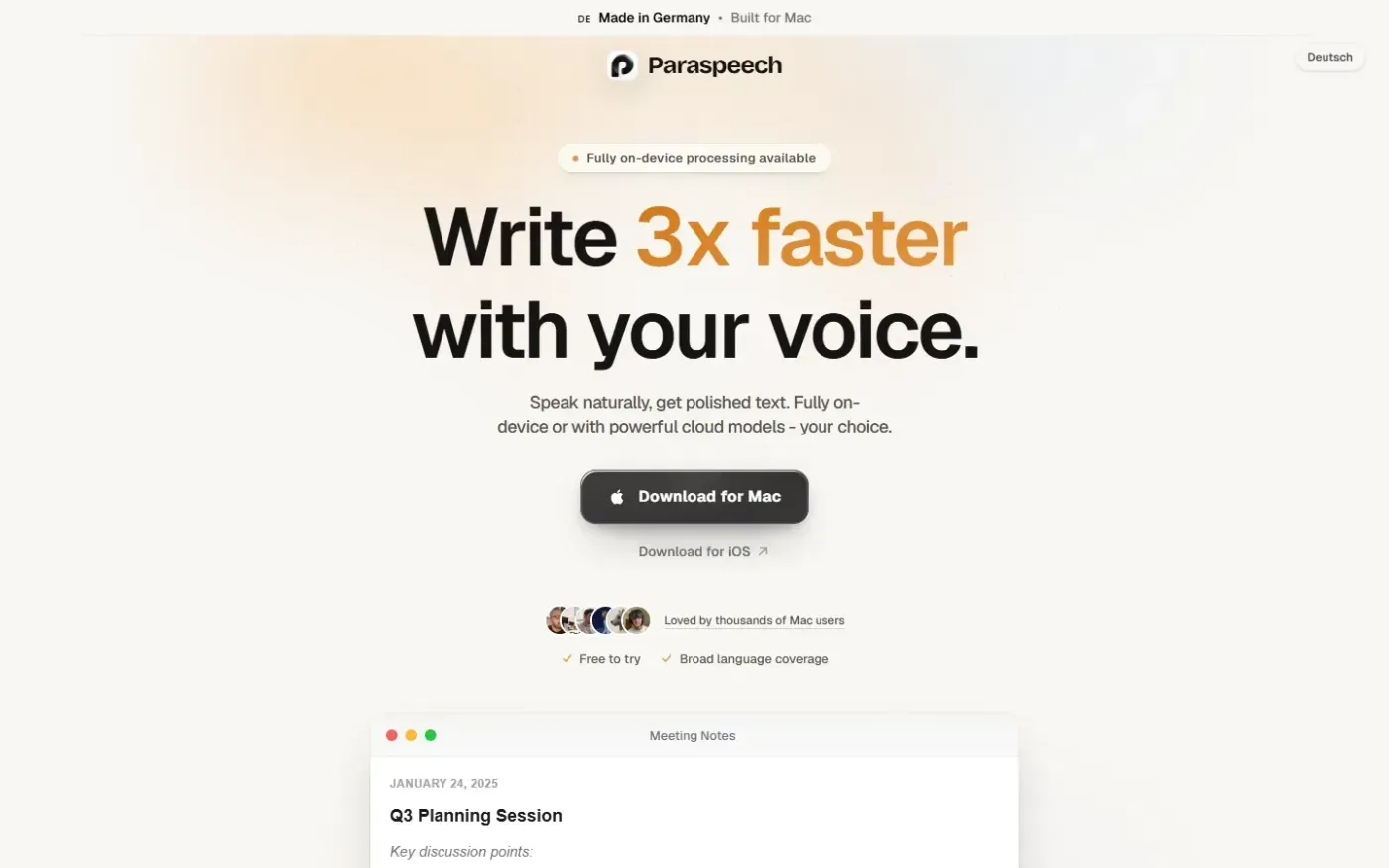
Paraspeech screenshot 1 of 4: Home
paraspeech.com
Speech-to-text for Mac with supported local and eligible cloud-backed processing paths, plus Mac-wide text insertion.
Home
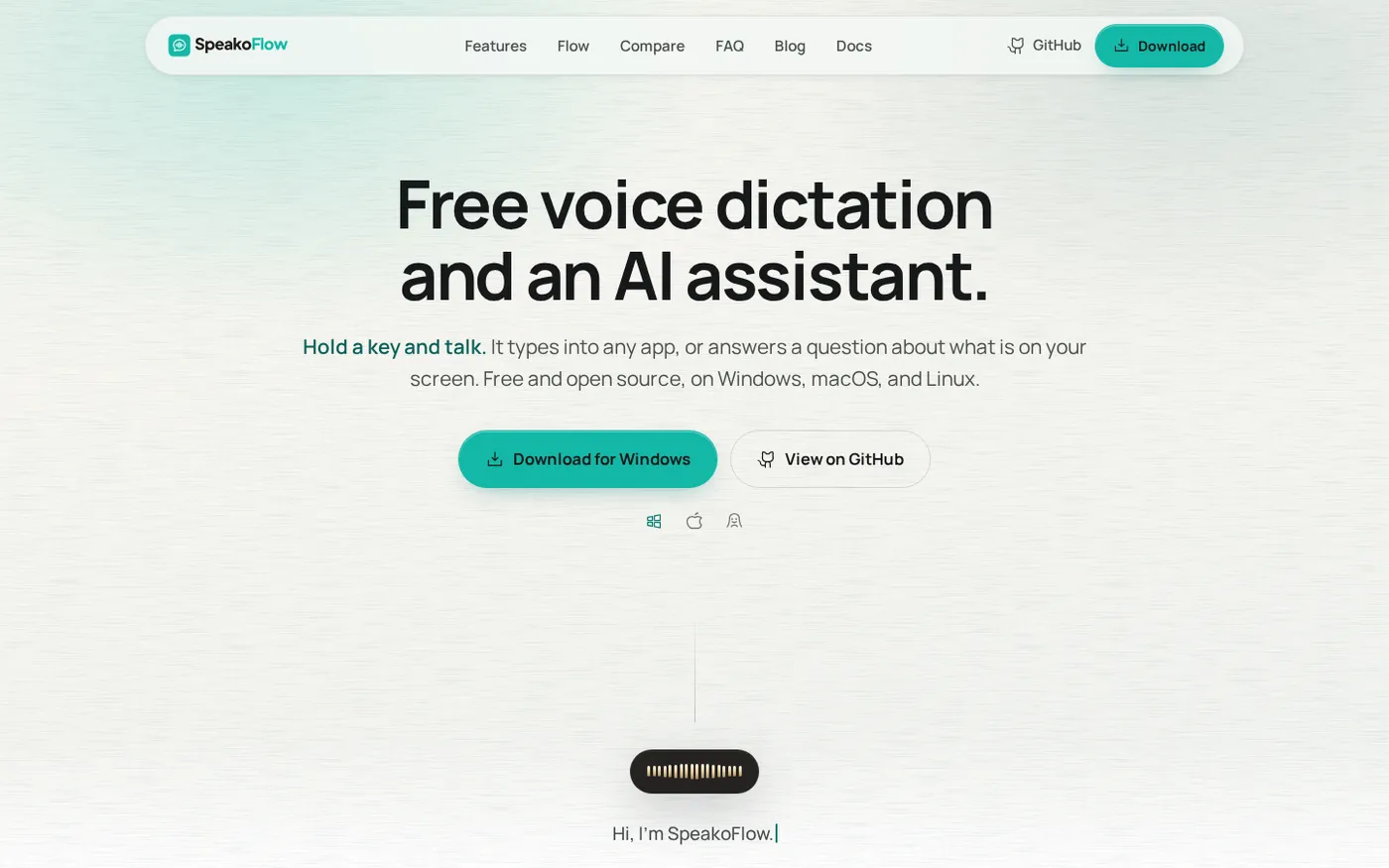
SpeakoFlow — Free, open-source voice dictation and AI assistant, offline screenshot 1 of 4: Home
speakoflow.com
Free, open-source, local-first voice-to-text desktop utility that transcribes speech into any app via hotkey, plus an AI assistant for drafting, cleanup, translation, and screen context.
Home
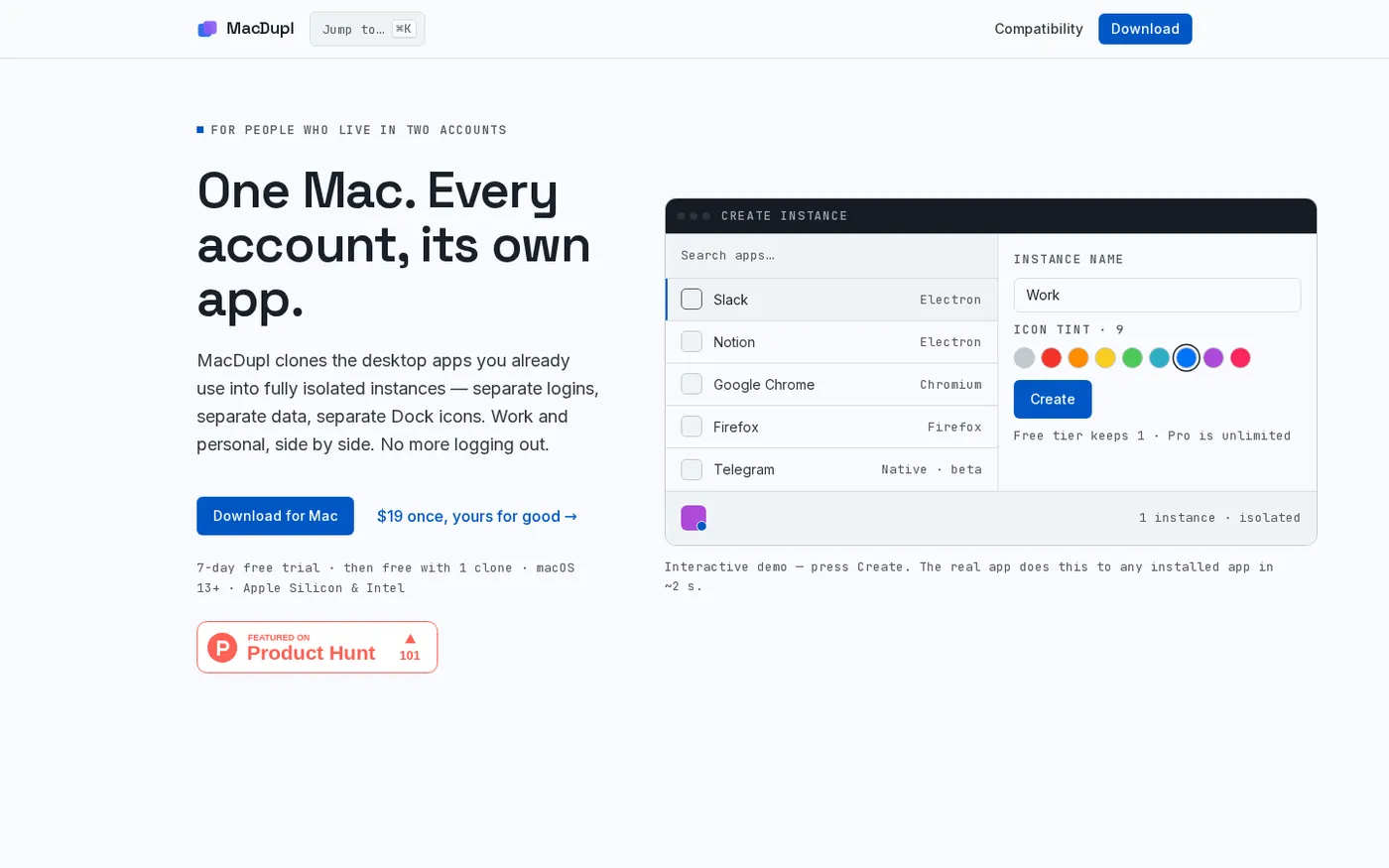
MacDupl — Clone any Mac app into a fully isolated instance screenshot 1 of 4: Home
macdupl.app
Clones installed macOS desktop applications into fully isolated instances with separate logins, cookies, caches, preferences, and Dock icons, utilizing APFS copy-on-write for near-zero additional disk space.
Home
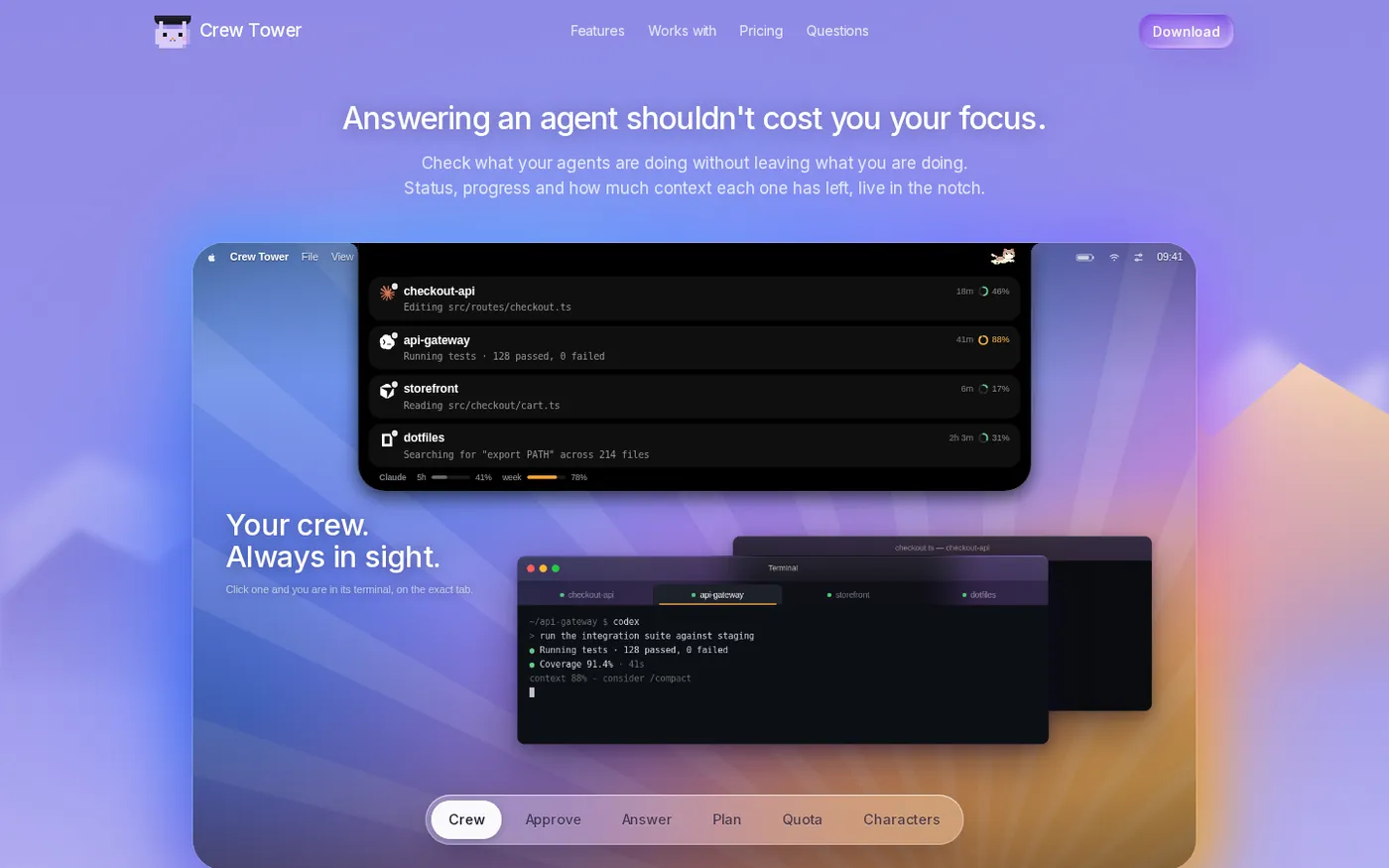
CrewTower — Control your agents from the notch screenshot 1 of 4: Home
crewtower.app
Crew Tower turns the MacBook notch into a live control tower for every AI coding agent you run. Approve, deny, answer and jump to the exact terminal tab without leaving what you are doing.