SiteList review score
Strong AI-search readiness and robust technical foundation. Growth currently limited by metadata cannibalization across OS variants.
Reviewed on Aug 9, 2026
speakoflow.com
Unclaimed listingIs this your site?
Claim itWhat it does
Free, open-source, local-first voice-to-text desktop utility that transcribes speech into any app via hotkey, plus an AI assistant for drafting, cleanup, translation, and screen context.
SiteList review score
Strong AI-search readiness and robust technical foundation. Growth currently limited by metadata cannibalization across OS variants.
Reviewed on Aug 9, 2026
Verified user rating
—
No verified reviews yet — the evidence locker is empty.
Captured during our latest review on Aug 24, 2026
Completely open source under the MIT license with no subscription, trial, or word cap. Billed one time.
View sourceGlobal Hotkey Dictation
Dictation
Transcribes speech into any active application via a customizable hotkey in live or batch mode.
Generate with Flow
AI Writing
Turns spoken instructions into finished writing pasted directly where the cursor is.
AI Cleanup
AI Writing
Strips filler words, fixes grammar, and adjusts tone (Professional, Friendly, Concise) from raw dictation.
Speech Translation
Translation
Translates spoken input into clean English text while running entirely on the local device.
Assistant Panel
Assistant
A floating, streaming chat panel with optional spoken answers that remembers conversation history.
Screen Vision
Assistant
Provides context-aware answers by reading the current screen content on request.
Local Memory & Profiles
Configuration
Stores optional private memory locally and supports switchable assistant profiles with custom voice and reply length settings.
Hands-free Dictation
Typing emails, editor content, and chat messages at 150+ WPM without using the keyboard.
AI-Assisted Drafting
Drafting prompts, replying to messages, and writing emails via voice commands.
Meeting & Team Communication
Capturing and polishing spoken team updates or meeting notes into professional text.
Yes. It is completely open source under the MIT license with no trial, subscription, or word cap.
Voice is transcribed locally and never uploaded. The assistant only contacts your chosen model provider, requires no account, and has no telemetry.
No. It runs entirely on a built-in local model by default; cloud provider keys are optional.
A trigger phrase that converts dictation into AI requests like replying to messages or drafting emails. It is not an always-listening wake word.
Yes. Optional AI cleanup removes filler, fixes grammar, and reshapes tone to match your preference.
Product FAQ information · View source
SpeakoFlow earns an 86/100 for its robust AI-search readiness and high-performance technical foundation. However, the site's growth is currently limited by metadata cannibalization across OS variants and a narrow competitor-targeting strategy.
86/100: Strong technical foundation with fixable SEO gaps
No reviews yet. The evidence locker is empty.
Reviews from verified users appear here once approved.
Reviews are from the SiteList community. Some reviewers received incentives — disclosed in the review, always. The verdict is never for sale.
Home
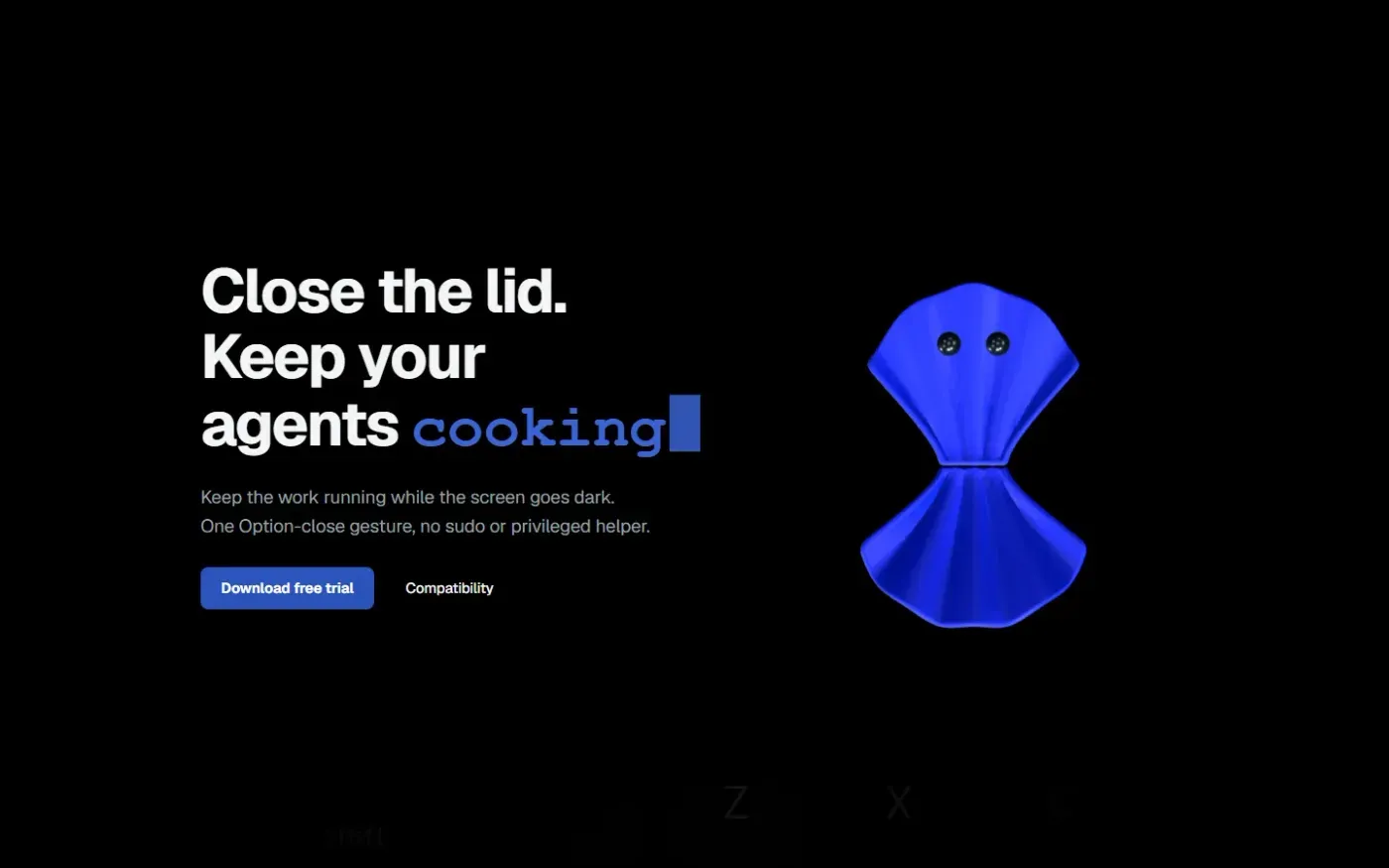
Clamshell — Close your MacBook. Keep the work running. screenshot 1 of 4: Home
clamshell.dev
Keep your Mac awake with the lid closed so your agents keep running. The internal display sleeps and wakes instantly on lid open.
Home
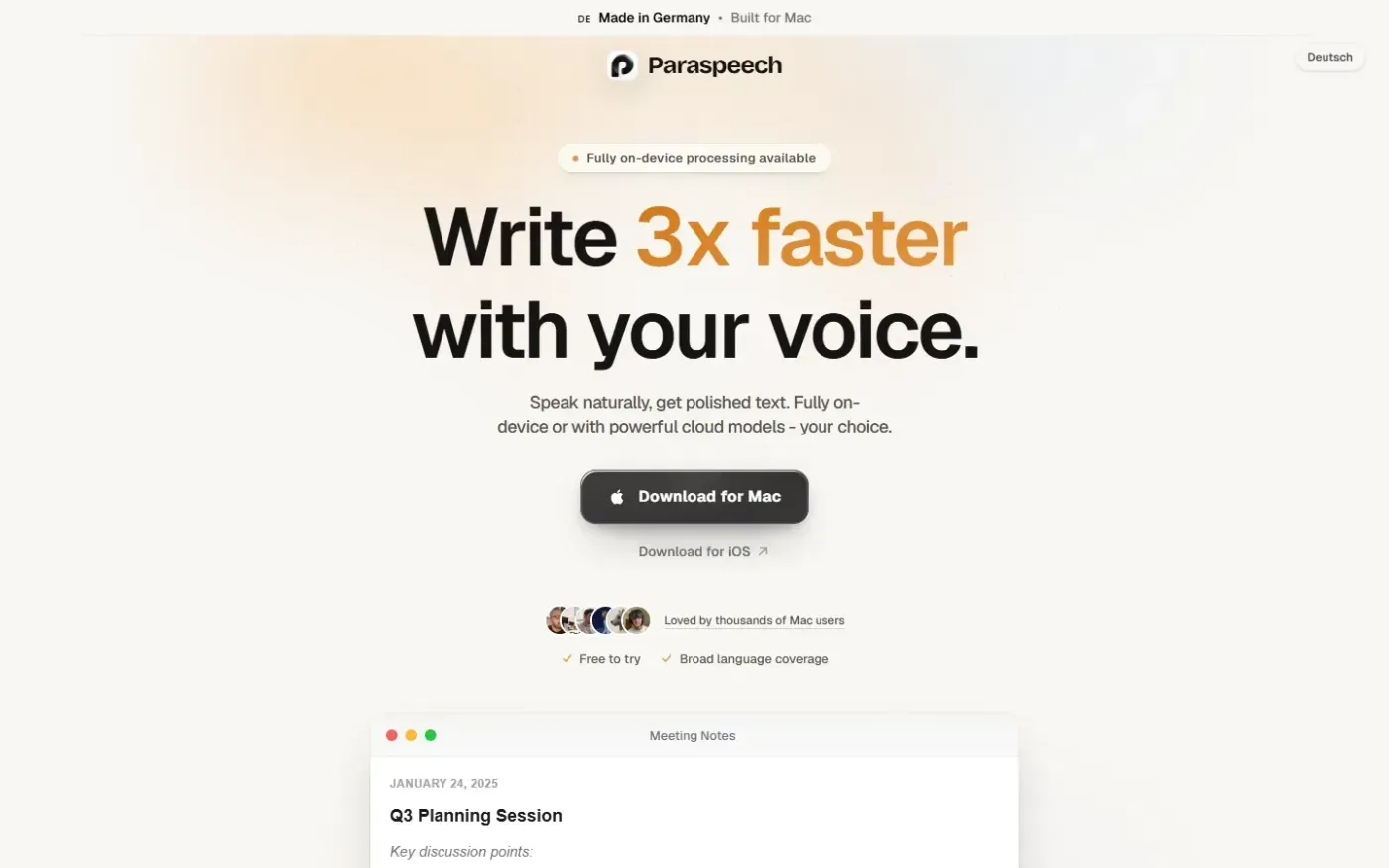
Paraspeech screenshot 1 of 4: Home
paraspeech.com
Speech-to-text for Mac with supported local and eligible cloud-backed processing paths, plus Mac-wide text insertion.
Home
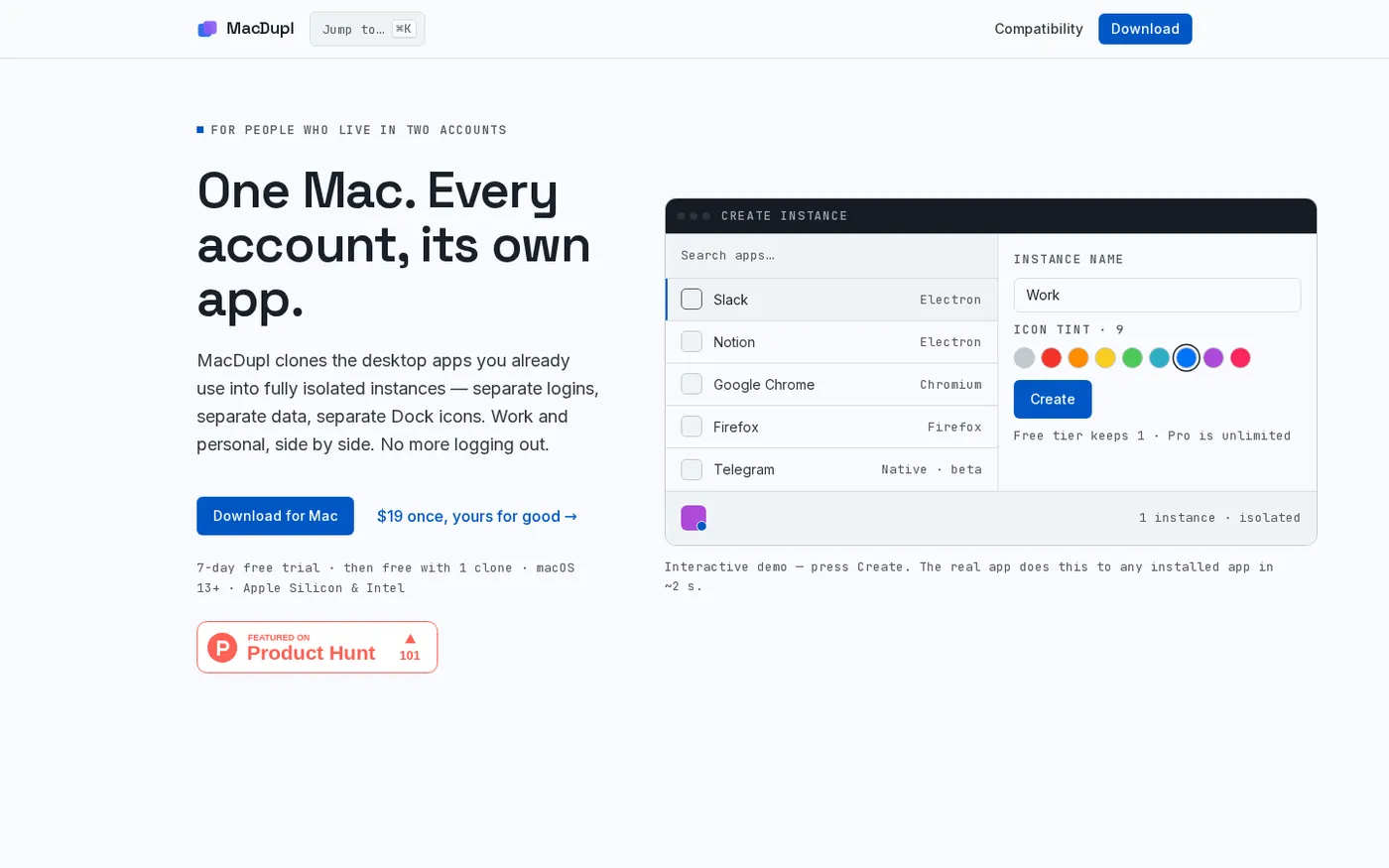
MacDupl — Clone any Mac app into a fully isolated instance screenshot 1 of 4: Home
macdupl.app
Clones installed macOS desktop applications into fully isolated instances with separate logins, cookies, caches, preferences, and Dock icons, utilizing APFS copy-on-write for near-zero additional disk space.
Home
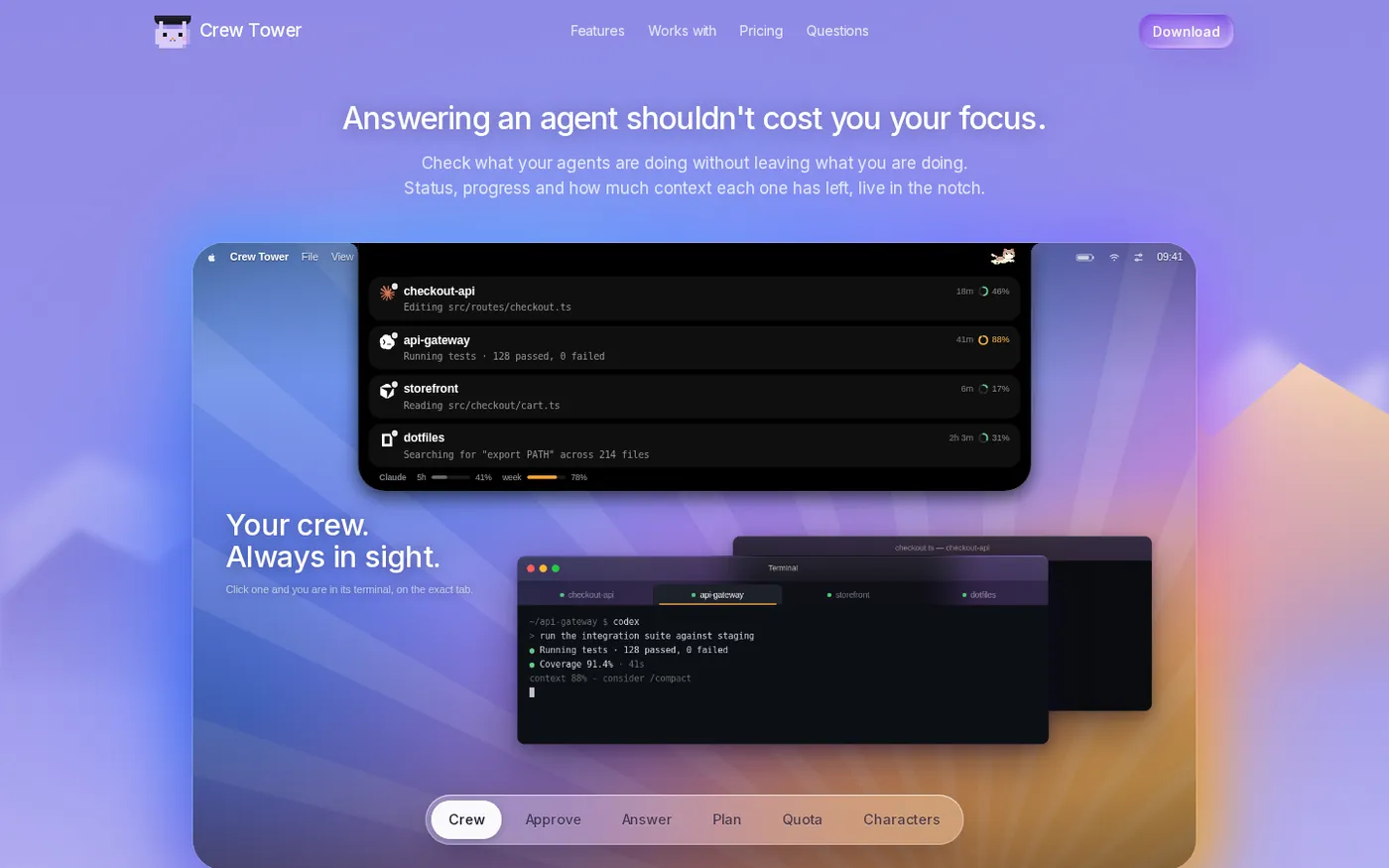
CrewTower — Control your agents from the notch screenshot 1 of 4: Home
crewtower.app
Crew Tower turns the MacBook notch into a live control tower for every AI coding agent you run. Approve, deny, answer and jump to the exact terminal tab without leaving what you are doing.