A local-first, open-source alternative to Logitech Options+ written in Rust. It remaps buttons, controls DPI, SmartShift, scrolling, lighting, and camera settings for Logitech peripherals over HID++ without requiring an account or sending telemetry. Configuration is stored in a plain TOML file.
Desktop app for Claude Code and ChatGPT Codex on macOS, Windows and Linux. Compresses context locally to cut token costs by about 50%, so a user's plan lasts longer.
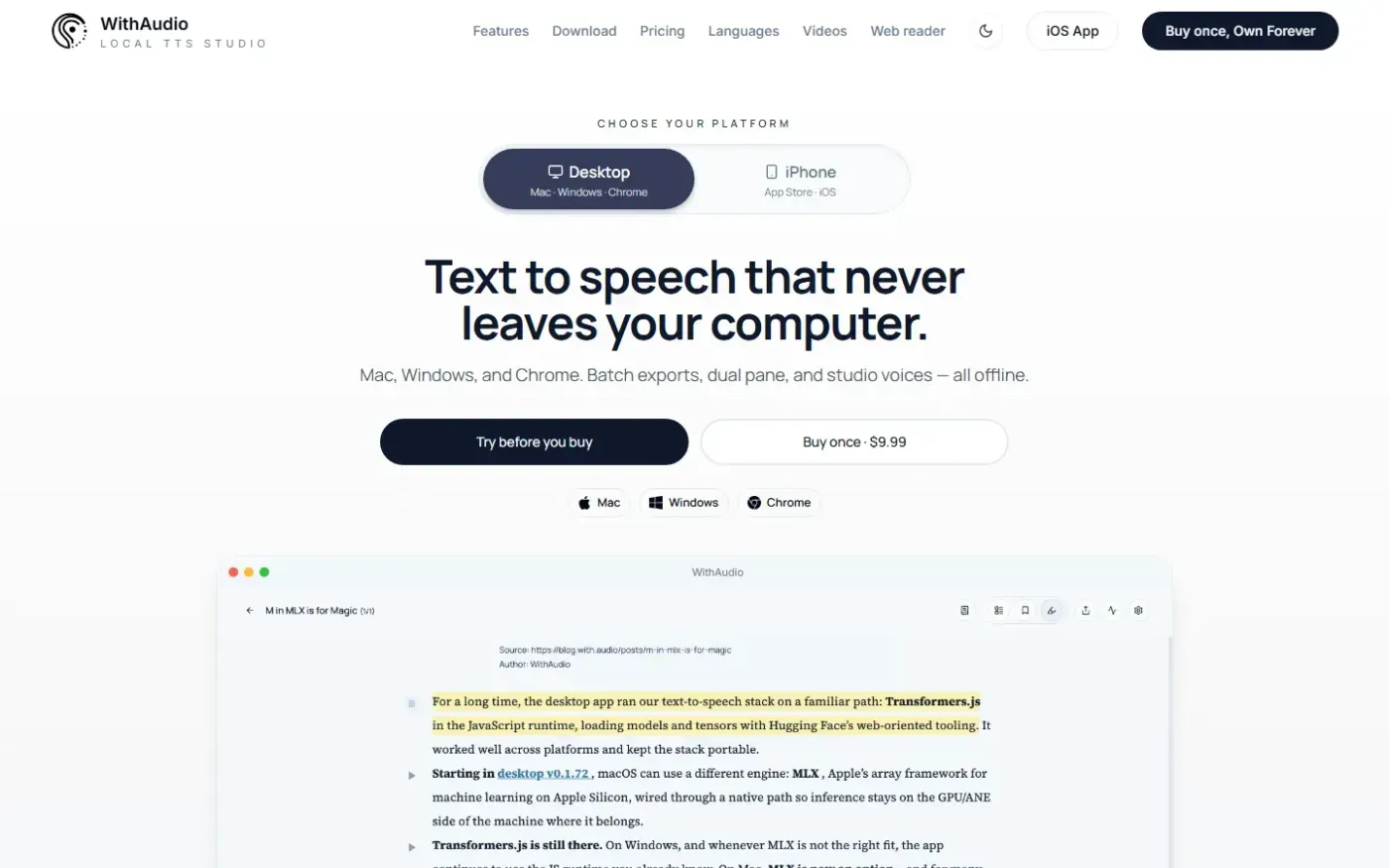
WithAudio is a document reader and local text-to-speech studio for reading and listening to documents with synchronized text highlighting. It supports offline processing, document imports, audiobook exports, and a companion Chrome extension.
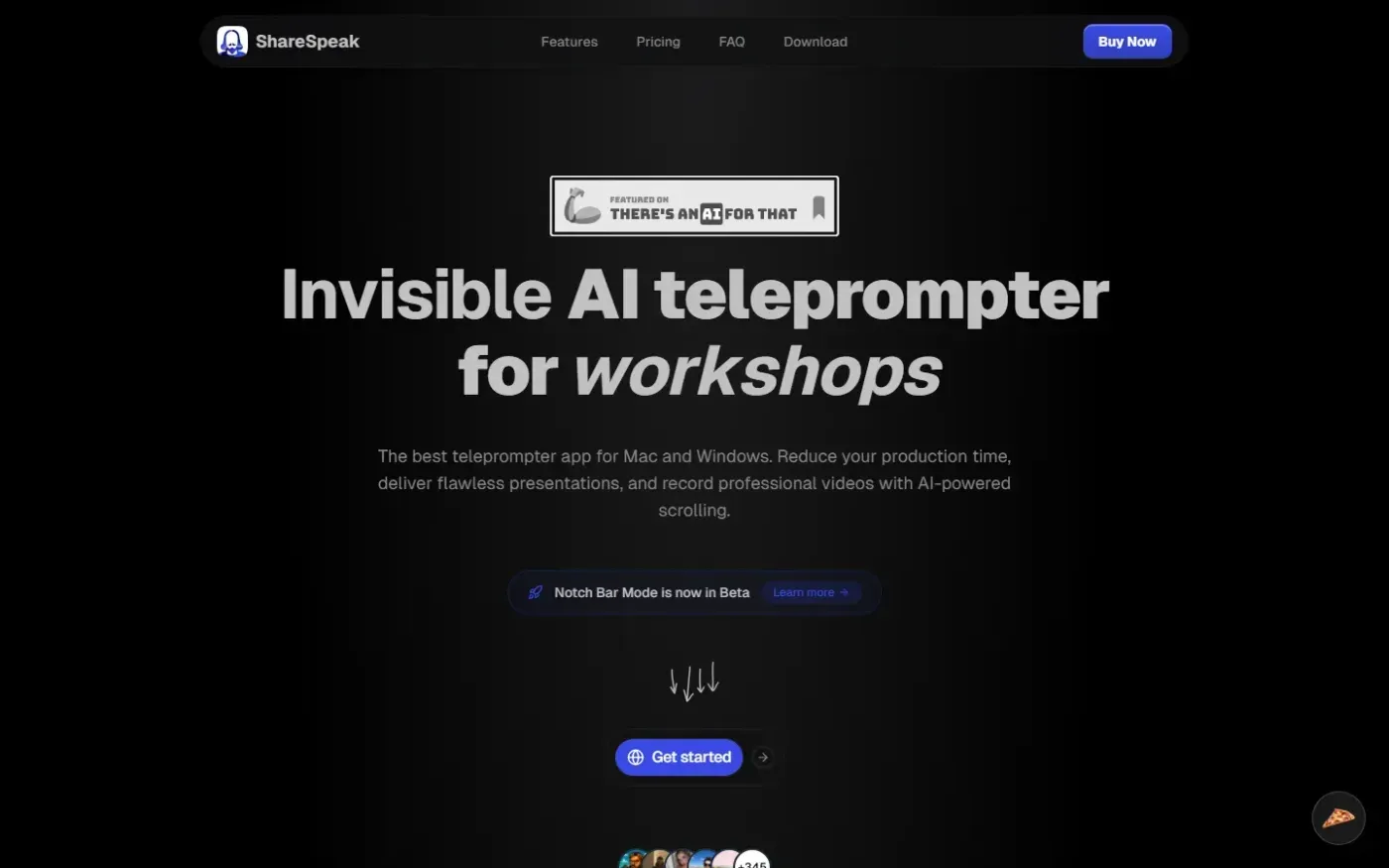
ShareSpeak is an invisible AI teleprompter app for Mac and Windows that uses voice-activated scrolling and stays hidden during screen sharing, calls, and recordings.
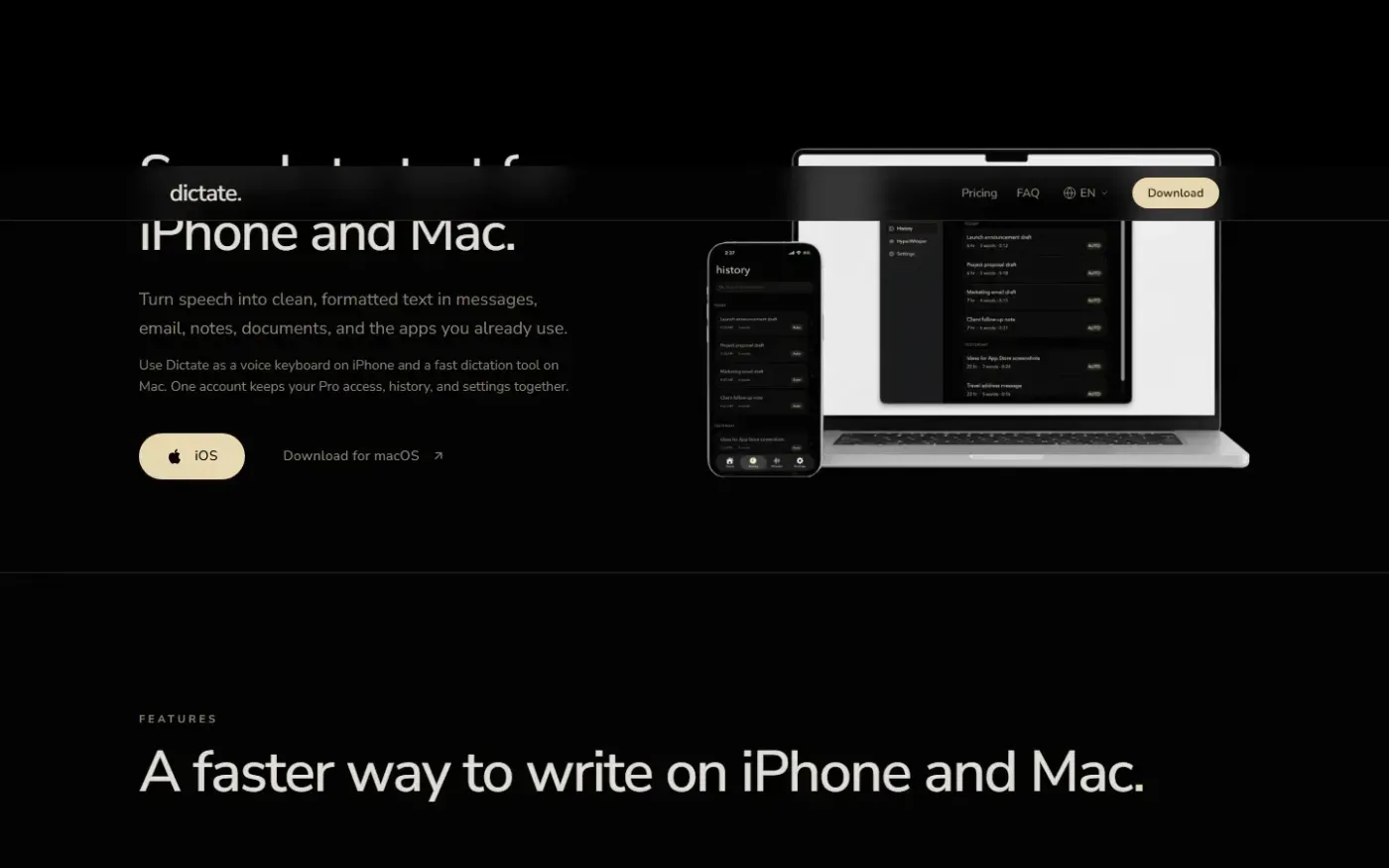
Dictate turns voice into clean, formatted text on iPhone and Mac. It works as a voice keyboard on iPhone and a fast speech-to-text tool on Mac, with one account keeping Pro access, history, and settings together.
Orkas is an open-source, local-first multi-agent AI desktop client for macOS and Windows. Users direct AI agents by chat to produce research, documents, slides, videos, websites, and other work.
Home
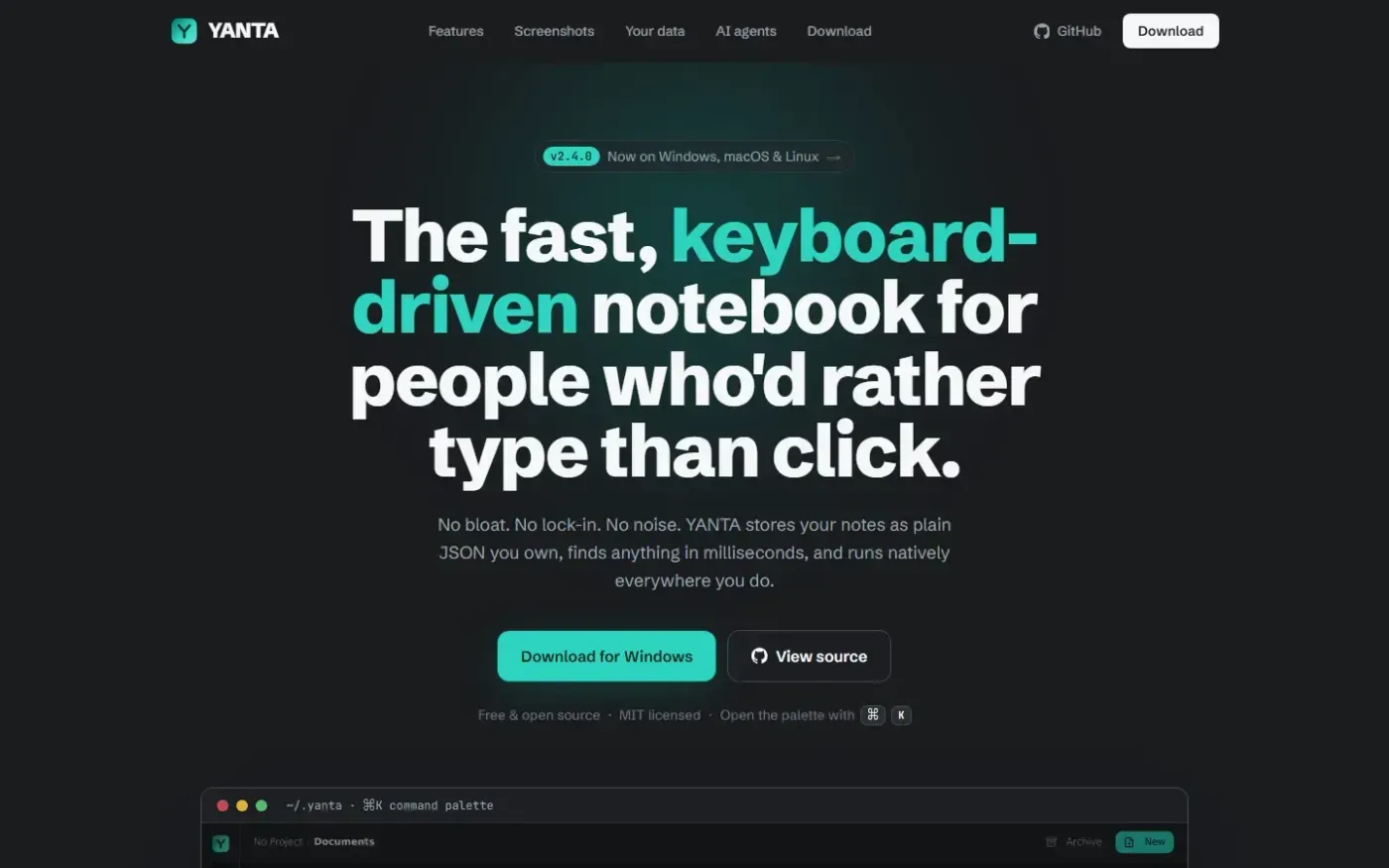
YANTA — Fast, modern notes for people who prefer the keyboard screenshot 1 of 4: Home
YANTA is a fast, keyboard-driven note-taking application designed for users who prefer a command-line experience. It stores notes locally as plain JSON files, ensuring no vendor lock-in and complete data ownership. The app features a built-in command palette, Vim-style shortcuts, full-text search, and project-based organization. It runs natively on Windows, macOS, and Linux with a minimal memory footprint and no browser engine.
Private AI workspace for macOS that brings local and cloud AI models into one native app, with support for Ollama, LM Studio, MLX, Claude, OpenAI, Gemini, Grok, Groq, OpenRouter, and OpenAI-compatible APIs.
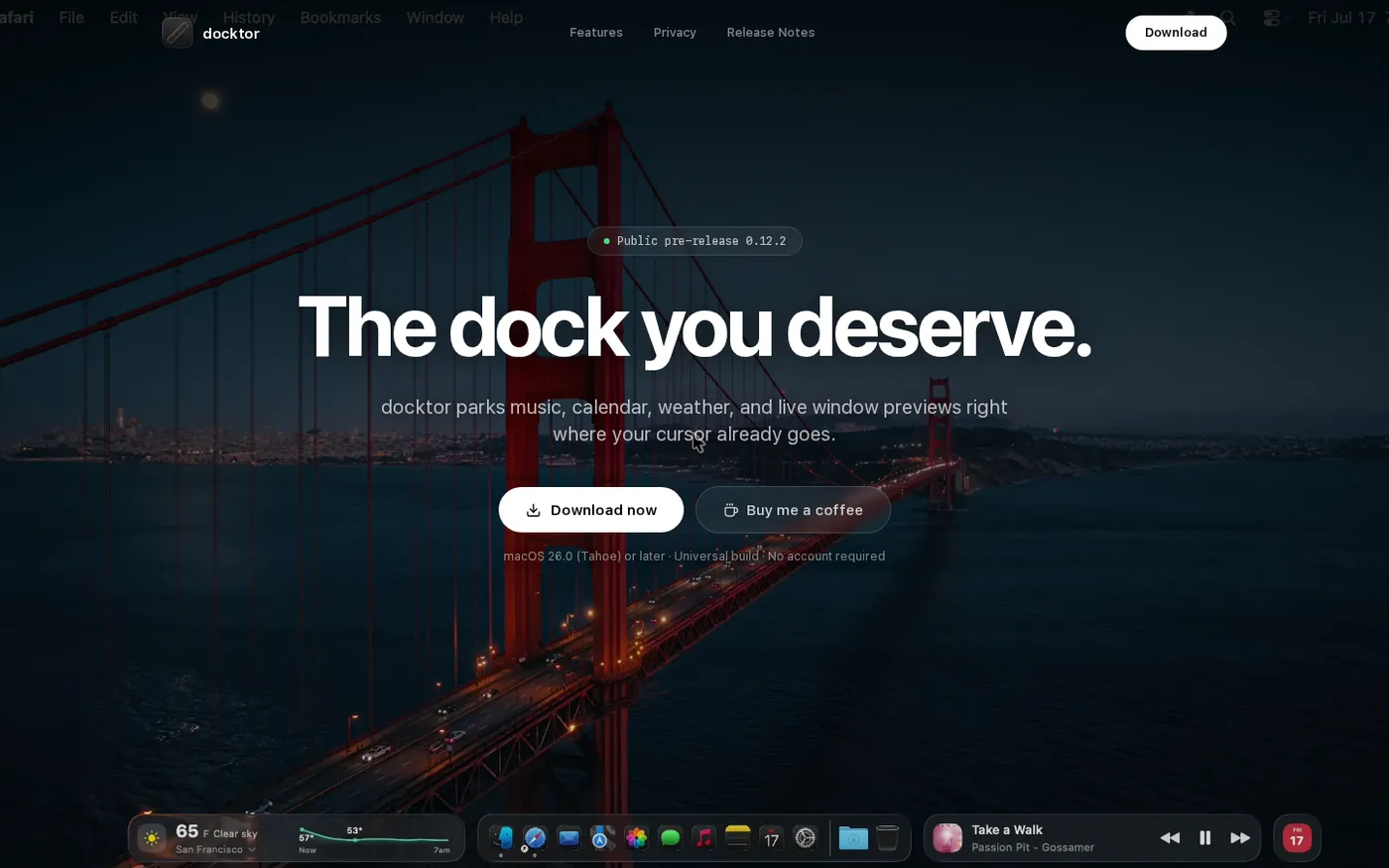
Home
docktor — Your Dock's wasted side space, now full of widgets screenshot 1 of 3: Home
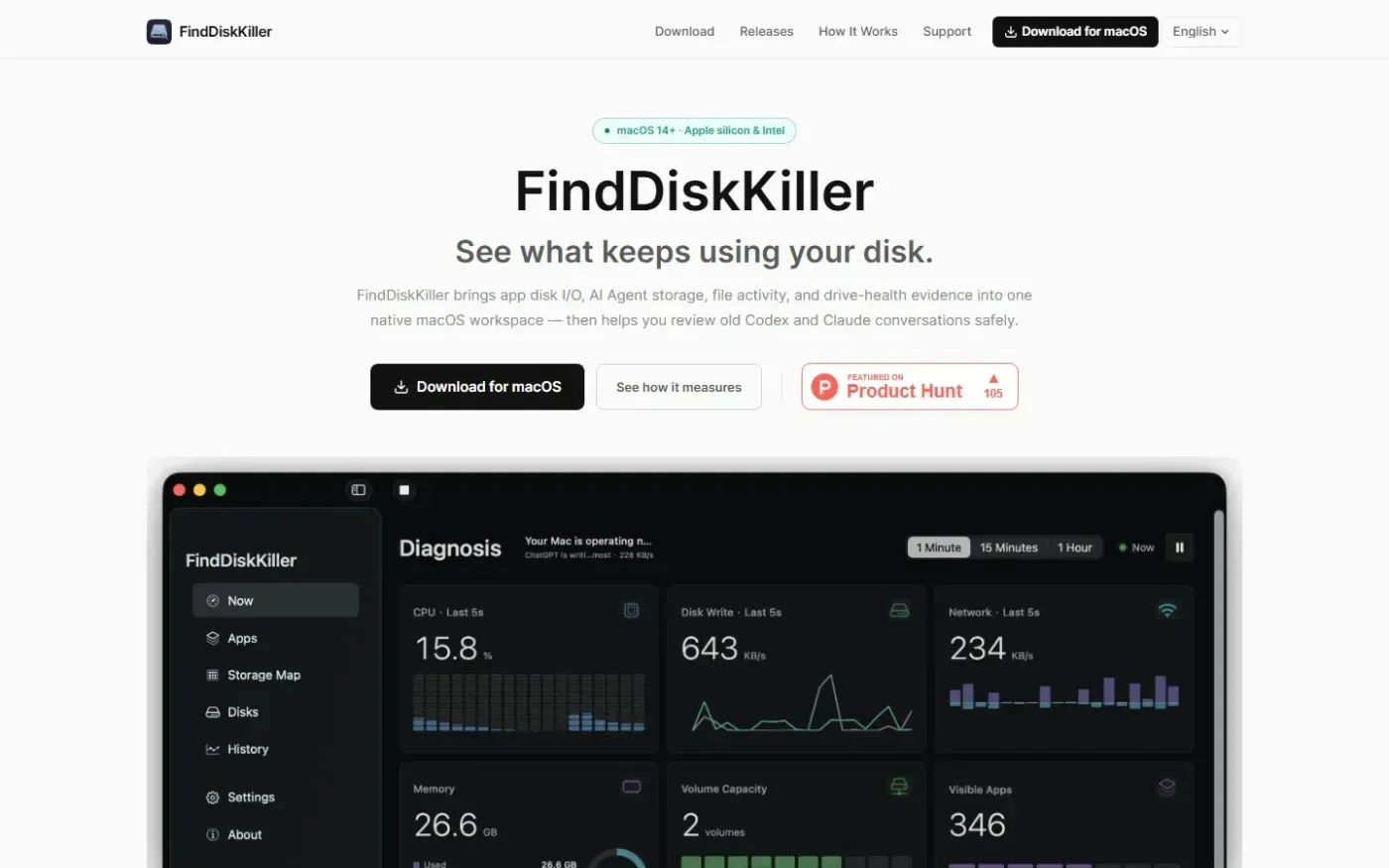
FindDiskKiller combines app disk I/O, AI Agent storage analysis, thread/session attribution, safe official cleanup, file activity, and drive-health evidence in one native macOS workspace.
Home
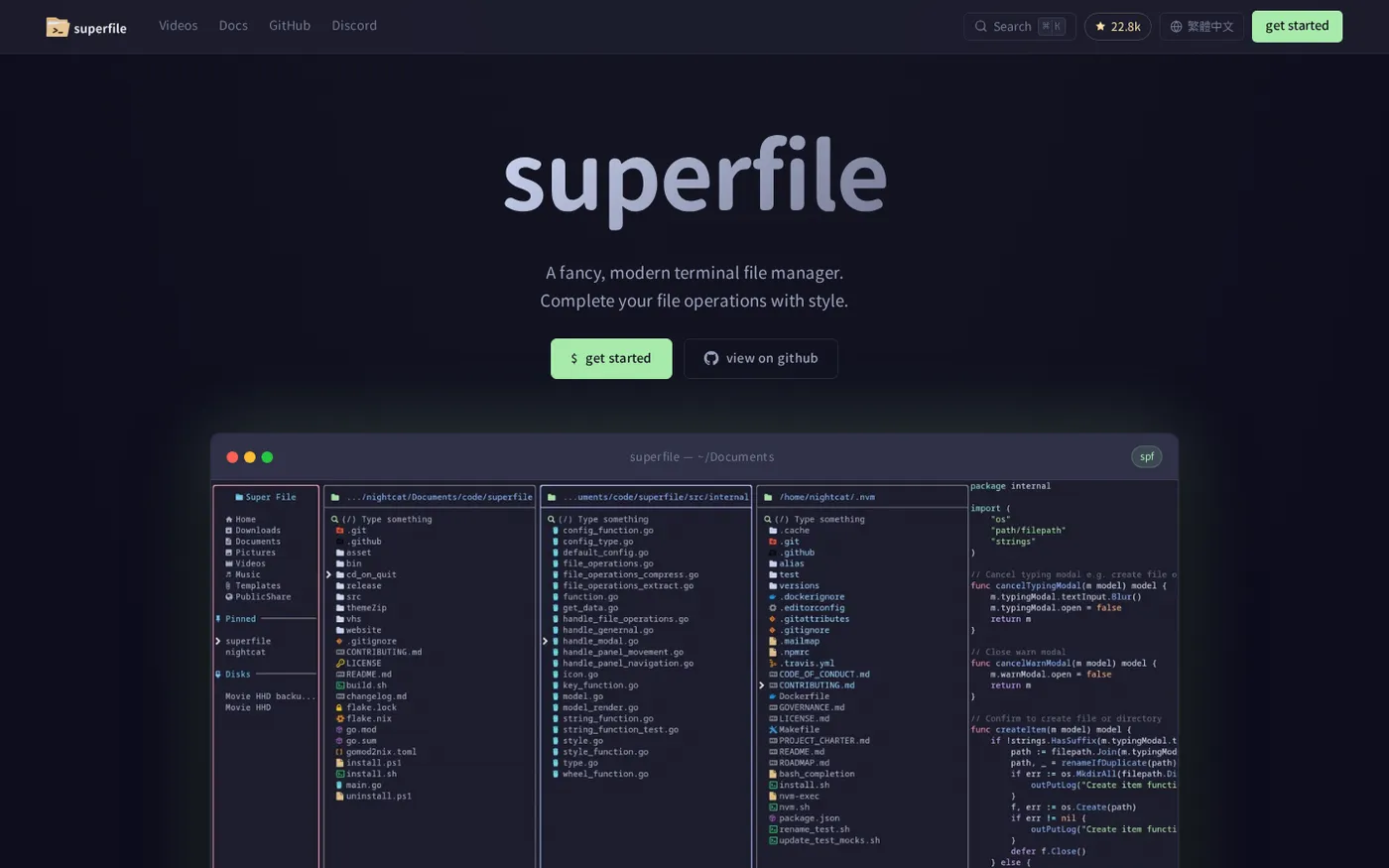
superfile — A modern, visual file manager for the terminal screenshot 1 of 4: Home
A modern terminal file manager built with Go and Bubble Tea, designed for developers who work in the command line. It provides a refined UI with features like multiple panels, fuzzy search, bulk operations, image preview, customizable hotkeys/themes, and community plugin support.
Clicknow is a macOS application that activates when text is selected in any app and uses an AI knowledge engine to translate, explain, summarize, or search it.
Home
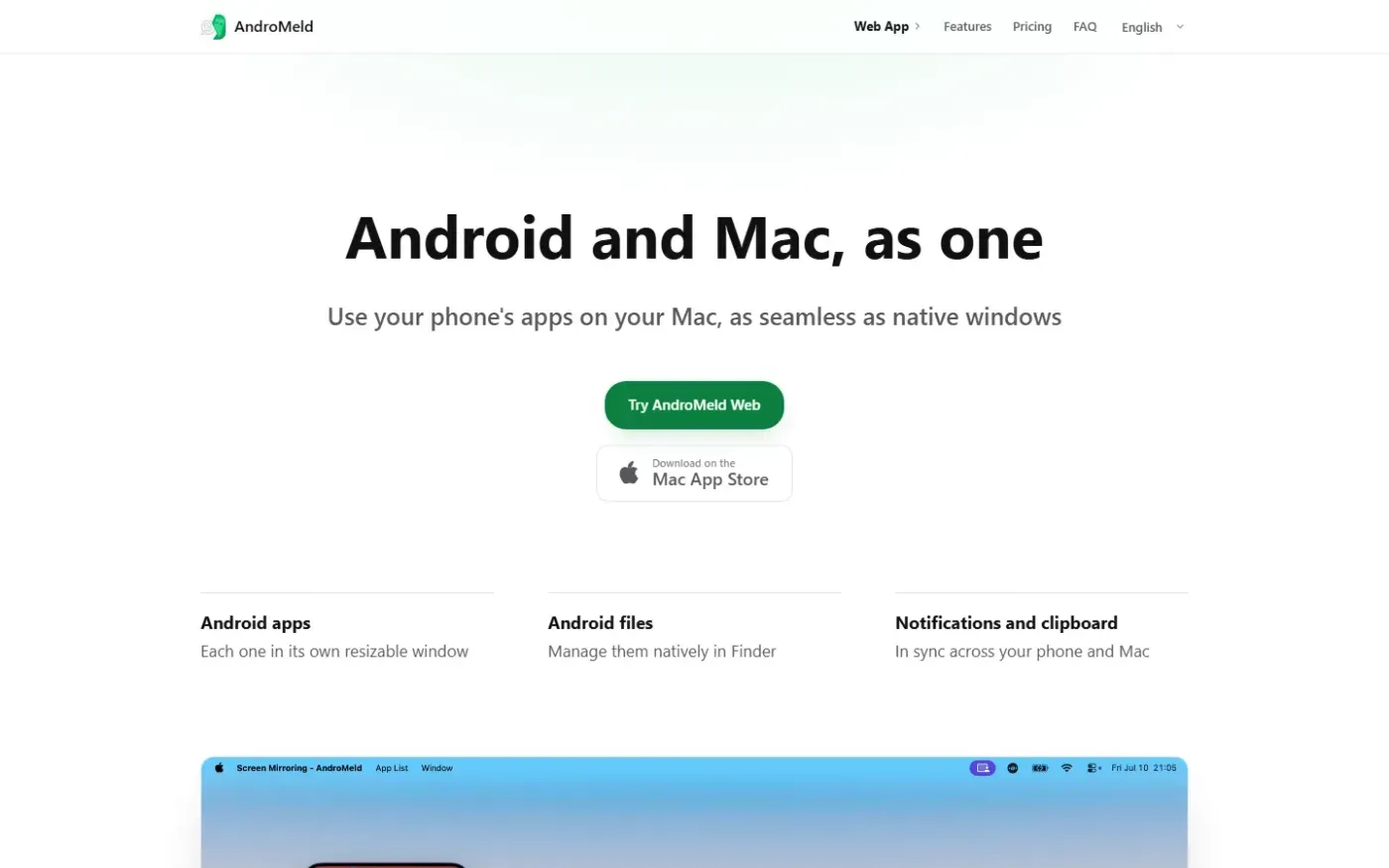
AndroMeld — Bring a continuity-style experience to Android and Mac screenshot 1 of 4: Home
AndroMeld connects Android phones to Macs over USB or Wi-Fi, enabling app mirroring in resizable windows, native Finder file management, and synced notifications/clipboard without an emulator or cloud server.
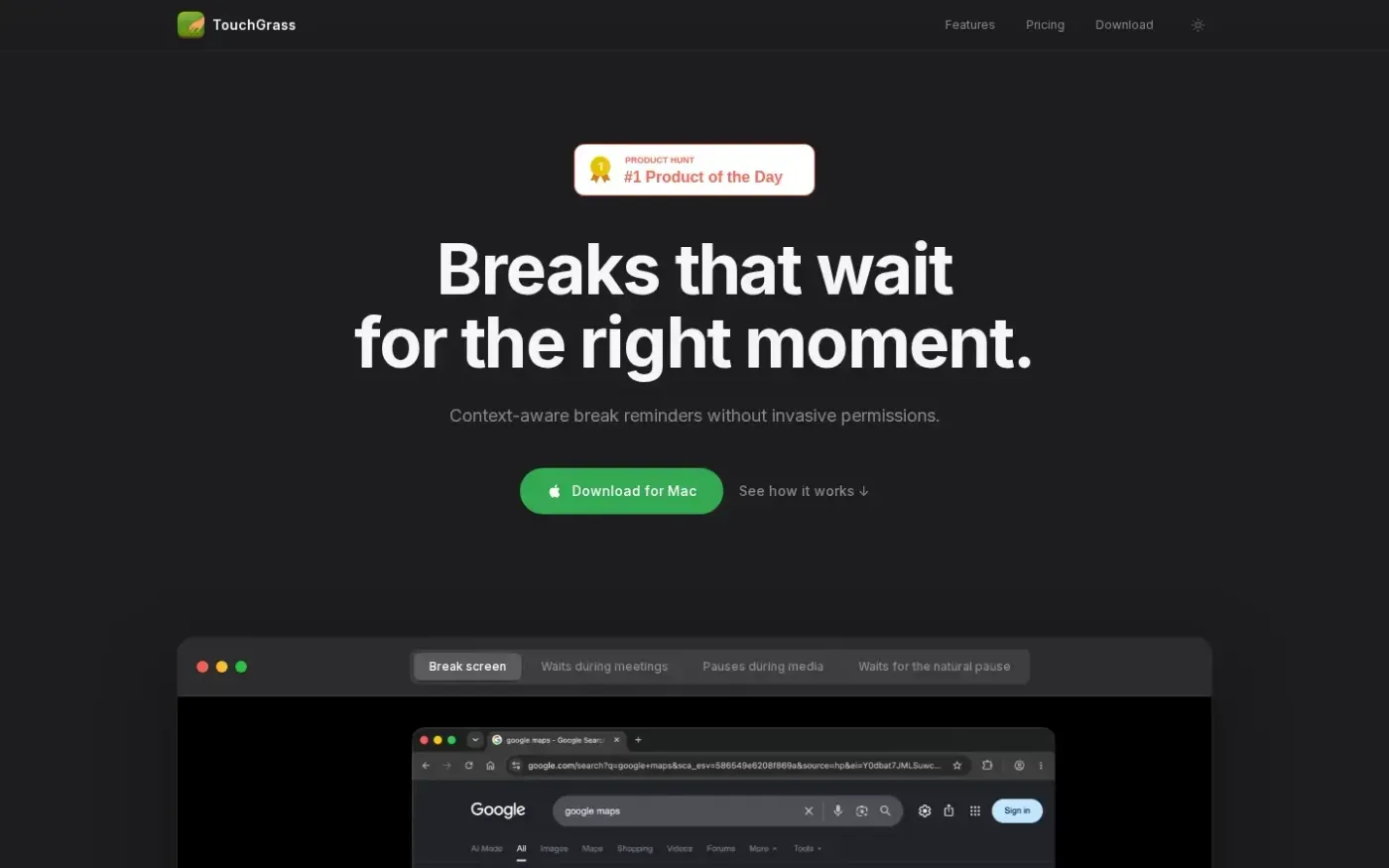
A context-aware macOS break reminder that pauses for meetings and media, counts time away as a break, and operates without invasive Accessibility permissions. It includes wellness features like posture and blink reminders and typing strain alerts, processing all data locally for privacy.
Magic Organize proposes a folder structure from your filenames and shows you the plan before anything moves. Magic Rename reads what is inside your files and names them, on your Mac or through Cloud AI. System Cleaner clears duplicates, unused apps and developer caches. macOS 12 or later.
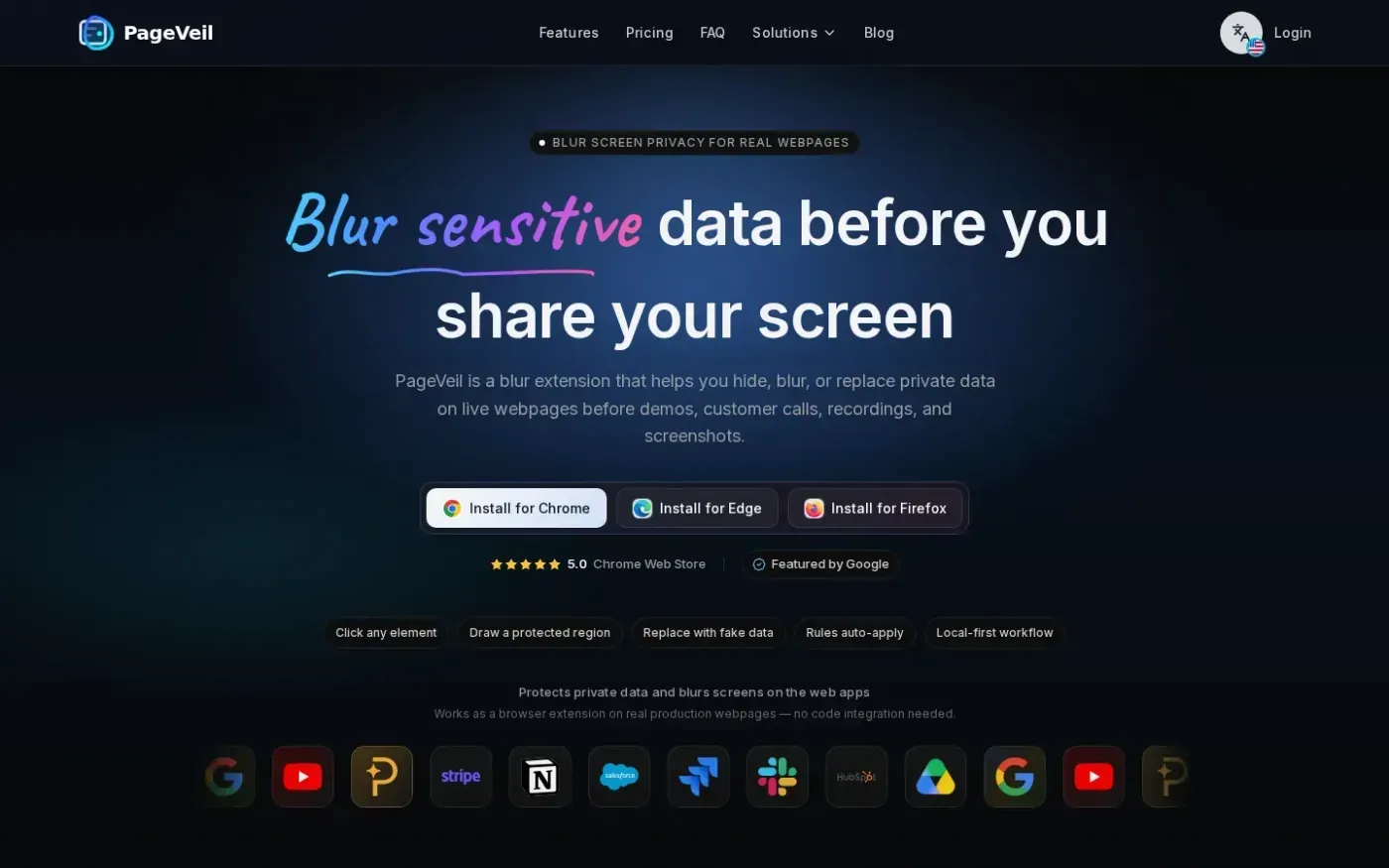
PageVeil is a blur extension that helps you hide, blur, or replace private data on live webpages before demos, customer calls, recordings, and screenshots.
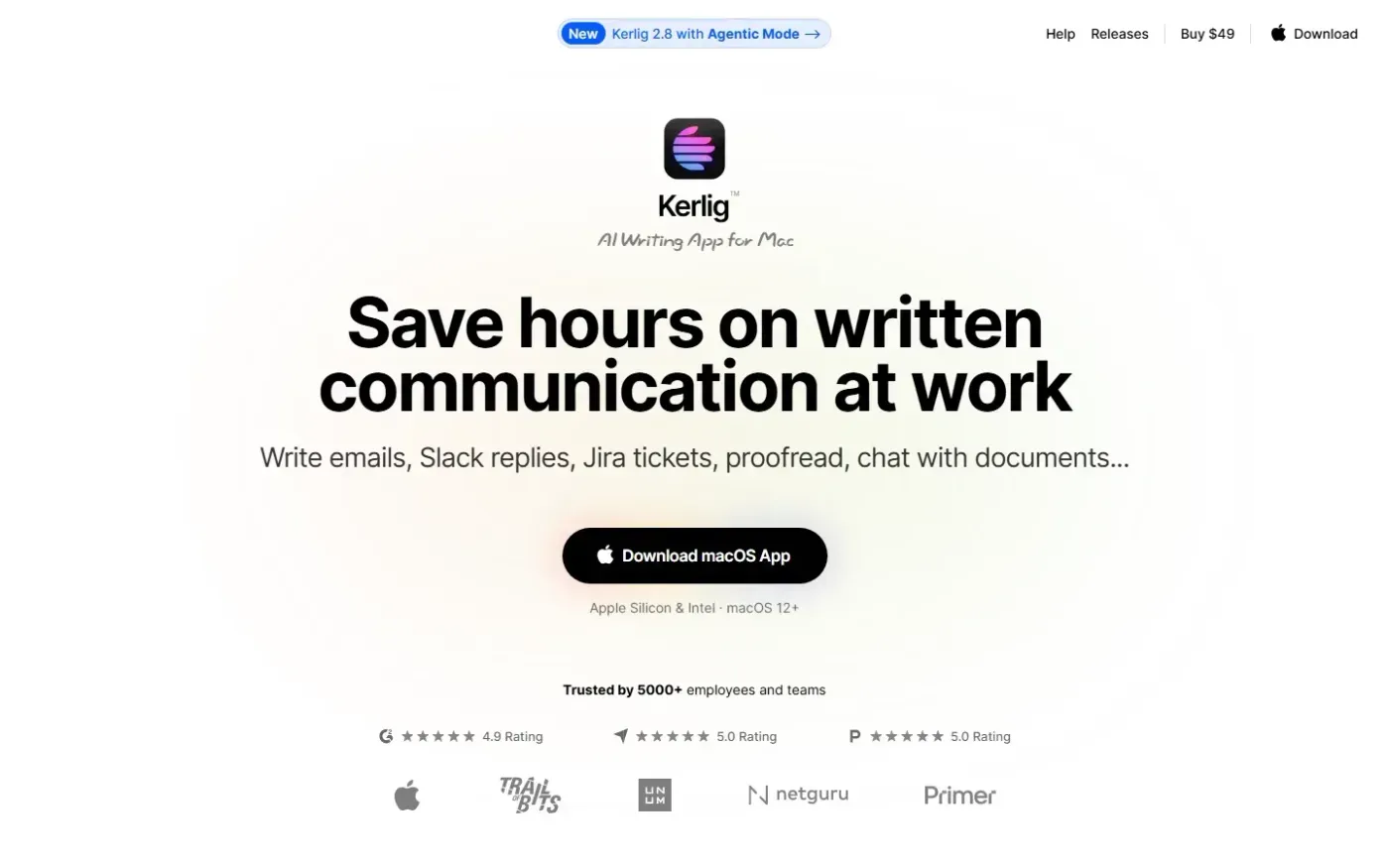
Kerlig is a macOS AI writing and productivity application for writing emails, Slack replies, and Jira tickets, proofreading, chatting with documents, and using Agentic Mode with connected apps.
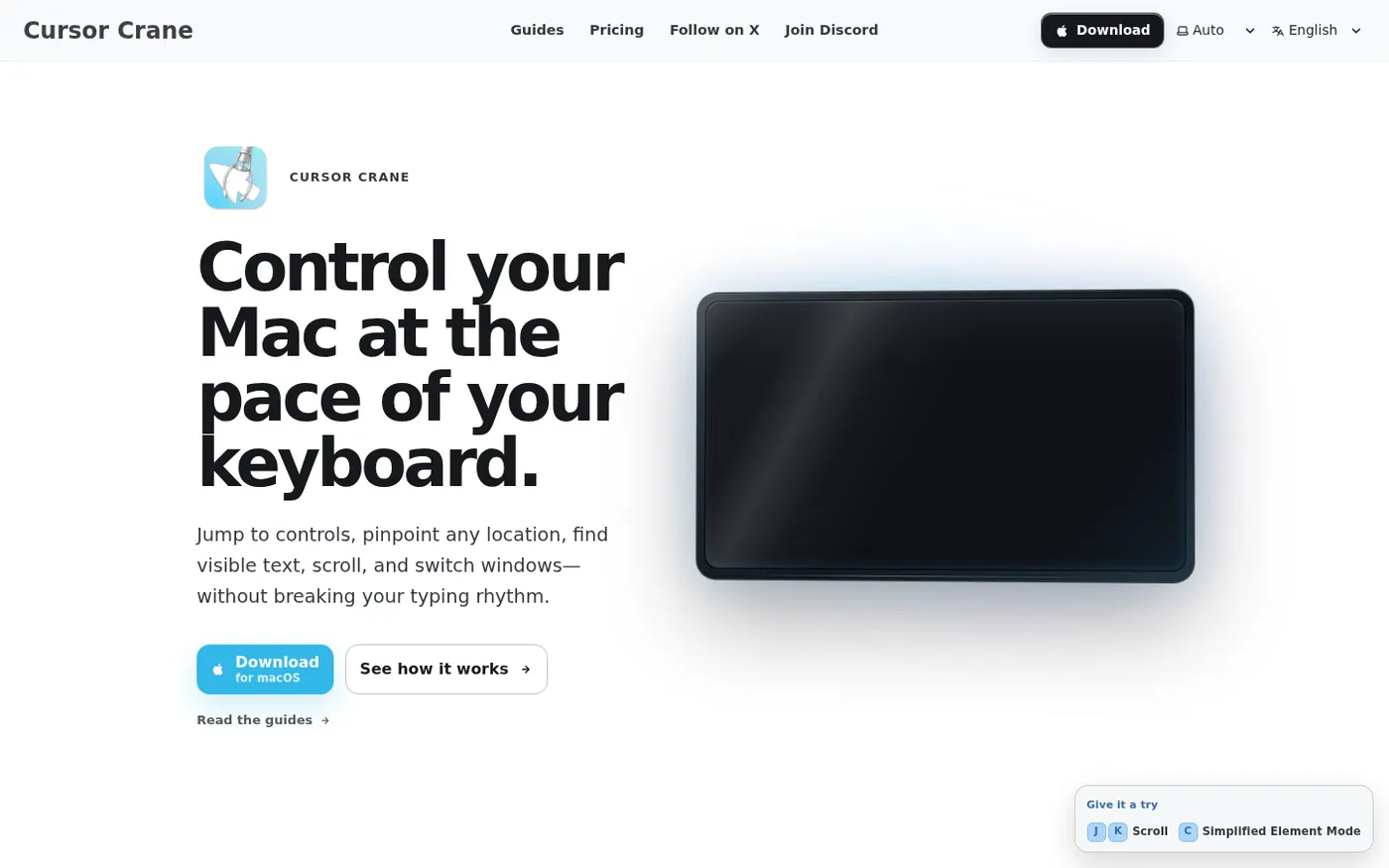
A keyboard-first macOS application that enables precise mouse control, element navigation via hints, on-screen text search with OCR, window switching, and workflow automation.