SiteList review score
Offers a sophisticated macOS app-cloning utility and exceptional technical writing. Critical infrastructure issues and mobile usability defects currently limit growth.
Reviewed on Aug 9, 2026
macdupl.app
Unclaimed listingIs this your site?
Claim itWhat it does
Clones installed macOS desktop applications into fully isolated instances with separate logins, cookies, caches, preferences, and Dock icons, utilizing APFS copy-on-write for near-zero additional disk space.
SiteList review score
Offers a sophisticated macOS app-cloning utility and exceptional technical writing. Critical infrastructure issues and mobile usability defects currently limit growth.
Reviewed on Aug 9, 2026
Verified user rating
—
No verified reviews yet — the evidence locker is empty.
Captured during our latest review on Aug 24, 2026
One-time purchase for unlimited instances. Free tier includes 1 instance after a 7-day trial. Billed one time.
| Plan | Price | Details |
|---|---|---|
| Free | $0 one time per instance | Full app with one clone after the 7-day trial ends. 1 instance View source |
| Pro | $19 one time per license | Unlimited instances and all engine families. View source |
App Cloning
Core Functionality
Duplicates installed macOS apps into fully isolated instances with separate identities.
Data Isolation
Security & Privacy
Maintains separate logins, cookies, caches, and preferences per instance.
APFS Copy-on-Write
Performance
Clones share disk blocks with the original app for near-zero extra storage usage.
Icon Customization
UI/UX
Assigns color-tinted, badged Dock icons and distinct identities per clone.
Zero Telemetry
Privacy
No analytics or cloud data collection; only license validation and update checks occur.
Developer Workflow
Run separate git identities, code editors, and database clients simultaneously without account conflicts.
Social Media Management
Maintain permanent sign-ins for multiple brand accounts across schedulers and ad managers.
Agency & Client Work
Isolate client logins, credentials, and project data from personal or other client environments.
CapCut
Claude
Discord
Google Chrome
Slack
Spotify
Tailscale
Telegram
MacDupl only duplicates locally installed apps for your own use; compliance with third-party terms is your responsibility.
Clones stay up to date automatically with sessions intact, though keeping MacDupl running in the background ensures instant refreshes.
Most sandboxed App Store apps cannot be cloned due to shared containers; WhatsApp is the only tested exception.
Product FAQ information · View source
MacDupl earns a 85/100 for its sophisticated macOS app-cloning utility and exceptional technical writing. However, critical infrastructure issues and mobile usability defects currently limit its growth potential.
85/100: Sophisticated utility with fixable technical blockers.
No reviews yet. The evidence locker is empty.
Reviews from verified users appear here once approved.
Reviews are from the SiteList community. Some reviewers received incentives — disclosed in the review, always. The verdict is never for sale.
Home
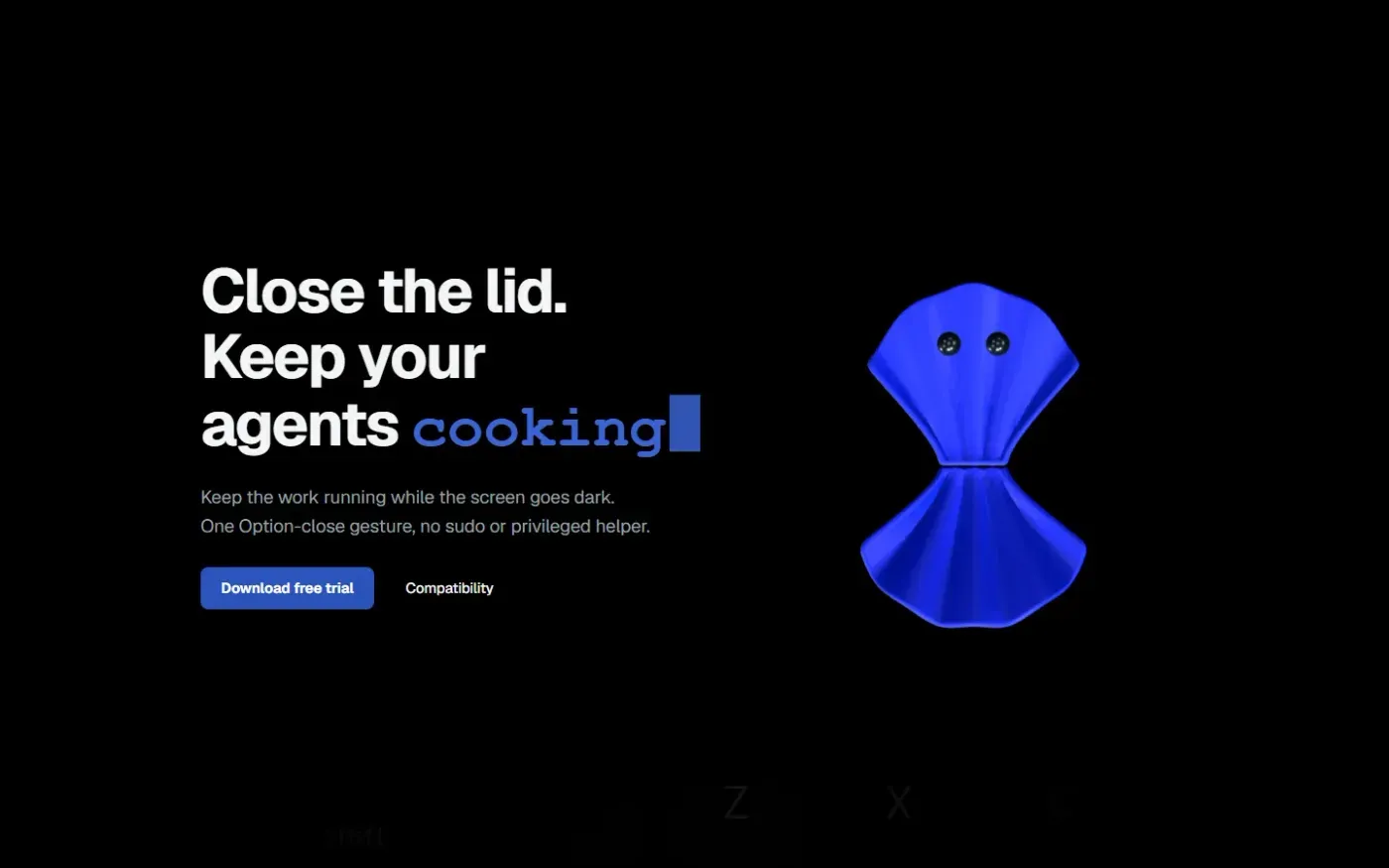
Clamshell — Close your MacBook. Keep the work running. screenshot 1 of 4: Home
clamshell.dev
Keep your Mac awake with the lid closed so your agents keep running. The internal display sleeps and wakes instantly on lid open.
Home
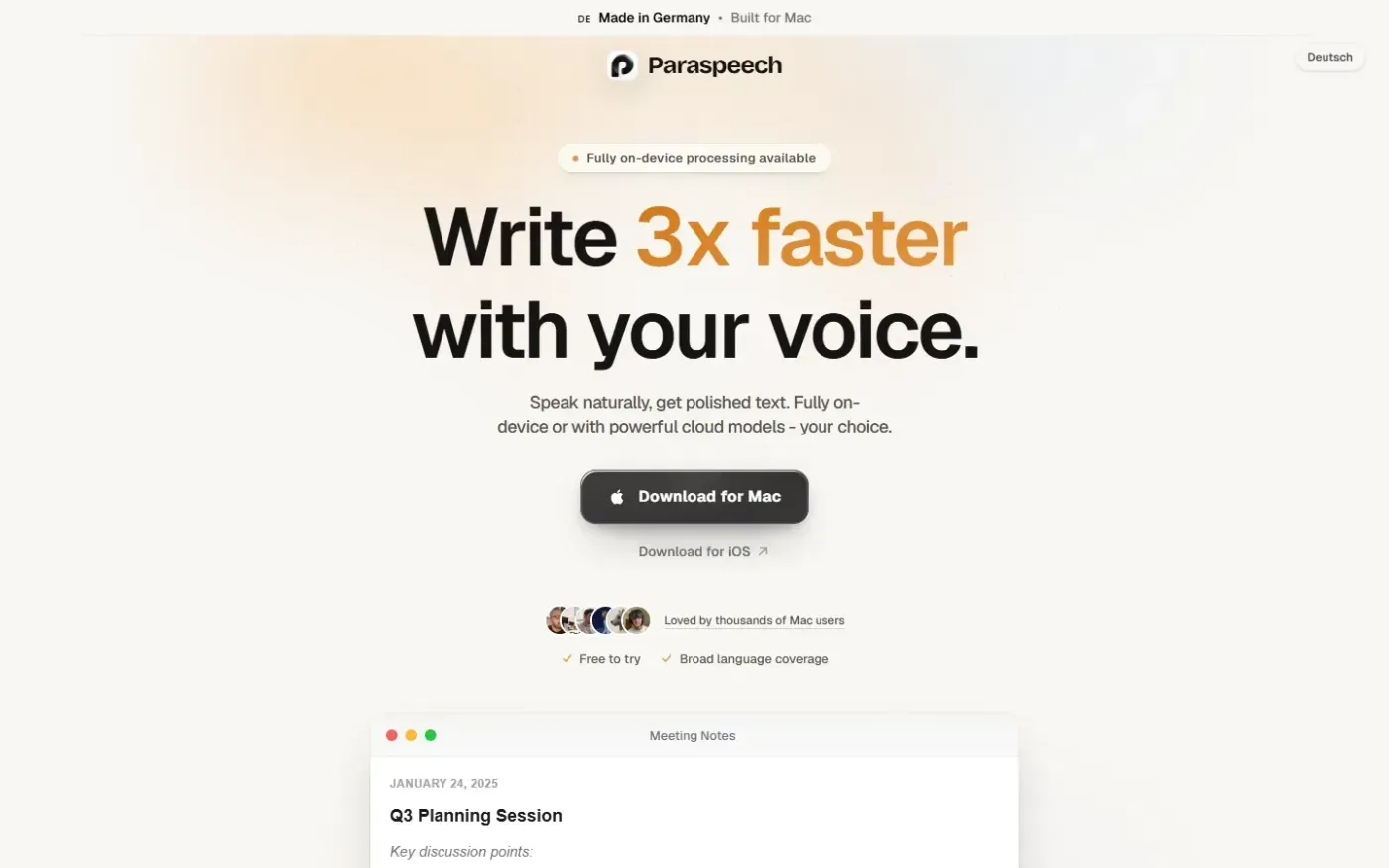
Paraspeech screenshot 1 of 4: Home
paraspeech.com
Speech-to-text for Mac with supported local and eligible cloud-backed processing paths, plus Mac-wide text insertion.
Home
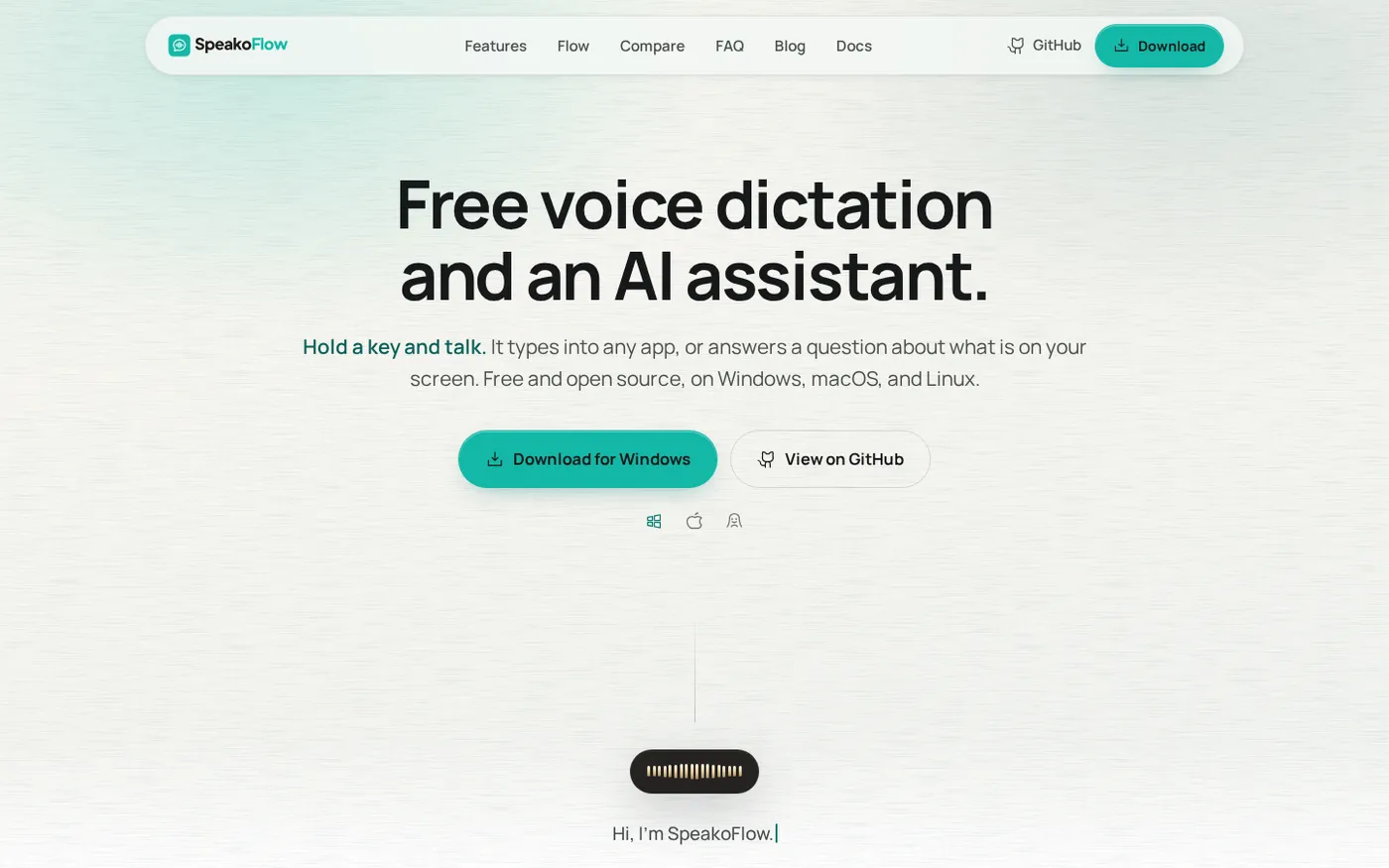
SpeakoFlow — Free, open-source voice dictation and AI assistant, offline screenshot 1 of 4: Home
speakoflow.com
Free, open-source, local-first voice-to-text desktop utility that transcribes speech into any app via hotkey, plus an AI assistant for drafting, cleanup, translation, and screen context.
Home
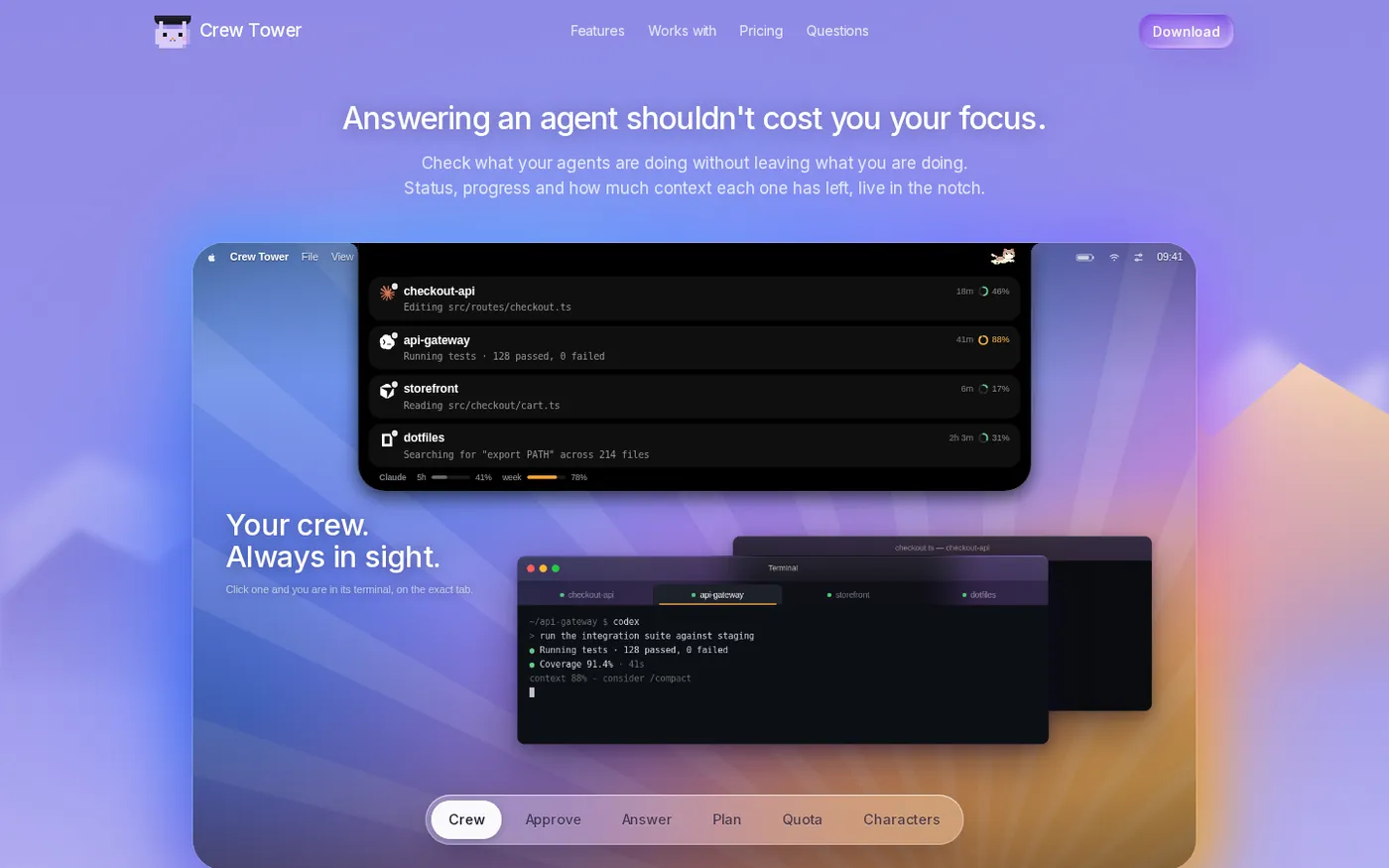
CrewTower — Control your agents from the notch screenshot 1 of 4: Home
crewtower.app
Crew Tower turns the MacBook notch into a live control tower for every AI coding agent you run. Approve, deny, answer and jump to the exact terminal tab without leaving what you are doing.