SiteList review score
Differentiates with an on-device architecture requiring no IT admin approval. Technical setup suffers from sitewide soft-404 responses and a broken www subdomain.
Reviewed on Aug 27, 2026
outlookgooglecalendarsyncmac.com
Unclaimed listingWhat it does
Sync Outlook calendars to Google Calendar on your Mac without Microsoft admin approval.
SiteList review score
Differentiates with an on-device architecture requiring no IT admin approval. Technical setup suffers from sitewide soft-404 responses and a broken www subdomain.
Reviewed on Aug 27, 2026
Verified user rating
—
No verified reviews yet — the evidence locker is empty.
Captured during our latest review on Aug 27, 2026
Paid plans are coming soon. Billed monthly.
| Plan | Price | Details |
|---|---|---|
| Free Trial | $0 monthly per seat | Full access to all features for a limited period. 30 days · No credit card required View source |
Background sync
sync
Keeps Outlook and Google calendars matched automatically, as often as every 5 minutes.
Multiple sync jobs
sync
Pairs multiple Outlook calendars with separate Google calendars for independent configuration.
Private by default
privacy
Attendees are masked during mirroring so no calendar invitations are sent to external parties.
Smart de-duping
data_management
Matches recurring events and exceptions cleanly to prevent duplicates or data drift.
Configurable sync window
sync
Allows users to select how many days back and weeks ahead to sync events.
Menu bar app
ui
Runs in the macOS menu bar for status checking and on-demand syncing without breaking workflow.
Work to personal sync
Mirrors work Outlook calendars into a personal Google Calendar for unified viewing.
Team event tracking
Syncs shared team calendars to maintain visibility across Google and Outlook environments.
Travel planning
Pairs travel Outlook calendars with Google Trips for consolidated itinerary management.
Outlook
email/calendar
Reads calendars from the default Outlook mail client on macOS for mirroring to Google Calendar.
Google Calendar
calendar
Receives mirrored events and calendar data from Outlook via local sync jobs.
No. The application uses an on-device architecture that runs locally on macOS, allowing users to sync Outlook and Google calendars without elevated IT permissions.
The site delivers fast response times with a TTFB of 2ms and low layout shift, though mobile pages carry a 48MB video payload.
The service is listed as free with a 0–0 USD price range and offers a free trial, though full tier comparisons are omitted on the single landing page.
The audit identified sitewide soft-404 errors returning 200 OK for non-existent pages, along with a broken www subdomain returning error 523.
Answers are based on SiteList's latest evidence review. Read the full review.
Outlook Google Calendar Sync for Mac scores 79/100, delivering exceptional usability and fast 2ms server responses through an on-device architecture that bypasses IT approvals. However, technical configuration errors—including sitewide soft-404 responses and a broken www subdomain—pose significant crawling and indexability risks.
79/100: strong local calendar sync hampered by technical configuration errors
No reviews yet. The evidence locker is empty.
Reviews from verified users appear here once approved.
Reviews are from the SiteList community. Some reviewers received incentives — disclosed in the review, always. The verdict is never for sale.
Home
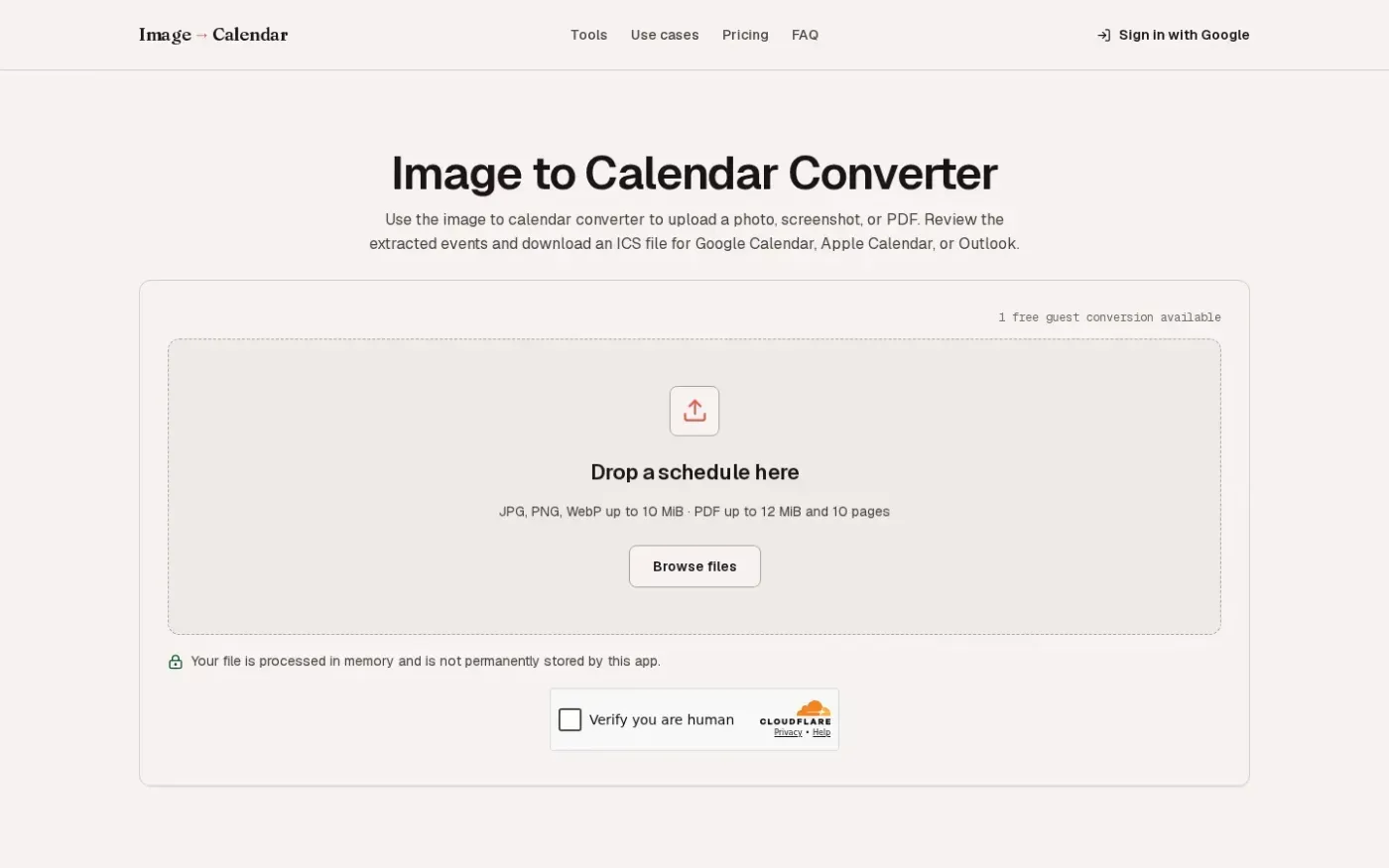
Imagetocalendar screenshot 1 of 4: Home
imagetocalendar.app
An image to calendar converter that turns photos, screenshots, and PDFs into editable events. Users can review extracted details like dates, times, and locations before downloading a standard ICS file compatible with Google Calendar, Apple Calendar, and Outlook.
Home
Dates by Agenda Hero — Create a plan for anything. Share it with anyone. screenshot 1 of 4: Home
agendahero.com
Agenda Hero converts text, images, and PDFs into calendar events for Google, Apple, and Outlook, and creates shareable digital and printable calendars for families, teams, schools, and organizations.
Home
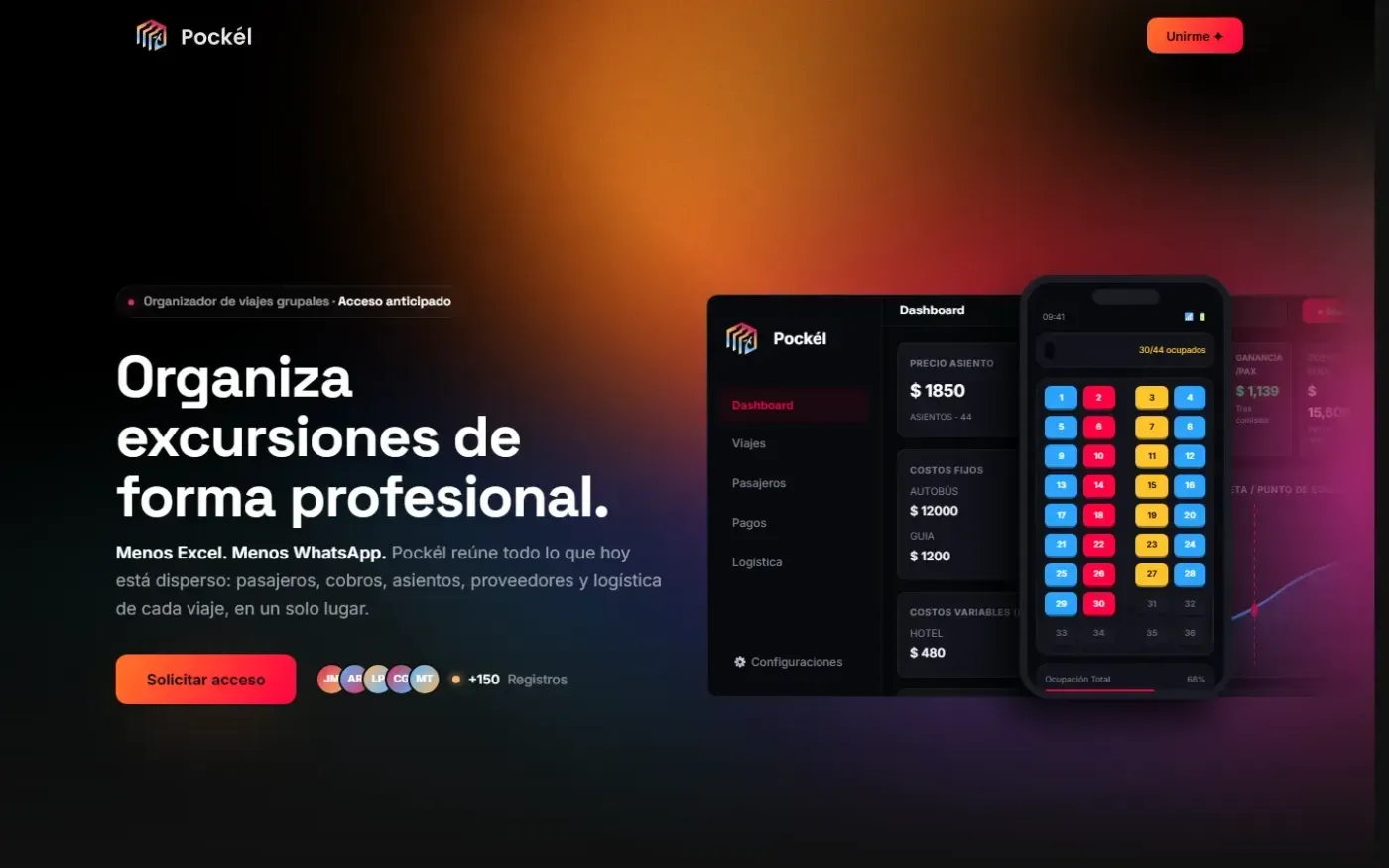
Pockel screenshot 1 of 3: Home
pockel.app
Pockél centralizes passengers, payments, seating, providers, and logistics for group tours in one place.
Home
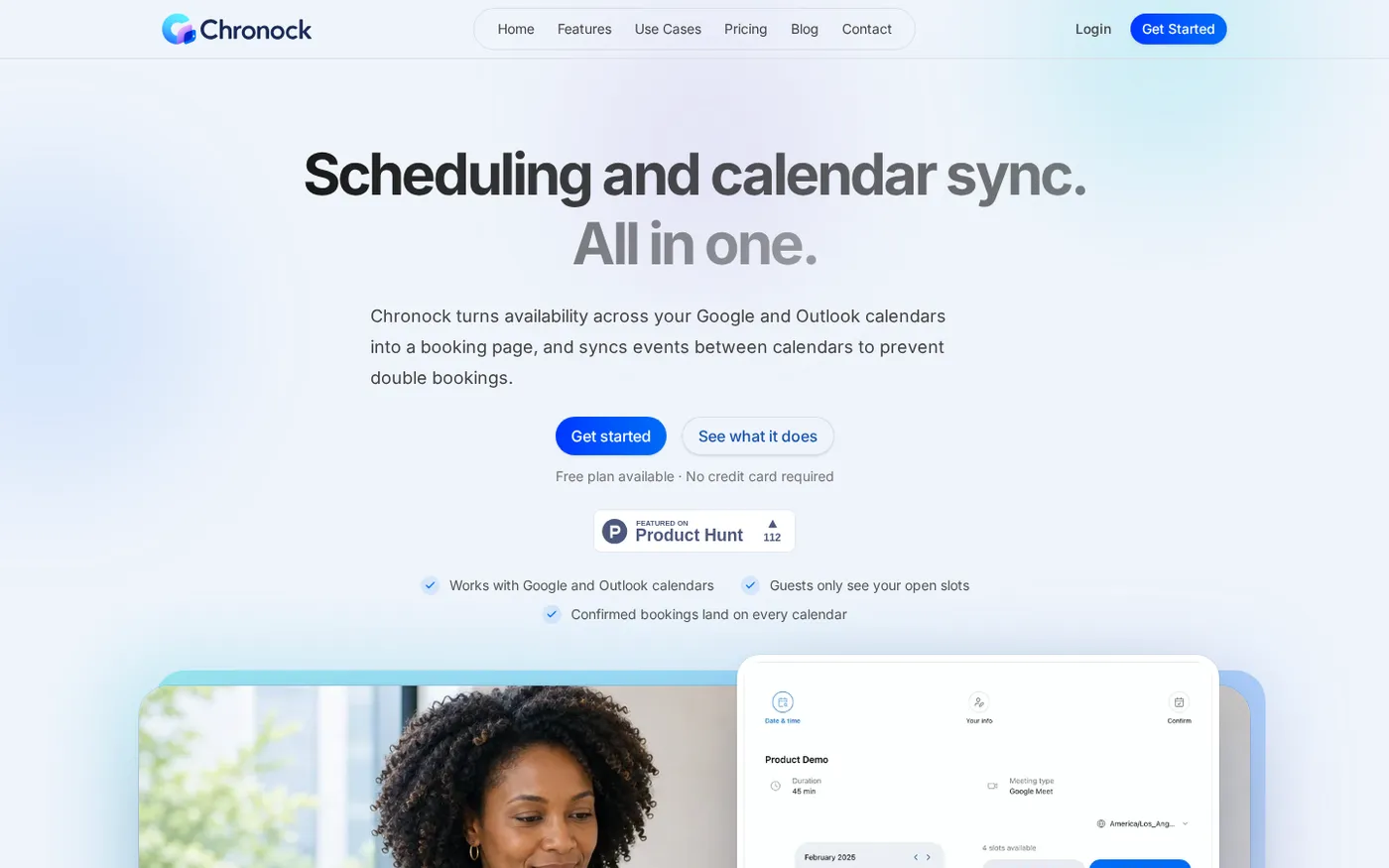
Chronock — Scheduling and calendar sync, all in one screenshot 1 of 4: Home
chronock.ai
Create team booking links from availability across your connected Google and Outlook calendars, then automatically sync events across work, personal, and project calendars to prevent double bookings.