SiteList review score
Clear Mac-native AI positioning and useful self-serve help. Comparison and review proof need methodology and normalized evidence.
Reviewed on Oct 11, 2026
kerlig.com
Unclaimed listingWhat it does
Kerlig is a macOS AI writing and productivity application for writing emails, Slack replies, and Jira tickets, proofreading, chatting with documents, and using Agentic Mode with connected apps.
SiteList review score
Clear Mac-native AI positioning and useful self-serve help. Comparison and review proof need methodology and normalized evidence.
Reviewed on Oct 11, 2026
Verified user rating
—
No verified reviews yet — the evidence locker is empty.
Captured during our latest review on Oct 11, 2026
Explicit SoftwareApplication Offer price: $49.00 USD; the supplied evidence does not state billing cadence. Billed one time.
View sourceProofreading
writing
Checks spelling and grammar before sending text.
Writing assistance
writing
Helps write emails, Slack replies, and Jira tickets in the user's tone of voice.
Document chat
documents
Chats with webpages, ebooks, images, and other documents.
Custom actions
actions
Lets users create custom actions in an actions editor.
Agentic Mode
agentic mode
Can read the screen, fetch links, and work with connected apps.
Attachments
documents
Analyzes, summarizes, and chats with common document types.
Dictation
input
Supports writing prompts using native macOS Dictation.
Deep Research
research
Uses reasoning models for multi-step research leveraging online data.
Global shortcuts
productivity
Runs actions with shortcuts and global hotkeys.
Local models
AI models
Supports Apple Foundation Models, Ollama, and LM Studio.
Work communication
Write emails, Slack replies, and Jira tickets.
Proofreading
Fix spelling and grammar before sending messages.
Document research
Chat with webpages, ebooks, images, and other documents.
Multi-step online research
Conduct research with Deep Research and reasoning models.
Notion
productivity
Listed as a connected app and MCP server.
Linear
productivity
Listed as a connected app and MCP server.
GitHub
developer tools
Listed as a connected app and MCP server.
Stripe
business tools
Listed among built-in action integrations.
Slack
communication
Listed as a connected app and used for writing replies.
Sentry
developer tools
Listed among built-in action integrations.
Figma
design
Listed among built-in action integrations.
Metabase
analytics
Listed among built-in action integrations.
OpenAI
AI provider
Listed as an AI provider integration.
Anthropic
AI provider
Listed as an AI provider integration.
Google Gemini
AI provider
Listed as an AI provider integration.
Groq Cloud
AI provider
Listed as an AI provider integration.
Ollama
AI provider
Listed as an AI provider integration and local-model option.
OpenRouter
AI provider
Listed as an AI provider integration.
Perplexity
AI provider
Listed as an AI provider integration.
LM Studio
AI provider
Listed as an AI provider integration and local-model option.
Mistral
AI provider
Listed as an AI provider integration.
Amazon Bedrock
AI provider
Listed as an AI provider integration.
Kerlig is aimed at Mac users who want native AI assistance for writing, research, documents, communication, and actions across apps.
Positioning, audience messaging, usability, and self-serve help are among the strongest supplied dimensions, with scores of 82, 84, 78, and 82.
Improve comparison methodology and audience-fit tradeoffs, establish repeatable review evidence, and address mobile overflow and the 6.6-second mobile lab LCP.
The supplied evidence does not establish a definitive price. Site facts mark the pricing model as unknown and the price range as ?-? USD; a public summary references a $49 purchase CTA, but that is not confirmed as the price.
Answers are based on SiteList's latest evidence review. Read the full review.
Kerlig scores 71/100 for its clear Mac-native AI assistant positioning and strong self-serve help. Its main weakness is the evidence layer: comparison and review-content surfaces need methodology, normalized proof, and clearer audience-fit tradeoffs.
71/100: clear product, uneven proof
No reviews yet. The evidence locker is empty.
Reviews from verified users appear here once approved.
Reviews are from the SiteList community. Some reviewers received incentives — disclosed in the review, always. The verdict is never for sale.
Home
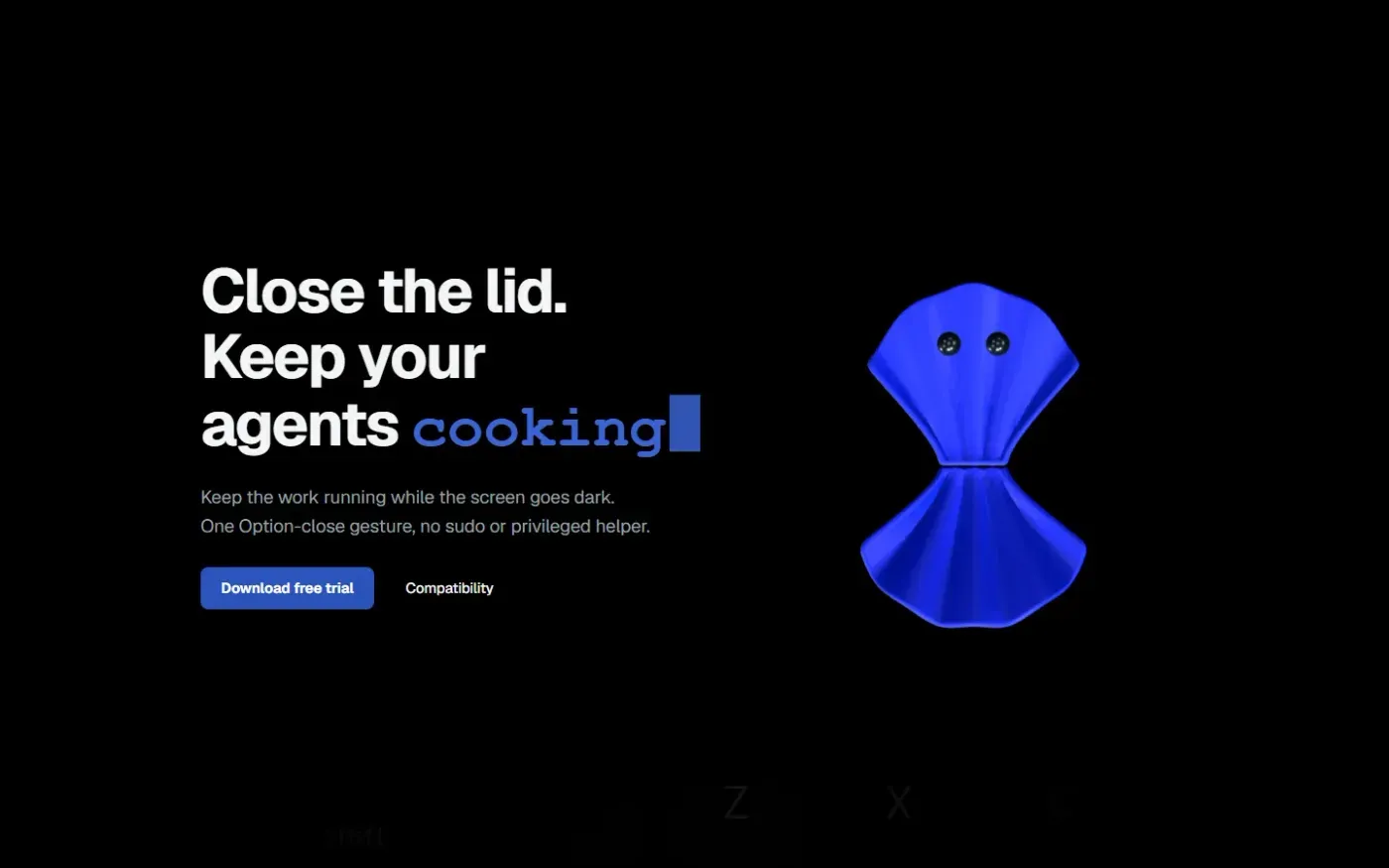
Clamshell — Close your MacBook. Keep the work running. screenshot 1 of 4: Home
clamshell.dev
Keep your Mac awake with the lid closed so your agents keep running. The internal display sleeps and wakes instantly on lid open.
Home
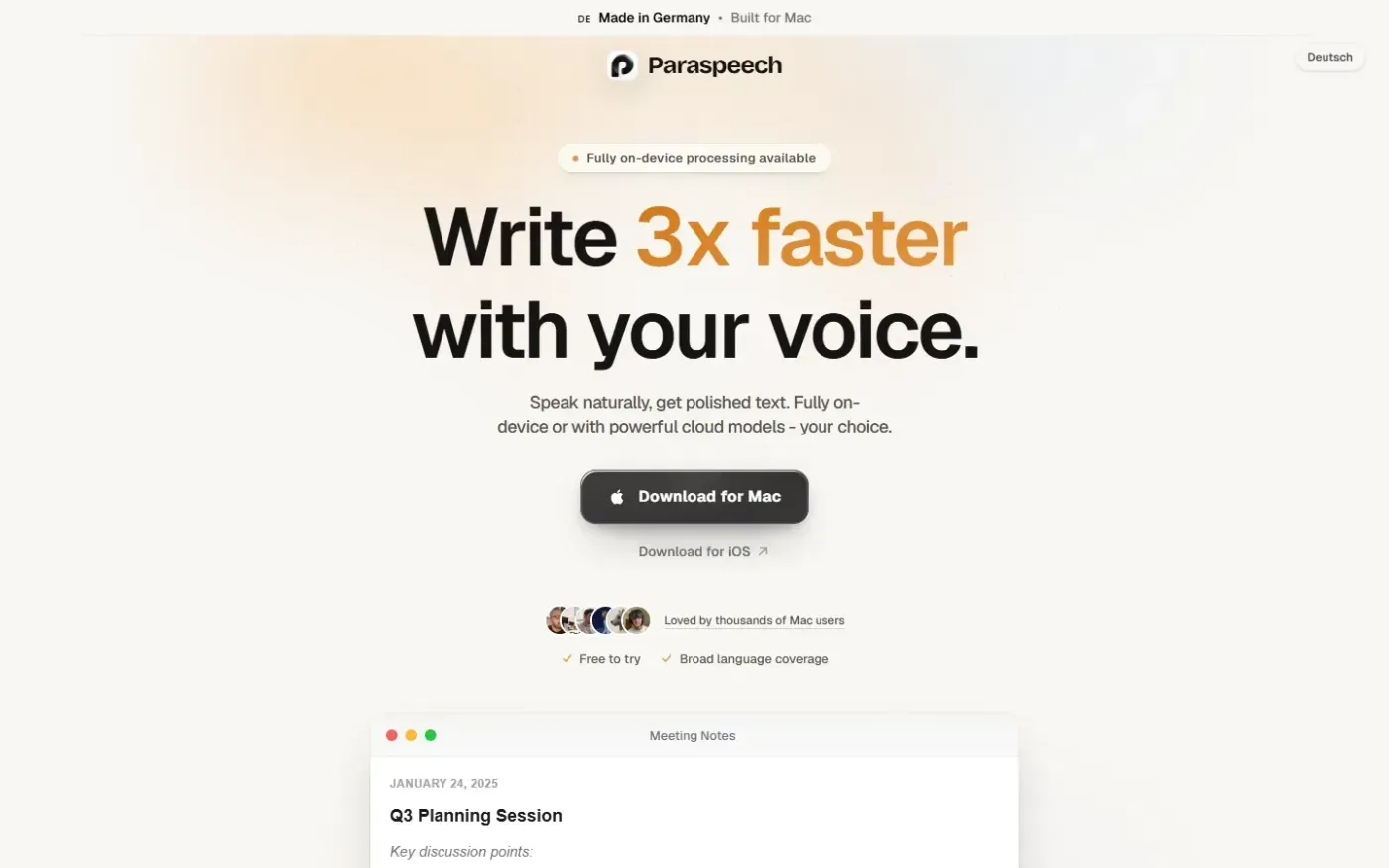
Paraspeech screenshot 1 of 4: Home
paraspeech.com
Speech-to-text for Mac with supported local and eligible cloud-backed processing paths, plus Mac-wide text insertion.
Home
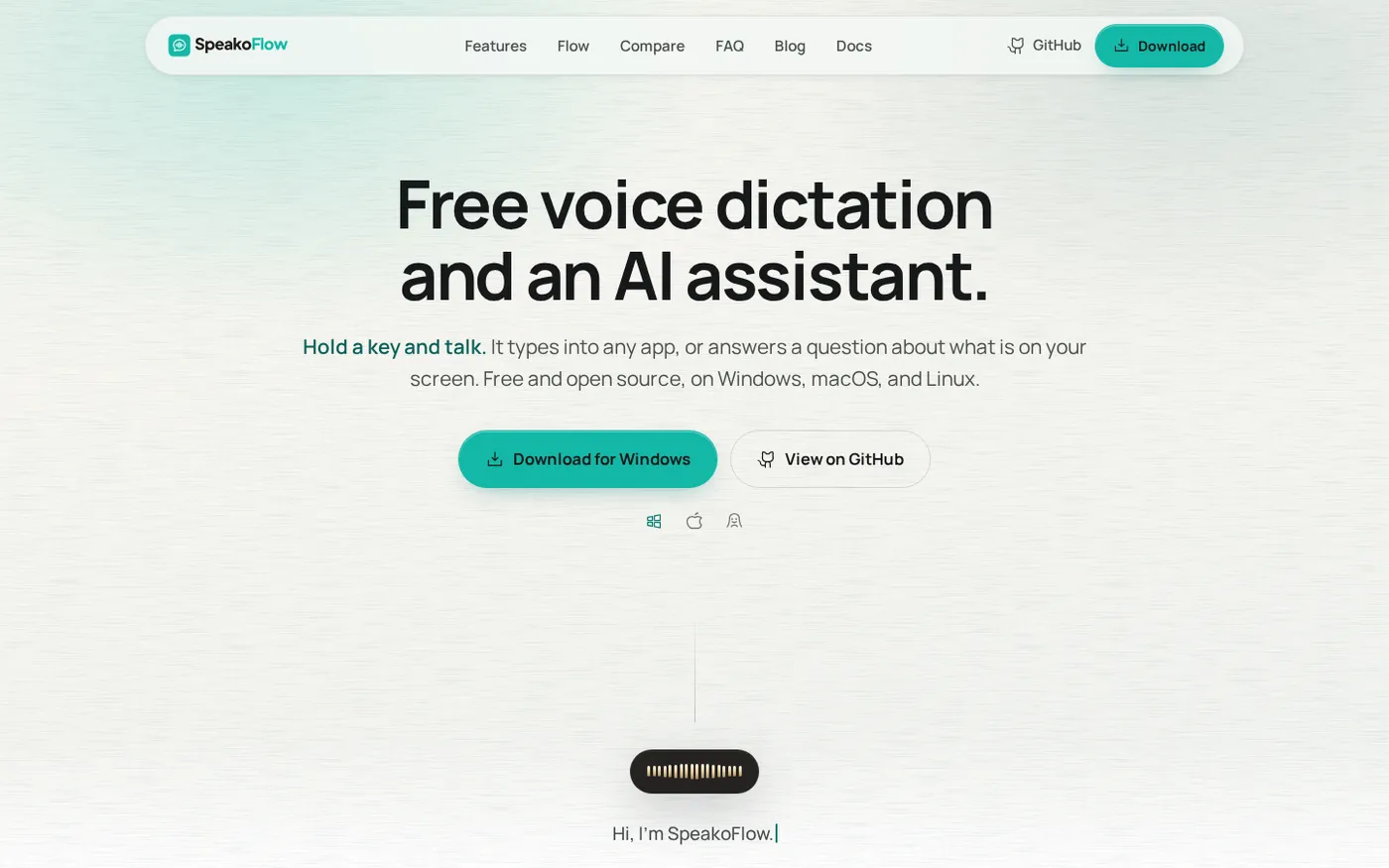
SpeakoFlow — Free, open-source voice dictation and AI assistant, offline screenshot 1 of 4: Home
speakoflow.com
Free, open-source, local-first voice-to-text desktop utility that transcribes speech into any app via hotkey, plus an AI assistant for drafting, cleanup, translation, and screen context.
Home
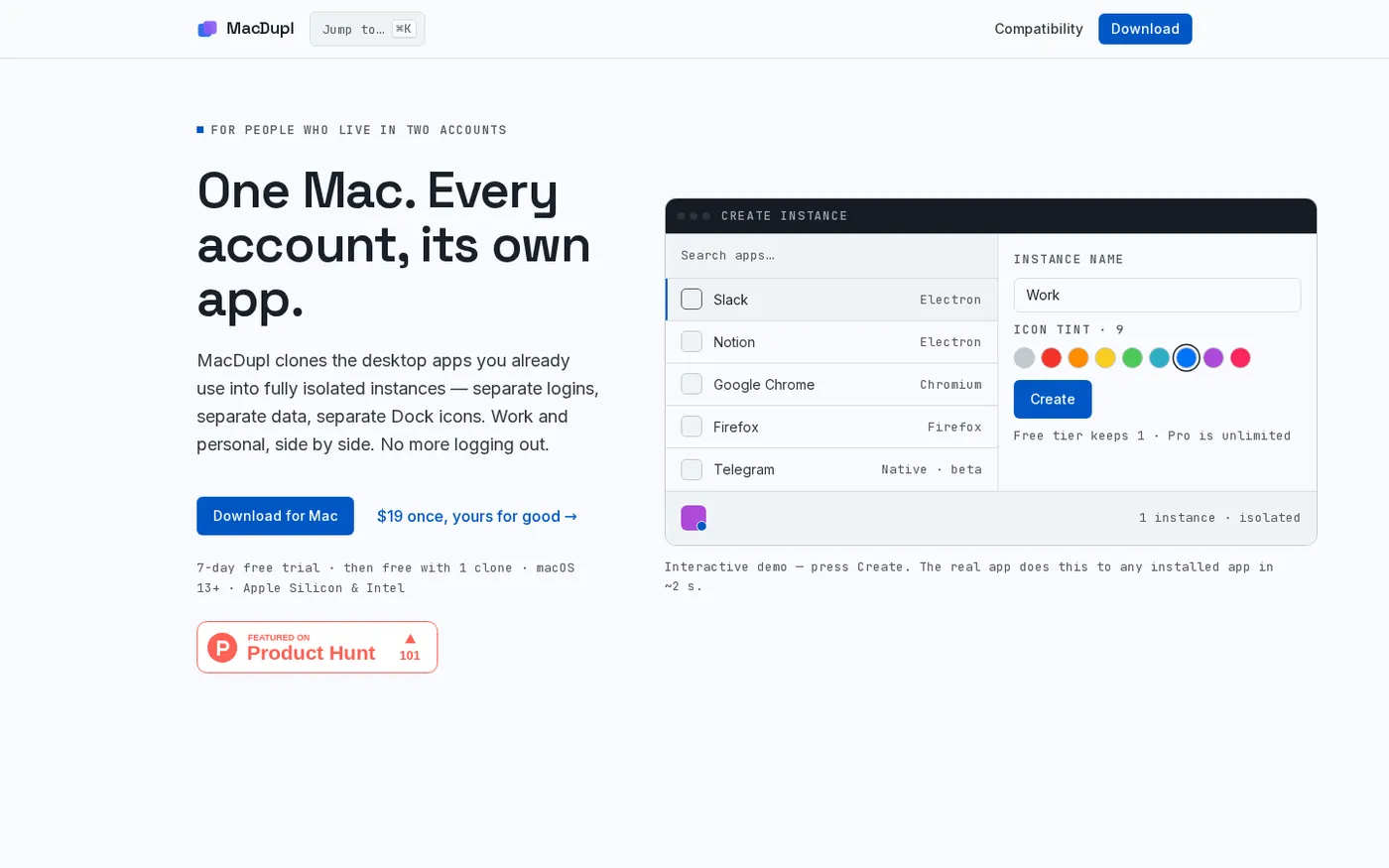
MacDupl — Clone any Mac app into a fully isolated instance screenshot 1 of 4: Home
macdupl.app
Clones installed macOS desktop applications into fully isolated instances with separate logins, cookies, caches, preferences, and Dock icons, utilizing APFS copy-on-write for near-zero additional disk space.