SiteList review score
High-trust developer positioning and lightweight performance. Fragile internal architecture with 76% orphan pages requires structural remediation.
Reviewed on Aug 7, 2026
subclassed.com
Unclaimed listingWhat it does
Keytones is a macOS menu bar application that provides customizable auditory and visual feedback for every keystroke, distinguishing between uppercase and lowercase letters to help users detect accidental Caps Lock or Shift key presses.
SiteList review score
High-trust developer positioning and lightweight performance. Fragile internal architecture with 76% orphan pages requires structural remediation.
Reviewed on Aug 7, 2026
Verified user rating
—
No verified reviews yet — the evidence locker is empty.
Captured during our latest review on Aug 24, 2026
No subscription or base plan; updates are free and development is funded via optional donations.
View sourceAuditory keystroke feedback
Input Feedback
Plays distinct sounds for each key press, allowing users to differentiate uppercase and lowercase letters by ear.
Visual typing feedback
Input Feedback
Displays visual cues corresponding to key presses while typing.
Per-app sound control
Configuration
Allows users to customize keyboard sounds on a per-application basis.
Typing accuracy monitoring
Helps users notice stray Caps Lock activation or missed Shift key presses during typing to prevent downstream errors.
No. Keytones follows a one-time purchase model, positioning itself as a focused alternative to subscription software for macOS users.
The product page is exceptionally lightweight at 214KB, ensuring fast loading and minimal impact on system resources during use.
Yes. It is designed specifically for macOS power users and professionals who require data portability and specific problem-solving utilities.
The site is available in English and German, though some technical gaps in localized metadata currently exist across the domain.
Answers are based on SiteList's latest evidence review. Read the full review.
Keytones earns a 80/100 for its lightweight performance and high-trust indie developer positioning. While it excels in usability, a fragile internal architecture with 76% orphan pages remains its most material weakness.
80/100: strong product, two fixable weaknesses
No reviews yet. The evidence locker is empty.
Reviews from verified users appear here once approved.
Reviews are from the SiteList community. Some reviewers received incentives — disclosed in the review, always. The verdict is never for sale.
Home
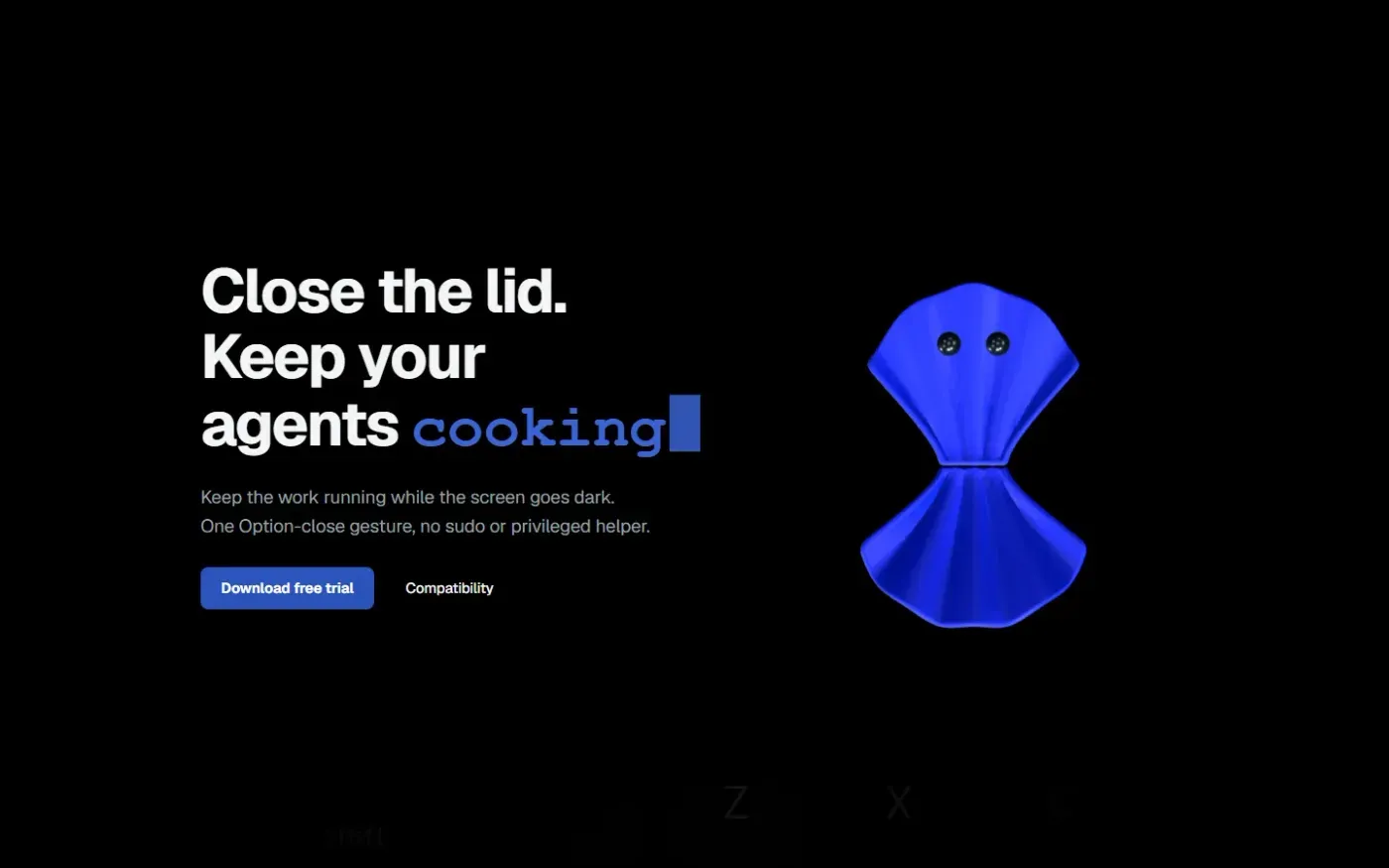
Clamshell — Close your MacBook. Keep the work running. screenshot 1 of 4: Home
clamshell.dev
Keep your Mac awake with the lid closed so your agents keep running. The internal display sleeps and wakes instantly on lid open.
Home
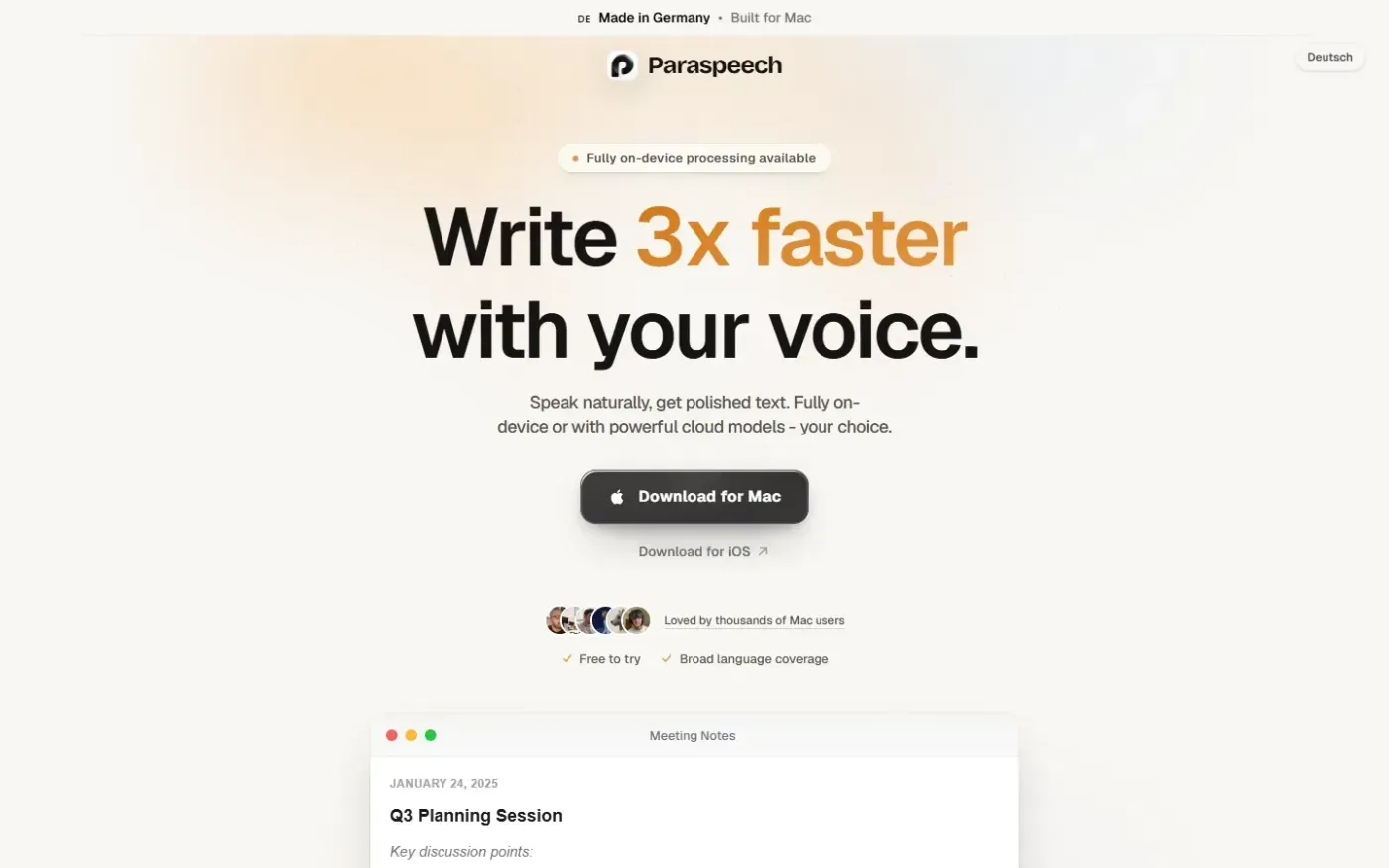
Paraspeech screenshot 1 of 4: Home
paraspeech.com
Speech-to-text for Mac with supported local and eligible cloud-backed processing paths, plus Mac-wide text insertion.
Home
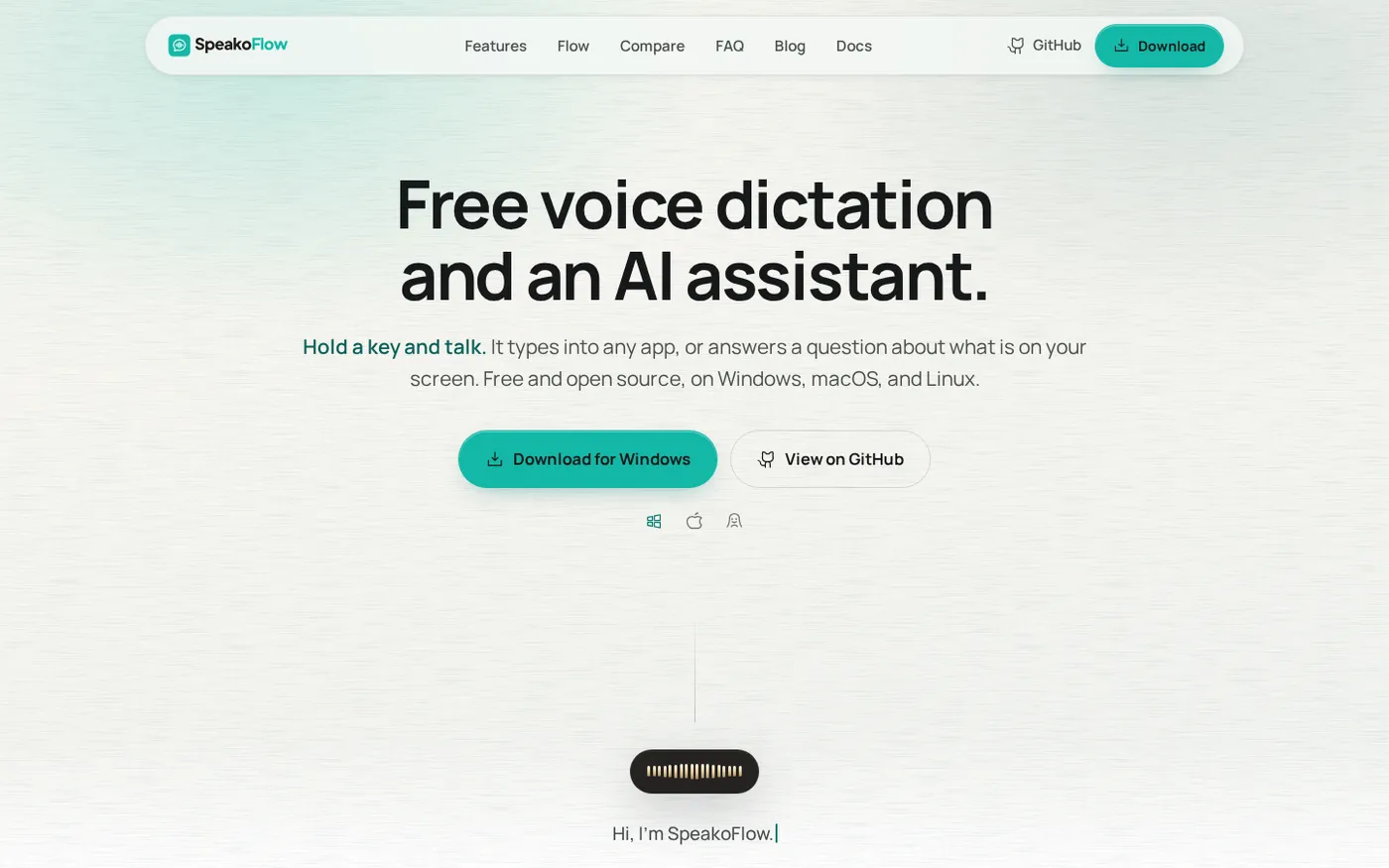
SpeakoFlow — Free, open-source voice dictation and AI assistant, offline screenshot 1 of 4: Home
speakoflow.com
Free, open-source, local-first voice-to-text desktop utility that transcribes speech into any app via hotkey, plus an AI assistant for drafting, cleanup, translation, and screen context.
Home
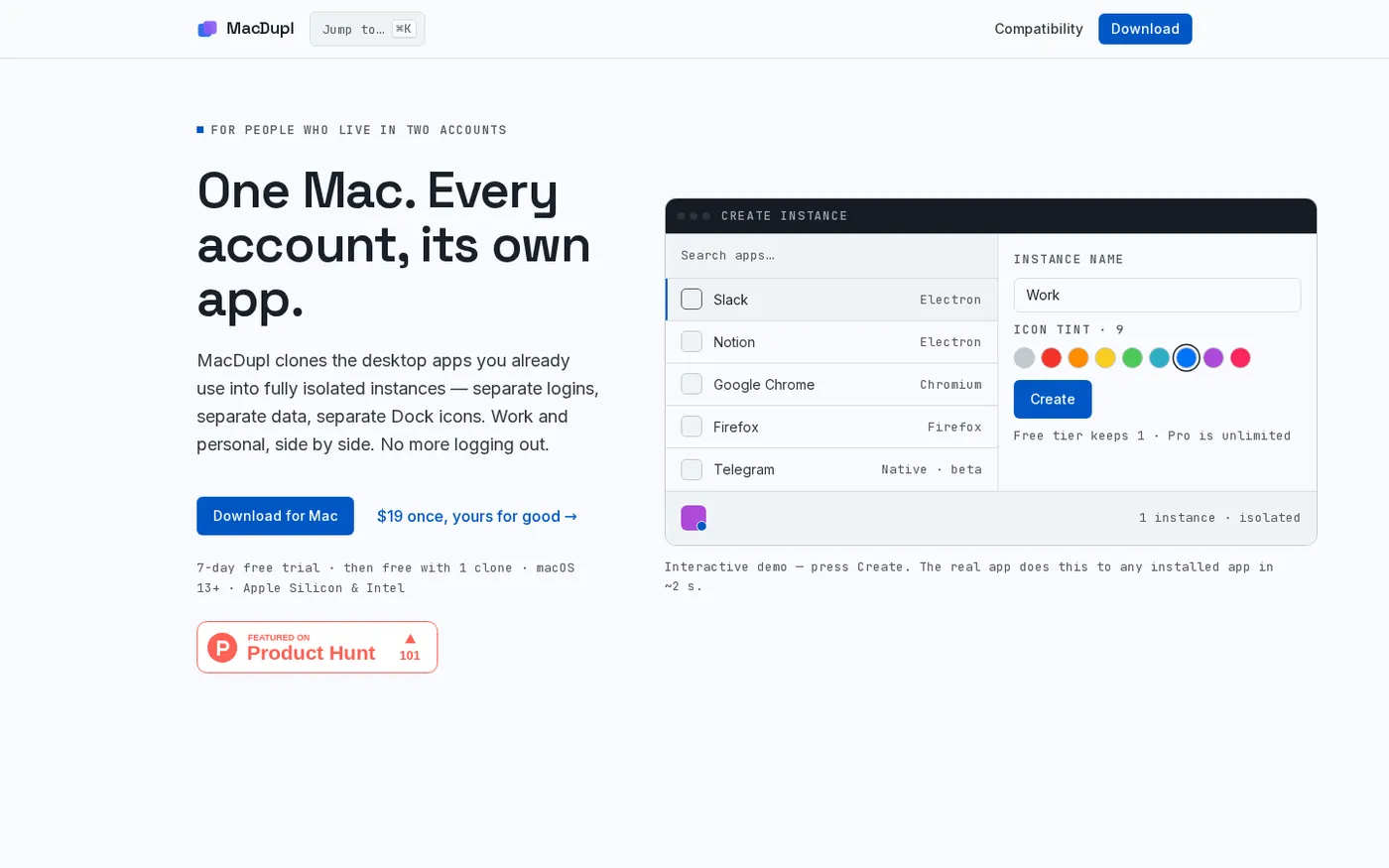
MacDupl — Clone any Mac app into a fully isolated instance screenshot 1 of 4: Home
macdupl.app
Clones installed macOS desktop applications into fully isolated instances with separate logins, cookies, caches, preferences, and Dock icons, utilizing APFS copy-on-write for near-zero additional disk space.