SiteList review score
Clear iPhone-and-Mac positioning turns dictation into a concrete workflow. Mobile performance needs a focused pass after a 6.39-second LCP result.
Reviewed on Nov 6, 2026
usedictate.app
Unclaimed listingWhat it does
Dictate turns voice into clean, formatted text on iPhone and Mac. It works as a voice keyboard on iPhone and a fast speech-to-text tool on Mac, with one account keeping Pro access, history, and settings together.
SiteList review score
Clear iPhone-and-Mac positioning turns dictation into a concrete workflow. Mobile performance needs a focused pass after a 6.39-second LCP result.
Reviewed on Nov 6, 2026
Verified user rating
—
No verified reviews yet — the evidence locker is empty.
Captured during our latest review on Nov 6, 2026
Dictating in everyday writing apps
Turns speech into text for messages, email, notes, documents, and other apps.
Dictating into the active app
Lets users start dictation from the iPhone keyboard or a Mac shortcut and enter text in the active app.
Translating dictated text
Translates final text during dictation on iPhone or Mac.
Finding past dictated content
Searches previously dictated addresses, ideas, drafts, snippets, and other thoughts.
dictate. turns voice into text on iPhone and Mac. On iPhone it appears as a keyboard in text fields; on Mac it is triggered with a chosen hotkey and pastes into the active app.
Yes. The free account includes 70 transcriptions per week and 10 per hour. Advanced formatting, tone controls, and sync remain locked without the applicable access.
For dictation, it supports Auto Detect, Portuguese, English, Spanish, and French. Pro can also translate final text into Portuguese, English, Spanish, French, German, Italian, Japanese, Chinese, or Korean.
Almost. On iPhone it works in text fields where custom keyboards are allowed. On Mac it dictates and pastes into the active app, including places such as Mail, Notes, Slack, and VS Code.
Apple Dictation handles the basics, while dictate. adds punctuation correction, final-text formatting, searchable history, iPhone–Mac sync, translation, and replacement rules.
The site says audio is sent securely for transcription and deleted right after processing; it says voice recordings are not stored and server communication uses HTTPS.
No. Pro follows the account rather than the device, so a subscription on iPhone appears on Mac after signing in, and vice versa.
On iPhone, subscriptions use the App Store; on Mac, they use Stripe. Upgrades, renewals, and cancellations are managed where the subscription was started.
Product FAQ information · View source
Usedictate scores 76/100, with clear product positioning and concrete setup guidance across iPhone and Mac. Its most material weakness is mobile performance: the homepage reached its largest content at 6.39 seconds in the supplied lab run, versus 1.27 seconds on desktop.
76/100: strong product, with mobile speed and self-serve gaps
No reviews yet. The evidence locker is empty.
Reviews from verified users appear here once approved.
Reviews are from the SiteList community. Some reviewers received incentives — disclosed in the review, always. The verdict is never for sale.
Home
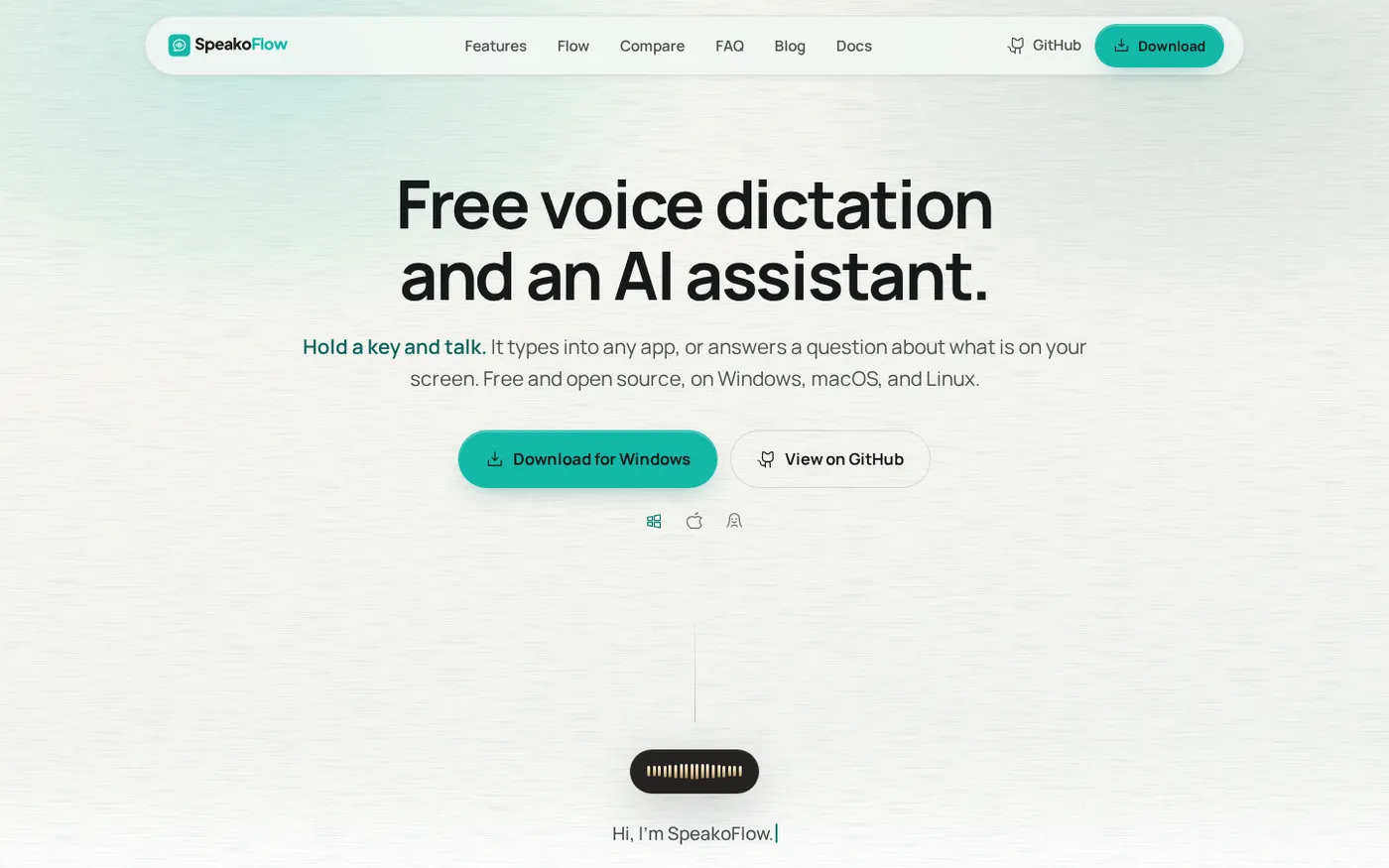
SpeakoFlow — Free, open-source voice dictation and AI assistant, offline screenshot 1 of 4: Home
speakoflow.com
Free, open-source, local-first voice-to-text desktop utility that transcribes speech into any app via hotkey, plus an AI assistant for drafting, cleanup, translation, and screen context.
Home
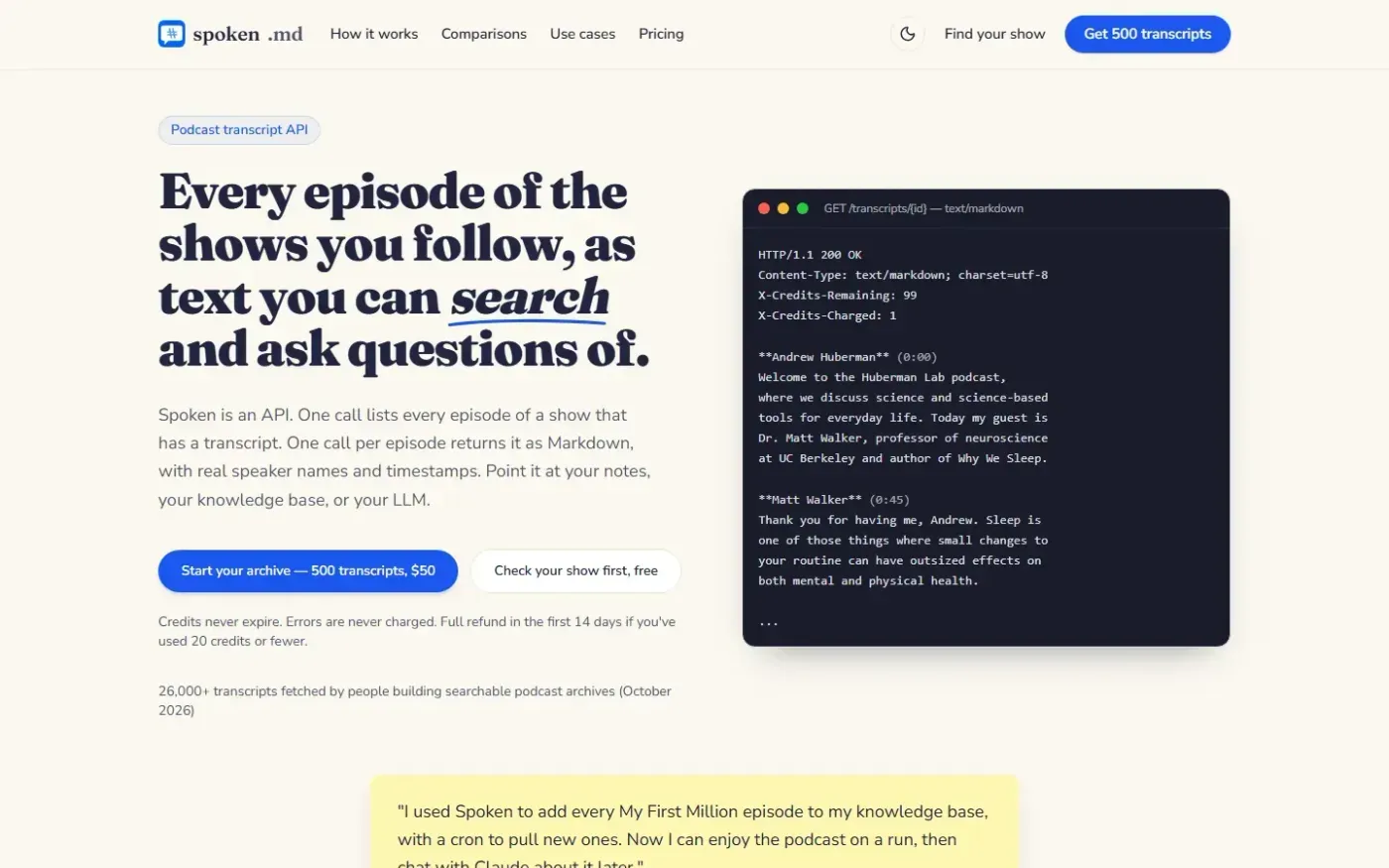
Spoken screenshot 1 of 4: Home
spoken.md
Podcast transcript API that returns episodes as clean Markdown with real speaker names and timestamps for use in notes, knowledge bases, and LLM pipelines.
Home
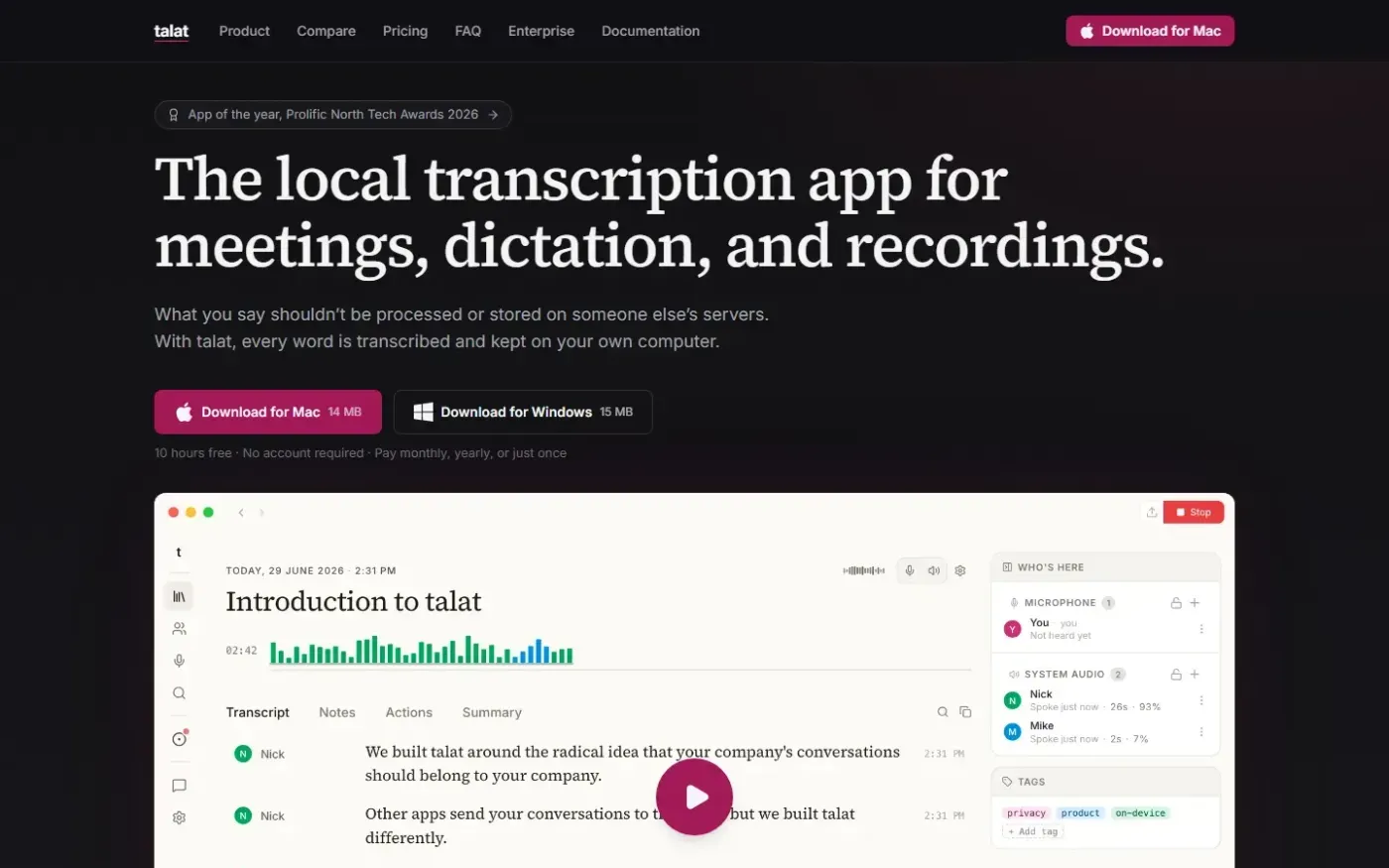
Talat screenshot 1 of 4: Home
talat.app
talat is a local, private AI meeting note-taker for macOS and Windows that records meetings, transcribes speech, labels speakers, and summarises on your own device.
Home
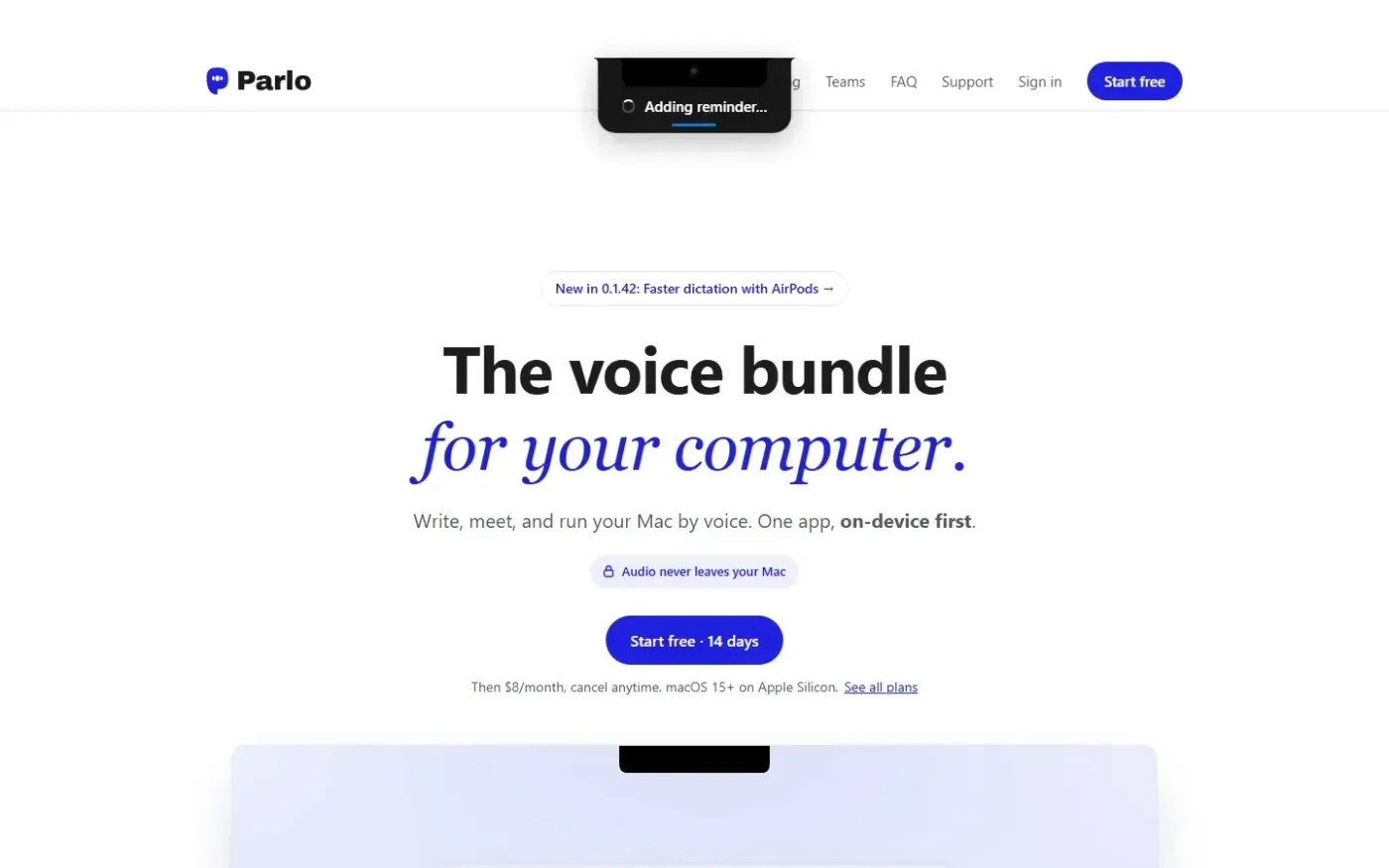
Parlohub screenshot 1 of 4: Home
parlohub.com
Parlo is an on-device macOS application that provides dictation, meeting notes, and voice commands.