SiteList review score
Strong technical foundations and concrete product guidance. Design consistency and mobile target sizes need focused fixes.
Reviewed on Oct 30, 2026
1dot.ai
Unclaimed listingWhat it does
Magic Organize proposes a folder structure from your filenames and shows you the plan before anything moves. Magic Rename reads what is inside your files and names them, on your Mac or through Cloud AI. System Cleaner clears duplicates, unused apps and developer caches. macOS 12 or later.
SiteList review score
Strong technical foundations and concrete product guidance. Design consistency and mobile target sizes need focused fixes.
Reviewed on Oct 30, 2026
Verified user rating
—
No verified reviews yet — the evidence locker is empty.
Captured during our latest review on Oct 30, 2026
Yes. The monthly and yearly plans both include a 3 day free trial, with full access. The lifetime plan is a one time purchase, so it has no trial.
After the Trial, you can choose a monthly, yearly, or lifetime plan to continue using Files Magic AI.
Yes. Files Magic AI includes undo for recent organization actions, and you can exclude folders you never want touched.
Your folders are never uploaded. For AI folder organization, only filenames are sent to create an organization structure, never file contents. Magic Rename can run entirely on your Mac, with Cloud AI available as an option.
Magic Rename reads what is actually inside your documents, the invoice number, the sender, the date on the page, and names each file from that content. It includes Smart Rename for individual files, Batch Rename for rules across a folder, and Magic Folders for naming new files as they arrive.
The system cleaner helps you review and remove unused apps, duplicate files, installers, caches and developer leftovers such as node_modules, Xcode, Flutter and Gradle build files, before you delete anything.
Yes. If the folder is available locally on your Mac, including iCloud, Dropbox, or Google Drive, Files Magic AI can organize it like any other folder.
Files Magic AI supports macOS 12 Monterey or later on both Apple Silicon and Intel Macs.
Product FAQ information · View source
1dot.ai earns 72/100 for a clear multi-product Mac software offer with especially strong technical SEO and site stability. Its most material weakness is design execution, where mobile target-size failures and inconsistent CSS reduce polish and ease of use.
72/100: fair product, strong foundations with a design gap
No reviews yet. The evidence locker is empty.
Reviews from verified users appear here once approved.
Reviews are from the SiteList community. Some reviewers received incentives — disclosed in the review, always. The verdict is never for sale.
Home
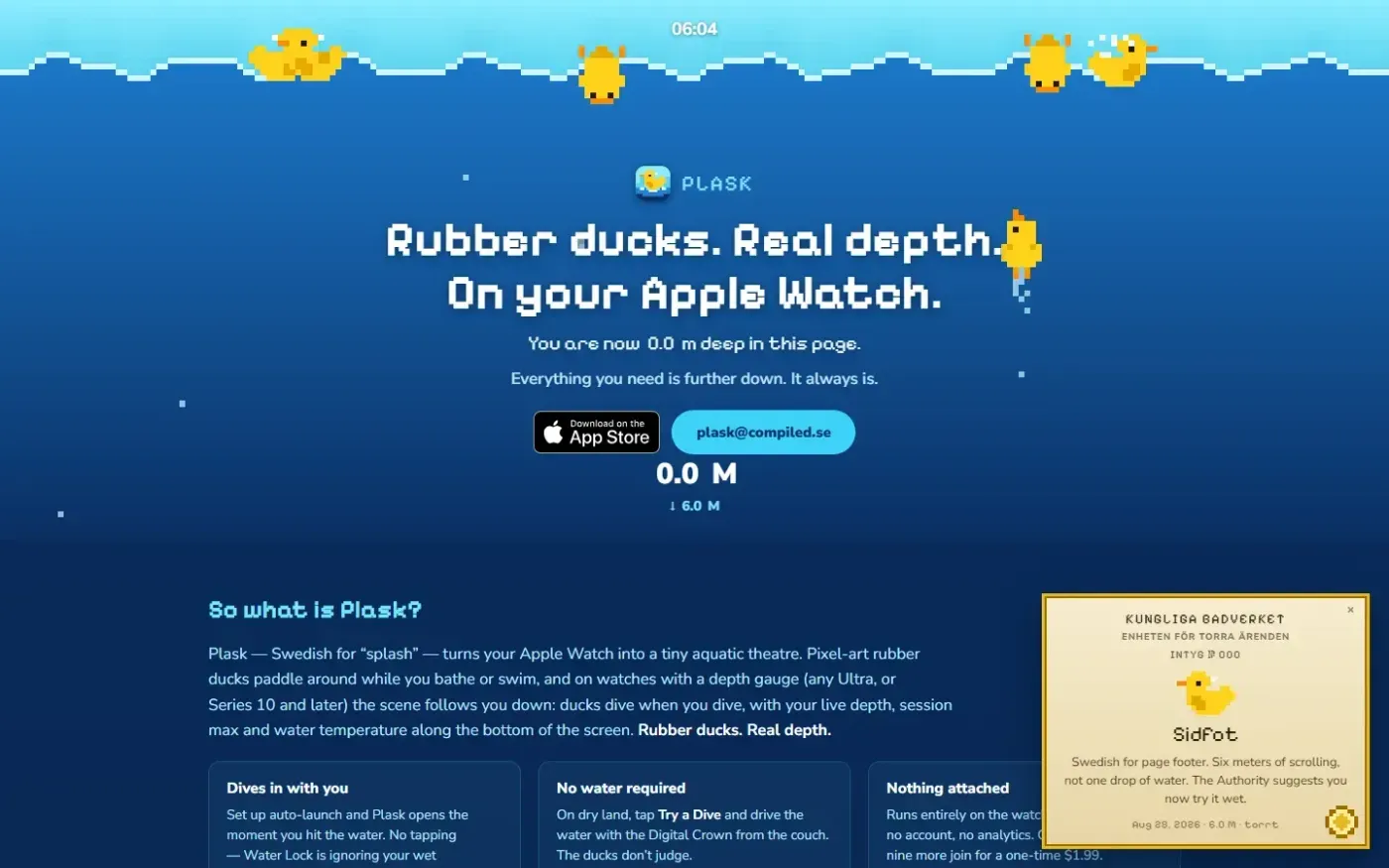
Plask — Have little ducks show how deep you dive on your Apple Watch screenshot 1 of 3: Home
plask.info
Plask turns your Apple Watch into a tiny aquatic theatre: pixel-art rubber ducks that dive when you do, your real depth on screen, and a duck or ten.
Home
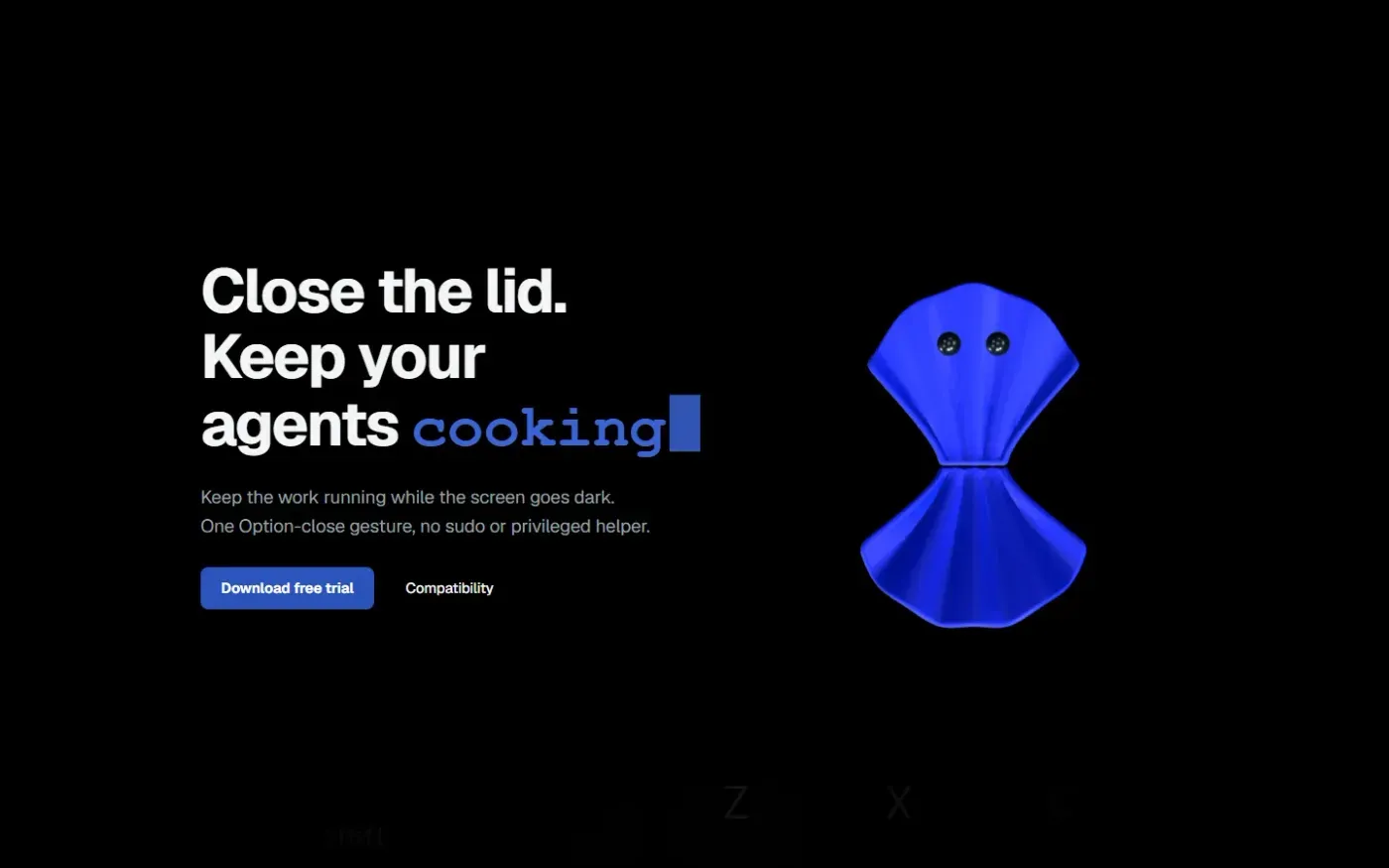
Clamshell — Close your MacBook. Keep the work running. screenshot 1 of 4: Home
clamshell.dev
Keep your Mac awake with the lid closed so your agents keep running. The internal display sleeps and wakes instantly on lid open.
Home
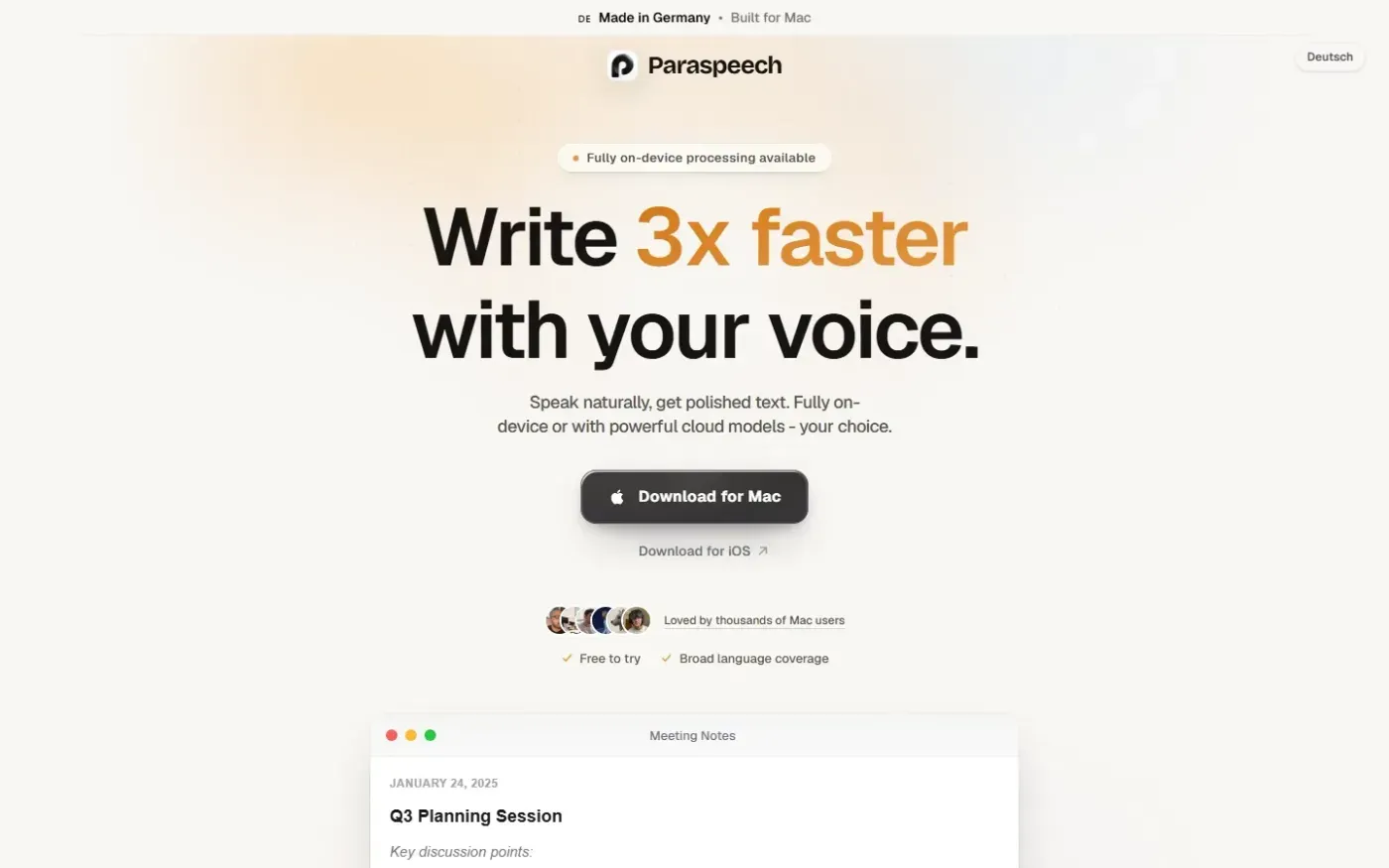
Paraspeech screenshot 1 of 4: Home
paraspeech.com
Speech-to-text for Mac with supported local and eligible cloud-backed processing paths, plus Mac-wide text insertion.
Home
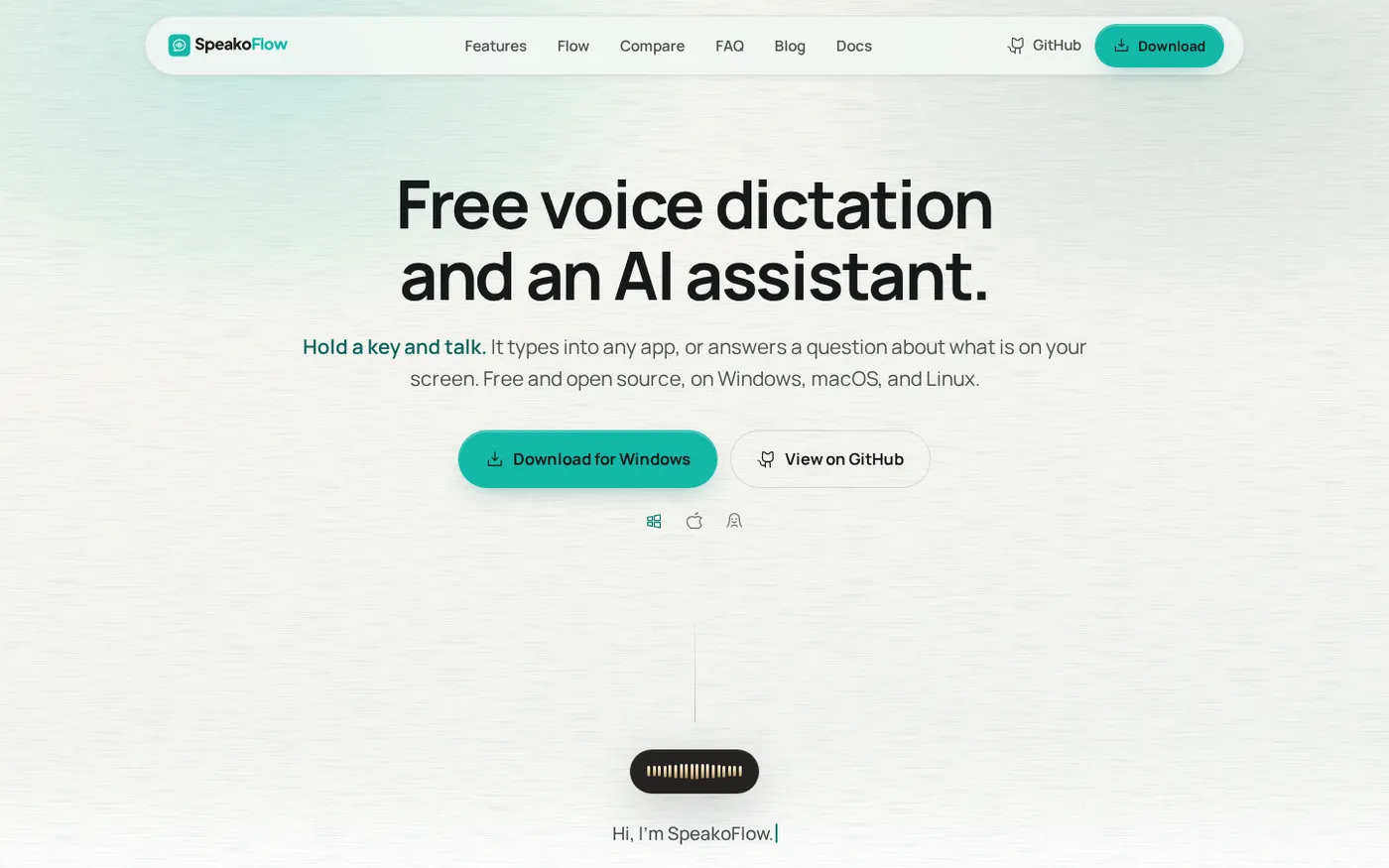
SpeakoFlow — Free, open-source voice dictation and AI assistant, offline screenshot 1 of 4: Home
speakoflow.com
Free, open-source, local-first voice-to-text desktop utility that transcribes speech into any app via hotkey, plus an AI assistant for drafting, cleanup, translation, and screen context.