SiteList review score
The invisible, voice-following desktop teleprompter proposition is clear. Fix the uneven editorial quality and the comparison-page affiliate contradiction.
Reviewed on Oct 27, 2026
sharespeak.co
Unclaimed listingWhat it does
ShareSpeak is an invisible AI teleprompter app for Mac and Windows that uses voice-activated scrolling and stays hidden during screen sharing, calls, and recordings.
SiteList review score
The invisible, voice-following desktop teleprompter proposition is clear. Fix the uneven editorial quality and the comparison-page affiliate contradiction.
Reviewed on Oct 27, 2026
Verified user rating
—
No verified reviews yet — the evidence locker is empty.
Captured during our latest review on Oct 27, 2026
Yes! It does not show up in screen recordings or shares; it is an invisible overlay.
Refunds are considered case by case within 21 days of purchase; users with technical issues can contact support.
No. ShareSpeak says it does not store recordings; local speech recognition stores no data, while Google may have access when Gemini Speech Recognition is used.
Several Gemini models, multiple Whisper models, and built-in Apple Speech Recognition are available, and the model can be chosen in the app settings.
Notch Bar mode is available on MacBooks with a notch, including 14-inch and 16-inch MacBook Pro models and MacBook Air models from 2022 onward.
Contact support by emailing vlad@sharespeak.co or via Twitter at @not_wowinter13.
Product FAQ information · View source
ShareSpeak scores 76/100 for a clear desktop teleprompter offer built around voice-following and an overlay that stays hidden during screen sharing, calls and recordings. Its strongest foundation is the combination of clear positioning, accessibility, performance and technical SEO; its most material weakness is uneven editorial and design execution, including a confirmed affiliate contradiction that needs correction.
76/100: strong product, clear trade-offs
No reviews yet. The evidence locker is empty.
Reviews from verified users appear here once approved.
Reviews are from the SiteList community. Some reviewers received incentives — disclosed in the review, always. The verdict is never for sale.
Home
Plask — Have little ducks show how deep you dive on your Apple Watch screenshot 1 of 3: Home
plask.info
Plask turns your Apple Watch into a tiny aquatic theatre: pixel-art rubber ducks that dive when you do, your real depth on screen, and a duck or ten.
Home
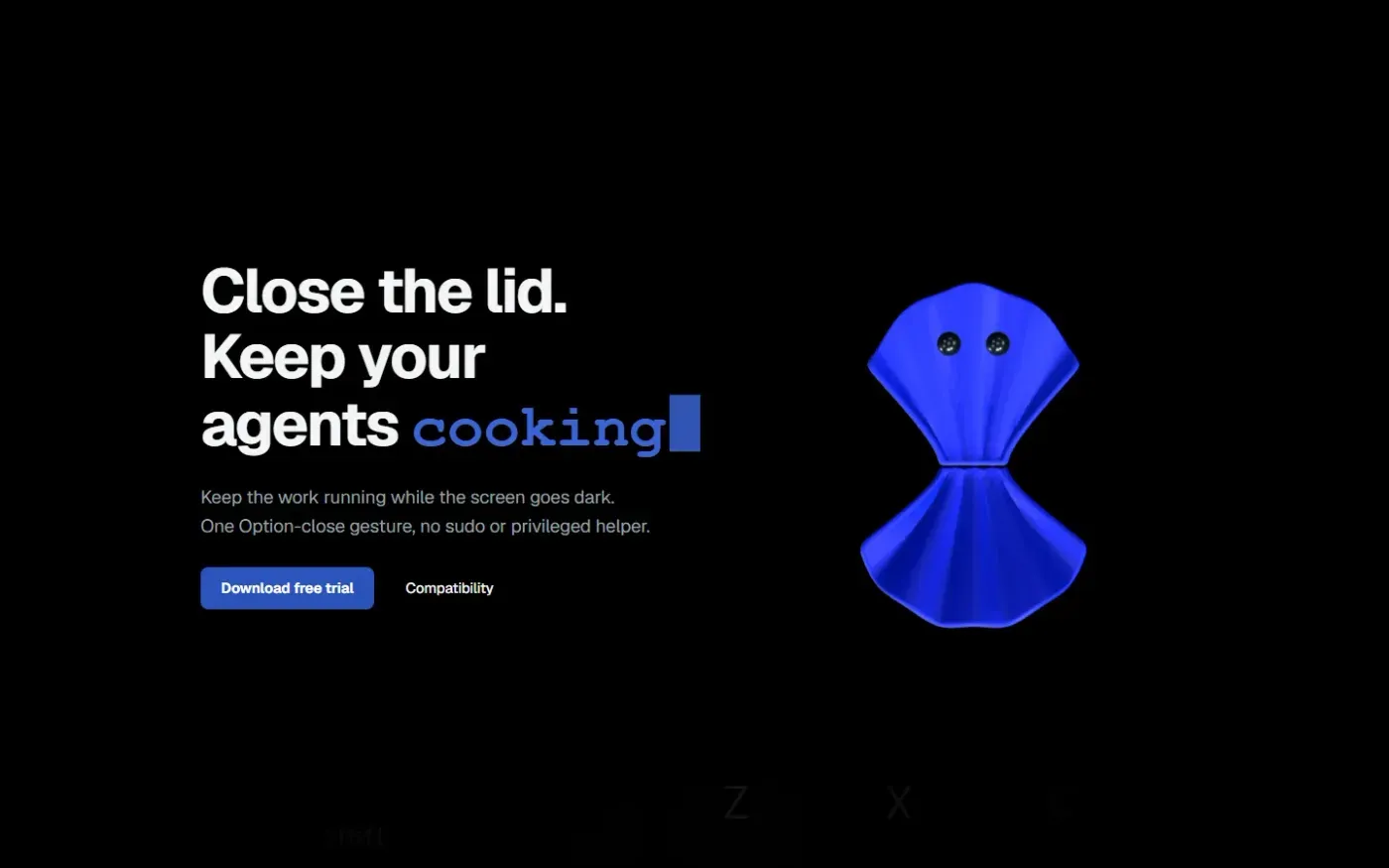
Clamshell — Close your MacBook. Keep the work running. screenshot 1 of 4: Home
clamshell.dev
Keep your Mac awake with the lid closed so your agents keep running. The internal display sleeps and wakes instantly on lid open.
Home
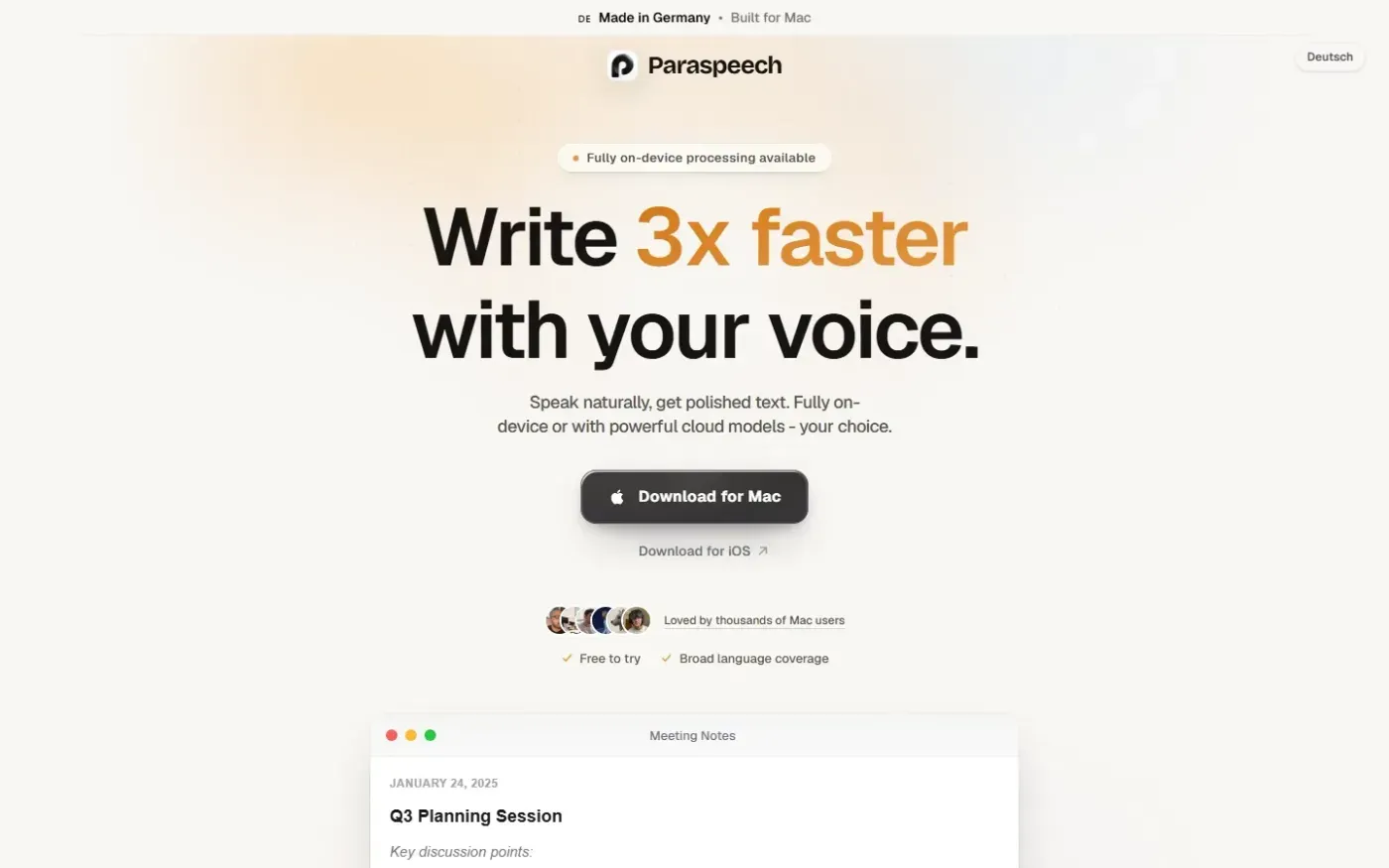
Paraspeech screenshot 1 of 4: Home
paraspeech.com
Speech-to-text for Mac with supported local and eligible cloud-backed processing paths, plus Mac-wide text insertion.
Home
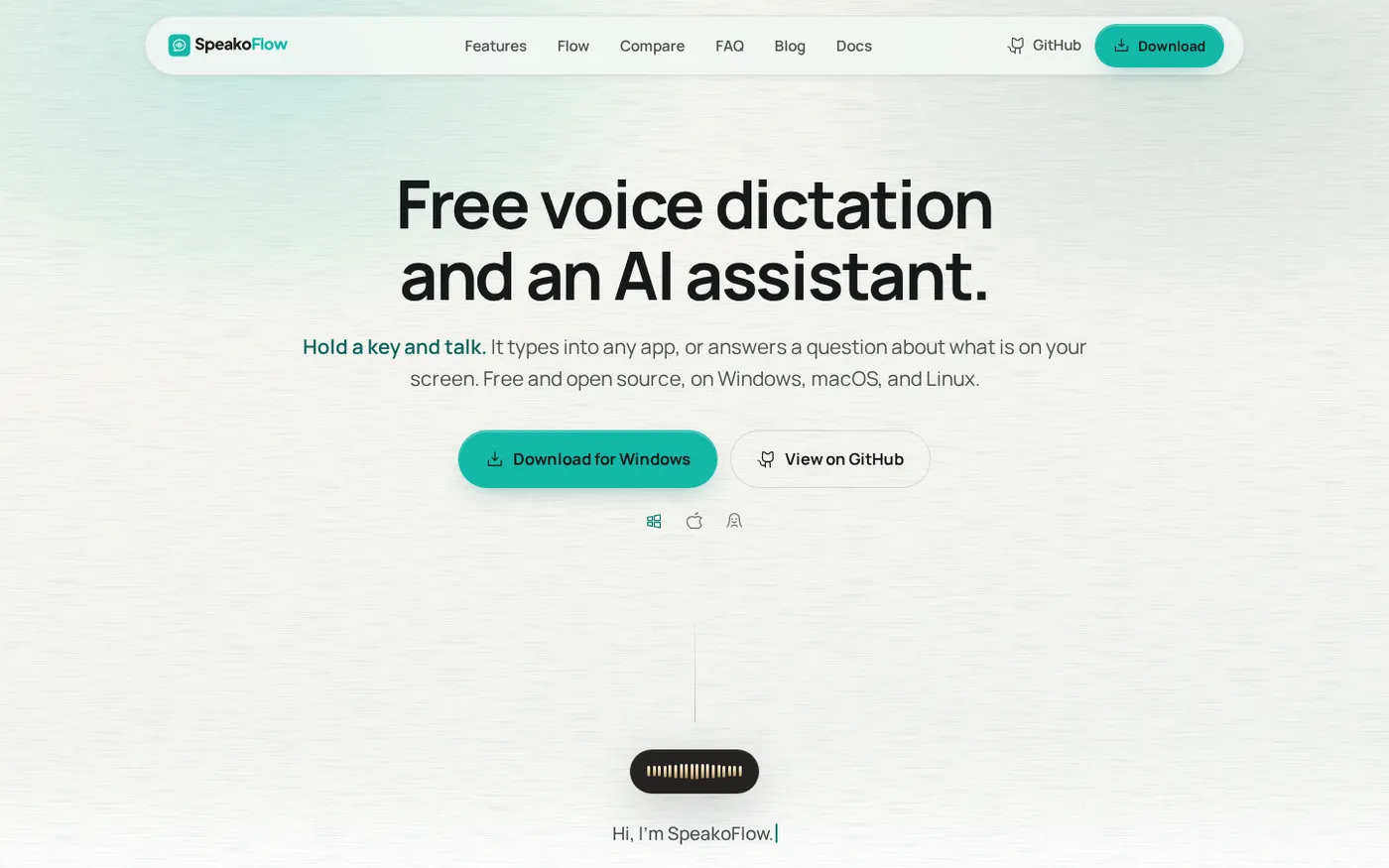
SpeakoFlow — Free, open-source voice dictation and AI assistant, offline screenshot 1 of 4: Home
speakoflow.com
Free, open-source, local-first voice-to-text desktop utility that transcribes speech into any app via hotkey, plus an AI assistant for drafting, cleanup, translation, and screen context.