SiteList review score
Live-page privacy is easy to understand and use. The site needs stronger design execution and public self-serve help.
Reviewed on Nov 11, 2026
pageveil.net
Unclaimed listingWhat it does
PageVeil is a blur extension that helps you hide, blur, or replace private data on live webpages before demos, customer calls, recordings, and screenshots.
SiteList review score
Live-page privacy is easy to understand and use. The site needs stronger design execution and public self-serve help.
Reviewed on Nov 11, 2026
Verified user rating
—
No verified reviews yet — the evidence locker is empty.
Captured during our latest review on Nov 11, 2026
For normal blur, hide, and replacement workflows, PageVeil applies protections in your browser and does not upload page content just to protect it.
Free lets you save protection rules for 1 website; Pro unlocks unlimited saved rules by URL, path, or domain.
Fake Data Replacement swaps sensitive values for realistic demo-safe placeholders.
PageVeil protects the live page before a screen share, Loom recording, YouTube tutorial, product screenshot, or support capture.
Tab Title and Favicon Mask can hide project names, customer names, ticket IDs, order names, and other details visible in the browser tab.
The global blur strength chooses between a light visual hint and a fully unreadable mask.
No. PageVeil is a practical privacy layer, not a replacement for an organization's security process.
Product FAQ information · View source
PageVeil earns 72/100 by making live-webpage privacy easy to understand and use. Its clearest gaps are the weak design-execution score (53/100) and very limited public self-serve help (22.6/100).
72/100: clear utility, uneven foundations
No reviews yet. The evidence locker is empty.
Reviews from verified users appear here once approved.
Reviews are from the SiteList community. Some reviewers received incentives — disclosed in the review, always. The verdict is never for sale.
Home
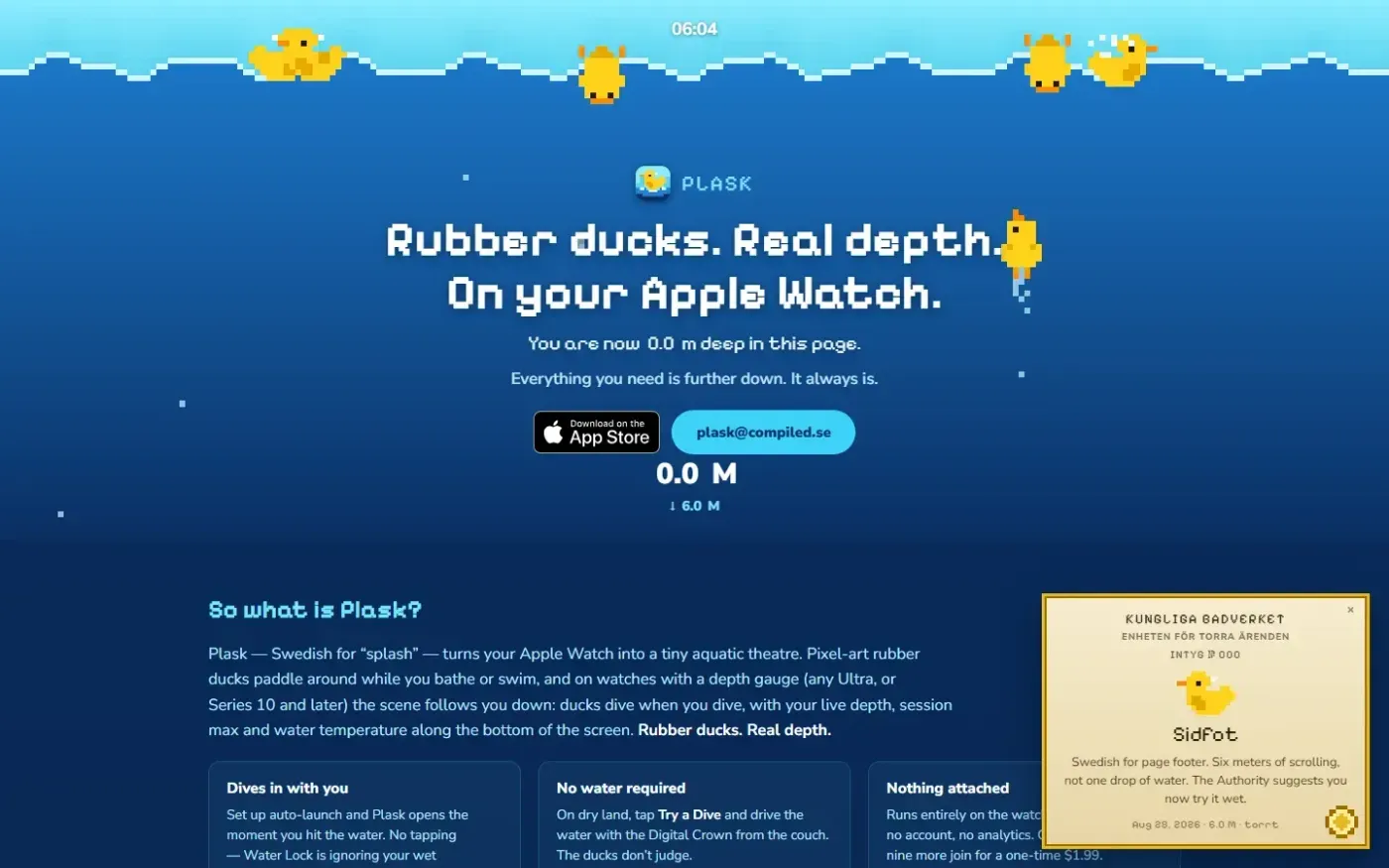
Plask — Have little ducks show how deep you dive on your Apple Watch screenshot 1 of 3: Home
plask.info
Plask turns your Apple Watch into a tiny aquatic theatre: pixel-art rubber ducks that dive when you do, your real depth on screen, and a duck or ten.
Home
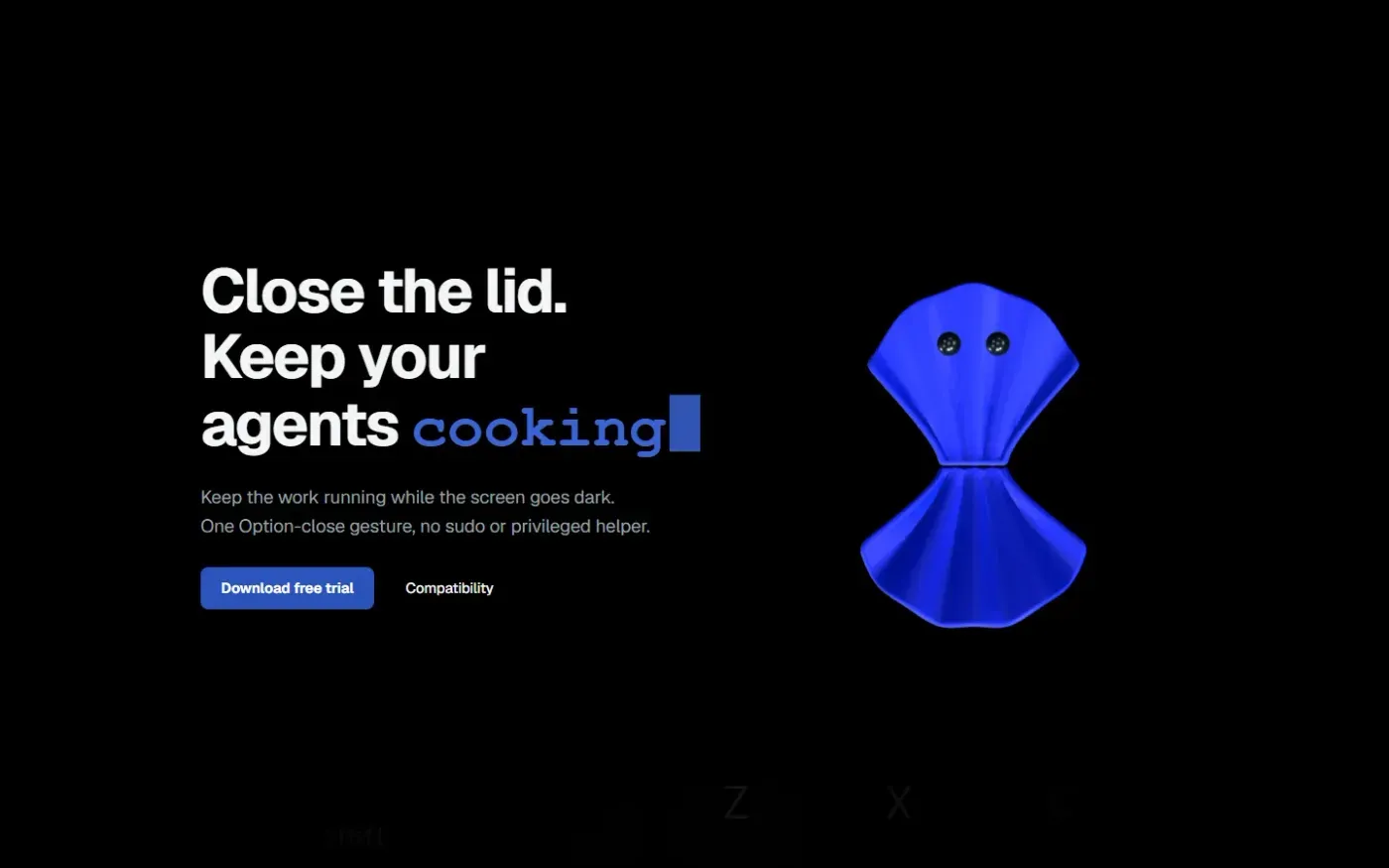
Clamshell — Close your MacBook. Keep the work running. screenshot 1 of 4: Home
clamshell.dev
Keep your Mac awake with the lid closed so your agents keep running. The internal display sleeps and wakes instantly on lid open.
Home
Paraspeech screenshot 1 of 4: Home
paraspeech.com
Speech-to-text for Mac with supported local and eligible cloud-backed processing paths, plus Mac-wide text insertion.
Home
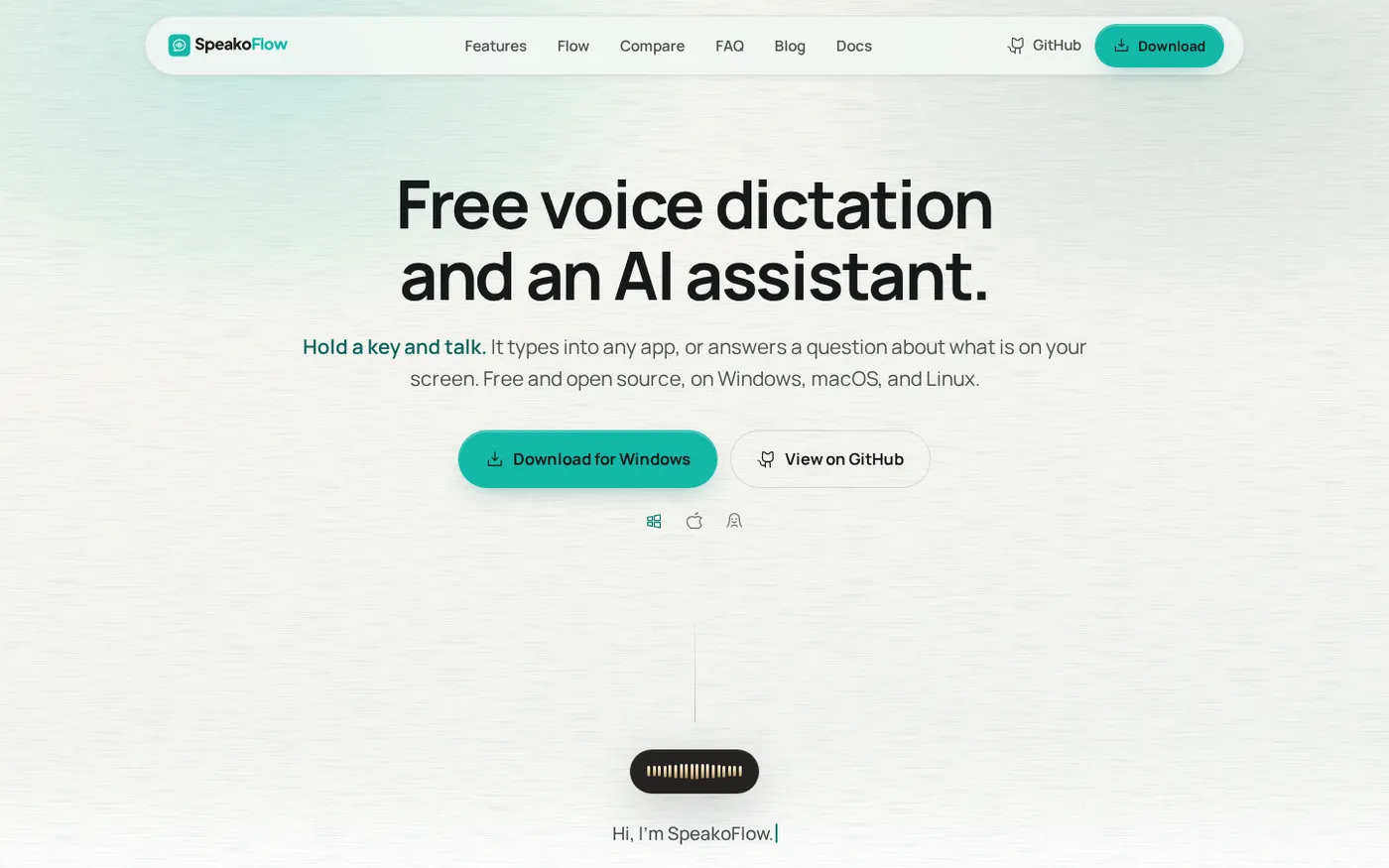
SpeakoFlow — Free, open-source voice dictation and AI assistant, offline screenshot 1 of 4: Home
speakoflow.com
Free, open-source, local-first voice-to-text desktop utility that transcribes speech into any app via hotkey, plus an AI assistant for drafting, cleanup, translation, and screen context.