SiteList review score
Technically proficient documentation serves Mac power user workflows. Effectiveness is limited by a 10.6MB homepage payload and server-side indexing errors.
Reviewed on Aug 13, 2026
expressionloss.com
Unclaimed listingWhat it does
A keyboard-first macOS application that enables precise mouse control, element navigation via hints, on-screen text search with OCR, window switching, and workflow automation.
SiteList review score
Technically proficient documentation serves Mac power user workflows. Effectiveness is limited by a 10.6MB homepage payload and server-side indexing errors.
Reviewed on Aug 13, 2026
Verified user rating
—
No verified reviews yet — the evidence locker is empty.
Captured during our latest review on Aug 24, 2026
One-time perpetual license; 1 seat at $8.99 USD, 2 seats at $14.99 USD. Billed one time.
| Plan | Price | Details |
|---|---|---|
| Free | $0 one time per seat | Core features; no license required. Upgrade reminder after every 50 operations View source |
| Unlocked | $8.99 one time per seat | Full keyboard-first workflow, all modes and advanced actions unlocked. 1 activation View source |
Hint-based element navigation
Navigation
Assigns short, predictable hints to clickable elements for keyboard targeting.
On-screen text search (OCR)
Navigation
Locates visible text on screen via OCR when apps do not expose accessible elements.
Multi-window focus switching
Window Management
Switches application focus and moves the pointer across multiple windows simultaneously.
Scripting API
Automation
Exposes a programmatic interface for automating repeated workflows and custom actions.
Keyboard-driven mouse control
Navigate screens, click elements, and scroll without breaking typing rhythm.
Text search and editing
Find visible text via OCR and edit content in awkward or cramped text fields using a dedicated portal.
Workflow automation
Convert repeated tasks into reusable scripts or single actions via the Script API.
Discord
Communication
Community support and user discussion server linked from the site navigation and pricing page.
It uses on-screen OCR to locate visible text and allows direct keyboard navigation and editing.
Product FAQ information · View source
Cursor Crane earns a 71/100 for its technically proficient documentation and clear focus on Mac power user workflows. The site's effectiveness is currently limited by a 10.6MB homepage payload and server-side indexing errors.
71/100: Strong functional foundation with critical technical leaks.
No reviews yet. The evidence locker is empty.
Reviews from verified users appear here once approved.
Reviews are from the SiteList community. Some reviewers received incentives — disclosed in the review, always. The verdict is never for sale.
Home
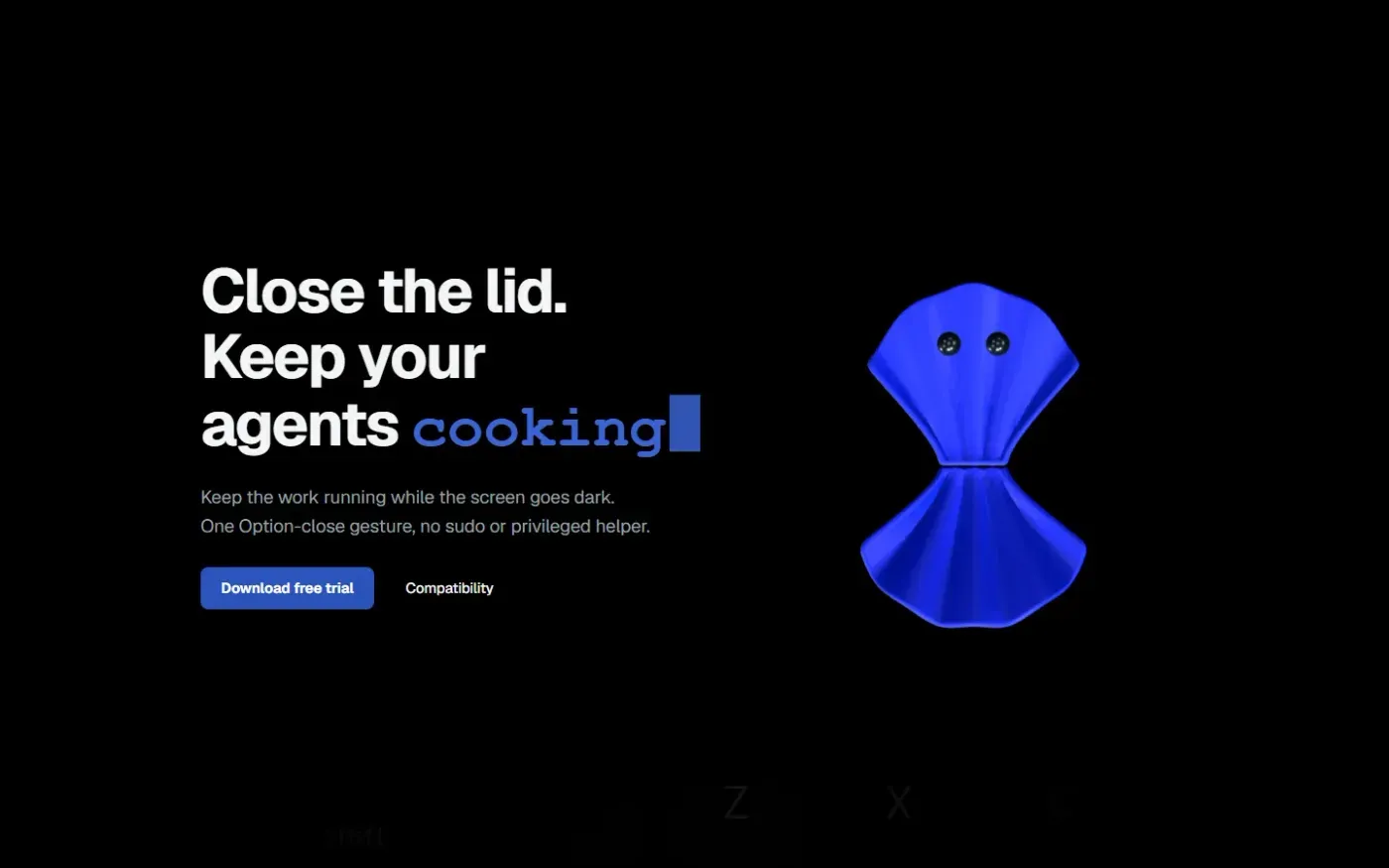
Clamshell — Close your MacBook. Keep the work running. screenshot 1 of 4: Home
clamshell.dev
Keep your Mac awake with the lid closed so your agents keep running. The internal display sleeps and wakes instantly on lid open.
Home
Paraspeech screenshot 1 of 4: Home
paraspeech.com
Speech-to-text for Mac with supported local and eligible cloud-backed processing paths, plus Mac-wide text insertion.
Home
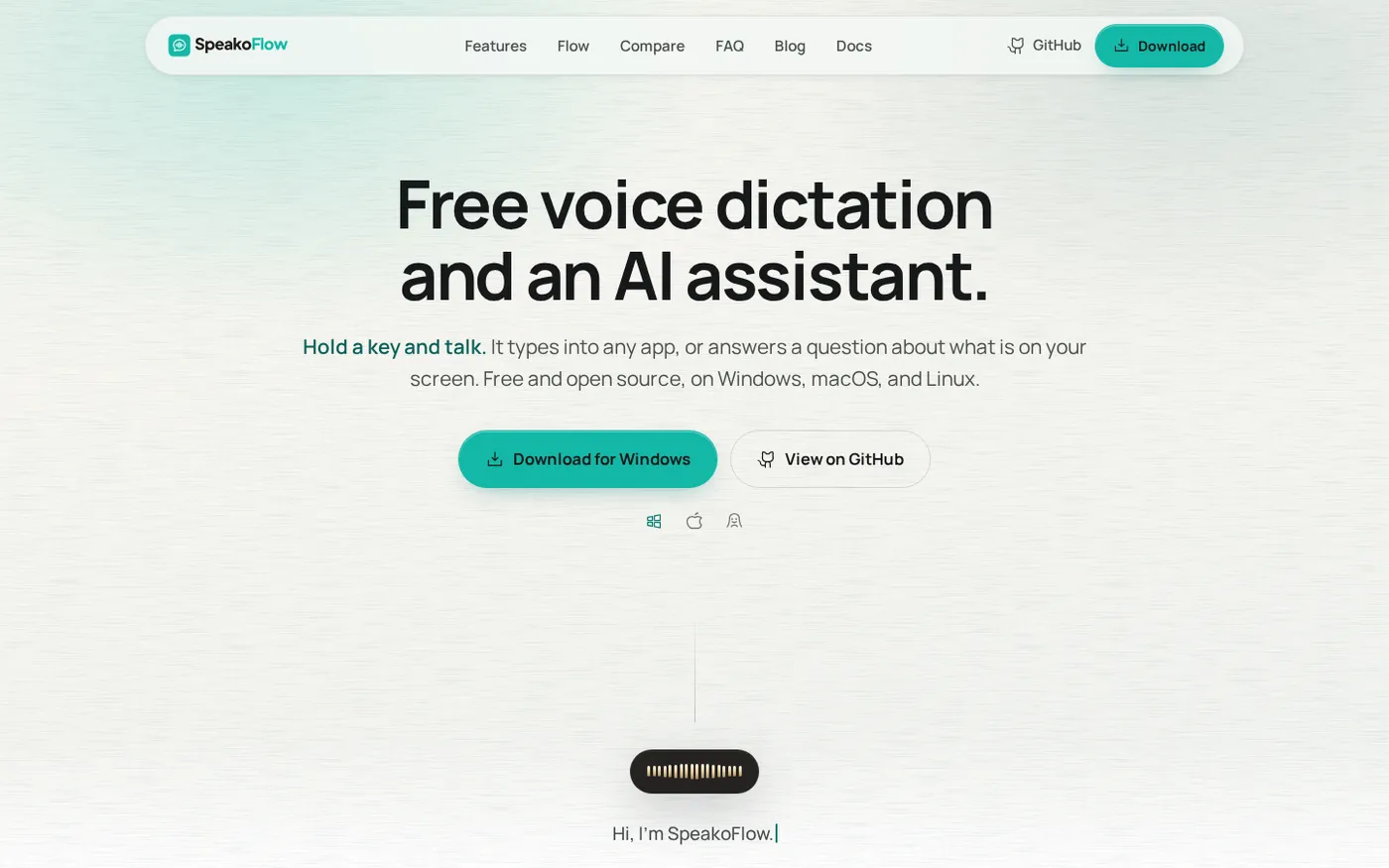
SpeakoFlow — Free, open-source voice dictation and AI assistant, offline screenshot 1 of 4: Home
speakoflow.com
Free, open-source, local-first voice-to-text desktop utility that transcribes speech into any app via hotkey, plus an AI assistant for drafting, cleanup, translation, and screen context.
Home
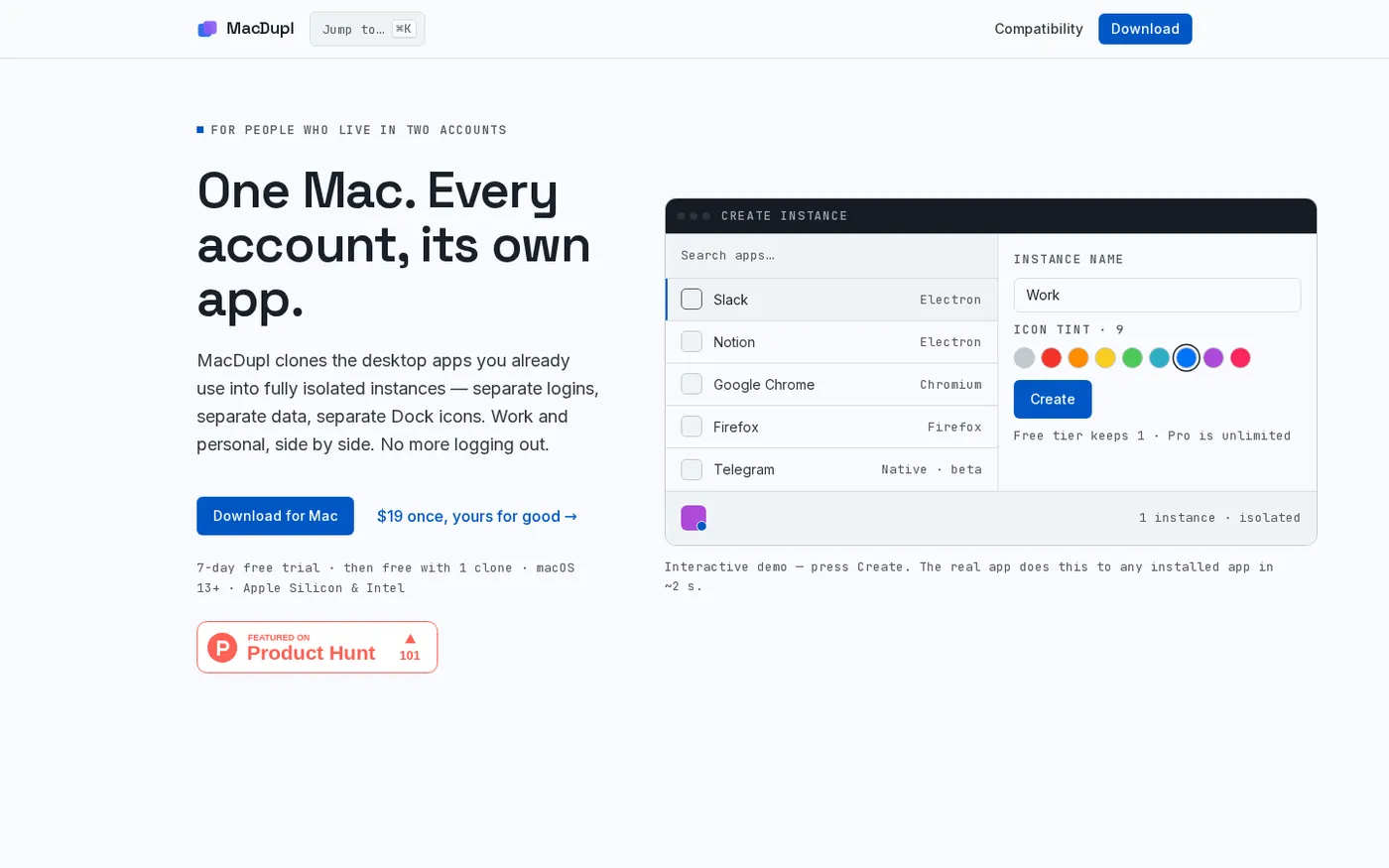
MacDupl — Clone any Mac app into a fully isolated instance screenshot 1 of 4: Home
macdupl.app
Clones installed macOS desktop applications into fully isolated instances with separate logins, cookies, caches, preferences, and Dock icons, utilizing APFS copy-on-write for near-zero additional disk space.