SiteList review score
Exceptional accessibility and native macOS aesthetic. Stalled by a broken mobile experience and technical duplication.
Reviewed on Aug 3, 2026
heyphantom.app
Unclaimed listingWhat it does
Phantom is a voice-first AI assistant for macOS that uses on-demand screen context to execute tasks across apps via voice or text commands.
SiteList review score
Exceptional accessibility and native macOS aesthetic. Stalled by a broken mobile experience and technical duplication.
Reviewed on Aug 3, 2026
Verified user rating
—
No verified reviews yet — the evidence locker is empty.
Captured during our latest review on Aug 24, 2026
Yearly prices are paid upfront and shown as a monthly equivalent. Usage capacity resets monthly with no rollover or automatic overages. Billed monthly.
| Plan | Price | Details |
|---|---|---|
| Free | $0 monthly per tier | Best for trying it out Starter capacity · All Phantom features included View source |
| Pro | $20 monthly per tier | Best for daily use More capacity · All Phantom features included View source |
| Max | $100 monthly per tier | Best for power users Highest capacity · All Phantom features included View source |
Voice commands and dictation
Input
Allows users to interact with the assistant using spoken or typed input.
Agentic workflows
Automation
Plans steps, works across apps, and verifies results based on user outcomes.
On-demand screen context
Privacy & Context
Captures relevant screen information only when a submitted task requires it, rather than continuously monitoring.
Cross-app task execution
Carries out work across multiple applications on macOS using voice or text commands.
File and app management
Types, clicks, scrolls, launches apps, uses shortcuts, and works with files.
Phantom is an AI assistant for macOS. Tell it what you need by voice or text, and it can use relevant screen context on demand to help carry out the task.
With chosen permissions, Phantom can type, click, scroll, launch apps, use shortcuts, work with files, and send actions to connected services.
Phantom combines processing on your Mac with cloud processing for cloud-backed features. It does not continuously watch your screen or sell personal information.
No. Phantom does not continuously inventory your running apps or windows. It obtains visual and app context when a submitted task needs it.
Product FAQ information · View source
Phantom earns a 69/100, distinguishing itself with exceptional accessibility and a native macOS aesthetic. However, its market readiness is stalled by a broken mobile experience and significant technical duplication.
69/100: A promising macOS utility with critical production flaws.
No reviews yet. The evidence locker is empty.
Reviews from verified users appear here once approved.
Reviews are from the SiteList community. Some reviewers received incentives — disclosed in the review, always. The verdict is never for sale.
Home
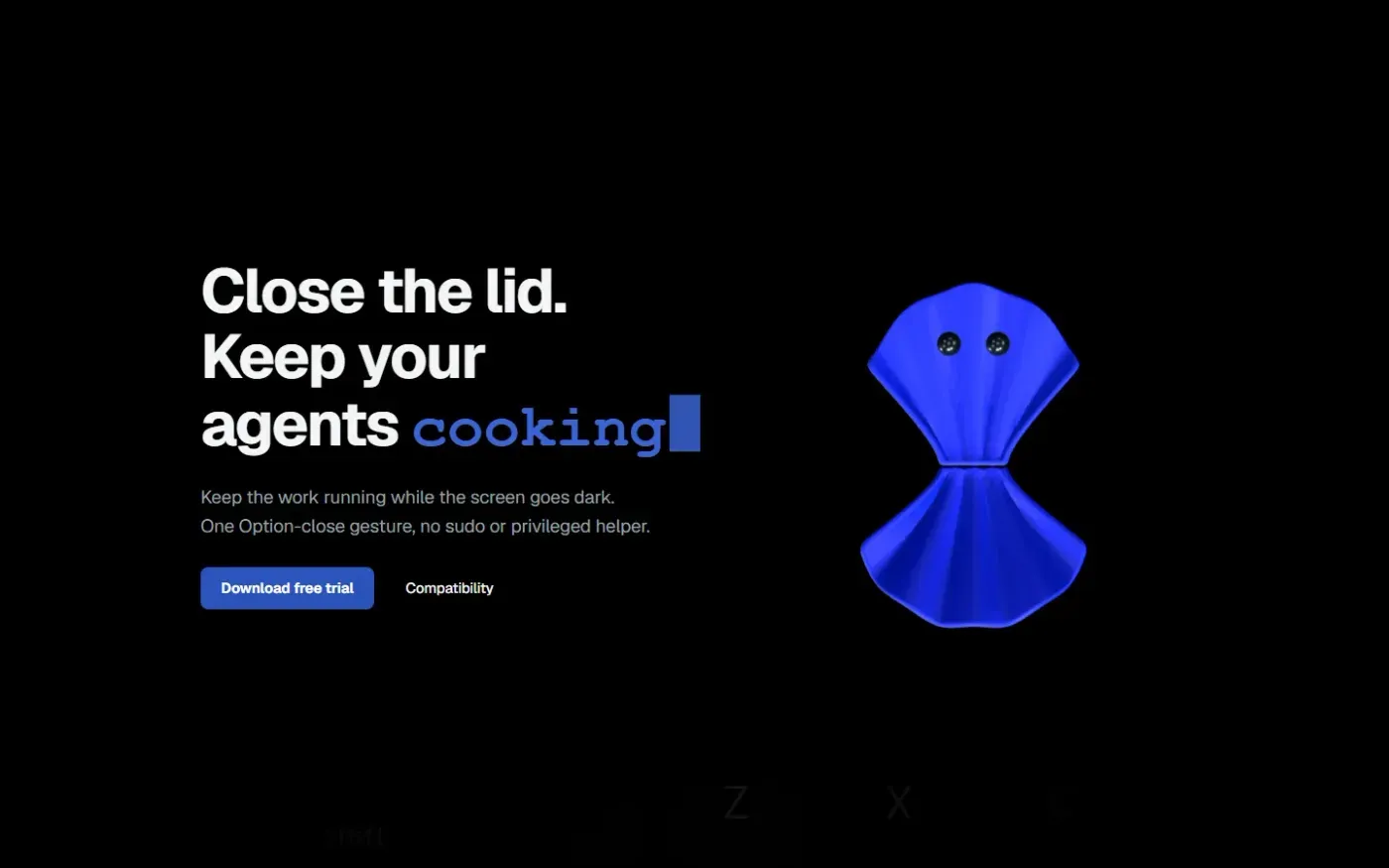
Clamshell — Close your MacBook. Keep the work running. screenshot 1 of 4: Home
clamshell.dev
Keep your Mac awake with the lid closed so your agents keep running. The internal display sleeps and wakes instantly on lid open.
Home
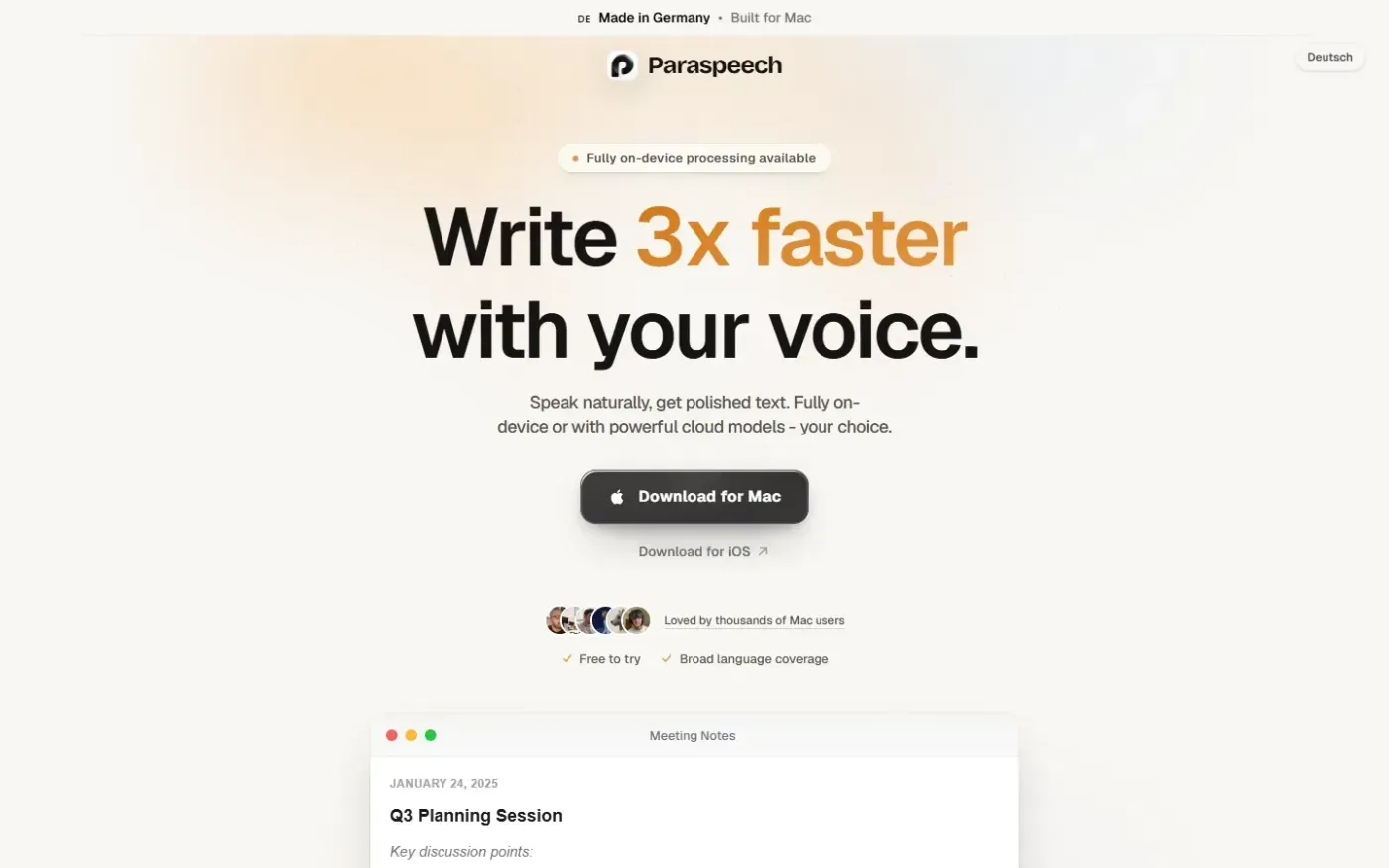
Paraspeech screenshot 1 of 4: Home
paraspeech.com
Speech-to-text for Mac with supported local and eligible cloud-backed processing paths, plus Mac-wide text insertion.
Home
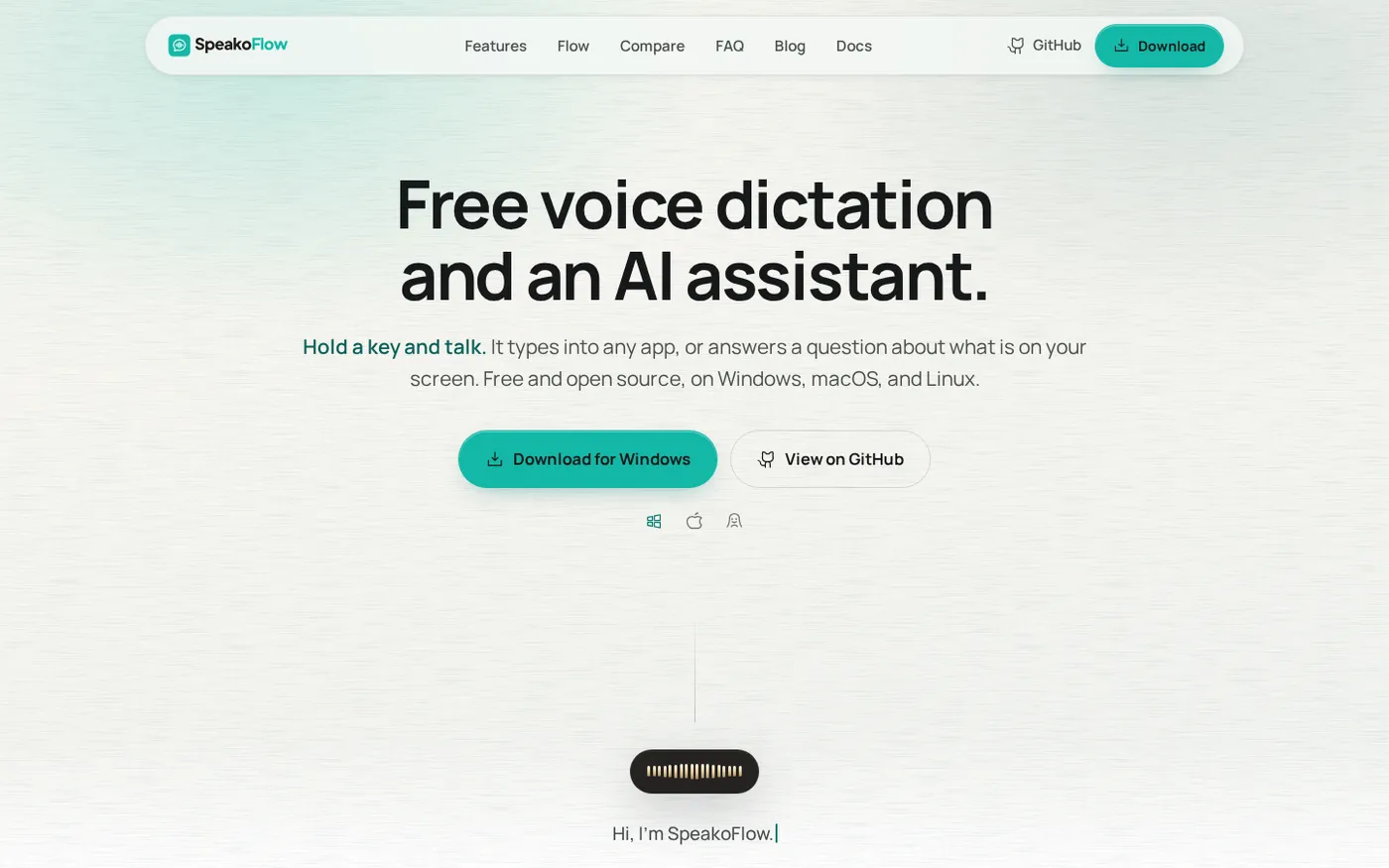
SpeakoFlow — Free, open-source voice dictation and AI assistant, offline screenshot 1 of 4: Home
speakoflow.com
Free, open-source, local-first voice-to-text desktop utility that transcribes speech into any app via hotkey, plus an AI assistant for drafting, cleanup, translation, and screen context.
Home
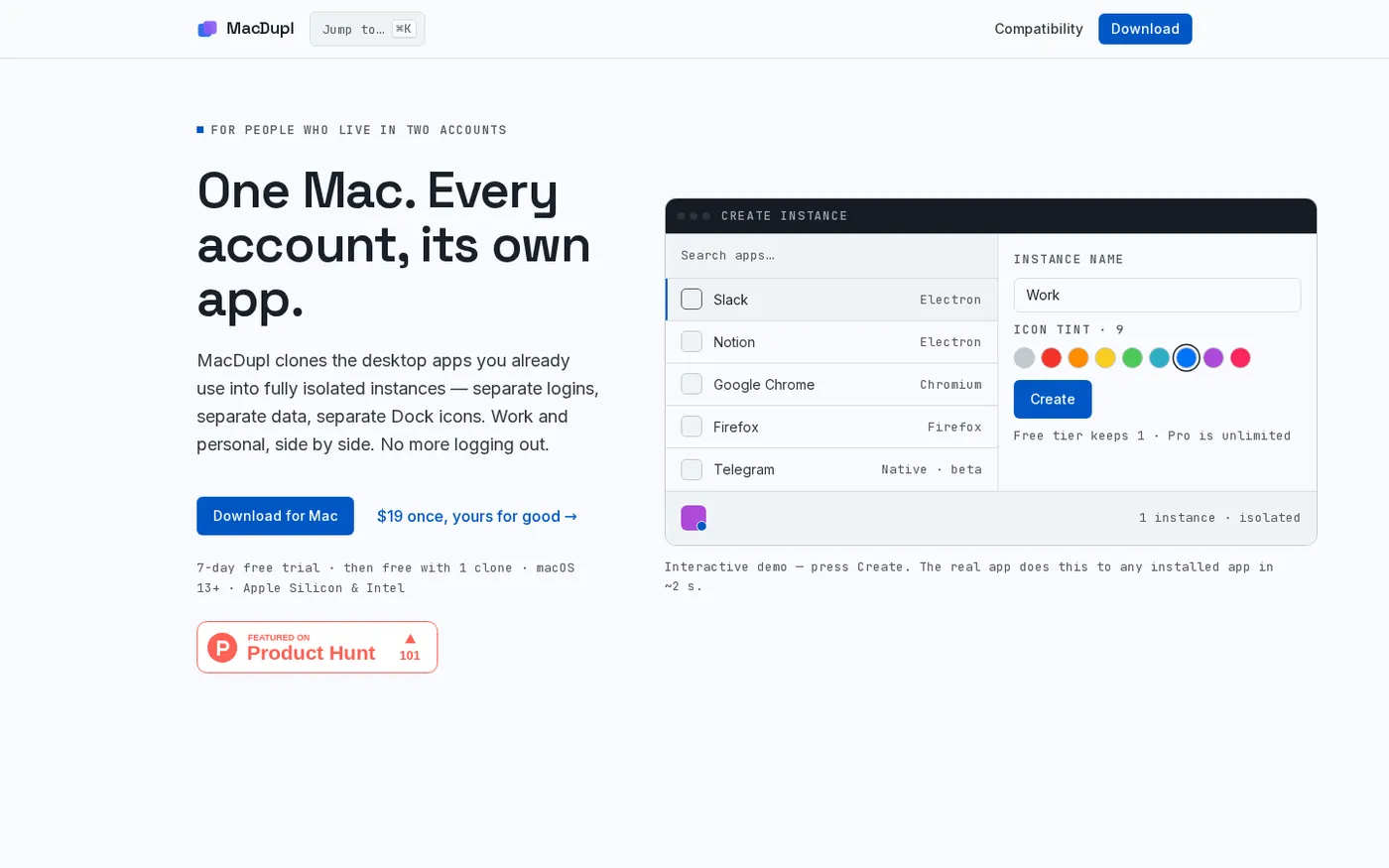
MacDupl — Clone any Mac app into a fully isolated instance screenshot 1 of 4: Home
macdupl.app
Clones installed macOS desktop applications into fully isolated instances with separate logins, cookies, caches, preferences, and Dock icons, utilizing APFS copy-on-write for near-zero additional disk space.