SiteList review score
MindMac clearly brings hosted and local AI models into one macOS client. Slow mobile delivery, accessibility barriers, and technical cleanup hold the site back.
Reviewed on Oct 8, 2026
mindmac.app
Unclaimed listingWhat it does
MindMac is a privacy-first ChatGPT application for macOS that brings multiple hosted AI providers and local large language models into one desktop app. It supports provider API keys, internet browsing, model management, licensing, and localisation in 15 languages.
SiteList review score
MindMac clearly brings hosted and local AI models into one macOS client. Slow mobile delivery, accessibility barriers, and technical cleanup hold the site back.
Reviewed on Oct 8, 2026
Verified user rating
—
No verified reviews yet — the evidence locker is empty.
Captured during our latest review on Oct 8, 2026
The getting-started documentation describes MindMac as freemium: it can be used freely with limitations, with an option to upgrade to a premium version. No premium price is shown in the supplied evidence. Billed custom. free plan · Free use is available with some limitations; premium upgrade is optional.
View sourceMulti-provider AI chat
AI chat
Access supported hosted AI providers and local LLMs in one application.
Local LLM support
AI chat
Use local large language models with MindMac.
API endpoint management
Configuration
Add an API key and configure multiple endpoints for a provider.
Internet browsing
Research
Access current internet data to address model training cut-off dates.
Model management
Configuration
Manage models in the MindMac application.
Product localisation
Accessibility and localisation
The documentation states that localisation is available in 15 languages.
Inline mode
Interface
Inline Mode is listed as a product feature in the documentation.
License activation and deactivation
Licensing
Documentation covers activating a license and deactivating it for use on another machine.
Chat with hosted AI models on macOS
Use provider APIs such as OpenAI, Claude, Gemini and others from a Mac desktop application.
Use local language models
Connect to and use local LLMs from MindMac.
Research with current web information
Use internet browsing to access data beyond an AI model's training cut-off date.
Manage multiple AI provider endpoints
Add API keys and multiple endpoints for supported providers.
OpenAI
AI model provider
Use OpenAI models through MindMac with a provider API key.
Azure OpenAI
AI model provider
Use Azure OpenAI through MindMac.
Google AI Gemini
AI model provider
Use Google AI with Gemini through MindMac.
Google Cloud Vertex AI Gemini
AI model provider
Use Google Cloud Vertex AI with Gemini through MindMac.
Anthropic Claude
AI model provider
Use Anthropic Claude through MindMac.
OpenRouter
AI model provider
Use OpenRouter through MindMac.
Mistral AI
AI model provider
Use Mistral AI through MindMac.
Cohere
AI model provider
Use Cohere through MindMac.
Perplexity
AI model provider
Use Perplexity through MindMac.
OctoAI
AI model provider
Use OctoAI through MindMac.
Ollama
local AI
MindMac documents adding an Ollama endpoint.
Mac users who want one interface for multiple hosted and local AI providers, API access, and local LLMs.
The site is marked freemium, but the supplied price range is not specified in USD.
The documentation supports the core setup path: identifying the product, reaching Getting started, adding an API key, and finding license activation.
The clearest measured problem is mobile performance: LCP is 11.8 seconds against a 2.5-second good threshold, with a 2.06 MB hero image and 13.1 MB of network activity.
Start with mobile delivery, then repair the verified accessibility barriers and resolve the soft 404, empty declared sitemap, and conflicting canonical signals.
Answers are based on SiteList's latest evidence review. Read the full review.
MindMac scores 56/100 as a recognizable macOS AI client with broad documentation and clear setup paths. Its most material weaknesses are 11.8-second mobile LCP, verified accessibility barriers, and technical and editorial defects that need a focused cleanup.
56/100: capable product, weak site foundations
No reviews yet. The evidence locker is empty.
Reviews from verified users appear here once approved.
Reviews are from the SiteList community. Some reviewers received incentives — disclosed in the review, always. The verdict is never for sale.
Home
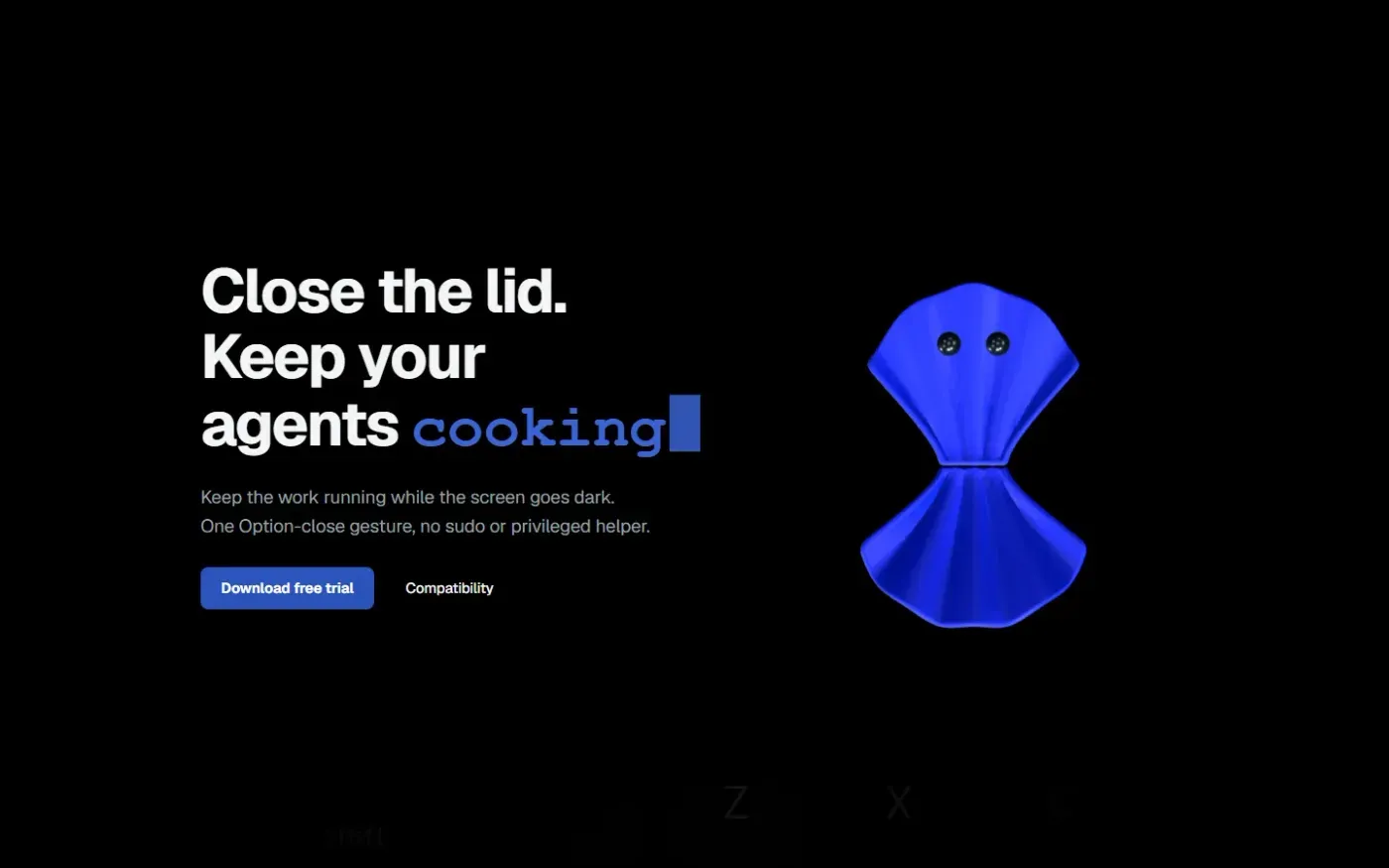
Clamshell — Close your MacBook. Keep the work running. screenshot 1 of 4: Home
clamshell.dev
Keep your Mac awake with the lid closed so your agents keep running. The internal display sleeps and wakes instantly on lid open.
Home
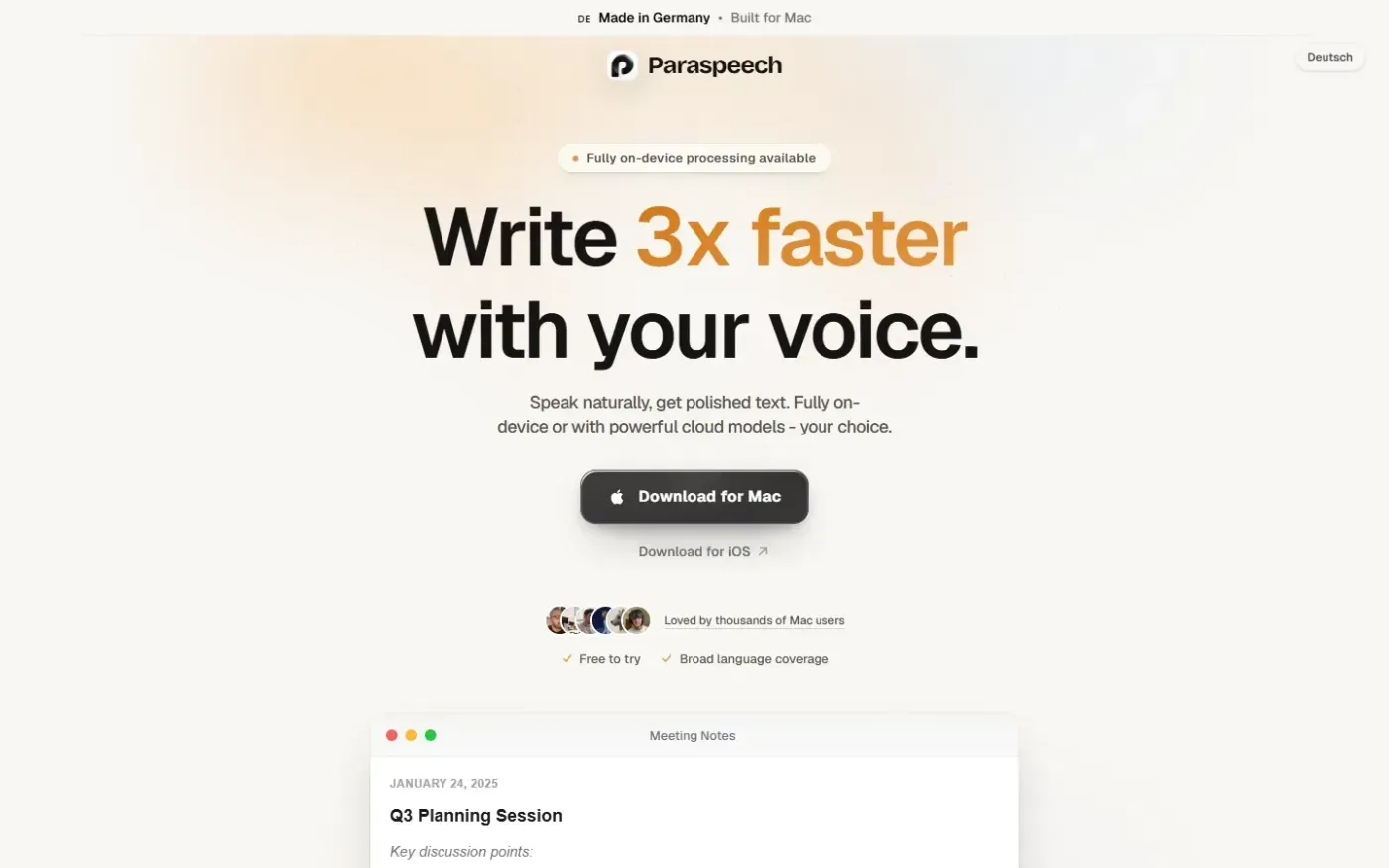
Paraspeech screenshot 1 of 4: Home
paraspeech.com
Speech-to-text for Mac with supported local and eligible cloud-backed processing paths, plus Mac-wide text insertion.
Home
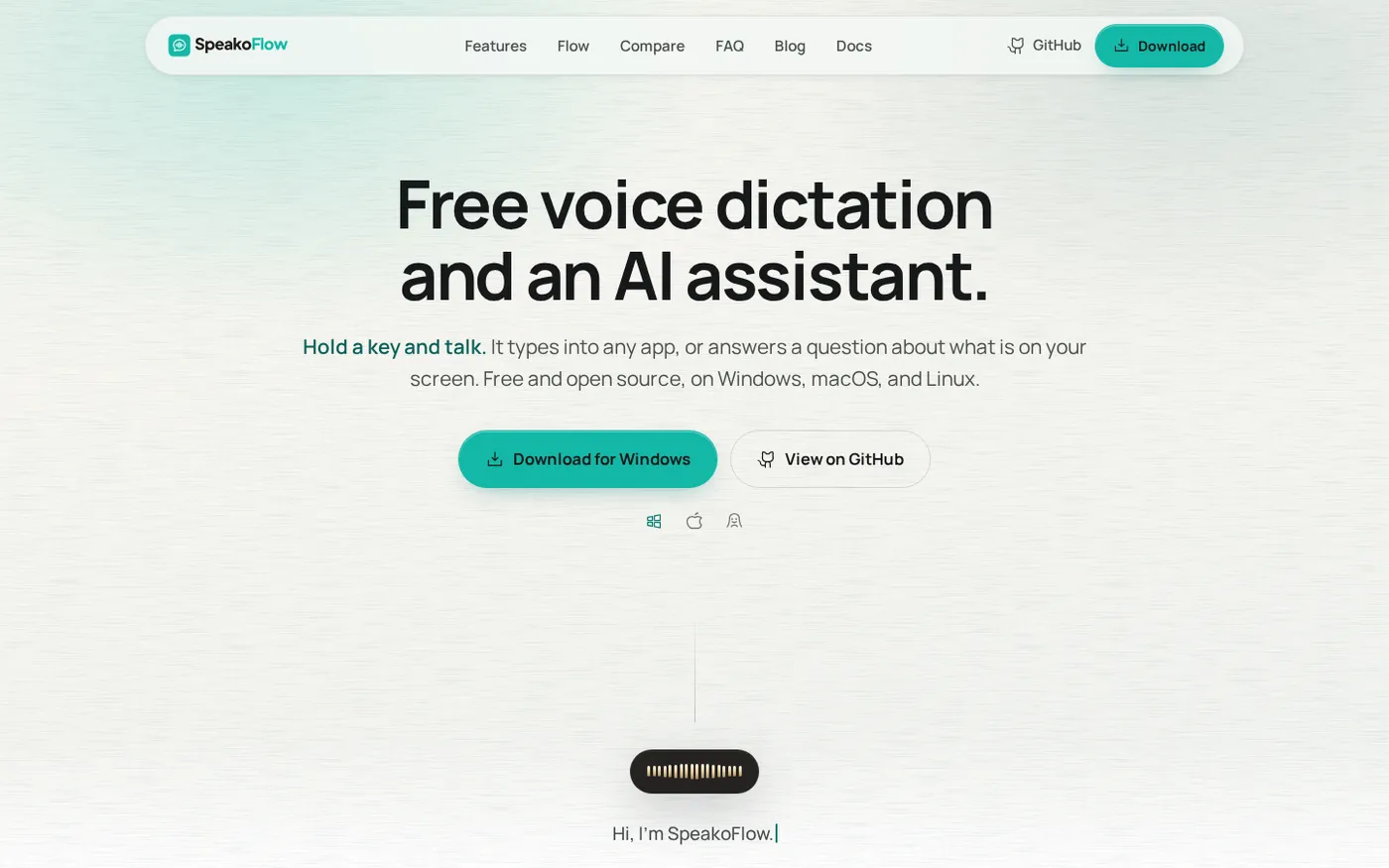
SpeakoFlow — Free, open-source voice dictation and AI assistant, offline screenshot 1 of 4: Home
speakoflow.com
Free, open-source, local-first voice-to-text desktop utility that transcribes speech into any app via hotkey, plus an AI assistant for drafting, cleanup, translation, and screen context.
Home
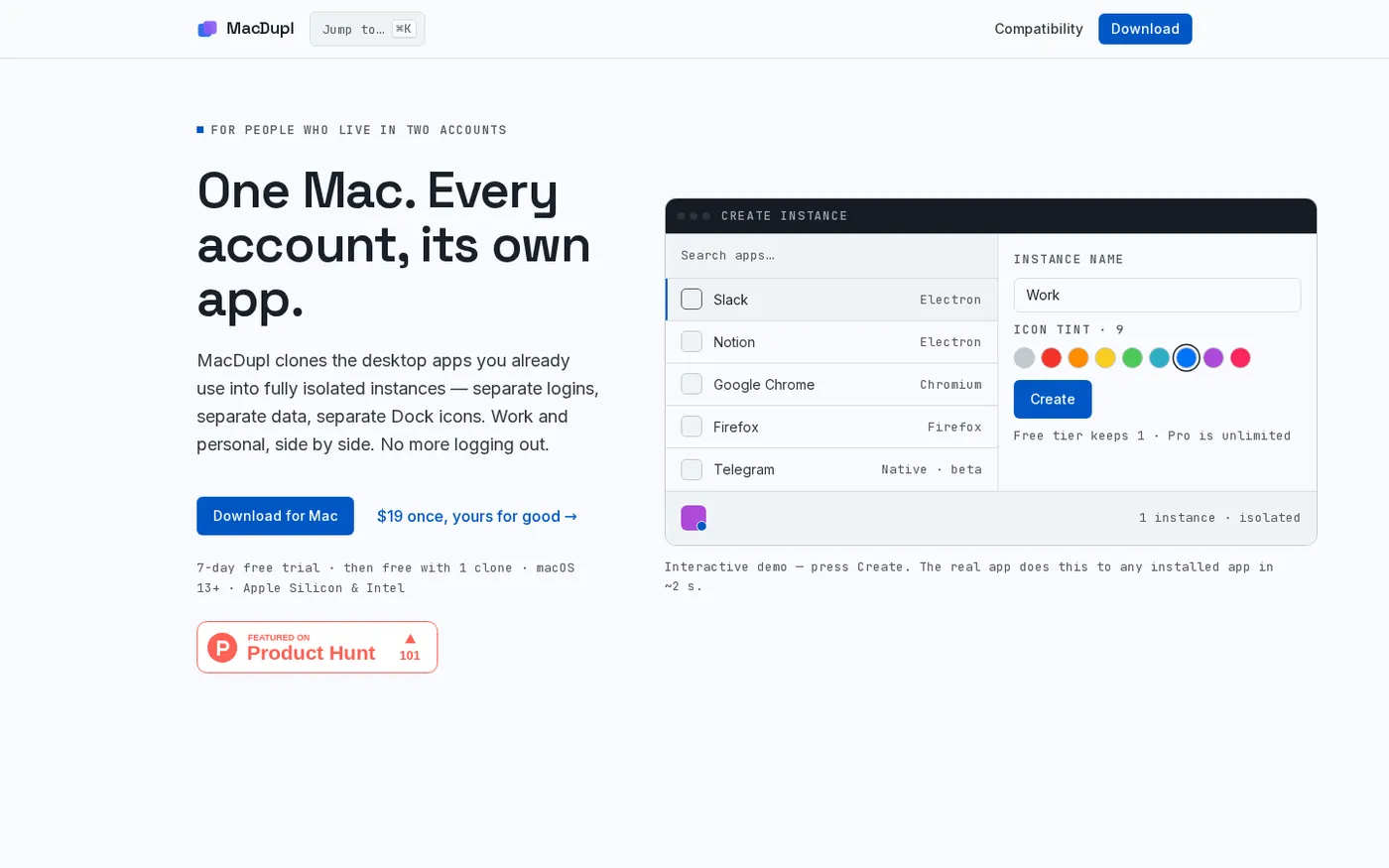
MacDupl — Clone any Mac app into a fully isolated instance screenshot 1 of 4: Home
macdupl.app
Clones installed macOS desktop applications into fully isolated instances with separate logins, cookies, caches, preferences, and Dock icons, utilizing APFS copy-on-write for near-zero additional disk space.