SiteList review score
Features a Steps for Screen Time mechanic and mission-driven messaging. The platform is limited by accessibility failures and a lack of developer transparency.
Reviewed on Aug 27, 2026
mcrudra.com
Unclaimed listingWhat it does
Lynqo turns your Mac or PC into a local server for zero-cloud video review, instant file sharing, and clipboard sync.
SiteList review score
Features a Steps for Screen Time mechanic and mission-driven messaging. The platform is limited by accessibility failures and a lack of developer transparency.
Reviewed on Aug 27, 2026
Verified user rating
—
No verified reviews yet — the evidence locker is empty.
Captured during our latest review on Aug 27, 2026
Free tier includes unlimited P2P devices & LAN sharing. Pro tier adds Video Review Studio projects & public internet share links. Billed monthly.
| Plan | Price | Details |
|---|---|---|
| Free | $0 monthly per forever | Unlimited P2P devices & LAN sharing No credit card required View source |
| Lynqo Pro | $20 monthly per month | Video Review Studio projects & public internet share links View source |
Frame-accurate video review
Video Review Studio Pro | Traditional Cloud | Legacy Review Apps table & text
Provides timecodes for precise client feedback on video files.
Clipboard cross-device sync
Sync
Built-in synchronization of clipboard content across connected devices.
Auto device discovery
Networking
Instantly discovers devices on the local network via mDNS.
Password-protected links
Security
Allows creation of secure, password-protected sharing links.
Local video review
Stream 4K video directly from a local machine to clients without uploading or cloud storage fees.
LAN file sharing
Serve massive files over a local network with zero upload required and unlimited device connections.
Snapchat
TikTok
Twitter / X
YouTube
Lynqo uses a Steps for Screen Time mechanic, requiring physical activity to enable digital usage time.
Currently, Lynqo is positioned specifically for Android users to manage screen time.
Yes, the site indicates a freemium model, though specific premium pricing details are currently missing from the main pages.
While the site mentions P2P functionality, the current lack of technical documentation makes it difficult to verify specific encryption protocols.
Answers are based on SiteList's latest evidence review. Read the full review.
Lynqo earns a 65/100 for its Steps for Screen Time mechanic and mission-driven messaging. The platform is limited by significant accessibility failures and a lack of team transparency.
65/100: Fair tool with strong messaging but significant technical and transparency gaps
No reviews yet. The evidence locker is empty.
Reviews from verified users appear here once approved.
Reviews are from the SiteList community. Some reviewers received incentives — disclosed in the review, always. The verdict is never for sale.
Home
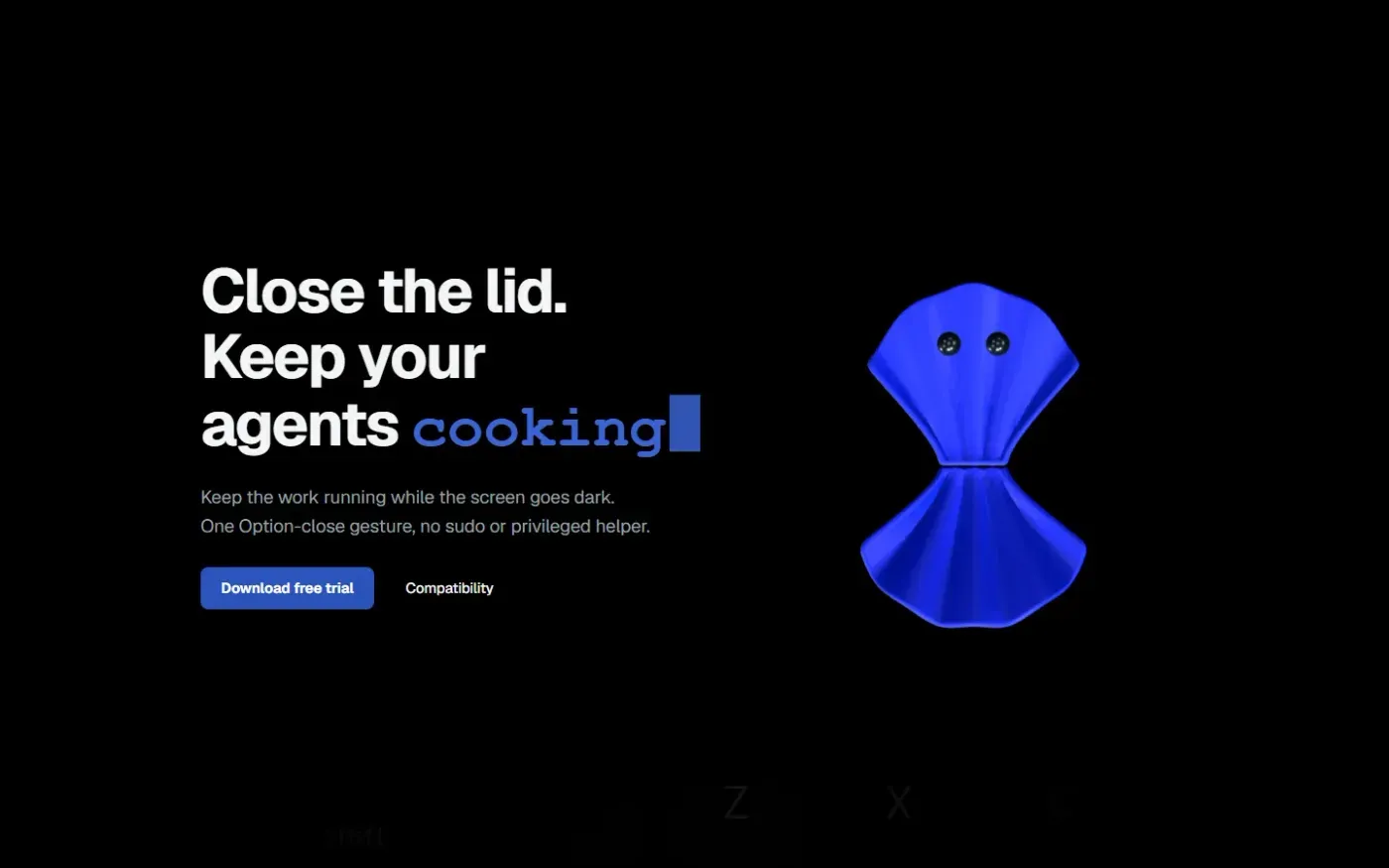
Clamshell — Close your MacBook. Keep the work running. screenshot 1 of 4: Home
clamshell.dev
Keep your Mac awake with the lid closed so your agents keep running. The internal display sleeps and wakes instantly on lid open.
Home
Paraspeech screenshot 1 of 4: Home
paraspeech.com
Speech-to-text for Mac with supported local and eligible cloud-backed processing paths, plus Mac-wide text insertion.
Home
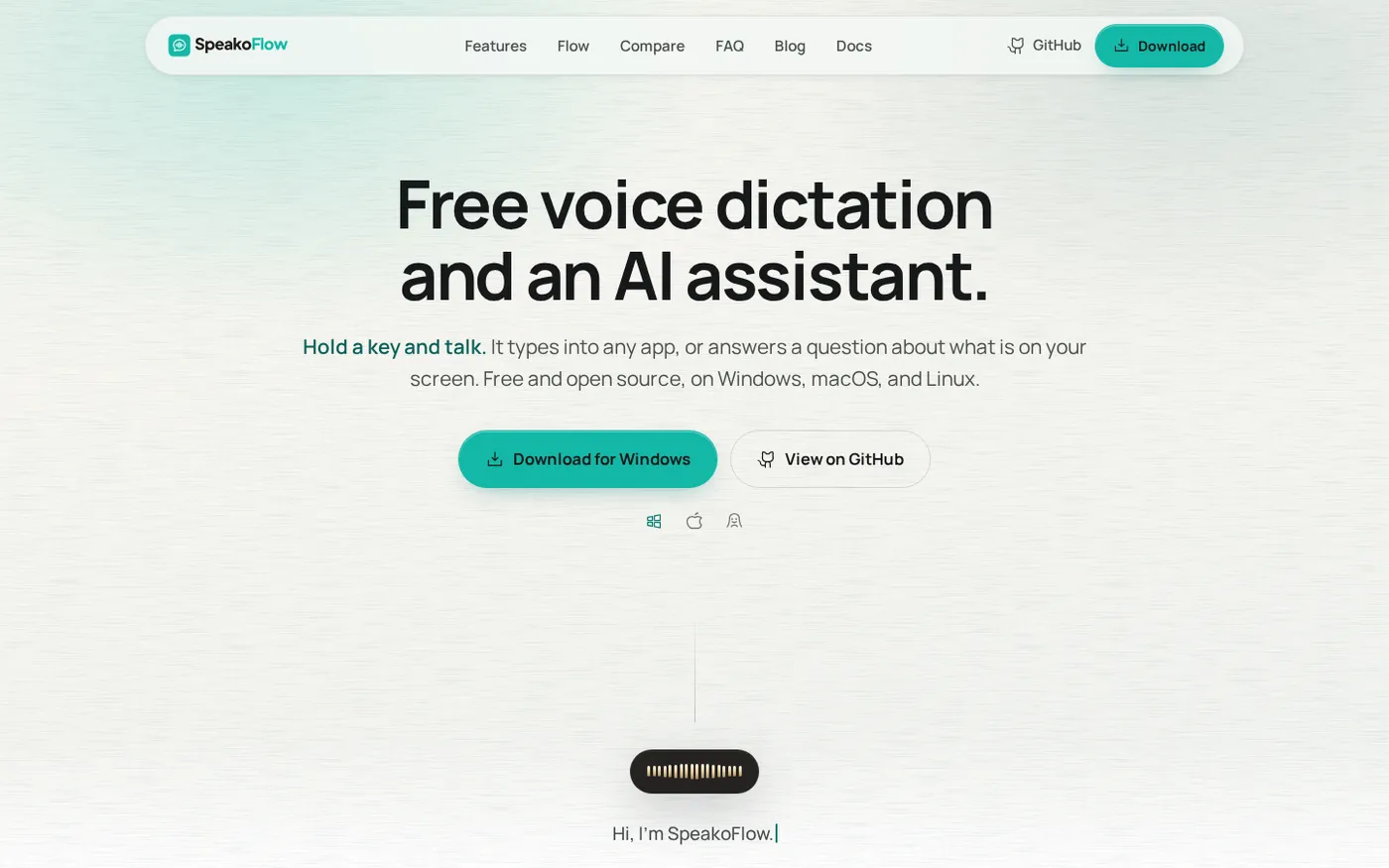
SpeakoFlow — Free, open-source voice dictation and AI assistant, offline screenshot 1 of 4: Home
speakoflow.com
Free, open-source, local-first voice-to-text desktop utility that transcribes speech into any app via hotkey, plus an AI assistant for drafting, cleanup, translation, and screen context.
Home
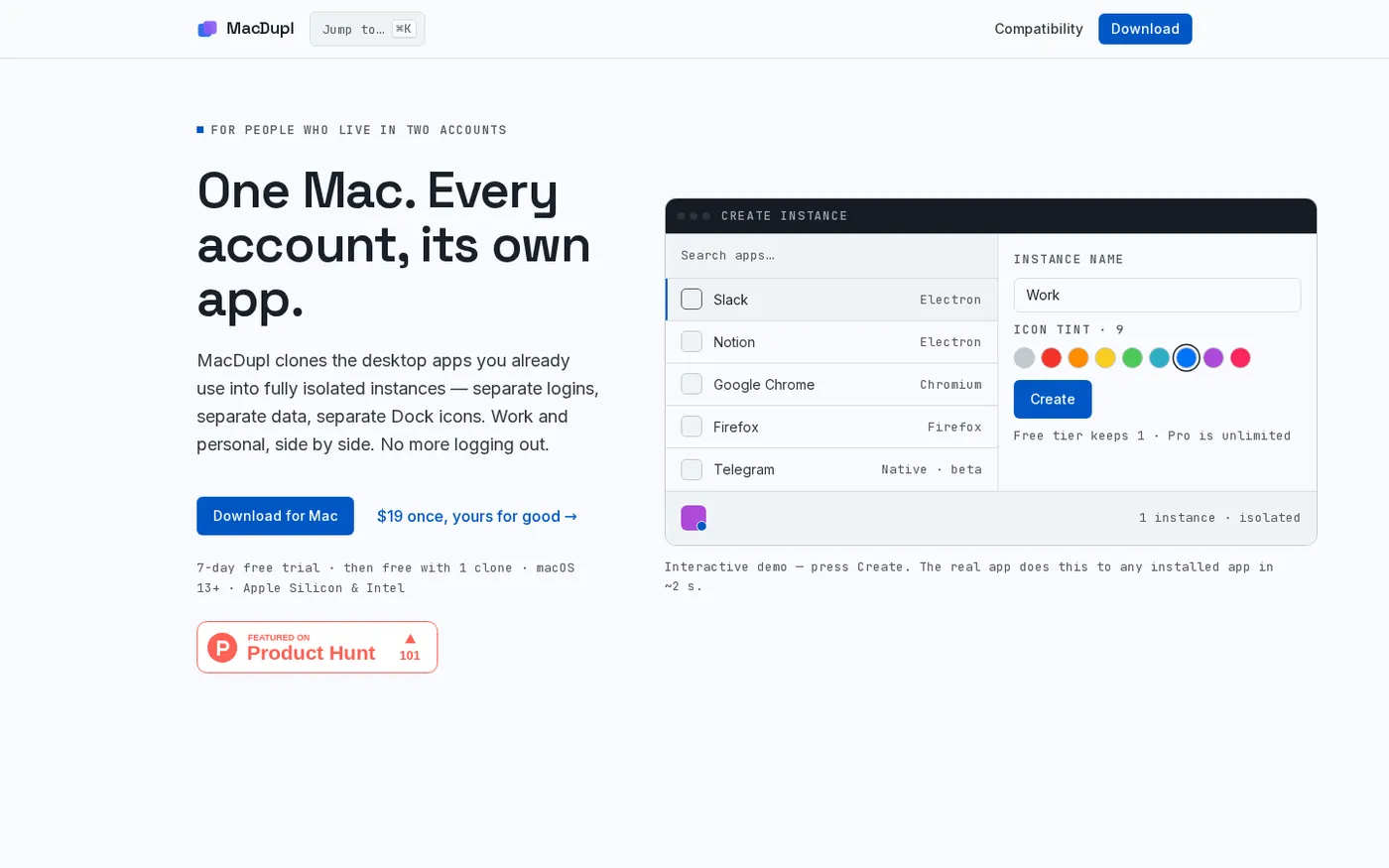
MacDupl — Clone any Mac app into a fully isolated instance screenshot 1 of 4: Home
macdupl.app
Clones installed macOS desktop applications into fully isolated instances with separate logins, cookies, caches, preferences, and Dock icons, utilizing APFS copy-on-write for near-zero additional disk space.