SiteList review score
Clear Mac positioning and strong usability make WriteNative easy to understand and try. Fix the mobile layout and slower mobile content arrival to reduce friction.
Reviewed on Nov 2, 2026
writenative.app
Unclaimed listingWhat it does
WriteNative fixes mistakes as you type, helps make sentences clearer and adjust tone, and explains every fix in the user's language across Mac apps.
SiteList review score
Clear Mac positioning and strong usability make WriteNative easy to understand and try. Fix the mobile layout and slower mobile content arrival to reduce friction.
Reviewed on Nov 2, 2026
Verified user rating
—
No verified reviews yet — the evidence locker is empty.
Captured during our latest review on Nov 2, 2026
WriteNative provides the same as-you-type checks in every app and is designed for people whose first language is not English, with fixes explained in their language and messages explained and answered in one flow.
For occasional English, spelling is unlimited without an account. A free account includes 30 grammar checks per day, 10 AI actions, and 20 predictions.
No. It makes the user's English correct and natural, explains why in the user's language, and allows the user to start in their language when stuck.
Checks are discarded right away and are never stored or used for training.
The free account is the trial and requires no card. Website purchases can be refunded in full when requested within 14 days; App Store purchases follow Apple's terms.
It works in most Mac apps with a text field, including Mail, Gmail, Outlook, Slack, Teams, Notion, GitHub, Cursor, and VS Code. Terminals and Google Docs are left alone, and macOS 14 or later is required.
Product FAQ information · View source
Writenative scores 79/100 as a clear Mac writing assistant for people who write English as an additional language. Its strongest evidence is usability and product clarity; its most material weakness is a mobile implementation that reaches 945px of scroll width at a 390px viewport, alongside slow mobile content arrival.
79/100: strong fit with mobile and speed gaps
No reviews yet. The evidence locker is empty.
Reviews from verified users appear here once approved.
Reviews are from the SiteList community. Some reviewers received incentives — disclosed in the review, always. The verdict is never for sale.
Home
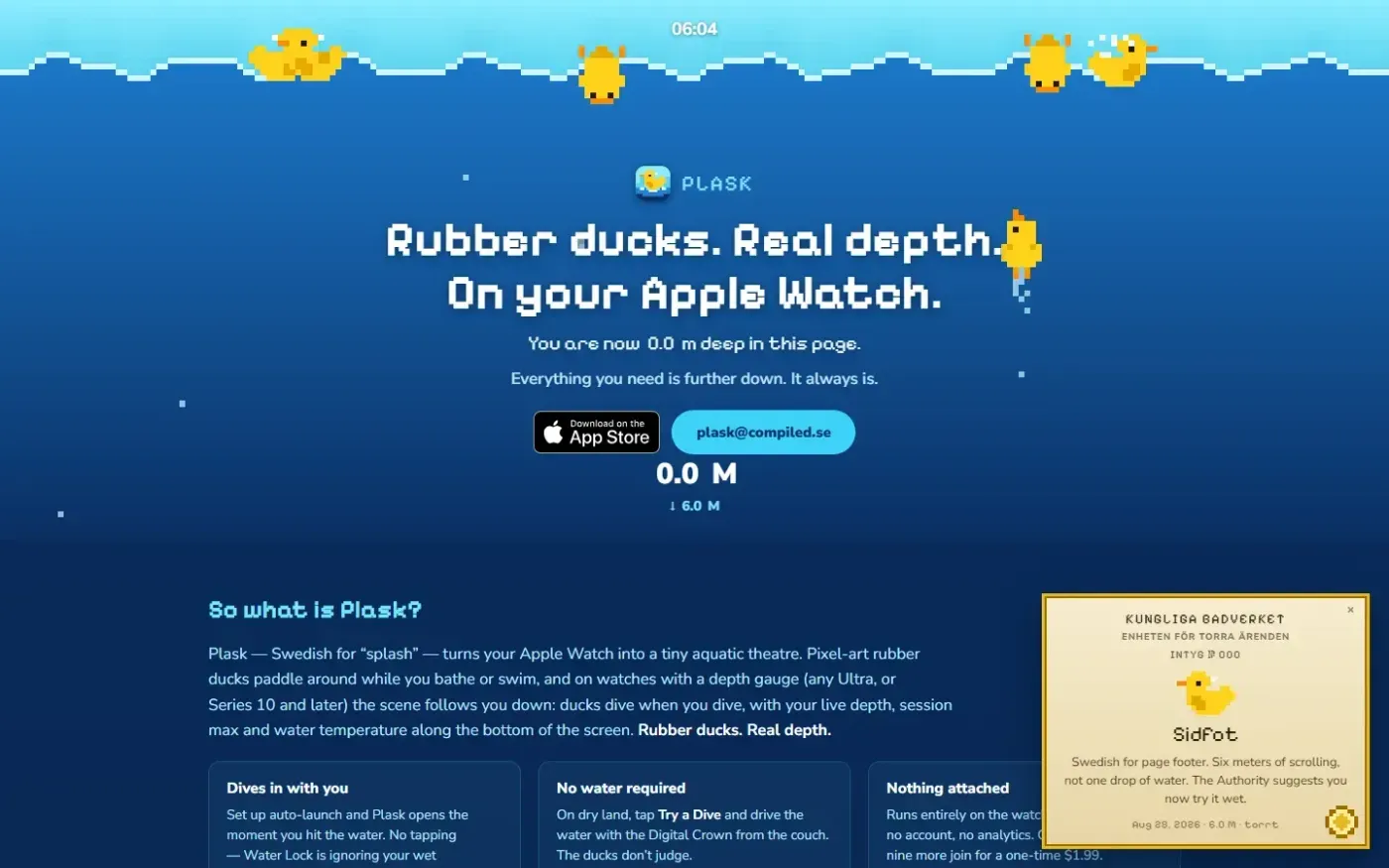
Plask — Have little ducks show how deep you dive on your Apple Watch screenshot 1 of 3: Home
plask.info
Plask turns your Apple Watch into a tiny aquatic theatre: pixel-art rubber ducks that dive when you do, your real depth on screen, and a duck or ten.
Home
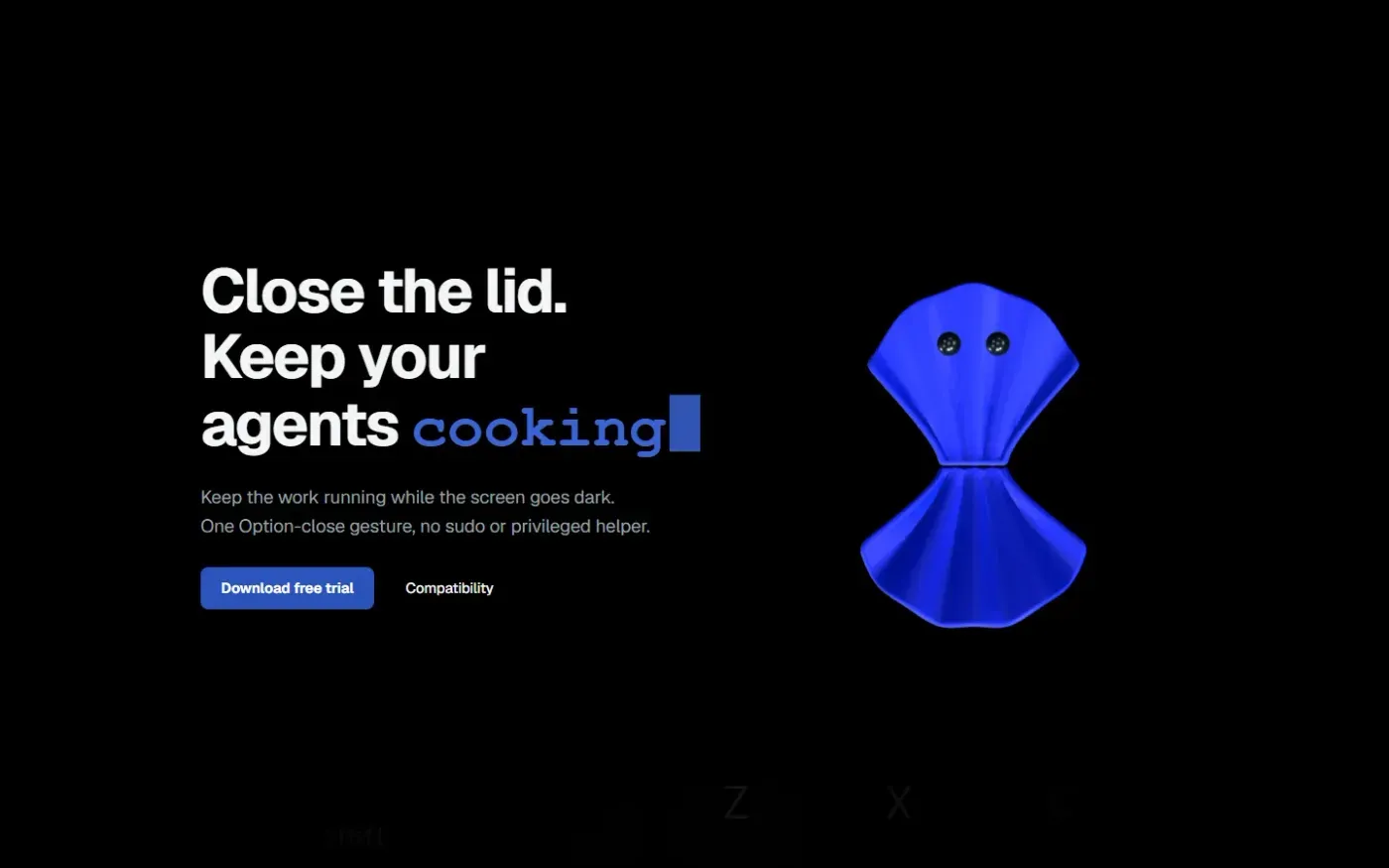
Clamshell — Close your MacBook. Keep the work running. screenshot 1 of 4: Home
clamshell.dev
Keep your Mac awake with the lid closed so your agents keep running. The internal display sleeps and wakes instantly on lid open.
Home
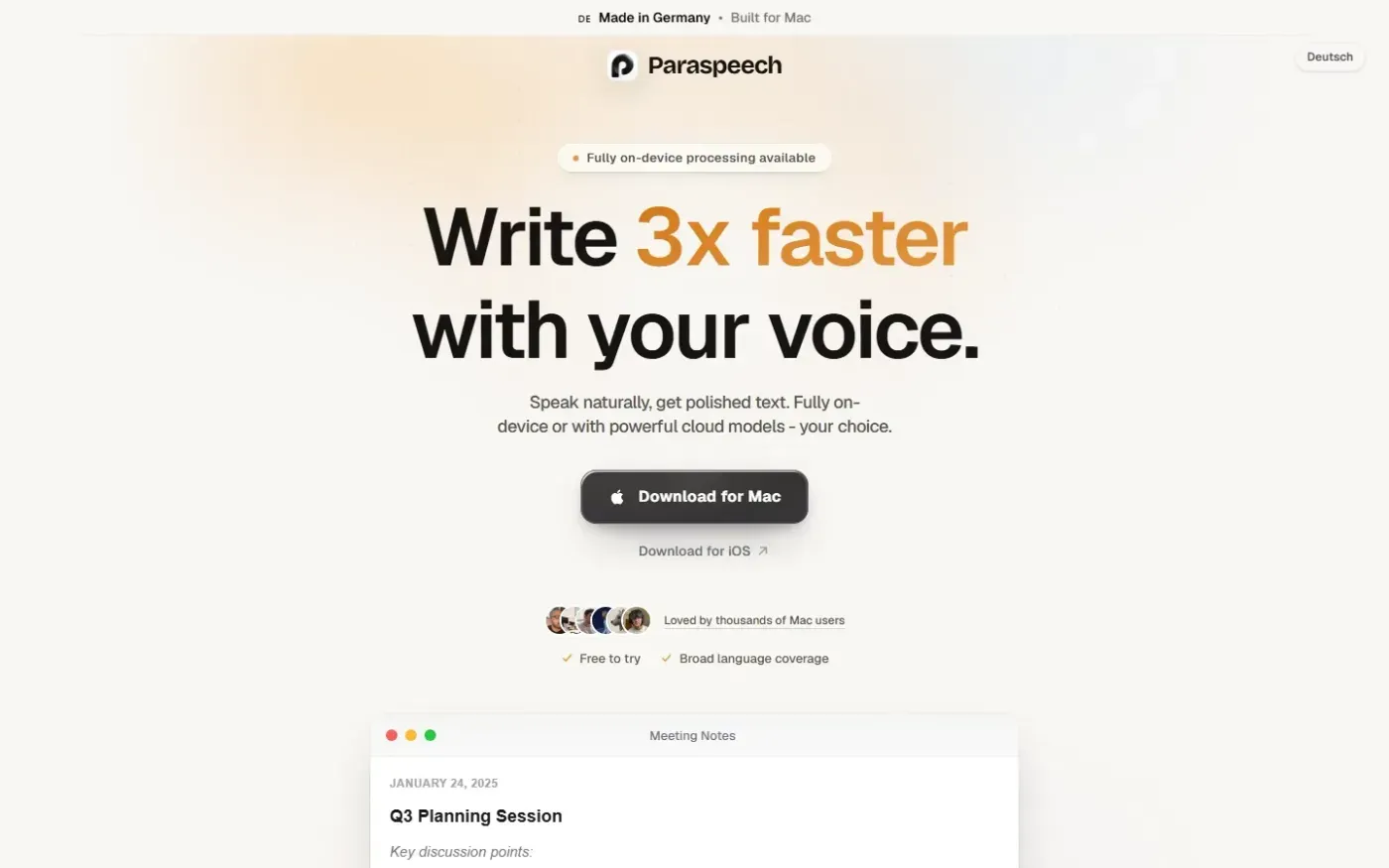
Paraspeech screenshot 1 of 4: Home
paraspeech.com
Speech-to-text for Mac with supported local and eligible cloud-backed processing paths, plus Mac-wide text insertion.
Home
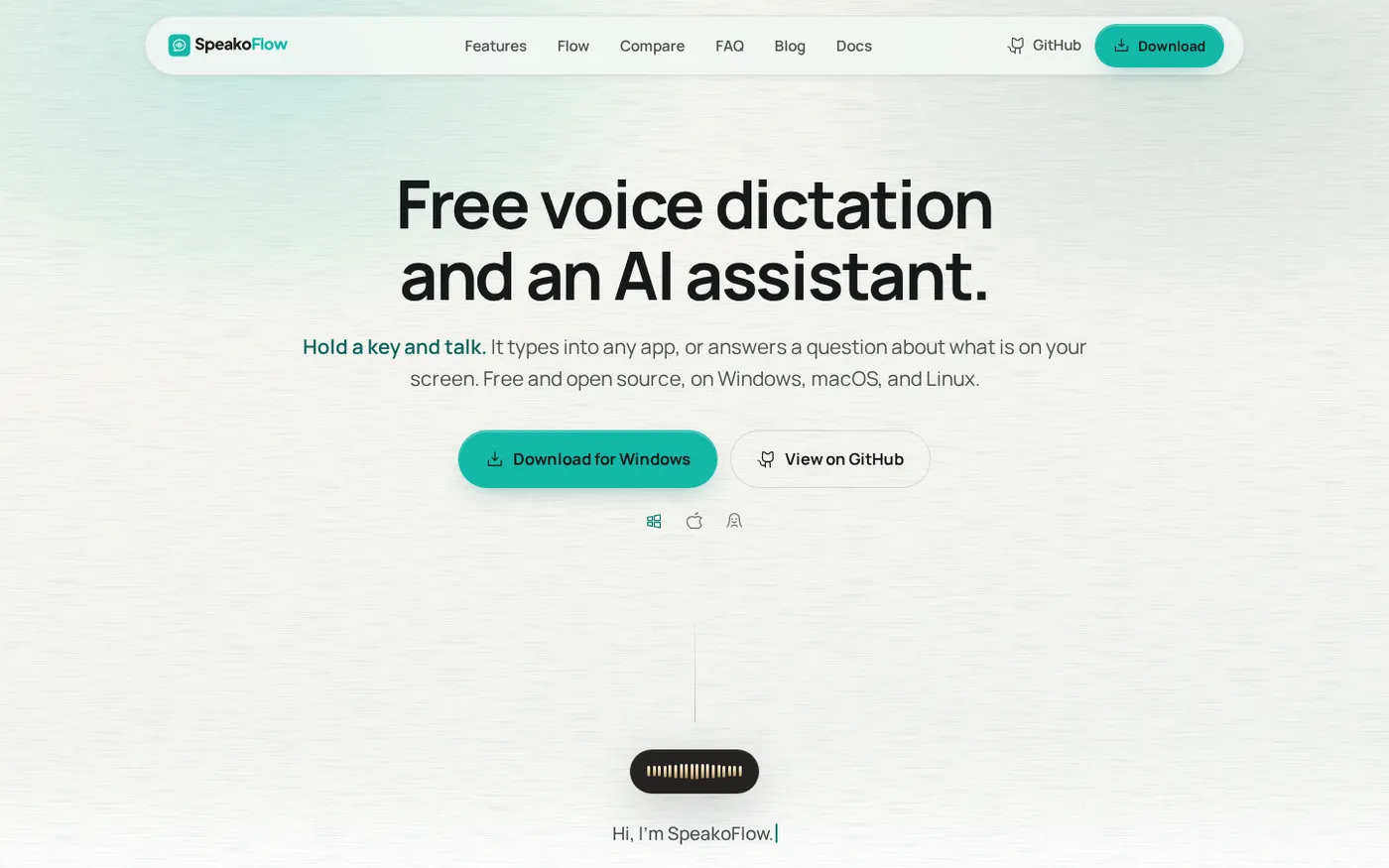
SpeakoFlow — Free, open-source voice dictation and AI assistant, offline screenshot 1 of 4: Home
speakoflow.com
Free, open-source, local-first voice-to-text desktop utility that transcribes speech into any app via hotkey, plus an AI assistant for drafting, cleanup, translation, and screen context.