SiteList review score
Strong accessibility and clear task examples make Oh!Mate easy to understand. Clarify the primary audience, add public documentation, and redirect HTTP traffic to HTTPS.
Reviewed on Nov 7, 2026
ohmate.online
Unclaimed listingWhat it does
Oh!Mate is a desktop AI workspace. Organize projects, files, sources, conversations and context in Work, and use AI to deliver writing, spreadsheets, slides, PDFs, code, research and fiction.
SiteList review score
Strong accessibility and clear task examples make Oh!Mate easy to understand. Clarify the primary audience, add public documentation, and redirect HTTP traffic to HTTPS.
Reviewed on Nov 7, 2026
Verified user rating
—
No verified reviews yet — the evidence locker is empty.
Captured during our latest review on Nov 7, 2026
The desktop app is free to download; cloud office capabilities are available through subscription plans, with Credits that reset every 7 days. Current subscription details are on the subscription page.
View sourceOh!Mate is a desktop workspace built around completing tasks. Each client, project or task can have its own Work with conversations, sources, a working directory, Skills and permissions.
Oh!Mate is a native desktop app that manages working directories, sources and outputs on your local filesystem by default. It uses least-privilege permissions and requests confirmation for access outside the authorized scope or high-risk actions.
Oh!Mate selects validated models suited to office work. All plans include the same office capabilities, with Credits that reset every 7 days. See your subscription page for current details.
Install or import Skills to extend your workflows with familiar processes, industry templates and local tools in your Work.
Product FAQ information · View source
Oh!Mate scores 70/100 as a desktop AI workspace, with accessibility its clearest strength at 92/100. Its most material weakness is self-serve help: Docs & self-serve help scores 28.5/100 because the partial crawl did not discover a public documentation surface.
70/100: strong accessibility, fixable gaps
No reviews yet. The evidence locker is empty.
Reviews from verified users appear here once approved.
Reviews are from the SiteList community. Some reviewers received incentives — disclosed in the review, always. The verdict is never for sale.
Home
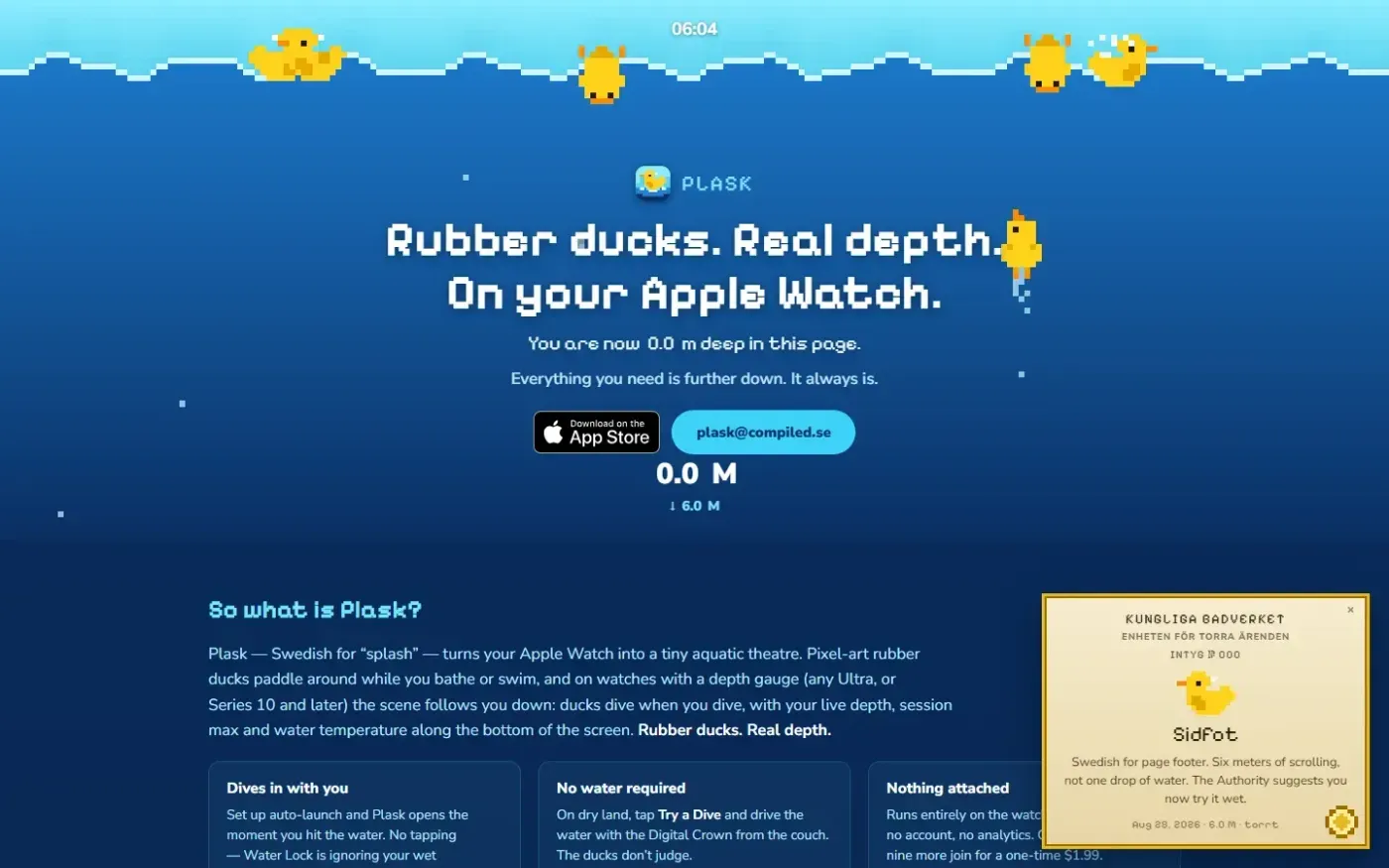
Plask — Have little ducks show how deep you dive on your Apple Watch screenshot 1 of 3: Home
plask.info
Plask turns your Apple Watch into a tiny aquatic theatre: pixel-art rubber ducks that dive when you do, your real depth on screen, and a duck or ten.
Home
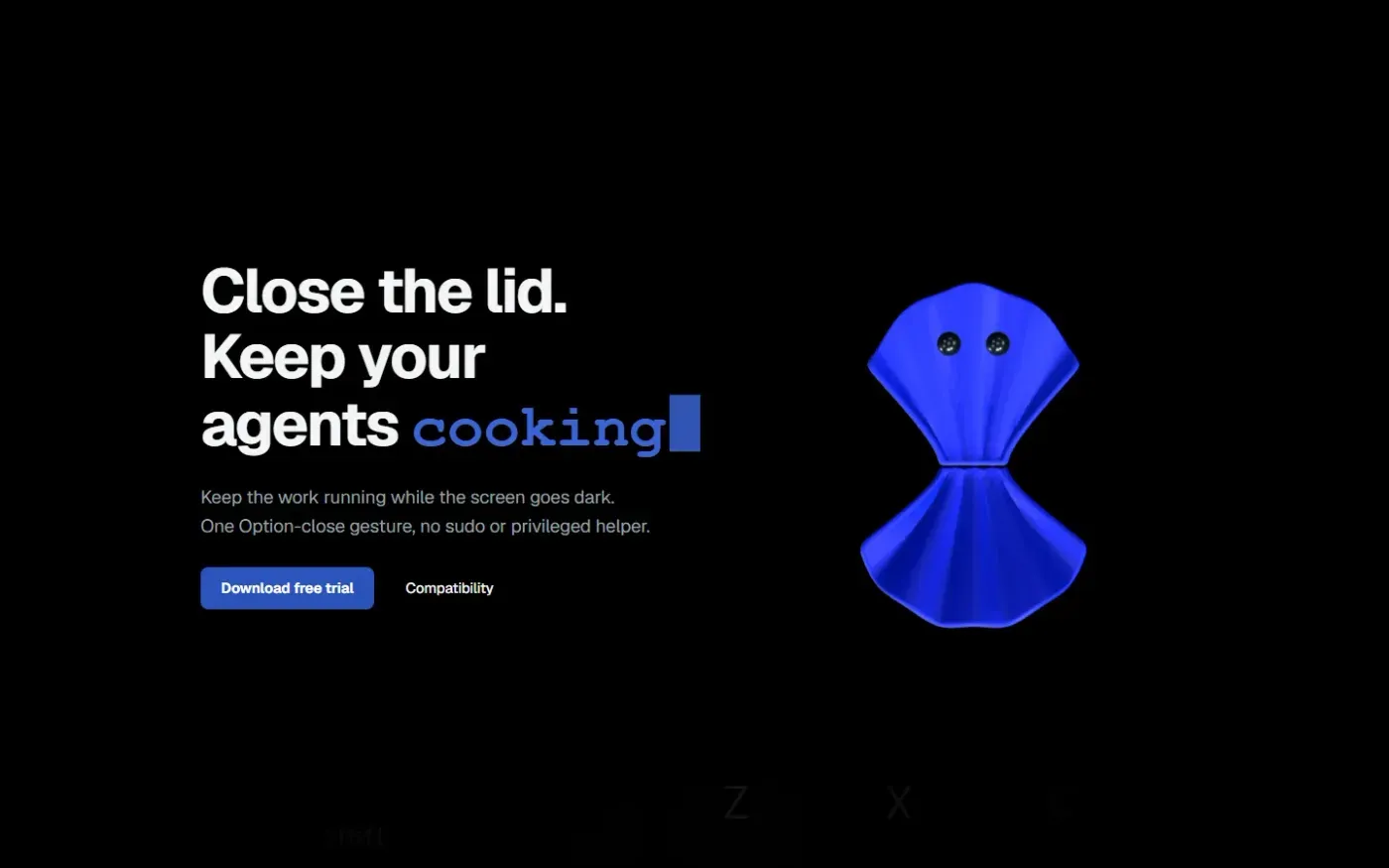
Clamshell — Close your MacBook. Keep the work running. screenshot 1 of 4: Home
clamshell.dev
Keep your Mac awake with the lid closed so your agents keep running. The internal display sleeps and wakes instantly on lid open.
Home
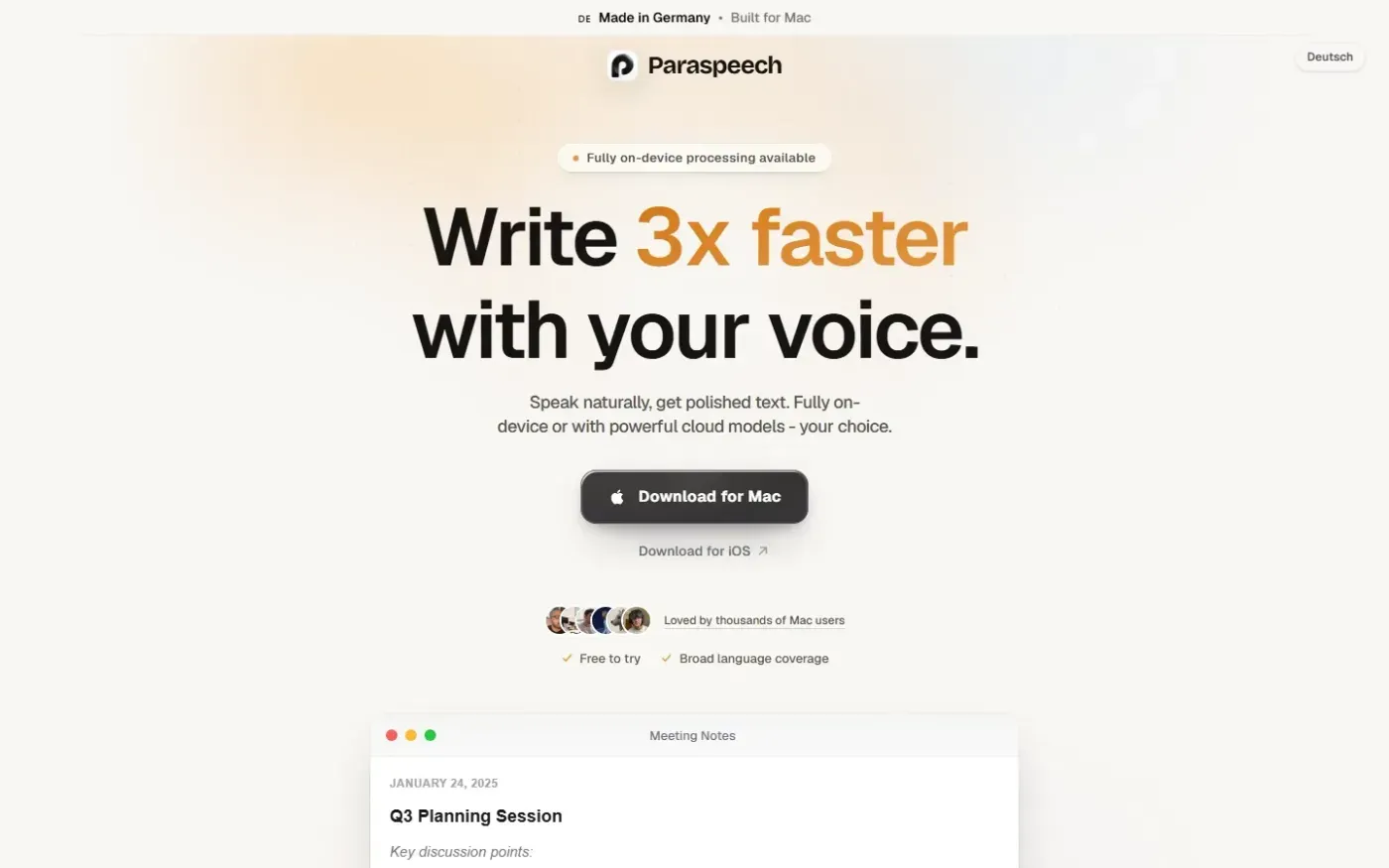
Paraspeech screenshot 1 of 4: Home
paraspeech.com
Speech-to-text for Mac with supported local and eligible cloud-backed processing paths, plus Mac-wide text insertion.
Home
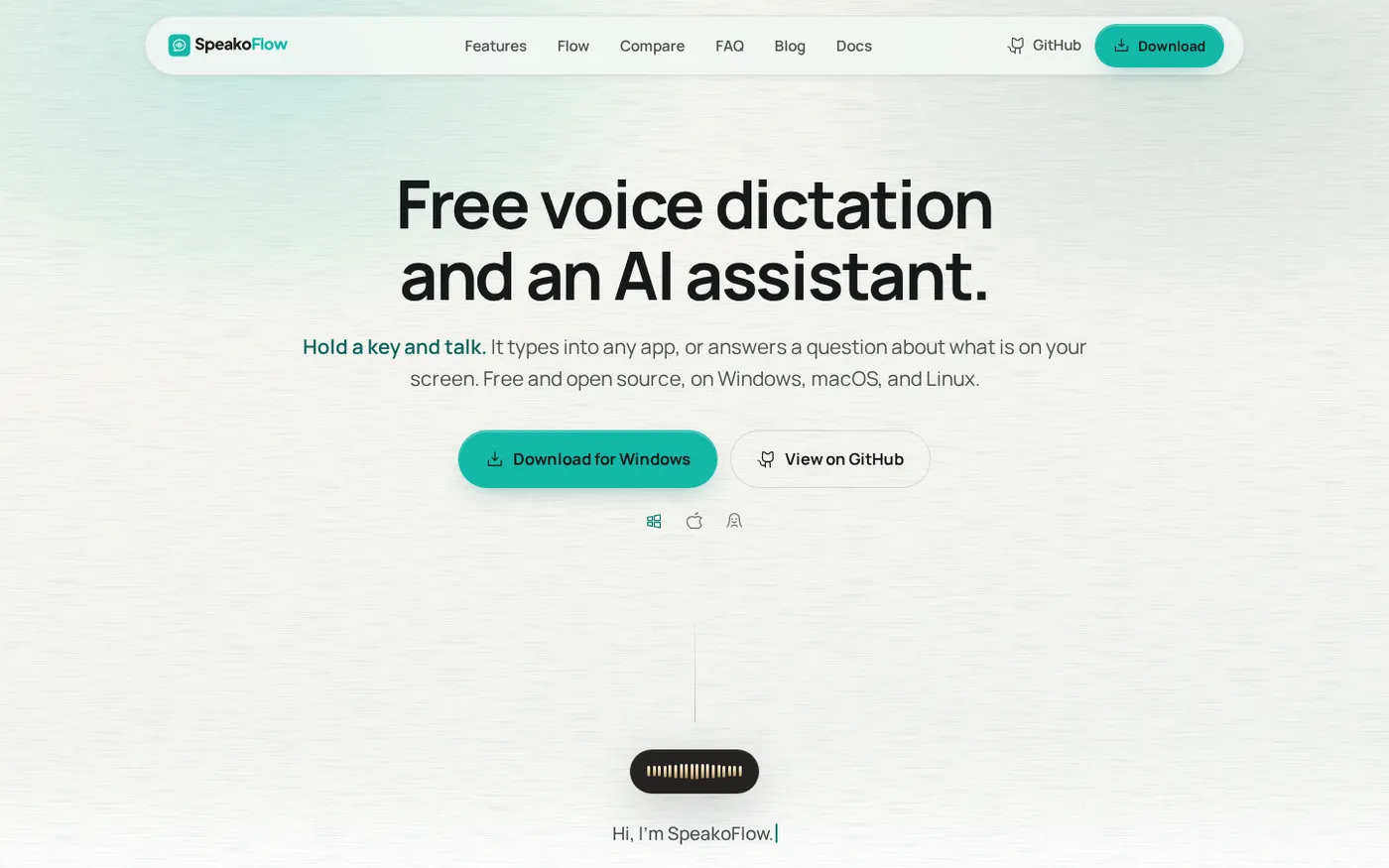
SpeakoFlow — Free, open-source voice dictation and AI assistant, offline screenshot 1 of 4: Home
speakoflow.com
Free, open-source, local-first voice-to-text desktop utility that transcribes speech into any app via hotkey, plus an AI assistant for drafting, cleanup, translation, and screen context.