SiteList review score
Clear product proposition and short paths to pricing, contact, FAQ, and resources. Add a public developer quickstart and clarify which audience the site prioritizes.
Reviewed on Oct 31, 2026
letsview.com
Unclaimed listingWhat it does
LetsView shares screens between Windows, Mac, iOS, Android and TV.
SiteList review score
Clear product proposition and short paths to pricing, contact, FAQ, and resources. Add a public developer quickstart and clarify which audience the site prioritizes.
Reviewed on Oct 31, 2026
Verified user rating
—
No verified reviews yet — the evidence locker is empty.
Captured during our latest review on Oct 31, 2026
The pricing page names Pro and Business plans and says users can start using LetsView for free.
View sourceYes. LetsView is freemium: its pricing page names Pro and Business plans and says users can start using the product for free.
The site says LetsView shares screens between Windows, Mac, iOS, Android, and TV.
Usability scored 89.1/100. The review found short paths to pricing, contact, FAQ, and resources, although the prominent Pricing link is textually unclear.
The crawl found an FAQ and platform-specific how-to pages, but no evident public quickstart, API reference, or concepts for the SDK-facing audience.
Performance scored 82.4/100. PSI field data for the reviewed chatbot URL reports p75 LCP of 2.774 s, INP of 190 ms, and CLS of 0; mobile delivery is uneven.
Answers are based on SiteList's latest evidence review. Read the full review.
LetsView scores 62/100, with strong usability (89.1/100) and performance (82.4/100) across its cross-device screen-mirroring site. The most material weakness is self-serve developer help (33.4/100), alongside unclear audience prioritization and a reviewed /chatbot path that is not crawlable by PSI.
62/100: fair product, strong usability with important gaps
No reviews yet. The evidence locker is empty.
Reviews from verified users appear here once approved.
Reviews are from the SiteList community. Some reviewers received incentives — disclosed in the review, always. The verdict is never for sale.
Home
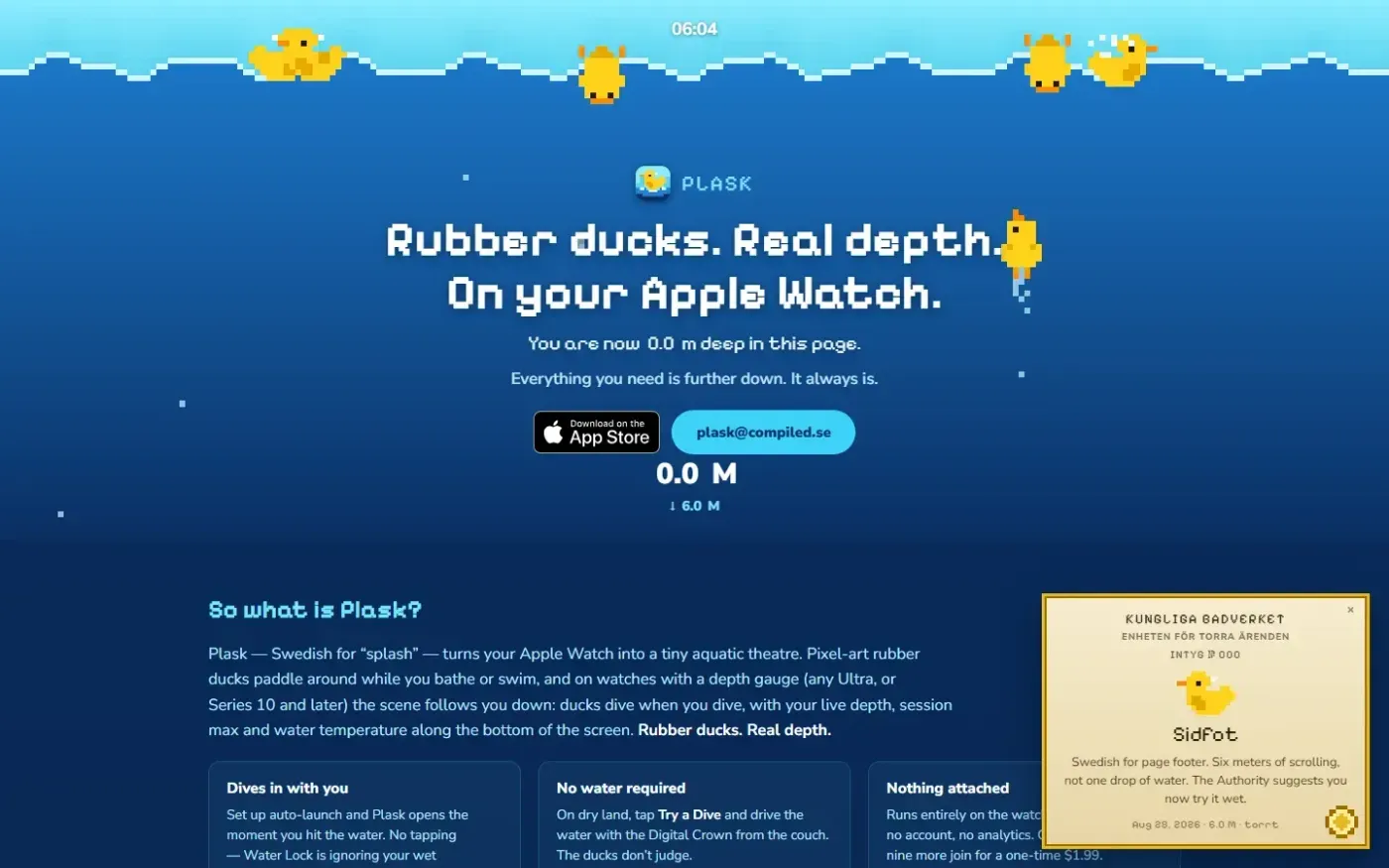
Plask — Have little ducks show how deep you dive on your Apple Watch screenshot 1 of 3: Home
plask.info
Plask turns your Apple Watch into a tiny aquatic theatre: pixel-art rubber ducks that dive when you do, your real depth on screen, and a duck or ten.
Home
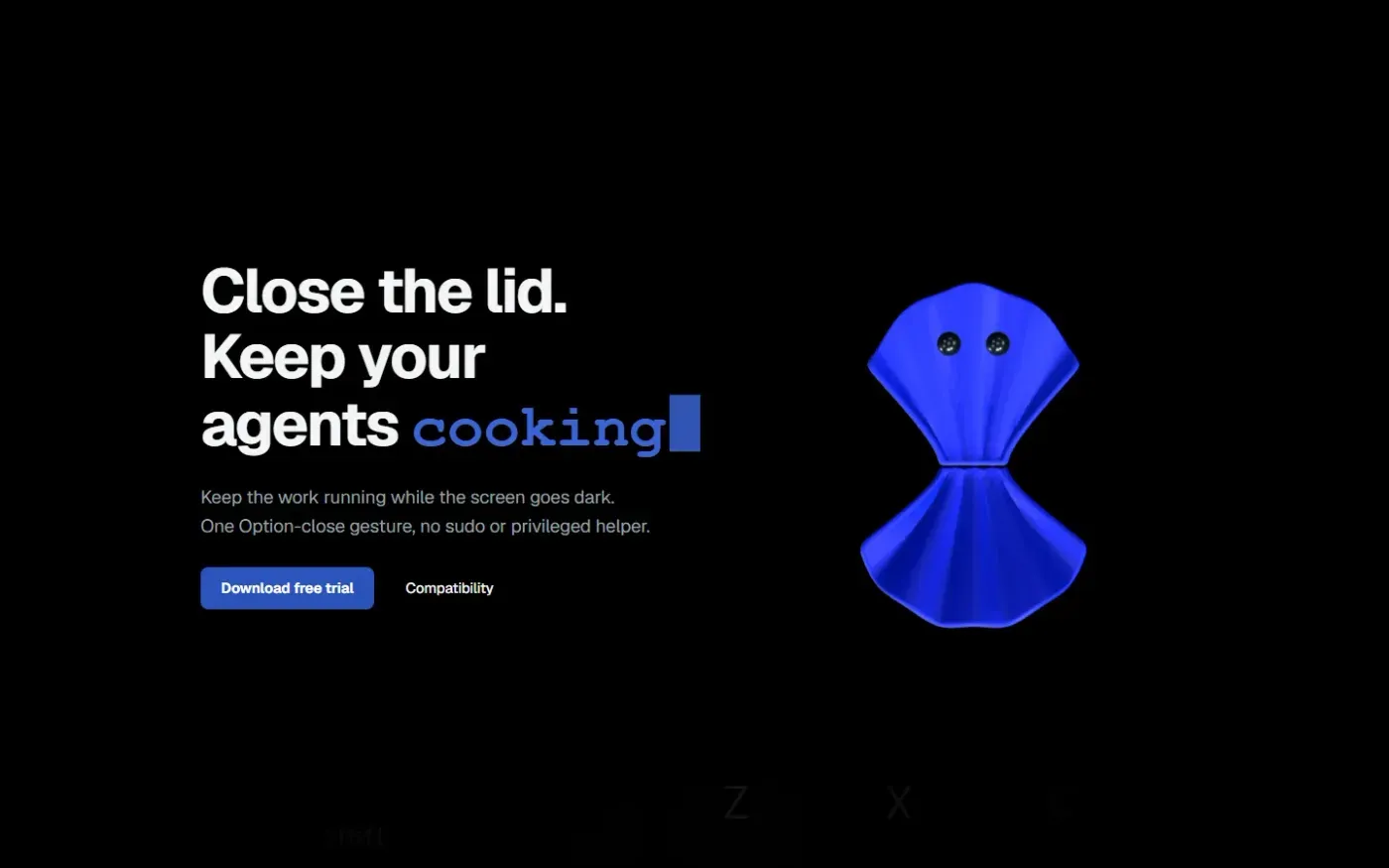
Clamshell — Close your MacBook. Keep the work running. screenshot 1 of 4: Home
clamshell.dev
Keep your Mac awake with the lid closed so your agents keep running. The internal display sleeps and wakes instantly on lid open.
Home
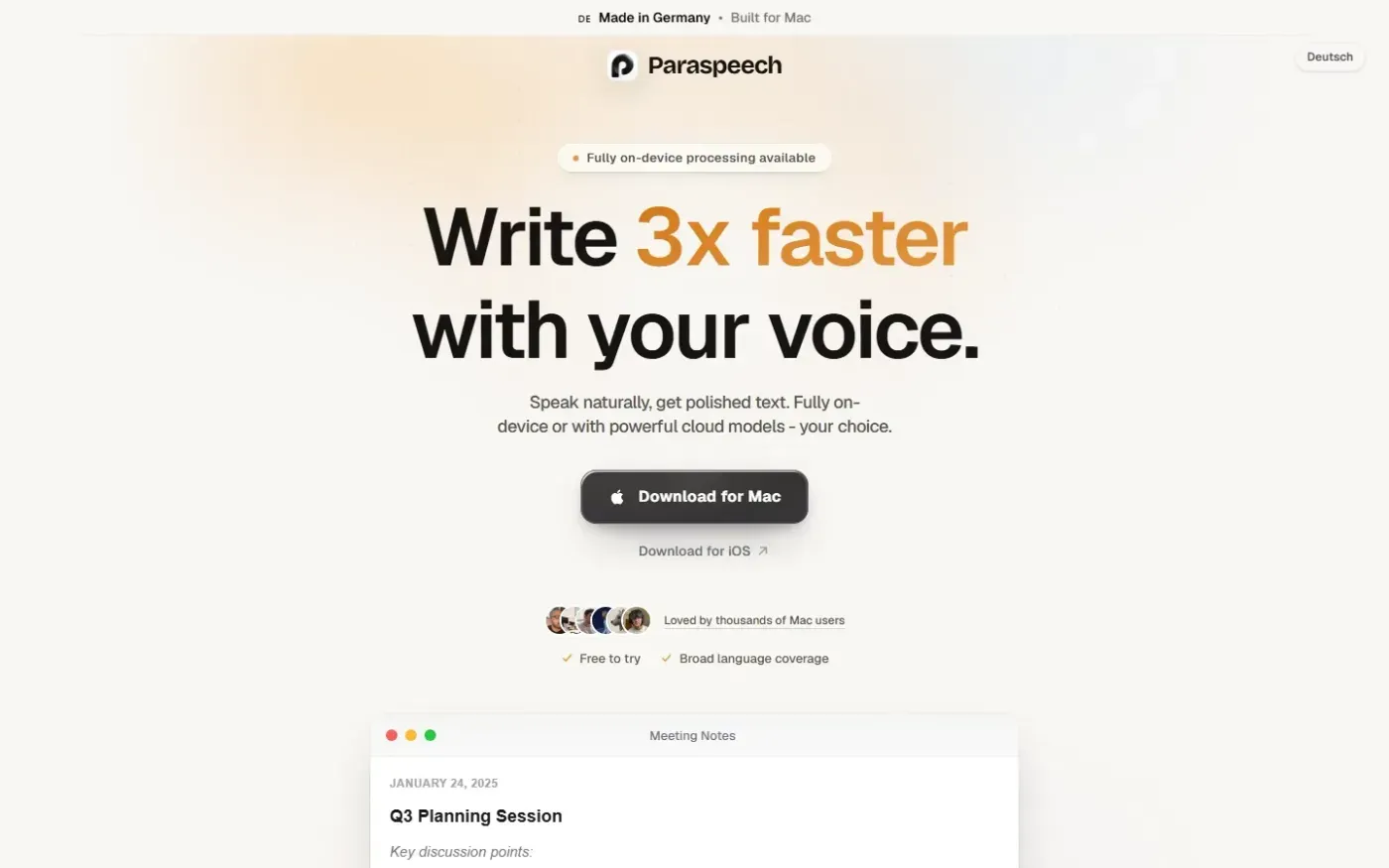
Paraspeech screenshot 1 of 4: Home
paraspeech.com
Speech-to-text for Mac with supported local and eligible cloud-backed processing paths, plus Mac-wide text insertion.
Home
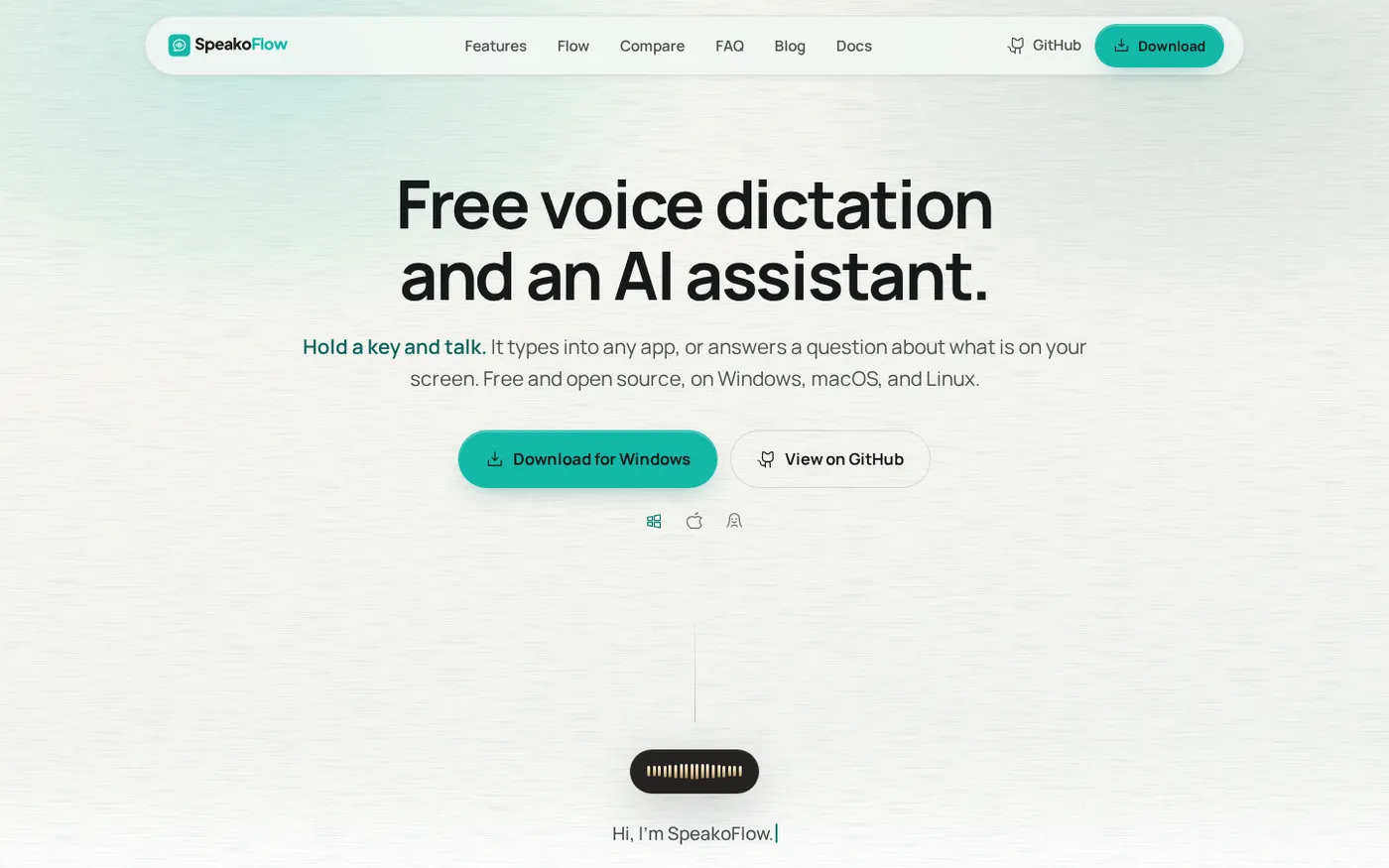
SpeakoFlow — Free, open-source voice dictation and AI assistant, offline screenshot 1 of 4: Home
speakoflow.com
Free, open-source, local-first voice-to-text desktop utility that transcribes speech into any app via hotkey, plus an AI assistant for drafting, cleanup, translation, and screen context.