SiteList review score
Clear desktop automation proposition with strong technical foundations. Mobile performance and decision support need focused fixes.
Reviewed on Oct 16, 2026
incredible.one
Unclaimed listingWhat it does
Incredible is an AI desktop assistant that performs tasks on a computer by clicking and typing in browsers, files, and apps, using voice or typed instructions.
SiteList review score
Clear desktop automation proposition with strong technical foundations. Mobile performance and decision support need focused fixes.
Reviewed on Oct 16, 2026
Verified user rating
—
No verified reviews yet — the evidence locker is empty.
Captured during our latest review on Oct 16, 2026
Paid plans are priced per seat per month after a 7-day Pro trial; Max is $179/month and Ultra is $500/month. Billed monthly. free trial (7 days) · Everything in Pro is available for 7 days with no card required.
| Plan | Price | Details |
|---|---|---|
| Pro | $50 monthly per per seat | For everyday tasks. View source |
| Max | $179 monthly per per seat | For handing off work all day. View source |
| Ultra | $500 monthly per per seat | For the heaviest use. View source |
Browser automation
Browser
Clicks and types in the user's browser on websites, including sites without an integration.
File creation and editing
Files
Creates, edits, and converts files including Word, Excel, PowerPoint, and PDF files.
Connected apps
Integrations
Connects apps and moves information between them.
Autopilot
Automation
Runs a task when an event occurs in connected apps until switched off.
Teach custom tasks
Automation
Learns a task by watching a person perform it once while explaining the steps.
Screen understanding
Computer control
Sees the page or document in front of the user when activated.
Voice and typing input
Input
Accepts tasks by voice or by typing.
Scheduled and saved tasks
Automation
Saves repeatable tasks and runs tasks on a schedule.
Approval controls
Control
Asks before sending, changing, or deleting content unless the user configured autopilot to proceed.
Work with local files
Create, change, sort, and convert documents, spreadsheets, presentations, text, code, and images.
Dictation
Speak into emails, documents, chats, and form fields with cleanup of ums and false starts.
Repeat a task
Show a repetitive job once so Incredible can save and repeat it when asked.
Schedule work
Set reminders or recurring tasks, such as a weekly report or hourly check.
Gmail
communication
Connected app supported for sending follow-up emails.
Slack
communication
Connected app supported for sending messages.
Google Calendar
calendar
Connected app supported for moving information between apps and scheduling work.
Notion
productivity
Connected app supported for moving information between apps.
An AI that does tasks on your computer by voice or typing, clicking and typing in your browser, files, and apps. You can also teach it a task by showing it once.
Yes. Incredible runs on macOS 13 Ventura or later and Windows 10 or later.
It works with Gmail, Slack, Calendar, Notion, and 3,000+ more apps, as well as local files and the web.
Product FAQ information · View source
This 38-page sample finds Incredible clear and technically grounded: it makes desktop AI automation concrete inside the tools people already use. The sample scores it 67/100, with weak mobile performance, inconsistent design execution, and limited decision support keeping the experience from matching its strong positioning.
67/100: strong promise, uneven execution
No reviews yet. The evidence locker is empty.
Reviews from verified users appear here once approved.
Reviews are from the SiteList community. Some reviewers received incentives — disclosed in the review, always. The verdict is never for sale.
Home
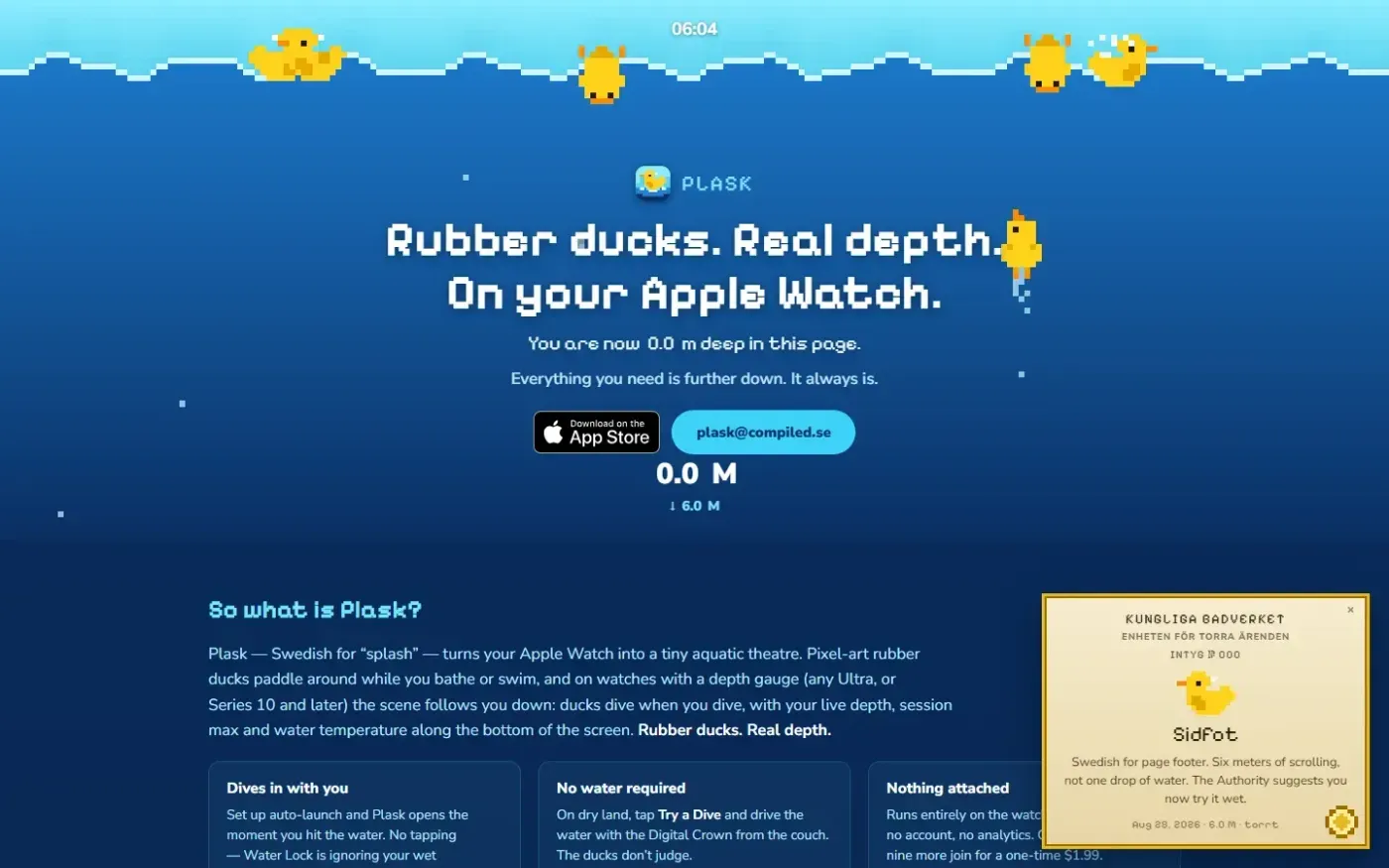
Plask — Have little ducks show how deep you dive on your Apple Watch screenshot 1 of 3: Home
plask.info
Plask turns your Apple Watch into a tiny aquatic theatre: pixel-art rubber ducks that dive when you do, your real depth on screen, and a duck or ten.
Home
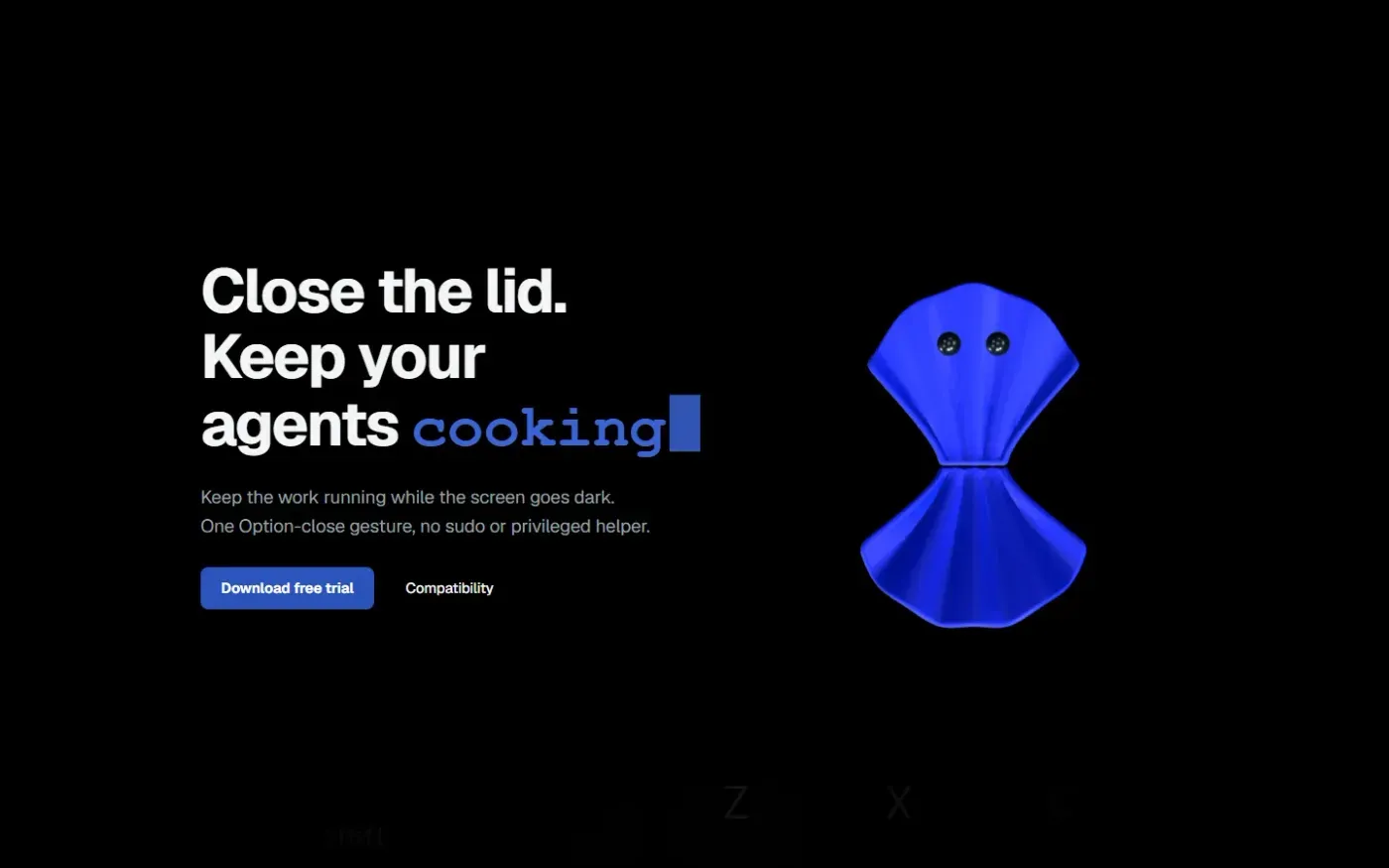
Clamshell — Close your MacBook. Keep the work running. screenshot 1 of 4: Home
clamshell.dev
Keep your Mac awake with the lid closed so your agents keep running. The internal display sleeps and wakes instantly on lid open.
Home
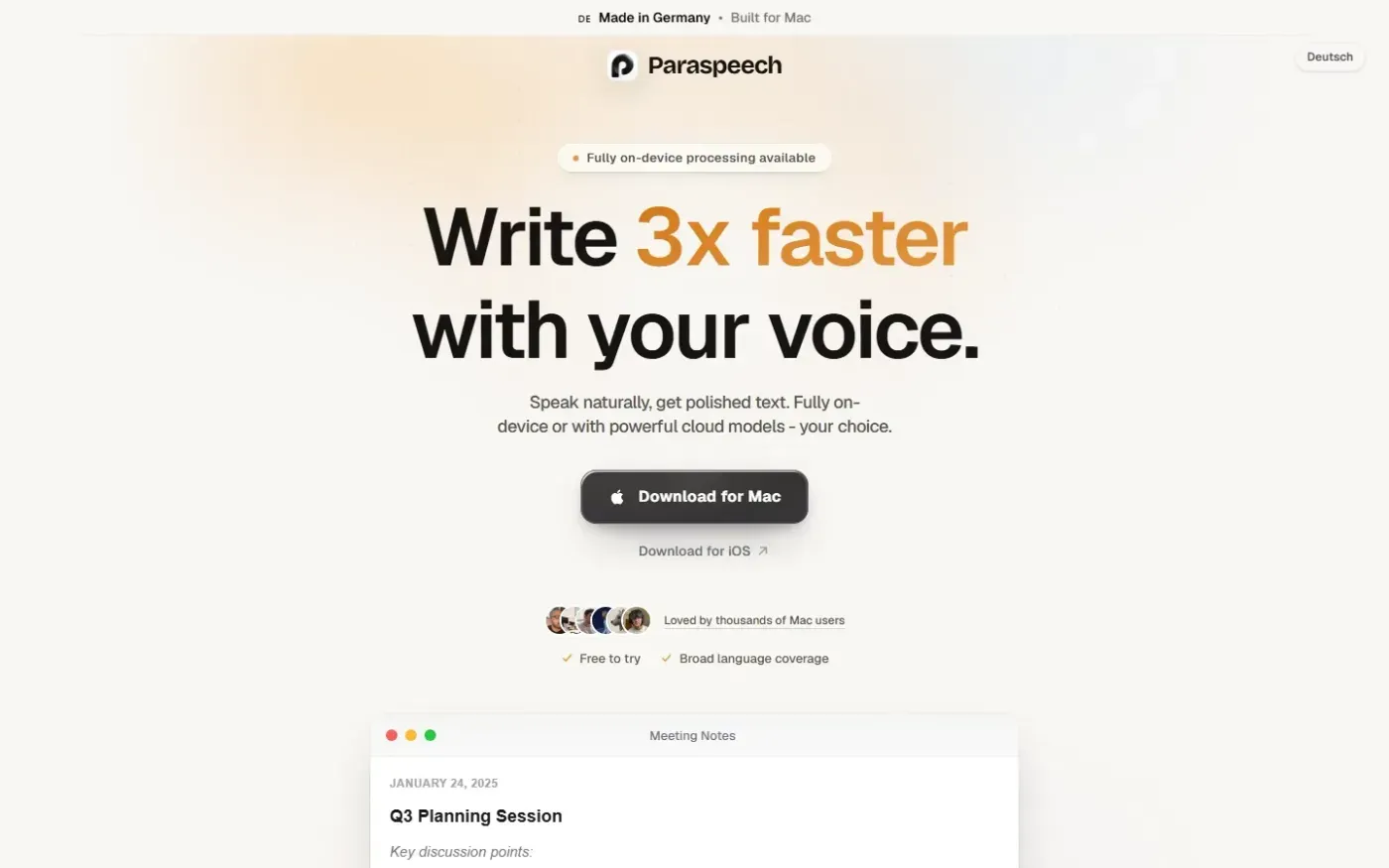
Paraspeech screenshot 1 of 4: Home
paraspeech.com
Speech-to-text for Mac with supported local and eligible cloud-backed processing paths, plus Mac-wide text insertion.
Home
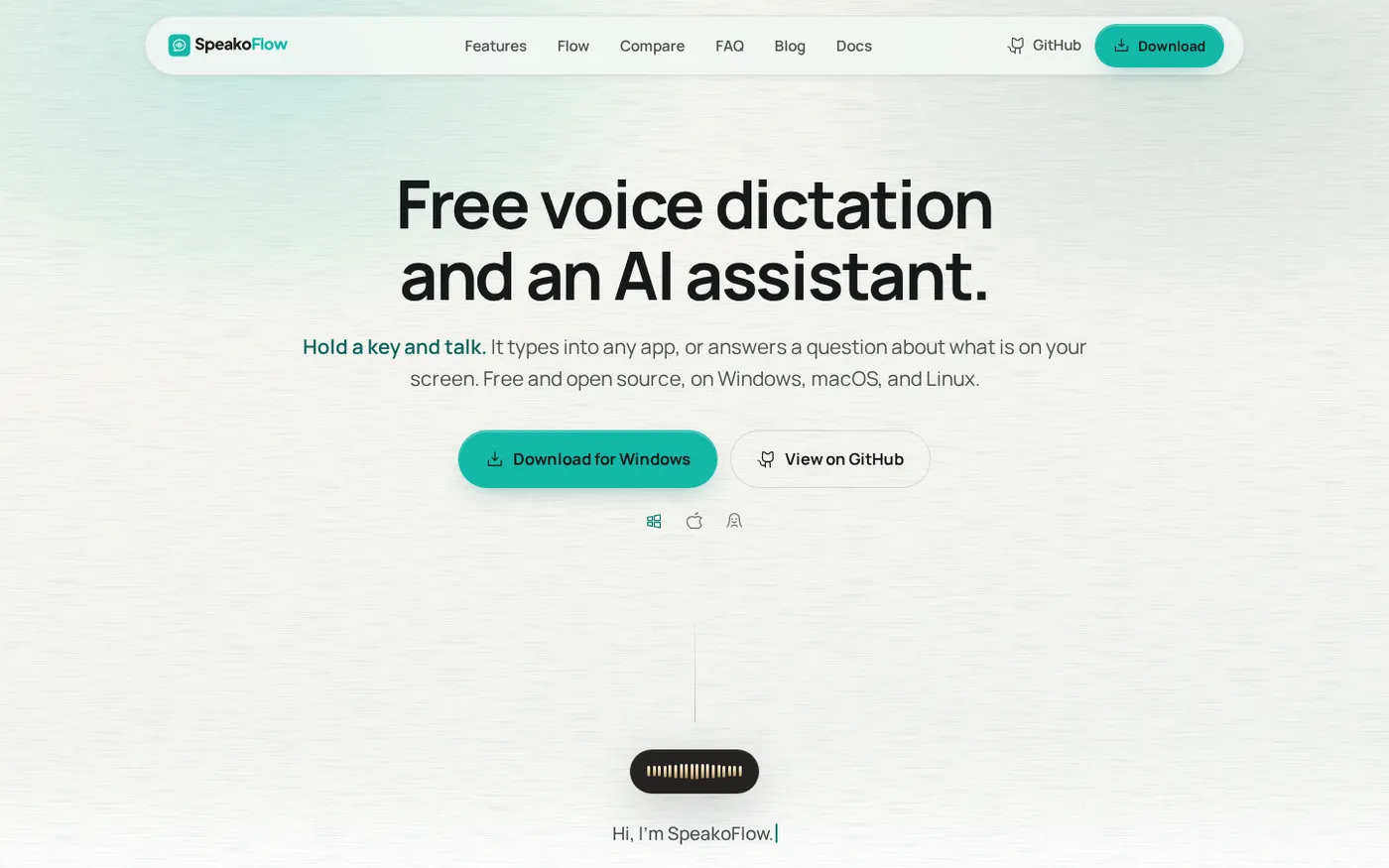
SpeakoFlow — Free, open-source voice dictation and AI assistant, offline screenshot 1 of 4: Home
speakoflow.com
Free, open-source, local-first voice-to-text desktop utility that transcribes speech into any app via hotkey, plus an AI assistant for drafting, cleanup, translation, and screen context.