SiteList review score
A clear Mac voice-workflow story with strong accessibility. Self-serve help is thin beyond the FAQ and should be expanded.
Reviewed on Nov 6, 2026
heykivi.ai
Unclaimed listingWhat it does
Kivi is a voice AI app for Mac: you talk and it types in every app, and you can draft, edit, and format with your voice.
SiteList review score
A clear Mac voice-workflow story with strong accessibility. Self-serve help is thin beyond the FAQ and should be expanded.
Reviewed on Nov 6, 2026
Verified user rating
—
No verified reviews yet — the evidence locker is empty.
Captured during our latest review on Nov 6, 2026
Free for the near future; pricing has not been decided yet.
| Plan | Price | Details |
|---|---|---|
| Free | $0 | Free for the near future; pricing has not been decided yet. View source |
Slack
communication
Kivi can place polished dictated text in Slack.
Cursor
developer tools
Kivi can place polished dictated text in Cursor.
Messages
communication
Kivi can place polished dictated text in Messages.
Notes
productivity
Kivi can place polished dictated text in Notes.
Reminders
productivity
Kivi can place polished dictated text in Reminders.
Terminal
developer tools
Kivi can place polished dictated text in Terminal.
communication
Kivi can place polished dictated text in Mail.
Kivi is a voice AI app for Mac. You talk, and Kivi types in every app; it also supports drafting, editing, and formatting by voice.
Kivi lets you dictate, draft, edit, and use your voice to work in every app, including writing emails and messages, creating documents, changing written content, formatting it, and editing it repeatedly.
Kivi works in 22+ Indian languages and supports speaking Hindi, English, or both in the same sentence.
Kivi has Dictate mode for dictation and Hey Kivi mode for drafting, creating, changing, formatting, and repeatedly editing content with voice.
Kivi directs users to its privacy policy for details on how it handles their data.
Product FAQ information · View source
Heykivi scores 80/100 for a clear Mac voice-productivity story, with especially strong accessibility and technical SEO signals. Its most material weakness is self-serve help: the supplied 11-page crawl found a clear FAQ but limited supporting documentation beyond it.
80/100: strong product, thin self-serve help
No reviews yet. The evidence locker is empty.
Reviews from verified users appear here once approved.
Reviews are from the SiteList community. Some reviewers received incentives — disclosed in the review, always. The verdict is never for sale.
Home
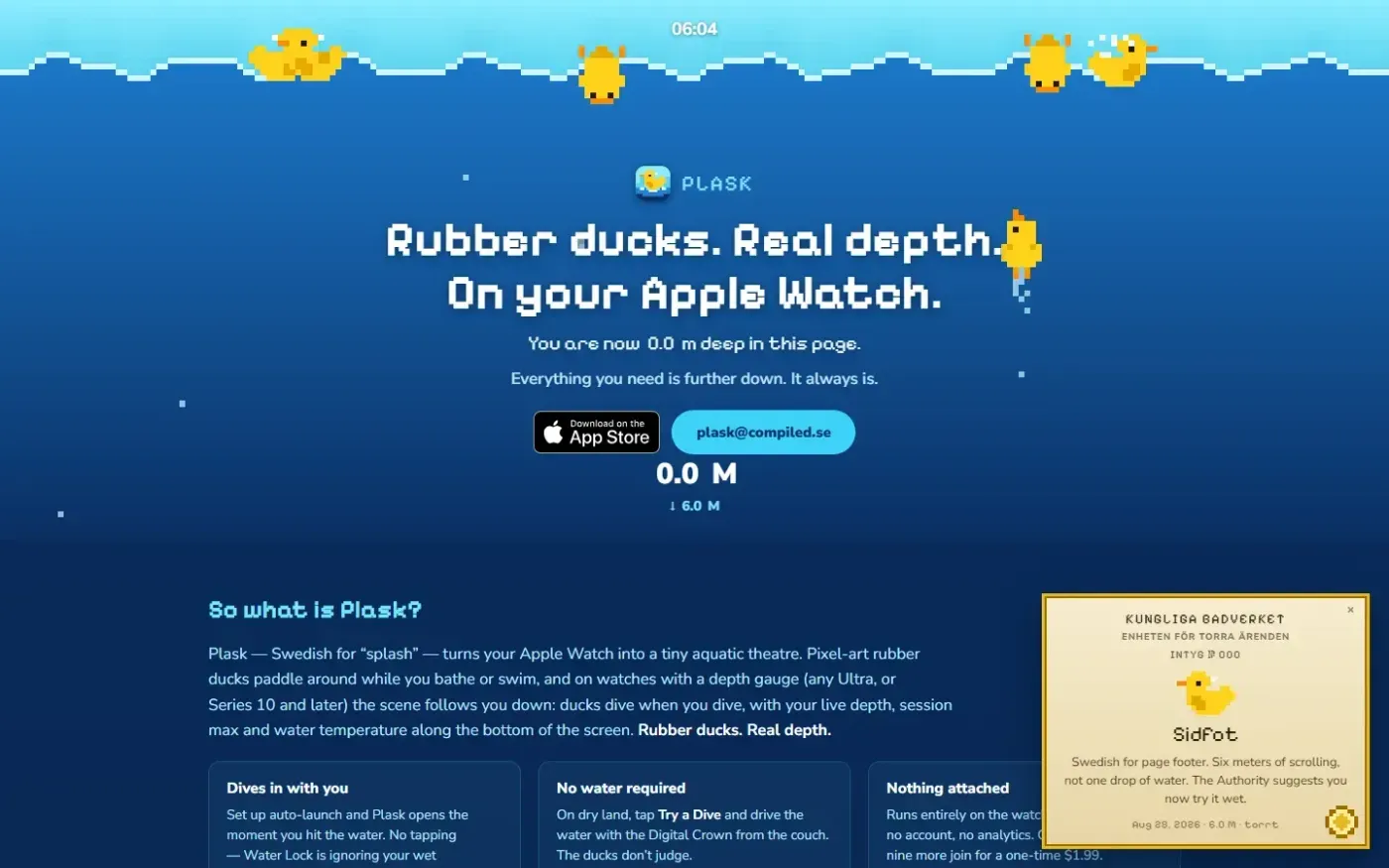
Plask — Have little ducks show how deep you dive on your Apple Watch screenshot 1 of 3: Home
plask.info
Plask turns your Apple Watch into a tiny aquatic theatre: pixel-art rubber ducks that dive when you do, your real depth on screen, and a duck or ten.
Home
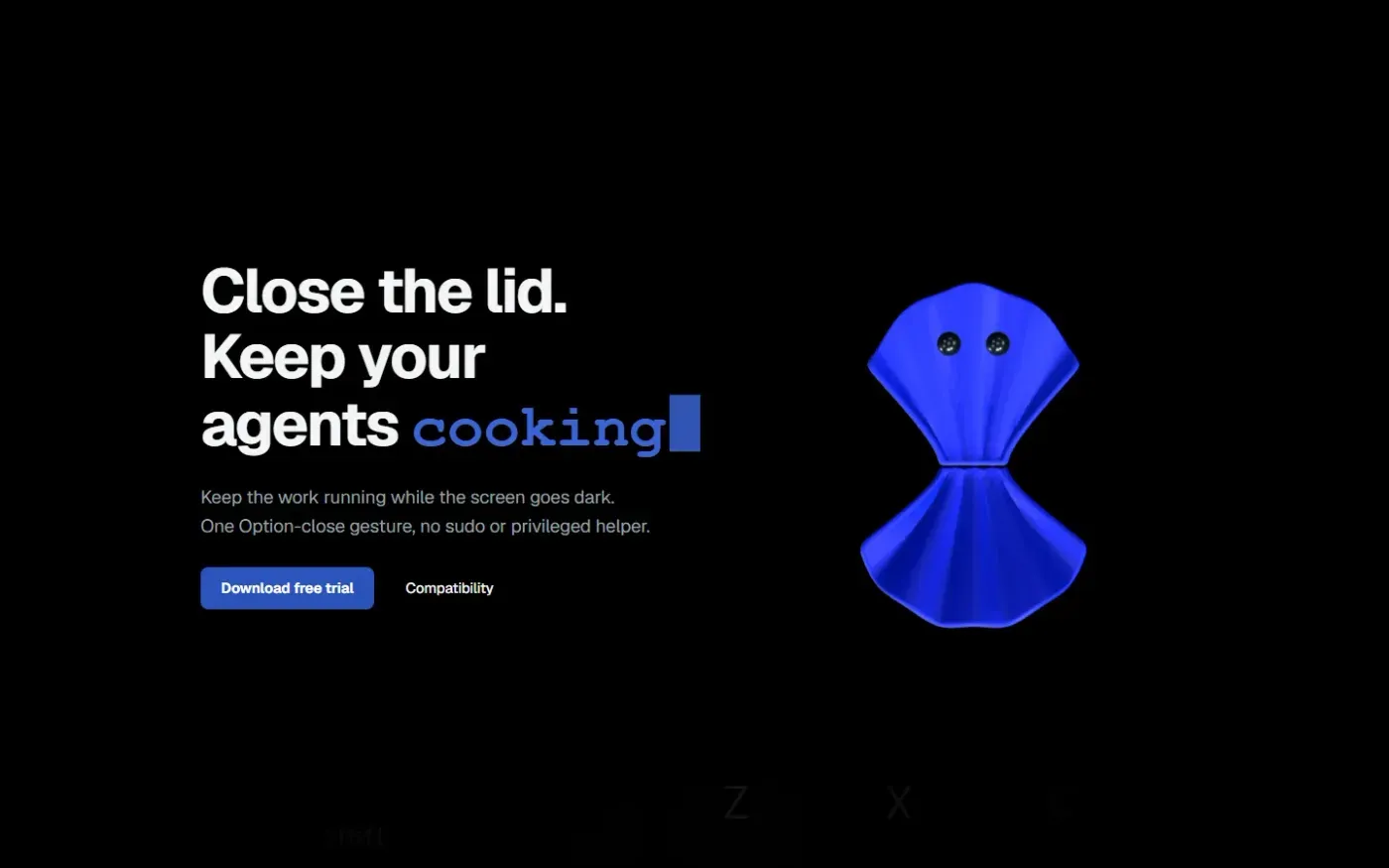
Clamshell — Close your MacBook. Keep the work running. screenshot 1 of 4: Home
clamshell.dev
Keep your Mac awake with the lid closed so your agents keep running. The internal display sleeps and wakes instantly on lid open.
Home
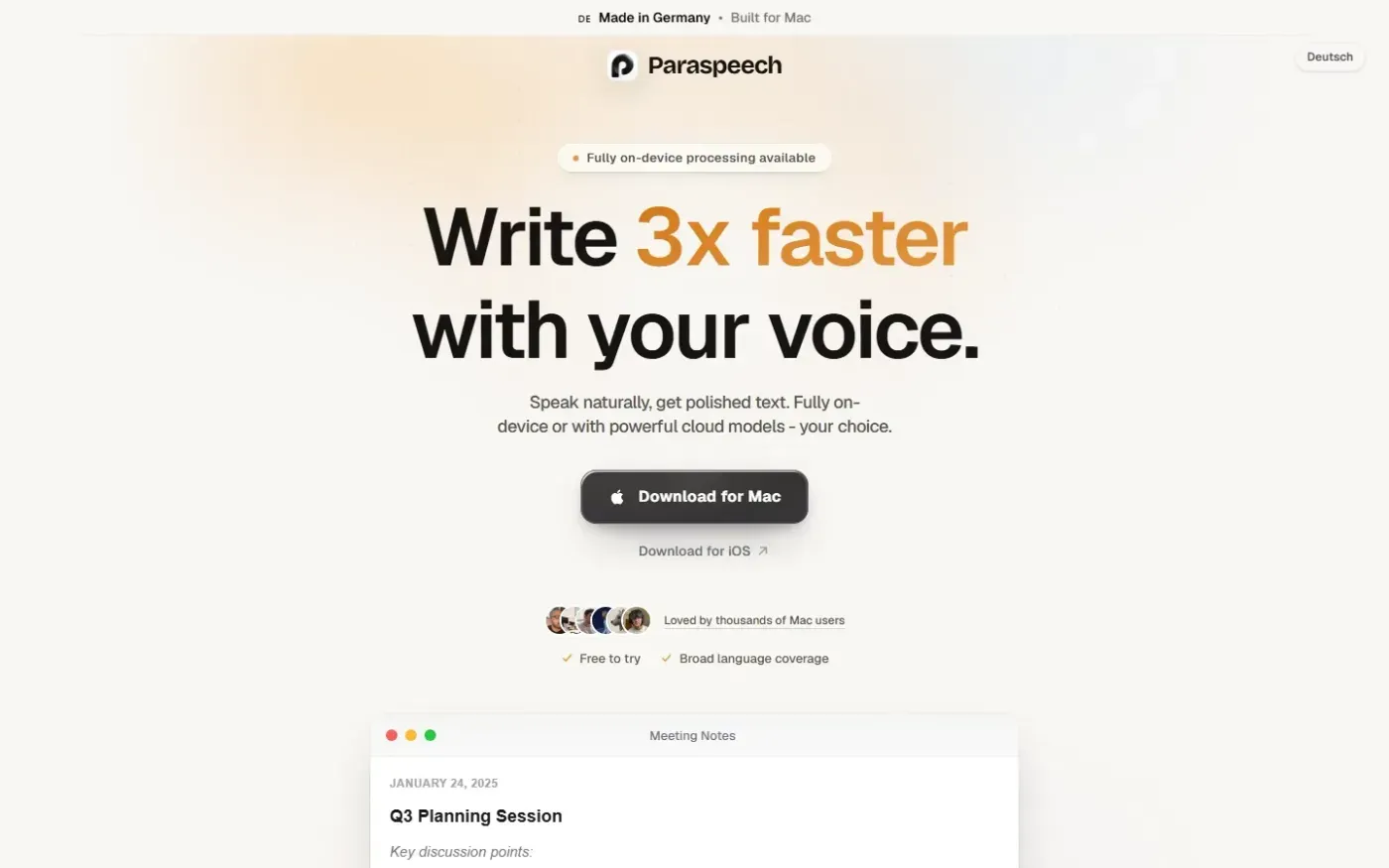
Paraspeech screenshot 1 of 4: Home
paraspeech.com
Speech-to-text for Mac with supported local and eligible cloud-backed processing paths, plus Mac-wide text insertion.
Home
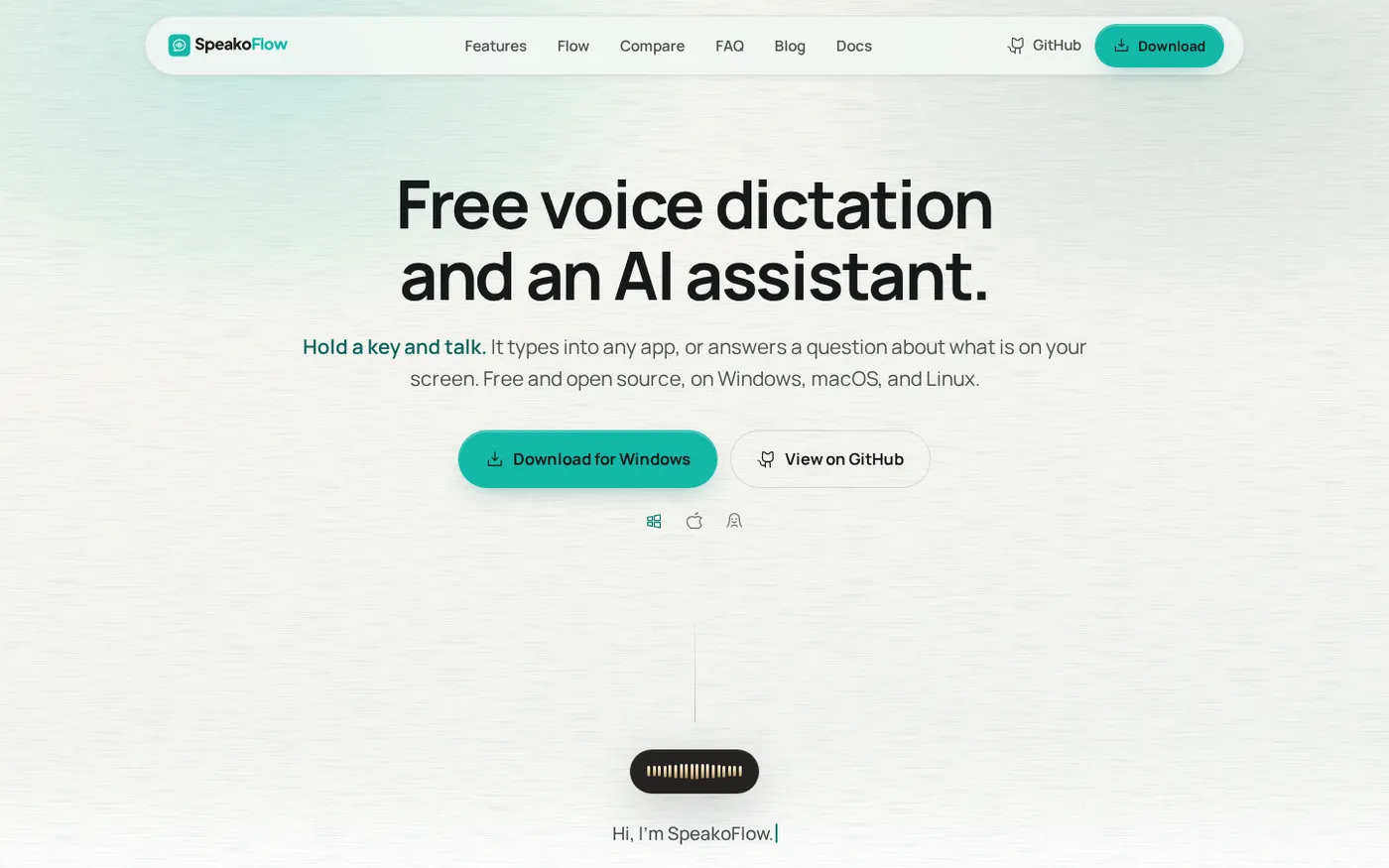
SpeakoFlow — Free, open-source voice dictation and AI assistant, offline screenshot 1 of 4: Home
speakoflow.com
Free, open-source, local-first voice-to-text desktop utility that transcribes speech into any app via hotkey, plus an AI assistant for drafting, cleanup, translation, and screen context.