SiteList review score
Clear positioning and audience messaging make the product easy to understand. Improve the 4.3-second mobile load and tighten repeated, structurally mismatched copy.
Reviewed on Aug 31, 2026
videobackgroundchanger.com
Unclaimed listingWhat it does
Browser-based AI video background editor that removes, replaces, blurs, or stylizes backgrounds using automatic segmentation and green-screen tools. Supports core editing features and exports to MP4, WebM, MOV, and GIF formats.
SiteList review score
Clear positioning and audience messaging make the product easy to understand. Improve the 4.3-second mobile load and tighten repeated, structurally mismatched copy.
Reviewed on Aug 31, 2026
Verified user rating
—
No verified reviews yet — the evidence locker is empty.
Captured during our latest review on Aug 31, 2026
Standard plan is $9.99/mo. Premium plan is $59.99/yr (~$5.00/mo). Lifetime is $149.99 one-time. Enterprise pricing is custom. Billed monthly.
| Plan | Price | Details |
|---|---|---|
| Free | $0 monthly per month | Try AI video background removal 3 video uploads per day · Max length: 10 seconds · Upload size up to 30 MB · Core AI features only · Resolution up to 2K · Audio support included View source |
| Standard | $9.99 monthly per month | For regular creators Unlimited length · Upload size up to 300 MB · Custom color/image/video backgrounds · Email support View source |
| Premium | $59.99 annual per year | For professionals & teams Unlimited length · Upload size up to 500 MB · Customized video processing for large files · Email support View source |
| Lifetime | $149.99 one time per lifetime | Pay once, use forever Unlimited length · Upload size up to 500 MB · Lifetime updates included · Email support View source |
| Enterprise | $0 seat | Seats custom Upload size up to 2 GB · Flexible per-minute pricing · Unified access to leading AI models · SSO and centralized admin control View source |
AI Background Removal
Background Editing
Automatically removes video backgrounds using AI segmentation.
Green Screen / Chroma Key
Background Editing
Instant green screen effect for any video without physical equipment.
Blur Background
Background Editing
Applies a blur effect to the video background.
Black & White Effects
Background Editing
Converts video backgrounds to black and white.
AI Background Generation
Background Editing
Generates custom AI backgrounds for videos.
Custom Color & Image Backgrounds
Background Editing
Allows uploading or selecting custom color and image backgrounds.
Custom Video Backgrounds
Background Editing
Allows uploading custom video files as backgrounds.
Content Creation
Editing videos for YouTube, TikTok, and Instagram Reels.
Virtual Meetings
Replacing backgrounds during video calls for a professional appearance.
Streaming & Broadcasting
Providing instant green screen and virtual backgrounds for streamers.
Processed files are available for download for 30 days after completion.
Product FAQ information · View source
Videobackgroundchanger scores 75/100, with clear positioning for content creators and strong audience messaging. Its most material weakness is mobile performance: the homepage takes 4.3 seconds to show its main content, against Google's 2.5-second bar.
75/100: strong product, with performance and editorial gaps to fix
No reviews yet. The evidence locker is empty.
Reviews from verified users appear here once approved.
Reviews are from the SiteList community. Some reviewers received incentives — disclosed in the review, always. The verdict is never for sale.
Home
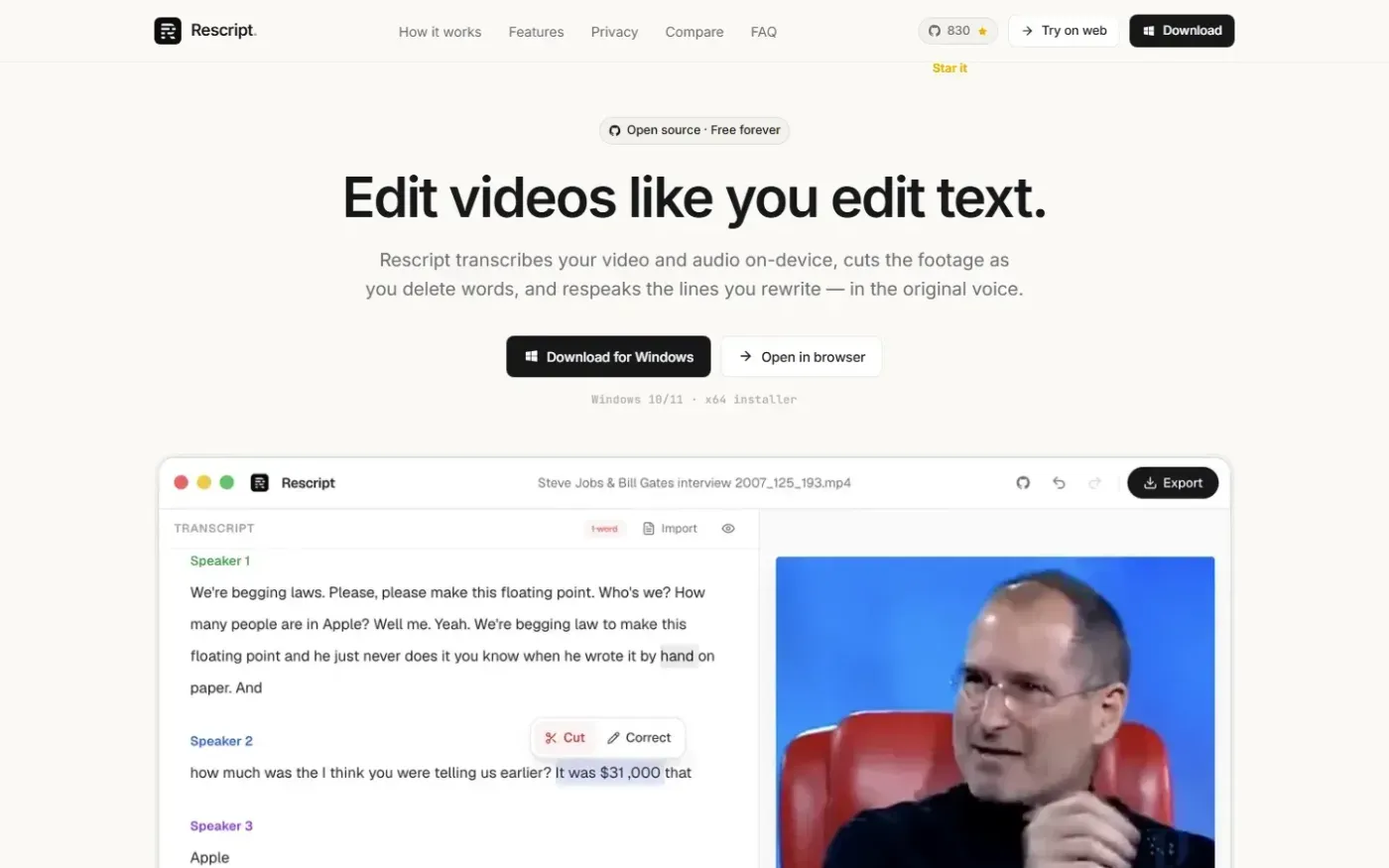
Rescript for Desktop — A free, open source, Descript alternative. Runs on-device. screenshot 1 of 4: Home
getrescript.com
Open-source, transcript-based video and audio editor that transcribes, cuts, removes fillers/silences, and regenerates speech on-device using Whisper and local TTS.
Home
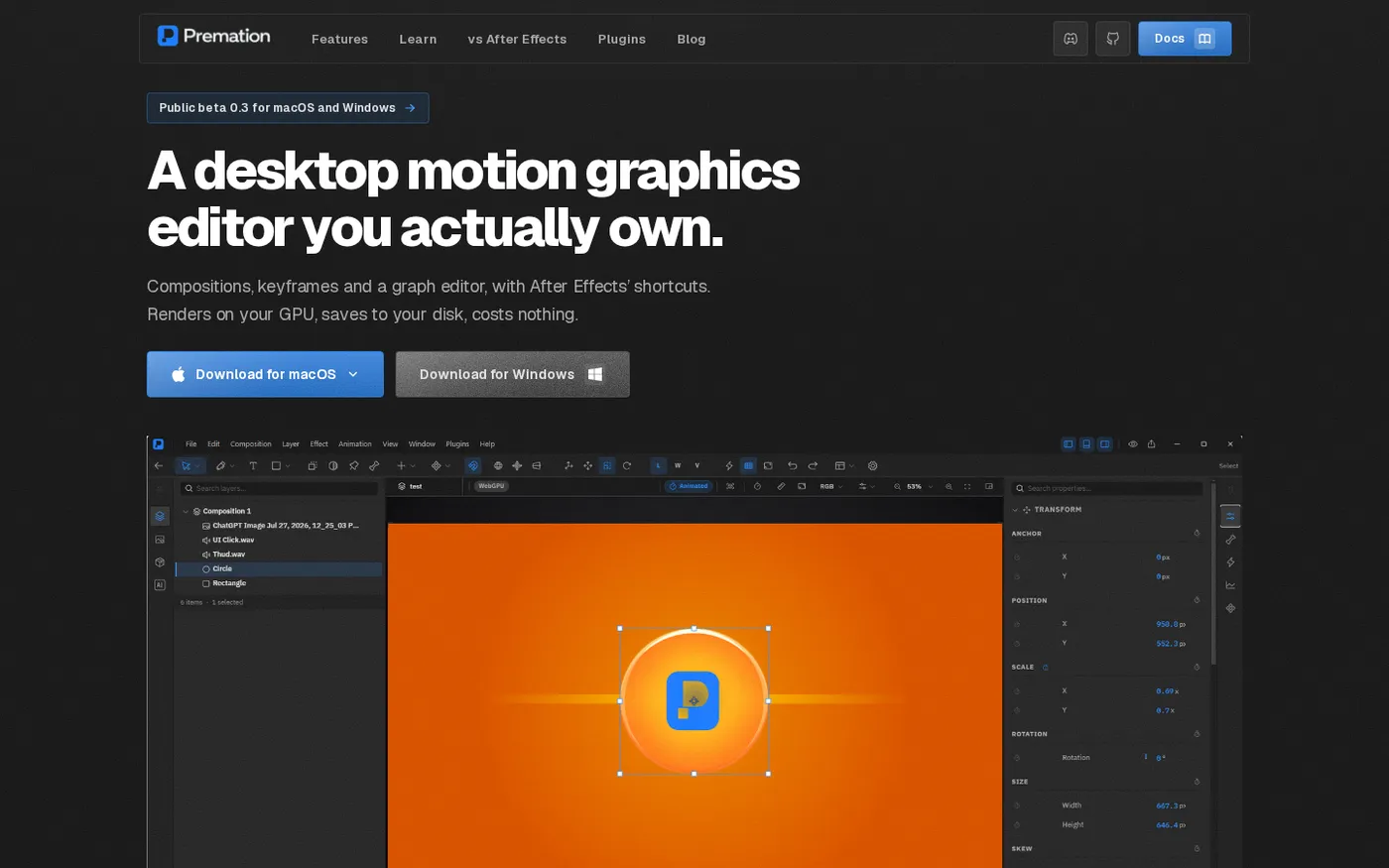
Premation — An open-source AI alternative to After Effects screenshot 1 of 4: Home
premation.com
A free, open-source desktop motion-graphics editor with After Effects' keyboard and layer model. The viewport and the exporter run the same GPU engine, so what you see is the frame you get.
Home
Explain screenshot 1 of 4: Home
explain.ink
explain.ink turns a topic, a script or a document into a hand-drawn explainer video with narration.
Home
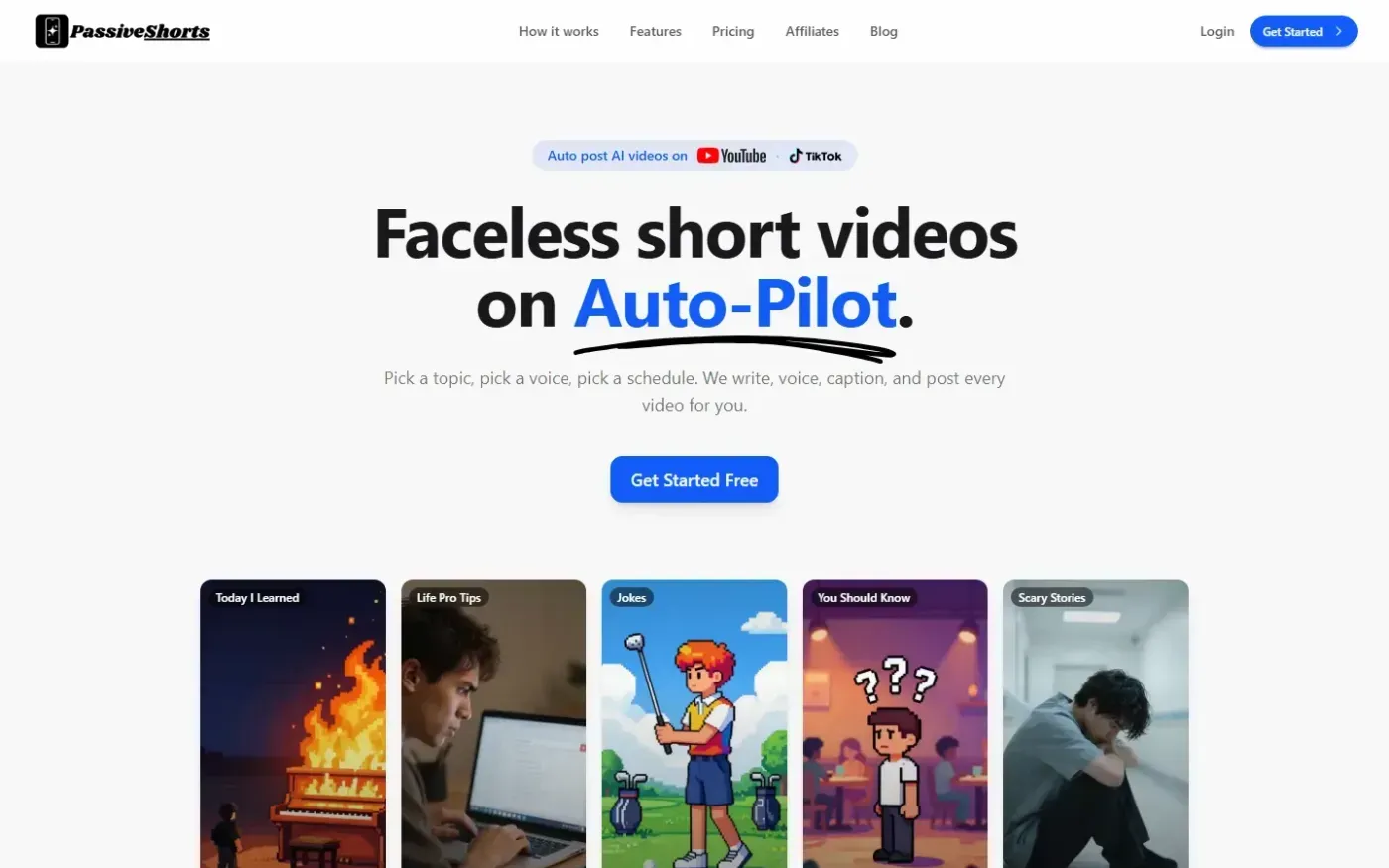
PassiveShorts — AI Faceless Video Generator for TikTok & YouTube screenshot 1 of 4: Home
passiveshorts.com
AI faceless video generator that automatically writes scripts, generates voiceovers and visuals, adds captions, and auto-posts scheduled short-form videos to YouTube and TikTok channels.