SiteList review score
Sharp professional After Effects alternative with high-quality technical documentation. Content visibility is currently blocked by a fixable canonical error.
Reviewed on Aug 7, 2026
premation.com
Unclaimed listingWhat it does
A free, open-source desktop motion-graphics editor with After Effects' keyboard and layer model. The viewport and the exporter run the same GPU engine, so what you see is the frame you get.
SiteList review score
Sharp professional After Effects alternative with high-quality technical documentation. Content visibility is currently blocked by a fixable canonical error.
Reviewed on Aug 7, 2026
Verified user rating
—
No verified reviews yet — the evidence locker is empty.
Captured during our latest review on Aug 24, 2026
Free and open-source; no paid tiers or usage-based pricing evidenced.
View sourceCompositions & Layers
Composition
Stack shape, text, image, video, audio, SVG, Lottie, nested comp, camera, light, null, adjustment, and particle layers with nesting, parenting, blend modes, track mattes, and masks.
Animation & Graph Editor
Animation
Keyframe every numeric property with bezier speed/value curves, position splits into independent X/Y tracks, and expression support for dynamic control.
Classic 3D Space
3D & Cameras
Flip layers to 3D for Z position and X/Y rotation, add one- or two-node cameras with depth of field, lights with shadows, and shape/text extrusion.
Vector Tools & Operators
Vector & Shapes
Pen, pencil, pressure-sensitive brush, and curvature tools with stacked trim paths, boolean merges, offset, pucker/bloat, twist, zig-zag, repeaters, and tapered strokes.
Rigging System
Rigging
Build biped/quadruped bones, IK/FK chains, controllers, and per-vertex weights; apply puppet pins with an as-rigid-as-possible solver.
Motion Graphics & Compositing
Create layered compositions with keyframes, graph editors, and GPU rendering for professional motion design workflows.
Yes. Premation anchors its positioning directly against After Effects, using familiar terminology and a high-density layout that appeals to professional motion designers. It emphasizes software ownership and an open-source model, though it remains in a pre-1.0 maturity stage.
The score is primarily suppressed by a critical technical SEO error. A misconfigured canonical tag in the documentation section tells search engines to ignore over 30% of the site's pages. Until this is fixed, the site's high-quality content cannot contribute to its organic authority.
The site explicitly lists the software as free ($0) and open-source, aligning with its subscription-free positioning.
Answers are based on SiteList's latest evidence review. Read the full review.
Premation earns a 80/100 for its sharp positioning as a professional After Effects alternative and its high-quality technical documentation. However, the site's growth is currently stalled by a critical canonical error that hides its content from search engines.
80/100: High-quality technical asset currently suffering from search invisibility.
No reviews yet. The evidence locker is empty.
Reviews from verified users appear here once approved.
Reviews are from the SiteList community. Some reviewers received incentives — disclosed in the review, always. The verdict is never for sale.
Home
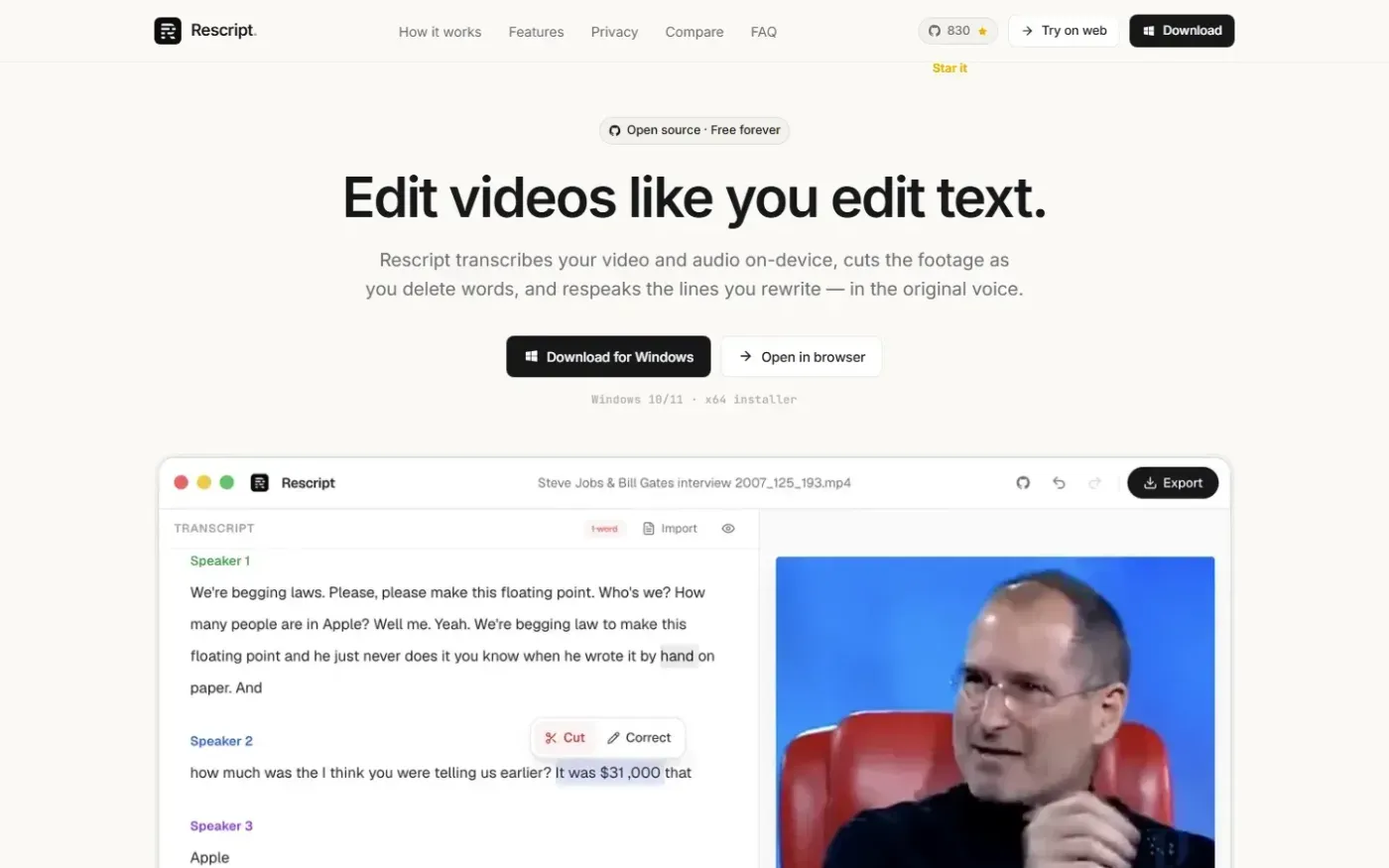
Rescript for Desktop — A free, open source, Descript alternative. Runs on-device. screenshot 1 of 4: Home
getrescript.com
Open-source, transcript-based video and audio editor that transcribes, cuts, removes fillers/silences, and regenerates speech on-device using Whisper and local TTS.
Home
Explain screenshot 1 of 4: Home
explain.ink
explain.ink turns a topic, a script or a document into a hand-drawn explainer video with narration.
Home
PassiveShorts — AI Faceless Video Generator for TikTok & YouTube screenshot 1 of 4: Home
passiveshorts.com
AI faceless video generator that automatically writes scripts, generates voiceovers and visuals, adds captions, and auto-posts scheduled short-form videos to YouTube and TikTok channels.
Home
Heygen screenshot 1 of 4: Home
heygen.com
AI-powered video generation platform that creates realistic talking avatars and videos from text, images, or audio inputs without requiring a camera or crew.