SiteList review score
Transparent, privacy-first positioning as an open-source Descript alternative.
Reviewed on Aug 27, 2026
getrescript.com
Unclaimed listingWhat it does
Open-source, transcript-based video and audio editor that transcribes, cuts, removes fillers/silences, and regenerates speech on-device using Whisper and local TTS.
SiteList review score
Transparent, privacy-first positioning as an open-source Descript alternative.
Reviewed on Aug 27, 2026
Verified user rating
—
No verified reviews yet — the evidence locker is empty.
Captured during our latest review on Aug 27, 2026
Free for noncommercial use under PolyForm Noncommercial 1.0.0 license. Commercial use requires a paid license; specific pricing not disclosed. Billed monthly.
| Plan | Price | Details |
|---|---|---|
| Noncommercial License | $0 monthly per license | Free use for noncommercial purposes under PolyForm Noncommercial 1.0.0. Noncommercial use only View source |
On-device Whisper transcription
transcription
Transcribes video and audio locally with word-level timestamps and speaker labels.
Text-based editing
editing
Delete words in the transcript to cut matching footage and audio in real time.
One-click cleanup
editing
Remove filler words and silences over 0.3s across the entire file without scrubbing a waveform.
Speaker diarization
transcription
Automatic grouping of transcript blocks by speaker for multi-person recordings.
Voice regeneration
editing
Rewrite a line and synthesize it back in the original speaker's cloned voice on-device.
Multi-format export
export
Render and export video, audio, transcript, or subtitles using local ffmpeg.
Yes, for noncommercial use under the PolyForm Noncommercial 1.0.0 license. Commercial use requires a paid license.
No. Transcription, editing, and export all happen locally; files are never uploaded.
The app reports anonymous page views and app opens for usage counts only; no file names, transcripts, or audio are collected.
A Chromium-based browser is recommended due to SharedArrayBuffer and WebGPU requirements.
Yes. You can import an existing SRT, VTT, or JSON caption file and edit the media against it.
Product FAQ information · View source
Rescript earns a strong 81/100 for its transparent, privacy-first positioning as an open-source Descript alternative.
81/100: strong open source alternative
No reviews yet. The evidence locker is empty.
Reviews from verified users appear here once approved.
Reviews are from the SiteList community. Some reviewers received incentives — disclosed in the review, always. The verdict is never for sale.
Home
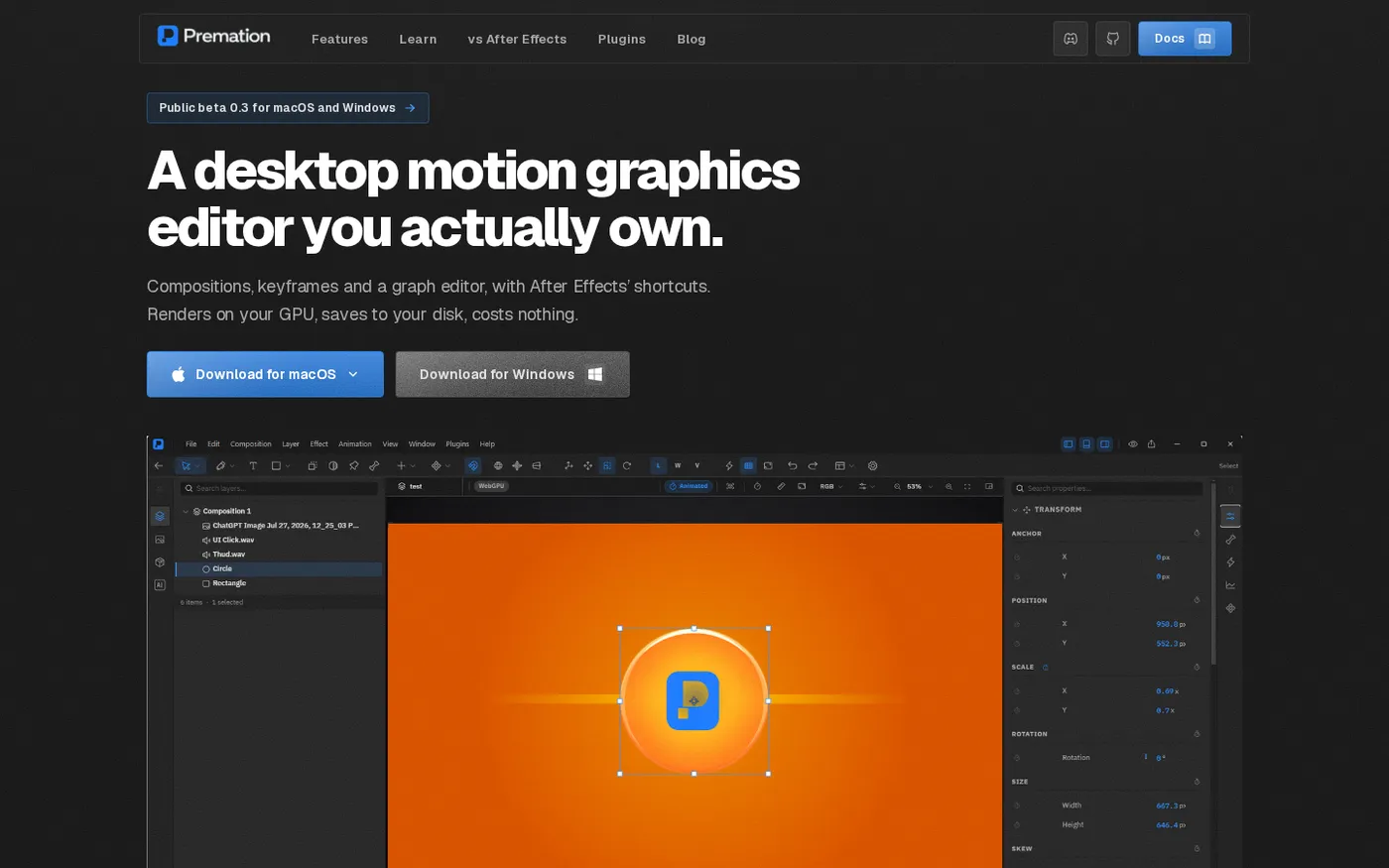
Premation — An open-source AI alternative to After Effects screenshot 1 of 4: Home
premation.com
A free, open-source desktop motion-graphics editor with After Effects' keyboard and layer model. The viewport and the exporter run the same GPU engine, so what you see is the frame you get.
Home
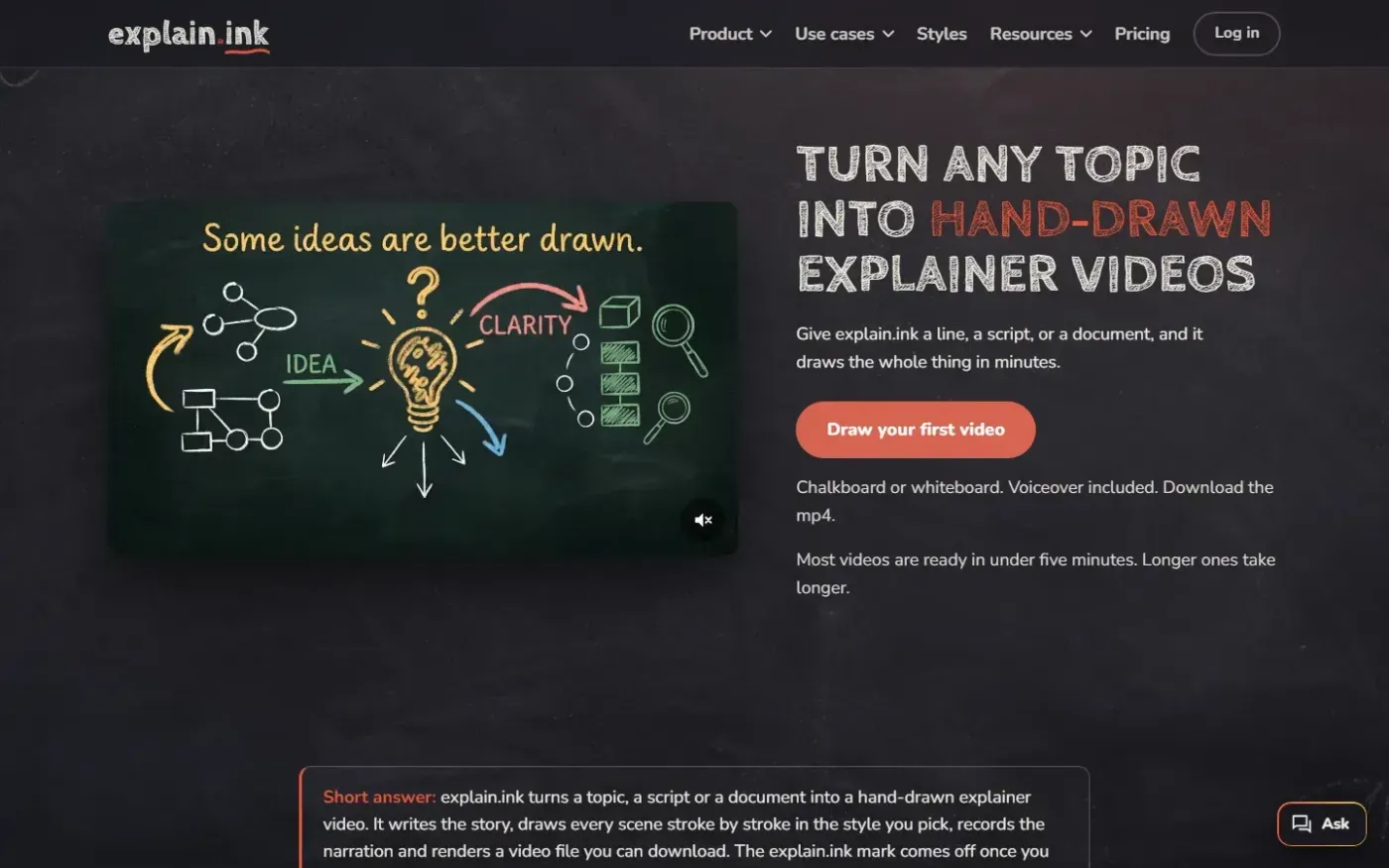
Explain screenshot 1 of 4: Home
explain.ink
explain.ink turns a topic, a script or a document into a hand-drawn explainer video with narration.
Home
PassiveShorts — AI Faceless Video Generator for TikTok & YouTube screenshot 1 of 4: Home
passiveshorts.com
AI faceless video generator that automatically writes scripts, generates voiceovers and visuals, adds captions, and auto-posts scheduled short-form videos to YouTube and TikTok channels.
Home
Heygen screenshot 1 of 4: Home
heygen.com
AI-powered video generation platform that creates realistic talking avatars and videos from text, images, or audio inputs without requiring a camera or crew.