SiteList review score
Clear positioning and strong audience targeting. Accessibility, mobile speed, and pricing guidance need practical fixes.
Reviewed on Sep 28, 2026
explain.ink
Unclaimed listingWhat it does
explain.ink turns a topic, a script or a document into a hand-drawn explainer video with narration.
SiteList review score
Clear positioning and strong audience targeting. Accessibility, mobile speed, and pricing guidance need practical fixes.
Reviewed on Sep 28, 2026
Verified user rating
—
No verified reviews yet — the evidence locker is empty.
Captured during our latest review on Sep 28, 2026
Buy video minutes; keep them for 12 months. Larger packs reduce the per-minute cost. No subscription required. Billed usage.
View sourceText to video
Video generation,
Type a topic and the engine writes the script, draws scenes, and records narration.
Education
Turn lessons, topics, or notes into short hand-drawn videos for classrooms and LMS delivery.
Course creators
Convert lesson scripts into consistent video lessons without hiring animators per module.
Marketing
Create hand-drawn explainer videos for landing pages, paid social, and sales follow-up.
Onboarding
Transform onboarding documents into short narrated videos for new hires and users.
Training
Generate compliance, safety, and process training videos from existing SOPs or decks for LMS delivery.
YouTube
Produce consistent weekly animated whiteboard videos with narration for explainer channels.
A topic, a script or a document. One line is enough: explain.ink turns it into a finished video, and if you supply a script your wording is kept exactly as written.
A video file with narration, drawn in the style you picked, ready to upload, embed or hand to a client.
No. You choose the input and the style; explain.ink writes the script, draws the artwork and records the narration.
You fix that frame instead of making the video again. Redraw it, or change the words on it, then rebuild the video.
Landscape for a website or YouTube, vertical for Reels, Shorts and TikTok, and square for a feed. Pick the shape before the video is made: it is drawn to fit, not cropped afterwards.
Up to five minutes. Most explainers work best between one and three, because that is how long a single idea holds attention.
Yes. The file comes with full commercial rights, including client work, courses and monetized channels. Videos you render before buying minutes carry a small explain.ink mark; every video you render after your first purchase comes out without it.
Whiteboard and chalkboard suit almost any subject. Blueprint and minimal read as technical, comic as playful. There are many more on the styles page, with samples.
Educators and course authors, marketers explaining a product, and technical writers turning a document into something people will actually watch.
Product FAQ information · View source
Explain scores 80/100, with unusually clear positioning for hand-drawn explainer videos and strong audience targeting. Accessibility, mobile performance, and weak pricing guidance are the most material weaknesses to fix.
80/100: strong product, three fixable weaknesses
No reviews yet. The evidence locker is empty.
Reviews from verified users appear here once approved.
Reviews are from the SiteList community. Some reviewers received incentives — disclosed in the review, always. The verdict is never for sale.
Home
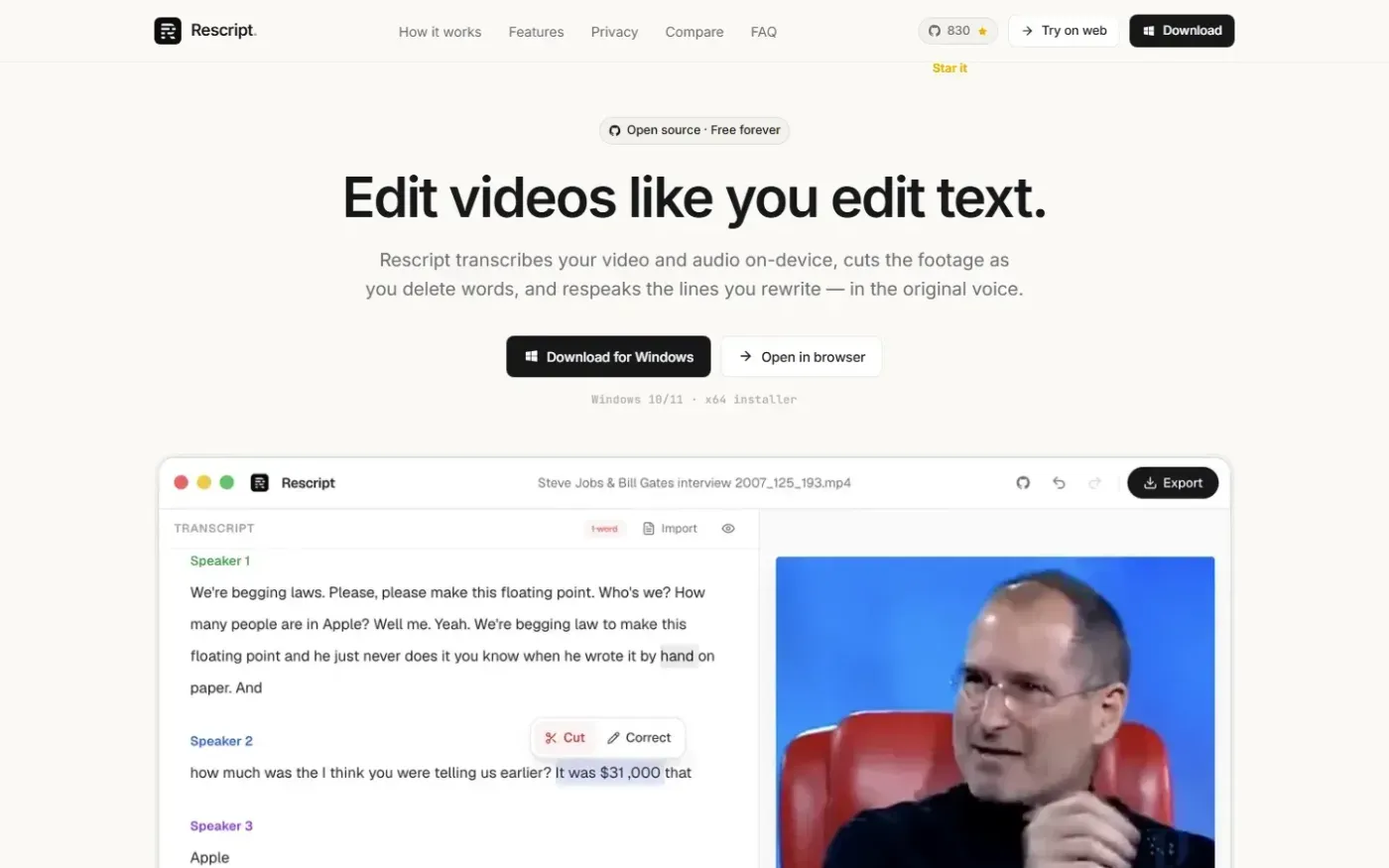
Rescript for Desktop — A free, open source, Descript alternative. Runs on-device. screenshot 1 of 4: Home
getrescript.com
Open-source, transcript-based video and audio editor that transcribes, cuts, removes fillers/silences, and regenerates speech on-device using Whisper and local TTS.
Home
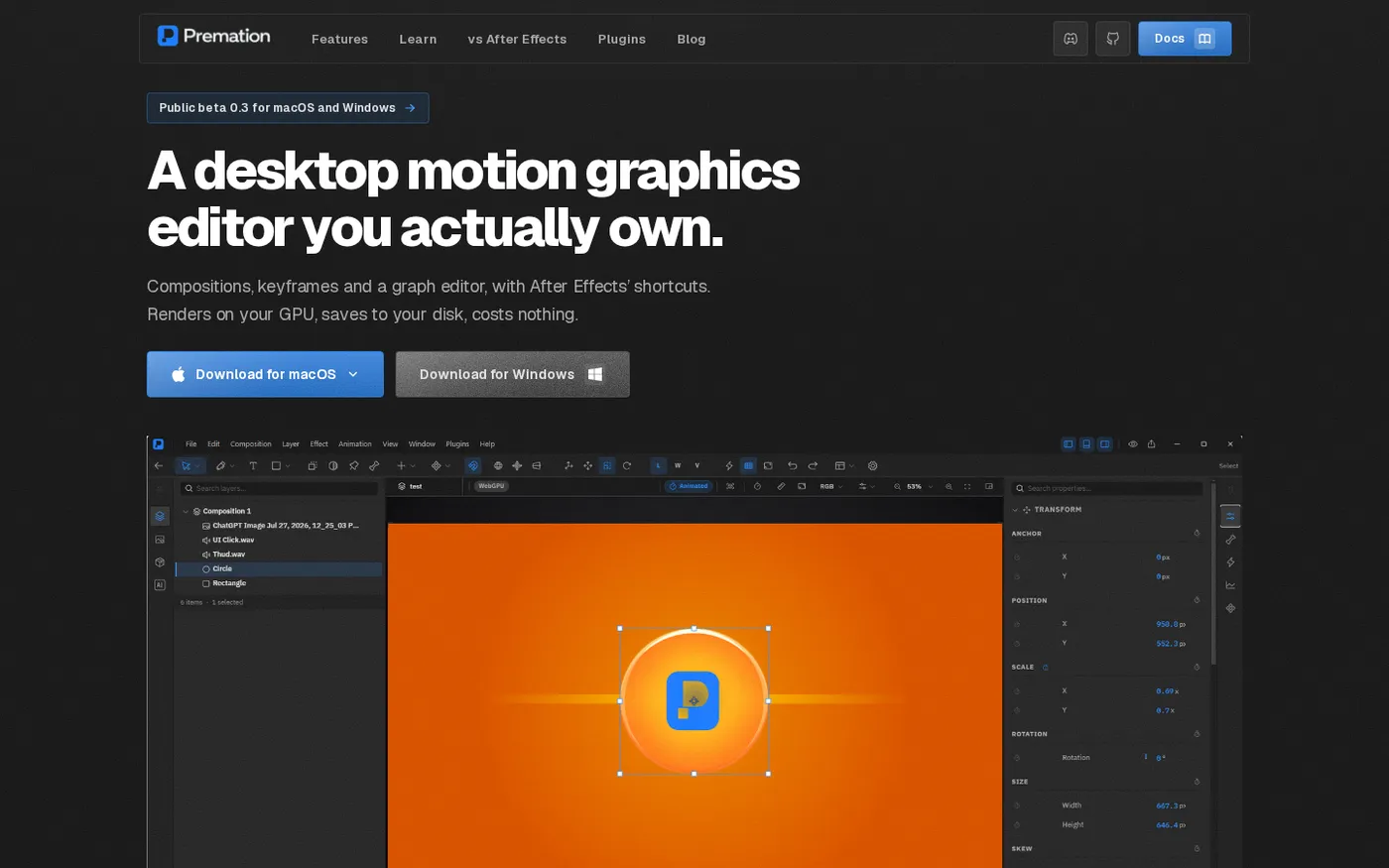
Premation — An open-source AI alternative to After Effects screenshot 1 of 4: Home
premation.com
A free, open-source desktop motion-graphics editor with After Effects' keyboard and layer model. The viewport and the exporter run the same GPU engine, so what you see is the frame you get.
Home
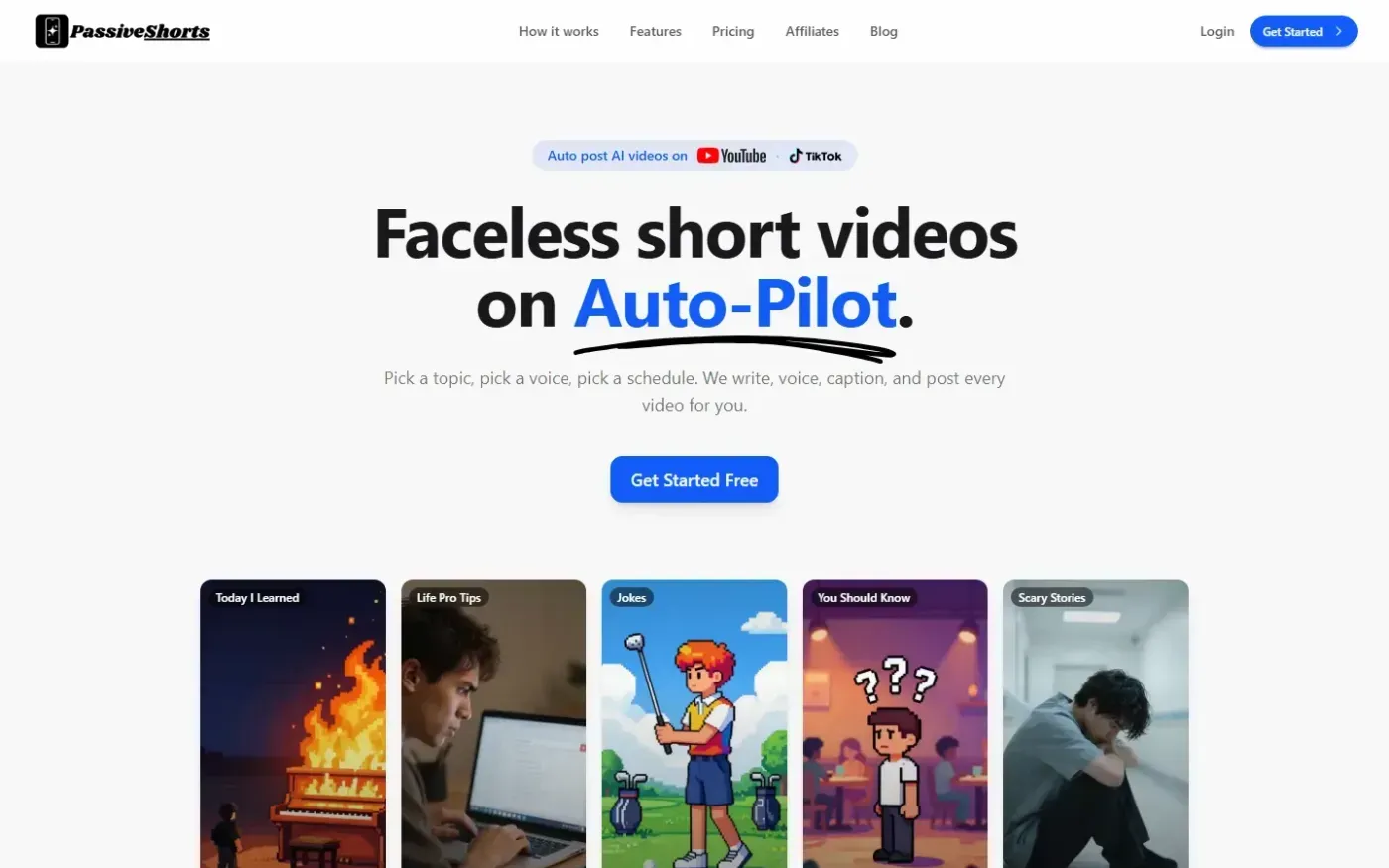
PassiveShorts — AI Faceless Video Generator for TikTok & YouTube screenshot 1 of 4: Home
passiveshorts.com
AI faceless video generator that automatically writes scripts, generates voiceovers and visuals, adds captions, and auto-posts scheduled short-form videos to YouTube and TikTok channels.
Home
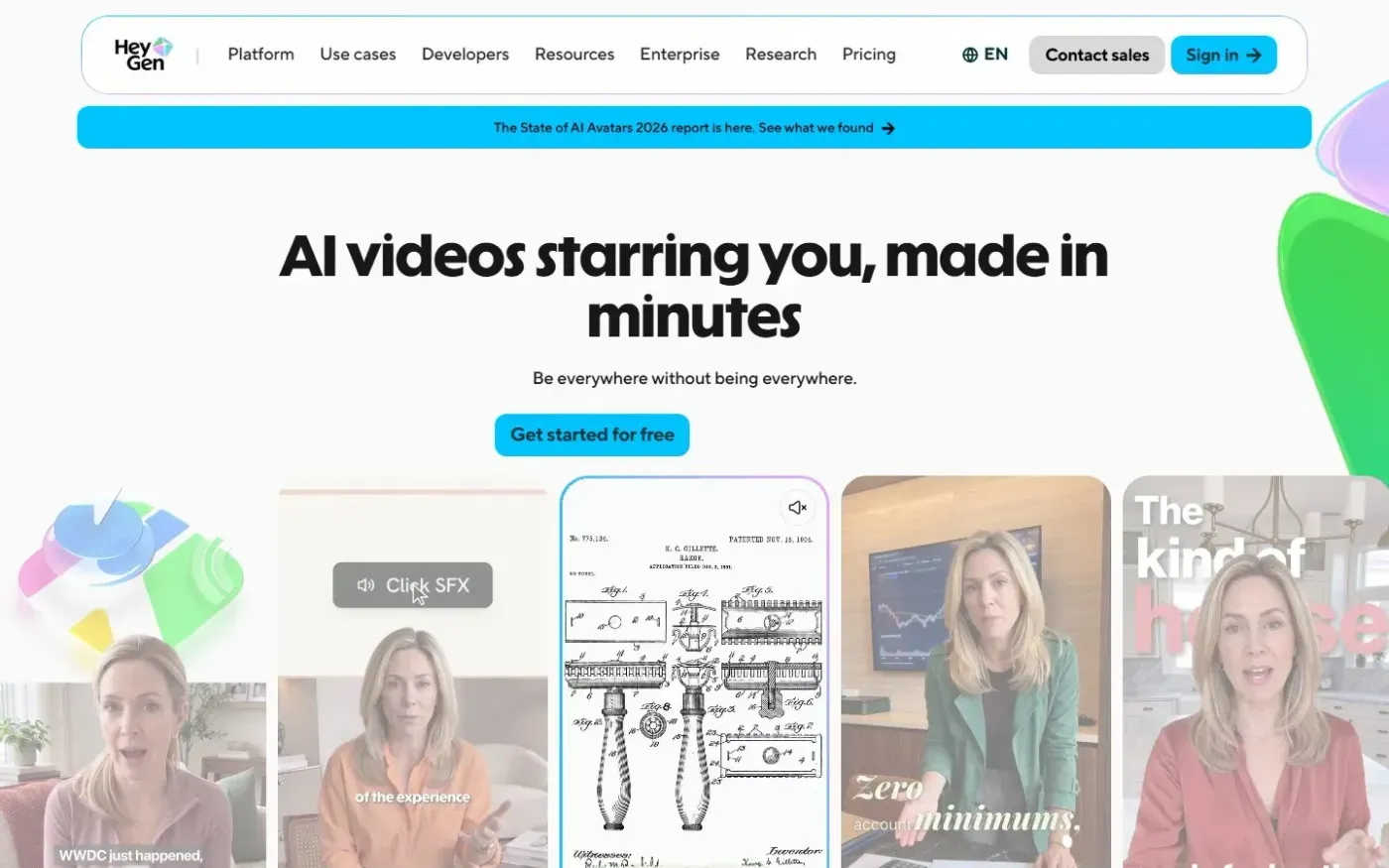
Heygen screenshot 1 of 4: Home
heygen.com
AI-powered video generation platform that creates realistic talking avatars and videos from text, images, or audio inputs without requiring a camera or crew.