SiteList review score
Clear creator workflow with useful caption and short-form tools. Performance, copy quality, and self-serve help need focused cleanup.
Reviewed on Oct 8, 2026
rendercut.io
Unclaimed listingWhat it does
RenderCut is a web-based video tool that automatically generates and customizes subtitles, animated captions, B-rolls, GIFs, memes, and other short-form video assets. Users can upload video or audio, style captions, and export the result for social platforms.
SiteList review score
Clear creator workflow with useful caption and short-form tools. Performance, copy quality, and self-serve help need focused cleanup.
Reviewed on Oct 8, 2026
Verified user rating
—
No verified reviews yet — the evidence locker is empty.
Captured during our latest review on Oct 8, 2026
Paid plans are listed monthly; annual billing is also offered at $9/mo, $19/mo, and $39/mo for Starter, Growth, and Unlimited respectively. Billed monthly. free plan · A free plan includes 5 videos and requires no credit card.
| Plan | Price | Details |
|---|---|---|
| Starter | $12 monthly | For beginners and individuals creating content at smaller scale. 30 video uploads per month · Up to 5 minutes per video · 500 MB upload per video · No watermark View source |
| Growth | $25 monthly | For businesses and creators scaling their output and audience engagement. 80 video uploads per month · Up to 10 minutes per video · 700 MB upload per video · No watermark View source |
| Unlimited | $49 monthly | For teams and high-volume creators needing more capacity. Unlimited video uploads · Up to 15 minutes per video · 1 GB upload per video · Priority support · No watermark View source |
Auto captions
Captions
Generates AI-synced subtitles for videos in different accents and languages.
Brand styling
Caption styling
Applies custom fonts, colors, and animations to captions.
Multilingual transcription
Captions
Generates auto transcripts in more than 40 languages.
Auto transitions and B-rolls
Video editing
Adds contextual footage clips and automatic transitions to videos.
GIFs and emojis
Video editing
Automatically inserts reactions and memes into videos.
Audio to video
Video creation
Creates a captioned video output from an uploaded audio file.
AI hook titles
Video creation
Generates AI hook titles for videos.
Brand kit
Branding
Provides a brand kit for video styling.
Short-form video creation
Create captioned videos for TikTok, Instagram Reels, and YouTube Shorts.
Social video captioning
Add styled captions to videos to improve accessibility and engagement.
Audio-to-video production
Turn uploaded audio into a captioned video output.
The AI-powered technology provides highly accurate subtitles, though occasional errors may occur because of accents, background noise, or complex vocabulary.
Yes. RenderCut can be accessed from any web browser on Mac and PC.
Generation time depends on the video length and audio complexity; RenderCut is designed to generate subtitles quickly and efficiently.
Yes. Fonts, colors, backgrounds, placement, and animations can be customized.
Product FAQ information · View source
Based on a supplied crawl of 26 pages across 13 dimensions, RenderCut scores 69/100: it gives creators a clear short-form captioning workflow, transparent plans, and strong basic usability. Its most material weaknesses are uneven performance, editorial defects, and limited public self-serve help in the supplied evidence.
69/100: capable creator tool, uneven polish
No reviews yet. The evidence locker is empty.
Reviews from verified users appear here once approved.
Reviews are from the SiteList community. Some reviewers received incentives — disclosed in the review, always. The verdict is never for sale.
Home
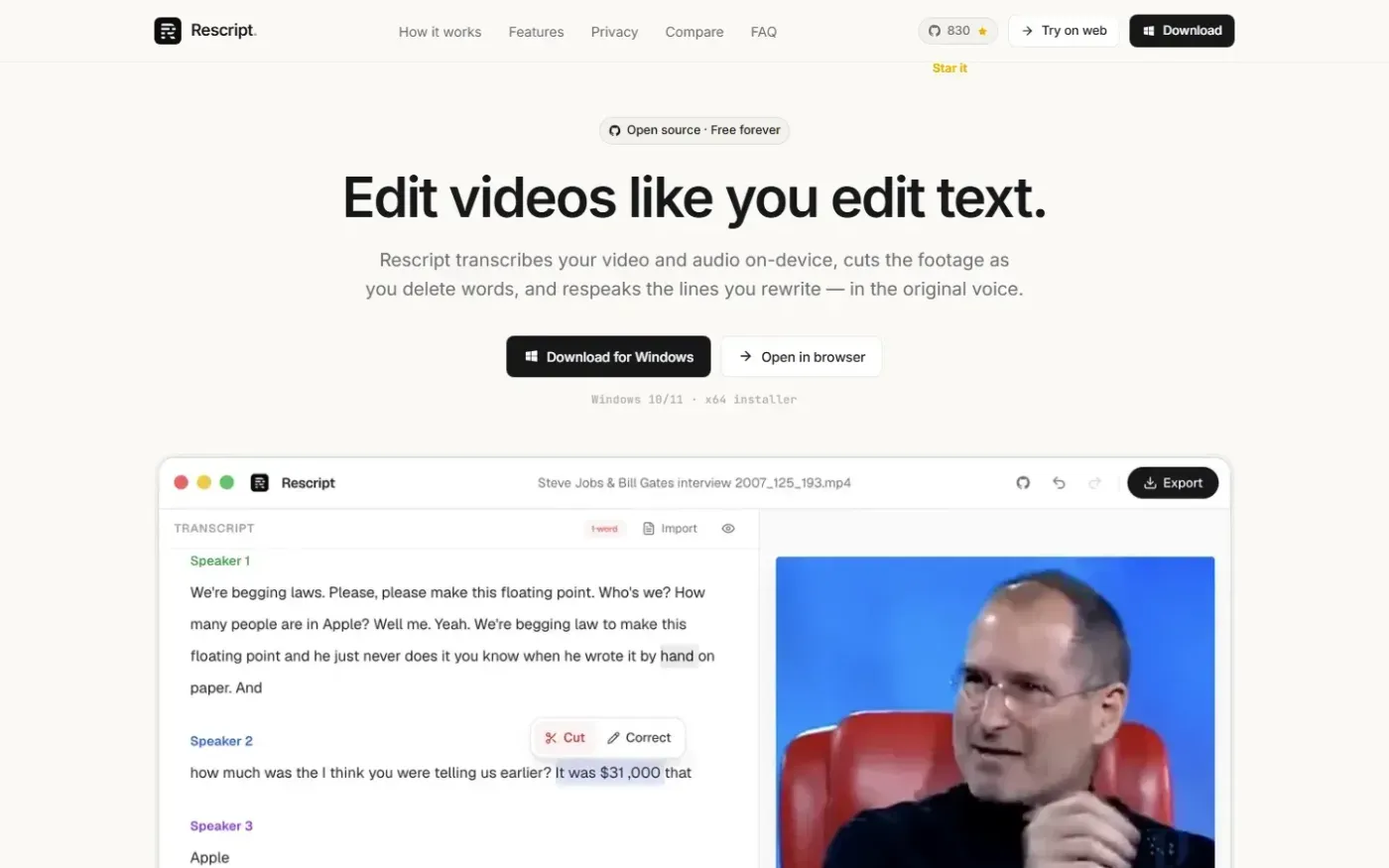
Rescript for Desktop — A free, open source, Descript alternative. Runs on-device. screenshot 1 of 4: Home
getrescript.com
Open-source, transcript-based video and audio editor that transcribes, cuts, removes fillers/silences, and regenerates speech on-device using Whisper and local TTS.
Home
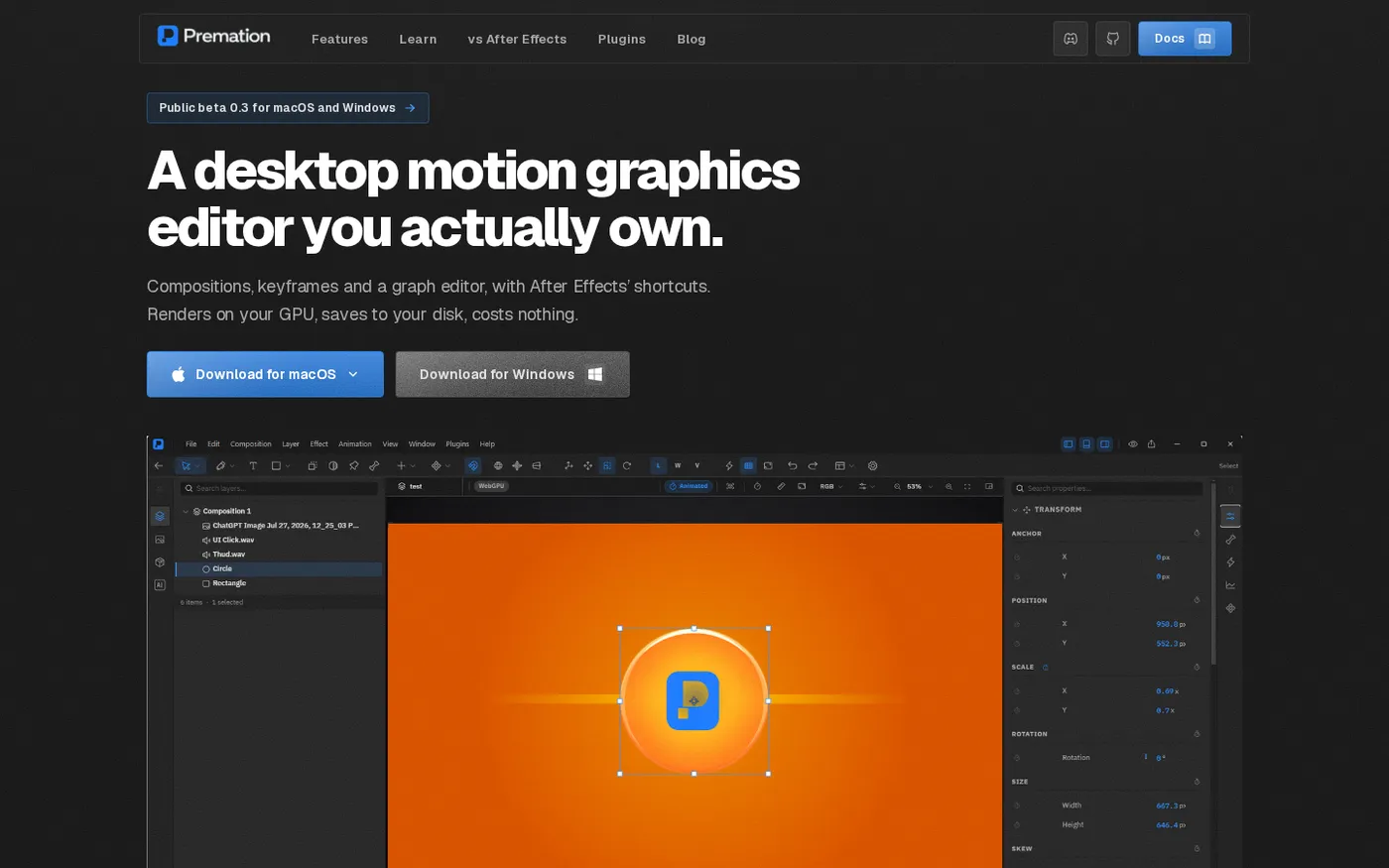
Premation — An open-source AI alternative to After Effects screenshot 1 of 4: Home
premation.com
A free, open-source desktop motion-graphics editor with After Effects' keyboard and layer model. The viewport and the exporter run the same GPU engine, so what you see is the frame you get.
Home
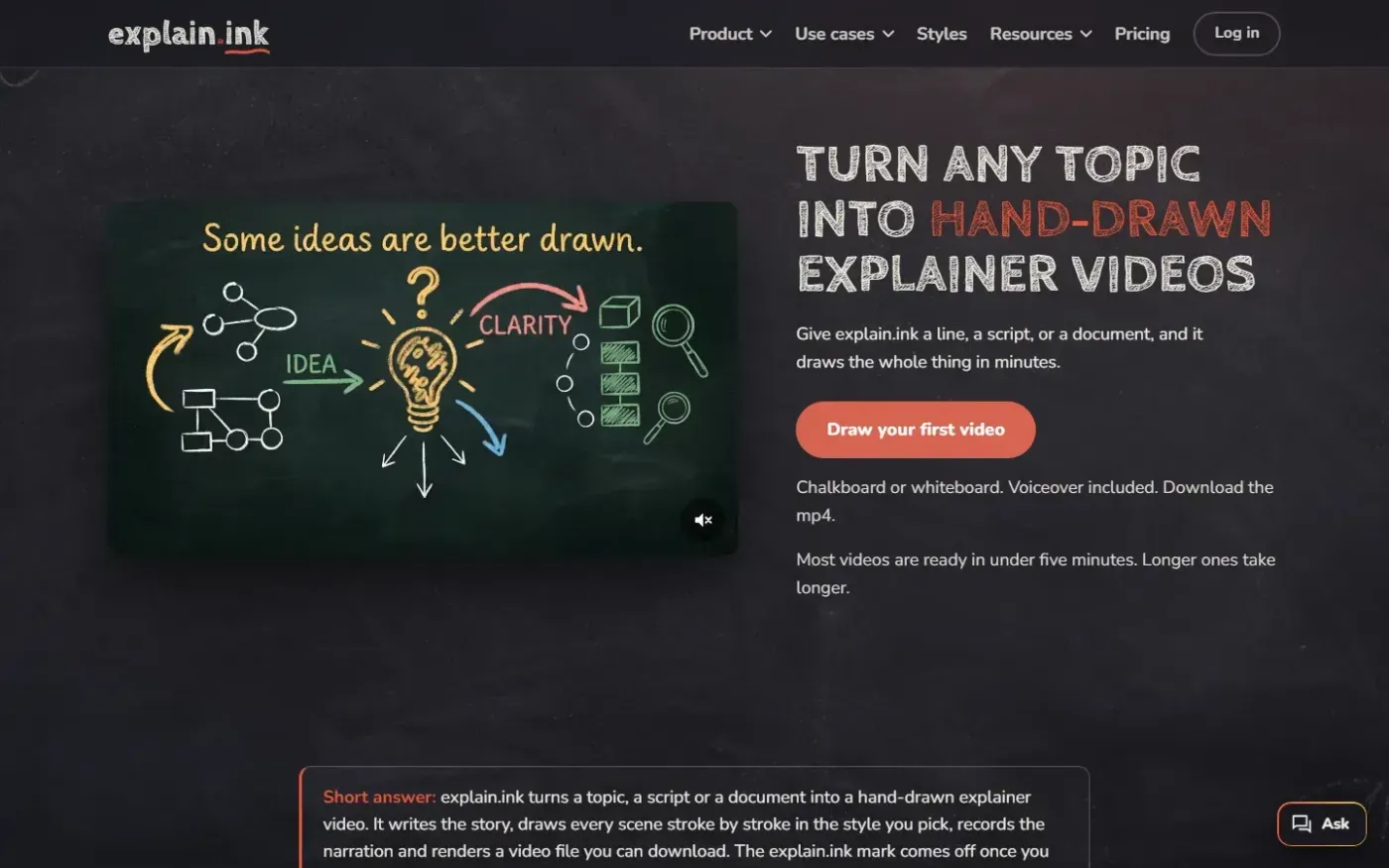
Explain screenshot 1 of 4: Home
explain.ink
explain.ink turns a topic, a script or a document into a hand-drawn explainer video with narration.
Home
PassiveShorts — AI Faceless Video Generator for TikTok & YouTube screenshot 1 of 4: Home
passiveshorts.com
AI faceless video generator that automatically writes scripts, generates voiceovers and visuals, adds captions, and auto-posts scheduled short-form videos to YouTube and TikTok channels.