SiteList review score
Sophisticated brand positioning and high-efficiency usability for product founders. Held back by critical performance bottlenecks and a missing sitemap.
Reviewed on Aug 15, 2026
openmotion.design
Unclaimed listingWhat it does
OpenMotion turns a prompt into editable motion scenes, with a real canvas and timeline to refine and export the result.
SiteList review score
Sophisticated brand positioning and high-efficiency usability for product founders. Held back by critical performance bottlenecks and a missing sitemap.
Reviewed on Aug 15, 2026
Verified user rating
—
No verified reviews yet — the evidence locker is empty.
Captured during our latest review on Aug 24, 2026
Scene-based canvas
Editing
Interactive workspace to view and edit the complete scene sequence.
Layer and audio timeline
Editing
Refine composition, timing, easing, colors, assets, and sound on a real timeline.
Reusable brand kits
Branding
Save and apply consistent branding across scenes.
Multi-format export
Export
Export video, transparent WebM, or HTML without rebuilding elsewhere.
Product launch videos
Generate and refine motion scenes for product launches from a text prompt.
Motion design refinement
Edit AI-generated scenes on a canvas and timeline to achieve intentional motion.
Claude Code
AI/Developer Tools
Integration for scene direction and creative control via AI coding assistant workflows.
Codex
AI/Developer Tools
Integration for creative control and scene generation capabilities.
Openmotion is an AI-driven motion design software designed for product founders and builders. It allows users to turn product screenshots and prompts into high-quality launch videos, positioning itself as a professional-grade alternative to hiring a dedicated motion designer.
Currently, the site has significant technical gaps. While the content is high quality, the absence of an XML sitemap and the presence of duplicate metadata on key pages like the sign-in screen hinder its visibility in search engine results.
The site exhibits high-level visual polish on desktop, but the underlying code reveals performance concerns across devices. A heavy 3.2MB payload and improperly implemented lazy-loading on hero assets likely push Largest Contentful Paint beyond the 2.5s threshold.
It is specifically built for builders and founders who need fast, high-quality motion graphics for product launches. It focuses on speed and control, bridging the gap between automated AI generation and professional manual design.
The product is currently free to use while in its development and build phase. While the site focuses on a low-friction user experience to communicate value quickly, the long-term SaaS subscription pricing details are not yet explicitly detailed in the crawl data.
Answers are based on SiteList's latest evidence review. Read the full review.
Openmotion (66.4/100) provides sophisticated brand positioning and high-efficiency usability for product founders. The platform is currently held back by critical performance bottlenecks and a lack of basic technical SEO infrastructure like a sitemap.
75/100: Sophisticated AI motion tool with technical discovery gaps
No reviews yet. The evidence locker is empty.
Reviews from verified users appear here once approved.
Reviews are from the SiteList community. Some reviewers received incentives — disclosed in the review, always. The verdict is never for sale.
Home
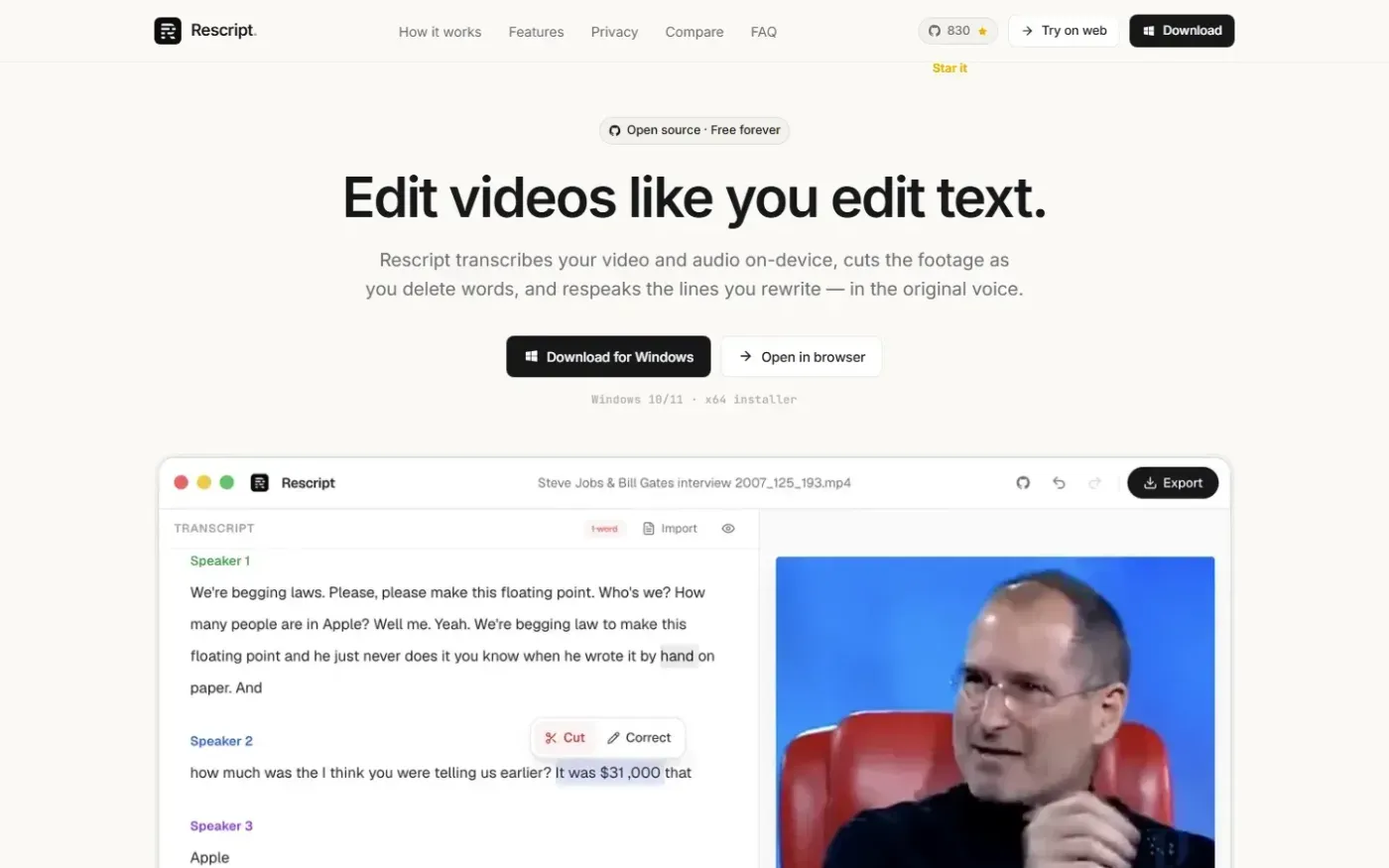
Rescript for Desktop — A free, open source, Descript alternative. Runs on-device. screenshot 1 of 4: Home
getrescript.com
Open-source, transcript-based video and audio editor that transcribes, cuts, removes fillers/silences, and regenerates speech on-device using Whisper and local TTS.
Home
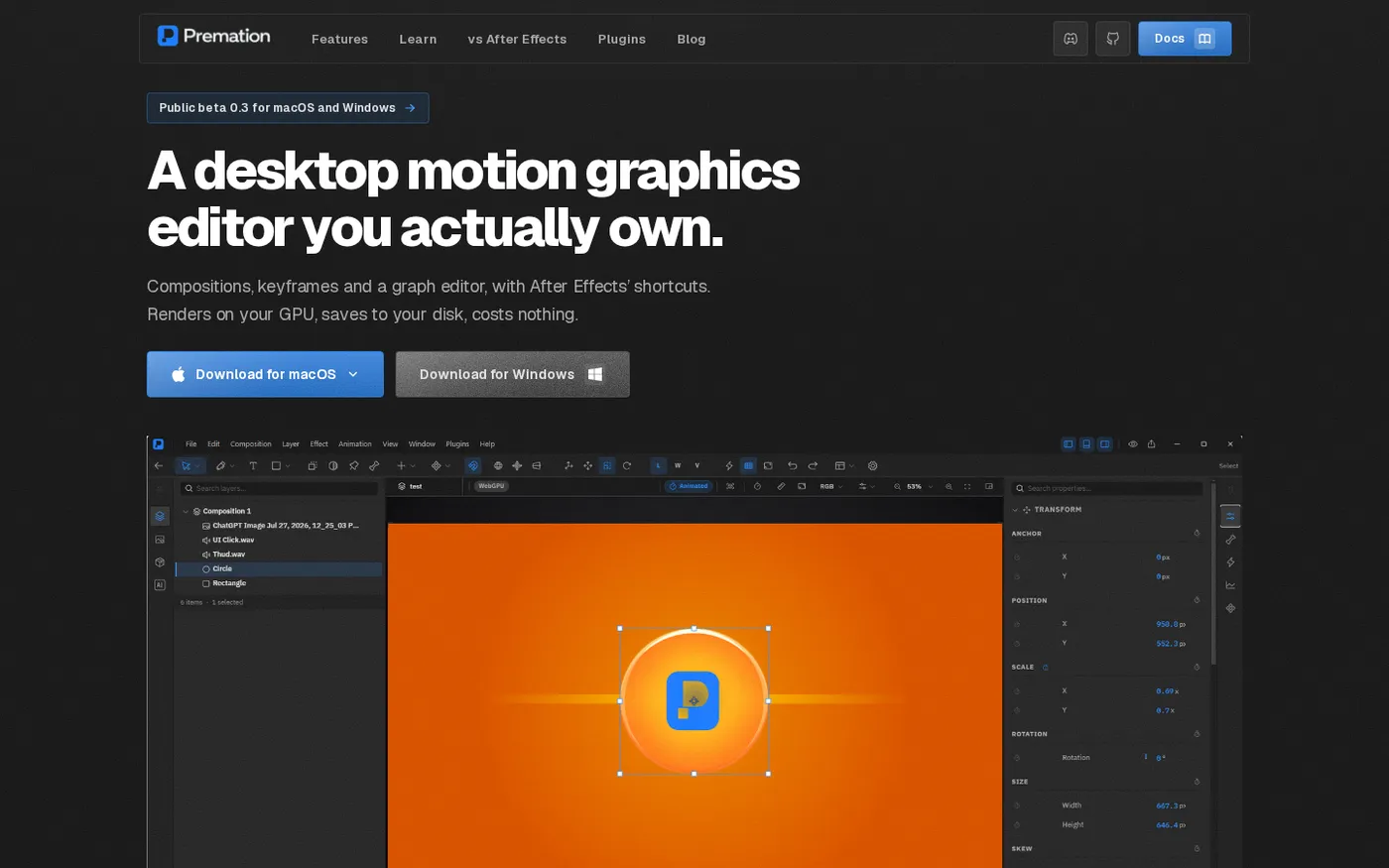
Premation — An open-source AI alternative to After Effects screenshot 1 of 4: Home
premation.com
A free, open-source desktop motion-graphics editor with After Effects' keyboard and layer model. The viewport and the exporter run the same GPU engine, so what you see is the frame you get.
Home
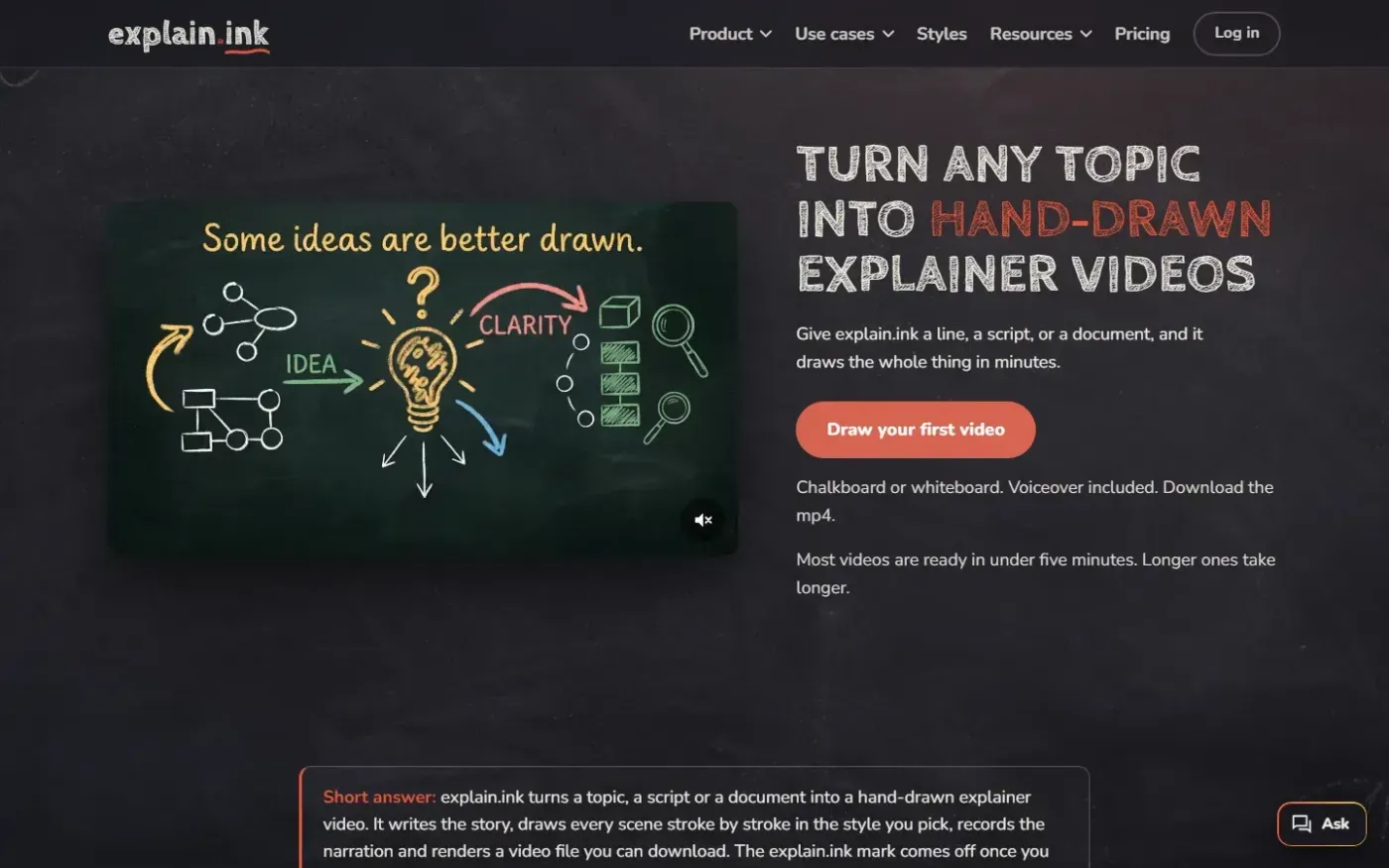
Explain screenshot 1 of 4: Home
explain.ink
explain.ink turns a topic, a script or a document into a hand-drawn explainer video with narration.
Home
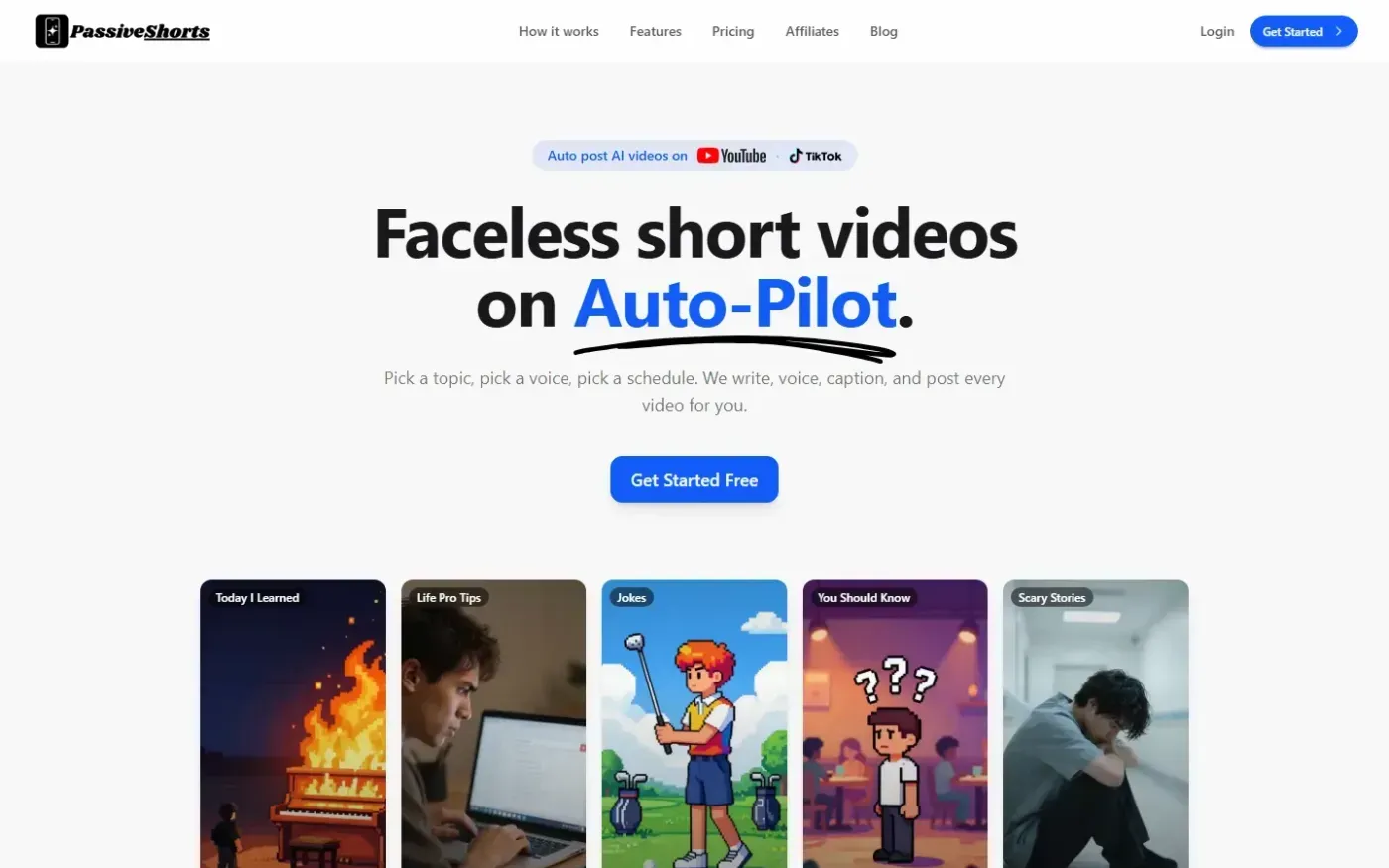
PassiveShorts — AI Faceless Video Generator for TikTok & YouTube screenshot 1 of 4: Home
passiveshorts.com
AI faceless video generator that automatically writes scripts, generates voiceovers and visuals, adds captions, and auto-posts scheduled short-form videos to YouTube and TikTok channels.