SiteList review score
Offers context-aware translation and handles 10-hour videos. Hampered by 16,000 orphaned pages and performance audit barriers.
Reviewed on Aug 22, 2026
omnisubs.app
Domain-verified ownerWhat it does
OmniSubs provides context-aware AI subtitling and translation for videos up to 10 hours, processing audio locally in the browser to preserve privacy. It supports transcription in 80 source languages and translation into 80 target languages, alongside a suite of free browser-based subtitle format conversion tools and a Windows desktop app for live streaming translation.
SiteList review score
Offers context-aware translation and handles 10-hour videos. Hampered by 16,000 orphaned pages and performance audit barriers.
Reviewed on Aug 22, 2026
Verified user rating
—
No verified reviews yet — the evidence locker is empty.
Captured during our latest review on Aug 24, 2026
Web app: Free tier includes 30 credits on sign-up; no credit card required. Subsequent usage is billed per audio processed, with optional packs or subscriptions available. Desktop app (OMNI Live Translator): One-time lifetime license. Launch price is $39.95 (60% off regular $99.95). Billed usage.
| Plan | Price | Details |
|---|---|---|
| Web App Free Tier | $0 one time per credits | 30 free credits on sign-up; no credit card required. Limited to initial 30 credits View source |
| OMNI Live Translator (Desktop) | $39.95 one time per license | One-time lifetime license for Windows desktop live translation app. 60% off regular $99.95 price during launch period View source |
Context-aware AI subtitling
subtitling
Transcribes and translates dialogue while preserving tone, character relationships, and cultural context rather than literal word-for-word rendering.
Browser-side privacy
privacy
Original video never leaves the device; only extracted audio is processed locally or sent for transcription. All subtitle tools run client-side.
Subtitle format conversion
conversion
Free browser-based utilities to convert between SRT, VTT, ASS/SSA, SBV, SAMI/SMI, TTML, LRC, MicroDVD, and SubViewer formats.
Local OCR for image subtitles
conversion
Converts Blu-ray PGS (.sup) and DVD VobSub (.sub/.idx) image files to text using in-browser OCR without uploading files to a server.
Video translation & localization
Translating films, lectures, or streams into 80 languages while preserving register and idioms for global audiences.
Subtitle format migration
Converting legacy, styled, or image-based subtitle files to modern text formats like SRT or VTT for web players and media servers.
Live streaming translation
Generating real-time dual-language captions for OBS Studio and TikTok Live Studio on Windows without server uploads.
OBS Studio
streaming
Compatible for live caption overlay via browser source or native window on Windows 10/11 with NVIDIA GPU recommended for real-time speed.
TikTok Live Studio
streaming
Compatible for live caption overlay via browser source or native window on Windows 10/11.
Auto-captions transcribe words. OmniSubs understands context — tone, who is speaking, cultural references — then translates so the meaning survives, not just a word-for-word rendering.
No. The original video never leaves your device — only the extracted audio is sent for transcription, and subtitle text for translation. Your footage stays private.
Up to 10 hours. Audio is extracted and processed in chunks entirely in your browser, so even feature-length films and full lectures work without a huge upload.
Product FAQ information · View source
Omnisubs earns a 79/100 for its specialized focus on context-aware translation for long-form video content up to 10 hours.
79/100: strong product with specific technical gaps
No reviews yet. The evidence locker is empty.
Omnisubs has a live access offer — claim a seat and review it honestly.
Reviews are from the SiteList community. Some reviewers received incentives — disclosed in the review, always. The verdict is never for sale.
Home
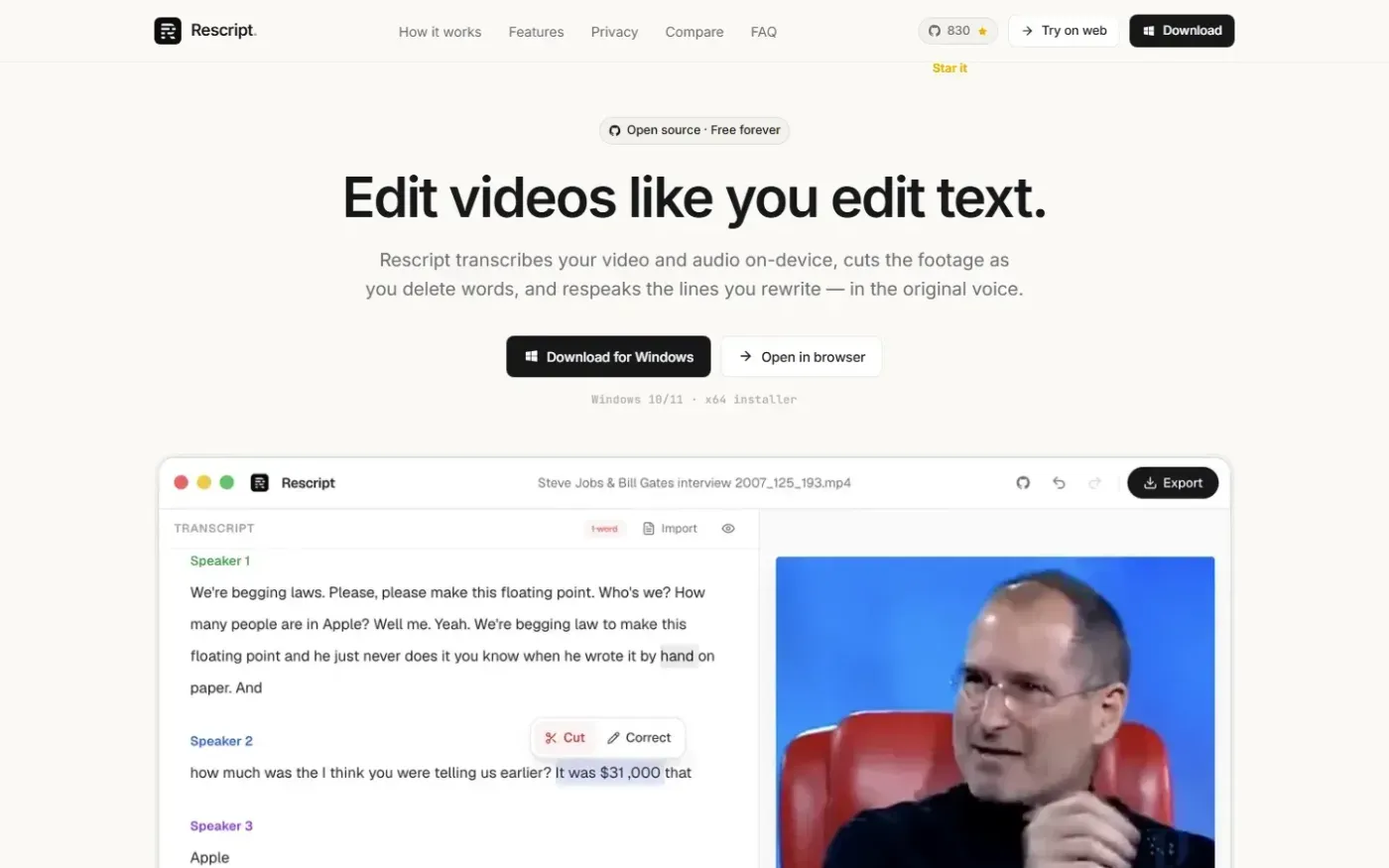
Rescript for Desktop — A free, open source, Descript alternative. Runs on-device. screenshot 1 of 4: Home
getrescript.com
Open-source, transcript-based video and audio editor that transcribes, cuts, removes fillers/silences, and regenerates speech on-device using Whisper and local TTS.
Home
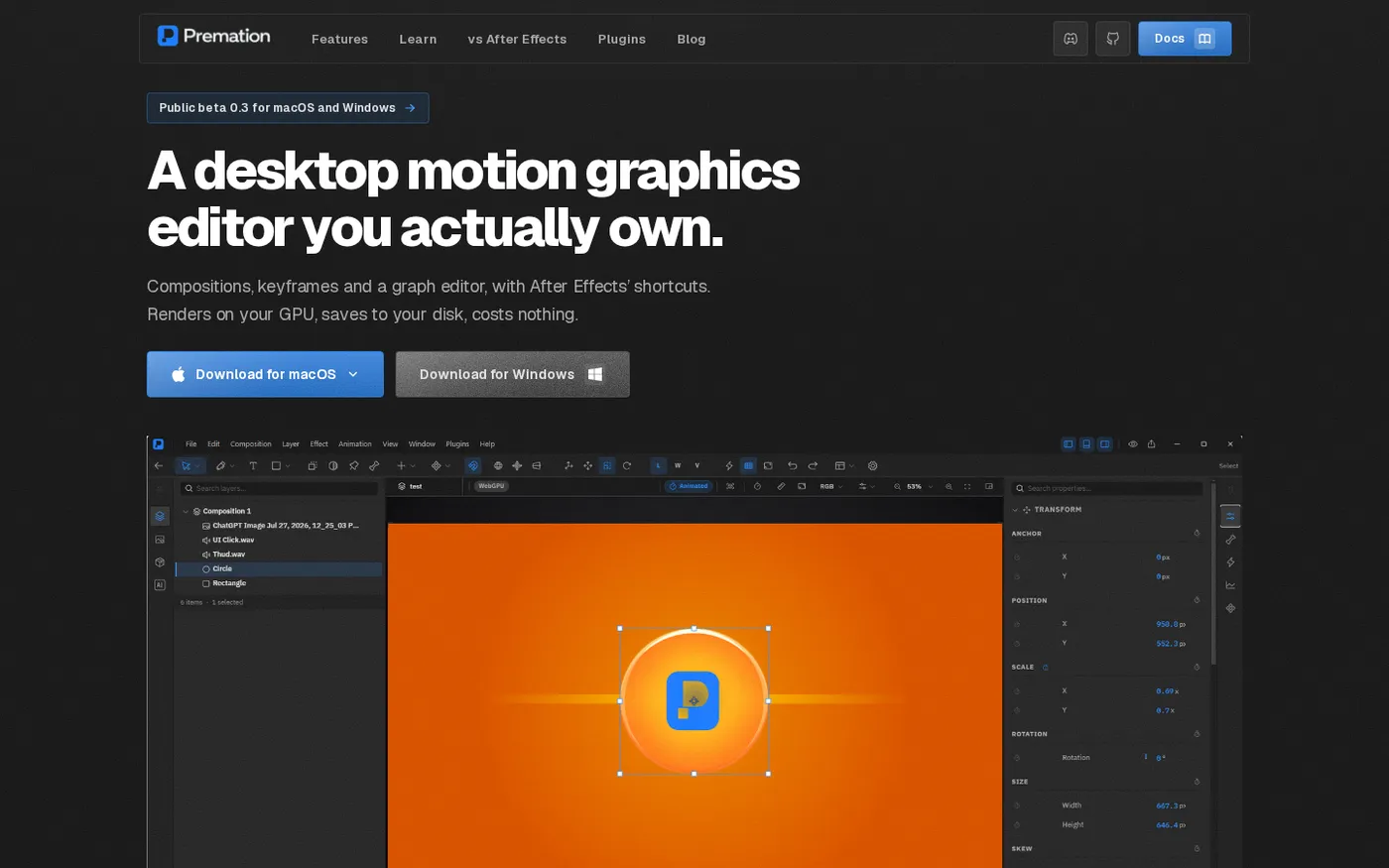
Premation — An open-source AI alternative to After Effects screenshot 1 of 4: Home
premation.com
A free, open-source desktop motion-graphics editor with After Effects' keyboard and layer model. The viewport and the exporter run the same GPU engine, so what you see is the frame you get.
Home
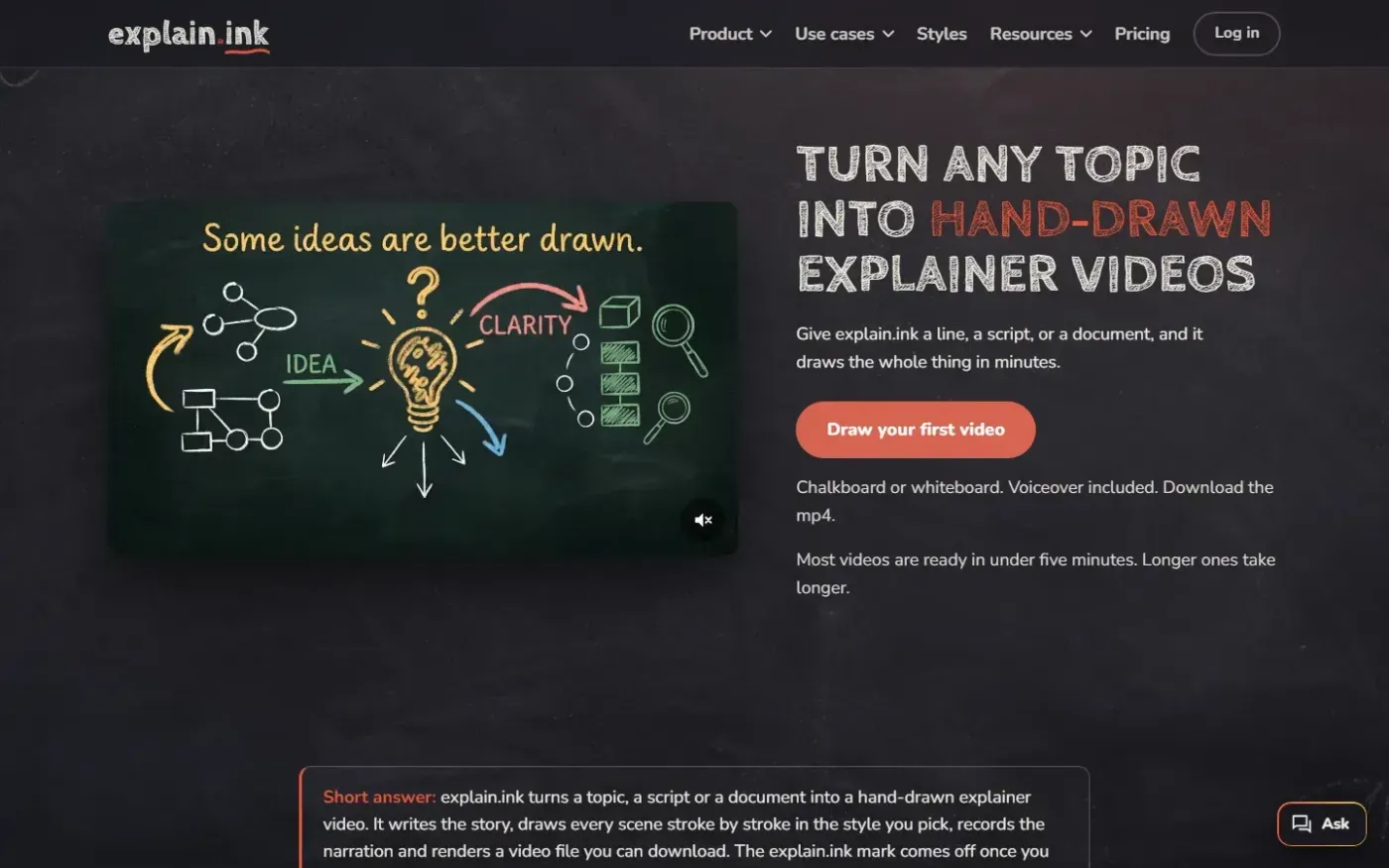
Explain screenshot 1 of 4: Home
explain.ink
explain.ink turns a topic, a script or a document into a hand-drawn explainer video with narration.
Home
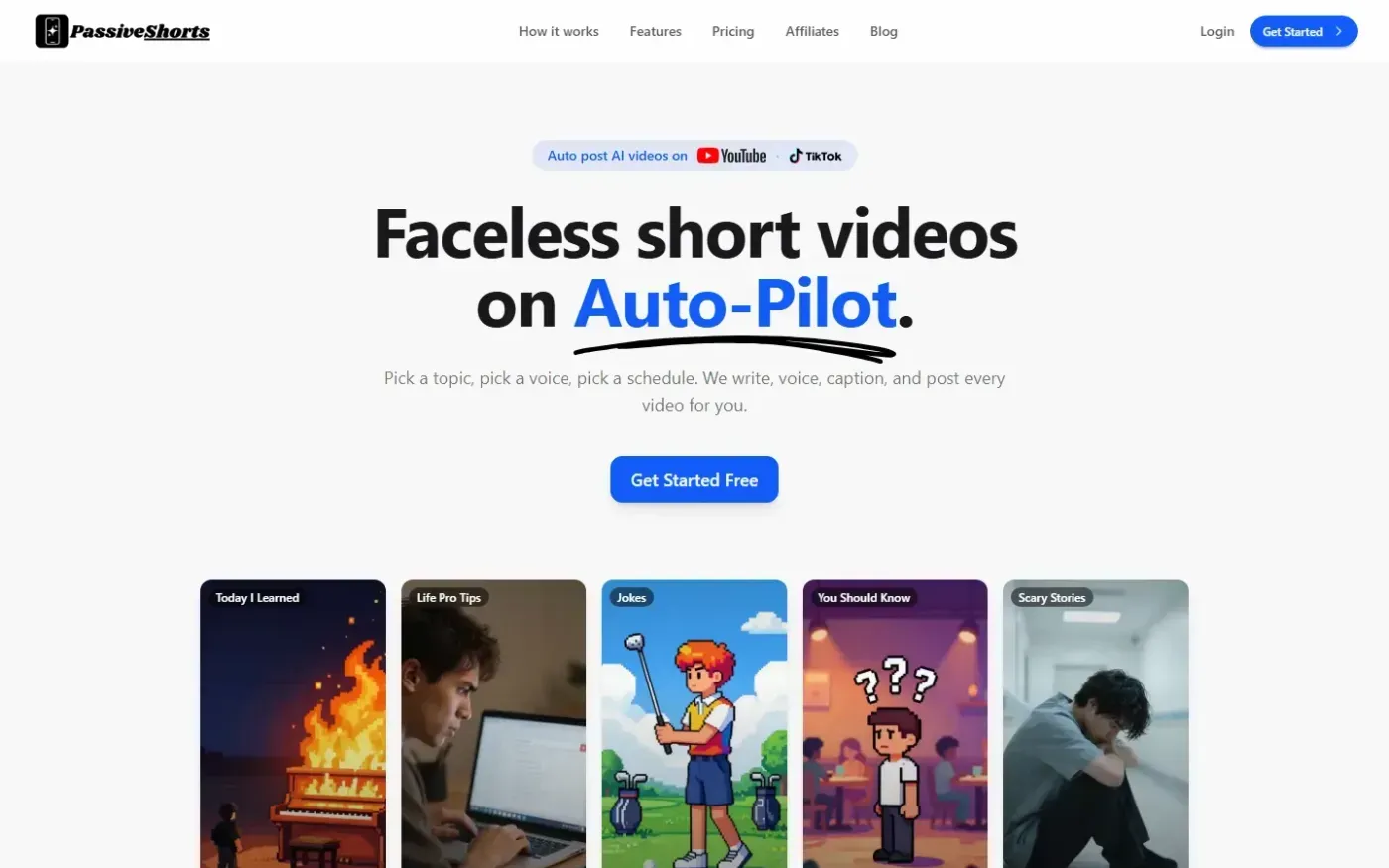
PassiveShorts — AI Faceless Video Generator for TikTok & YouTube screenshot 1 of 4: Home
passiveshorts.com
AI faceless video generator that automatically writes scripts, generates voiceovers and visuals, adds captions, and auto-posts scheduled short-form videos to YouTube and TikTok channels.