SiteList review score
Broad video-tool coverage and clear pricing information give buyers a useful starting point. Plan guidance, content evidence, and discovery paths need sharper definition.
Reviewed on Oct 15, 2026
clipmove.com
Unclaimed listingWhat it does
ClipMove is an AI video-creation service for producing publish-ready short-form videos, including script-to-video and avatar videos, with an editor and AI-assisted captions and media.
SiteList review score
Broad video-tool coverage and clear pricing information give buyers a useful starting point. Plan guidance, content evidence, and discovery paths need sharper definition.
Reviewed on Oct 15, 2026
Verified user rating
—
No verified reviews yet — the evidence locker is empty.
Captured during our latest review on Oct 15, 2026
Monthly plans; pricing page shows Pro at $14.33/month, Ultimate at $24.00/month, and Enterprise at $70.00/month. Promotional discounts were shown on the page. Billed monthly.
| Plan | Price | Details |
|---|---|---|
| ClipMove Pro | $14.33 monthly | Start creating viral videos. 20 videos per month View source |
| ClipMove Ultimate | $24 monthly | Everything in Pro plus additional features. 50 videos per month · 10 AI avatar videos per month · Priority support View source |
| ClipMove Enterprise | $70 monthly | Everything in Ultimate, including unlimited access to AI video tools and models, priority support, and 60 FPS export. 50 AI avatar videos per month View source |
Script to Video Generator
Video creation
Transforms ideas into videos with realistic AI voices.
Avatar Video Generator
Video creation
Creates videos with AI actors.
Dynamic Captions
Editing
Adds AI captions in more than 40 languages.
B-roll Media
Media
Adds stock footage, AI-generated video, GIFs, and other media.
AI video tools and models
Video creation
Provides access to AI video tools and models, with unlimited access stated for the Enterprise plan.
Short-form content creation
Create publish-ready short-form videos with AI assistance.
Script-to-video production
Turn ideas or scripts into videos with realistic AI voices.
AI avatar video production
Create videos featuring AI actors.
Video editing and iteration
Edit videos and test different video styles.
Social video publishing
Produce videos intended for short-form social content.
Clipmove is aimed at content creators, social marketers, and small businesses producing short-form video. Its site presents an AI video and creator-tool suite with subscription pricing, free tools, and content marketing.
The site presents a visible three-tier pricing surface and answers price questions, but the pricing experience does not yet explain which plan fits a specific publishing workflow.
Clipmove scored 92 on the sampled mobile lab performance run. Real-user metrics show p75 LCP of 3.2 seconds, INP of 307 ms, and TTFB of 1.82 seconds.
The clearest priorities are to make the starting workflow more explicit, turn plan details into practical decision support, strengthen evidence behind content claims, and improve discovery paths.
Answers are based on SiteList's latest evidence review. Read the full review.
Clipmove scores 60/100 in this 13-dimension review, with clear product breadth, accessible pricing information, and a mobile lab score of 92. Its biggest weaknesses are unclear starting workflows, weak decision support, and discovery and content-quality gaps that make evaluation harder than it should be.
60/100: capable breadth, but evaluation still takes too much work
No reviews yet. The evidence locker is empty.
Reviews from verified users appear here once approved.
Reviews are from the SiteList community. Some reviewers received incentives — disclosed in the review, always. The verdict is never for sale.
Home
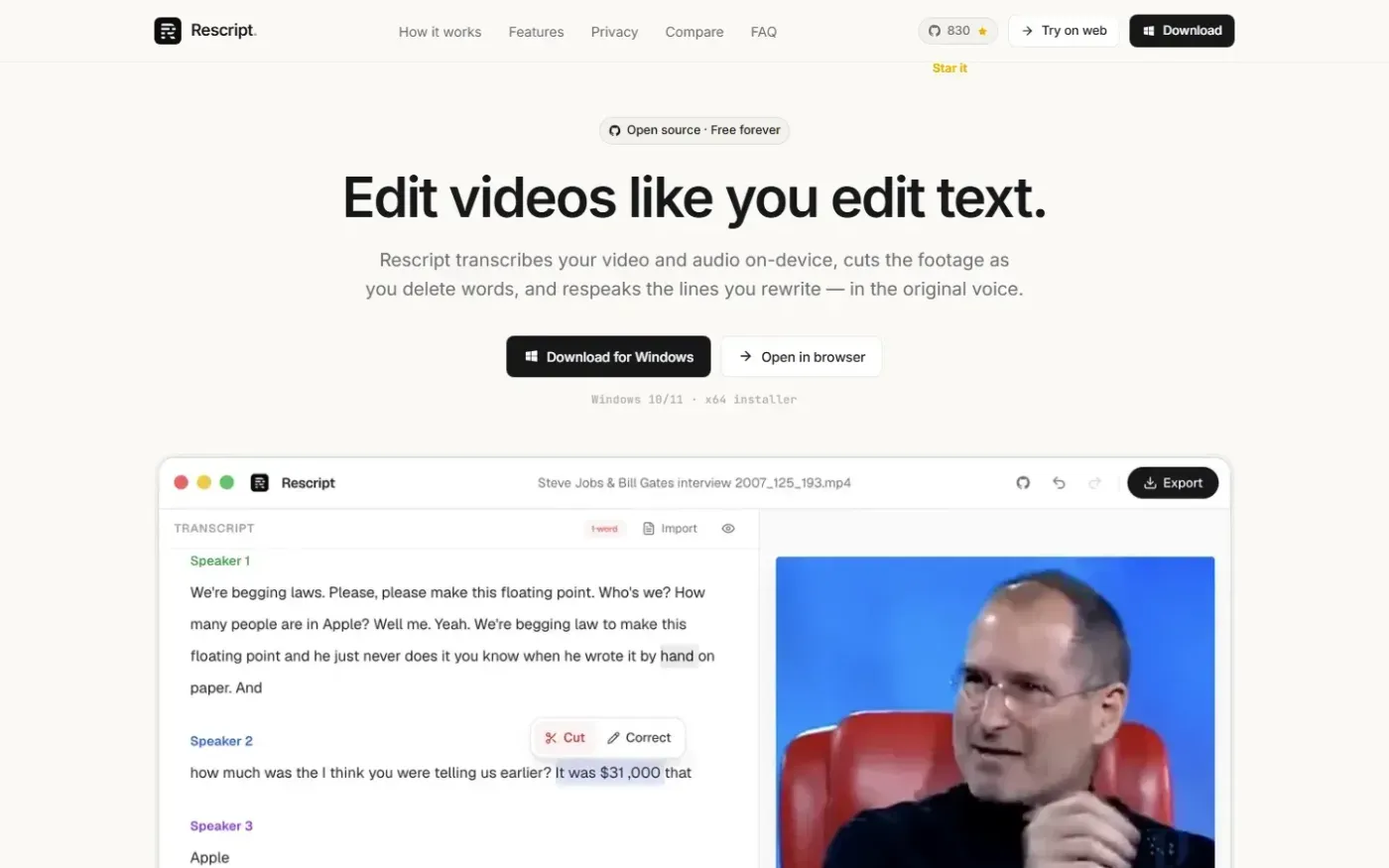
Rescript for Desktop — A free, open source, Descript alternative. Runs on-device. screenshot 1 of 4: Home
getrescript.com
Open-source, transcript-based video and audio editor that transcribes, cuts, removes fillers/silences, and regenerates speech on-device using Whisper and local TTS.
Home
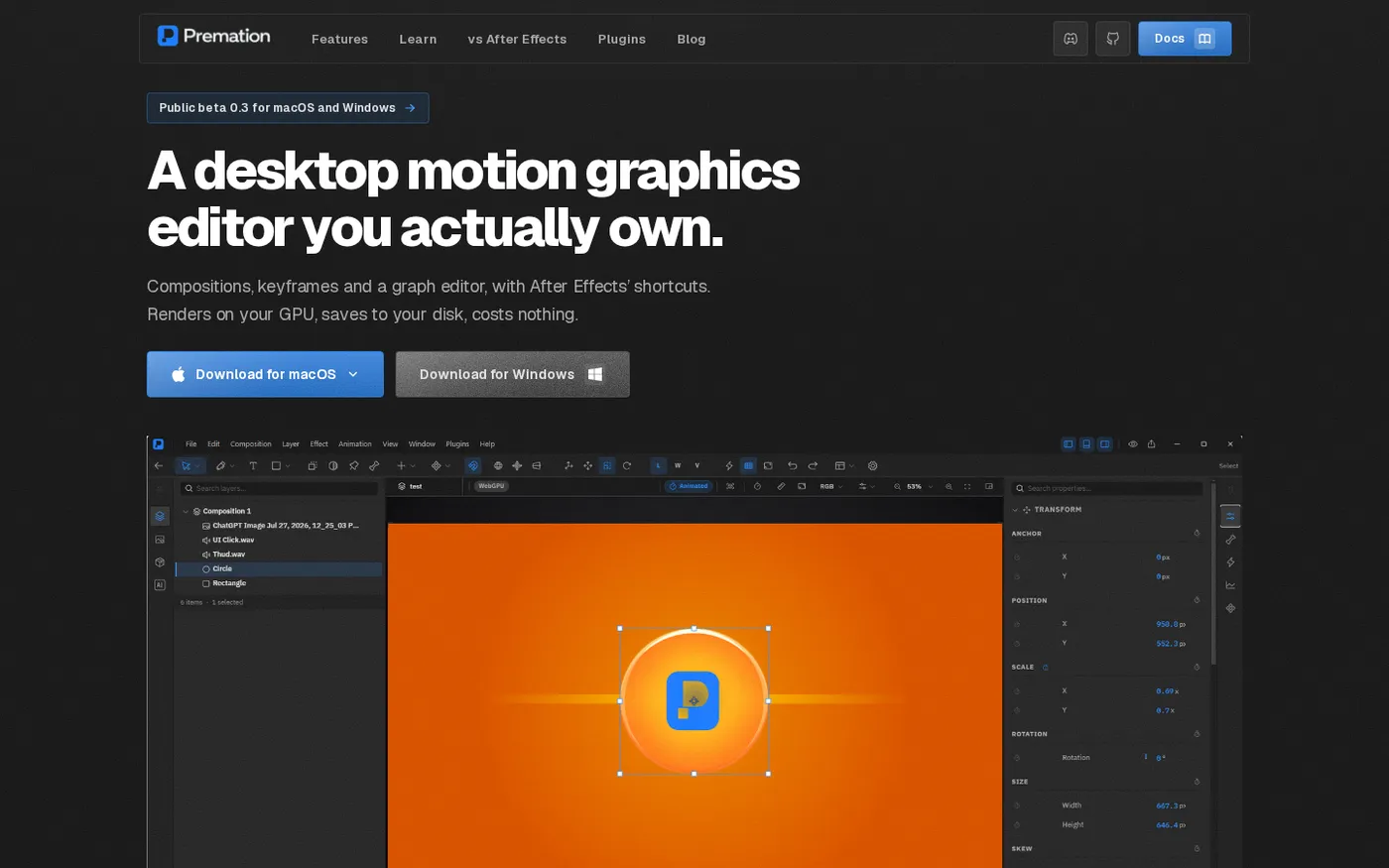
Premation — An open-source AI alternative to After Effects screenshot 1 of 4: Home
premation.com
A free, open-source desktop motion-graphics editor with After Effects' keyboard and layer model. The viewport and the exporter run the same GPU engine, so what you see is the frame you get.
Home
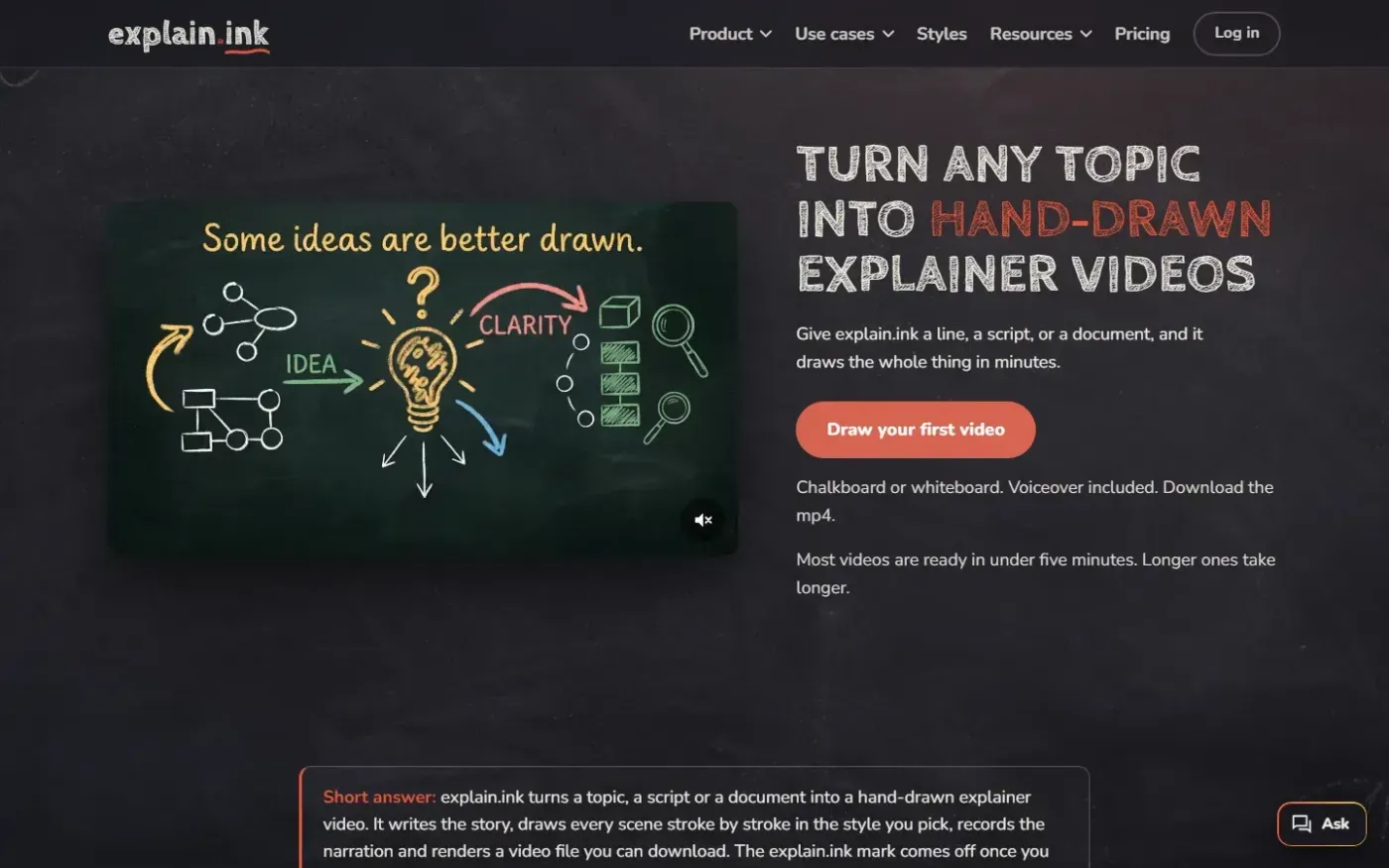
Explain screenshot 1 of 4: Home
explain.ink
explain.ink turns a topic, a script or a document into a hand-drawn explainer video with narration.
Home
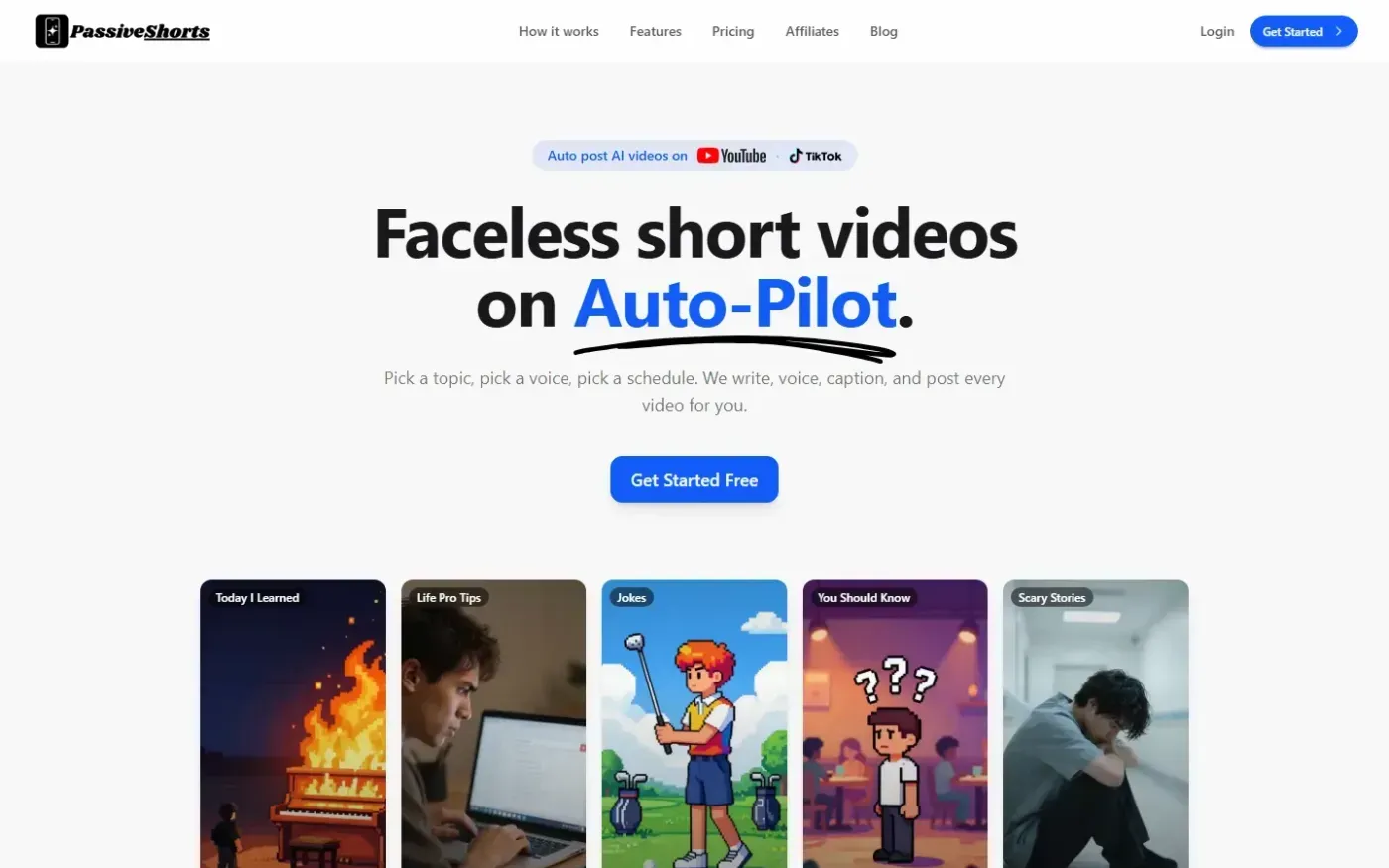
PassiveShorts — AI Faceless Video Generator for TikTok & YouTube screenshot 1 of 4: Home
passiveshorts.com
AI faceless video generator that automatically writes scripts, generates voiceovers and visuals, adds captions, and auto-posts scheduled short-form videos to YouTube and TikTok channels.