SiteList review score
Clear positioning as a free, open-source alternative. Mobile performance is hampered by large payloads and missing security redirects.
Reviewed on Aug 28, 2026
capptivo.com
Unclaimed listingWhat it does
Free open-source desktop screen recorder and demo editor with smart follow-cursor zoom, auto zooms, on-device captions, and local-first recording/editing for macOS, Windows, and Linux.
SiteList review score
Clear positioning as a free, open-source alternative. Mobile performance is hampered by large payloads and missing security redirects.
Reviewed on Aug 28, 2026
Verified user rating
—
No verified reviews yet — the evidence locker is empty.
Captured during our latest review on Aug 28, 2026
No paid tiers or usage-based pricing; distributed under the MIT License. Billed one time.
| Plan | Price | Details |
|---|---|---|
| Free / Open Source | $0 one time per license | Full desktop application access with no subscription or usage fees. MIT License · Local-first processing only · No cloud hosting or paid tiers offered by the vendor. View source |
Smart follow-cursor zoom
recording
Pans and zooms automatically follow the cursor to keep important screen areas in view.
On-device captions & speech-to-text
editing
Generates captions locally using built-in speech-to-text without cloud processing.
Timeline editing
editing
Drag zoom segments on a timeline with automatic motion filling between keyframes.
Multi-aspect export
export
Exports a single project to widescreen, square, or vertical aspect ratios for different channels.
Product demos
Create polished screen recordings with smart zoom and annotations for software demonstrations.
Async updates & training clips
Record and edit local-first video tutorials or team updates without uploading to cloud servers.
Capptivo is local-first: recordings and edits stay on your device. We do not upload your video to Capptivo for cloud hosting or processing.
Product FAQ information · View source
Capptivo earns a 77/100 for its focused positioning as a free, open-source alternative to premium demo editors. Technical writing and brand identity are strong, though a 14MB mobile payload and missing HTTPS redirects impact the final score.
77/100: Strong open-source alternative with technical polish
No reviews yet. The evidence locker is empty.
Reviews from verified users appear here once approved.
Reviews are from the SiteList community. Some reviewers received incentives — disclosed in the review, always. The verdict is never for sale.
Home
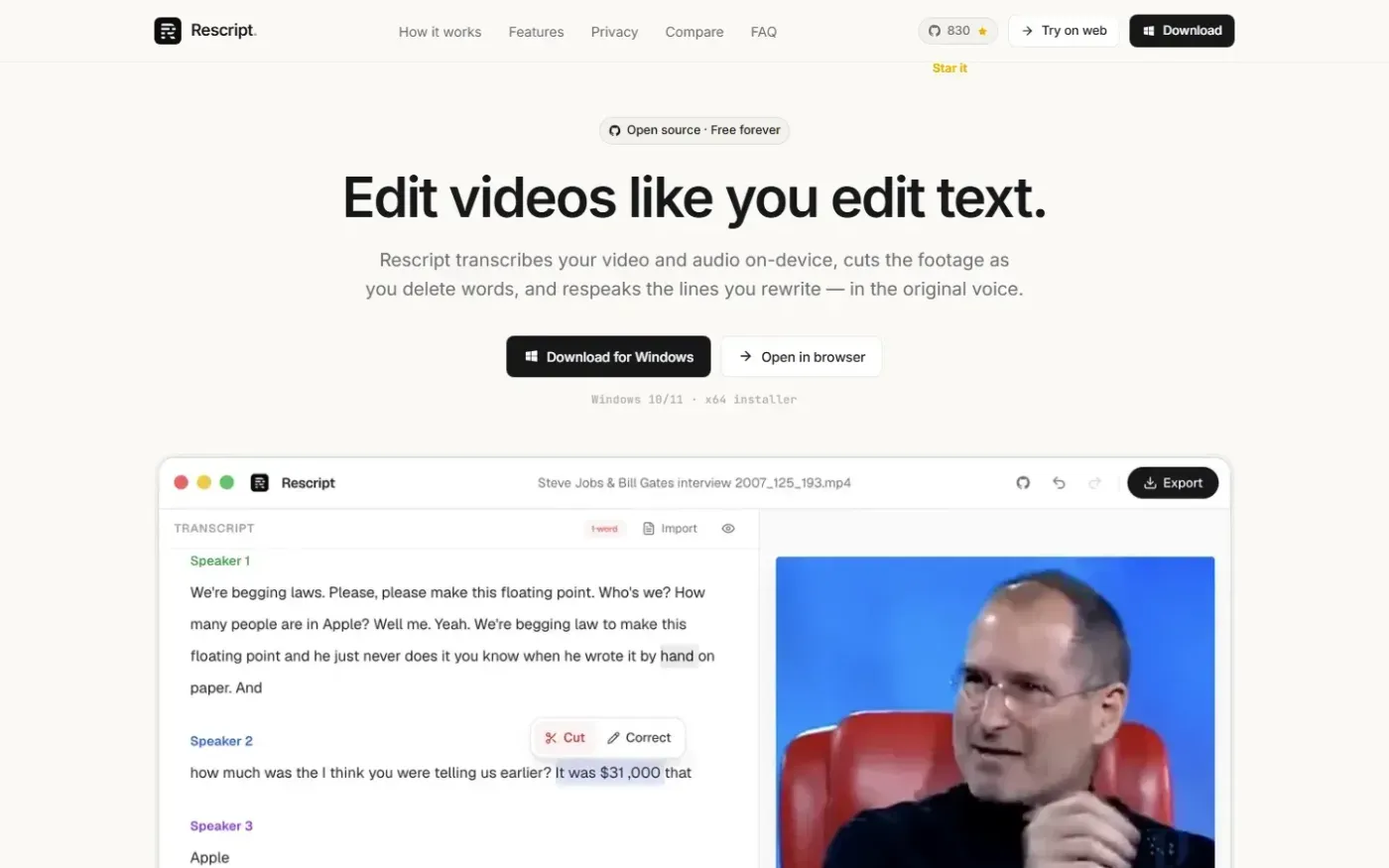
Rescript for Desktop — A free, open source, Descript alternative. Runs on-device. screenshot 1 of 4: Home
getrescript.com
Open-source, transcript-based video and audio editor that transcribes, cuts, removes fillers/silences, and regenerates speech on-device using Whisper and local TTS.
Home
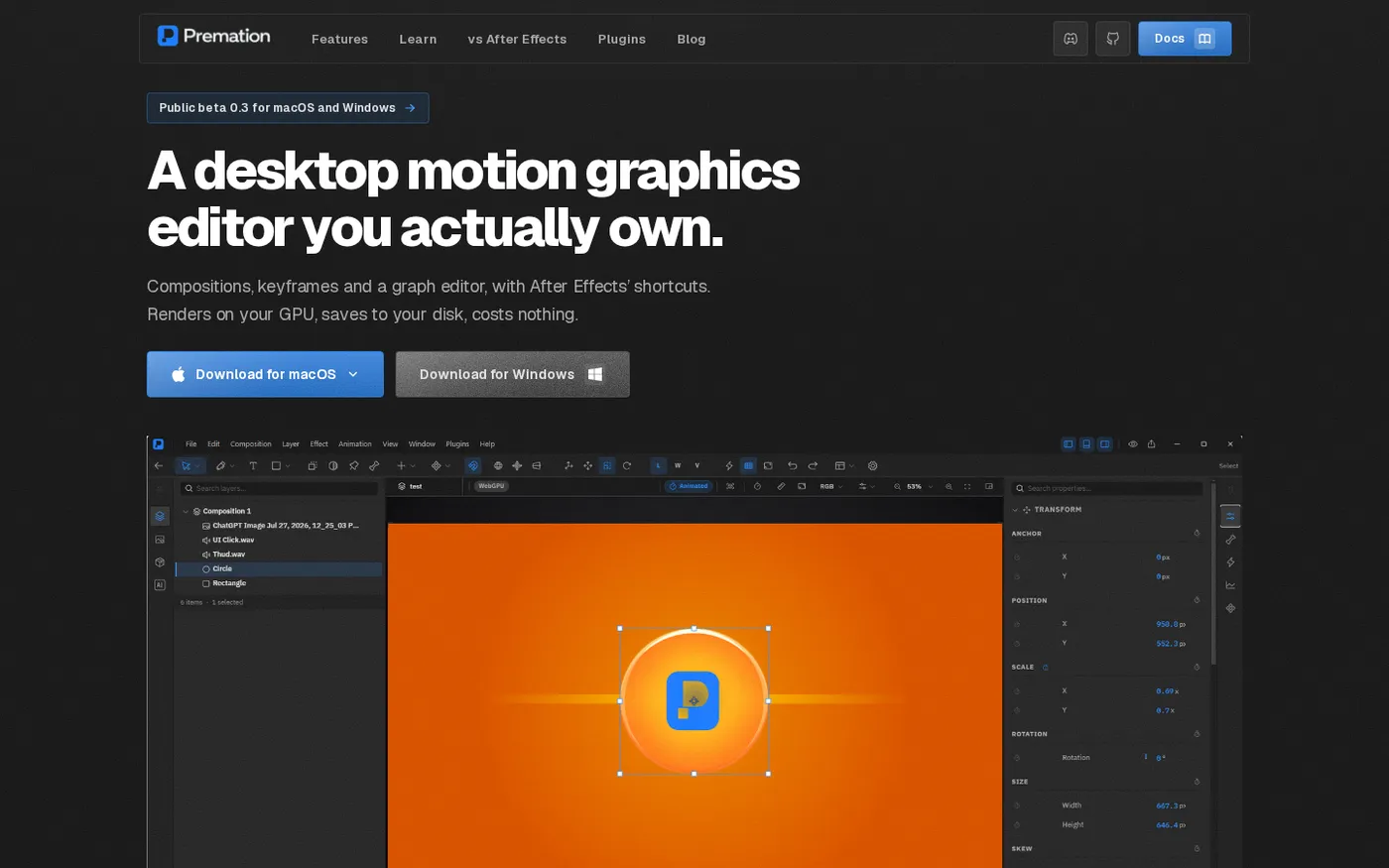
Premation — An open-source AI alternative to After Effects screenshot 1 of 4: Home
premation.com
A free, open-source desktop motion-graphics editor with After Effects' keyboard and layer model. The viewport and the exporter run the same GPU engine, so what you see is the frame you get.
Home
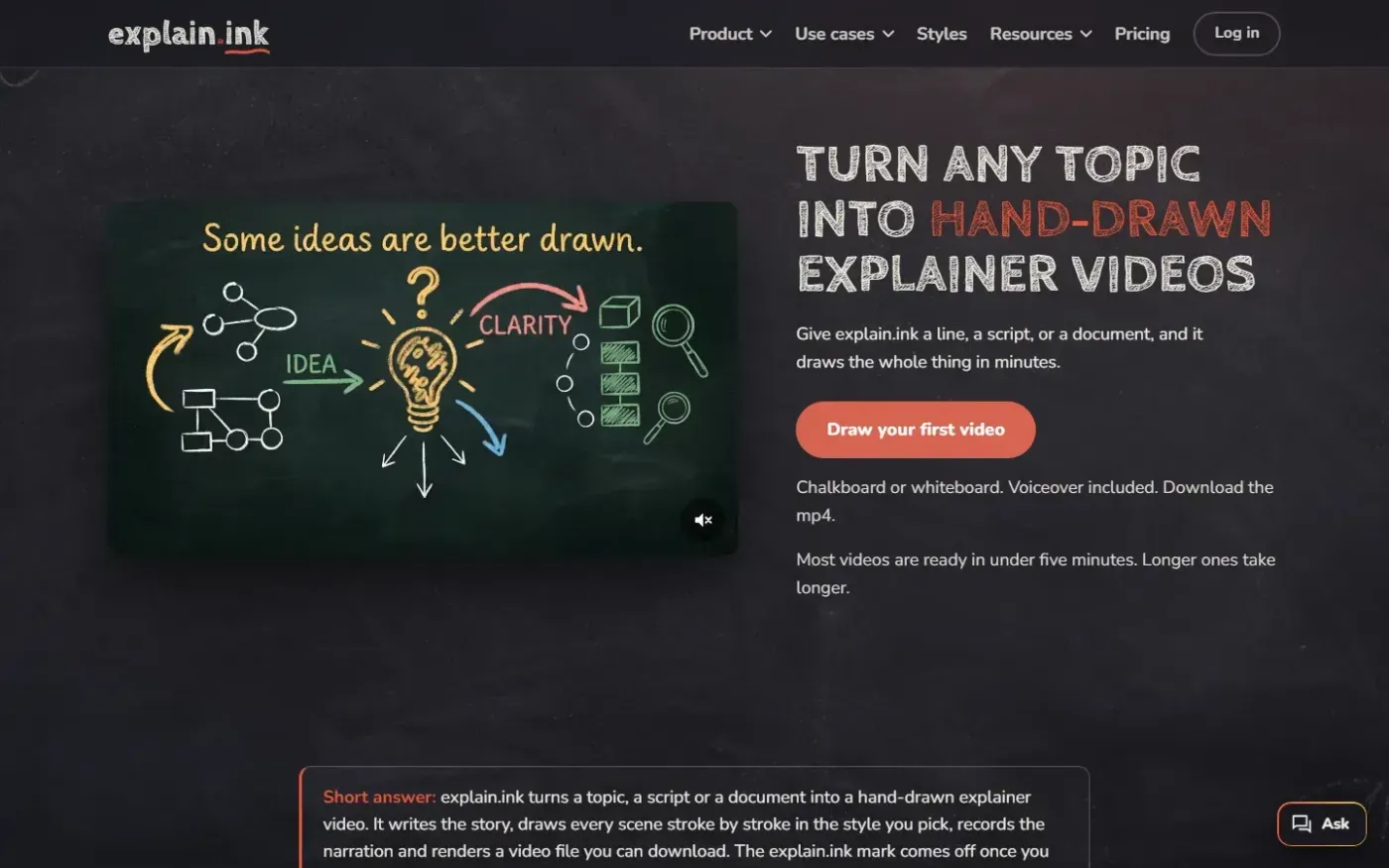
Explain screenshot 1 of 4: Home
explain.ink
explain.ink turns a topic, a script or a document into a hand-drawn explainer video with narration.
Home
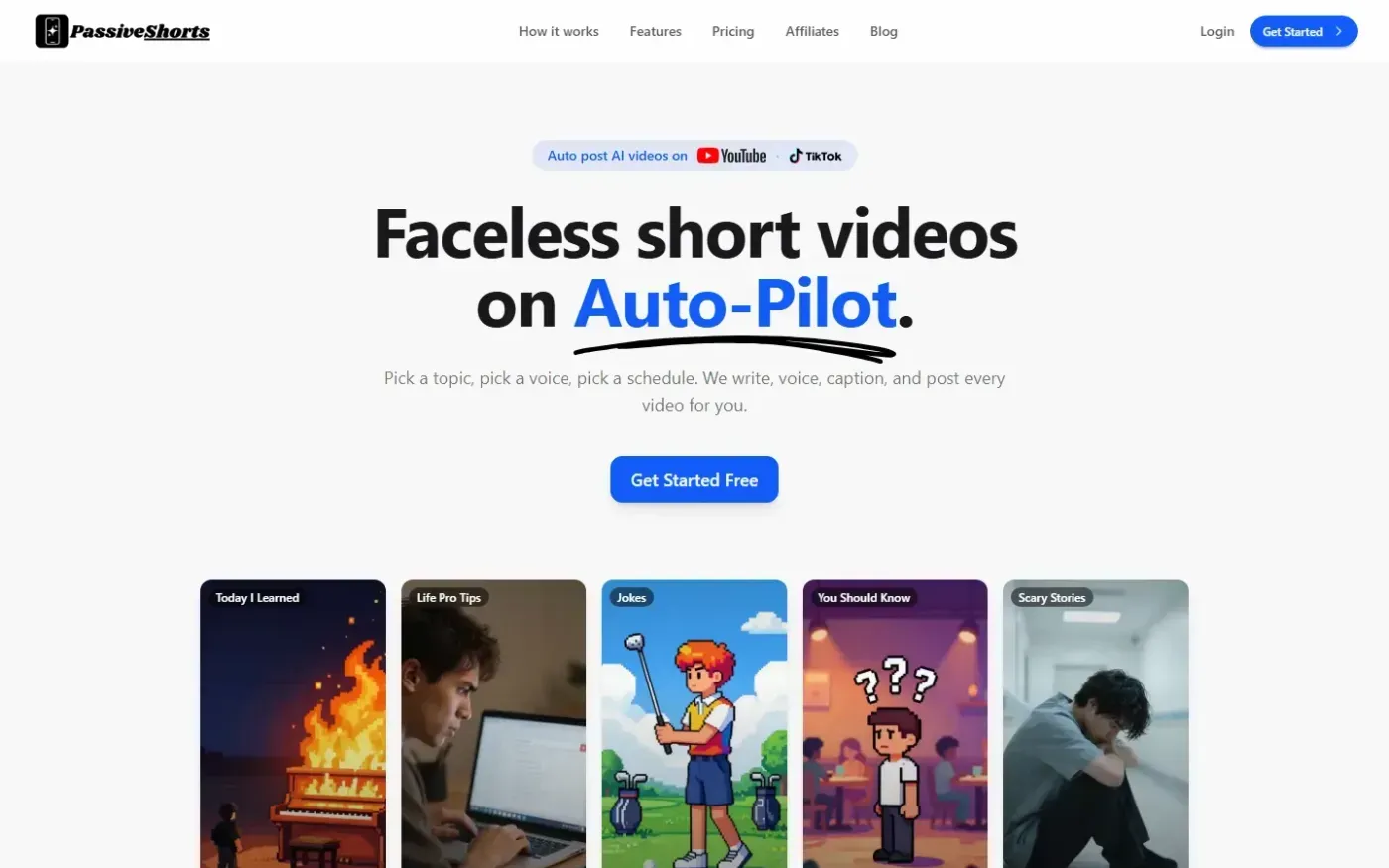
PassiveShorts — AI Faceless Video Generator for TikTok & YouTube screenshot 1 of 4: Home
passiveshorts.com
AI faceless video generator that automatically writes scripts, generates voiceovers and visuals, adds captions, and auto-posts scheduled short-form videos to YouTube and TikTok channels.