SiteList review score
A clear upload-to-preview workflow with a strong accessibility baseline. Mobile performance, public help, and buying guidance still need work.
Reviewed on Nov 21, 2026
bgbye.art
Unclaimed listingWhat it does
Bgbye removes backgrounds from images, lets users preview the result, and download or continue editing the image.
SiteList review score
A clear upload-to-preview workflow with a strong accessibility baseline. Mobile performance, public help, and buying guidance still need work.
Reviewed on Nov 21, 2026
Verified user rating
—
No verified reviews yet — the evidence locker is empty.
Captured during our latest review on Nov 21, 2026
Yes. The home page handles one image at a time. To process multiple images together, use Bulk Editing. It requires an account and image credits.
Yes. You can preview the result, compare the edges, and download only when it looks ready.
Each image must be 19.0 MB or smaller. If yours is larger, resize or compress it, then upload it again.
Yes. Remove the background from 1 image as a guest, then sign in for 1 extra credit. You can edit and download your result before buying credits. No payment details needed.
Yes. Sign in with an active subscription or available purchased credits, then open Bulk Editing. Remove backgrounds, apply matching edits, and download your completed images in one ZIP. You need enough credits for the images you process.
Yes. Choose a transparent background and export as PNG or WebP. JPG fills transparent areas with white. Every plan includes these download formats and the single-image editor.
Product FAQ information · View source
Bgbye scores 78/100 for a clear image cutout workflow, with accessibility and technical crawlability as its strongest measured areas. Its most material weaknesses are mobile performance, limited public self-serve help, and decision-support surfaces that do not yet fully answer buyer questions.
78/100: strong product, fixable mobile and help gaps
No reviews yet. The evidence locker is empty.
Reviews from verified users appear here once approved.
Reviews are from the SiteList community. Some reviewers received incentives — disclosed in the review, always. The verdict is never for sale.
Home
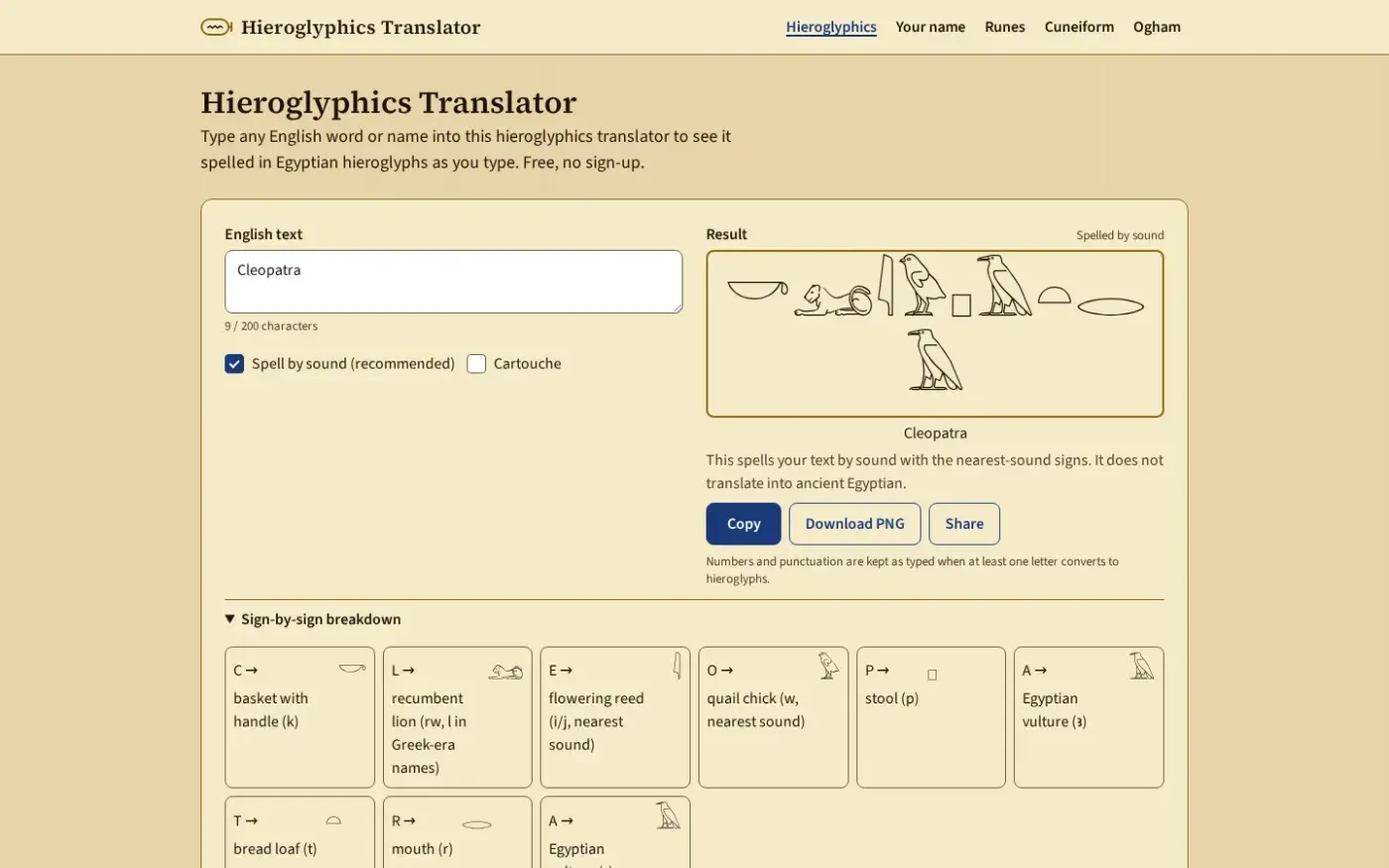
Hieroglyphics Translator screenshot 1 of 2: Home
hieroglyphics-translator.net
A free set of browser-based tools for spelling English words and names with ancient signs, including Egyptian hieroglyphs, using sound-based mappings and providing copy or image-saving output.
Home
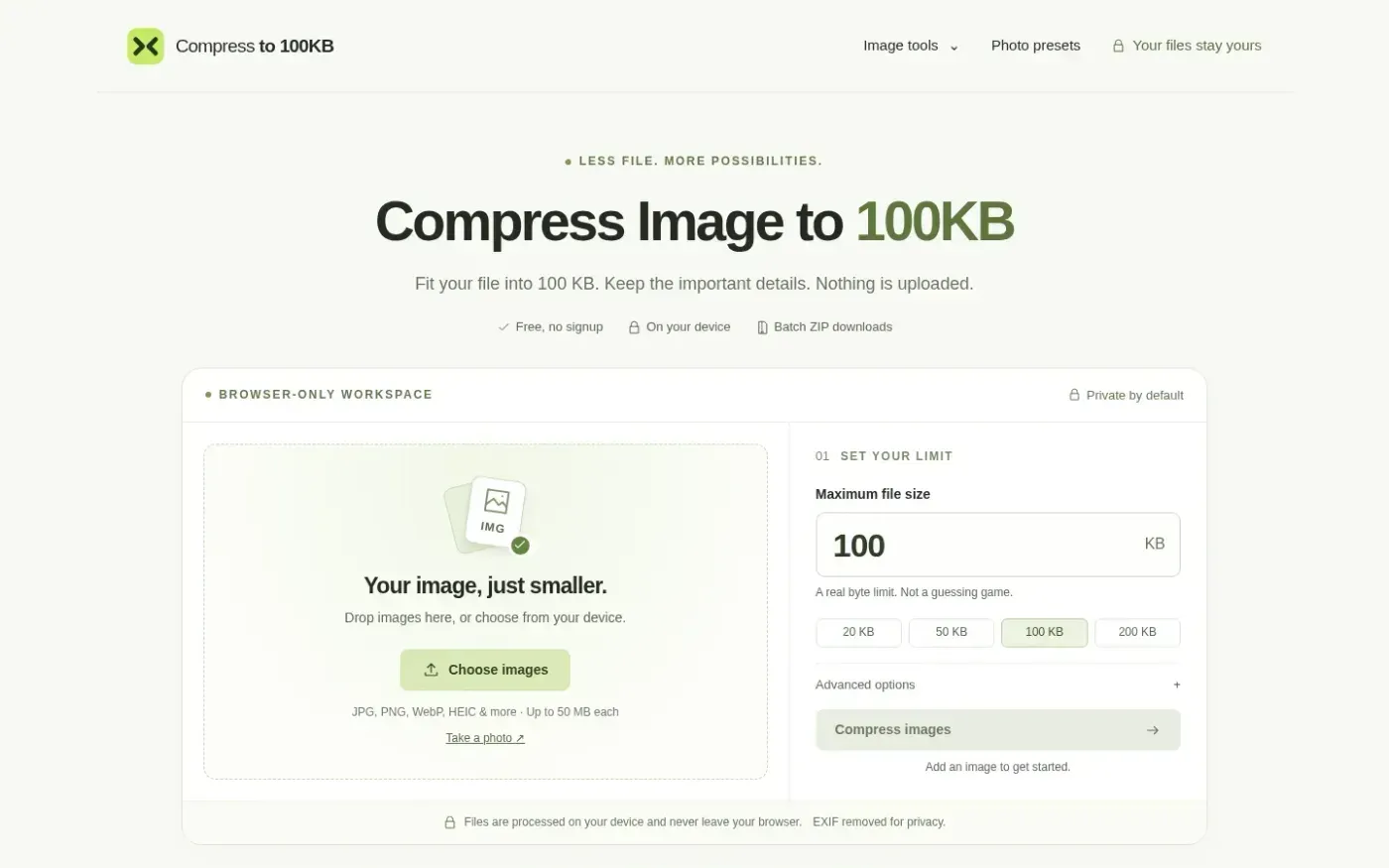
Compressto100kb screenshot 1 of 4: Home
compressto100kb.com
Compressto100kb is a browser-based image compression tool that reduces files to specific kilobyte limits (e.g., 100KB, 50KB). It processes images locally on the user's device without server uploads, supporting JPG, PNG, WebP, and HEIC formats. The tool includes features for batch processing, EXIF metadata removal, and custom pixel dimension adjustments. It provides presets for specific requirements such as IBPS exams and US visa applications.
Home
Spotmp3 screenshot 1 of 4: Home
spotmp3.net
Spotmp3 is a web-based Spotify downloader that enables users to convert Spotify tracks, playlists, albums, and podcasts into 320 kbps MP3 files. The service automatically embeds ID3 tags, cover art, and .lrc lyrics into the downloads. It operates as a free service with a daily limit of 300 tracks, while a one-time 'Supporter' payment unlocks unlimited batch downloads and ZIP exports without requiring an account or software installation.
Home
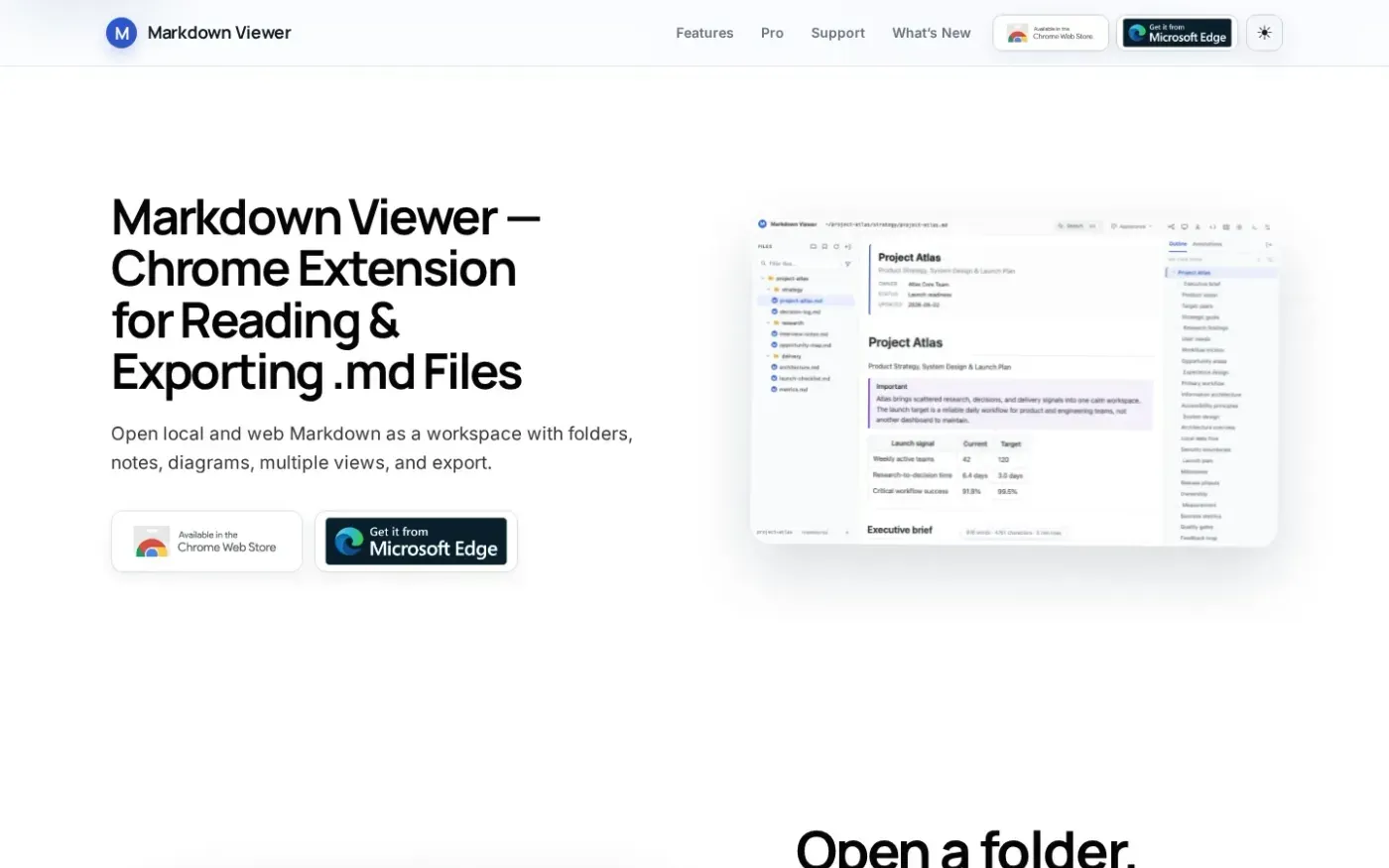
Markdownviewerextension screenshot 1 of 2: Home
markdownviewerextension.com