SiteList review score
Clear onboarding and clean technical foundations. Mobile loading is the main fix, with a 6.1 s LCP in the lab run.
Reviewed on Nov 20, 2026
markdownviewerextension.com
Unclaimed listingSiteList review score
Clear onboarding and clean technical foundations. Mobile loading is the main fix, with a 6.1 s LCP in the lab run.
Reviewed on Nov 20, 2026
Verified user rating
—
No verified reviews yet — the evidence locker is empty.
Captured during our latest review on Nov 20, 2026
Drag any .md file into a tab, or press Ctrl/Cmd+O. For file:// links to work, enable Allow access to file URLs for the extension in your browser's extension settings, a one-time toggle.
Chrome, Edge, Brave, Opera and Vivaldi: any Chromium-based browser that can install Chromium extensions. Other product surfaces will only be announced after they are ready.
No. Install and read; there is nothing to sign into, and nothing is synced to a server. Annotations and bookmarks live in your browser's local storage.
GitHub, GitLab and similar sites already render Markdown on their file pages, so the extension stays out of the way there. It activates on raw files: hit the Raw button, or open any .md served as plain text.
Product FAQ information · View source
Markdown Viewer Extension scores 86/100, with its strongest showing in technical foundations at 95.5/100 alongside 94/100 usability. The clearest weakness is mobile performance: the lab run reports a 6.1 s LCP, versus 0.6 s on desktop.
86/100: strong product, mobile performance gap
No reviews yet. The evidence locker is empty.
Reviews from verified users appear here once approved.
Reviews are from the SiteList community. Some reviewers received incentives — disclosed in the review, always. The verdict is never for sale.
Home
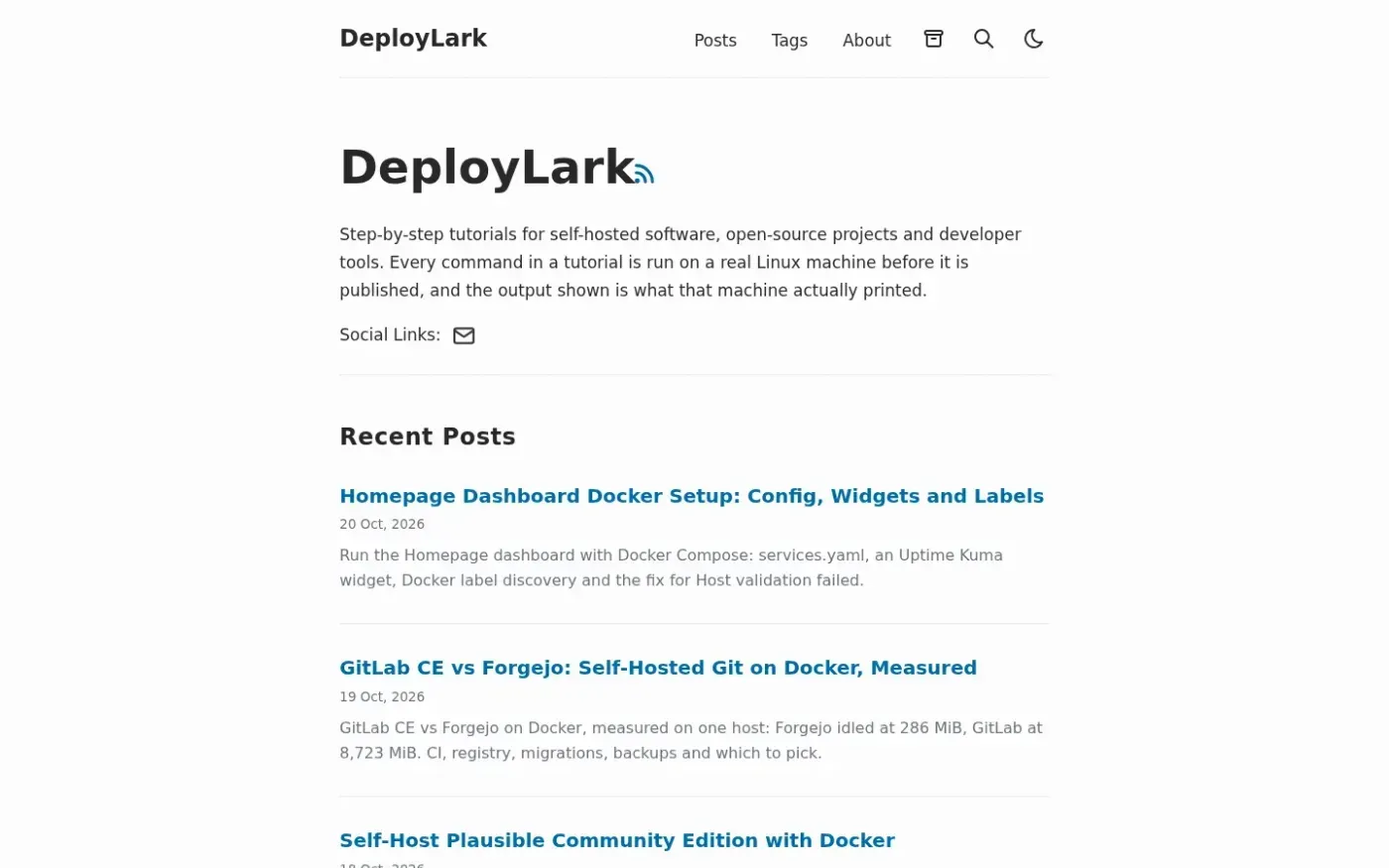
Deploylark screenshot 1 of 4: Home
deploylark.com
DeployLark publishes step-by-step tutorials for self-hosted software, open-source projects, and developer tools, including Docker Compose guides and error fixes. It says each tutorial command is run on a real Linux machine before publication, with the machine's output shown.
Home
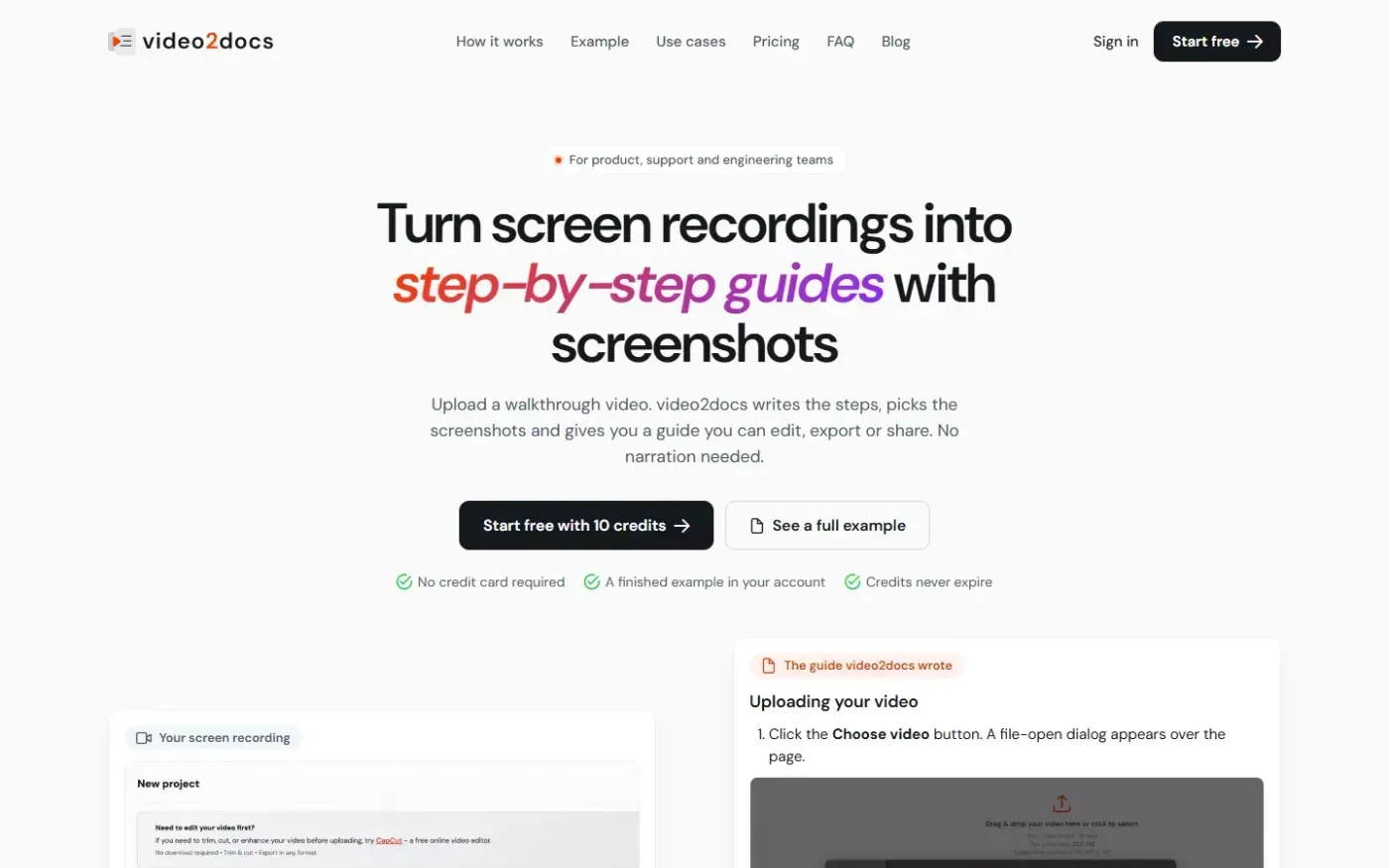
Video2docs screenshot 1 of 4: Home
video2docs.com
Turn screen recordings into step-by-step guides with screenshots. Upload a walkthrough video; video2docs writes the steps and picks the screenshots. No narration, extensions or installs needed.
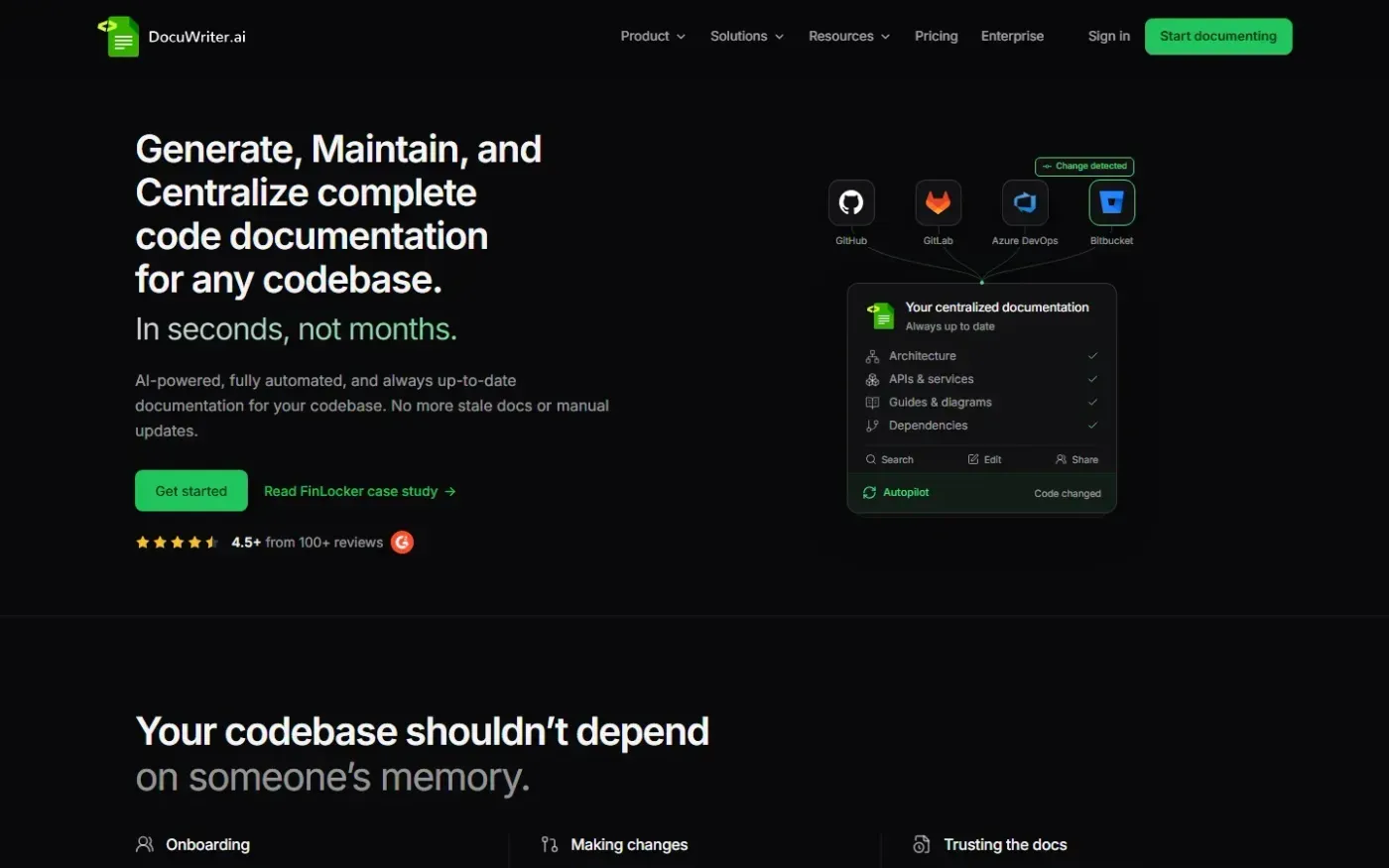
docuwriter.ai
DocuWriter is an AI-powered platform for creating and managing complete, structured documentation for entire codebases. It turns connected repositories into one centralized documentation system.
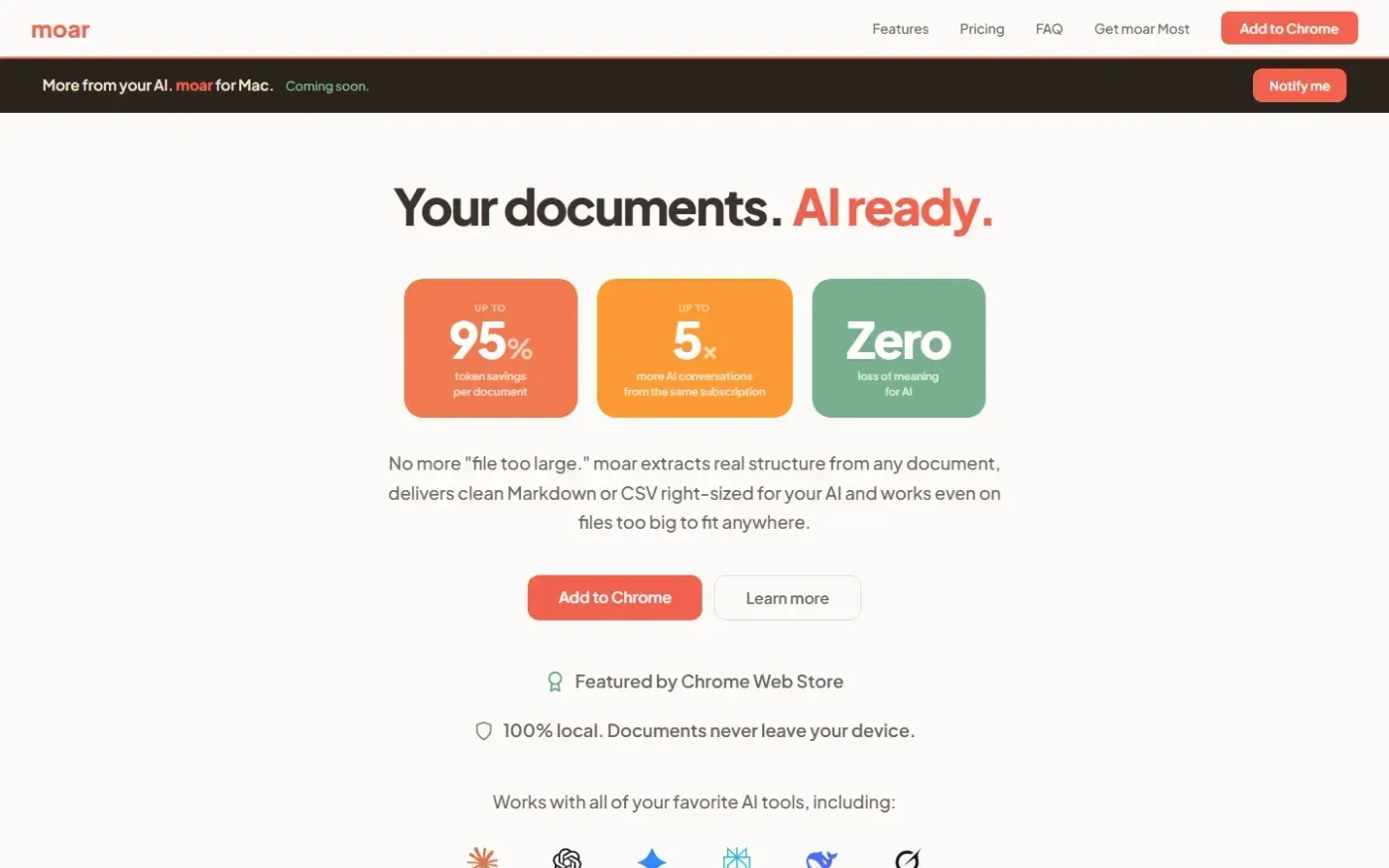
getmoar.ai
moar is a Chrome extension that extracts structure from documents and delivers clean, right-sized Markdown or CSV to AI tools with up to 95% token savings. It runs 100% locally in the browser.