Skip to content
SiteList

Bgbye vs Easyremovebg: recurring image work or a quick cutout?

Last updated (4d ago)

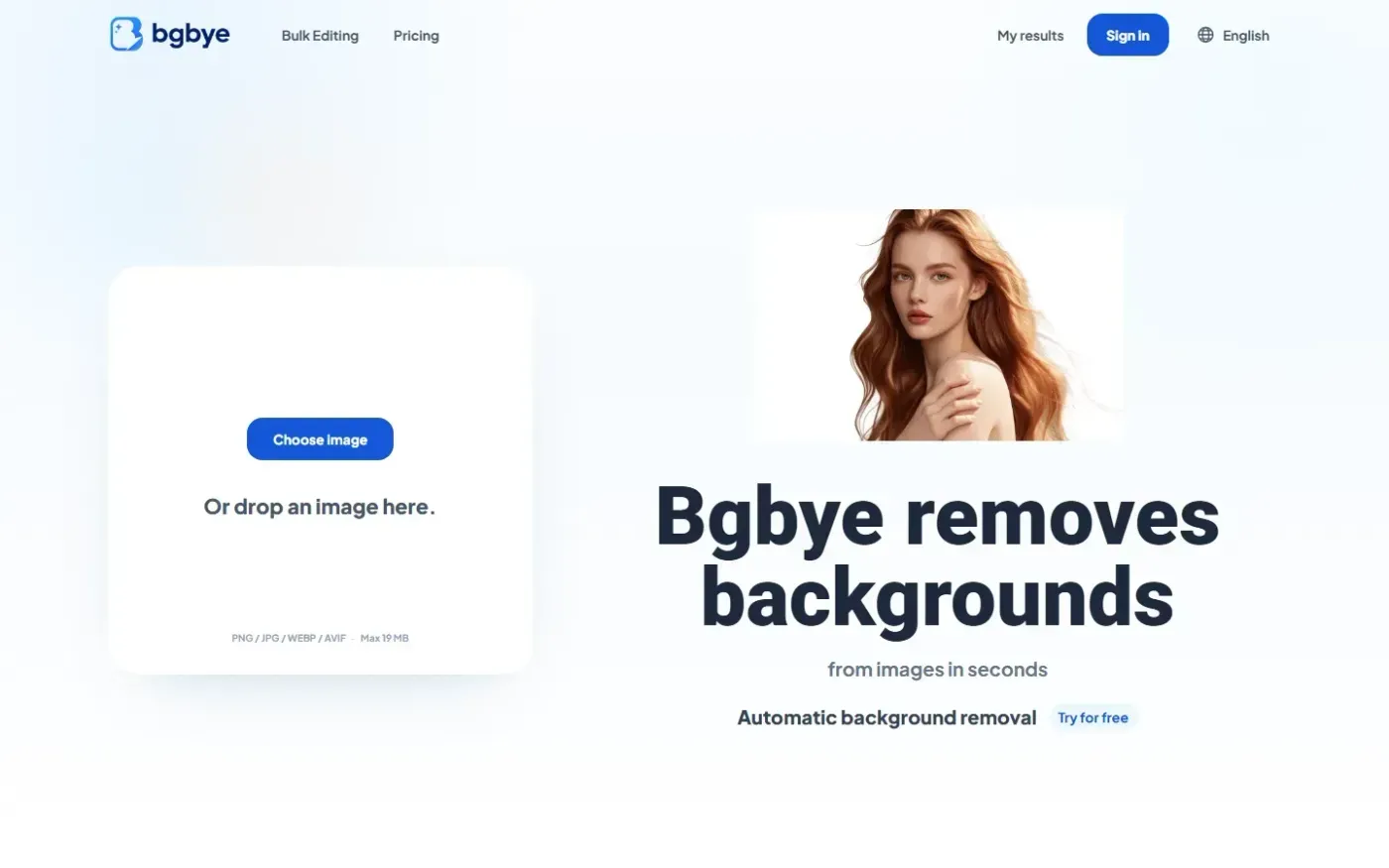
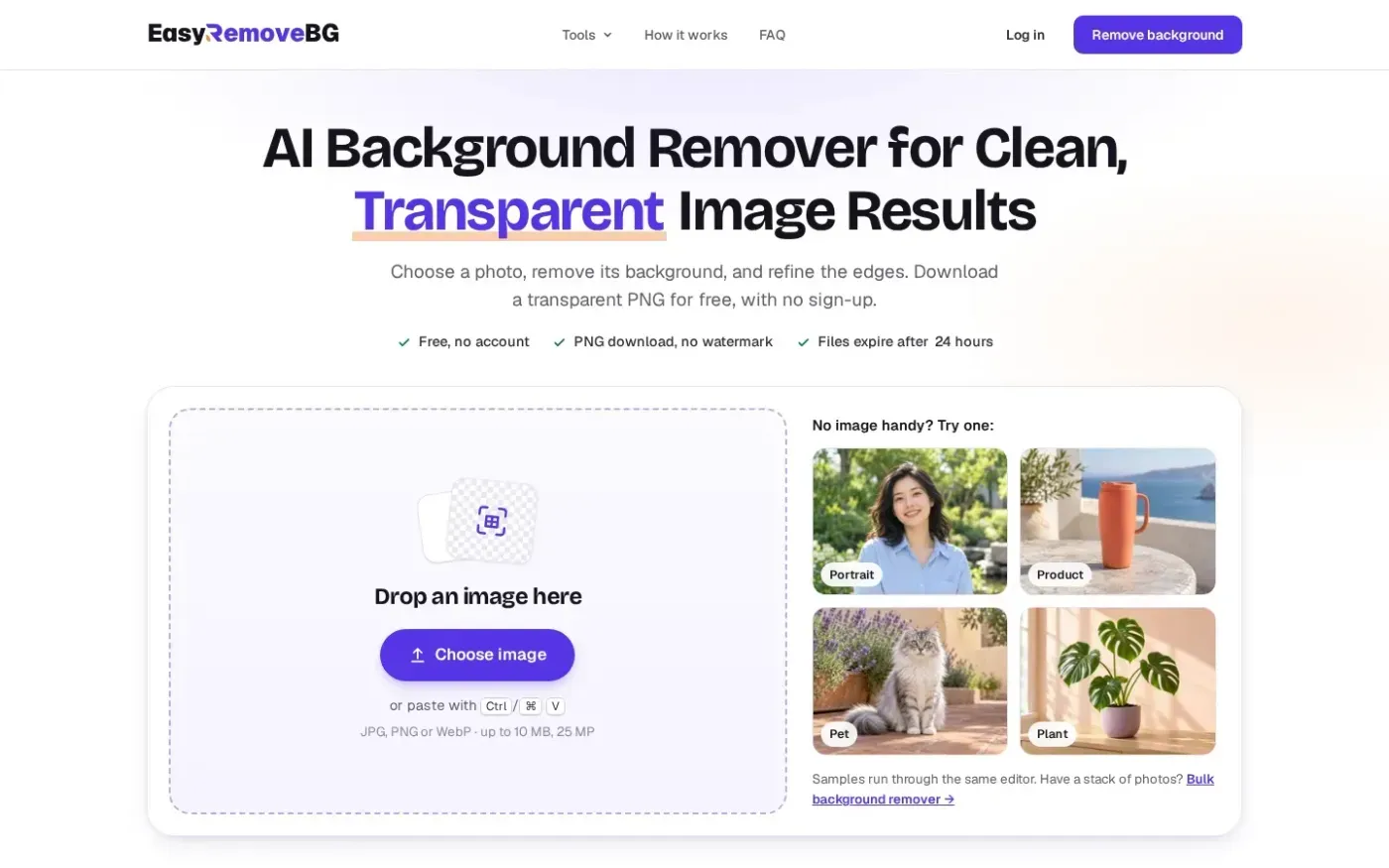
Bgbye and Easyremovebg are compared using their captured homepages.

Feature comparison

FeatureBgbyeEasyremovebg
Background removalFoundFound
Image editingFoundFound
Edge refinementFoundFound
Batch background removalFoundFound
PNG downloadsFoundFound

Pricing, sourced

Bgbye

Free
$0
Subscription — displayed 40-credit option
$9.00/monthbilled monthly
Pay as you go — displayed 3-credit option
$3.00 one-time

Checked Pricing page

Easyremovebg

No prices listed on its pricing page.

Checked Pricing page

Choose Bgbye when recurring image work makes clear purchasing options useful. Choose Easyremovebg when you want a quick cutout with documented upload limits and no sign-up. Bgbye has measured mobile loading delays; Easyremovebg has mobile layout issues and an HTTP entry point that does not redirect to HTTPS. Neither review establishes which produces better cutouts.

Bgbye is the stronger fit for buyers who need to plan recurring image work or purchase credits for occasional projects. Easyremovebg is the clearer starting point for a quick transparent cutout: its site explains supported files, upload limits and no-sign-up access. The decision turns on purchasing clarity versus immediate task clarity, with important mobile limitations on both sides.

Bgbye explains the workflow, but mobile loading slows the first step

Our Bgbye review found a clear upload-to-preview sequence, followed by downloading or continuing to edit. That makes the next action understandable for someone preparing a listing image. Its public help and buying guidance were less complete, so a clear first task does not guarantee that unusual requirements will be easy to resolve. Bgbye review source

The more immediate constraint is mobile speed. SiteList recorded homepage field LCP of 2,795 ms and mobile lab LCP of about 4.68 seconds. The lab result is directional, but it places the loading problem directly before the prominent upload control. For sellers doing quick edits from a phone, that delay matters more than the breadth of the site's audience pages. No comparable Easyremovebg speed measurement is available here, so this does not establish that Easyremovebg loads faster. Bgbye measurement source

Bgbye also had 21 small mobile tap targets. Its strong automated accessibility results therefore need a practical qualification: small slider controls, category buttons and footer links can still make touch interaction awkward. Pricing and trust-related paths took an extra step on mobile in SiteList's simulated walkthrough. Bgbye review source

Easyremovebg states upload constraints clearly, but mobile proof and support need work

Easyremovebg explains JPG, PNG and WebP inputs, a 10 MB file limit, a 25 MP resolution limit, transparent-PNG output and edge refinement. Its site also describes no-sign-up access and a 24-hour expiry. These details let a buyer assess an ordinary cutout task before uploading; they do not establish output quality for difficult hair, shadows or product edges. Easyremovebg review source

SiteList observed a results card clipped at the right edge of the 390px mobile layout, alongside 19 small tap targets and small supporting text. The clipped example limits how comfortably a phone user can inspect the site's demonstrations. Contact was also a footer-led route on a long page, adding friction when self-service is insufficient. Easyremovebg review source

A separate technical finding matters for entry-point reliability: the HTTP homepage returned 200 without redirecting to HTTPS. Use the HTTPS address. This finding concerns the public entry point; it does not establish how uploaded images are handled. Easyremovebg HTTP finding

Painterly homepage-style scene representing the shared function of Bgbye and Easyremovebg.

Match the choice to purchasing needs and file requirements

Choose Bgbye if you want documented subscription and one-time credit choices for continuing work. Its clear workflow supports that choice, but mobile loading and incomplete public help remain costs to consider.

Choose Easyremovebg if your immediate priority is a cutout without account creation and your file fits its stated limits. Its operational explanations are useful before starting, but its pricing page does not establish a paid upgrade path or ongoing commercial terms.

For phone-heavy work, neither earns an unqualified recommendation: Bgbye has measured loading delays, while Easyremovebg has clipped examples and small controls. Neither review establishes comparative cutout accuracy, processing throughput or customer outcomes.

Bgbye lists credit purchases; Easyremovebg's pricing page is missing

Bgbye's pricing page, verified Nov 23, 2026, lists Free at $0, with a first image free and an extra credit after signing in. The displayed subscription is $9.00 per month for 40 monthly credits, billed monthly with automatic renewal. Unused monthly credits do not roll over. The displayed pay-as-you-go option is $3.00 for three credits, purchased once, valid for 24 months and without automatic renewal. These are credit purchases rather than per-seat charges. Bgbye pricing

The distinction is commitment and expiry: regular work can use monthly replenishment, while intermittent projects can retain purchased credits for longer. However, the page leaves base action costs at “Calculating…”. Different AI actions consume different credit amounts, so $0.225 per subscription credit must not be treated as a verified per-image cost. Larger credit choices are listed, but their prices are not visible in the pricing text reviewed. Bgbye pricing, verified Nov 23, 2026

Easyremovebg's pricing URL returned “Page not found” when verified Nov 23, 2026. No tier amounts or billing terms can be established from that page. Its homepage's free-use messaging does not resolve future charges or paid limits. Easyremovebg pricing

The SiteList scores do not settle cutout quality

Bgbye received a SiteList AI review score of 78.3/100; Easyremovebg received 80/100. Bgbye's review emphasized its clear workflow and strong automated accessibility baseline. Easyremovebg's emphasized usability and practical task explanations. These findings support the fit guidance above, rather than a claim that either removal engine is superior. Both products have no verified user reviews yet.

Questions buyers actually ask

Which is better for recurring ecommerce image work?

Bgbye is the better-supported purchasing choice because it lists monthly subscriptions and one-time credits. Its mobile loading delays and incomplete action-cost display remain constraints. The reviews do not establish comparative cutout accuracy or processing throughput.

Can I calculate Bgbye's cost per image from its credit price?

Not reliably. Its pricing page distinguishes background removal, background generation and expansion as separate credit-consuming actions, but leaves their base costs at “Calculating…”. The displayed subscription credit price is not a verified per-image price.

What files does Easyremovebg accept?

Easyremovebg's site lists JPG, PNG and WebP inputs up to 10 MB and 25 MP. It describes transparent-PNG output and edge refinement, which helps establish whether an ordinary cutout task fits before uploading.

Does Easyremovebg have paid plans?

Its pricing URL returned “Page not found” on Nov 23, 2026. Paid tiers, amounts and billing terms are not listed there. Its homepage describes free use, but that does not establish ongoing commercial terms.

Which produces cleaner cutout edges?

The reviews do not establish a winner for edge quality. Easyremovebg describes edge refinement, and Bgbye presents a clear preview-and-edit workflow, but there is no comparative output test supporting a quality verdict.

Read Bgbye reviewRead Easyremovebg review

Built from SiteList technical reviews; user reviews count once a product has 3 approved. Pricing facts carry their source and date; if something has drifted, use “Report outdated” above to schedule a re-check.