SiteList review score
A focused desktop workflow makes camera-and-audio editing clear. Mobile layout and self-serve help need targeted fixes.
Reviewed on Nov 11, 2026
wavexml.com
Unclaimed listingSiteList review score
A focused desktop workflow makes camera-and-audio editing clear. Mobile layout and self-serve help need targeted fixes.
Reviewed on Nov 11, 2026
Verified user rating
—
No verified reviews yet — the evidence locker is empty.
Captured during our latest review on Nov 11, 2026
Free beta for Mac and Windows; no clip or feature limits. free plan · The full beta app is free with no clip or feature limits.
| Plan | Price | Details |
|---|---|---|
| Free beta | $0 | The full app is free during the beta. No clip or feature limits View source |
No. There is no AI model inside WaveXML, and it never makes editing choices. It syncs, measures, remembers your rules, writes the edit and reports facts. The AI you connect makes every editing choice.
Your own Claude, ChatGPT (Codex) or Cursor can run right inside WaveXML: click Talk to your AI and WaveXML sets it up for you. Any AI app that supports MCP can connect.
Your video files are never uploaded. Your AI only sees the still frames it asks for. Those frames and the facts your AI reads go to your AI app's maker, under their privacy policy.
WaveXML is a free beta for Mac and Windows, with no credits to buy. You use the AI app you already have, on its own plan.
No. It is a first edit for you to watch and fix. You make the final call.
No. WaveXML writes the edit as a file. You import it into Resolve, Premiere Pro or Final Cut Pro, with every multicam angle still switchable in Resolve and Final Cut.
Product FAQ information · View source
Wavexml scores 78/100 by making a focused camera-and-audio workflow clear for wedding and event editors. Its largest weakness is design execution: the homepage measures 64px wider than a 390px mobile viewport, while self-serve help remains thin.
78/100: focused workflow, fixable gaps
No reviews yet. The evidence locker is empty.
Reviews from verified users appear here once approved.
Reviews are from the SiteList community. Some reviewers received incentives — disclosed in the review, always. The verdict is never for sale.
Home
Timelinevisualizer screenshot 1 of 3: Home
timelinevisualizer.org
Home
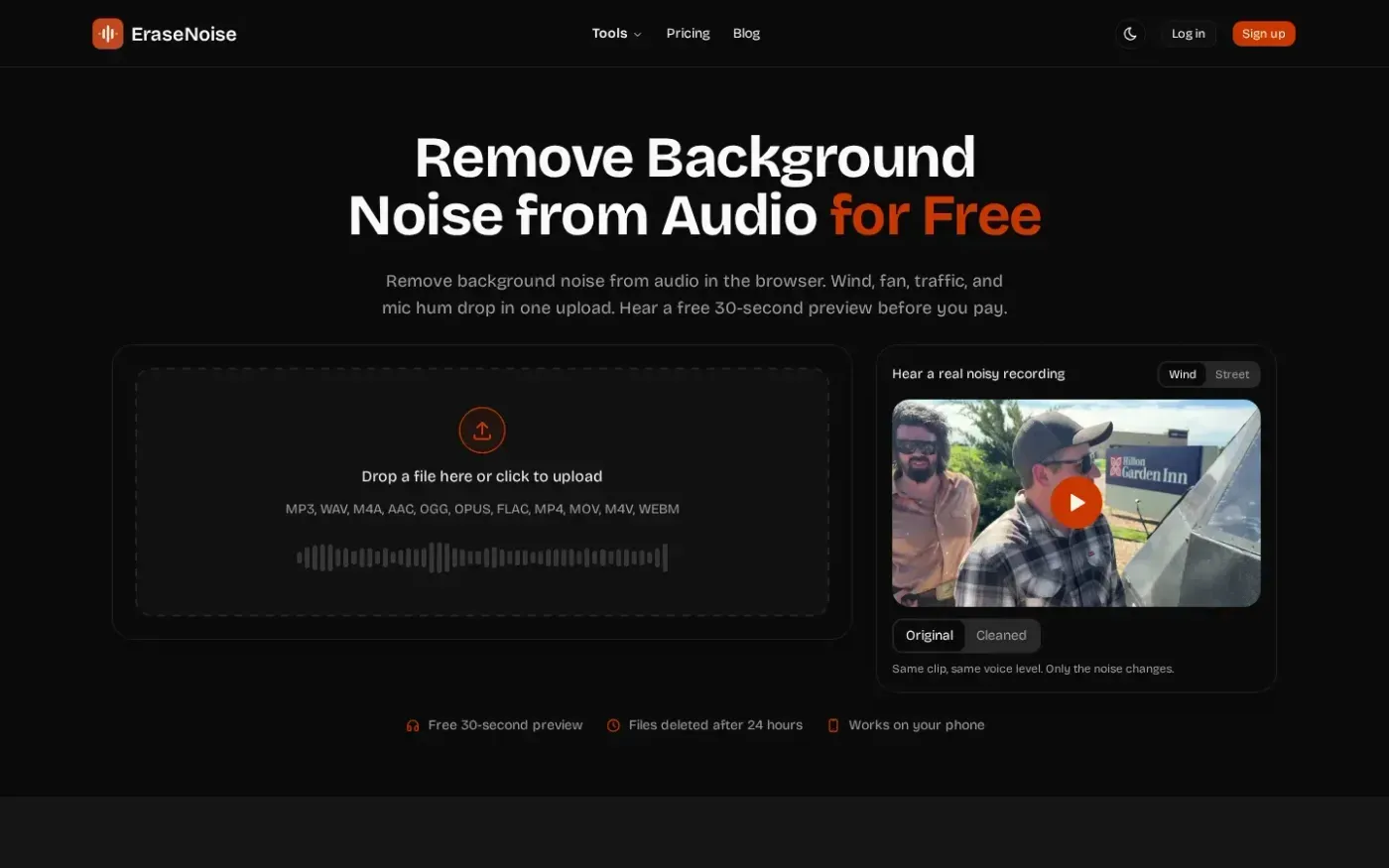
Erasenoise screenshot 1 of 4: Home
erasenoise.com
Home
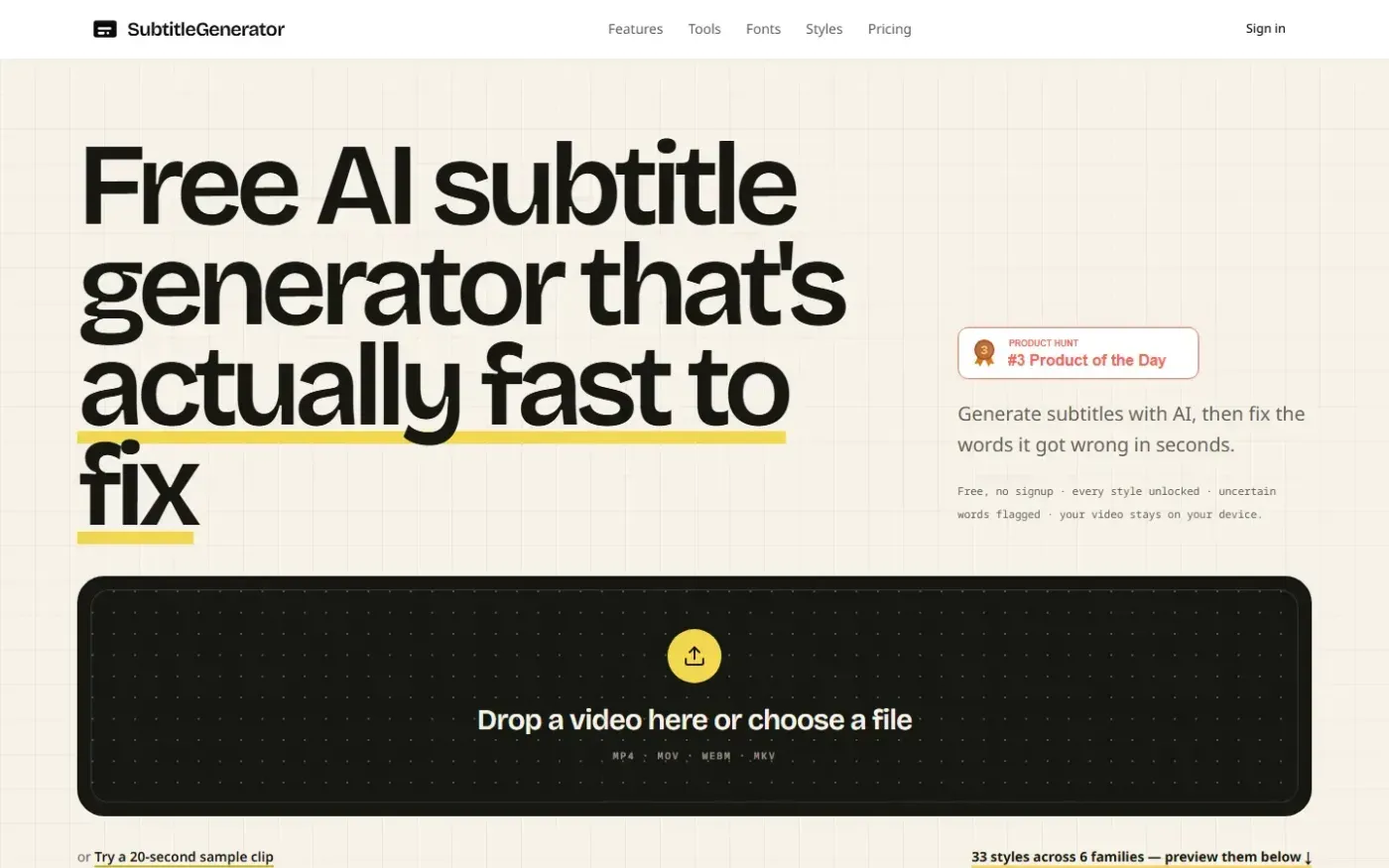
Subtitlegenerator screenshot 1 of 4: Home
subtitlegenerator.app
SubtitleGenerator is a browser-based AI subtitle generator for creating, fixing, styling, translating and exporting video subtitles.
Home
Clipfinder screenshot 1 of 4: Home
clipfinder.org
ClipFinder uses AI to automatically detect, frame, caption, and extract short-form video clips from full streams and VODs.