SiteList review score
Local browser processing and clear onboarding make trip replay easy. Performance evidence needs a valid measurement pass, and mobile controls need refinement.
Reviewed on Nov 1, 2026
timelinevisualizer.org
Unclaimed listingSiteList review score
Local browser processing and clear onboarding make trip replay easy. Performance evidence needs a valid measurement pass, and mobile controls need refinement.
Reviewed on Nov 1, 2026
Verified user rating
—
No verified reviews yet — the evidence locker is empty.
Captured during our latest review on Nov 1, 2026
Local browser rendering
Privacy
Parses location history JSON and renders travel videos locally in the browser without uploading files to a server.
Multi-format Timeline parsing
Data Input
Recognizes Records.json, timelineObjects, semanticSegments, and coordinate arrays.
Sensitive edge trimming
Privacy
Removes opening and closing location points from the route before replaying.
Local canvas recording
Export
Records the animated route canvas locally in the browser without requiring a render queue or login.
No. The browser reads, parses, animates, and records the file without sending the JSON to our server. By default, real-map tiles are requested from CARTO, which receives map-tile areas and ordinary network data, not your file. Turn on Privacy mode for a locally drawn map with no tile requests.
The parser recognizes Records.json, timelineObjects, semanticSegments, Location History arrays, and generic latitude and longitude records with timestamps.
Yes. The visualizer is free, runs entirely in your browser, and needs no account, app install, or upload.
No. Timeline Visualizer is an independent tool and is not affiliated with Google.
Product FAQ information · View source
Timelinevisualizer scores 84/100 as a focused browser utility with strong local processing, usability, and accessibility signals. Its most material weakness is unresolved performance evidence: both homepage PageSpeed Insights runs returned no lab or field metrics for a valid Core Web Vitals verdict.
84/100: strong browser utility, with performance evidence to resolve
No reviews yet. The evidence locker is empty.
Reviews from verified users appear here once approved.
Reviews are from the SiteList community. Some reviewers received incentives — disclosed in the review, always. The verdict is never for sale.
Home
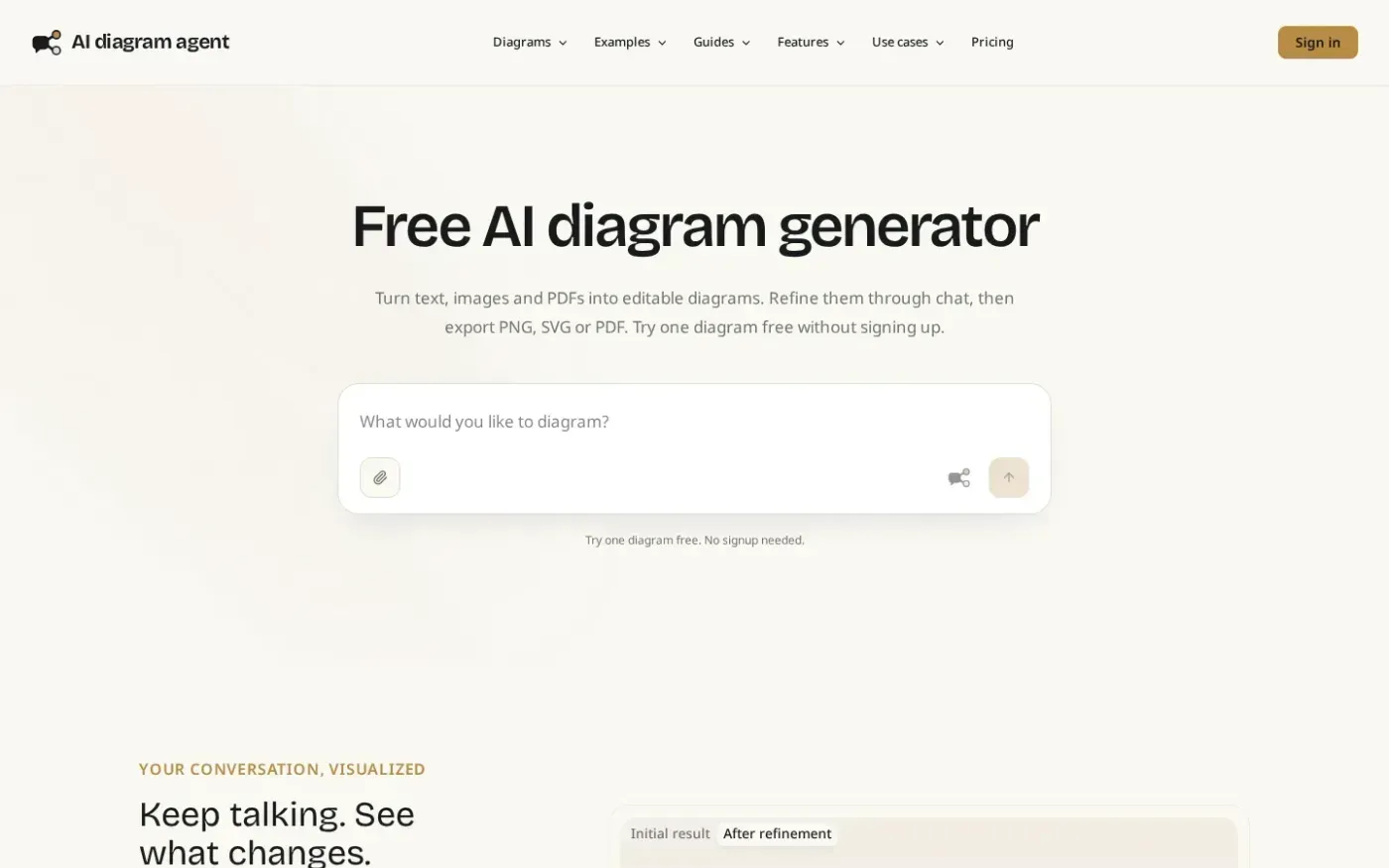
Aidiagramagent screenshot 1 of 4: Home
aidiagramagent.com
AI diagram agent turns text, images and PDFs into editable diagrams that users can refine through conversation, save as versions, export, and share.
Home
Rowspeak screenshot 1 of 4: Home
rowspeak.ai
RowSpeak analyzes Excel, CSV, PDF, and image-based tables using natural-language instructions. It can clean and transform spreadsheet data, generate insights, charts, dashboards, and reports, and support reviewable business analysis.
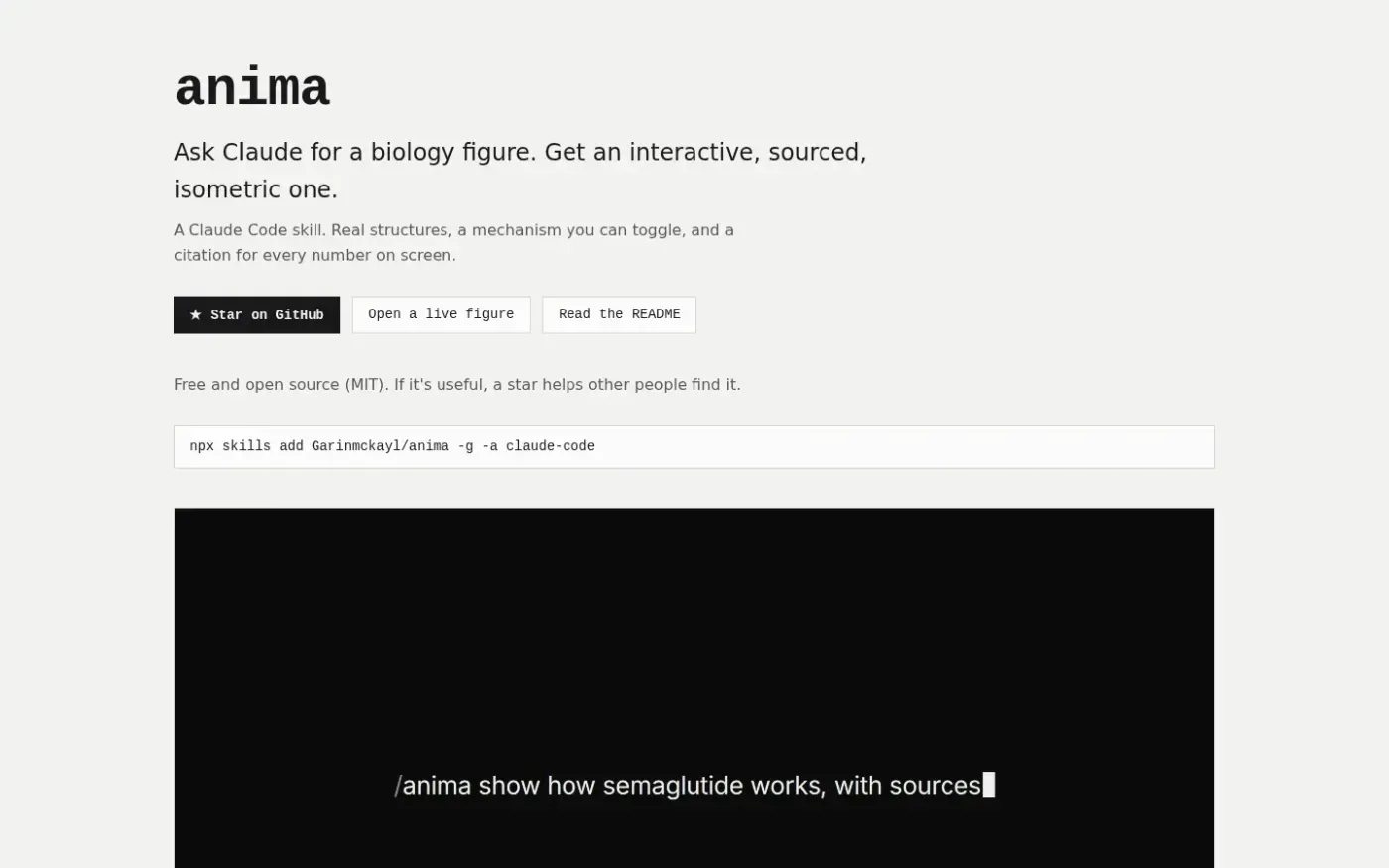
arcumet.com
A Claude Code skill that turns a biology idea into an interactive, sourced, isometric figure with real structures, a toggleable mechanism, and citations.
Home
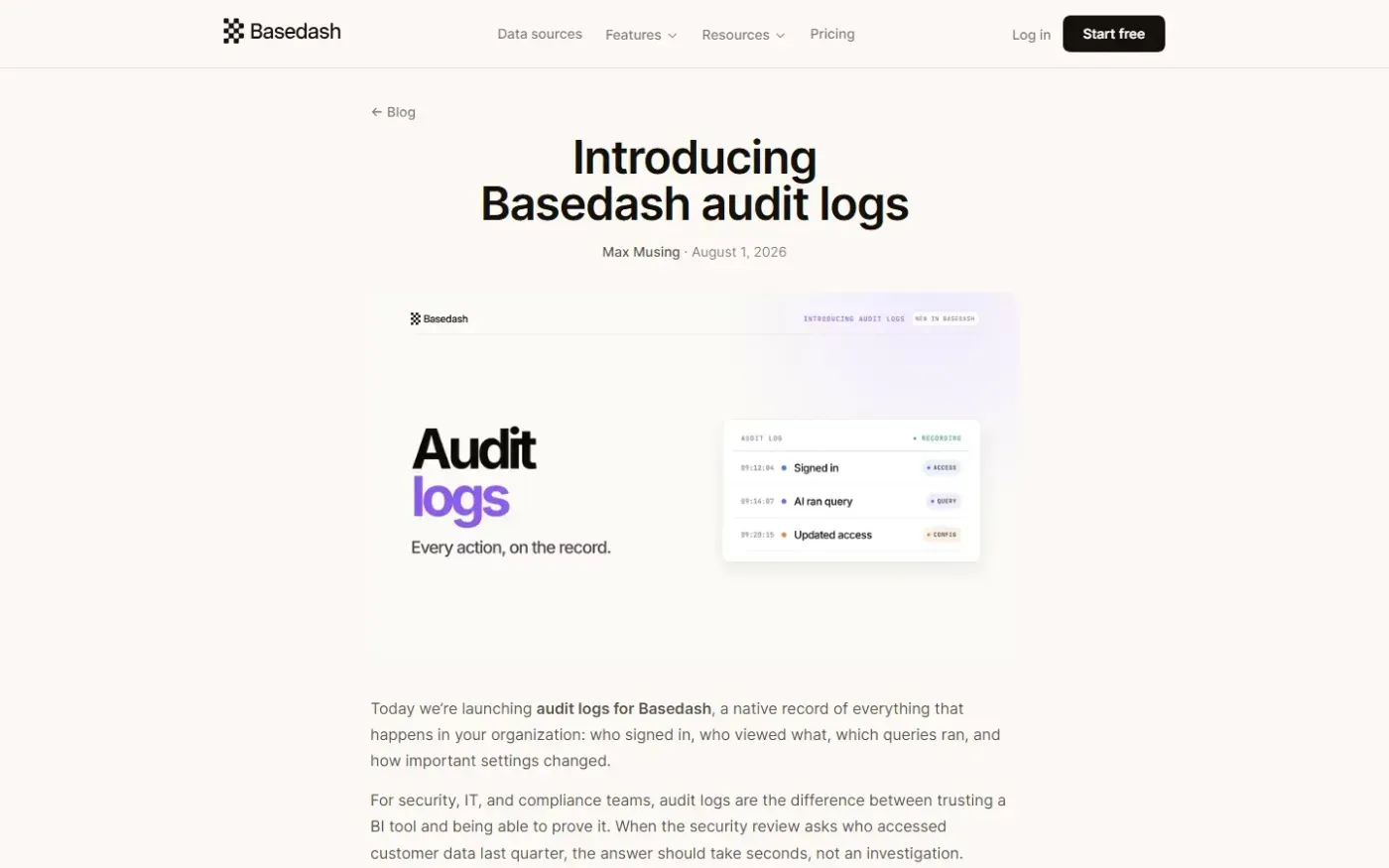
Basedash Audit Logs — Every action in your BI tool, on the record. screenshot 1 of 4: Home
basedash.com
Basedash is an AI-native business intelligence platform that provides natural language querying, dashboards, and reporting workflows without heavy BI setup.