SiteList review score
Privacy-first browser processing keeps original photos untouched. Add social proof and resolve sampled contrast issues to make the choice easier.
Reviewed on Nov 26, 2026
timestamp.fit
Unclaimed listingSiteList review score
Privacy-first browser processing keeps original photos untouched. Add social proof and resolve sampled contrast issues to make the choice easier.
Reviewed on Nov 26, 2026
Verified user rating
—
No verified reviews yet — the evidence locker is empty.
Captured during our latest review on Nov 26, 2026
Free access is available; Pro is sold as prepaid 30-day, 365-day, or lifetime durations with no automatic renewal. Billed one time. free plan · A free browser-based version is available.
| Plan | Price | Details |
|---|---|---|
| 30 days | $9.9 one time per 30 days | Flexible access with all Pro features for a month. View source |
| 365 days | one time per 365 days | Prepaid Pro access. View source |
| Lifetime | one time per lifetime | Prepaid Pro access. View source |
No. Photo Timestamp makes a separate JPEG download and leaves the original file untouched.
You can select JPG, JPEG, PNG, HEIC, and HEIF files. Processed photos are exported as JPEG files.
When the EXIF reader is ready but finds no capture date, the tool uses the file's last-modified date and marks EXIF as missing. If the reader cannot load in time, it uses the same fallback and marks the reader unavailable.
Yes. Choose any of the nine placement presets, from a corner or edge center to the middle of the photo.
No. The editor runs in a modern web browser and processes photo pixels locally.
The free editor supports up to five photos per batch. Pro has no per-batch photo limit and supports batch and ZIP downloads.
Product FAQ information · View source
Timestamp.fit earns 83/100 for a clearly positioned, privacy-first browser utility that explains local photo processing and EXIF fallbacks well. Its material weakness is uneven design execution, with sampled contrast-audit failures and a 65.5/100 design score.
83/100: strong product, fixable gaps
No reviews yet. The evidence locker is empty.
Reviews from verified users appear here once approved.
Reviews are from the SiteList community. Some reviewers received incentives — disclosed in the review, always. The verdict is never for sale.
Home
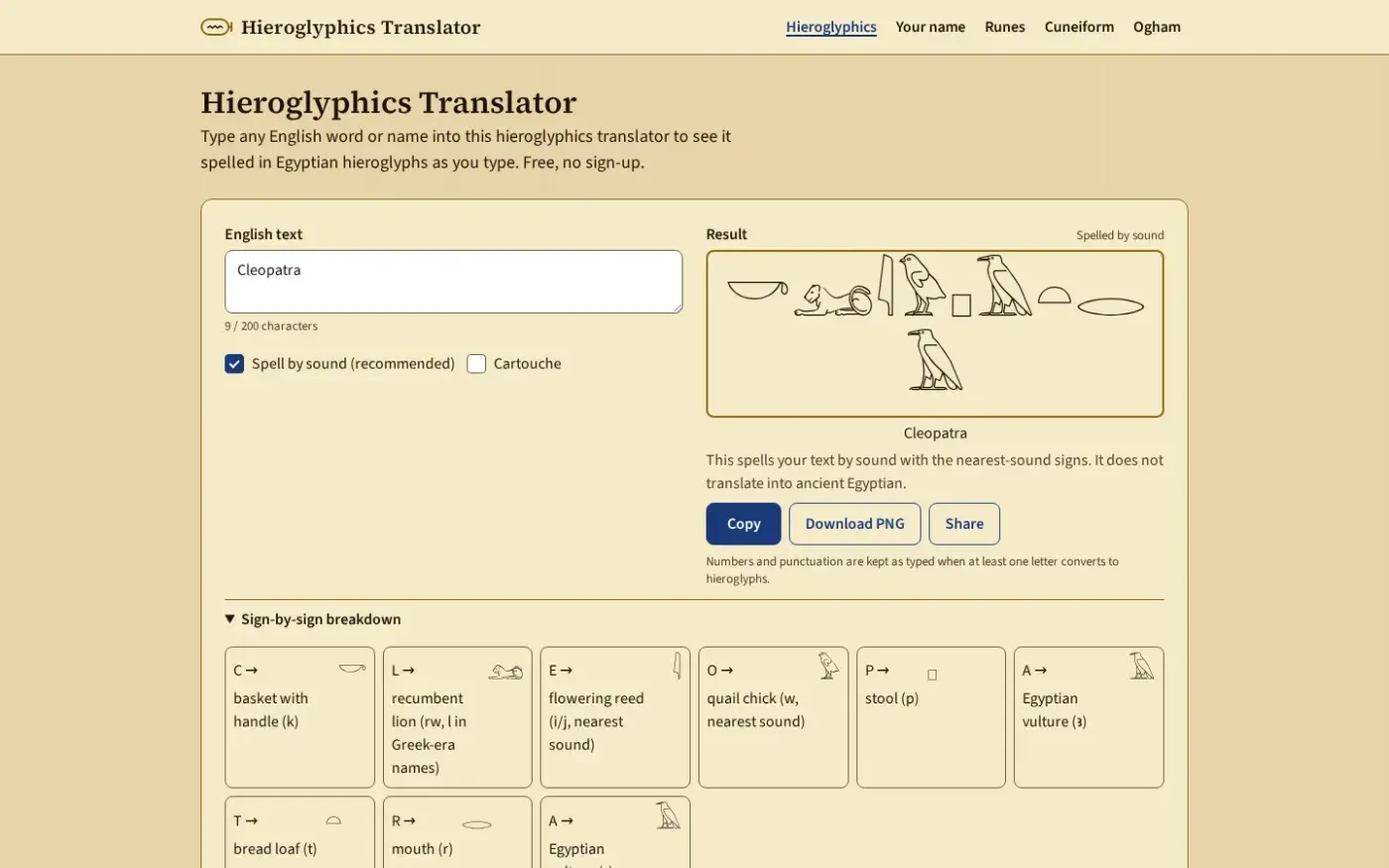
Hieroglyphics Translator screenshot 1 of 2: Home
hieroglyphics-translator.net
A free set of browser-based tools for spelling English words and names with ancient signs, including Egyptian hieroglyphs, using sound-based mappings and providing copy or image-saving output.
Home
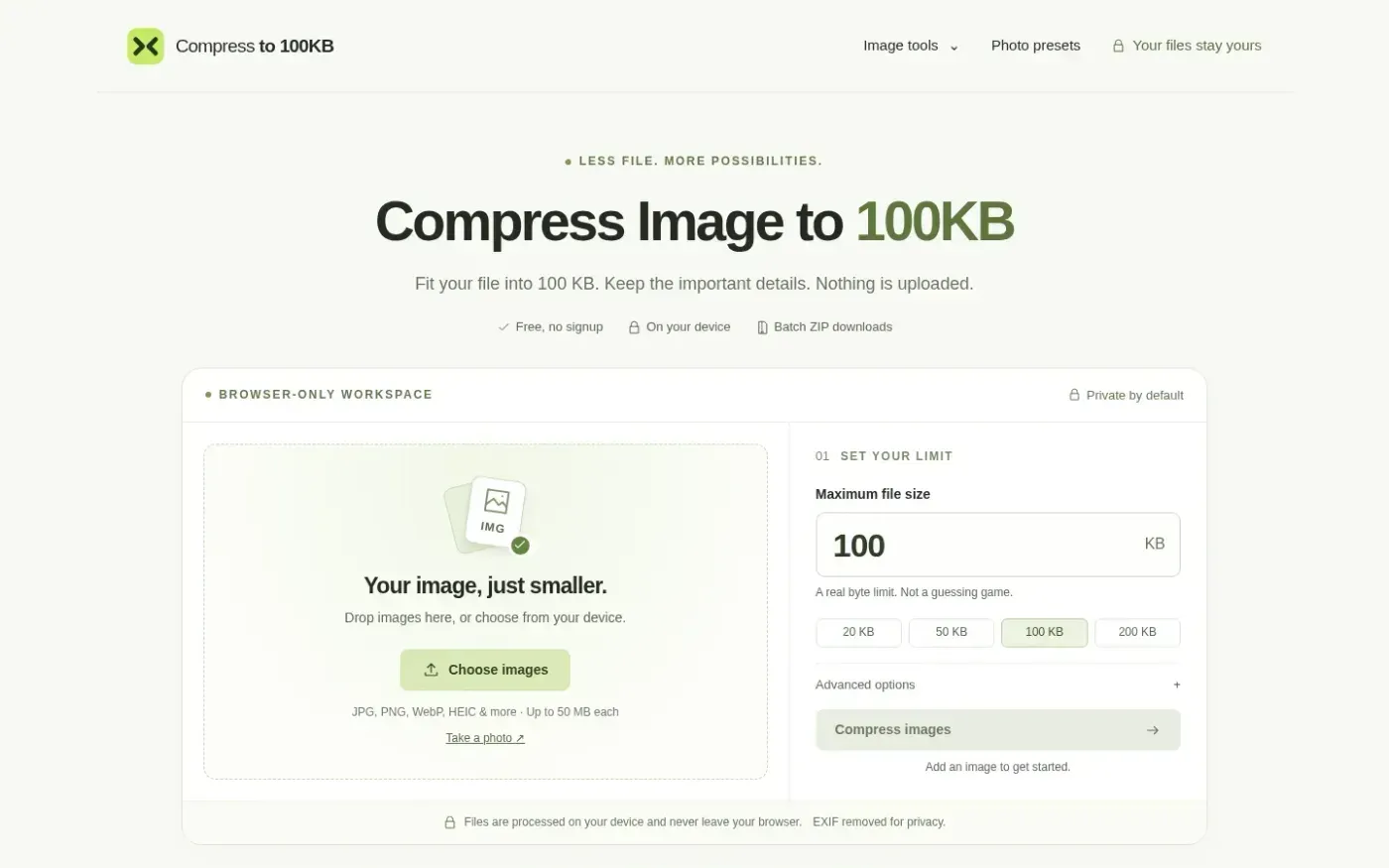
Compressto100kb screenshot 1 of 4: Home
compressto100kb.com
Compressto100kb is a browser-based image compression tool that reduces files to specific kilobyte limits (e.g., 100KB, 50KB). It processes images locally on the user's device without server uploads, supporting JPG, PNG, WebP, and HEIC formats. The tool includes features for batch processing, EXIF metadata removal, and custom pixel dimension adjustments. It provides presets for specific requirements such as IBPS exams and US visa applications.
Home
Spotmp3 screenshot 1 of 4: Home
spotmp3.net
Spotmp3 is a web-based Spotify downloader that enables users to convert Spotify tracks, playlists, albums, and podcasts into 320 kbps MP3 files. The service automatically embeds ID3 tags, cover art, and .lrc lyrics into the downloads. It operates as a free service with a daily limit of 300 tracks, while a one-time 'Supporter' payment unlocks unlimited batch downloads and ZIP exports without requiring an account or software installation.
Home
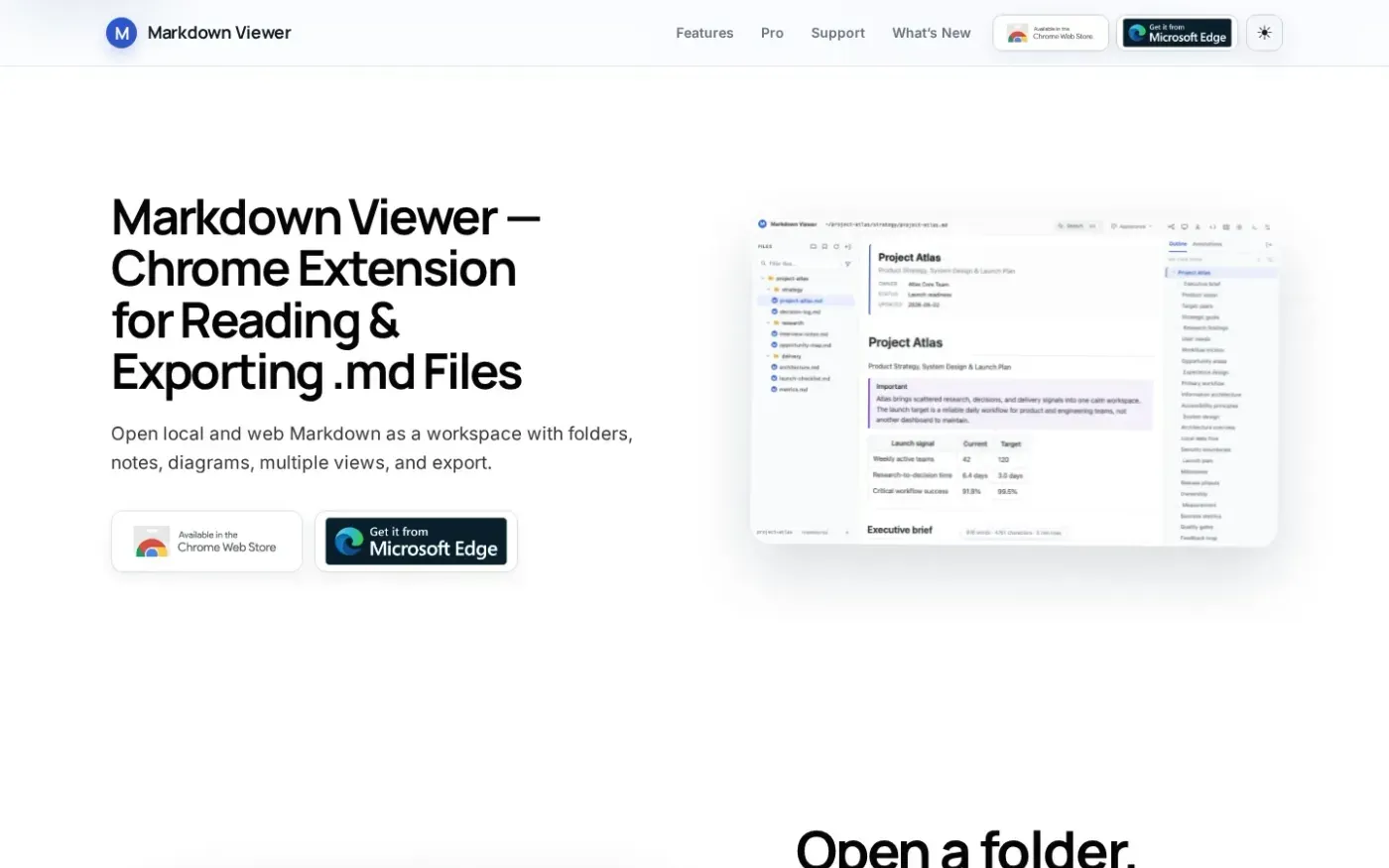
Markdownviewerextension screenshot 1 of 2: Home
markdownviewerextension.com