SiteList review score
Clean design and solid technical SEO support the product story. Improve the 10.7-second LCP, clarify pricing and onboarding, and fix the homepage's accessibility failures.
Reviewed on Oct 22, 2026
thedrive.ai
Unclaimed listingWhat it does
AI file assistant that organizes, searches, and creates documents in plain English, in your workspace or in Google Drive, OneDrive, SharePoint, and Dropbox.
SiteList review score
Clean design and solid technical SEO support the product story. Improve the 10.7-second LCP, clarify pricing and onboarding, and fix the homepage's accessibility failures.
Reviewed on Oct 22, 2026
Verified user rating
—
No verified reviews yet — the evidence locker is empty.
Captured during our latest review on Oct 22, 2026
AI Document Organization
Content Search
Electronic Signatures
Records Management
Classify records on arrival and review disposition candidates
Accounting
File client documents and tax files automatically
Law
Manage case files and legal documents effortlessly
Real Estate
Sort property documents across transactions
Human Resources
Streamline employee records and onboarding files
The Drive AI is an AI file assistant for teams with a lot of documents. It reads your files by what they say, organizes them, and answers questions across them, in its own workspace or inside Google Drive, OneDrive, SharePoint, and Dropbox. You ask for what you need in plain English.
Google Drive and Dropbox store your files, and you organize them yourself. The Drive AI reads them. Connect a drive and the assistant can sort, rename, and answer questions about what is already there, without moving your files out of it. You can also keep files in The Drive AI's own workspace.
Yes. AES-256 encryption at rest, TLS 1.3 in transit. Your files are never used to train AI models. We are CASA certified and a Microsoft Verified Partner. Full audit trail for compliance.
Product FAQ information · View source
The Drive AI scores 64/100, with a clean, minimalist design and solid technical SEO as its clearest strengths. Its main weakness is the homepage's slow 10.7-second LCP, compounded by unclear conversion and pricing paths and critical accessibility gaps.
64/100: fair product, clear strengths and fixable gaps
No reviews yet. The evidence locker is empty.
Reviews from verified users appear here once approved.
Reviews are from the SiteList community. Some reviewers received incentives — disclosed in the review, always. The verdict is never for sale.
Home
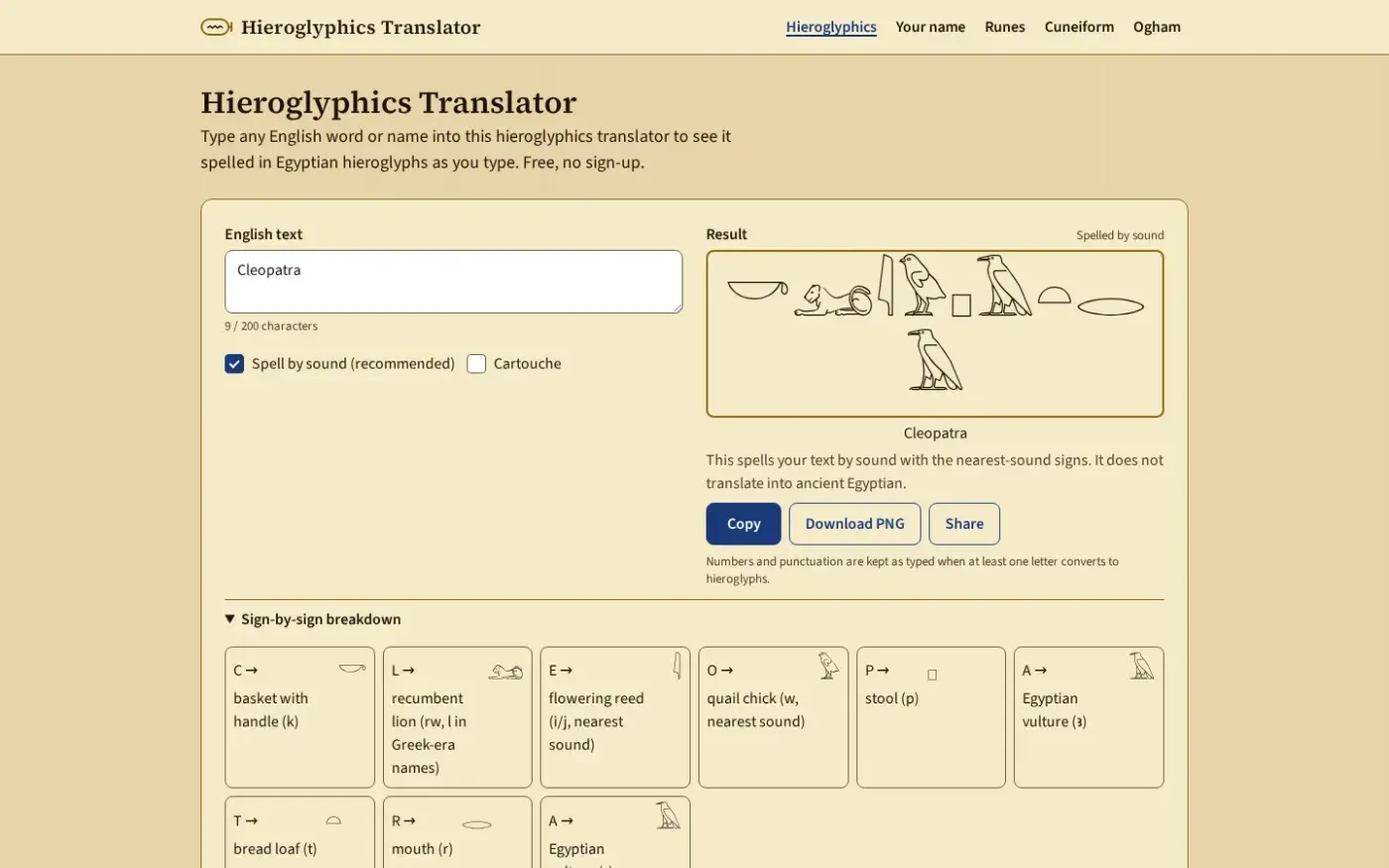
Hieroglyphics Translator screenshot 1 of 2: Home
hieroglyphics-translator.net
A free set of browser-based tools for spelling English words and names with ancient signs, including Egyptian hieroglyphs, using sound-based mappings and providing copy or image-saving output.
Home
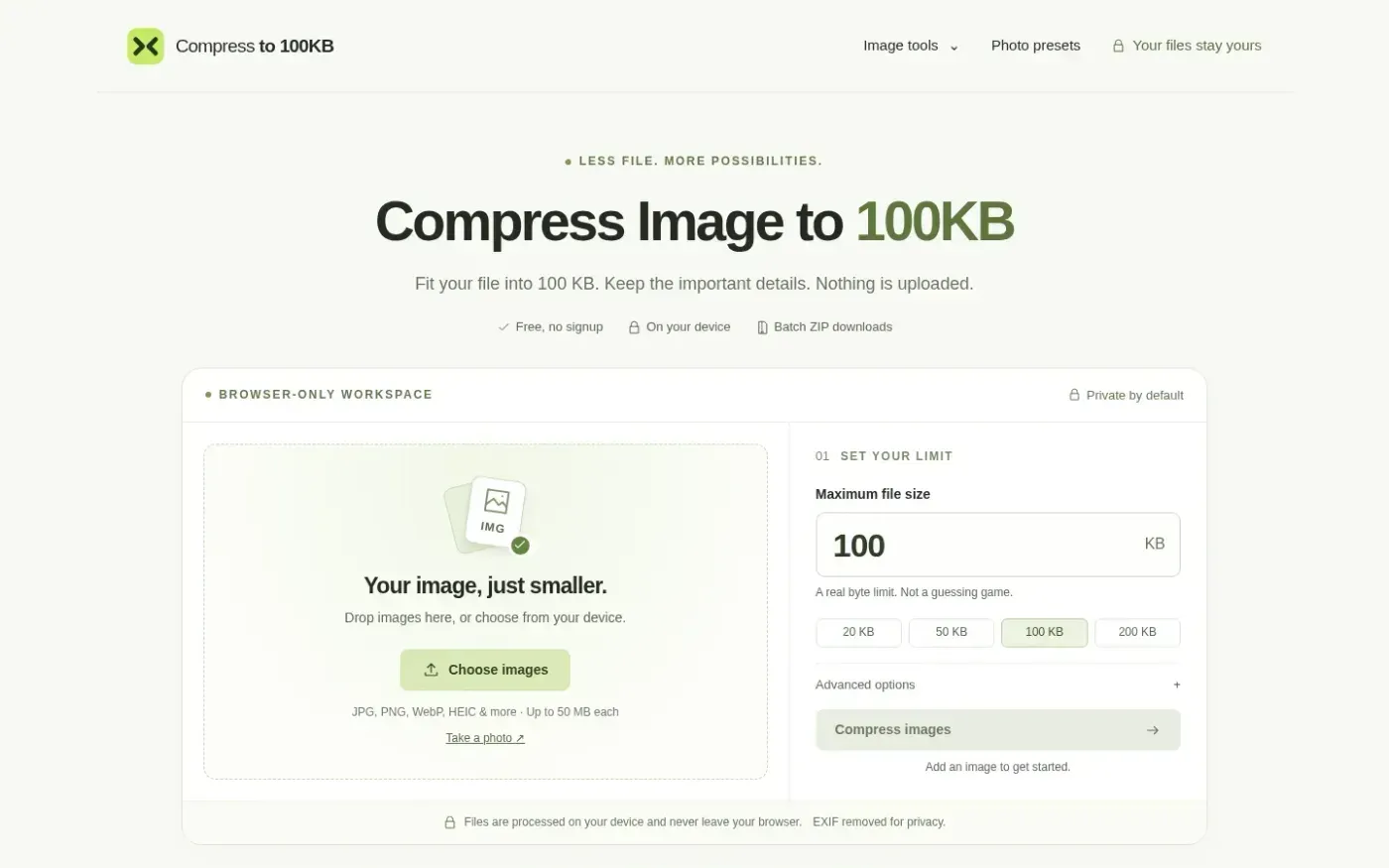
Compressto100kb screenshot 1 of 4: Home
compressto100kb.com
Compressto100kb is a browser-based image compression tool that reduces files to specific kilobyte limits (e.g., 100KB, 50KB). It processes images locally on the user's device without server uploads, supporting JPG, PNG, WebP, and HEIC formats. The tool includes features for batch processing, EXIF metadata removal, and custom pixel dimension adjustments. It provides presets for specific requirements such as IBPS exams and US visa applications.
Home
Spotmp3 screenshot 1 of 4: Home
spotmp3.net
Spotmp3 is a web-based Spotify downloader that enables users to convert Spotify tracks, playlists, albums, and podcasts into 320 kbps MP3 files. The service automatically embeds ID3 tags, cover art, and .lrc lyrics into the downloads. It operates as a free service with a daily limit of 300 tracks, while a one-time 'Supporter' payment unlocks unlimited batch downloads and ZIP exports without requiring an account or software installation.
Home
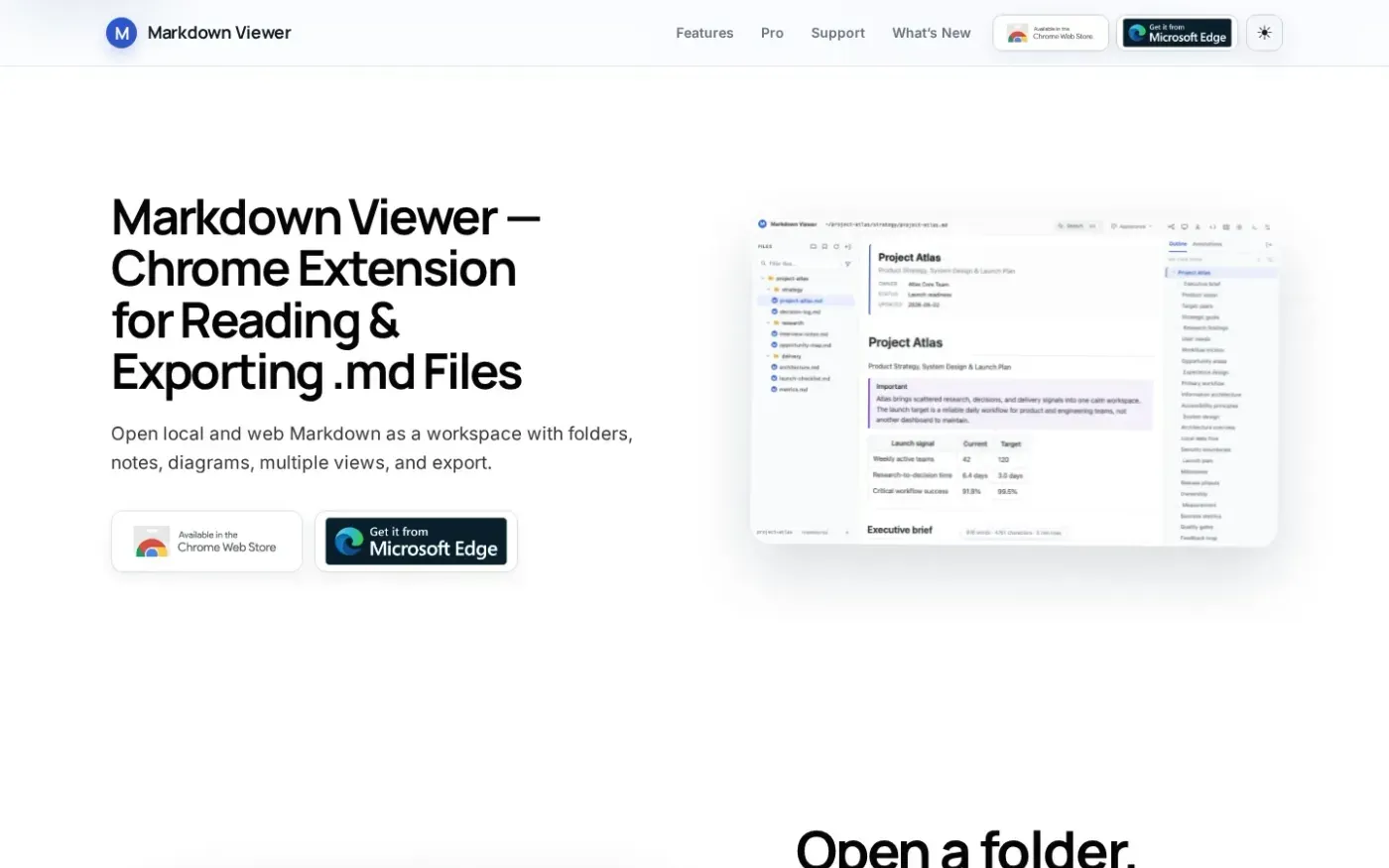
Markdownviewerextension screenshot 1 of 2: Home
markdownviewerextension.com