SiteList review score
Bot-free capture and clear workflow details make TalkToType easy to evaluate. A separate self-serve help surface was not verified beyond the FAQ in the partial one-page crawl.
Reviewed on Oct 23, 2026
talktotype.com
Unclaimed listingWhat it does
TalkToType is a desktop app for Windows and Mac that provides push-to-talk voice dictation in any app, meeting recording with live transcription, and AI summaries.
SiteList review score
Bot-free capture and clear workflow details make TalkToType easy to evaluate. A separate self-serve help surface was not verified beyond the FAQ in the partial one-page crawl.
Reviewed on Oct 23, 2026
Verified user rating
—
No verified reviews yet — the evidence locker is empty.
Captured during our latest review on Oct 23, 2026
Microsoft Teams
communication
Works alongside Teams without joining the call as a bot.
Zoom
communication
Works alongside Zoom without joining the call as a bot.
Google Meet
communication
Works alongside Google Meet without joining the call as a bot.
Yes. Your audio files live on your own computer and stay there. TalkToType does not back them up or store them on its servers.
Yes, for 14 days with every feature included and no credit card needed.
There are three options: Lifetime License at EUR 49 one-time with no monthly fee, Starter at EUR 9.95/month with managed unlimited live transcription and dictation, and Pro at EUR 25/month with 1200 premium-transcript minutes and priority support.
It is a desktop app for Windows and Mac for hotkey-based dictation and meeting recording with a transcript and AI summary.
Hold the hotkey, speak, and release; the text appears at the cursor position. It works in any text field.
Yes, and any other platform; it records speaker and microphone audio on the user's machine rather than joining as a bot.
It supports dictation in eleven languages, with a primary and secondary language that can be switched using F8.
A premium transcript applies a heavier AI model to an existing recording after live transcription, handling long multi-speaker recordings better.
Yes. Drag an MP3, WAV, M4A, or OGG file into the app to receive a transcript and AI summary.
They are lists of points to ask about that can be activated before recording; the AI watches the live transcript and ticks off points as they arise.
Product FAQ information · View source
TalkToType earns 81/100 for clear push-to-talk dictation, bot-free meeting capture, and strong technical foundations. A separate self-serve help surface was not verified beyond the FAQ in the partial one-page crawl, and the mobile homepage has a 4.33-second LCP.
81/100: strong product; a separate self-serve help surface was not verified beyond the FAQ in the partial one-page crawl
No reviews yet. The evidence locker is empty.
Reviews from verified users appear here once approved.
Reviews are from the SiteList community. Some reviewers received incentives — disclosed in the review, always. The verdict is never for sale.
Home
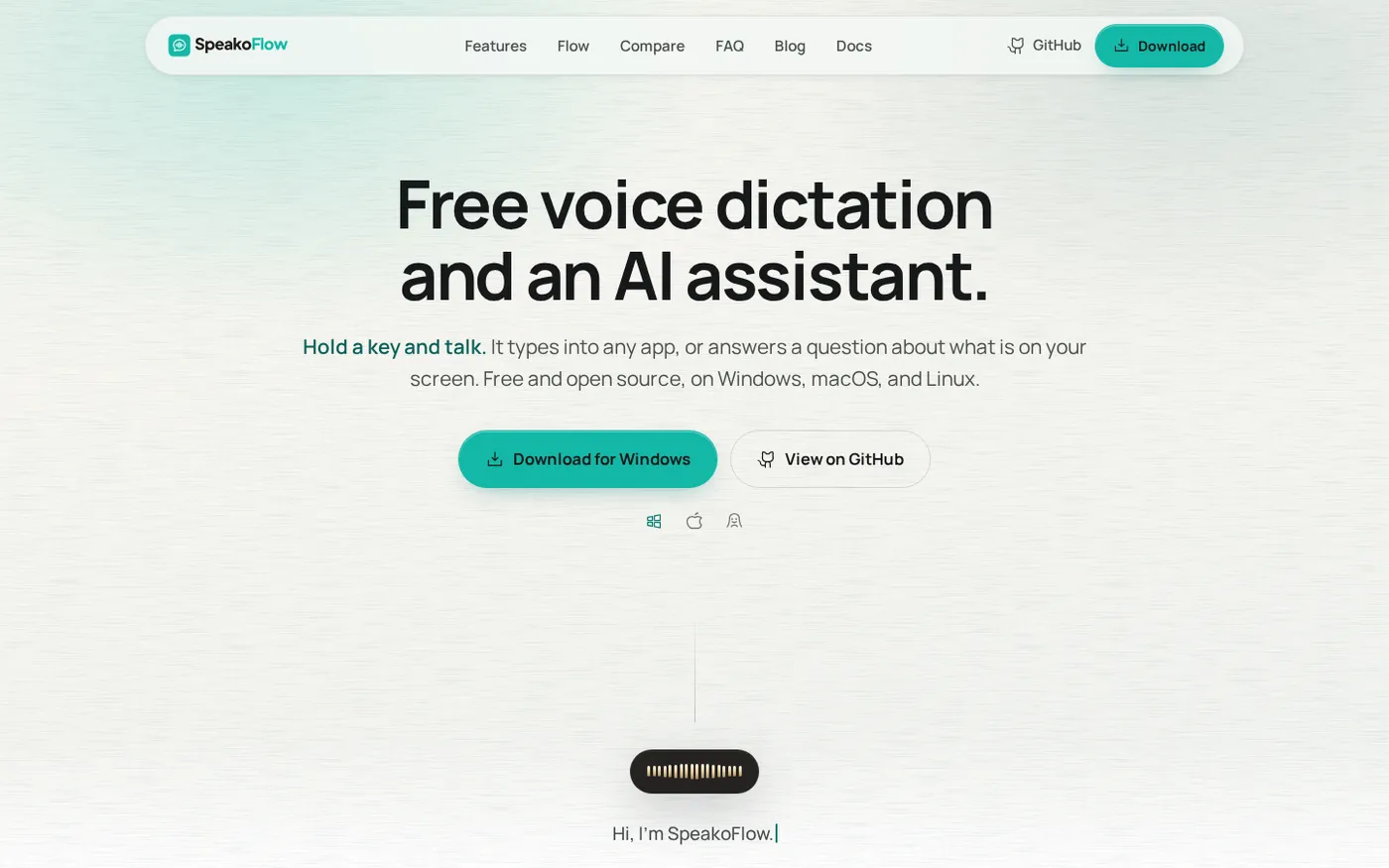
SpeakoFlow — Free, open-source voice dictation and AI assistant, offline screenshot 1 of 4: Home
speakoflow.com
Free, open-source, local-first voice-to-text desktop utility that transcribes speech into any app via hotkey, plus an AI assistant for drafting, cleanup, translation, and screen context.
Home
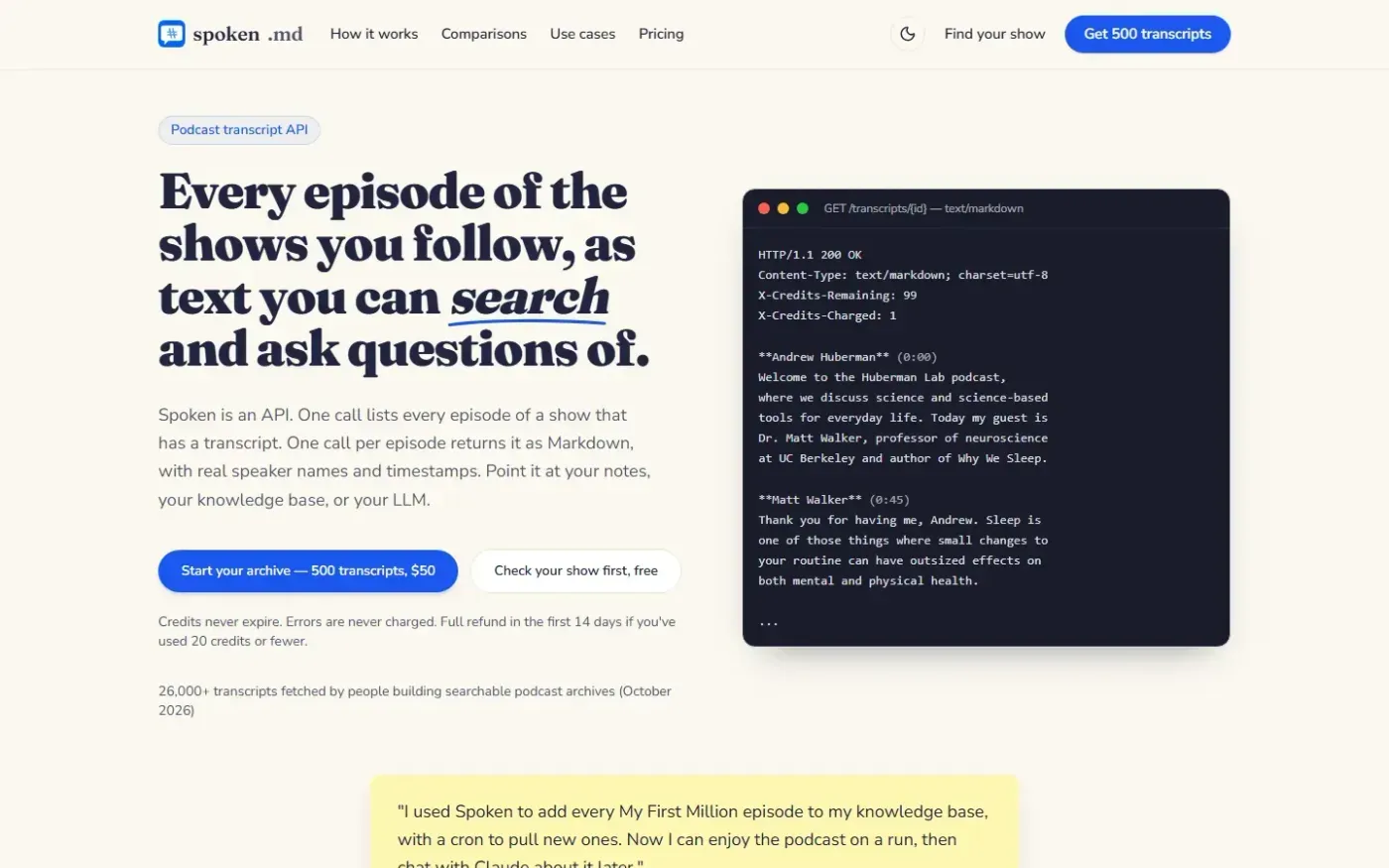
Spoken screenshot 1 of 4: Home
spoken.md
Podcast transcript API that returns episodes as clean Markdown with real speaker names and timestamps for use in notes, knowledge bases, and LLM pipelines.
Home
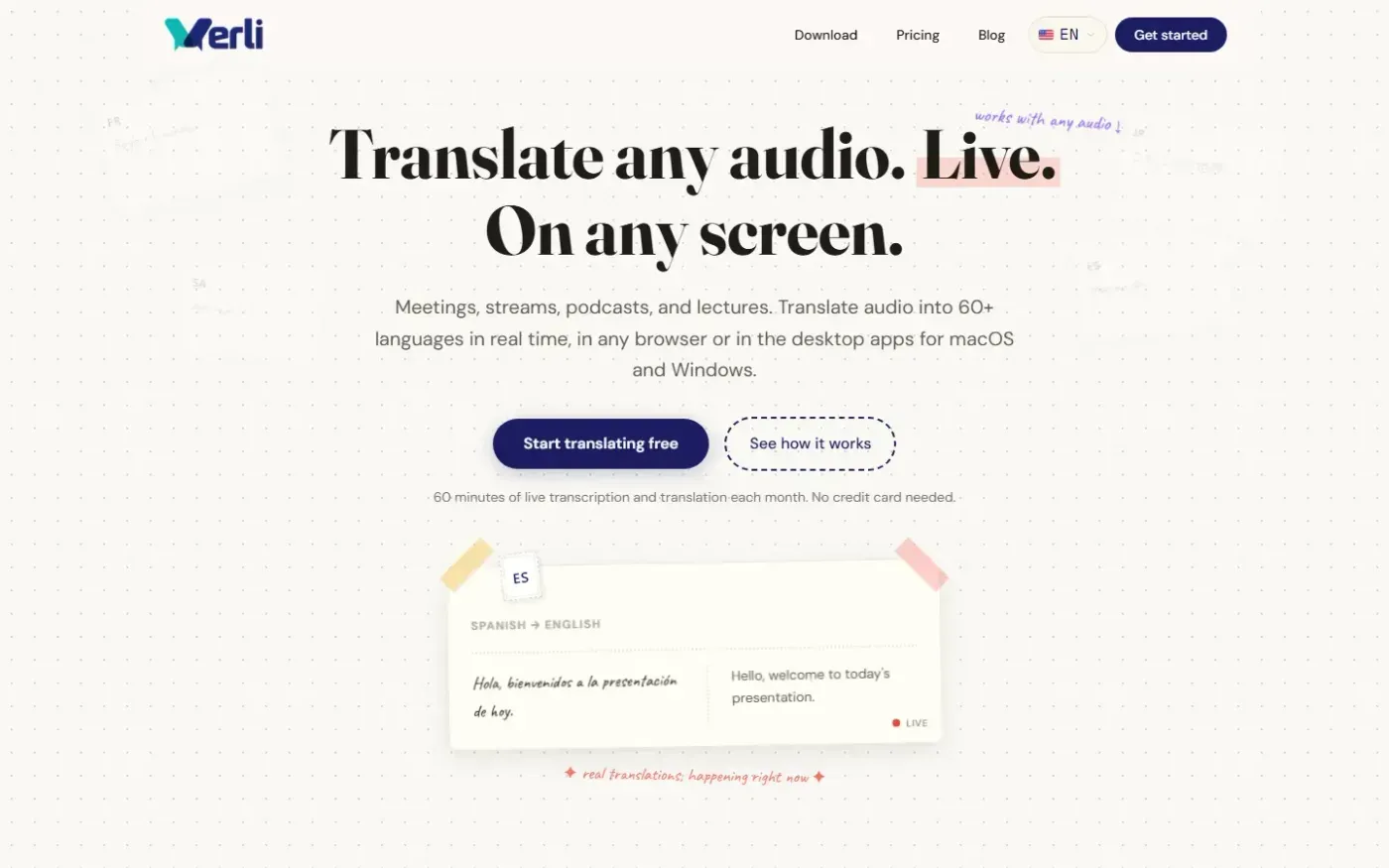
Verli screenshot 1 of 4: Home
verli.app
Verli provides live transcription and two-way translation for shared system audio and microphone input, in modern browsers and desktop apps for macOS and Windows.
Home
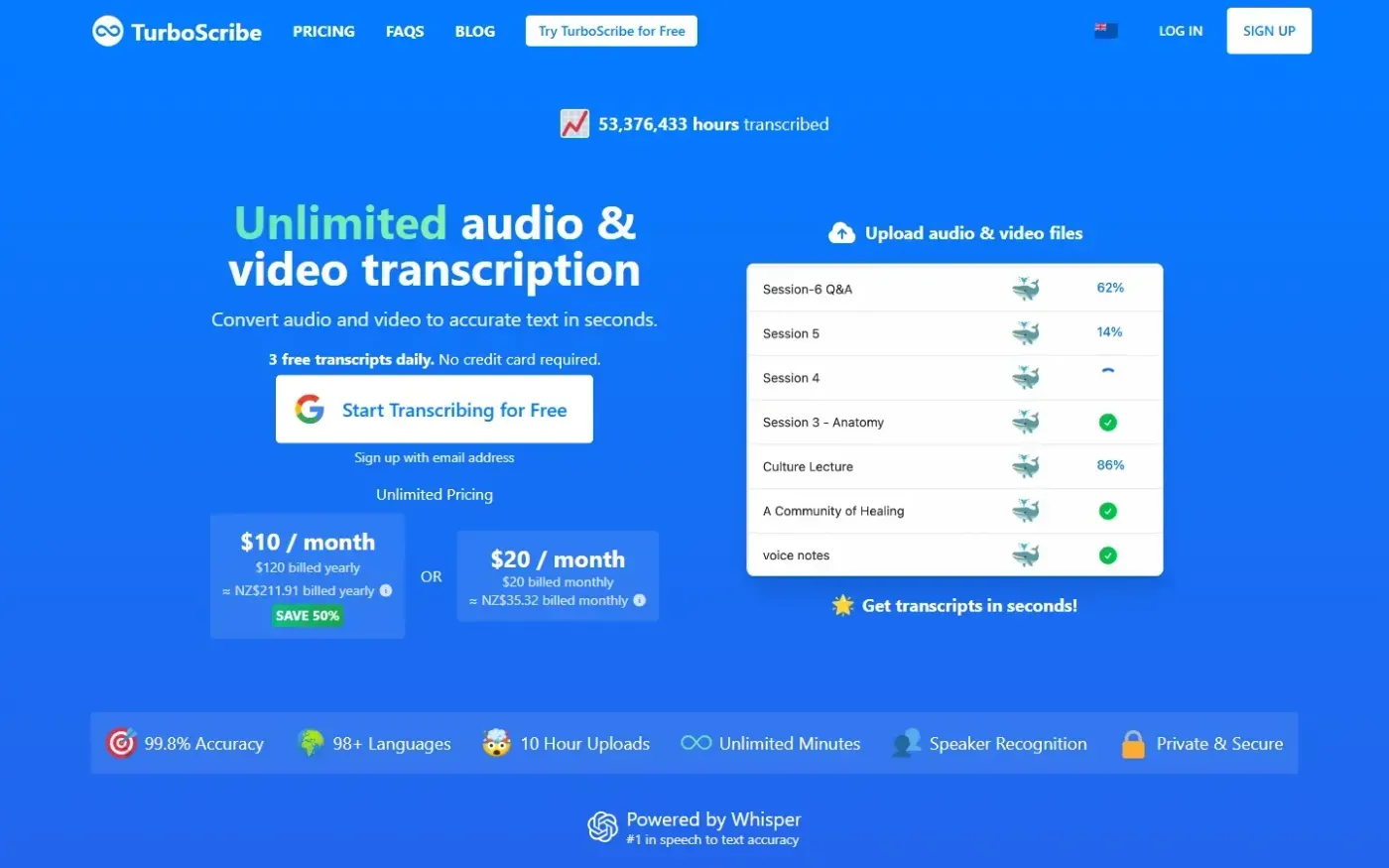
Turboscribe screenshot 1 of 4: Home
turboscribe.ai
AI transcription service that converts audio and video files to text in 98+ languages with high accuracy, offering unlimited minutes, subtitle generation, and export to TXT, DOCX, PDF, or SRT.