SiteList review score
Clear video-to-text workflow and transcript checks. Mobile loading and self-serve documentation need focused improvement.
Reviewed on Oct 25, 2026
summarizevideototext.com
Unclaimed listingWhat it does
AI video summarizer for YouTube, TikTok and Instagram. Paste a link to get an AI summary, timestamped chapters, full transcript and mind map in seconds.
SiteList review score
Clear video-to-text workflow and transcript checks. Mobile loading and self-serve documentation need focused improvement.
Reviewed on Oct 25, 2026
Verified user rating
—
No verified reviews yet — the evidence locker is empty.
Captured during our latest review on Oct 25, 2026
Paste the YouTube URL into the box and press Summarize. The result includes an AI summary, full transcript, timestamped chapters, a mind map, and a Q&A panel.
You can start with 20 one-time credits without a card. Existing subtitles cost 1 credit per minute; AI transcription costs 10 credits per minute, including the summary, with a 10-credit minimum.
You can try a public video link without an account. Sign in to keep the remaining trial balance and watch history, upload files, or ask questions about processed videos.
The service supports 14 output languages, including English, Chinese, Spanish, French, German, Japanese, Korean, Portuguese, Russian, Hindi, Indonesian, Vietnamese, and Arabic.
Without an account, videos up to 15 minutes work. A free account supports up to 1 hour, and Pro supports up to 6 hours.
Summaries are generated from the video's actual captions, and the full transcript is shown alongside so claims can be checked against the original wording.
You can copy the summary or chapter breakdown and download the transcript as plain text.
The service first tries available captions, including YouTube auto-generated captions. If captions are unavailable, AI transcription can process a public video when its audio is accessible.
Product FAQ information · View source
SummarizeVideoToText scores 75/100, with clear product positioning, concrete operating details and a transcript-first workflow. Its most material weaknesses are mobile performance and the limited self-serve documentation surface.
75/100: clear product, with fixable speed and help gaps
No reviews yet. The evidence locker is empty.
Reviews from verified users appear here once approved.
Reviews are from the SiteList community. Some reviewers received incentives — disclosed in the review, always. The verdict is never for sale.
Home
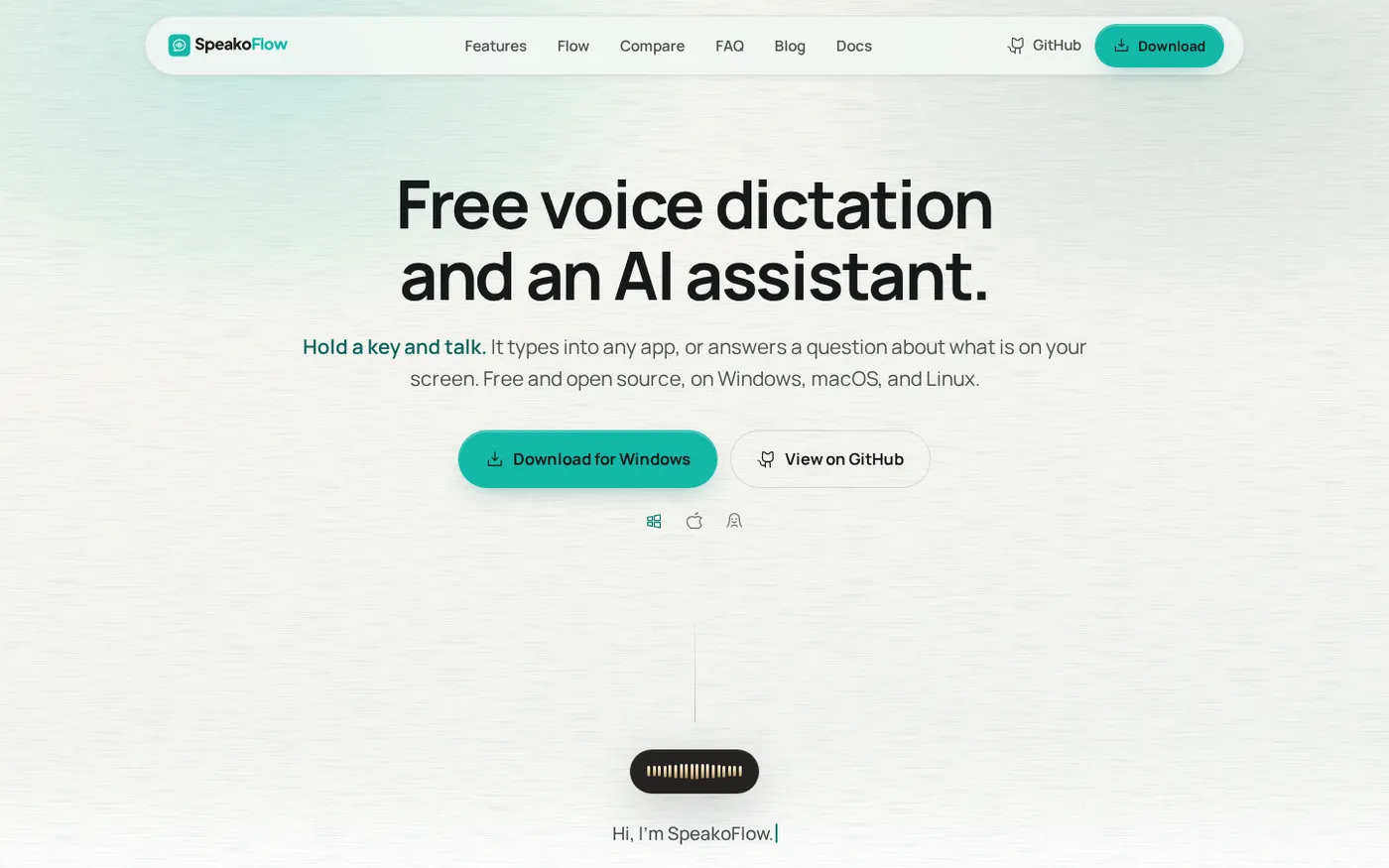
SpeakoFlow — Free, open-source voice dictation and AI assistant, offline screenshot 1 of 4: Home
speakoflow.com
Free, open-source, local-first voice-to-text desktop utility that transcribes speech into any app via hotkey, plus an AI assistant for drafting, cleanup, translation, and screen context.
Home
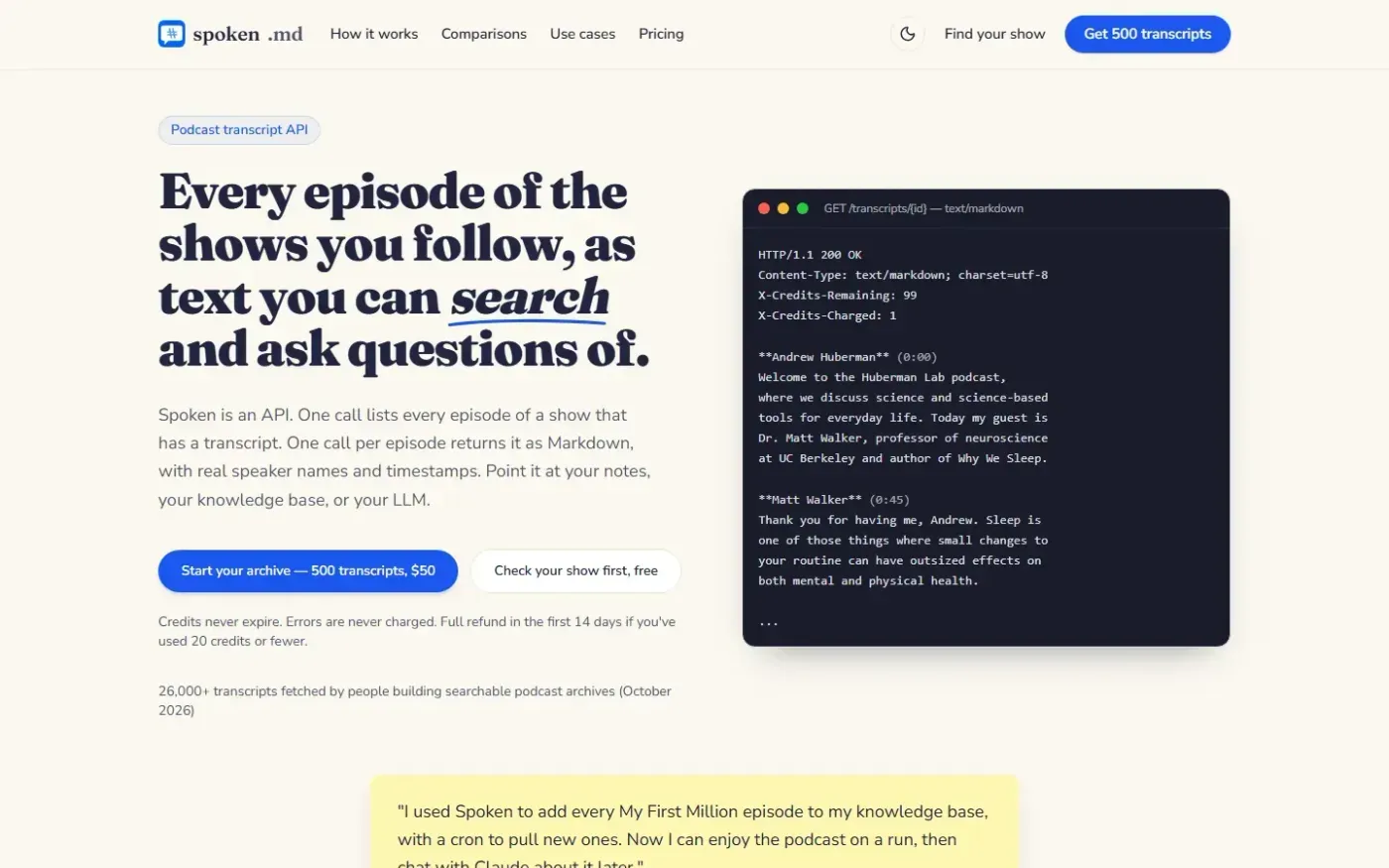
Spoken screenshot 1 of 4: Home
spoken.md
Podcast transcript API that returns episodes as clean Markdown with real speaker names and timestamps for use in notes, knowledge bases, and LLM pipelines.
Home
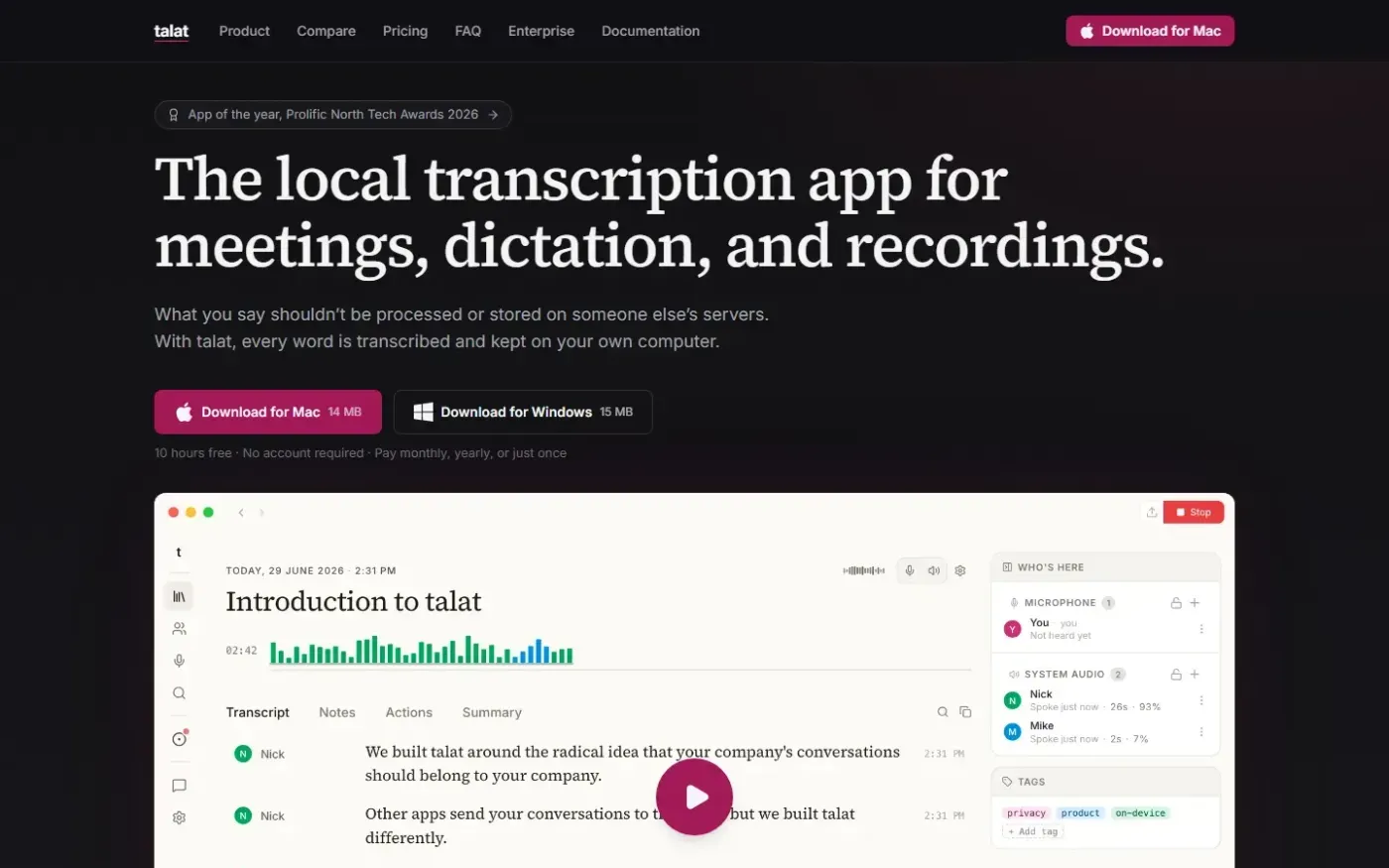
Talat screenshot 1 of 4: Home
talat.app
talat is a local, private AI meeting note-taker for macOS and Windows that records meetings, transcribes speech, labels speakers, and summarises on your own device.
Home
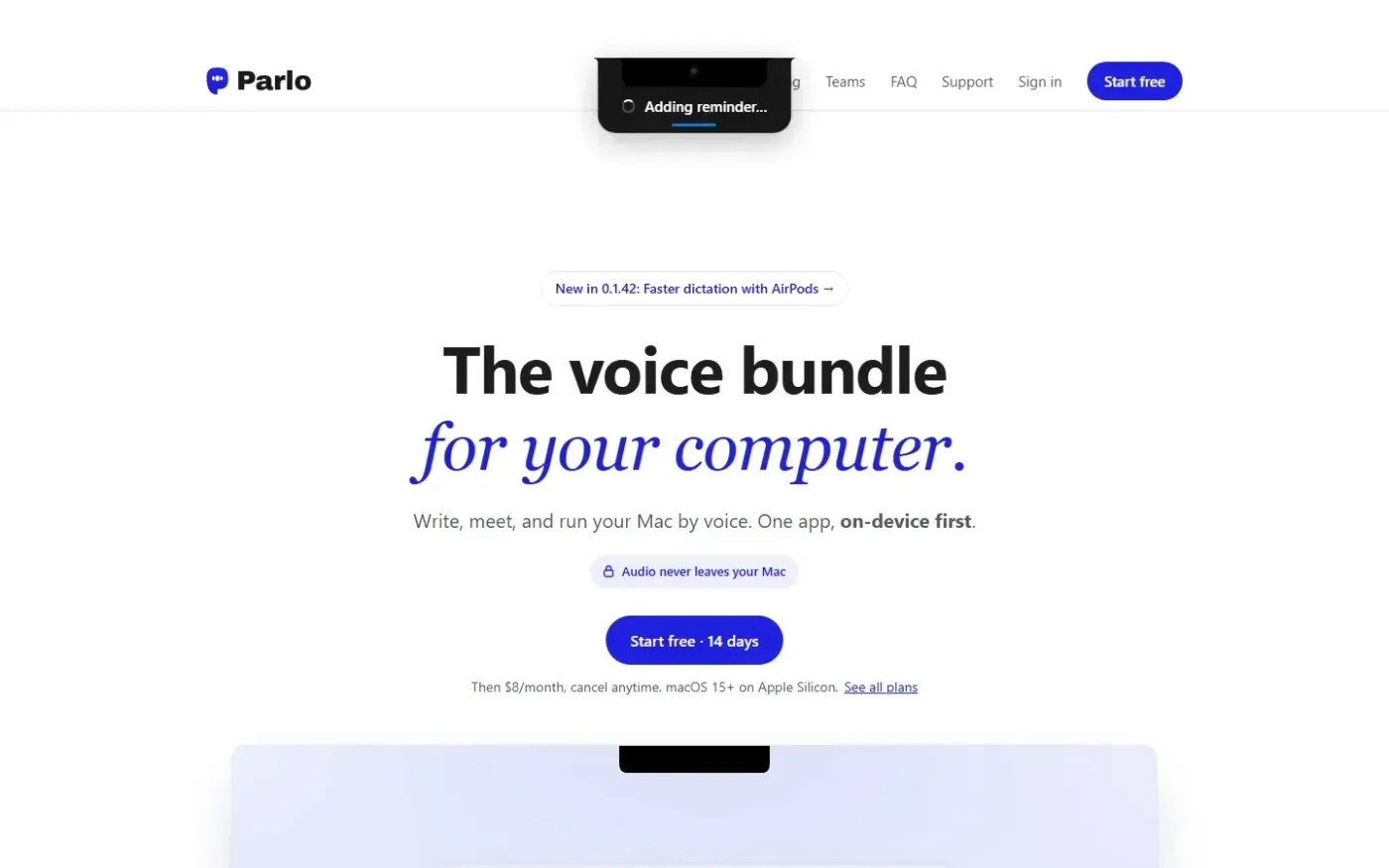
Parlohub screenshot 1 of 4: Home
parlohub.com
Parlo is an on-device macOS application that provides dictation, meeting notes, and voice commands.