SiteList review score
Free, no-signup creation with unlimited downloads and no watermark. Some quote pages load much more slowly than the homepage, while the copy and self-serve help need a deeper pass.
Reviewed on Nov 5, 2026
quotesmaker.com
Unclaimed listingWhat it does
QuotesMaker is a browser-based tool for turning text or quotes into downloadable quote images. Users can add a quote and author, choose fonts, colors, templates, or their own photo, then download the finished design.
SiteList review score
Free, no-signup creation with unlimited downloads and no watermark. Some quote pages load much more slowly than the homepage, while the copy and self-serve help need a deeper pass.
Reviewed on Nov 5, 2026
Verified user rating
—
No verified reviews yet — the evidence locker is empty.
Captured during our latest review on Nov 5, 2026
Free to use, with unlimited downloads, no watermark, and no signup.
| Plan | Price | Details |
|---|---|---|
| Free | $0 | Create quote images with unlimited downloads and no watermark. Unlimited downloads · No watermark · No signup View source |
Social media quote graphics
Create quote images for social media formats including Instagram, Stories, Pinterest, X, LinkedIn, and Facebook.
Presentations and personal projects
Use quote images in presentations or personal projects.
A quote maker is an online tool for turning text into a designed quote image. With QuotesMaker, you can add a quote, choose fonts, colors, backgrounds, and templates, then download the finished image.
Yes. QuotesMaker is 100% free. You can create unlimited quote images and download them in full quality at no cost, with no watermark.
No. Downloads are unlimited and your images never get a QuotesMaker watermark. If you want, you can add your own name or handle as a watermark in the quote editor.
The quote editor exports Square 1:1 (1080×1080) for the Instagram feed, Portrait 4:5 (1080×1350), Story 9:16 (1080×1920) for Stories, Reels and TikTok, Landscape (1200×630) for X, LinkedIn and Facebook, and Pin 2:3 (1000×1500) for Pinterest.
Yes. Upload any image in the quote editor and place your quote over it. Your photo is processed in your browser and is never uploaded to our servers.
No. You don't need an account or email address. Type your quote, pick a style, and download your image right away.
Yes. QuotesMaker runs entirely in your browser, so it works on phones, tablets, and computers with nothing to install.
Yes. Open the quote editor and describe the quote you want in the AI prompt box. The AI writes an original quote, and you can then customize its font, colors, and background.
Product FAQ information · View source
QuotesMaker earns 78/100 by combining a clear browser-based editor with no signup, unlimited downloads, and no watermark. Its main weakness is uneven depth beyond the core workflow: quote pages are slower, copy is more interchangeable, and the crawl found no dedicated help subtree.
78/100: strong, with room to refine
No reviews yet. The evidence locker is empty.
Reviews from verified users appear here once approved.
Reviews are from the SiteList community. Some reviewers received incentives — disclosed in the review, always. The verdict is never for sale.
Home
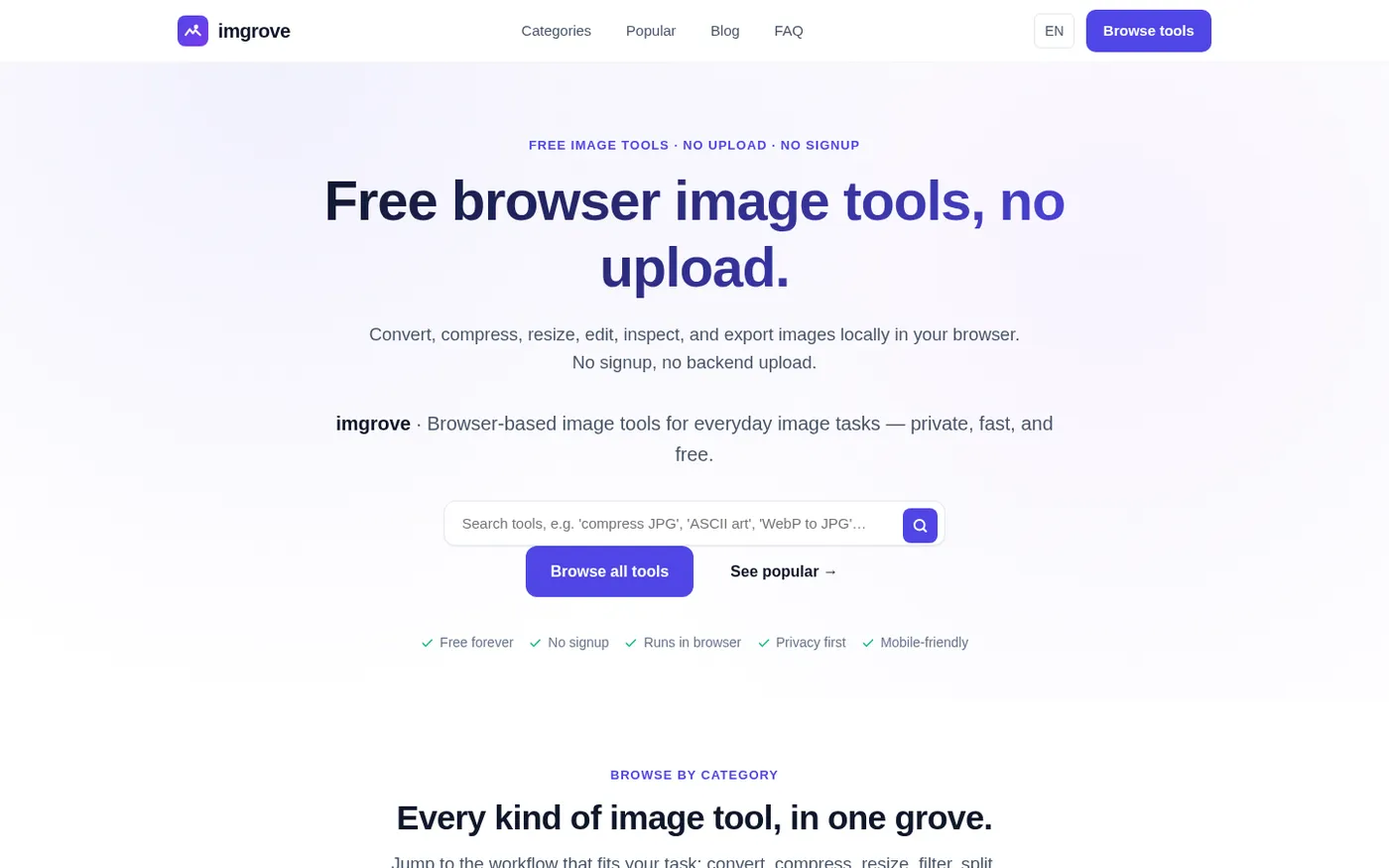
Imgrove screenshot 1 of 4: Home
imgrove.com
imgrove is a free browser-based image tools hub that processes files locally in your browser with no upload, signup, or watermark.
Home
Gardenly screenshot 1 of 4: Home
gardenly.app
Gardenly is an AI-powered garden design tool that generates photorealistic garden redesigns from a single photo, featuring climate-adapted plant recommendations, personalized plant care guides, and seasonal maintenance schedules.
Home
Rendercad screenshot 1 of 4: Home
rendercad.ai
RENDERCAD is an AI-powered visual rendering platform that turns CAD screenshots, real photos, and hand drawings into product images in 60 seconds.
Home
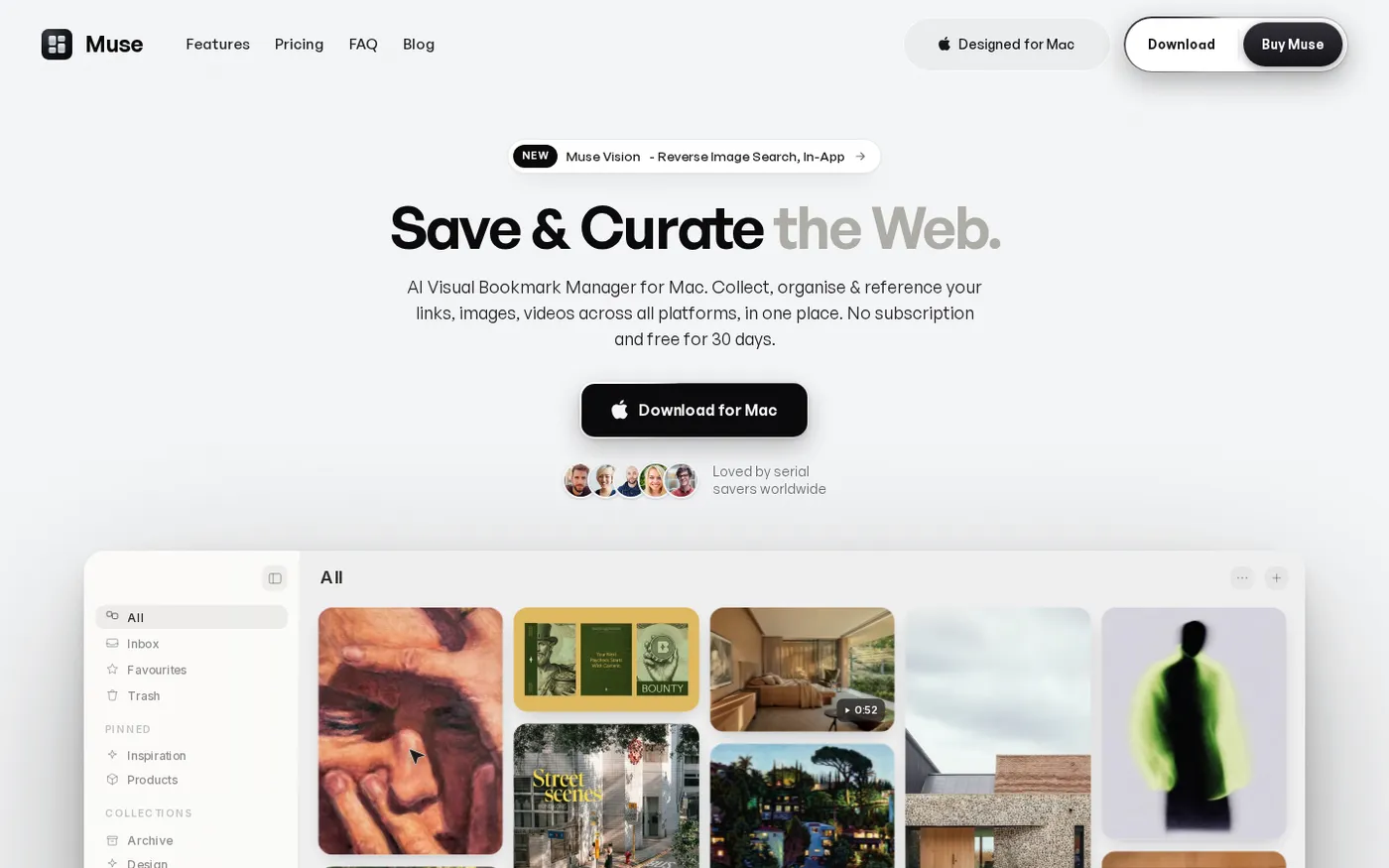
Muse — Al Visual Bookmark Manager for Mac screenshot 1 of 4: Home
theodorehq.com
Native Mac app that collects links, images, video, screenshots, GIFs, and text notes into a single private library with on-device AI tagging and organization. No subscription or cloud storage required.