SiteList review score
Exceptional usability and AI-ready documentation drive high utility. Growth is throttled by critical canonical errors and heavy font stacks.
Reviewed on Aug 16, 2026
theodorehq.com
Unclaimed listingWhat it does
Native Mac app that collects links, images, video, screenshots, GIFs, and text notes into a single private library with on-device AI tagging and organization. No subscription or cloud storage required.
SiteList review score
Exceptional usability and AI-ready documentation drive high utility. Growth is throttled by critical canonical errors and heavy font stacks.
Reviewed on Aug 16, 2026
Verified user rating
—
No verified reviews yet — the evidence locker is empty.
Captured during our latest review on Aug 24, 2026
One-time purchase Billed one time.
| Plan | Price | Details |
|---|---|---|
| Muse | $29 one time per license | Full app with every feature included View source |
On-device AI organization
AI & Organization
Automatically suggests tags, reads image text, and finds colors locally without cloud processing.
Unified media library
Storage
Stores links, images, screenshots, GIFs, video, and notes as real files in a single searchable folder.
Browser extension clipping
Capture
Captures content directly from web pages via extensions for Chrome, Safari, Edge, Firefox, and Dia.
Visual research & curation
Collect and organize links, images, videos, and notes into a single searchable library.
Social media bookmark migration
Import existing bookmarks from X (Twitter), Pinterest, Eagle, or Raindrop without starting over.
Eagle
Import
Full library import support
Raindrop
Import
CSV export import support
Import
Boards imported at full resolution
X (Twitter)
Import
Bookmarks import via browser extension
Completely. Muse has no account and no cloud. Your library lives in a visible Muse Library folder on your Mac alongside a local database, and every feature, including all of the AI, runs on your machine.
Muse suggests tags, reads the text inside images so you can search it, and finds colours automatically, all on-device. An optional Pro AI pack adds meaning-based visual search.
Only for clipping straight from web pages. Everything else, including drag and drop, the screenshot hotkey, and the global launcher, works without it.
Product FAQ information · View source
Muse earns a 83/100 for its exceptional usability and AI-ready documentation. However, its growth is currently throttled by critical canonical errors and performance-sapping font stacks.
83/100: Strong product, technical blockers
No reviews yet. The evidence locker is empty.
Reviews from verified users appear here once approved.
Reviews are from the SiteList community. Some reviewers received incentives — disclosed in the review, always. The verdict is never for sale.
Home
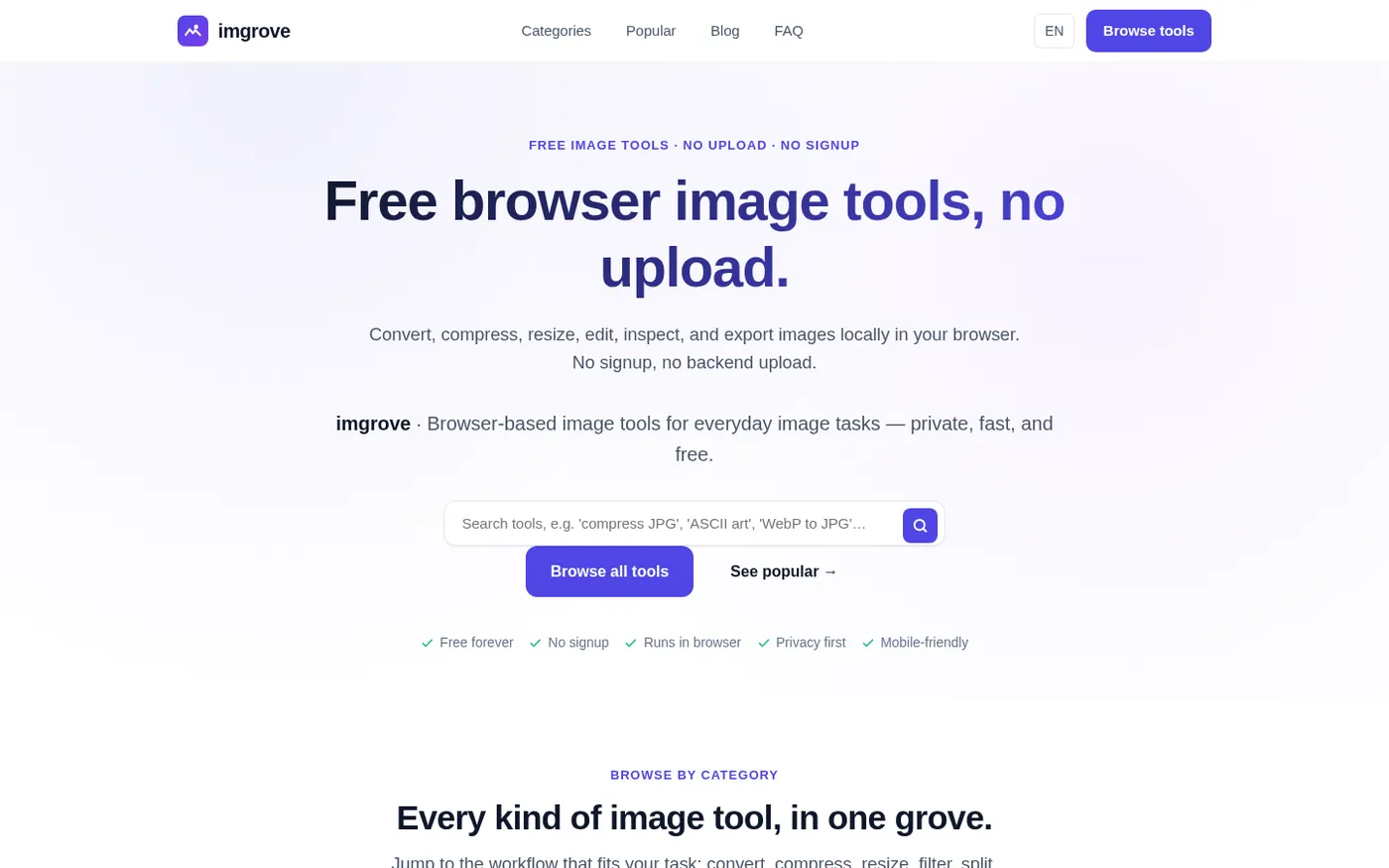
Imgrove screenshot 1 of 4: Home
imgrove.com
imgrove is a free browser-based image tools hub that processes files locally in your browser with no upload, signup, or watermark.
Home
Gardenly screenshot 1 of 4: Home
gardenly.app
Gardenly is an AI-powered garden design tool that generates photorealistic garden redesigns from a single photo, featuring climate-adapted plant recommendations, personalized plant care guides, and seasonal maintenance schedules.
Home
Trify3d screenshot 1 of 4: Home
trify3d.com
Trify3D is an AI-powered platform that generates production-ready 3D models from images and text prompts. It functions as a multi-model studio, allowing users to run leading engines like Tripo3D, Meshy, and Rodin side by side to compare results. The platform supports exports in GLB, glTF, OBJ, and STL formats and includes a suite of 48+ 3D file conversion and viewing tools.
Home
Linedrawingconverter screenshot 1 of 4: Home
linedrawingconverter.com
Web image converter that turns uploaded photos and pictures into clean black-and-white line drawings, with selectable styles and downloadable results.