SiteList review score
PhotoExpert offers a clear path to choosing and improving profile photos. Pricing and key buyer details remain unresolved.
Reviewed on Nov 26, 2026
photoexpert.ai
Unclaimed listingWhat it does
Get an instant expert AI review and quality score for your photo, a natural enhanced version, and see which shot wins — perfect for LinkedIn, dating, and social profiles.
SiteList review score
PhotoExpert offers a clear path to choosing and improving profile photos. Pricing and key buyer details remain unresolved.
Reviewed on Nov 26, 2026
Verified user rating
—
No verified reviews yet — the evidence locker is empty.
Captured during our latest review on Nov 26, 2026
Choosing photos for LinkedIn
Selecting a suitable photo for a LinkedIn profile.
Choosing photos for dating profiles
Selecting a suitable photo for a dating profile.
Choosing photos for social profiles
Selecting a suitable photo for a social profile.
PhotoExpert helps individuals choose stronger photos for LinkedIn, dating profiles, and social profiles. Its stated workflow combines an AI review, a quality score, a natural enhanced version, and a way to see which shot wins.
The review scored usability at 95.8/100. The supplied walkthroughs completed all six goals across desktop, mobile, and skeptical paths, with direct routes to pricing, contact, FAQ, and articles.
The supplied site facts do not record price amounts; a walkthrough reports visible pricing on the page, so verify current amounts directly.
The evidenced audience includes people choosing photos for LinkedIn, dating, social media, family, or marketplace use. The review also notes that five contexts spread the primary audience, so the product may benefit from a sharper lead audience.
Check PhotoExpert’s photo-handling details, pricing, and support depth before purchase. The review leaves decision questions unresolved and gives docs and self-serve help 44.3/100.
Answers are based on SiteList's latest evidence review. Read the full review.
PhotoExpert scores 69/100, with usability evidence making the core photo-selection workflow easy to navigate; accessibility evidence is limited to responsive screenshot checks. Its main weakness is decision clarity: audience focus, pricing, and supporting details remain unresolved across the sampled pages.
69/100: clear workflow, unresolved buyer questions
No reviews yet. The evidence locker is empty.
Reviews from verified users appear here once approved.
Reviews are from the SiteList community. Some reviewers received incentives — disclosed in the review, always. The verdict is never for sale.
Home
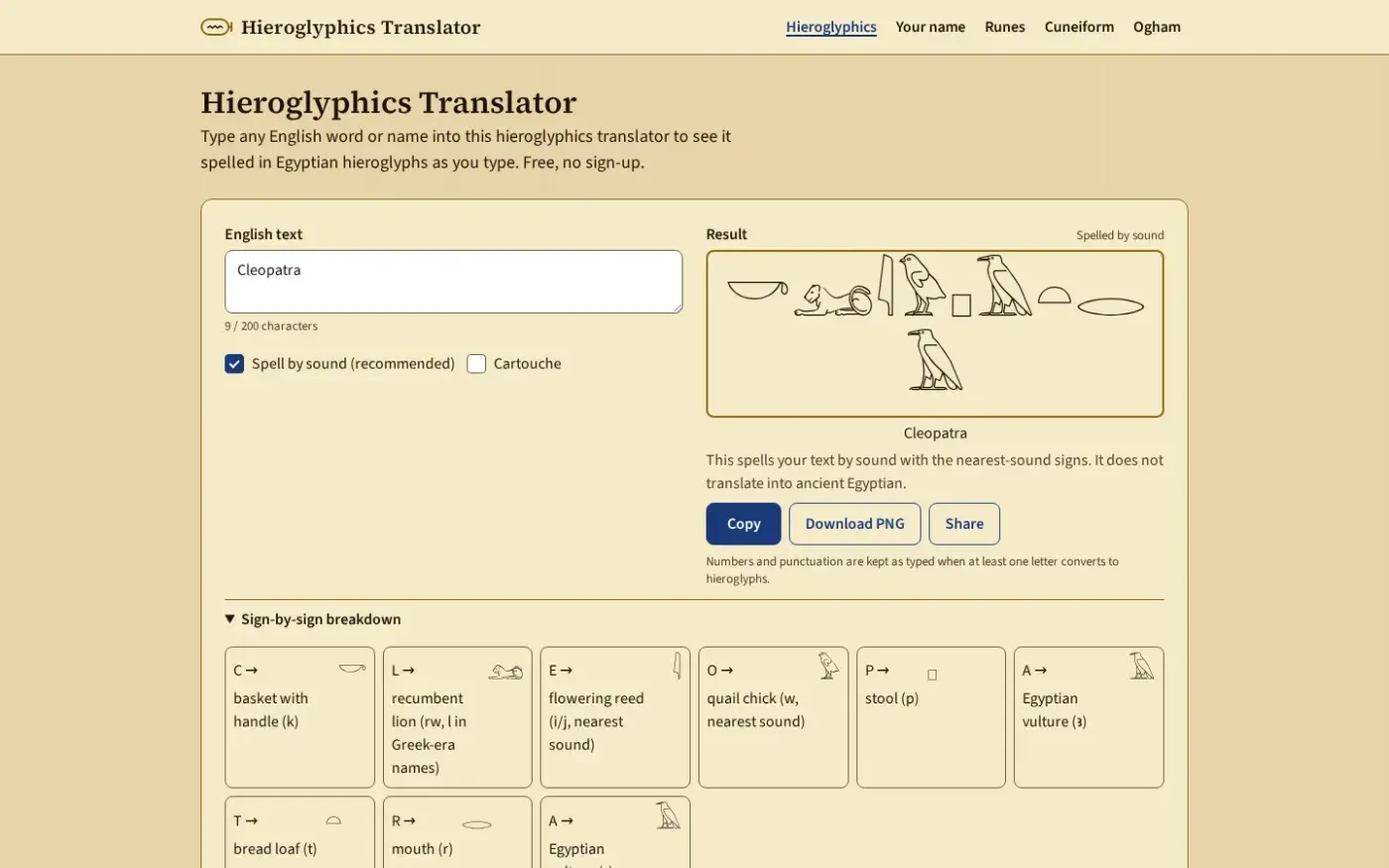
Hieroglyphics Translator screenshot 1 of 2: Home
hieroglyphics-translator.net
A free set of browser-based tools for spelling English words and names with ancient signs, including Egyptian hieroglyphs, using sound-based mappings and providing copy or image-saving output.
Home
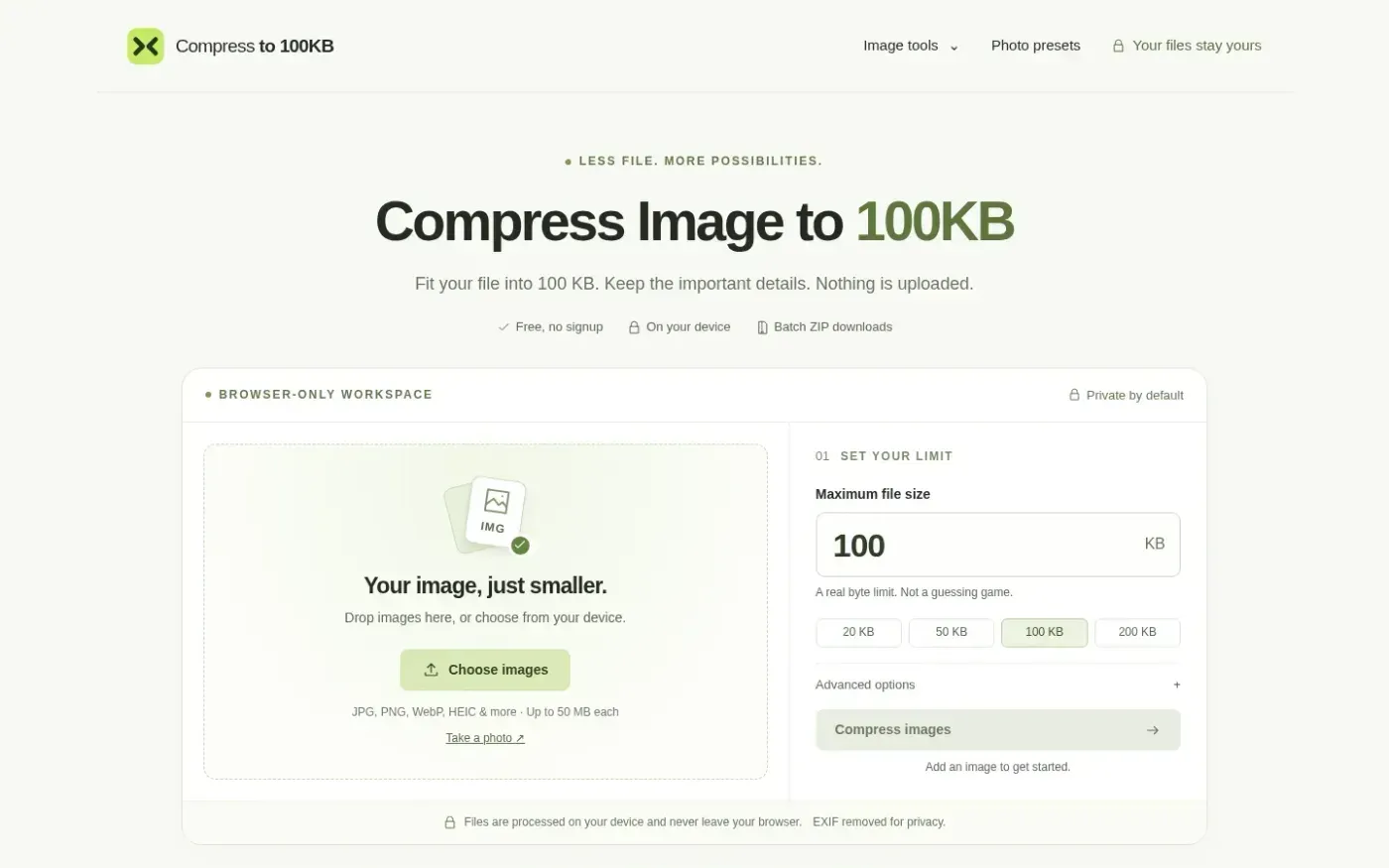
Compressto100kb screenshot 1 of 4: Home
compressto100kb.com
Compressto100kb is a browser-based image compression tool that reduces files to specific kilobyte limits (e.g., 100KB, 50KB). It processes images locally on the user's device without server uploads, supporting JPG, PNG, WebP, and HEIC formats. The tool includes features for batch processing, EXIF metadata removal, and custom pixel dimension adjustments. It provides presets for specific requirements such as IBPS exams and US visa applications.
Home
Spotmp3 screenshot 1 of 4: Home
spotmp3.net
Spotmp3 is a web-based Spotify downloader that enables users to convert Spotify tracks, playlists, albums, and podcasts into 320 kbps MP3 files. The service automatically embeds ID3 tags, cover art, and .lrc lyrics into the downloads. It operates as a free service with a daily limit of 300 tracks, while a one-time 'Supporter' payment unlocks unlimited batch downloads and ZIP exports without requiring an account or software installation.
Home
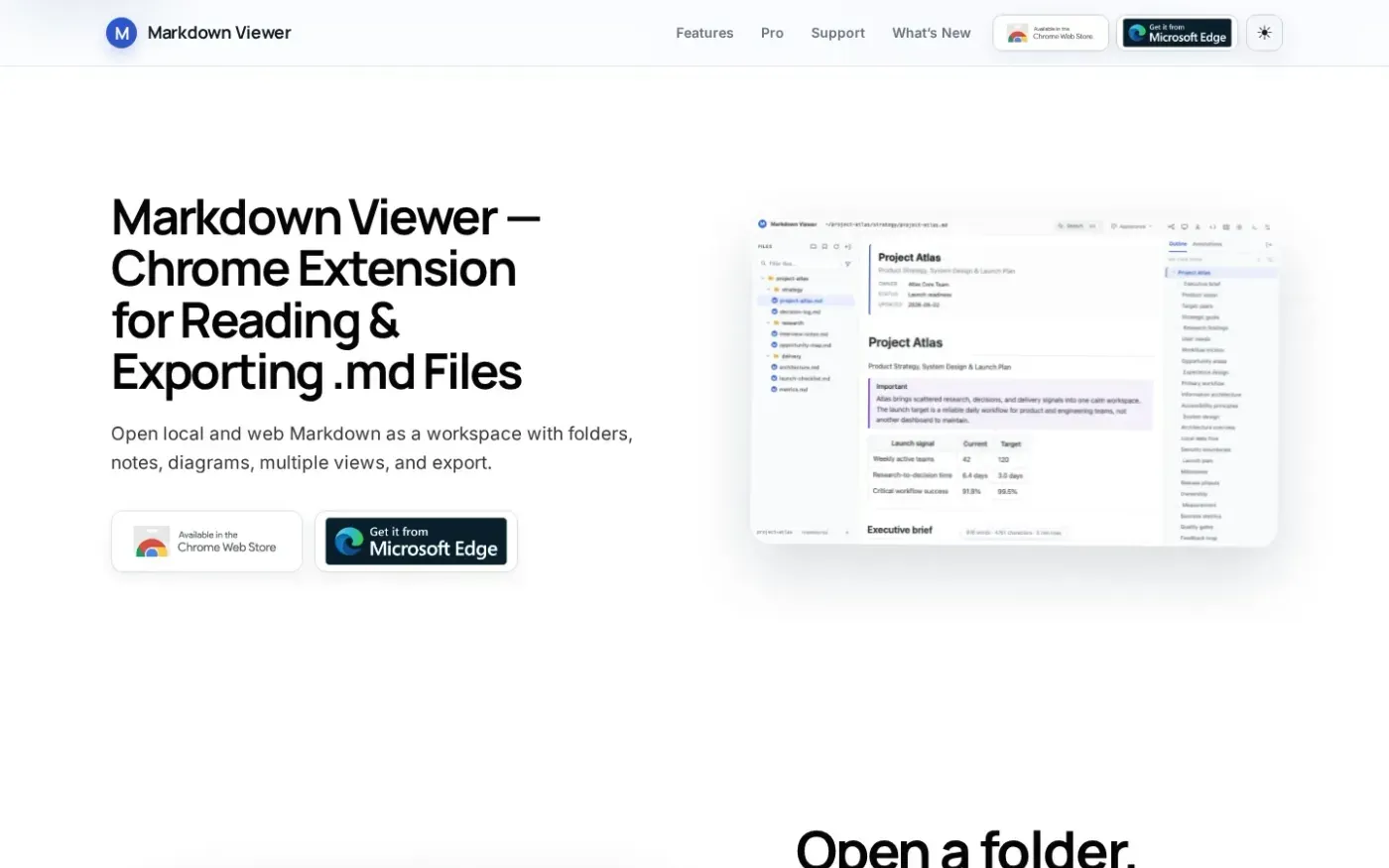
Markdownviewerextension screenshot 1 of 2: Home
markdownviewerextension.com