SiteList review score
Clear PDF-to-Markdown positioning for Obsidian and Notion users. Pricing plans need clearer guidance so buyers can choose confidently.
Reviewed on Sep 30, 2026
pdf-to-md.app
Unclaimed listingIs this your site?
Claim itWhat it does
PDF to MD is a web-based document conversion tool that converts PDFs, Word, HTML, and images into editable Markdown notes, offering local browser processing, high-accuracy cloud OCR, batch conversion, and REST API and MCP access.
SiteList review score
Clear PDF-to-Markdown positioning for Obsidian and Notion users. Pricing plans need clearer guidance so buyers can choose confidently.
Reviewed on Sep 30, 2026
Verified user rating
—
No verified reviews yet — the evidence locker is empty.
Captured during our latest review on Sep 30, 2026
Pro plan is $7.90/month when billed monthly, or $5.75/month ($69/year) when billed annually. Additional prepaid OCR credits are available via OCR Pack for $5. Billed monthly. free plan · Free tier includes unlimited local conversions, 100 standard cloud conversions per month, and 5 free OCR pages after signup.
| Plan | Price | Details |
|---|---|---|
| Free | $0 monthly | For private local conversion and light cloud use Unlimited local conversion · 5 files per batch · ZIP download · 5 OCR pages after signup · 100 standard cloud conversions each month · 5 PDF exports per day View source |
| Pro | $5.75 monthly | For regular document cleanup and automation 100 files per batch · 300 OCR pages each month · 1,000 standard cloud conversions each month · 200 PDF exports each month · API and MCP credits shared with the website View source |
| OCR Pack | $5 one time per 200 OCR pages | Prepaid OCR for scanned PDFs and images 200 OCR pages · Works on the website, API and MCP · Valid for 12 months View source |
Local PDF Conversion
Conversion
Browser-based conversion for ordinary text PDFs, Word, and HTML files without uploading documents to cloud servers
High Accuracy OCR
Conversion
Optical character recognition for scanned PDFs, images, complex tables, and formulas
Batch Conversion
Conversion
Convert multiple PDF documents at once and package the Markdown output as a ZIP file
REST API
Developer Tools
API endpoints to upload files, execute document conversion jobs, poll status, and retrieve Markdown
Model Context Protocol (MCP) Server
Developer Tools
Streamable HTTP MCP endpoint for AI agents, scripts, and remote MCP clients
Obsidian Vault Note Creation
Convert PDFs into structured Markdown notes with headings, tables, and links for Obsidian
Notion Document Import
Prepare Markdown text and table structures for importing into Notion
Scanned PDF Conversion
Extract editable Markdown text from scanned documents using cloud OCR
Batch Document Workflows
Process folders of PDF files and export organized Markdown files in batch ZIP packages
Obsidian
notes
Convert PDFs into Markdown notes formatted for Obsidian vaults
Notion
notes
Prepare converted Markdown for Notion pages and tables
Logseq
notes
Convert PDFs into Markdown blocks for Logseq
Typora
notes
Prepare PDF content with clean headings, tables, and image links for Typora
Pdf To Md is for Obsidian and Notion users who need to convert PDFs into editable Markdown notes.
The site uses a freemium model, with a stated price range of 5.75–7.9 USD.
The review recorded 100/100 for accessibility, with forms, images, and interactive elements properly labeled and no contrast or ARIA misuse findings.
The review recorded a 2.0-second LCP and 300ms INP; the hero image was identified as a performance opportunity.
Not enough. The pricing page presents three plans in a feature grid, but it does not provide a recommendation or explain which plan fits a particular need.
Answers are based on SiteList's latest evidence review. Read the full review.
Pdf To Md scores 85/100, with especially clear positioning for Obsidian and Notion users and strong accessibility and usability results. Its most material weakness is decision support: the three pricing plans do not explain which option fits which buyer.
85/100: strong product, weak buying guidance
No reviews yet. The evidence locker is empty.
Reviews from verified users appear here once approved.
Reviews are from the SiteList community. Some reviewers received incentives — disclosed in the review, always. The verdict is never for sale.
Home
Clairecalls screenshot 1 of 4: Home
clairecalls.com
Claire is a voice AI journaling companion that initiates scheduled phone calls to guide users through reflective conversations, then converts them into written journal entries with mood tracking, gratitude highlights, and personalized insights.
Home
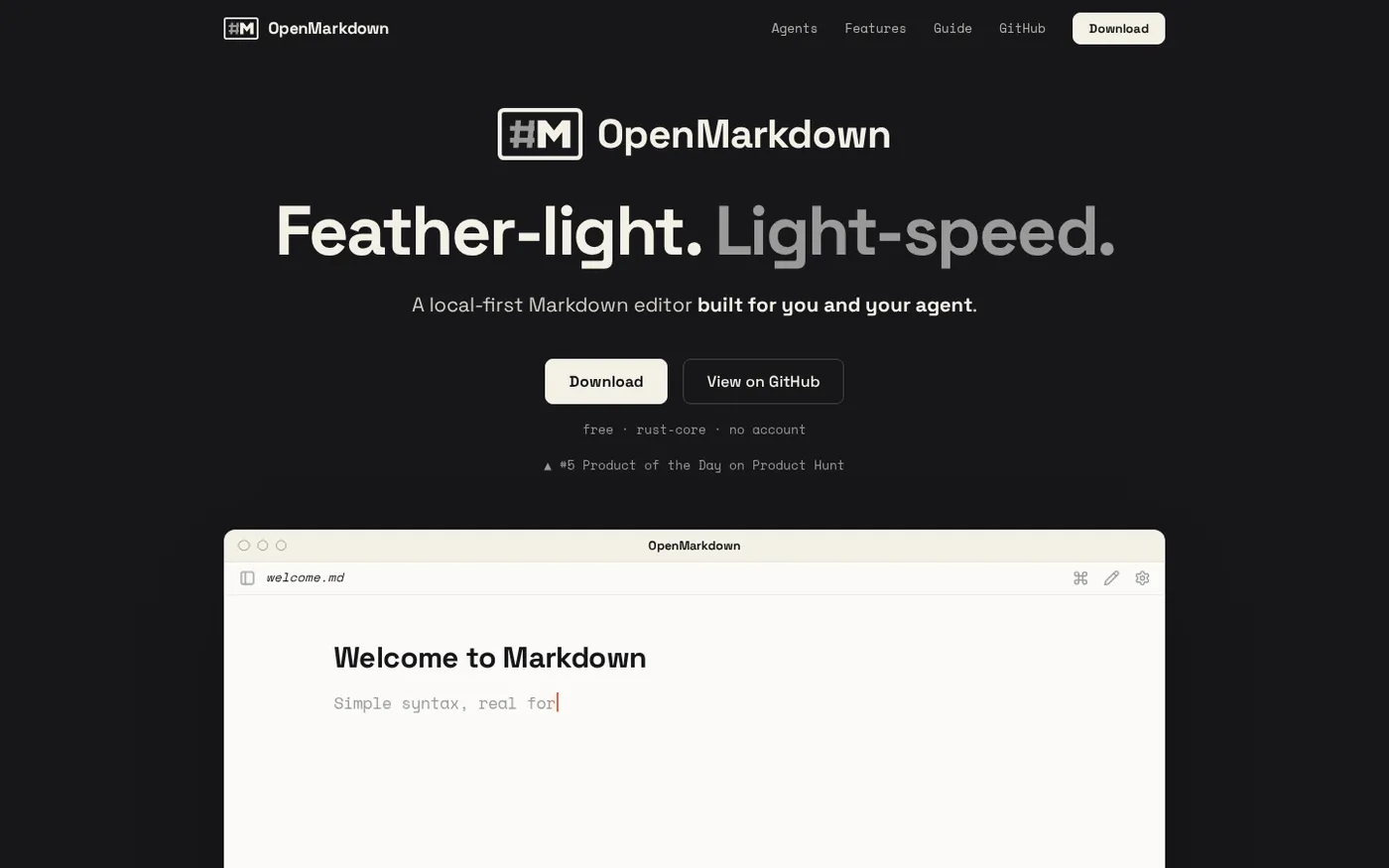
OpenMarkdown — A markdown editor you and your agent co-edit screenshot 1 of 2: Home
openmarkdown.dev
A feather-light, local-first Markdown editor built for you and your agent. It features a native Rust core for high performance and includes a built-in MCP server that allows AI agents to open, read, and edit files alongside the user with live previews and optimistic concurrency.
Home
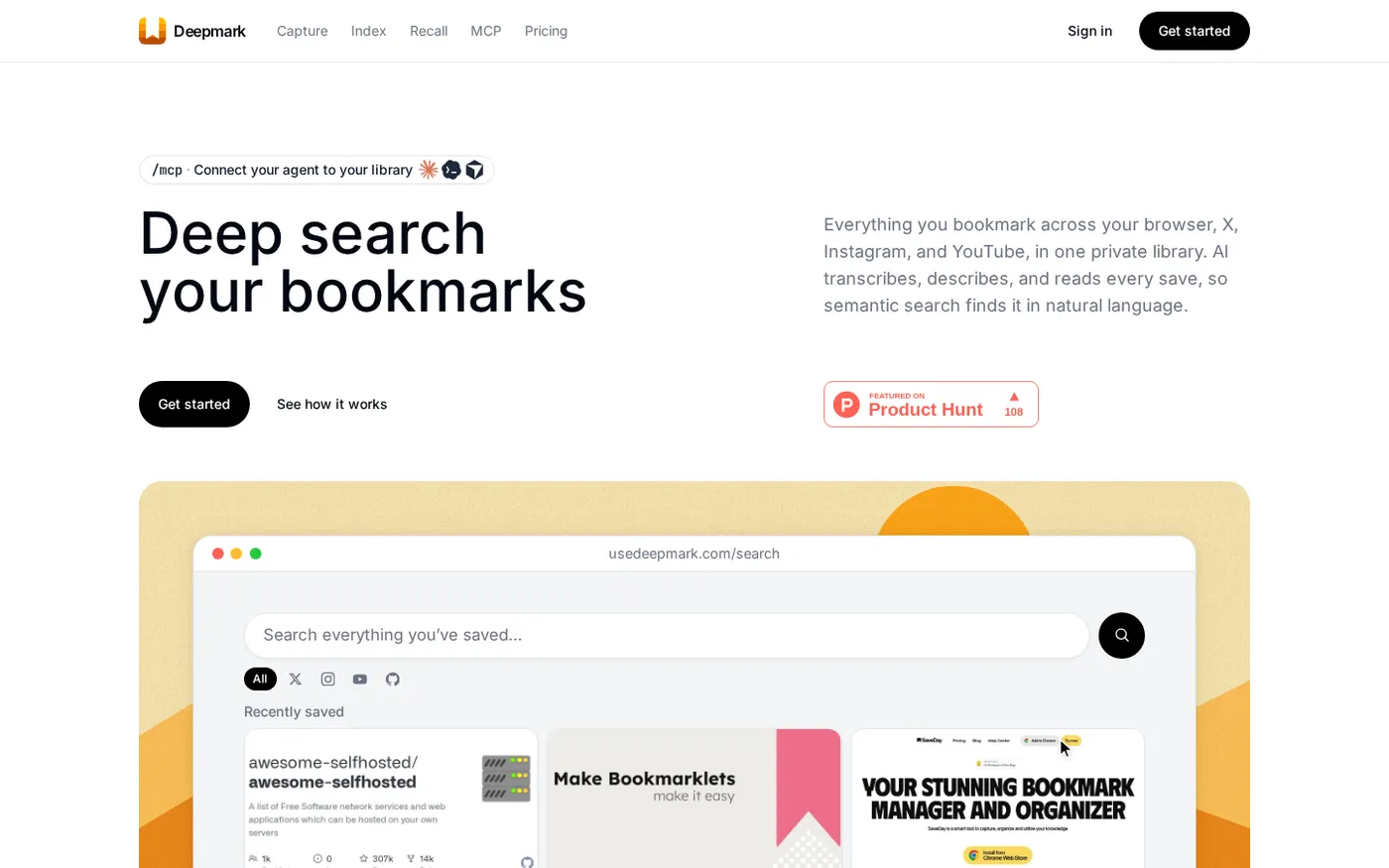
Deepmark — Search your bookmarks by what's inside them, not the title screenshot 1 of 4: Home
usedeepmark.com
Your browser, X, Instagram and YouTube bookmarks in one private library. AI transcribes and describes every save; semantic search finds it in natural language.
Home
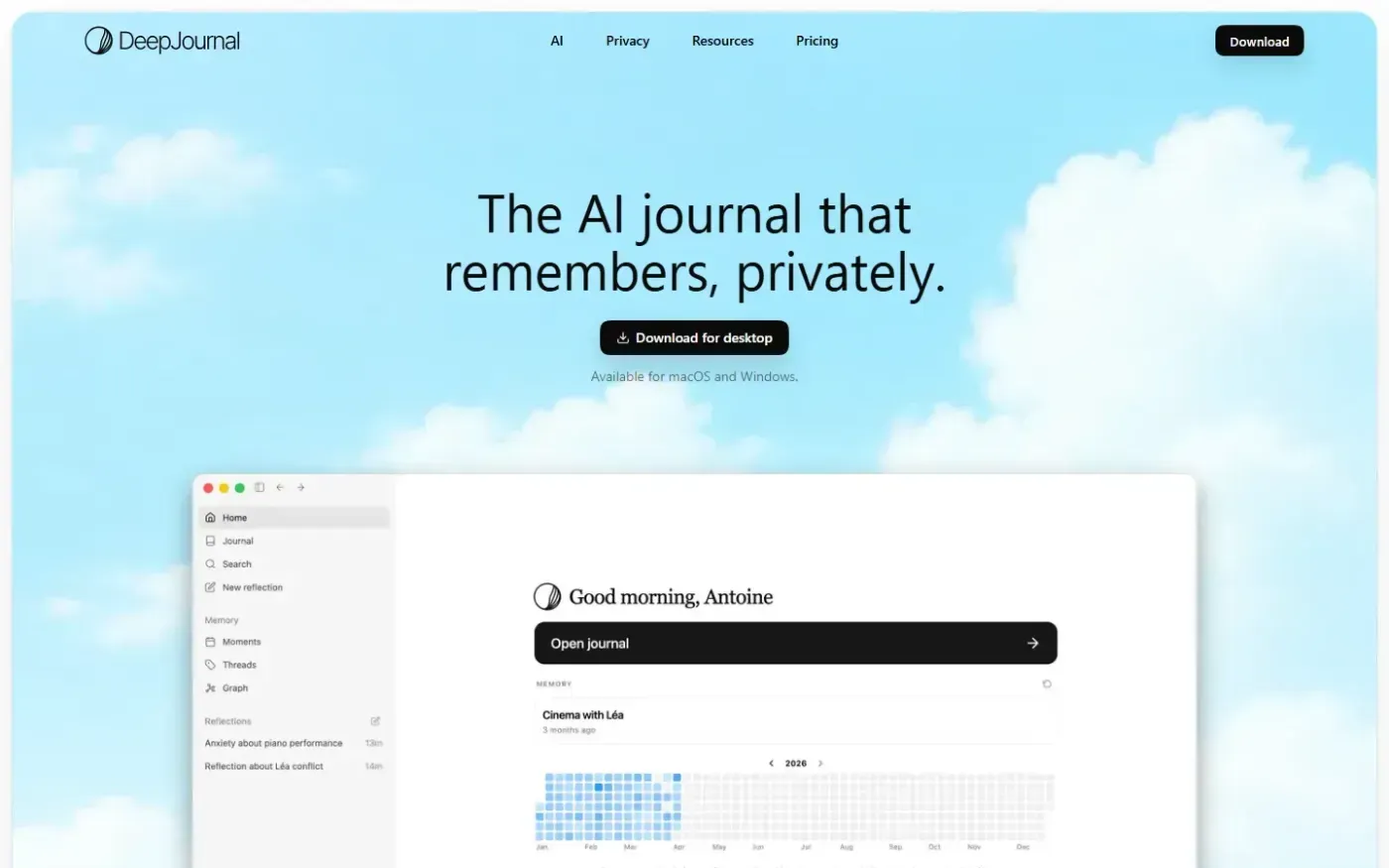
Deepjournal screenshot 1 of 4: Home
deepjournal.app
DeepJournal is a private desktop AI journal that turns daily writing into searchable memories, with encrypted local storage, end-to-end encrypted sync, and confidential AI processing.