SiteList review score
A clear free, no-sign-up editing workflow with strong accessibility. Tighten the blog's editorial QA and improve mobile hit areas.
Reviewed on Nov 21, 2026
objectremover.com
Unclaimed listingWhat it does
Object Remover is an AI tool that erases people, text, logos, clutter, wires, and other distractions from photos after users brush over an unwanted object or describe what they want removed.
SiteList review score
A clear free, no-sign-up editing workflow with strong accessibility. Tighten the blog's editorial QA and improve mobile hit areas.
Reviewed on Nov 21, 2026
Verified user rating
—
No verified reviews yet — the evidence locker is empty.
Captured during our latest review on Nov 21, 2026
AI object removal
Automatic image deletion
Brush-based masking
Photo cleanup
Yes. Object Remover is completely free, requires no registration or login, and has no usage limits.
No. You only need to upload a photo, brush over the object you want to remove, and generate the cleanup result.
Yes. You can remove people, text, logos, captions, signs, cables, clutter, and other unwanted details from a photo.
No. You can remove unwanted objects as often as needed without buying credits, subscribing, or creating an account.
The cleanup workflow is intended for common web image formats such as JPG, PNG, and WebP.
Yes. Uploaded images and generated results are automatically removed within 2 hours. The product does not require an account, so you can edit without linking files to a user profile.
Brush over the entire object and include a small edge around it. If the object touches complex details, try a slightly tighter mask or run another pass on the remaining area.
AI inpainting uses nearby pixels to rebuild the masked area. Results are strongest on backgrounds with repeatable texture, open space, walls, sky, grass, fabric, or simple surfaces.
Yes. You can use it to clean product photos, marketing images, listing photos, and other commercial visuals, as long as you have the rights to edit and use the original image.
No. A background remover separates the main subject from the entire background. This object remover keeps the photo and only erases the brushed area.
Product FAQ information · View source
Object Remover scores 72/100, with a clear free, no-sign-up workflow and strong accessibility evidence. Its main weaknesses are uneven writing and editorial QA, alongside mobile design friction that makes the experience less polished than the core task.
72/100: clear free workflow, uneven polish
No reviews yet. The evidence locker is empty.
Reviews from verified users appear here once approved.
Reviews are from the SiteList community. Some reviewers received incentives — disclosed in the review, always. The verdict is never for sale.
Home
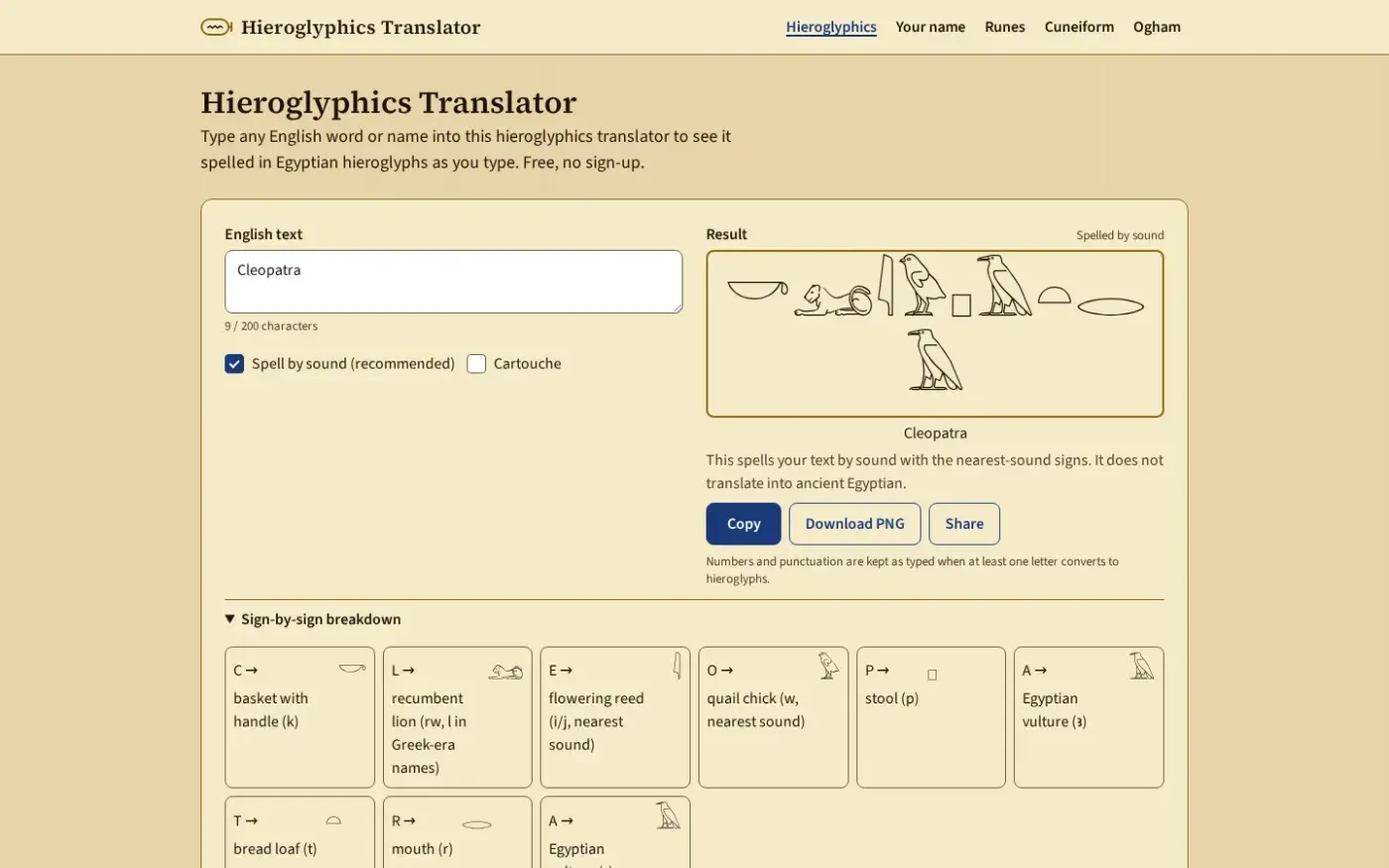
Hieroglyphics Translator screenshot 1 of 2: Home
hieroglyphics-translator.net
A free set of browser-based tools for spelling English words and names with ancient signs, including Egyptian hieroglyphs, using sound-based mappings and providing copy or image-saving output.
Home
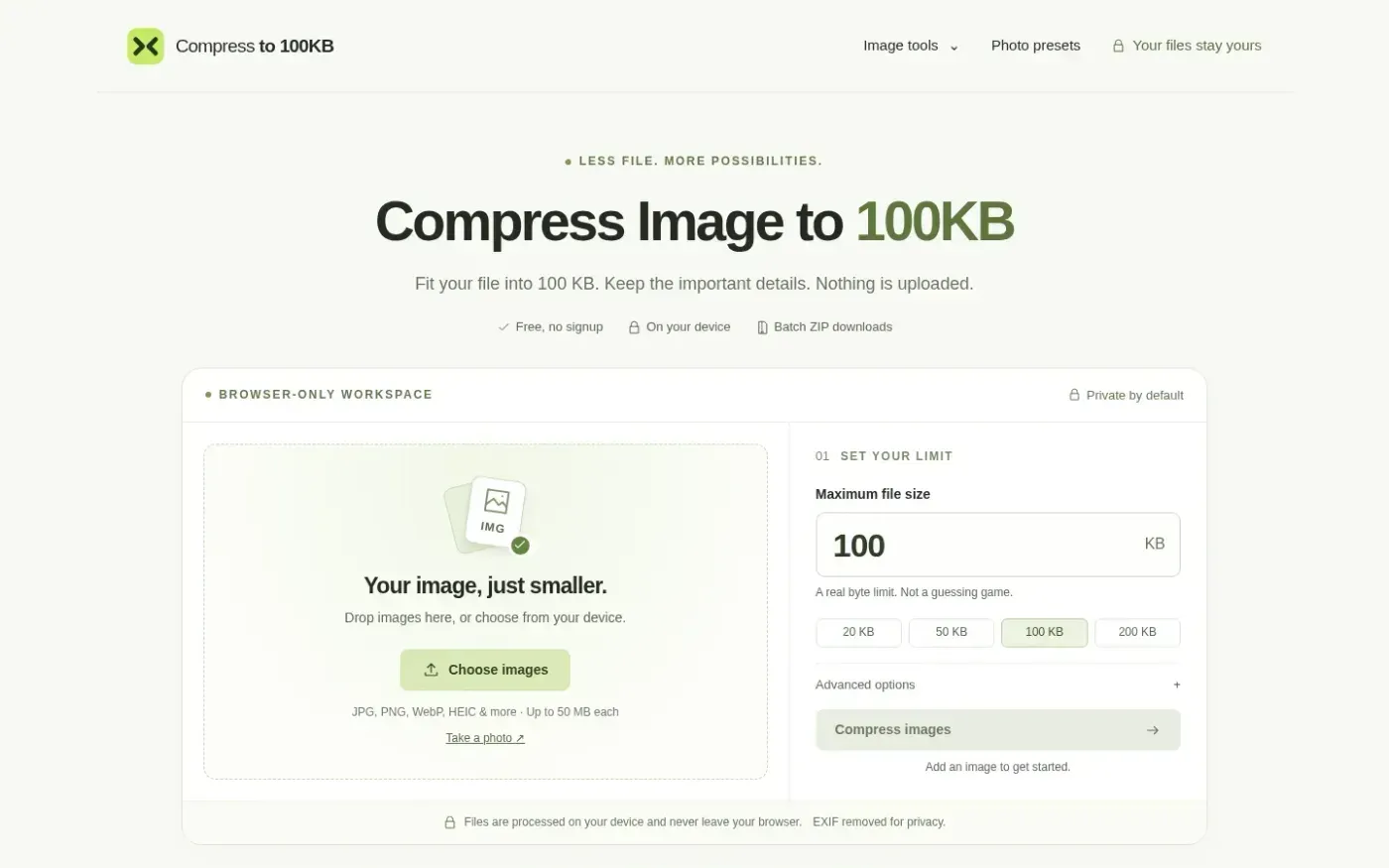
Compressto100kb screenshot 1 of 4: Home
compressto100kb.com
Compressto100kb is a browser-based image compression tool that reduces files to specific kilobyte limits (e.g., 100KB, 50KB). It processes images locally on the user's device without server uploads, supporting JPG, PNG, WebP, and HEIC formats. The tool includes features for batch processing, EXIF metadata removal, and custom pixel dimension adjustments. It provides presets for specific requirements such as IBPS exams and US visa applications.
Home
Spotmp3 screenshot 1 of 4: Home
spotmp3.net
Spotmp3 is a web-based Spotify downloader that enables users to convert Spotify tracks, playlists, albums, and podcasts into 320 kbps MP3 files. The service automatically embeds ID3 tags, cover art, and .lrc lyrics into the downloads. It operates as a free service with a daily limit of 300 tracks, while a one-time 'Supporter' payment unlocks unlimited batch downloads and ZIP exports without requiring an account or software installation.
Home
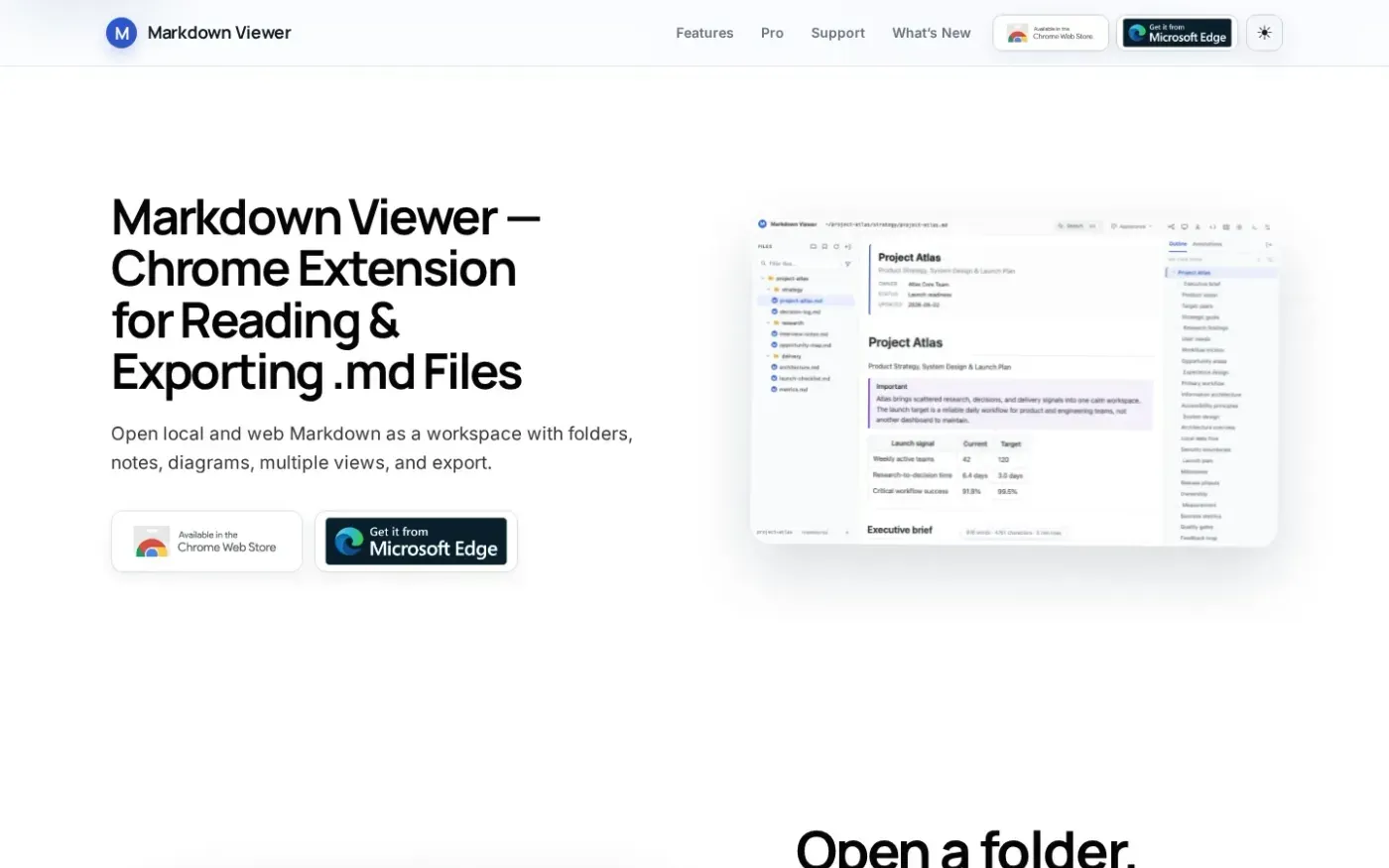
Markdownviewerextension screenshot 1 of 2: Home
markdownviewerextension.com