SiteList review score
Clear cross-platform meeting assistance with a low-friction setup. Mobile performance and self-serve documentation need focused improvement.
Reviewed on Oct 14, 2026
heyrango.com
Unclaimed listingWhat it does
Rango is an AI meeting assistant invited by email to Zoom, Google Meet, or Microsoft Teams calls. It takes notes, answers questions aloud, looks up information during calls, remembers meetings, and can handle follow-up actions such as booking meetings and updating connected tools.
SiteList review score
Clear cross-platform meeting assistance with a low-friction setup. Mobile performance and self-serve documentation need focused improvement.
Reviewed on Oct 14, 2026
Verified user rating
—
No verified reviews yet — the evidence locker is empty.
Captured during our latest review on Oct 14, 2026
Monthly plans are available for purchase in the United States and Canada. One free meeting is included; extra hours are available as one-off purchases for $39 (5 hours) or $72 (10 hours). Billed monthly. free plan · One meeting is free, with no credit card or signup required.
| Plan | Price | Details |
|---|---|---|
| Free | $0 one time per one meeting | One free meeting with summary, notes, and transcript retained. Up to 30 minutes per call · Notes and transcripts kept for one week · No credit card required View source |
| Starter | $49 monthly per per month | A plan for one person who is in many meetings. 8 hours of meetings per month · Up to 3 hours per call · Notes and transcripts kept for 3 months View source |
| Pro | $99 monthly per per month | A plan for back-to-back meeting days with sharper in-call thinking. 15 hours of meetings per month · Up to 4 hours per call · Notes and transcripts kept for one year View source |
Meeting note-taking
meeting assistance
Takes notes during calls.
Voice answers
meeting assistance
Answers aloud when called on during a meeting.
In-call lookup
meeting assistance
Looks up files, statuses, and numbers while a call is in progress.
Meeting memory
meeting memory
Stores meeting participants, topics, decisions, and related moments for later questions.
Meeting follow-up actions
automation
Can book follow-up meetings, send decisions to team channels, update deals, and log to-dos in connected tools.
Custom agents
configuration
Lets users create multiple agents with their own names and email addresses for different types of calls.
Sales demos
Use an agent as a sales sidekick during demos.
Board calls
Use an agent as a quiet notetaker on board calls.
Meeting follow-up
Book follow-ups, share decisions, update deals, and log to-dos after or during calls.
Gmail
communication
Outlook
communication
Google Calendar
calendar
Calendly
calendar
Slack
communication
Microsoft Teams
communication
Google Drive
storage
OneDrive
storage
Dropbox
storage
Notion
productivity
Google Docs
productivity
Confluence
productivity
Google Sheets
spreadsheets
Airtable
databases
GitHub
developer tools
Linear
project management
Jira
project management
Asana
project management
ClickUp
project management
HubSpot
CRM
Salesforce
CRM
Zendesk
customer support
No. Claiming an agent takes one click and you get a working Rango right away. You can add an email later to keep the workspace, and nothing changes when you do.
Yes. It joins as a named guest in the participant list and posts a short message when it arrives explaining how to talk to it. It isn’t a silent recorder.
Nothing happens. Rango only replies when it’s being spoken to. “Hey Rango, what did we decide?” gets an answer; mentioning Rango without addressing it does not.
Google Meet, Zoom, and Microsoft Teams. Paste a link from any of them, or add the agent’s address to a calendar invite.
In your own workspace on heyrango.ai, kept separate from every other workspace at the database level rather than by application code.
Product FAQ information · View source
Heyrango scores 71/100 as a meeting-native AI assistant with clear product positioning, cross-platform support, and a low-friction invitation model. Its most material weaknesses are slow mobile performance and thinner documentation and decision support than the product surface needs.
71/100: capable product, meaningful performance and clarity gaps
No reviews yet. The evidence locker is empty.
Reviews from verified users appear here once approved.
Reviews are from the SiteList community. Some reviewers received incentives — disclosed in the review, always. The verdict is never for sale.
Home
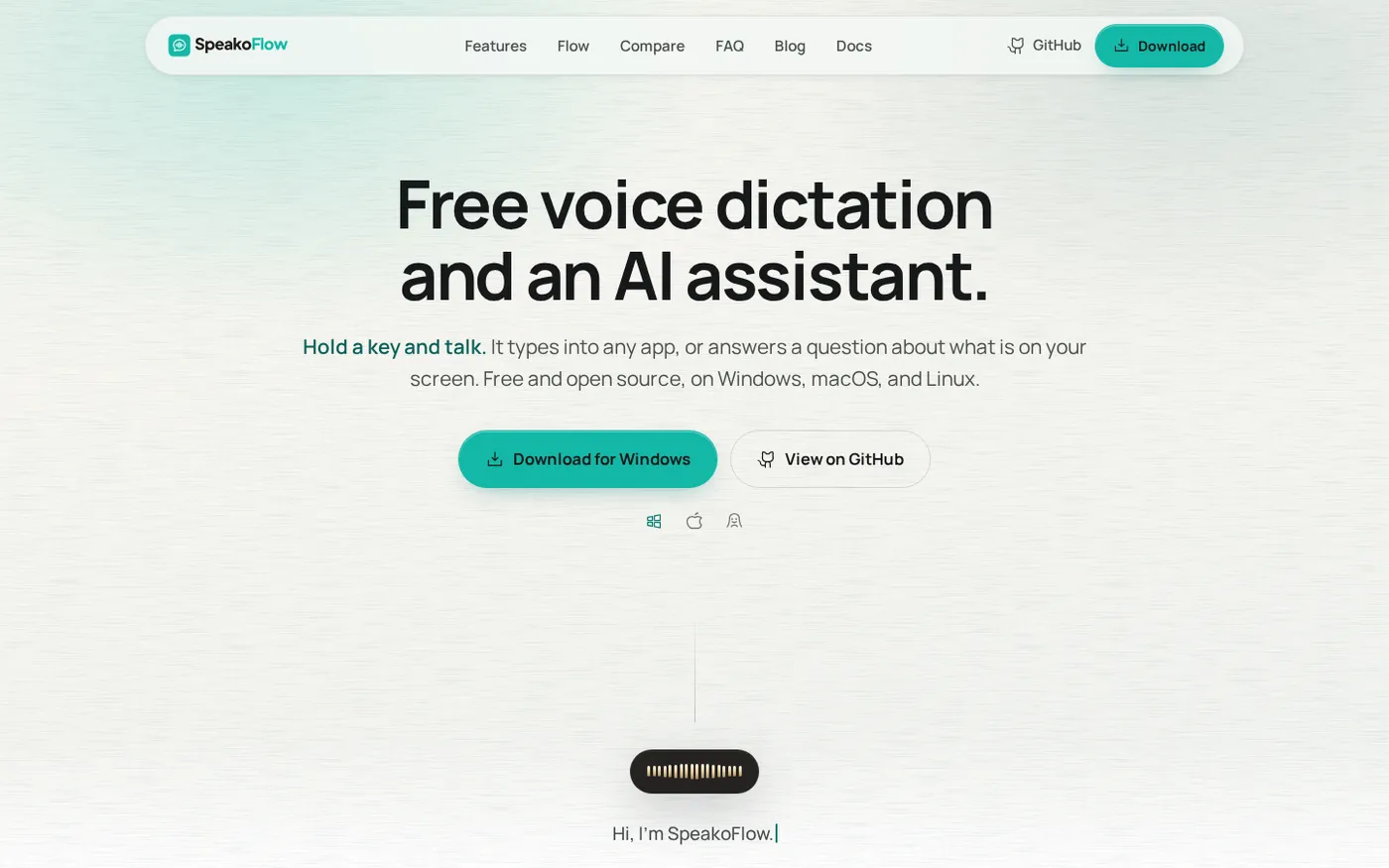
SpeakoFlow — Free, open-source voice dictation and AI assistant, offline screenshot 1 of 4: Home
speakoflow.com
Free, open-source, local-first voice-to-text desktop utility that transcribes speech into any app via hotkey, plus an AI assistant for drafting, cleanup, translation, and screen context.
Home
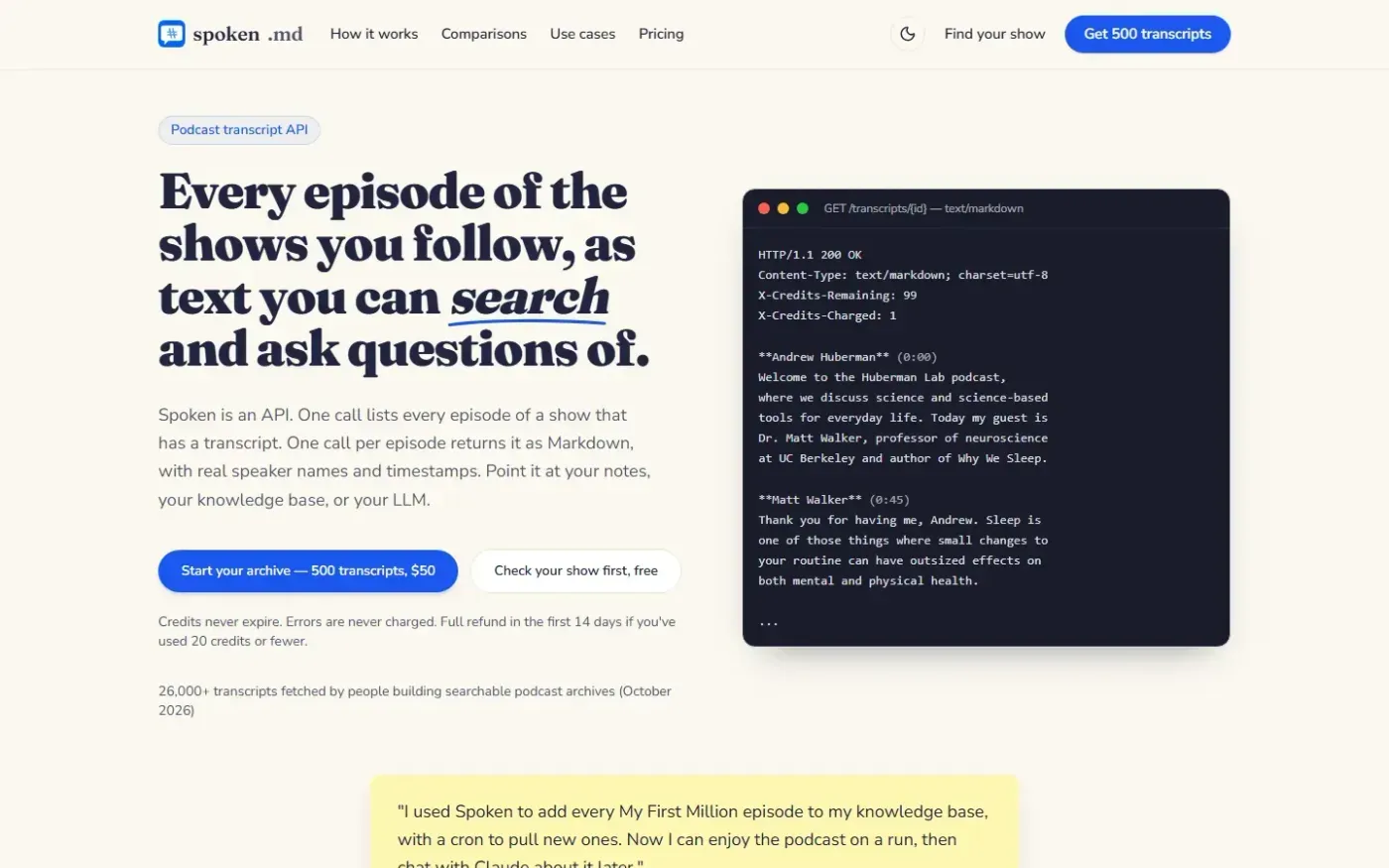
Spoken screenshot 1 of 4: Home
spoken.md
Podcast transcript API that returns episodes as clean Markdown with real speaker names and timestamps for use in notes, knowledge bases, and LLM pipelines.
Home
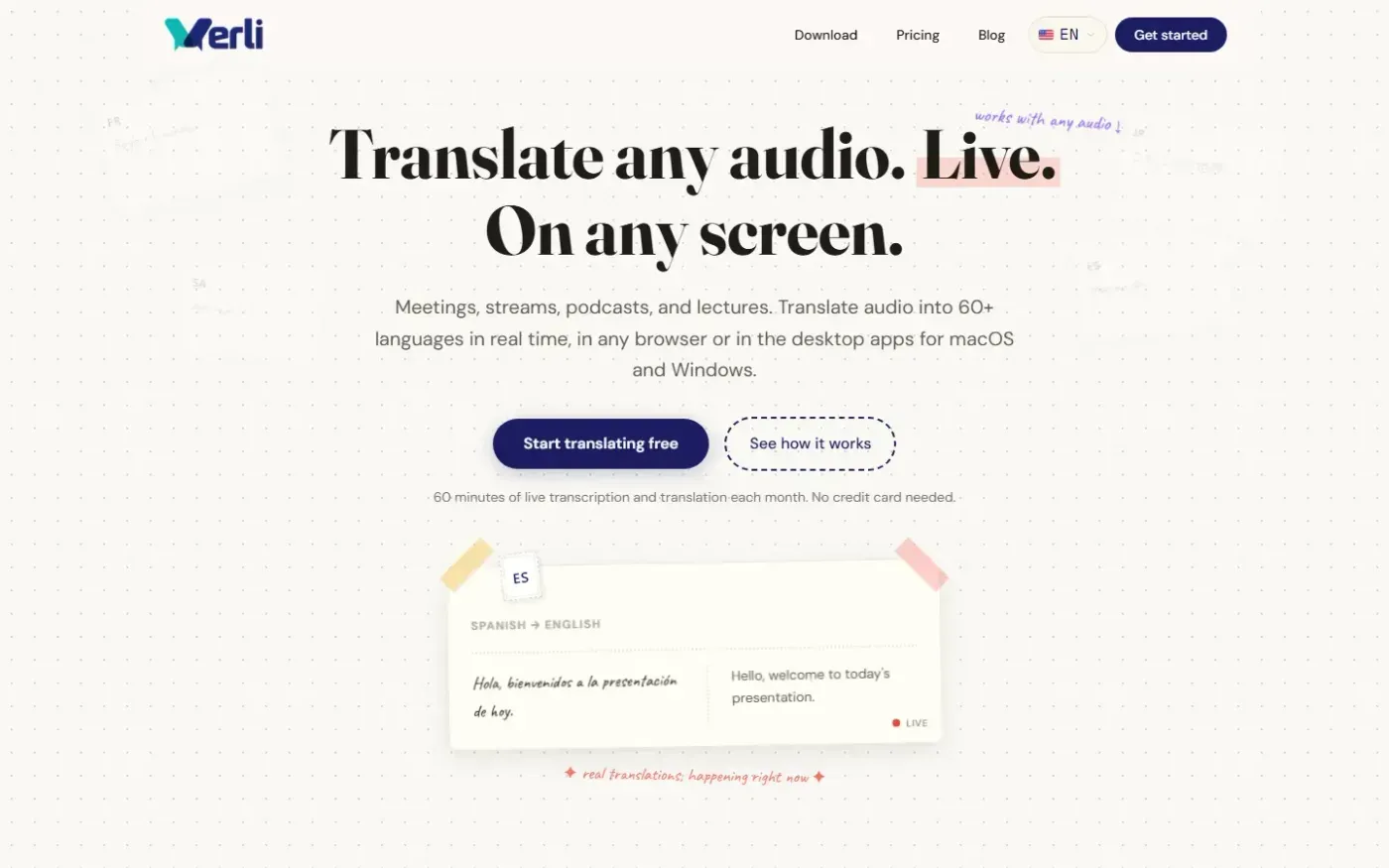
Verli screenshot 1 of 4: Home
verli.app
Verli provides live transcription and two-way translation for shared system audio and microphone input, in modern browsers and desktop apps for macOS and Windows.
Home
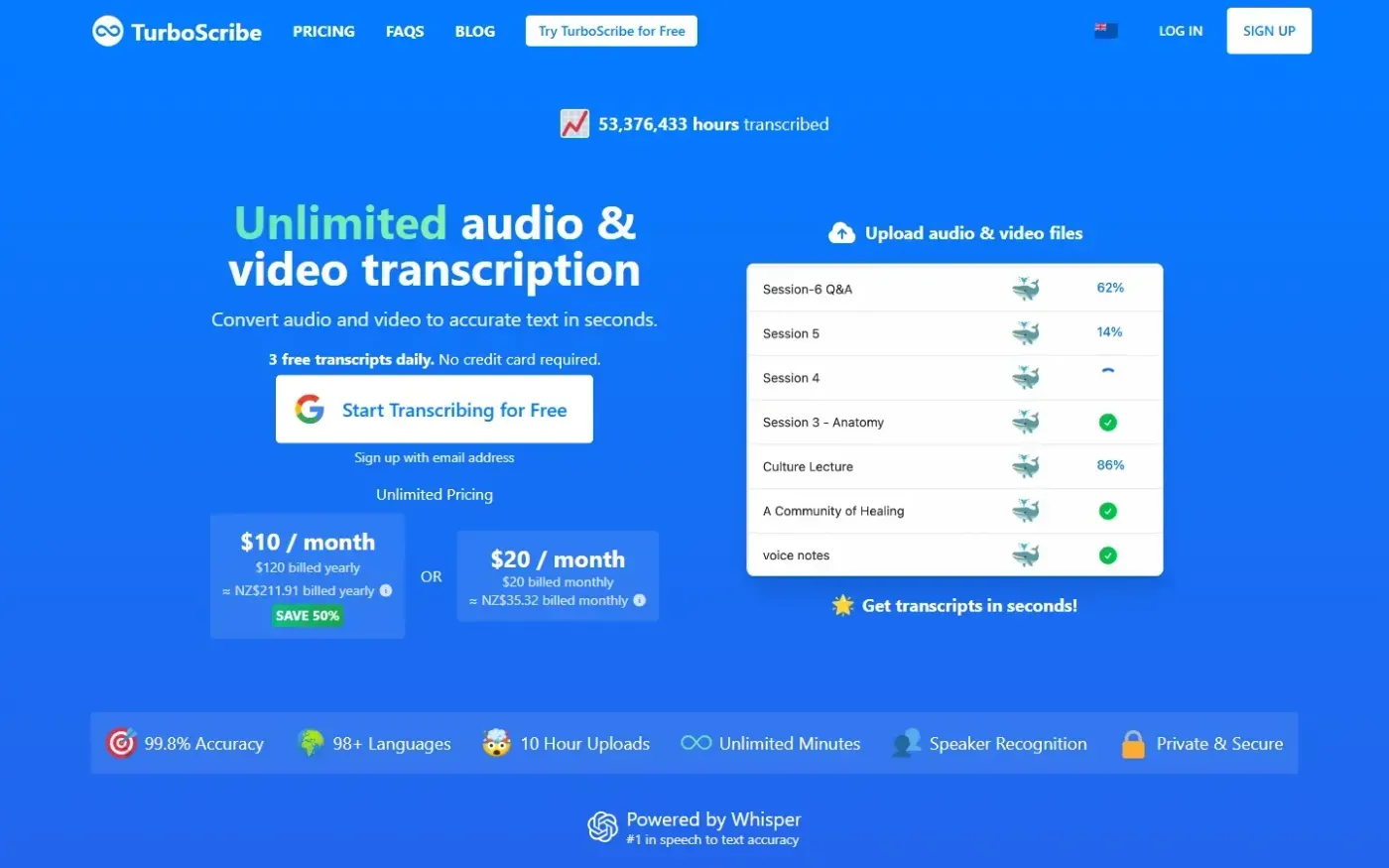
Turboscribe screenshot 1 of 4: Home
turboscribe.ai
AI transcription service that converts audio and video files to text in 98+ languages with high accuracy, offering unlimited minutes, subtitle generation, and export to TXT, DOCX, PDF, or SRT.